
Data Report · By Chris Sowa · Published
Last updated
Does Cursor Read My .env File?
Cursor ignores .env by default and blocks the paths listed in .cursorignore from the agent, but its pages do not say the default alone blocks the agent's reads, so list .env there. The terminal and MCP tools can still reach the file.

A developer who counts on Cursor's defaults to keep a .env file from the agent should know that Cursor documents a default and a block separately. Cursor says it "automatically ignores files in .gitignore and the default ignore list," and that list includes .env (Cursor, Ignore, 2026). The page names .cursorignore as the setting that blocks access, and it does not say the default list alone does that. Because .cursorignore follows .gitignore syntax, a pattern such as .env. or secrets/* covers variants and folders. A second gap sits elsewhere. Cursor states that the terminal and MCP server tools used by Agent "cannot block access to code governed by .cursorignore," and that complete protection "isn't guaranteed due to LLM unpredictability." The record type for this page is a project with .env and .env.local, both ignored by default, and a notes file that holds a pasted copy of the same key. In plain terms, the answer depends on which tool the agent uses to reach the file. This means a team should list .env in .cursorignore explicitly and still treat the terminal as an open route. What Is Render-Layer Tokenization? describes the page side. Each section names the route the agent uses to reach the file before it says what that route shows.
Key findings
- Cursor says it automatically ignores files in .gitignore and a default ignore list that includes .env, and that .cursorignore blocks access for the agent; the page does not say the default alone blocks the agent's reads, so list .env in .cursorignore (Cursor, Ignore, 2026).
- .cursorignore uses .gitignore syntax: * matches any characters except /, ** matches any characters including /, and a leading exclamation sign negates a pattern, so a pattern can cover variants and folders and a careless negation can reopen a file (Cursor, Ignore, 2026).
- Cursor states that "the terminal and MCP server tools used by Agent cannot block access to code governed by .cursorignore," which is the route that remains open for a file the ignore rules cover (Cursor, Ignore, 2026).
- Cursor also says that "while Cursor blocks ignored files, complete protection isn't guaranteed due to LLM unpredictability" (Cursor, Ignore, 2026).
- A governed environment that replaces values with consistent tokens before any model reads the screen keeps a key out of the context on rendered pages, a route an ignore file does not touch (What Is Render-Layer Tokenization?).
- Real values resolve only at the approved destination, so a person approves the use of a key and the model never needs to hold it (What Is the PII Wall?).
Does Cursor read a .env file by default?
It is ignored by default, and the documentation does not say that alone stops the agent's own file reads. Cursor's ignore-files documentation says it "automatically ignores files in .gitignore and the default ignore list," and the default list includes .env (Cursor, Ignore, 2026). A .env and a .env.local both match that pattern, so they are ignored on an unmodified project. The page names .cursorignore as the file that blocks access to code the Agent, Tab and Inline Edit can reach, so listing .env there removes the dependence on the default. A person can override an ignore with the negation prefix in .cursorignore, which is the setting to look for if a file the team believes is protected turns out to be readable.
Reading the file would matter because of where the value goes next. Whatever the agent reads becomes part of its context, and context can be repeated in output, written to a log, included in a commit message or sent to a tool. A database URL or a payment key is the kind of value a task about a layout bug has no need to hold. The benchmark evidence on inadvertent use of sensitive information (Zharmagambetov et al., 2025) says that what follows a read is hard to predict.
The record type for this page is a project with .env and .env.local, both ignored by default, and a file named deploy-notes.txt that holds a pasted copy of the same database URL. The first two match the default list. The third matches no pattern and is covered only if someone writes one. Does Claude Code Read My .env File? asks the same question of another tool, where the open route is the file-reading tool and not the terminal.
What do the vendors themselves say?
Cursor's ignore-files documentation says files in .gitignore and the default list are ignored automatically, that .cursorignore blocks access to "Code accessible by Agent, Tab, and Inline Edit," that it "uses .gitignore syntax," and that "while Cursor blocks ignored files, complete protection isn't guaranteed due to LLM unpredictability." It adds that "the terminal and MCP server tools used by Agent cannot block access to code governed by .cursorignore" (Cursor, Ignore, 2026). Cursor's agent security page says "by default, terminal commands need your approval," that "all MCP connections need your approval," and that run modes are "best-effort guardrails rather than a hard security boundary" (Cursor, Agent, 2026).
Anthropic's Claude Code documentation draws the boundary in the opposite place. Its sandbox "covers shell commands only," and the Read, Edit, Write, WebFetch and WebSearch tools follow permission rules instead (Anthropic, 2026). Cursor's ignore rules govern the agent's file access and not its terminal; Claude Code's sandbox governs its terminal and not its file tools. A team that uses both tools needs a different check for each.
Neither page describes a record of what the model read or a named approver for the use of a key. Cursor's approval prompts for terminal commands and MCP calls are the closest control it documents, and they gate an action, not a value.
What does .cursorignore do, and what does it leave open?
It blocks the agent's file access for the paths it lists. Cursor also ignores .gitignore entries and a default list without any setting, and the page does not say those alone block the agent's reads. Patterns follow .gitignore rules, which is what makes variants manageable: .env. covers every dotenv variant, config/secrets/* covers a folder and all it contains, and a negated entry un-ignores a path an earlier pattern matched. The setting is one plain-text file in the project, reviewed and version controlled like any other, which is an advantage for a team.
| Item | Status for the agent's file reads | Note |
|---|---|---|
| .env | Ignored by default; blocked once listed in .cursorignore | Matches .env* |
| .env.local | Ignored by default; blocked once listed in .cursorignore | Matches .env* |
| deploy-notes.txt with a pasted key | Not covered | Needs its own pattern, or the key moved out |
cat .env run by the agent in the terminal |
Not blocked by .cursorignore | Cursor says the terminal cannot block it |
| A tool call through an MCP server | Not blocked by .cursorignore | Cursor says MCP tools cannot block it |
Two openings follow from the table. A credential that sits in a file no pattern matches is readable like any other file, so the cleanest fix is to keep real values out of the project and in a credential store the agent never opens. And a command that reads an ignored file from the terminal is outside the rule, so the control for that route is the approval prompt and the habit of not approving it. Can a Coding Agent Use a Credential It Cannot Read? takes up how an agent can still do its work without holding the value.
Why do the terminal and MCP tools bypass the ignore rules?
Because the ignore rules apply where Cursor itself reads files for the agent. A terminal command runs in the user's shell with the user's permissions, and an MCP server is another process with its own access, so neither asks Cursor's file layer for permission. Cursor says as much: the tools "cannot block access to code governed by .cursorignore" (Cursor, Ignore, 2026). The practical consequence is that a file the rules cover is protected from the agent reading it directly and not from the agent running a command that prints it.
Attack research shows why one open route is enough. Adaptive attacks reached success rates above 90% against most of the 12 published prompt injection defenses tested (Nasr et al., 2025). If an instruction hidden in a README or an issue tells an agent to run a command that prints a file, the agent uses the route that works, and the approval prompt is the only thing between the instruction and the value.
A defense placed at the agent-tool interface reported strong results on four public benchmarks (Bhagwatkar et al., 2026). That is a result about tool inputs and outputs and not a statement about Cursor, but it suggests where the control belongs: on the route, not on the model's judgment. Harvard's security office lists Sensitive Data Exposure and Context and Memory Leakage among seven risk categories for AI-enabled systems (Harvard University Information Security and Data Privacy, 2026), and a key in the context sits in both.
Where do the keys end up in practice?
In files that were never meant to be read by an agent, and in places no pattern names. The example record shows it in miniature: .env and .env.local are ignored by default, and deploy-notes.txt holds the same value under a name nothing matches. The fix is architectural. A value that is not in the project cannot be read from it, so the strongest control is where the key lives, and the ignore list is the second line.
A scoped, short-lived credential helps for the same reason. An agent given the administrator's login holds everything the login holds, which is the point made in Does an AI Agent Need Your Admin Login to Set Up a SaaS Tool?. Sign-up and checkout forms are a measured leakage point as well, covered in Can an AI Agent Sign Up for Developer Services Without Seeing Your Payment Card or Identity?.
Research from a university lab makes a related point. The DAPLab at Columbia holds that "trustworthy agent automation cannot be solved at a single layer of the stack" (Columbia DAPLab, 2026). An ignore file is one layer, and the sources above suggest pairing it with where the key is stored, with the terminal and MCP approvals, and with how the agent is given access. Teams that already run a data loss prevention program can apply the same graded approach here, starting with logging and moving toward blocking as the entries are tuned, a pattern described in How to Prevent Data Leaks Without Blocking Downloads?.
What does a governed environment change?
A governed environment is a control class that acts where a screen is rendered, before any model reads it. Values chosen by policy are replaced with consistent tokens for the whole run, so the model works on placeholders. Real values resolve only at an approved destination, at the moment of an approved action. A named person confirms the tokenization policy and approves each consequential action. Every screen as tokens, every action and every approval is written to a record that exports to the organization's own monitoring.
For this question it covers the pages. If the agent works in a browser on a hosting dashboard, a key management page or a repository settings page where a key is shown, the key is replaced with a placeholder before the model reads it. It does not read the .env file, which .cursorignore and the project layout govern. The two controls are complementary: one acts on files in the project, and the other acts on what a rendered page shows. A team that uses both has closed two different routes, and a team that uses one has closed one.
Its scope is the rendered page. It does not govern the terminal, the IDE, the local filesystem, direct API calls or MCP, so the terminal and MCP route on this page is not closed by it. That route is closed by keeping keys out of the project, by writing patterns for the files that remain, and by not approving commands that print them.
Methodology and limitations
This page rests on Cursor's ignore-files and agent security documentation, Anthropic's Claude Code sandboxing documentation, three research papers, Harvard University guidance, a Columbia lab page and existing RedactSure research pages. Sources were read between October 16, 2026 and October 20, 2026. Quoted facts are cited to the page that states them, and the research results are described as the authors report them, not as independently reproduced. The comparison with Claude Code is limited to the facts quoted from its sandboxing page, and the two tools are not compared on any other dimension.
RedactSure did not test Cursor, its ignore rules or its terminal tool hands-on, so nothing here reports an observed read. "Not described in the pages reviewed" means the pages reviewed and nothing broader. Vendor features change, and the page carries its date. The default ignore list is quoted for the .env* pattern only; other entries in it are not listed here. Statements about RedactSure describe its current design, and RedactSure is deploying now with enterprise and government customers. Examples describe record types, such as a project with a dotenv file and a pasted copy, and not organizations.
Determinations about whether a configuration meets a legal, contractual or regulatory requirement belong to counsel, assessors and the organization's own security and compliance officers. The page is a reading of public documents and research, dated as above, and it should be read with Cursor's current documentation open. Nothing here replaces a review of the organization's own ignore rules, credential storage and approval settings, or its practice for rotating a key an agent may have printed.
What the record shows
Cursor documents a default and a block: files in .gitignore and a default list that includes .env are ignored, and .cursorignore blocks the paths it lists from the agent using .gitignore patterns. It also documents the limit that matters: the terminal and MCP tools the agent uses cannot be blocked by .cursorignore, and complete protection is not guaranteed. So the answer to the title is no for the agent's own file reads once .env is listed in .cursorignore, undocumented for the default list alone, and yes for a command the agent runs or approves that prints the file, and yes for any copy of the key under a name no pattern matches. Claude Code draws its boundary the other way, which is why the check differs by tool. Checking it is a short test with one project and one key: run the agent on a harmless task, ask it to print the file through the terminal with approvals on, and write down which prompt appeared and who answered it.
Frequently asked questions
Does Cursor read my .env file?
Cursor ignores .env by default and blocks the paths listed in .cursorignore from the agent, with no guarantee. The documentation does not say the default list alone blocks the agent's own file reads, so add .env to .cursorignore and test with a dummy file. The open route is the terminal and MCP tools, which Cursor says cannot block access to code governed by .cursorignore. Read each terminal prompt before you accept it, and rotate any key that was printed.
Does .cursorignore cover .env.local and other variants?
Yes, when the entry is written as a pattern. The file uses .gitignore syntax, so .env. matches every dotenv variant and config/secrets/ matches a folder. The default list includes .env, which Cursor ignores automatically, but listing the pattern in .cursorignore is what the page documents as blocking access. A file with a different name, such as a notes file holding a pasted key, matches nothing and needs its own pattern, or better, the key removed from the project and kept in a store the agent never opens.
Can the agent still see the key through the terminal?
Yes. Cursor states that the terminal and MCP server tools used by Agent cannot block access to code governed by .cursorignore. By default terminal commands need your approval, and MCP connections need approval, so the control is the prompt. An instruction hidden in a README or issue could ask the agent to run a command that prints a file, and only your answer to the prompt stops it, which is why the prompt deserves a careful read.
Is .cursorignore a guarantee?
No. Cursor says that while it blocks ignored files, complete protection is not guaranteed due to LLM unpredictability, and its agent security page calls the run modes best-effort guardrails and not a hard security boundary. A team should treat the ignore file as one layer, keep real values out of the project where it can, and rotate any key that an agent may have printed, since an ignore rule cannot recall a value already read.
How is Cursor different from Claude Code on this?
Claude Code's sandbox covers shell commands only, and its Read tool follows permission rules instead, so a .env file can be read through Read. Cursor's .cursorignore covers the agent's file access for the paths it lists, and its terminal and MCP tools sit outside them, so the gap is a command rather than a file. The boundary falls in opposite places, so a team that uses both tools needs a separate check for each one, and a shared rule underneath both of keeping real values in a credential store.
What should a security team ask for in writing?
Ask which patterns the project's ignore file contains, whether any negated entry reopens a path, which terminal commands and MCP tools are approved automatically, where real keys are stored and who rotates them. Ask what the model reads on any rendered page where a key appears, who approves its use and where that approval is recorded. A dated written answer is worth more than a verbal one, because settings and defaults change between releases and a team should be able to point to the version in force.
Related reading
What Is Render-Layer Tokenization? · What Is the PII Wall? · Does an AI Agent Need Your Admin Login to Set Up a SaaS Tool? · Is It Safe to Let an AI Agent Set Up Your Cloud Environment? · Can an AI Agent Sign Up for Developer Services Without Seeing Your Payment Card or Identity? · Does Claude Code Read My .env File? · Can a Coding Agent Read My AWS Credentials File? · Can a Coding Agent Use a Credential It Cannot Read? · On the RedactSure blog: Your AI Doesn't Need to Know Who You Are · The Two Room Thought Experiment · RedactSure
Sources
Peer-reviewed research and preprints
-
Bhagwatkar, Kasa, Puri, Huang, Rish, Taylor, Dvijotham, Lacoste (ServiceNow, Mila, Universite de Montreal, University of Guelph, Vector Institute), "Indirect Prompt Injections: Are Firewalls All You Need, or Stronger Benchmarks?" arXiv:2510.05244v2, March 23, 2026 (preprint). https://arxiv.org/abs/2510.05244
-
Nasr, Carlini, Sitawarin, Schulhoff, et al., "The Attacker Moves Second: Stronger Adaptive Attacks Bypass Defenses Against LLM Jailbreaks and Prompt Injections," arXiv:2510.09023, Oct 10, 2025 (preprint). https://arxiv.org/abs/2510.09023
-
Zharmagambetov, Guo, Evtimov et al. (Meta FAIR), "AgentDAM: Privacy Leakage Evaluation for Autonomous Web Agents," arXiv:2503.09780 v3, Oct 1, 2025 (NeurIPS 2025 Datasets and Benchmarks) (peer-reviewed). https://arxiv.org/abs/2503.09780
Vendor documentation
-
Cursor, "Agent security," documentation (vendor documentation; read October 20, 2026). https://cursor.com/docs/agent/security
-
Anthropic, "Sandboxing," Claude Code Docs (vendor documentation; read October 20, 2026). https://code.claude.com/docs/en/sandboxing
-
Cursor, "Ignore files," Cursor Docs (vendor documentation; read October 20, 2026). https://cursor.com/docs/context/ignore-files
Regulation, standards and official guidance
Industry analysis and press
-
Harvard University Information Security and Data Privacy, "Best Practices: Managing Generative AI Systems" (university guidance; read October 16, 2026). https://privsec.harvard.edu/best-practices-managing-generative-ai-systems
-
Columbia University Data, Agents, and Processes Lab (DAPLab), "Infrastructure for Trustworthy Agent Automation" (lab page; read October 16, 2026). https://daplab.cs.columbia.edu
RedactSure documents
-
RedactSure Research, "What Is Render-Layer Tokenization?" (2026). https://redactsure.com/research/what-is-render-layer-tokenization/
-
RedactSure Research, "What Is the PII Wall?" (2026). https://redactsure.com/research/what-is-the-pii-wall/
-
RedactSure Research, "Does an AI Agent Need Your Admin Login to Set Up a SaaS Tool?" (2026). https://redactsure.com/research/does-an-ai-agent-need-your-admin-login-to-set-up-a-saas-tool/
-
Product behavior described on this page reflects RedactSure's current design. Third-party products are described from their public documentation as read between October 16, 2026 and October 20, 2026. Compliance determinations belong to the organization's counsel.

What Is Render-Layer Tokenization? The Control at the Layer Where the Agent Actually Reads
Render-layer tokenization swaps sensitive values for consistent stand-in tokens such as SSN_001 as the screen renders, before any AI model reads it.

What Is the PII Wall? Where AI Programs Stop, and the Published Numbers Behind the Pattern
The PII Wall is the point where an AI program's most valuable workflow needs personal, financial, health or student records a model may not see, and stops.

Does an AI Agent Need Your Admin Login to Set Up a SaaS Tool?
No. The agent should run under a delegated session with a scoped admin role, never the administrator's password. Check which identity the session runs as.
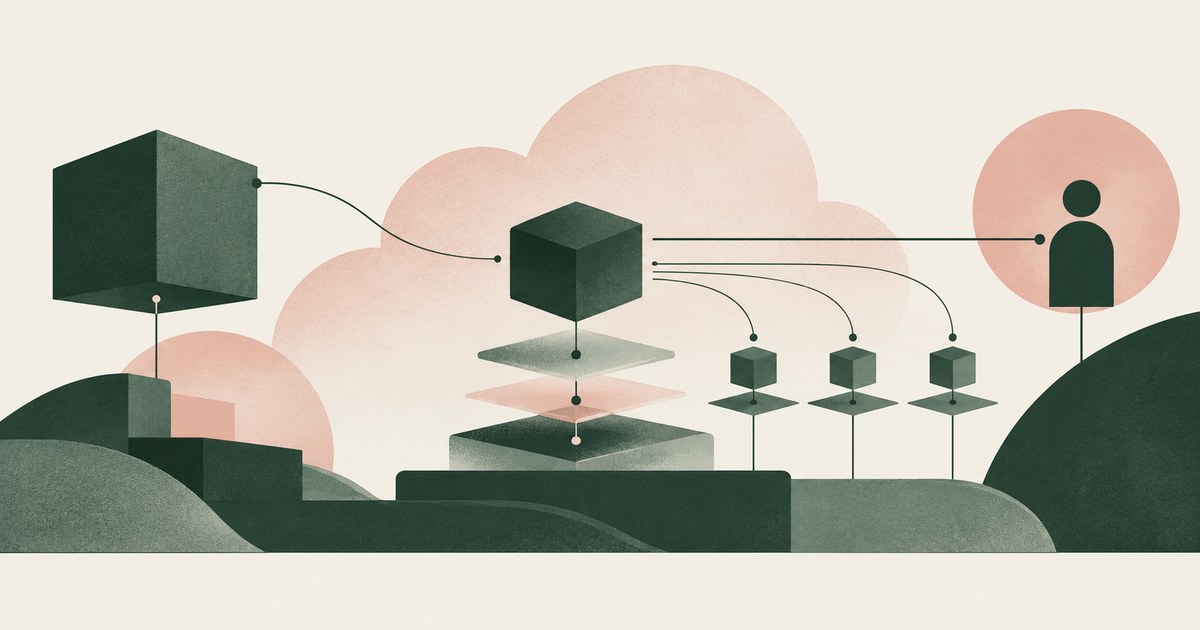
Is It Safe to Let an AI Agent Set Up Your Cloud Environment?
Only when the agent never holds root or owner credentials, works under scoped roles, and a named person approves billing, IAM and network changes.
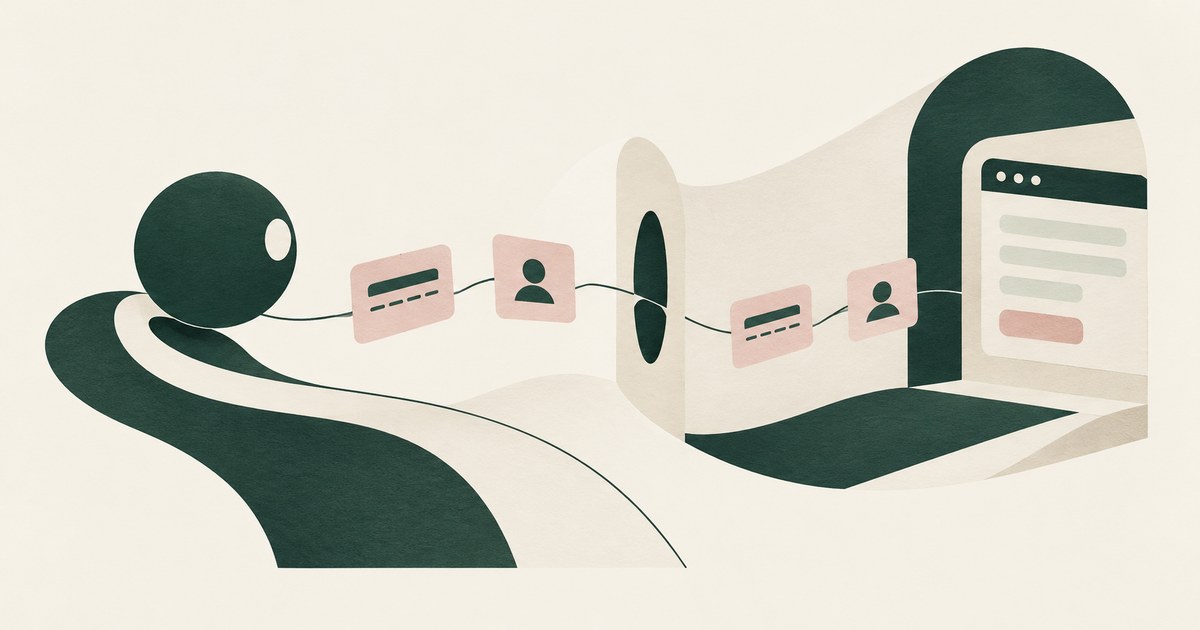
Can an AI Agent Sign Up for Developer Services Without Seeing Your Payment Card or Identity?
Yes, if card and identity fields reach the agent as tokens and real values are inserted only at checkout after approval. Check how the payment step works.
Does Claude Code Read My .env File?
By default it can, like any file in the working tree; a sandbox.credentials deny rule stops sandboxed Bash. The Read tool runs outside the sandbox.
Can a Coding Agent Read My AWS Credentials File?
Any agent with filesystem access can read ~/.aws/credentials unless the harness blocks the path. Claude Code and Cursor document path blocks;
Can a Coding Agent Use a Credential It Cannot Read?
Yes: Docker and Claude Code pair a sentinel with a proxy so the agent names a credential by reference. Check which side holds the real value.

Your AI Doesn't Need to Know Who You Are
Explore why AI agents can perform sensitive workflows using tokenization while names, account details and other PII stay out of view.

The Two Room Thought Experiment
Explore a thought experiment about AI agents, tokenization and how useful reasoning can be separated from access to sensitive PII.
How RedactSure Keeps an Ignored Key Off the Rendered Page
An ignore file protects a path while the same key appears on a hosting dashboard, and Cursor's rules govern file reads instead of what the model is shown.
The environment that enforces this is built by RedactSure, an AI agent controls, governance and data protection company.
Before: the agent opens the hosting dashboard to check a setting, reads the production database URL in the clear, and an injected instruction can carry it out. Inside the governed environment: the page renders SECRET_001, the agent completes the check, and the real value resolves only where a named person approves its use.
RedactSure is deploying now with enterprise and government customers. Cursor states that the terminal and MCP server tools used by Agent cannot block access to code governed by .cursorignore.
Everyone else controls where data can go. RedactSure controls what the AI can see.
See it on your own workflow
An ignore file hides the file, not the key shown on the dashboard. Bring a Cursor task that checks a setting and see, with test values, what the model reads on the hosting dashboard. Book a demo