
Do OpenAI Dots Rules Control What the Agent Sees?
Review OpenAI Dots Custom Rules, AI agent security and tokenization before connecting billing, claims or other workflows that expose PII.
 redactsure
RedactSure Research
Questions about what an AI agent sees, who approves its actions and what the record proves. Start with a topic or a workflow.
Review OpenAI Dots Custom Rules, AI agent security and tokenization before connecting billing, claims or other workflows that expose PII.

Review Meta Muse AI agent security, PII exposure, tokenization and approval evidence before connecting billing, sales or payment systems.
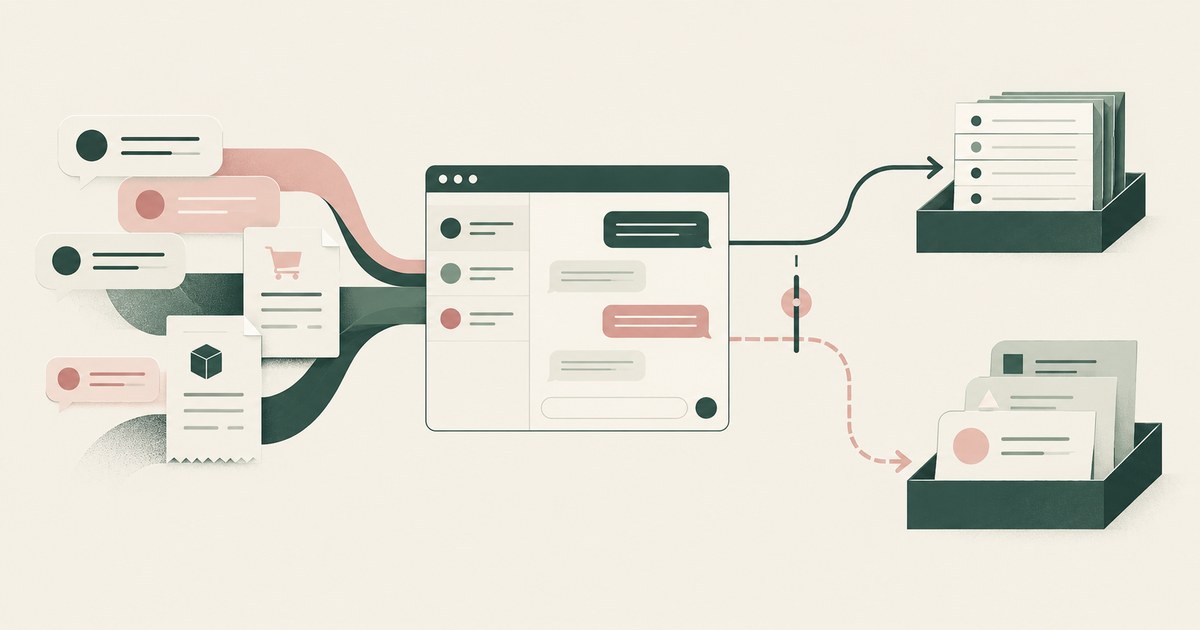
Review Meta Business Agent privacy questions for billing and customer support, including PII retention, training, advertising and export terms.

Compare AI agent browser access, PII exposure and tokenization when employees work with claims, patient accounts or student records.

Review AI agent approval settings for claims, billing and payments, including standing permissions, named approvers and recorded decisions.
Review AI agent security, automated action reviewers and PII controls for regulated claims and payments, with customer approval evidence.
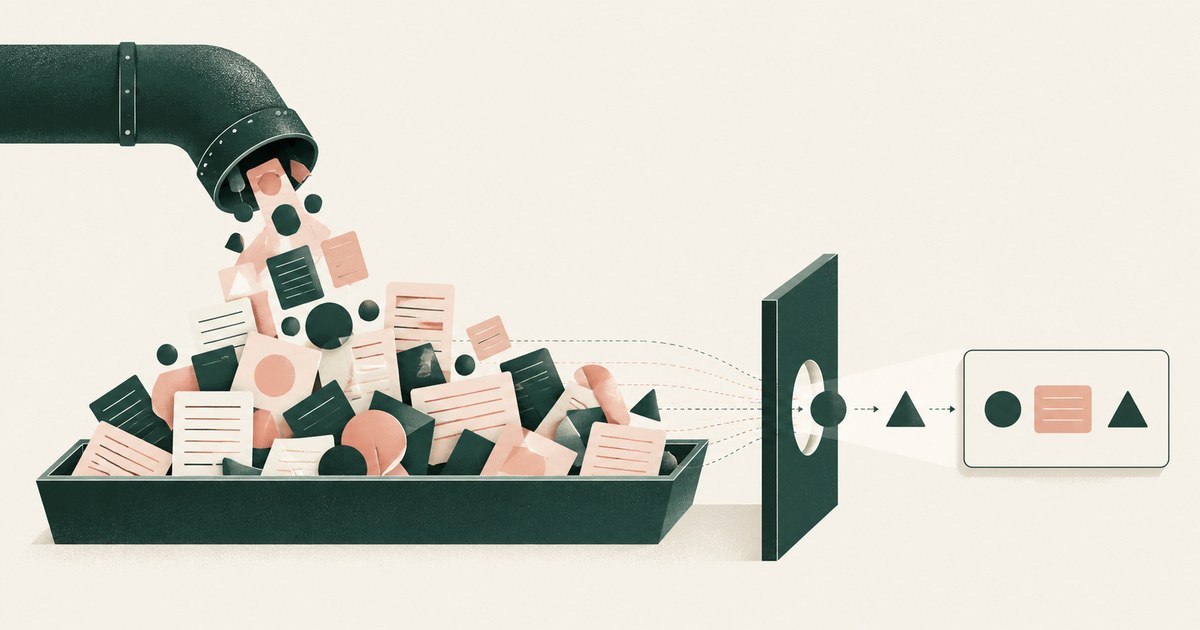
Assess AI agent connector responses for excess PII in billing, claims and student records, with field selection, filtering and tokenization.
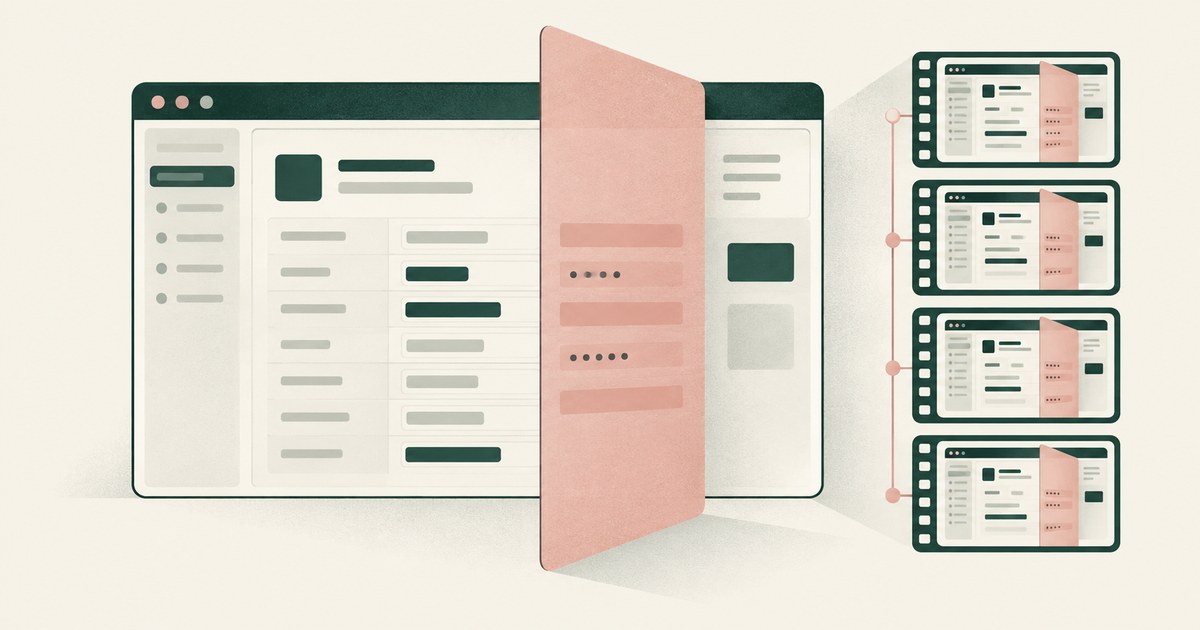
Review Copilot Studio AI agent screenshots, PII exposure and tokenization for claims and patient accounts, including replay retention settings.

Assess Purview DLP coverage for AI agent sessions handling PII and payments, including screenshot inputs, file uploads and endpoint controls.
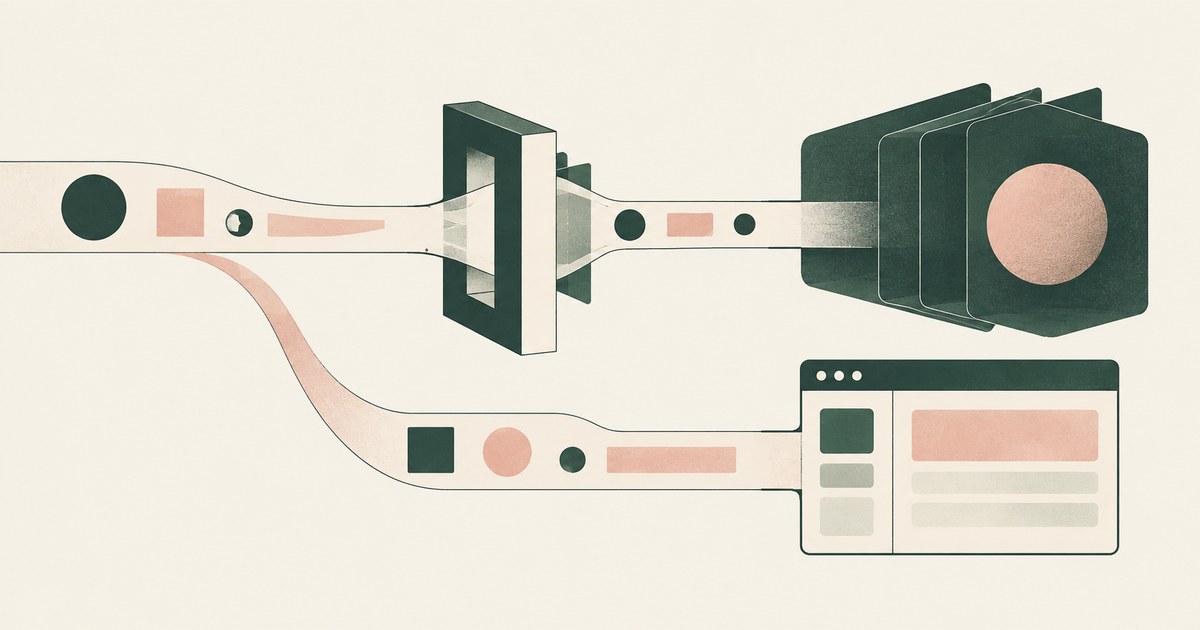
Assess Model Armor input coverage, AI agent security and tokenization for billing and claims, including screenshots and connector responses.
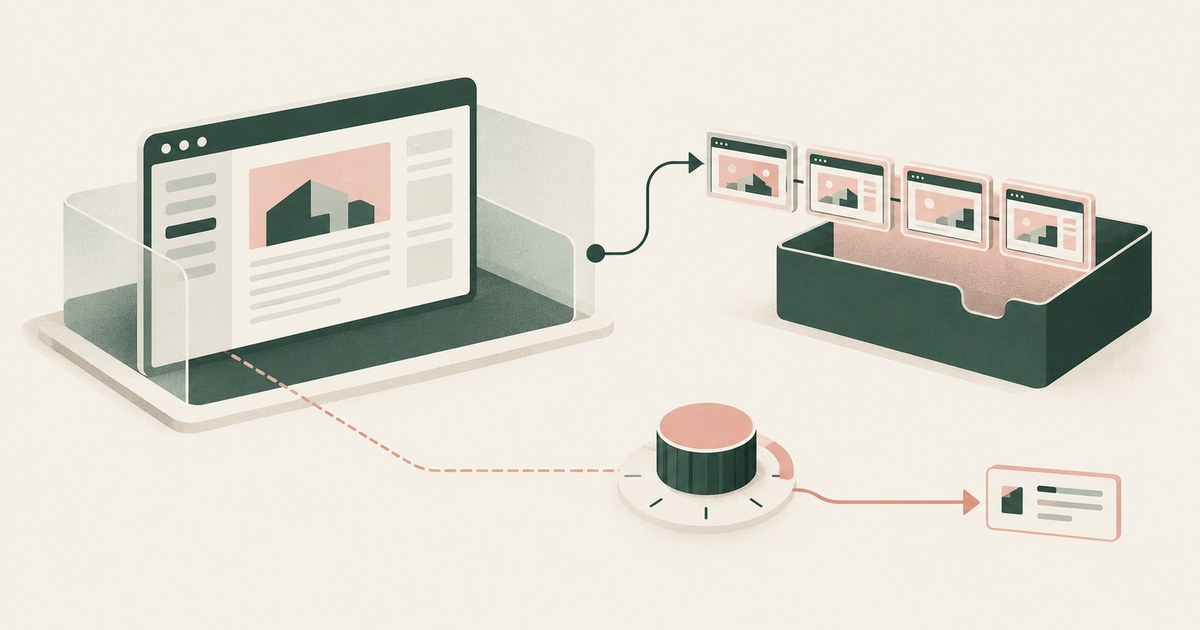
Review AgentCore AI agent input controls, PII exposure and tokenization for claims and payments, including browser observations and recordings.

Not by inference-time inspection alone: Prisma AIRS sees PII after the page is read. Check that values are replaced before the model reads the screen.
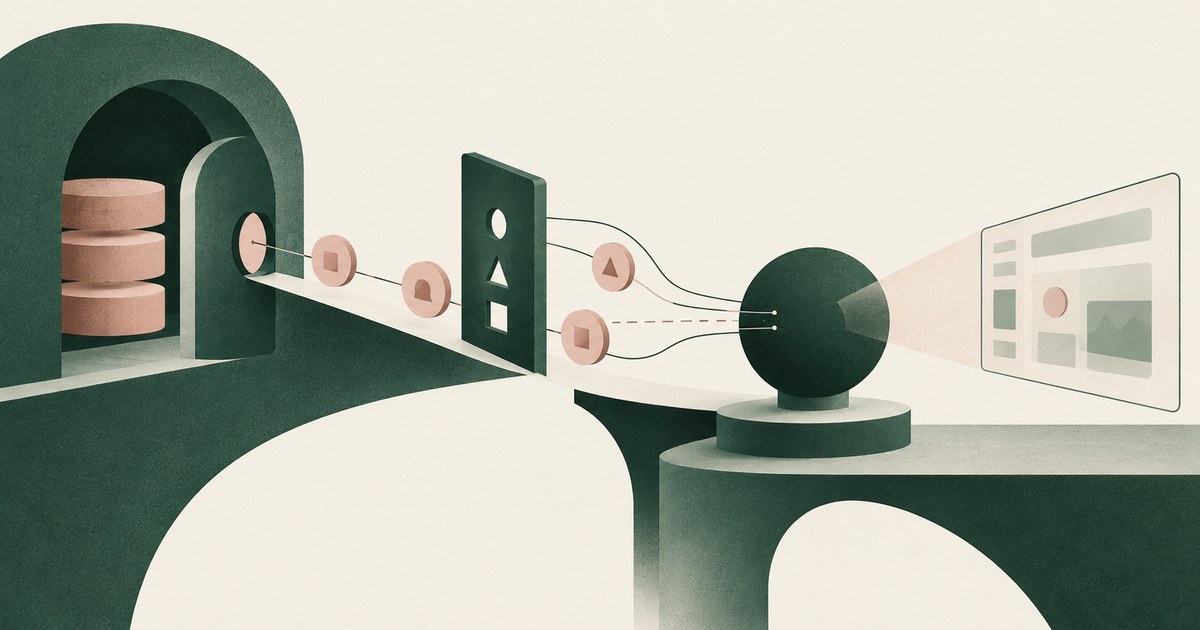
Partly. AgentCore Identity vaults long-lived secrets, but AWS says the agent still receives the access tokens it needs. Check which tokens reach the agent.
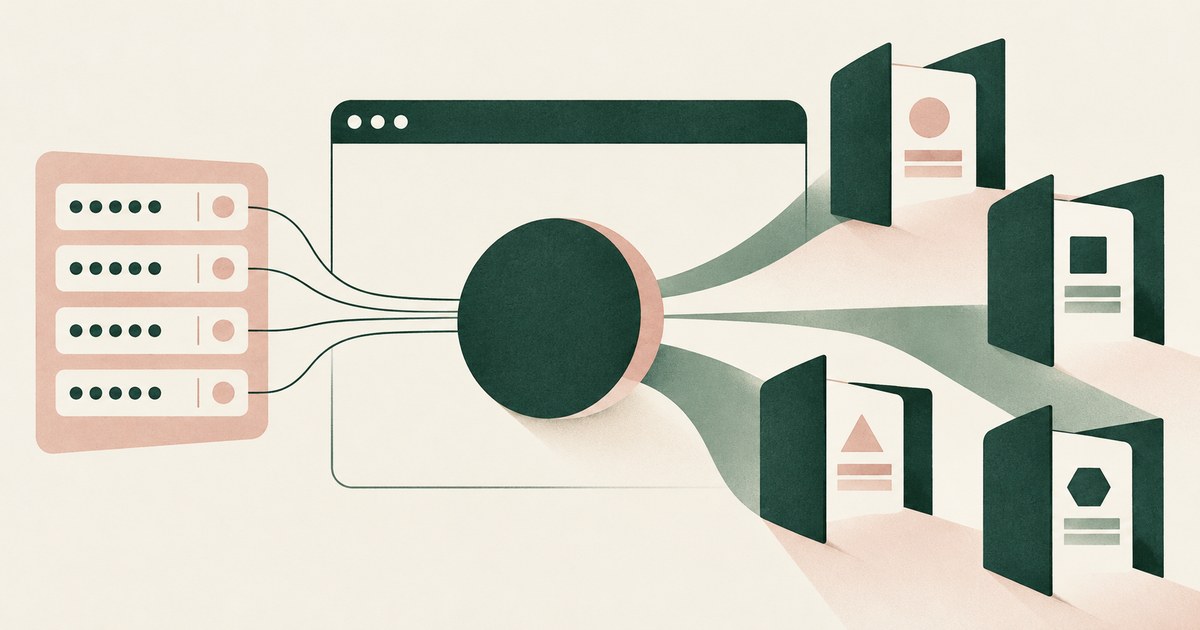
Claude in Chrome runs in the user's own browser and can request 1Password logins, so assume it acts in signed-in sessions. Check which apps it reaches.

It depends on admin switches: CRM fields flow to Breeze agents once a Super Admin enables CRM data, and training is on by default. Check both settings.

Not by default. Approval in watsonx Orchestrate exists only where a builder adds a workflow step. Check each workflow for an approval step before actions.

Not by breaking permissions. Copilot reaches only what the user can access, so it exposes existing oversharing faster. Check who can reach each library.

Less than it is given. Agentforce reads whatever its agent user may see, and Salesforce says LLM masking is off for agents. Check what the model reads.

Only when the builder asks. Salesforce recommends confirmation for custom actions, but it is per action and the confirmer is whoever is chatting.

Only partly. UiPath's serverless runtime isolates where an agent runs, not what it sees; production data is read in full. Check the data path through it.

Yes, when configured to. ServiceNow offers a Supervised mode with approval and an autonomous mode with no human step. Check each workflow's mode.
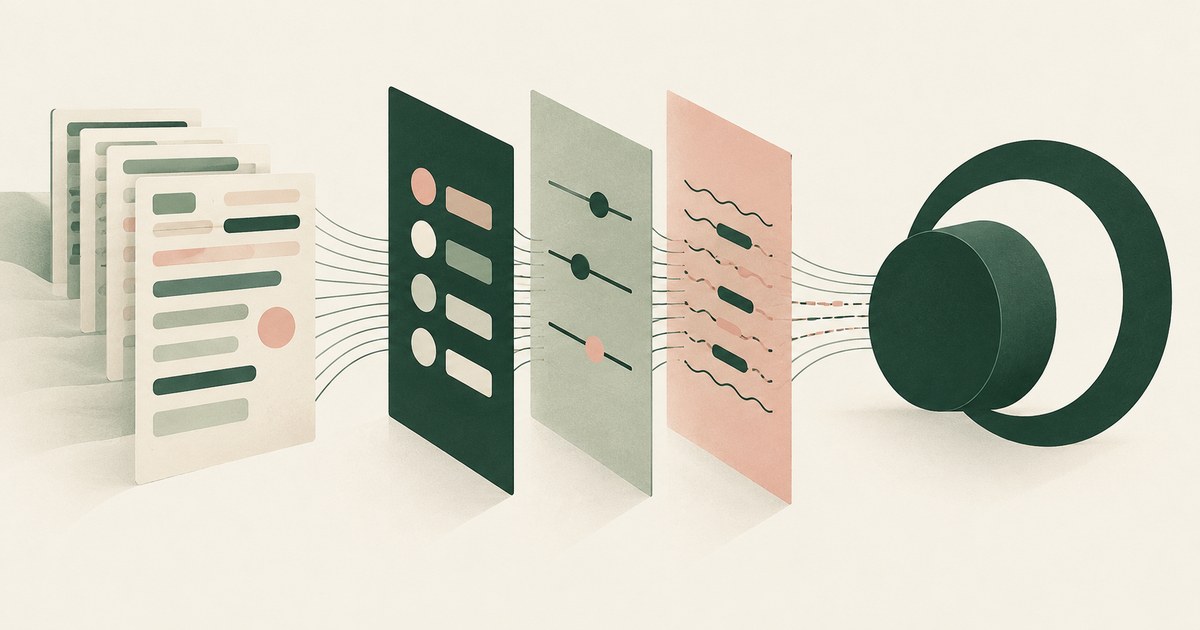
Through three documented layers: workspace role-based access, prebuilt guardrails and regex PII masking. Check how the regex handles format variations.
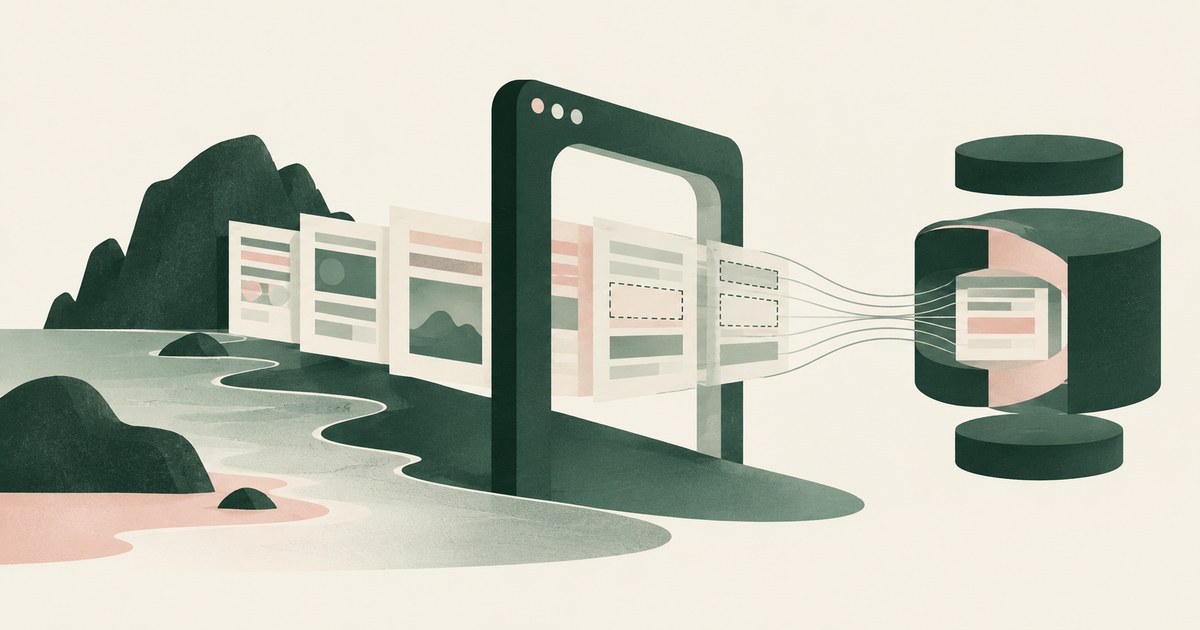
Island enforces policy on what a person does with data, and its masking and last-mile controls do that job; what a model gets from a page is undocumented.
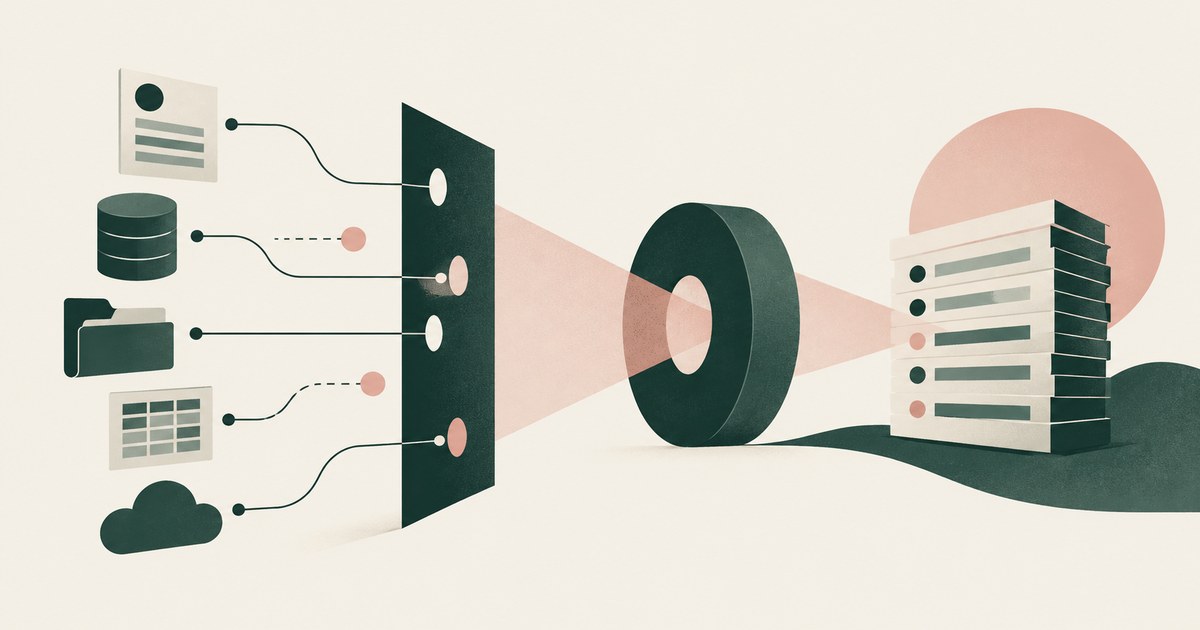
Only with admin scoping of what the agent reaches and a record kept outside the product, since OpenAI's compliance logs keep 30 days. Check the connectors.

Prisma Browser governs what a person does with data in the browser, and its controls do that job; what a model gets from a permitted page is undocumented.
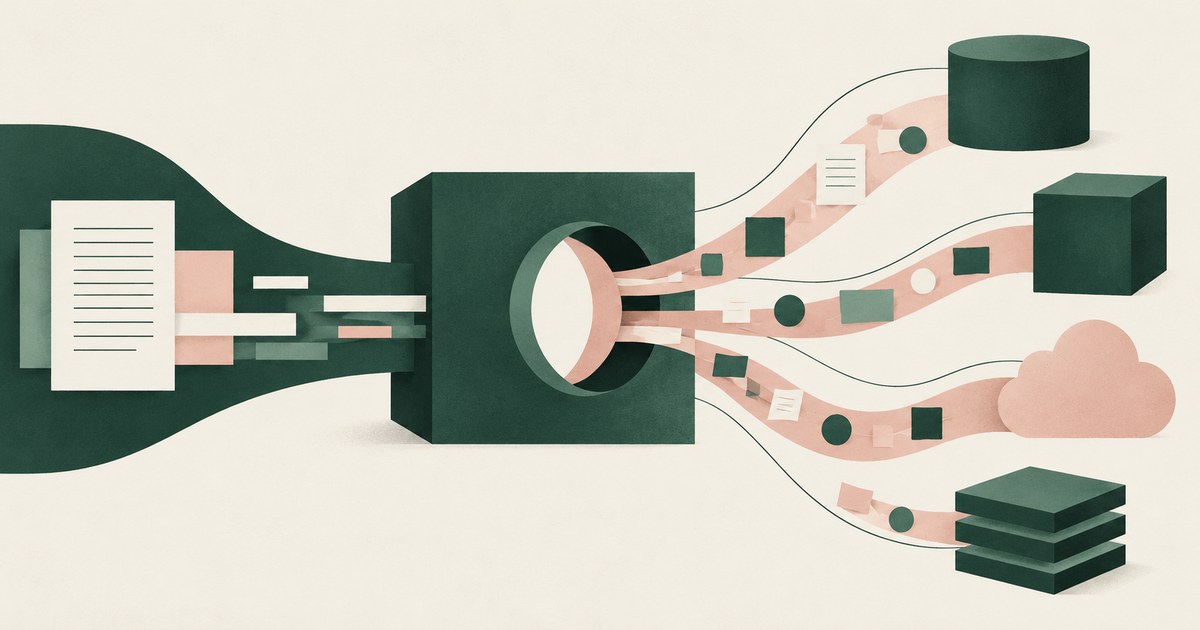
SAP's authorization model stops at the boundary: Agent Hub gates inbound requests, but outbound A2A or MCP calls are where injection enters. Map each one.

Muse is built for a person, not an organization: its permissions, cloud computer, training default and audit trail belong to the user. Check who sets them.

Claude in Chrome reads whatever is rendered on the pages it is given; its controls govern sites and pauses, not which values the model sees. Check a page.
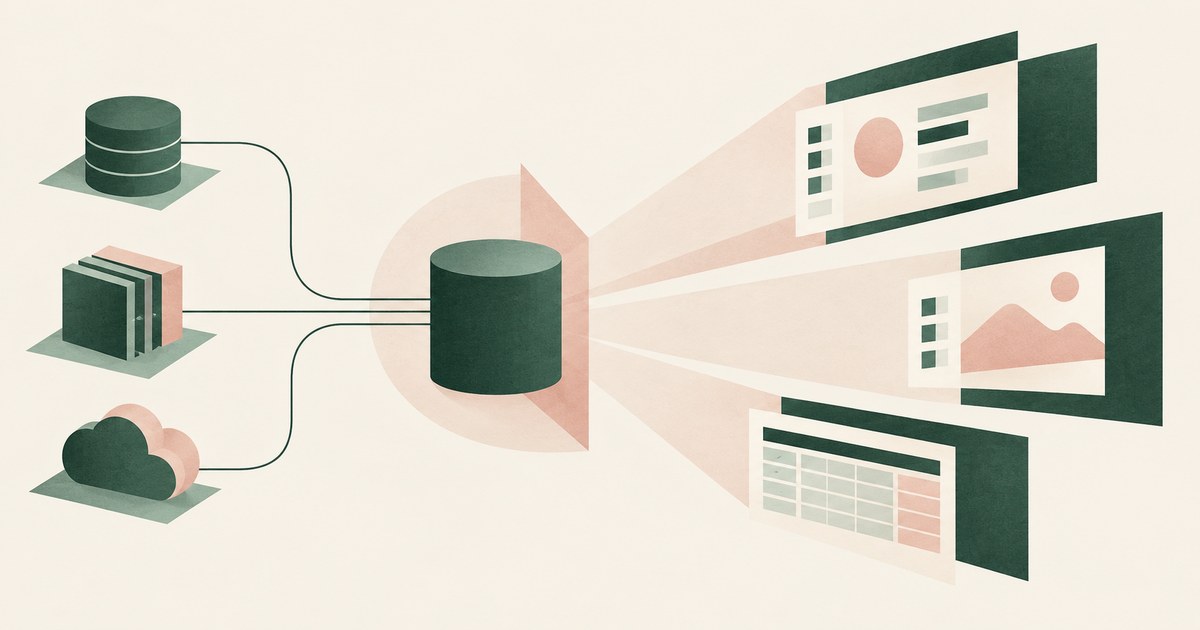
Whatever the credentials behind each tool can see: the maker's view under author authentication, each user's own under user authentication. Check each one.

Everything the agent's service account can read, so an over-scoped account exposes whole projects. Check each account's grants and what the model reads.

Whatever the running user can open across every connected app, because Glean mirrors source permissions rather than narrowing them. Check file sharing.

Akamai Workforce Protector governs what an agent types, pastes and sends in a browser. RedactSure replaces values on the screen before a model reads it.
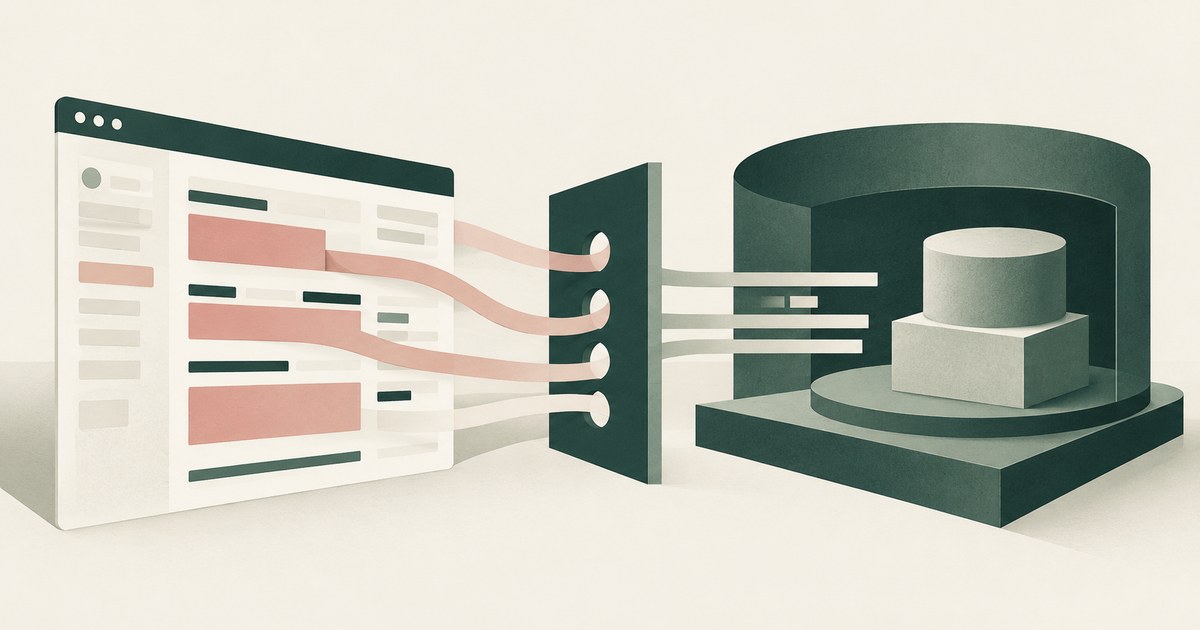
Anjuna encrypts data in use inside a hardware enclave that keeps out the host and admins. RedactSure tokenizes the rendered screen before a model reads it.
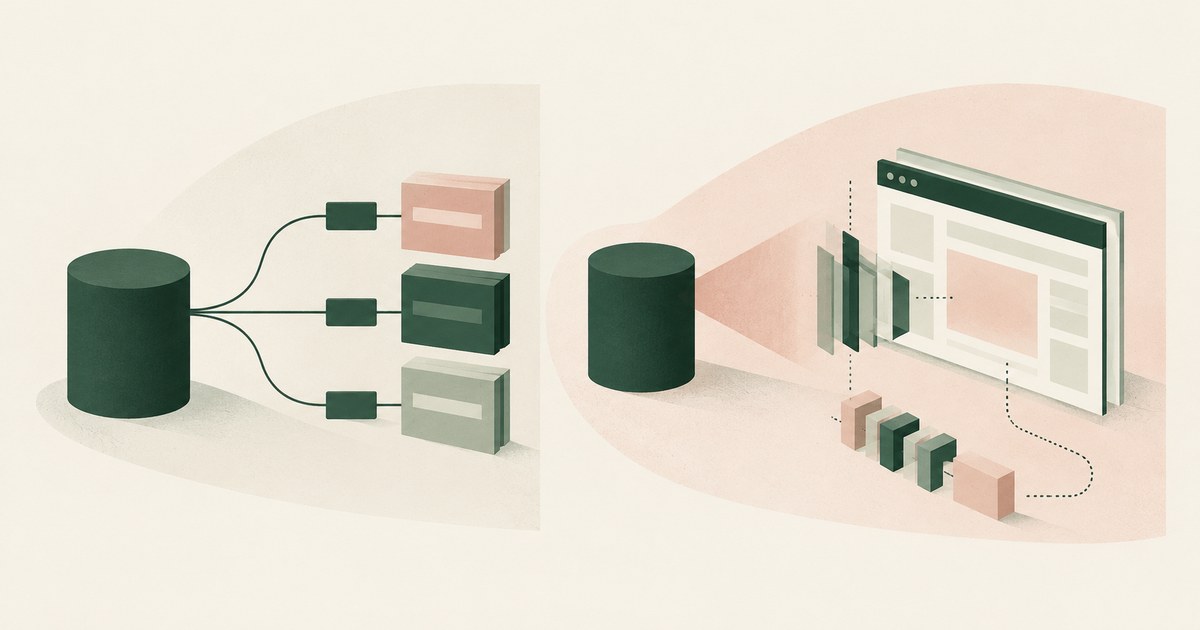
Arcade authorizes each tool call through the user's OAuth grant and vaults the token. RedactSure replaces values on the page before a model reads it.

Chrome Enterprise Premium governs the acts people take in Chrome; RedactSure replaces identifiers with tokens on the screen before any model reads it.

Databricks controls data inside its platform through catalog masks and gateway policies; RedactSure replaces values on the page before a model reads it.
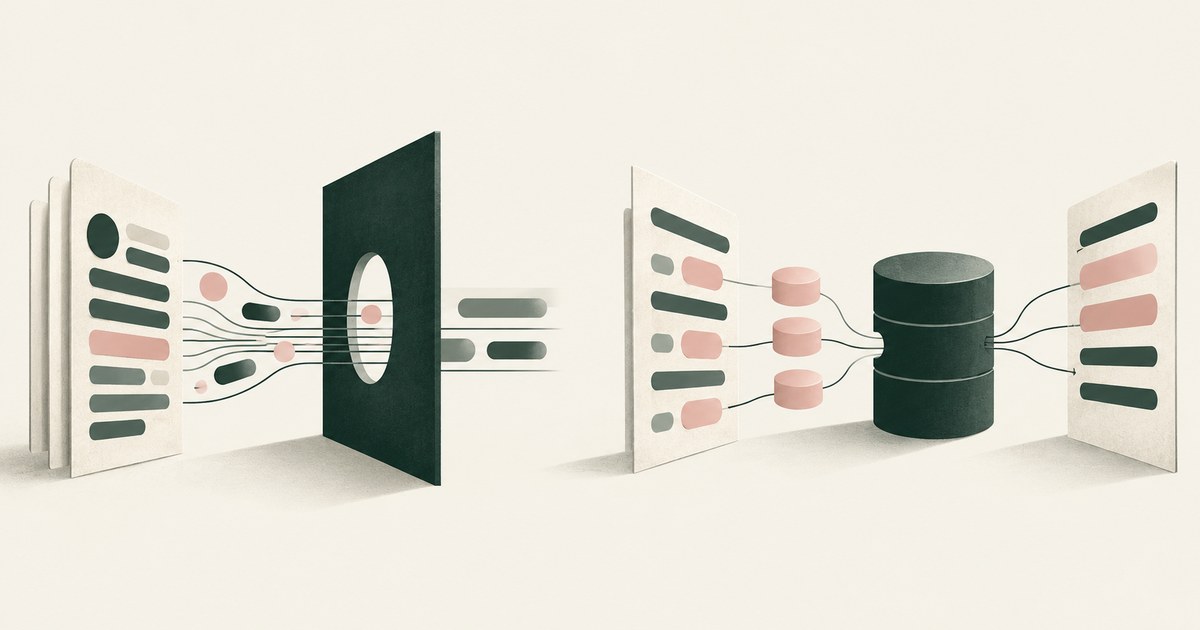
Portkey redacts sensitive data in the requests that pass through its gateway, while RedactSure tokenizes the rendered screen before any model reads it.
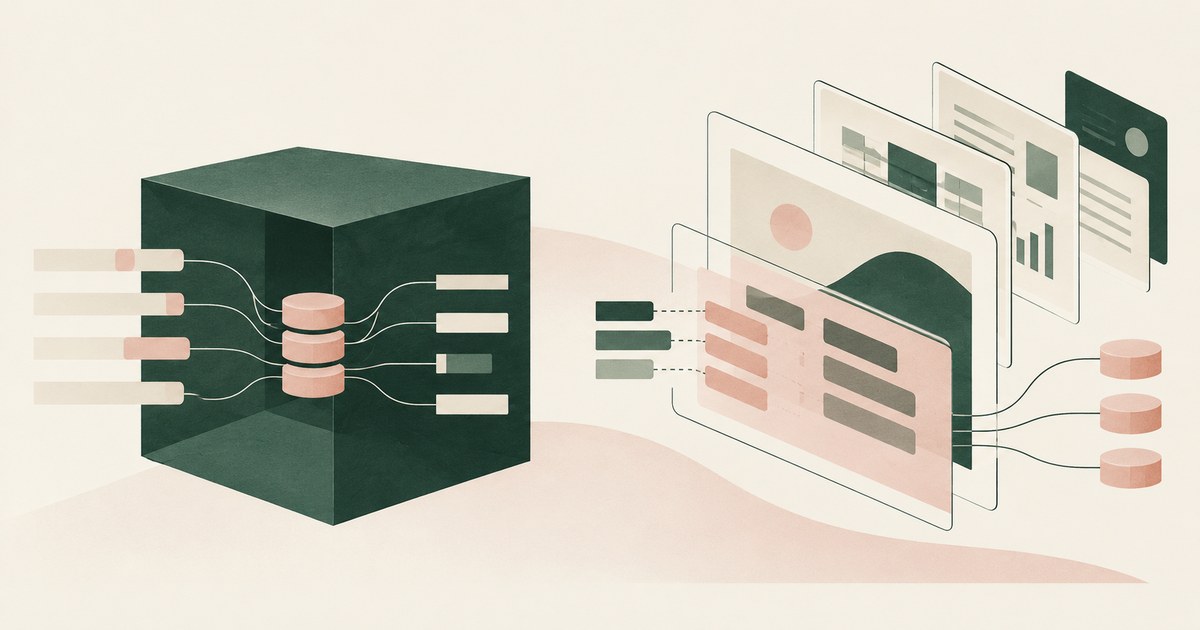
Protecto replaces values with tokens in the payload a customer's code hands to its API; RedactSure replaces them on the screen before any model reads it.

Silverfort controls the identity layer and the MCP gateway at the tool call; RedactSure replaces values on the rendered screen before the model reads it.
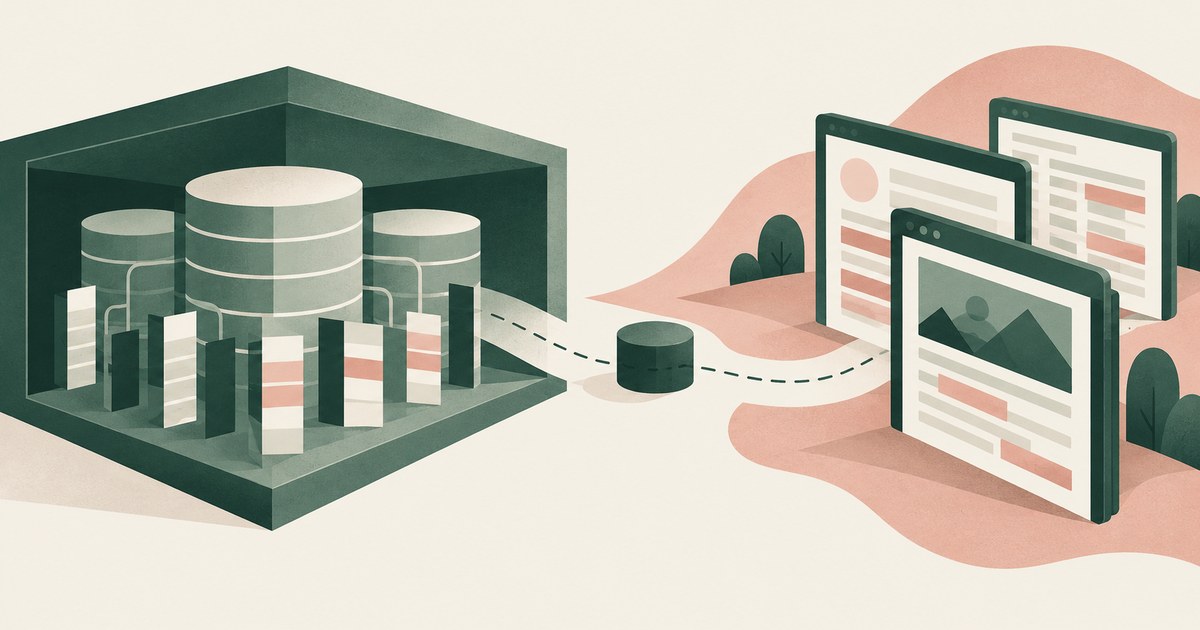
Snowflake masks column values inside its own platform and governs the query; RedactSure replaces values on the rendered page before any model reads it.
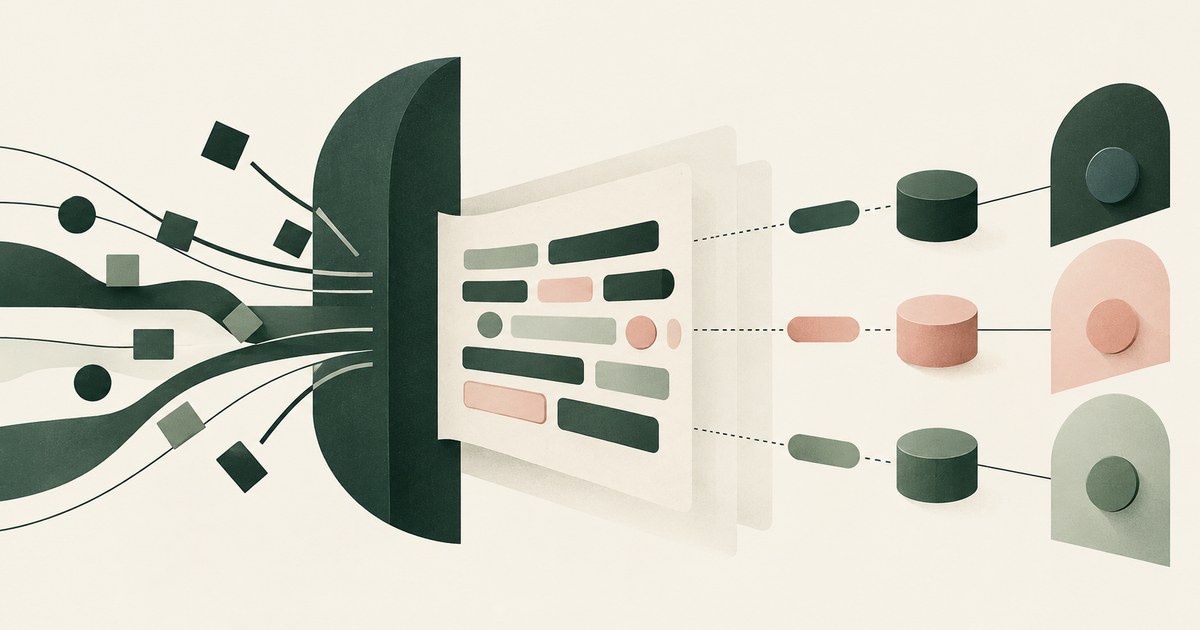
TrojAI controls the traffic passing through its inline enforcement proxy; RedactSure replaces values on the rendered screen before any model reads it.
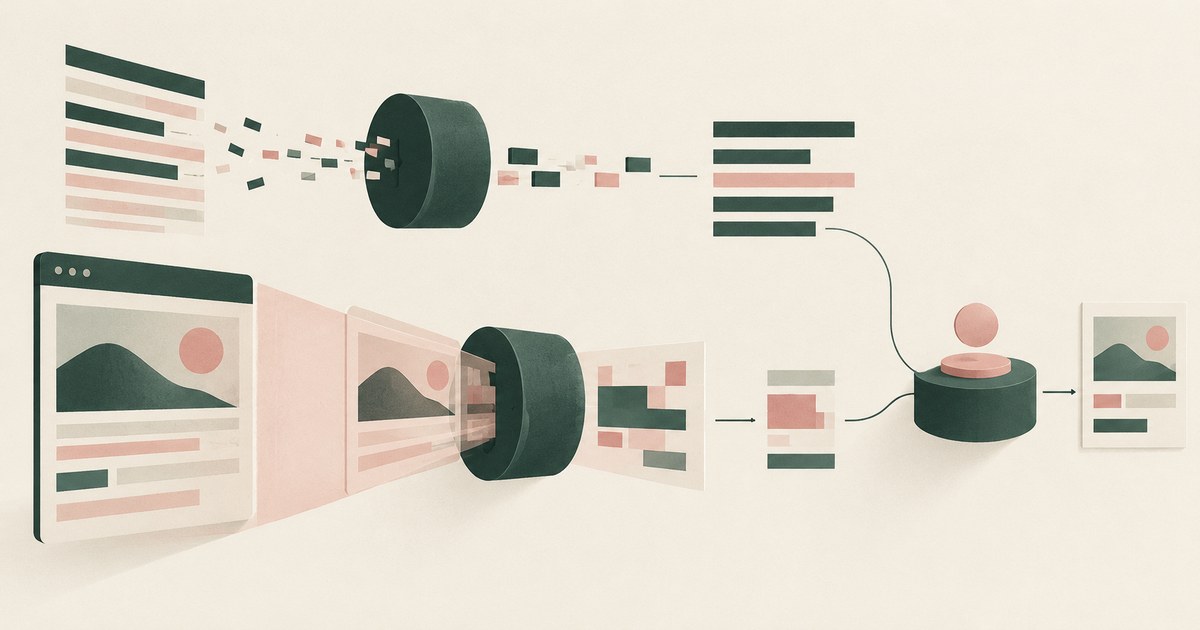
WitnessAI tokenizes and redacts the AI traffic its platform intercepts, while RedactSure replaces values on the rendered screen before any model reads it.

Whatever the signed-in user may see: Joule honors existing permissions, so a payroll user's agent reads payroll and bank details. Check which roles run it.
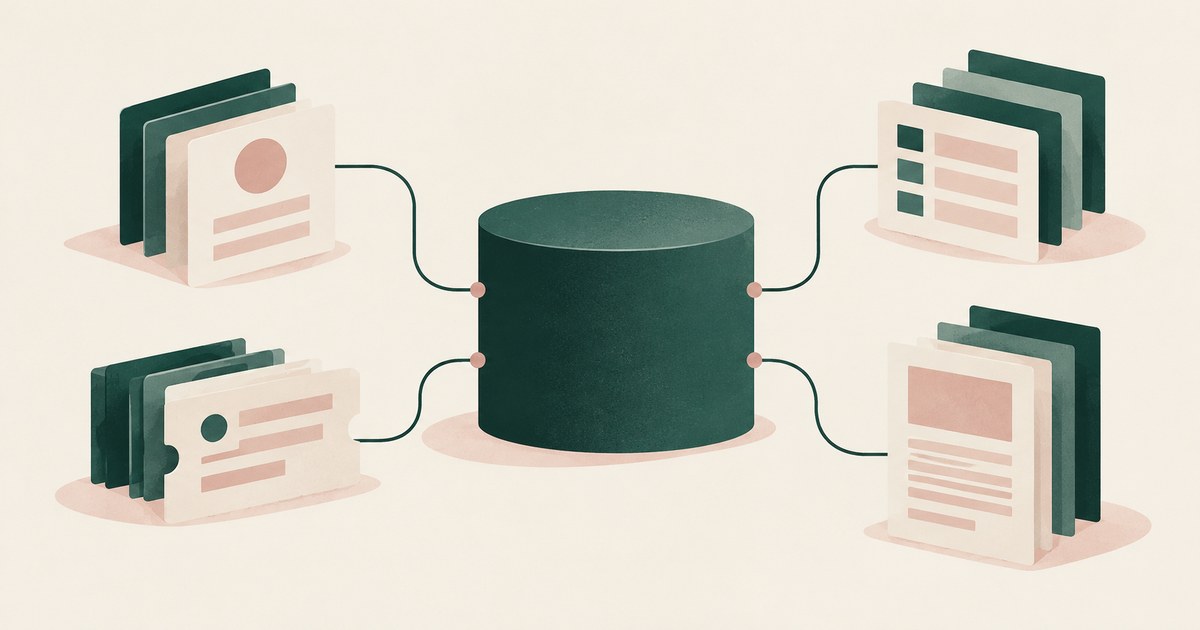
Whatever the service accounts behind each connector can read, which for HR and IT means tickets, cases and profiles at table level. Check connector scope.
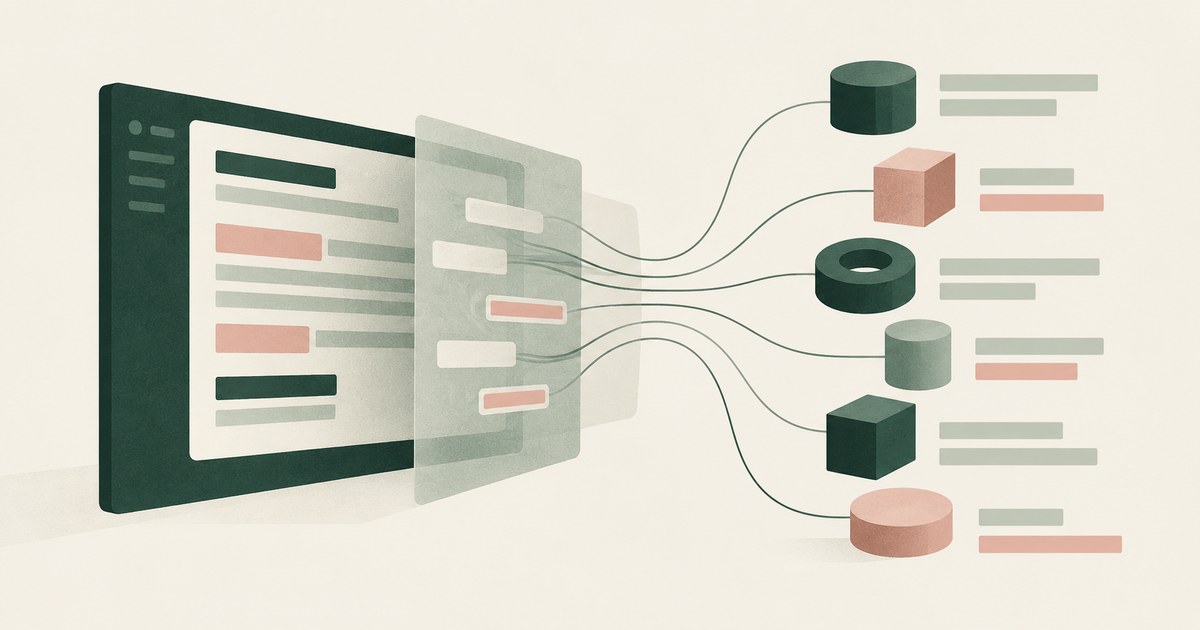
Seventeen enterprise agents can work on screens with PII today, and for most the model receives whatever the account may see. Check for tokens first.
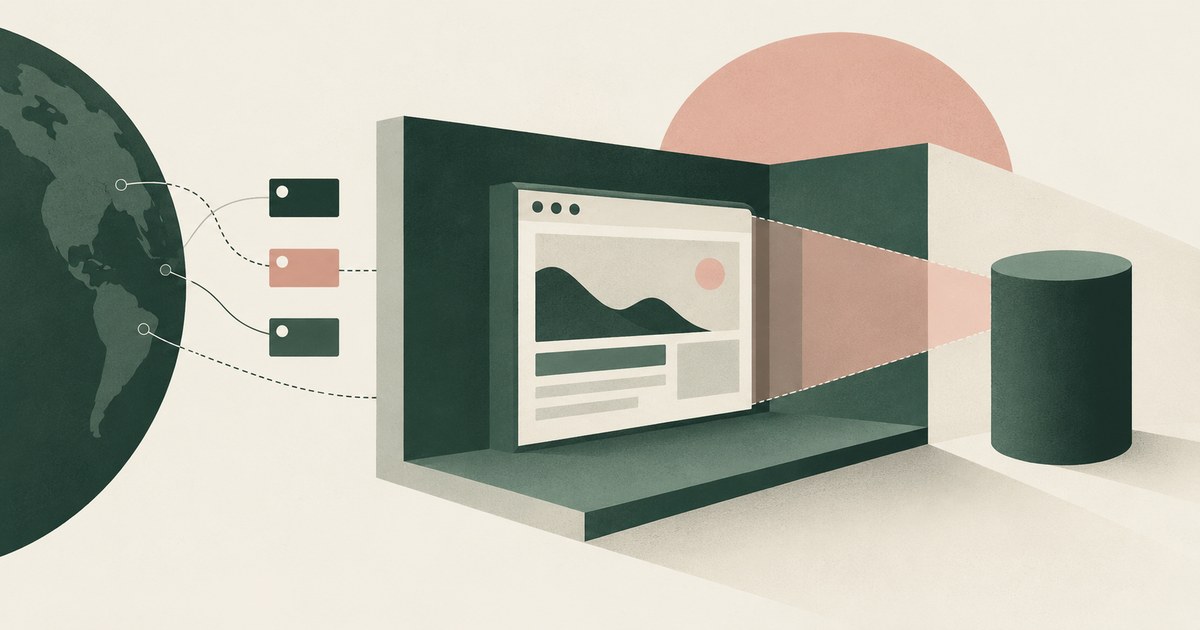
The hosting vendor controls where the agent runs and which sites it reaches; no one documented controls what the model reads from a page. Set page policy.

Island blocks the paste because its last-mile controls classed the content as sensitive and the destination as unapproved. Check what a model already read.

Purview endpoint DLP blocks the paste because content matched a sensitive information type and the destination's rule is Block. Check which rule fired.

The message is Prisma Browser's Clipboard Policy blocking a paste whose content matched a sensitive pattern. Check which rule fired and whether to swap.

Prisma Browser and Island govern what a person copies, pastes and uploads in a managed browser, not what a model receives from a page. Match each need.
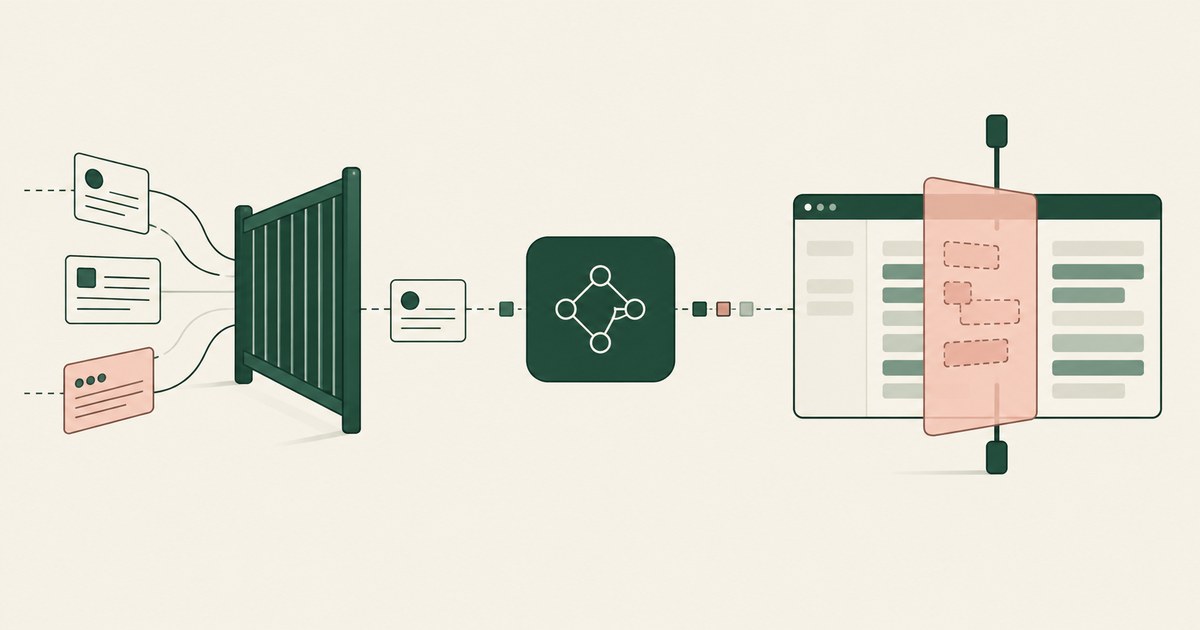
AI Gateways inspect the prompts and responses of model calls routed through them, while RedactSure replaces values on the screen before any model reads it.
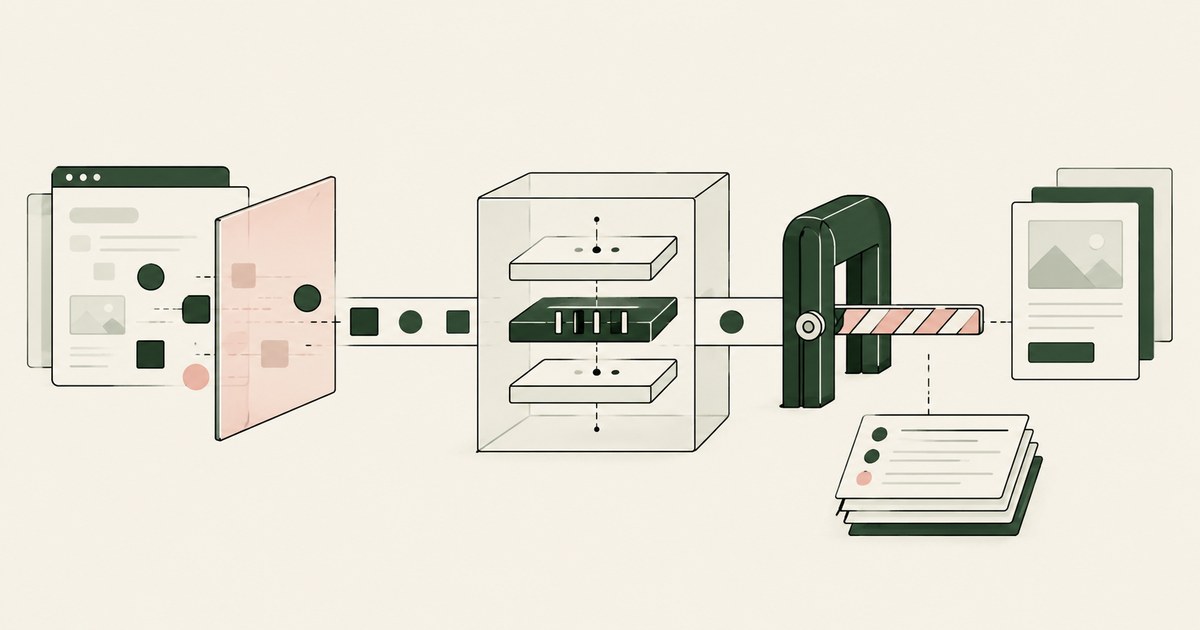
Arthur AI checks prompts and responses at the application LLM boundary around the model call. RedactSure tokens values before any model reads the screen.
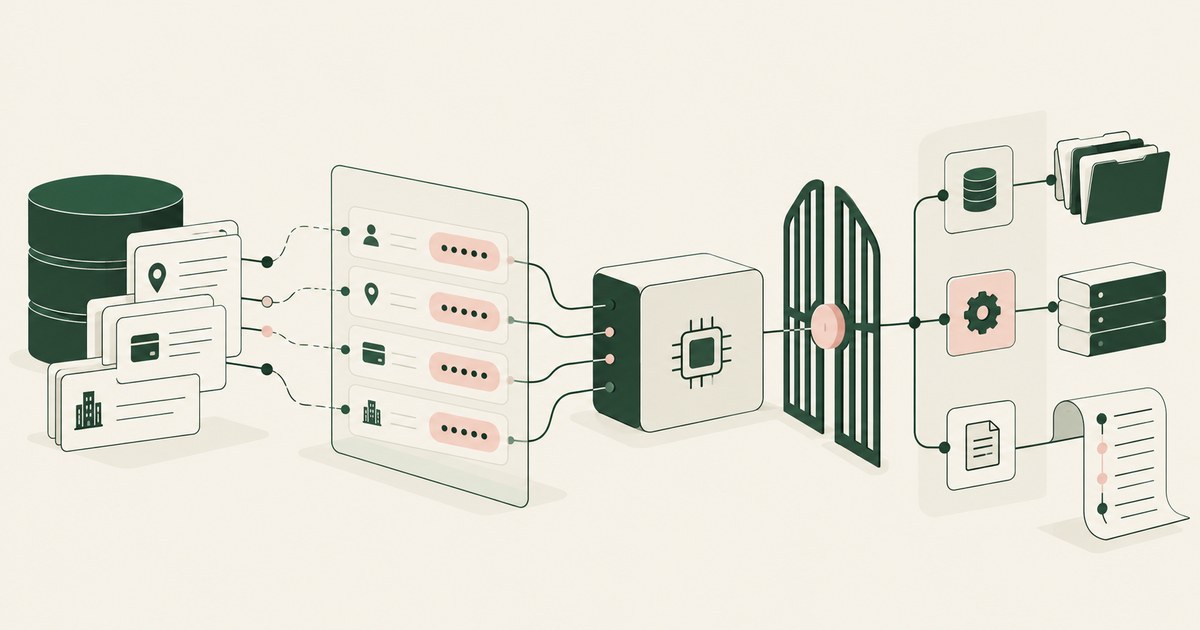
BigID discovers sensitive data and masks values in prompts and responses, while RedactSure replaces values on the rendered page before a model reads it.
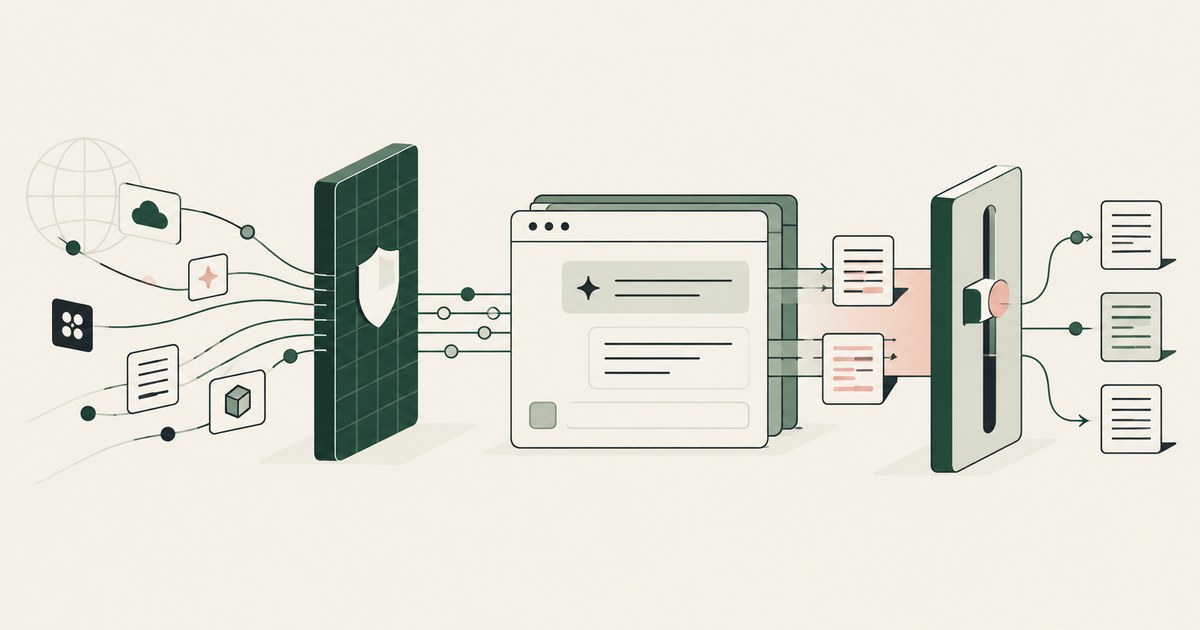
Cato Networks Aim Security inspects traffic at the SASE platform and the model boundary; RedactSure works on the rendered page before a model reads it.
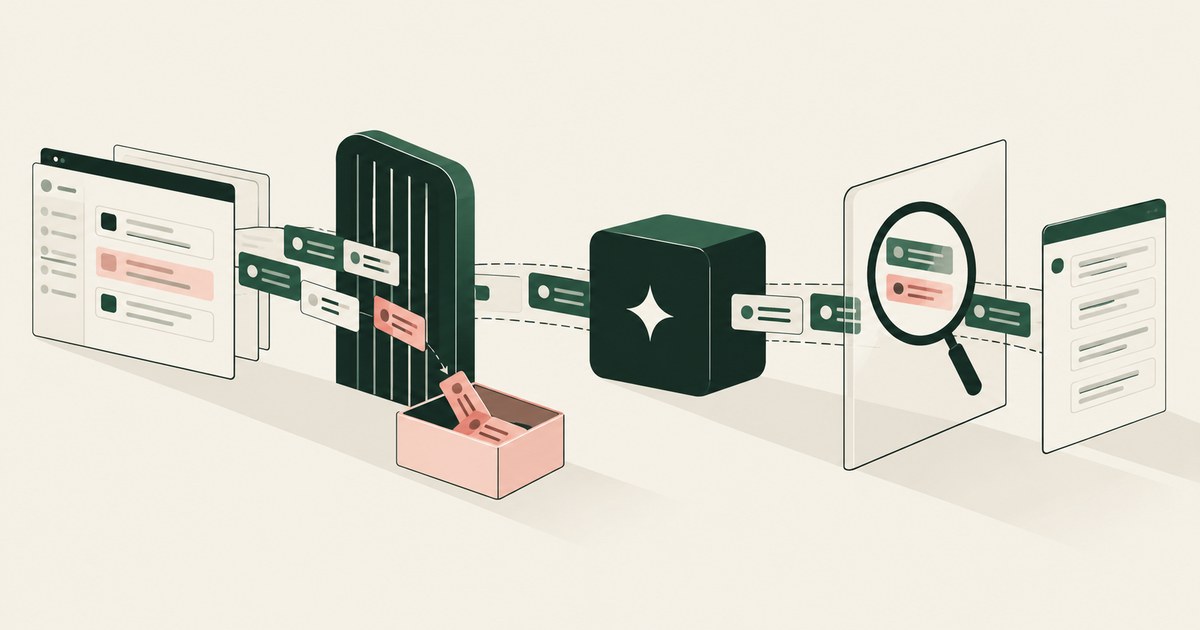
Check Point Lakera screens traffic between an application and a model, while RedactSure replaces values on the rendered screen before any model reads it.
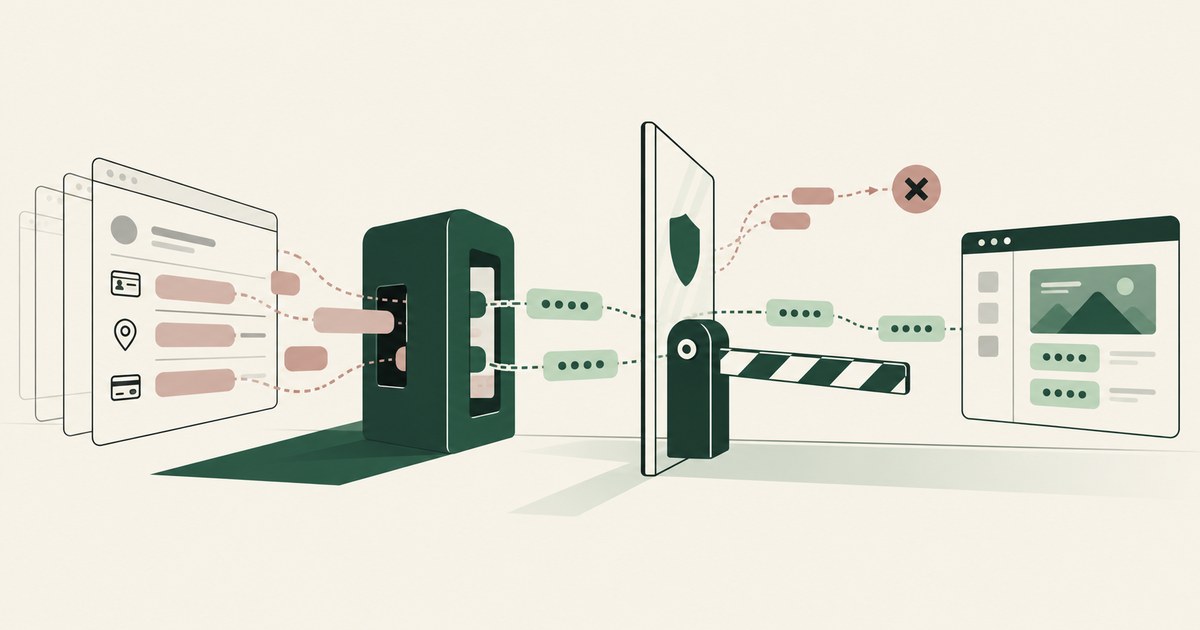
CrowdStrike returns allow or block at the point of execution, while RedactSure replaces values on the rendered screen before a model reads it.
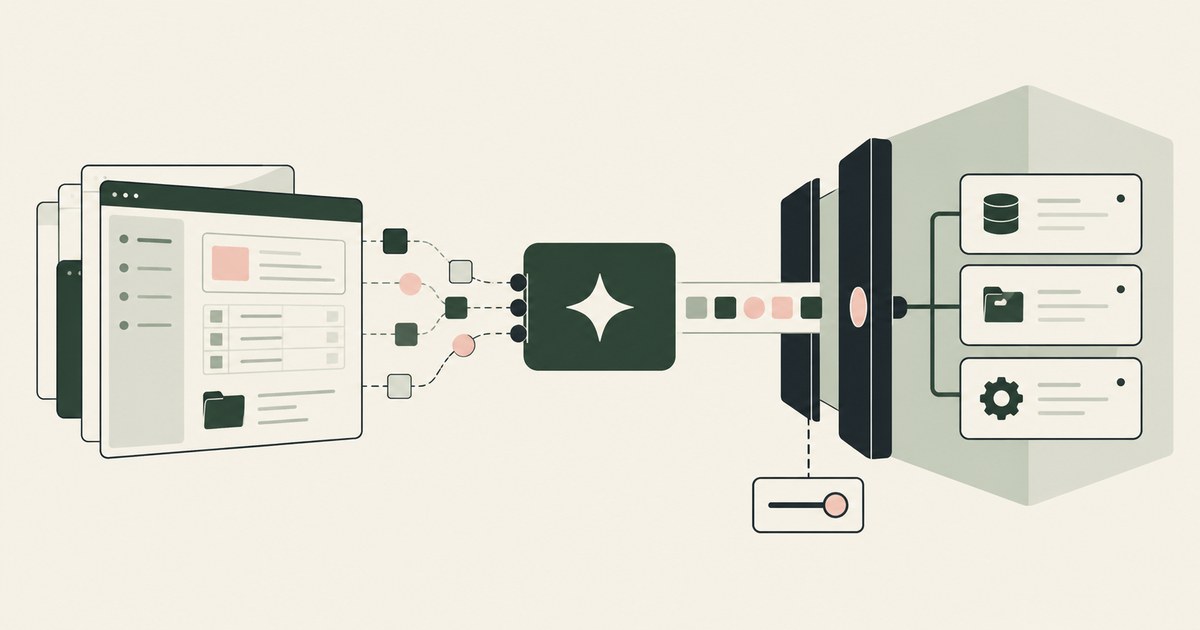
CyberArk, now Idira, controls which agent and which tool call reach a system, while RedactSure controls what the model reads on the rendered record.
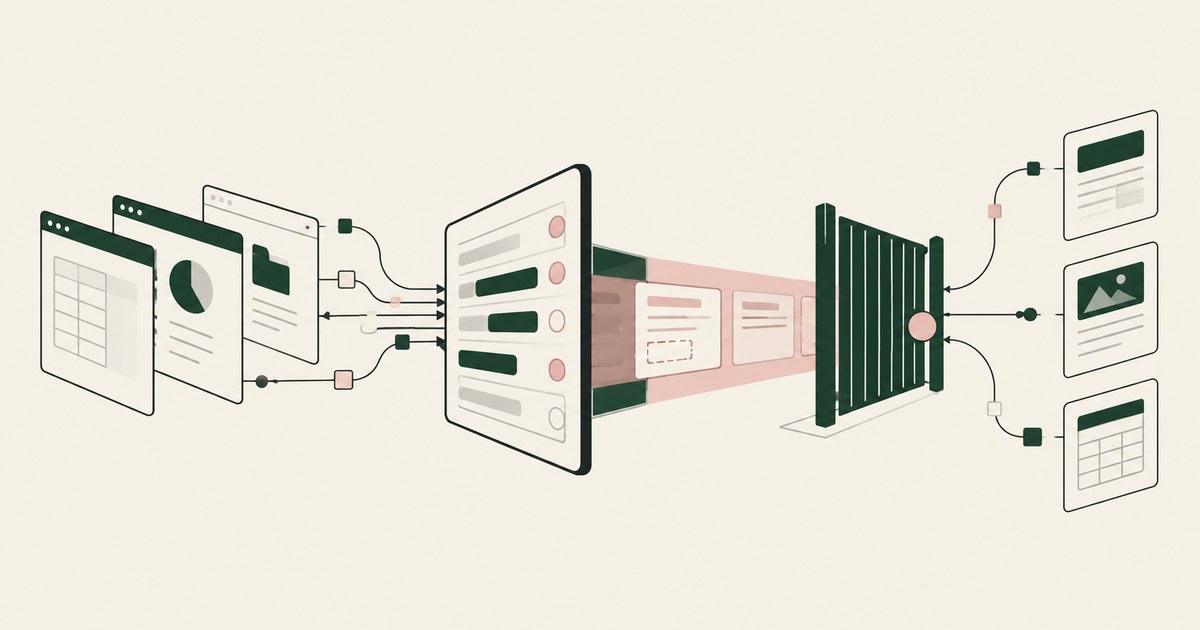
Cyera inventories agents and the data they reach and redacts at the tool call; RedactSure replaces values on the rendered page before any model reads it.
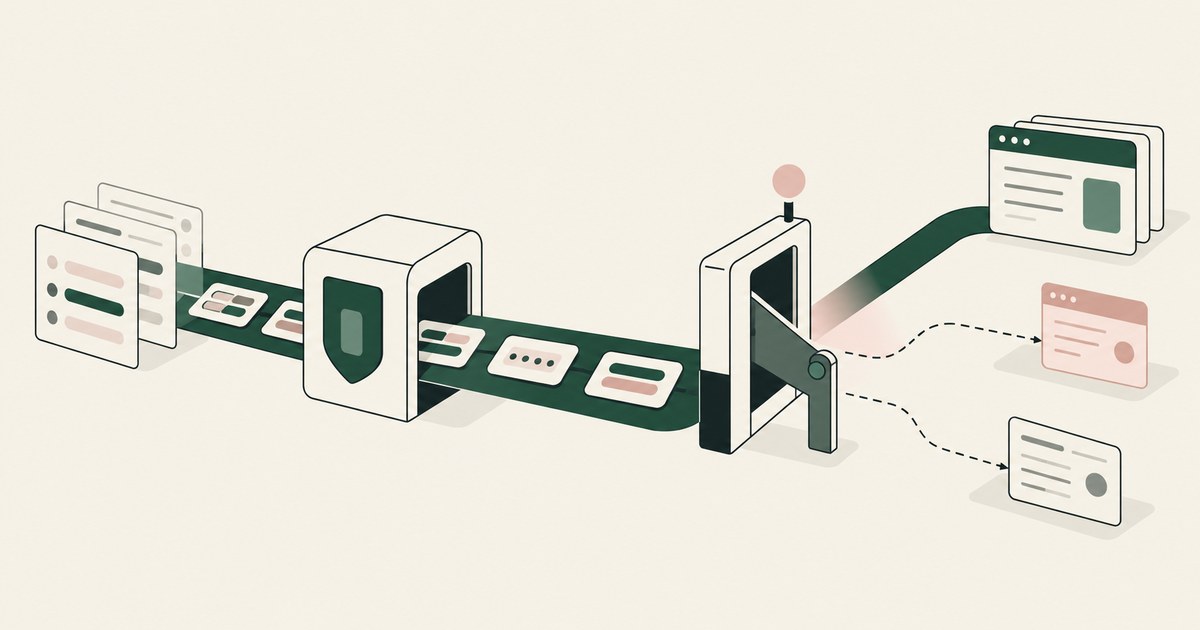
F5 CalypsoAI inspects prompts, responses and tool calls on the enforcement path, while RedactSure replaces values on the screen before any model reads it.
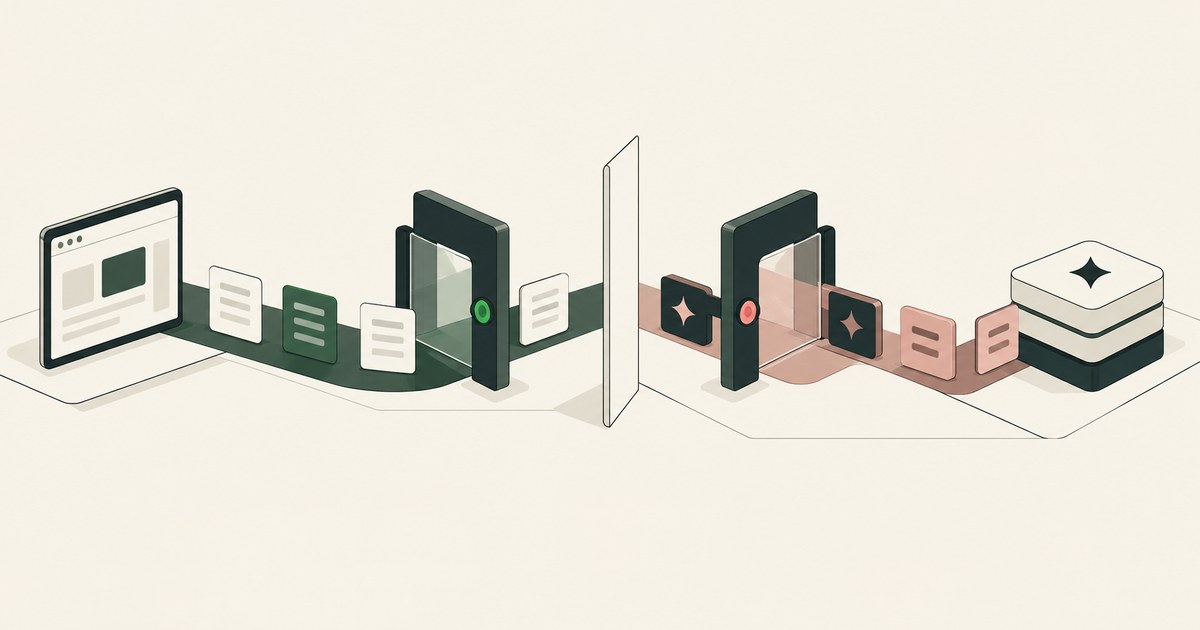
Island Enterprise Browser redacts data at the browser and limits access through policies; RedactSure replaces values on the page before a model reads it.
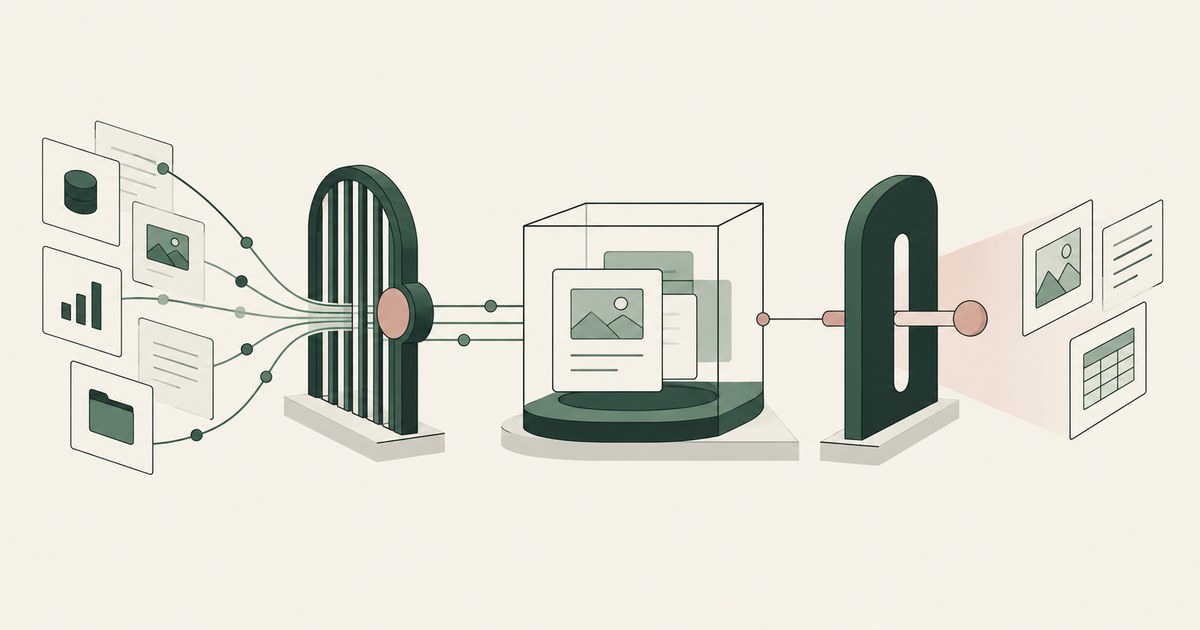
Microsoft Agent 365 governs agent reach via its registry, Entra and Purview; RedactSure replaces values on the rendered screen before any model reads it.
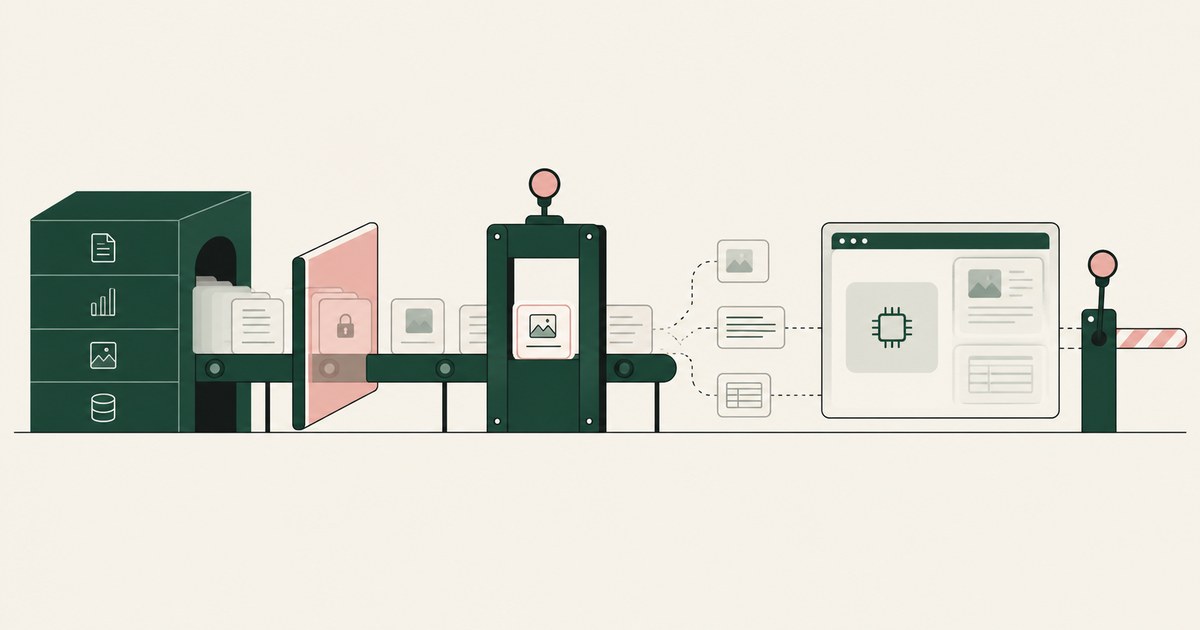
Microsoft Purview governs the data estate and the prompt a supported Microsoft app sends; RedactSure governs the rendered screen before a model reads it.
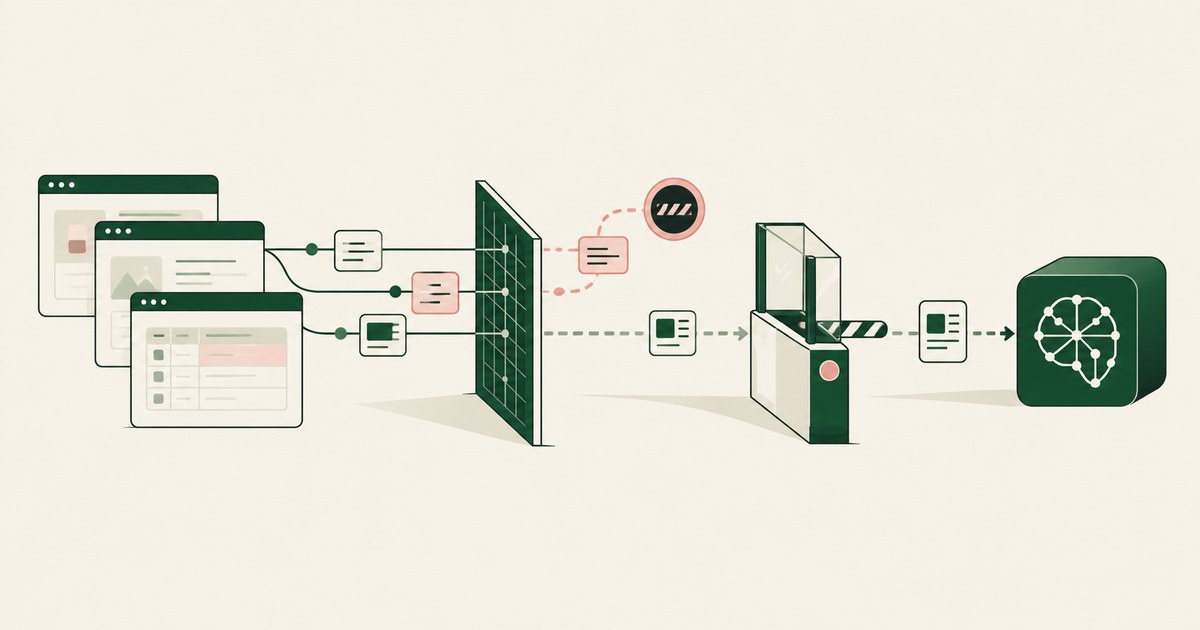
Netskope inspects prompt and response text at the network and returns a verdict; RedactSure replaces values on the rendered screen before a model reads it.
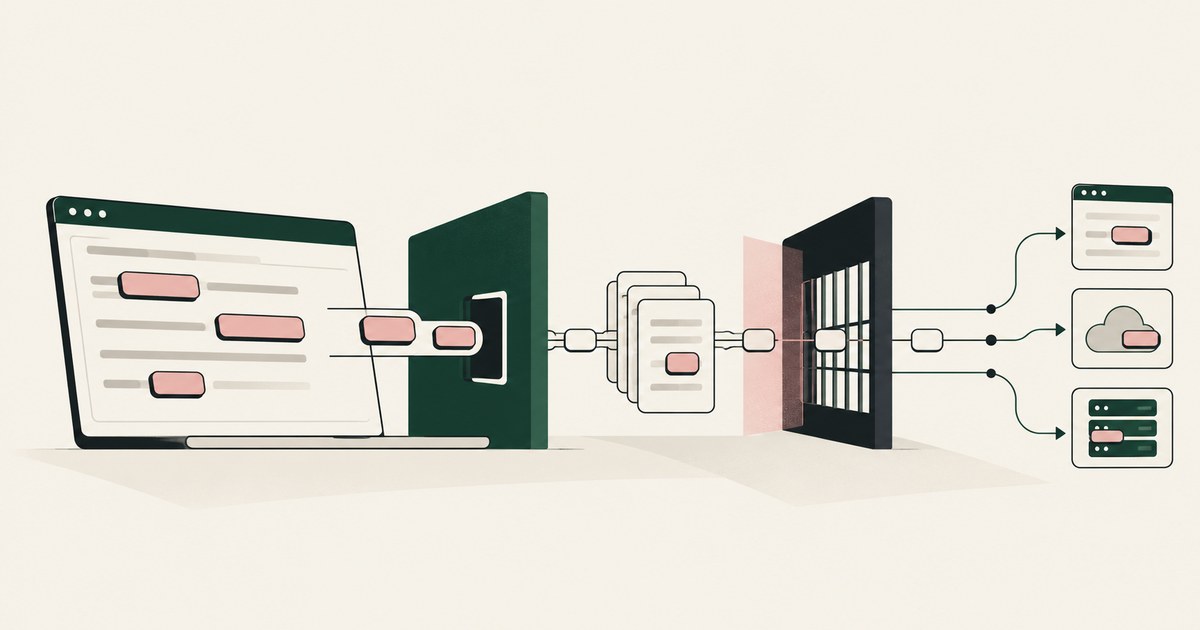
Nightfall AI inspects prompts, uploads, API calls and MCP tool calls at its gateway; RedactSure replaces identifiers on the screen before a model reads it.
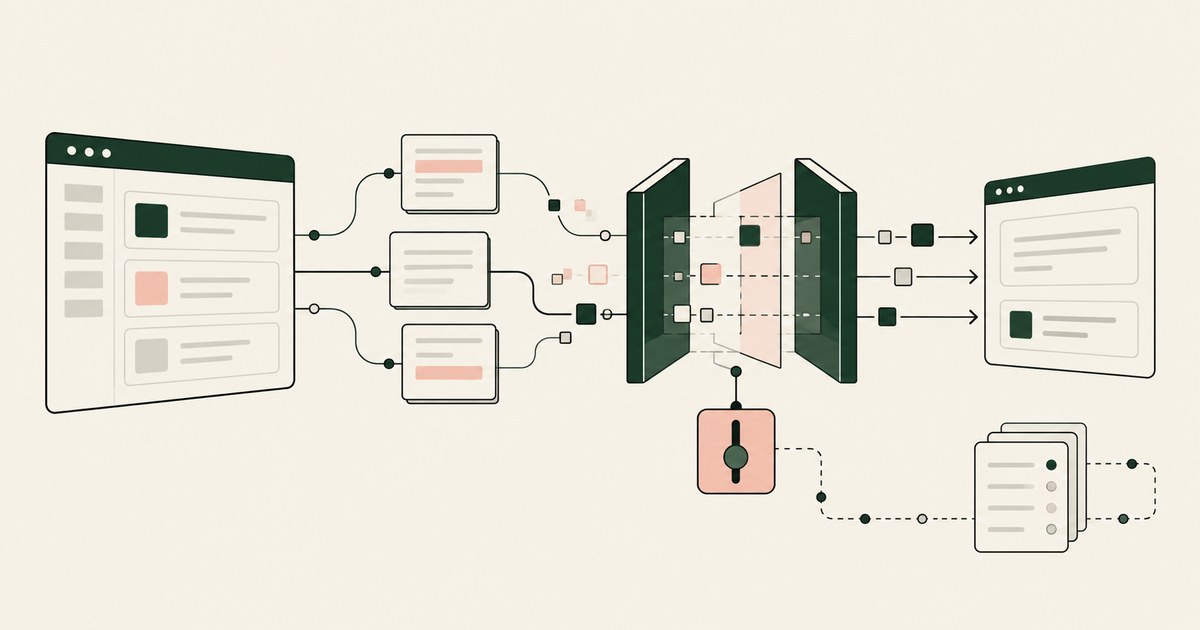
Noma Security masks sensitive data inline in traffic through gateways, hooks or SDKs; RedactSure replaces values on the screen before a model reads it.
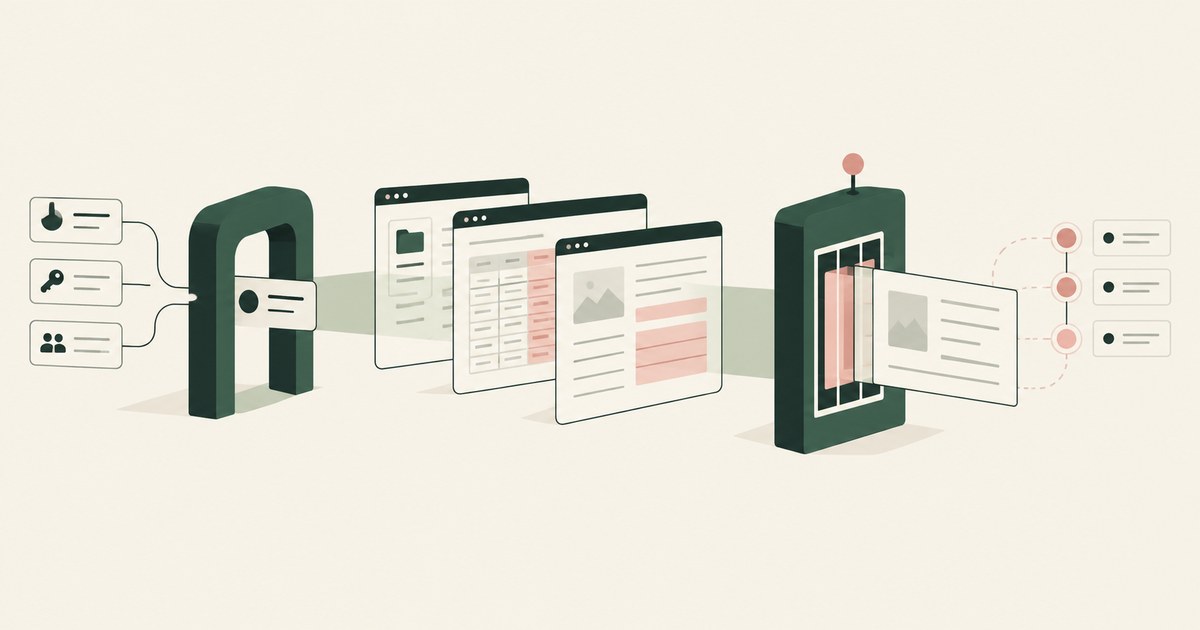
Okta registers each agent and scopes its reach per resource app through token exchange; RedactSure replaces values on the screen before a model reads it.
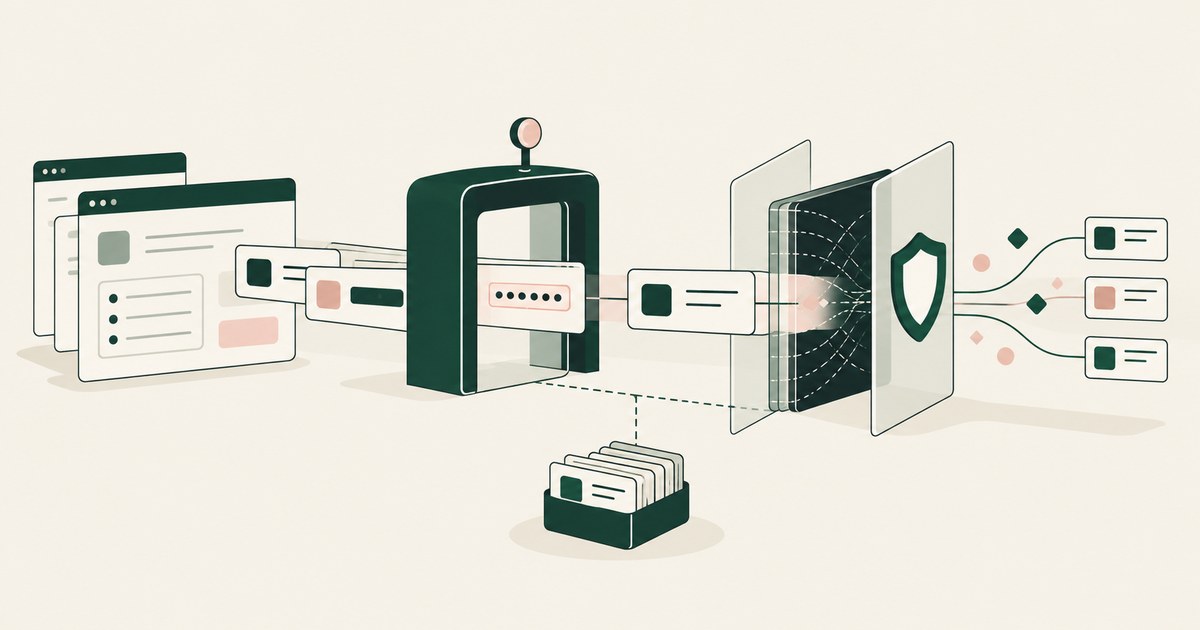
Prisma AIRS inspects the traffic between an AI application and its model; RedactSure replaces values on the rendered screen before any model reads them.
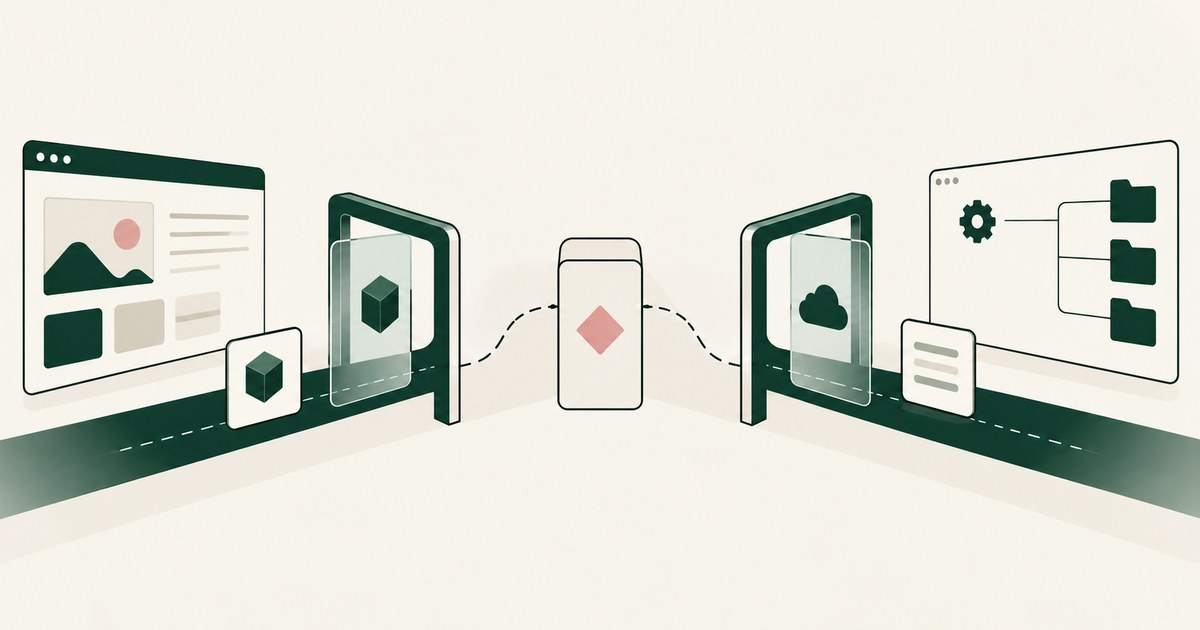
Prisma Browser inspects prompts and traffic at the browser boundary, while RedactSure replaces values on the rendered screen before any model reads it.
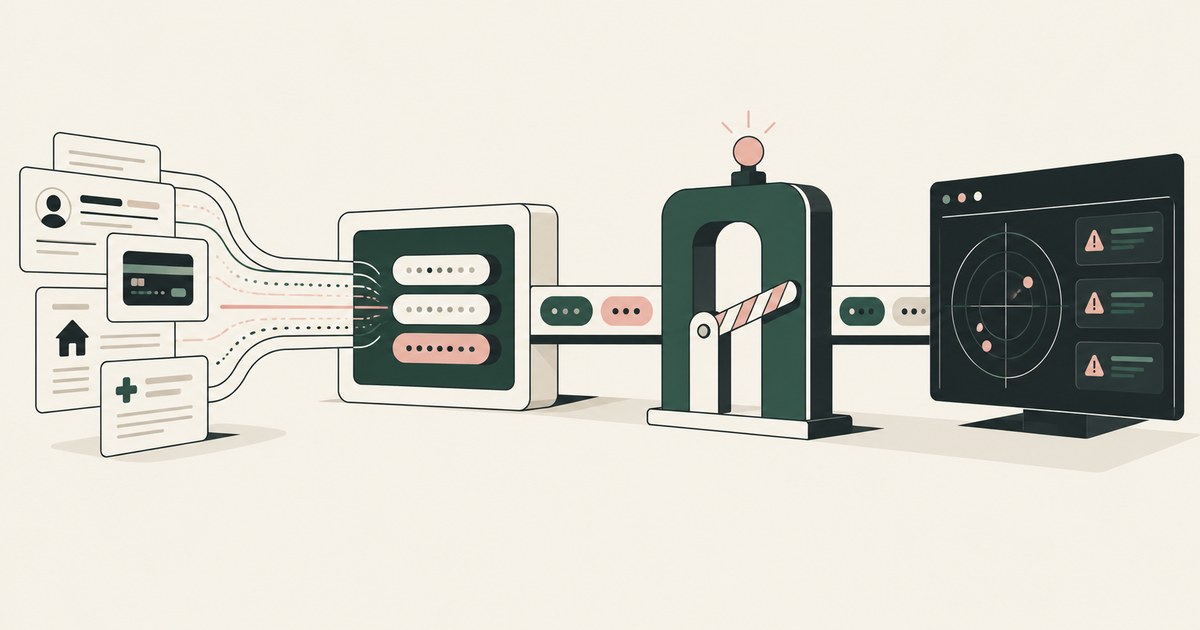
Radware inspects prompts, responses and tool calls at its proxy; RedactSure replaces values with tokens on the rendered screen before any model reads it.
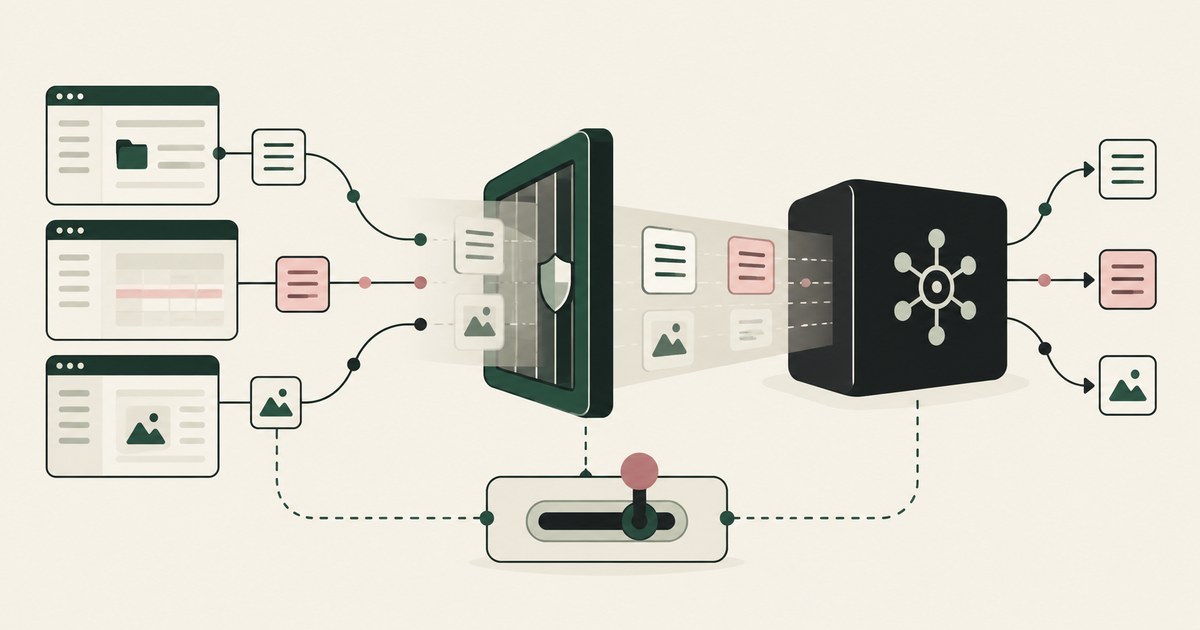
Securiti inspects prompts and model responses at its LLM firewall, while RedactSure replaces values on the rendered screen before any model reads it.
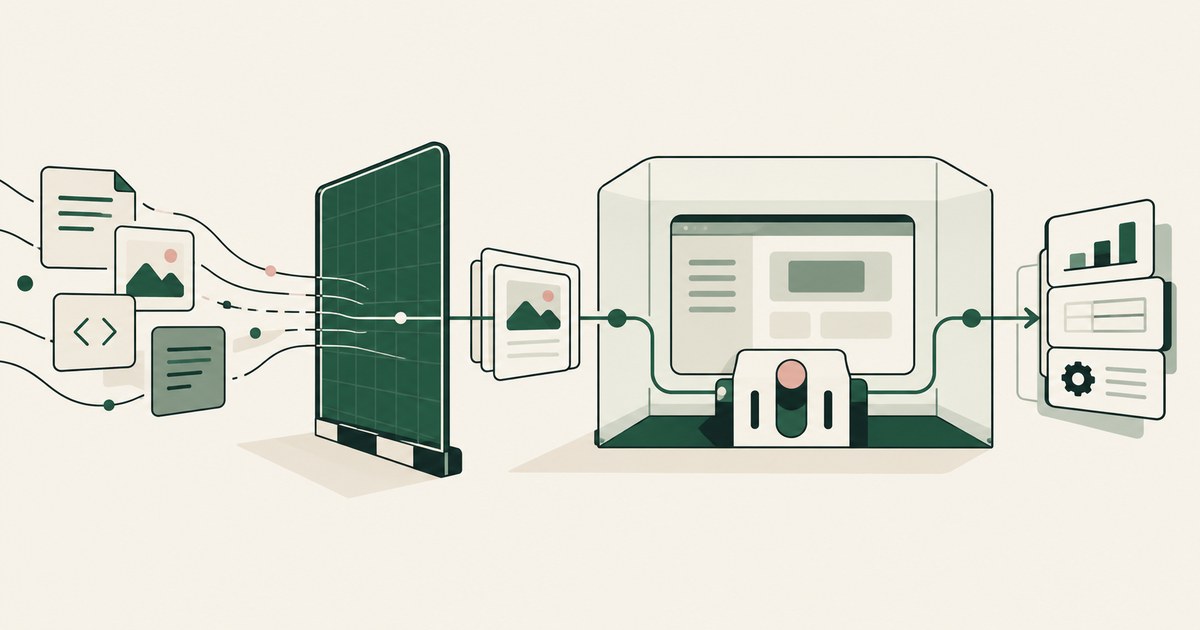
SentinelOne Prompt Security enforces policy on the exchange with an AI service; RedactSure replaces values on the rendered screen before a model reads it.
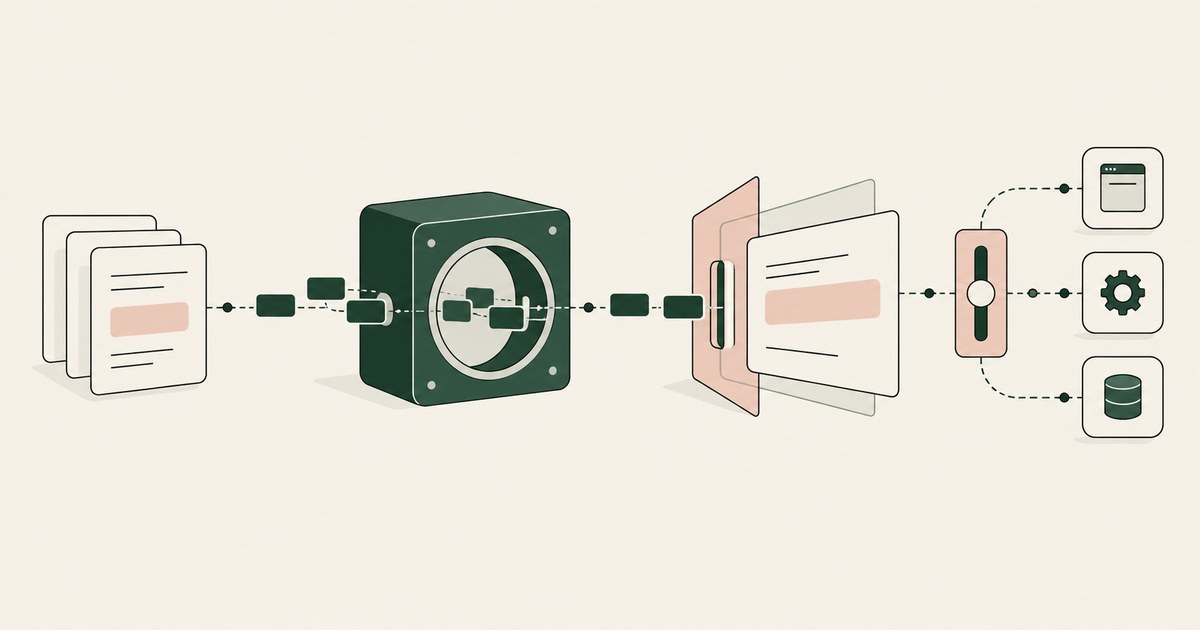
Skyflow governs data in a vault that applications are built against, while RedactSure replaces values on the rendered screen before any model reads it.
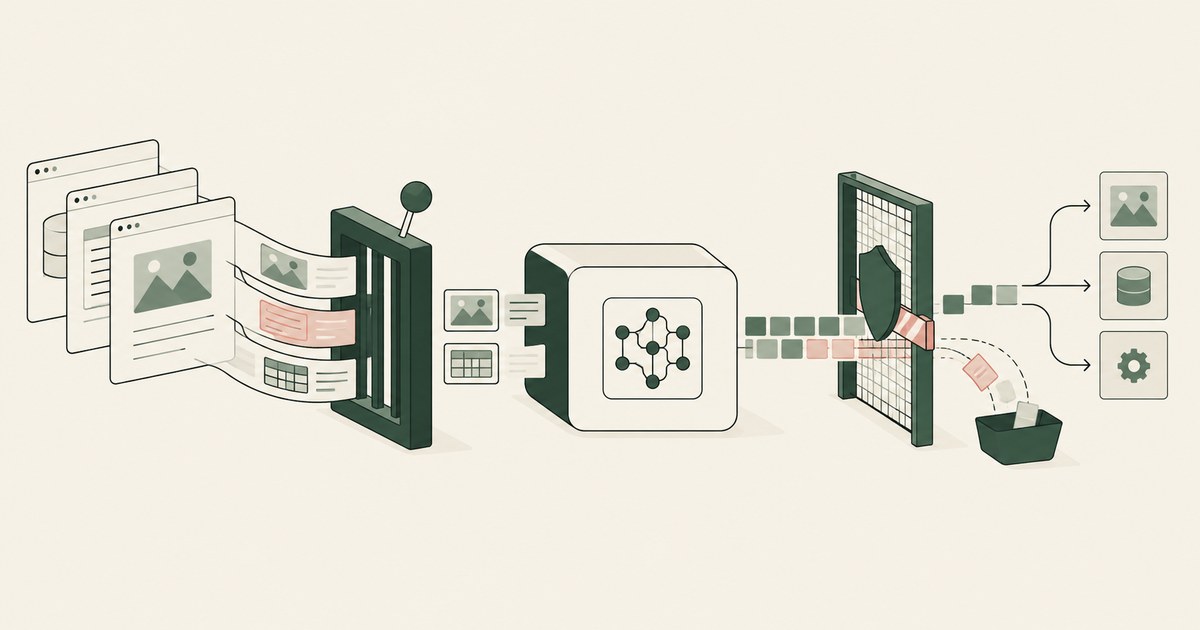
Straiker inspects the runtime trace an agent produces and blocks attacks; RedactSure replaces values on the rendered screen before any model reads it.
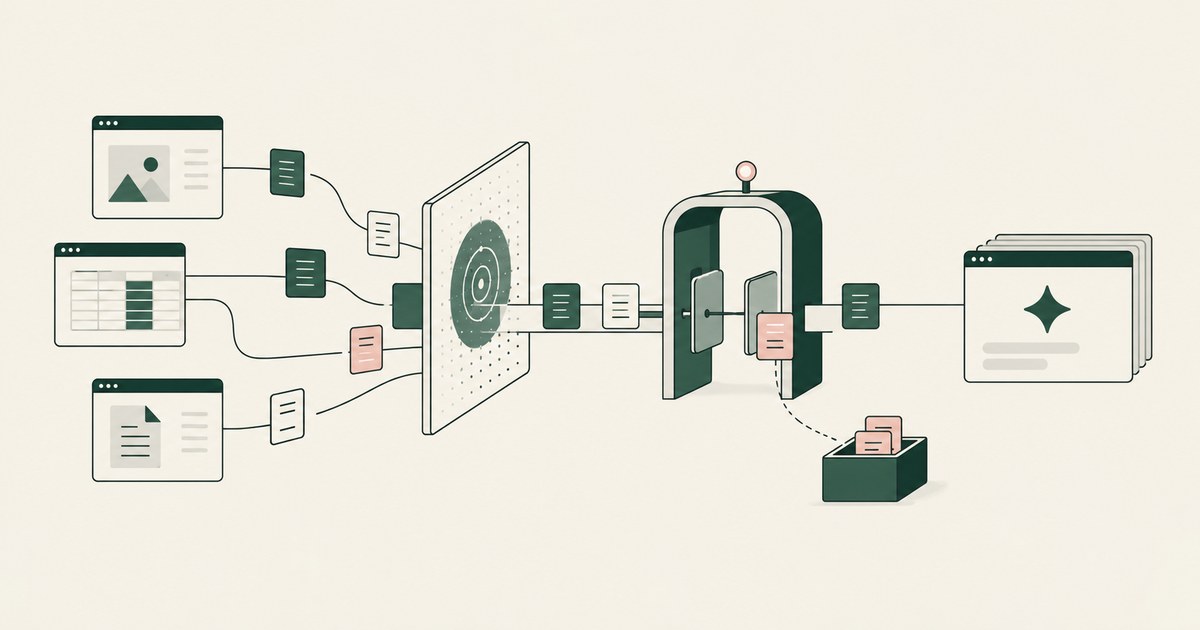
Varonis governs data an agent can reach and monitors prompts at its gateway; RedactSure replaces values on the rendered page before any model reads it.
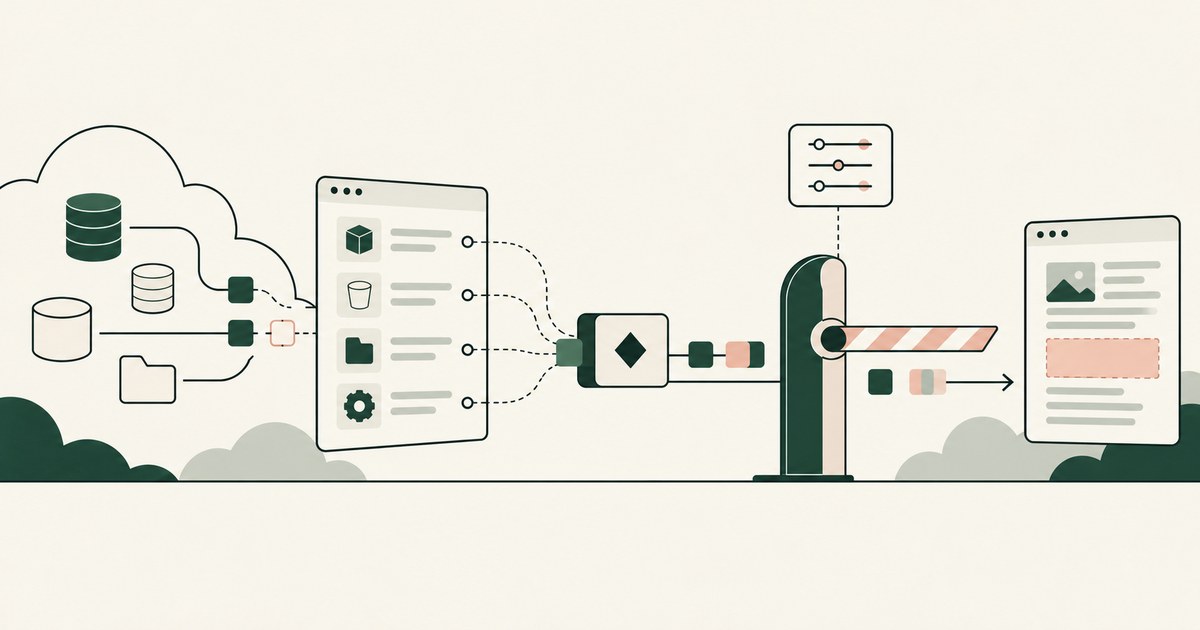
Wiz maps what an AI agent can reach across the cloud estate, while RedactSure replaces values on the rendered screen before any model reads them.
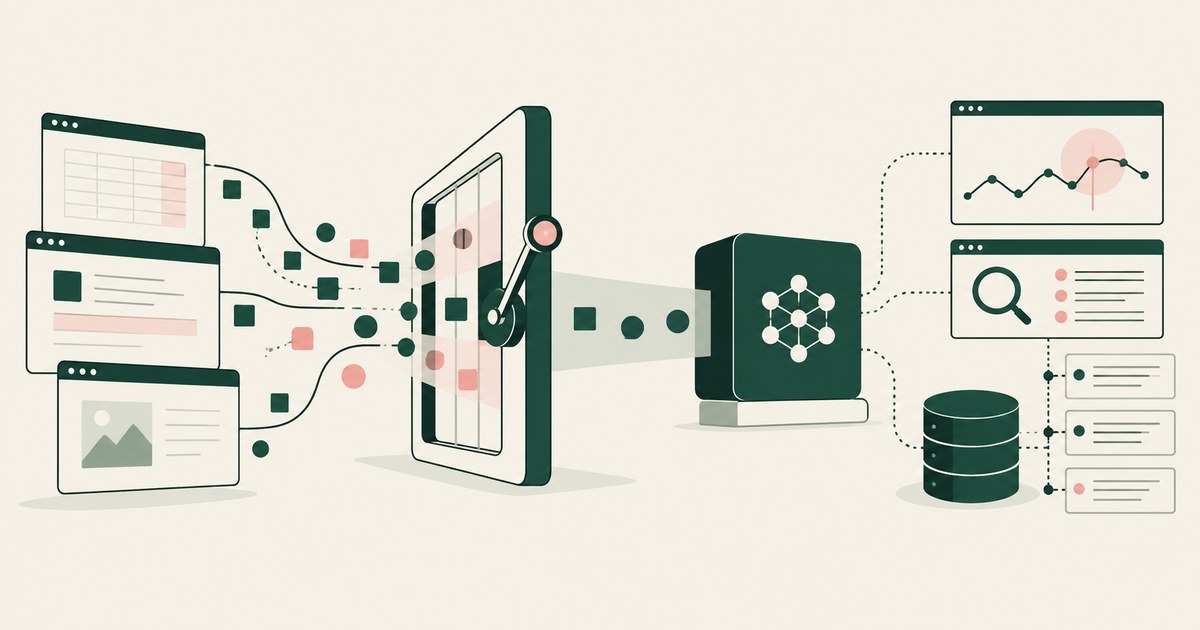
Zenity enforces policy inside an agent's run and blocks an unsafe action, while RedactSure puts tokens on the rendered screen before any model reads it.
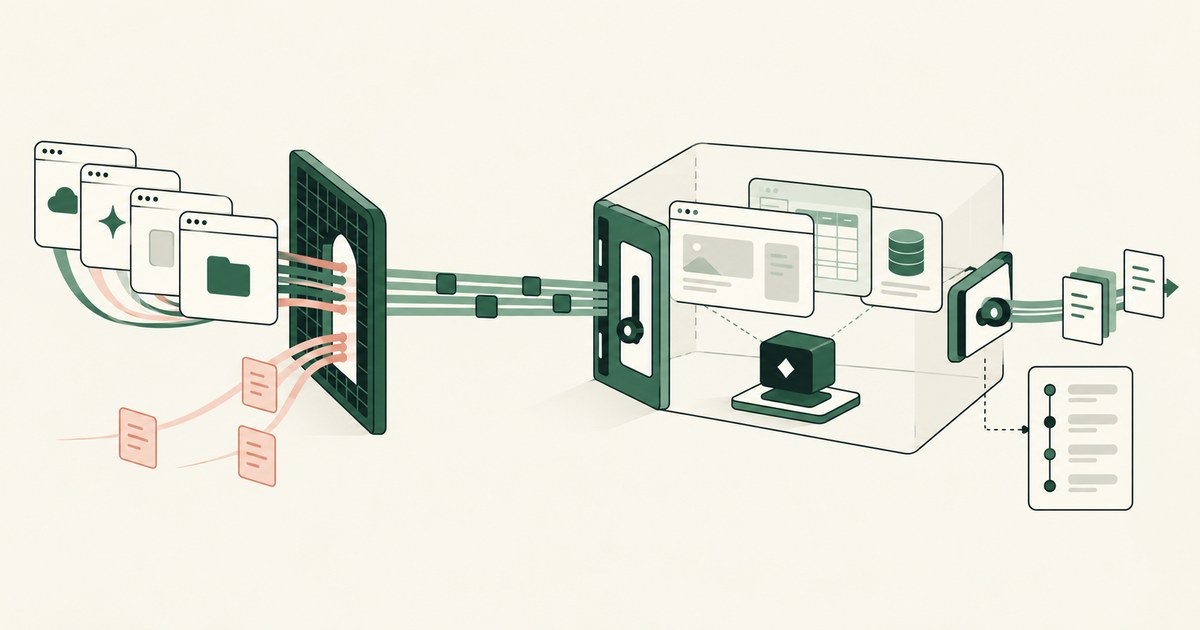
Zscaler filters data inline on the path an AI request travels, while RedactSure replaces values on the rendered screen before any model reads them.
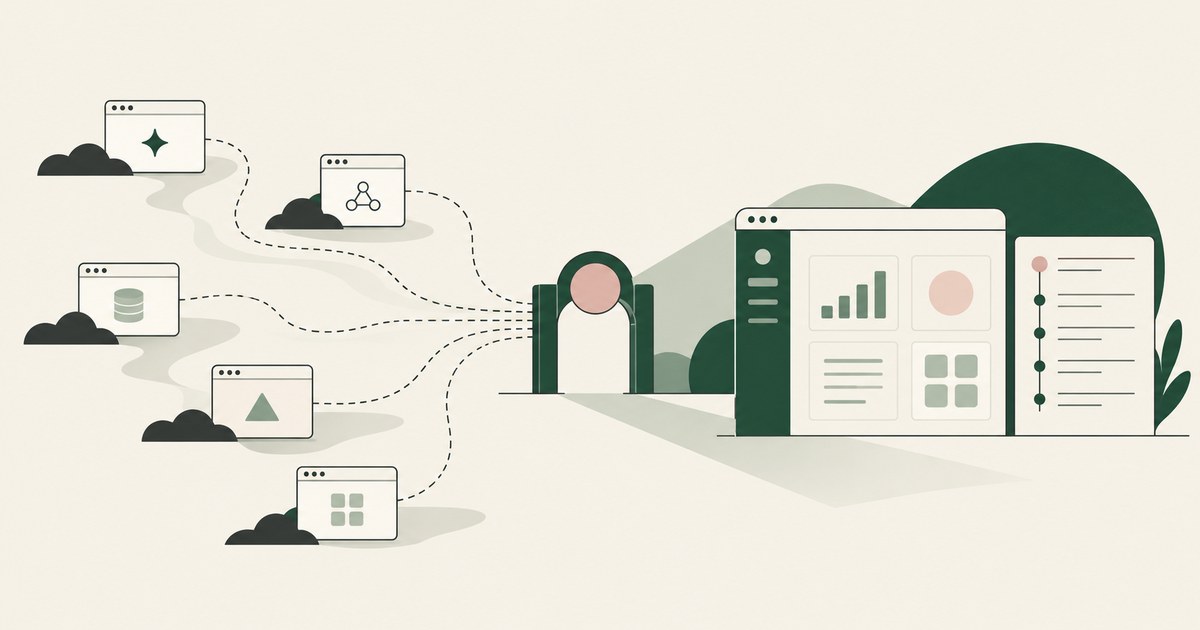
Review Reduce Shadow AI Agents Across Your Enterprise, with AI agent security, tokenization and approval checks for sensitive enterprise workflows.
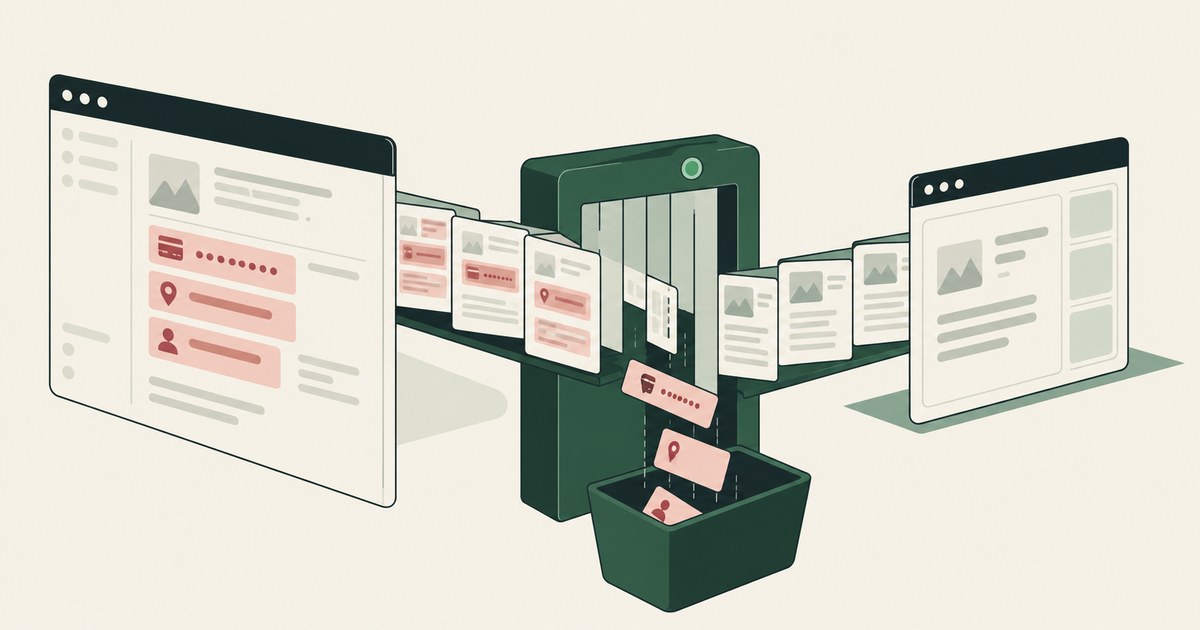
Review Protect Data From Screen-Reading AI Agents, with AI agent security, tokenization and approval checks for sensitive enterprise workflows.
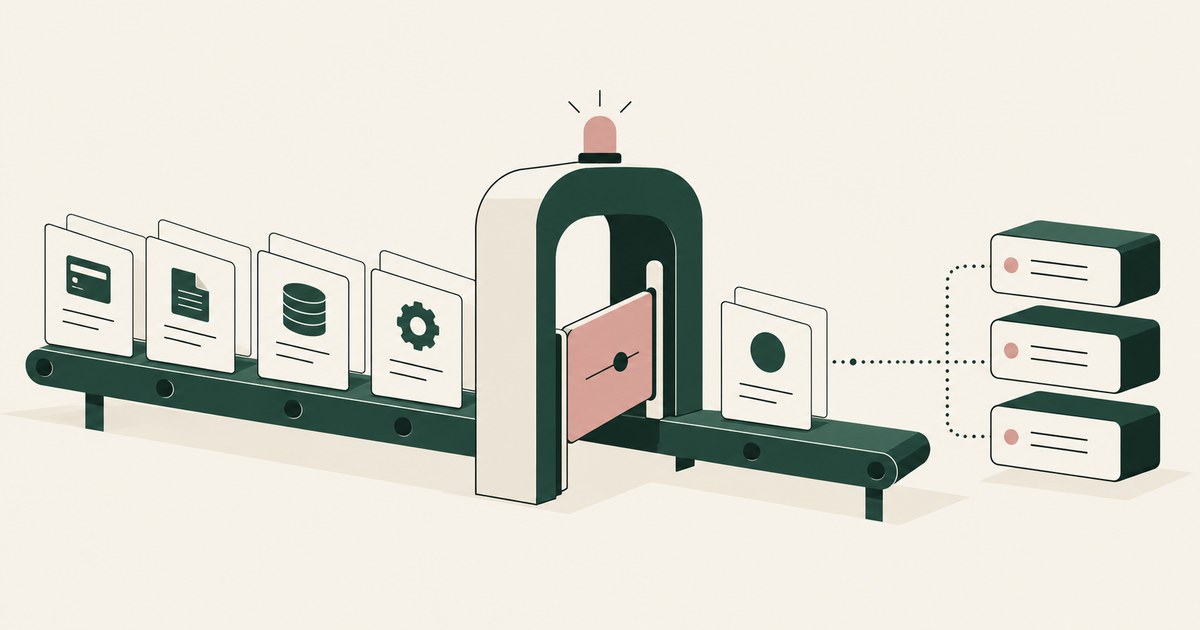
Review Reduce Rogue AI Agent Decisions, with AI agent security, tokenization and approval checks for sensitive enterprise workflows.
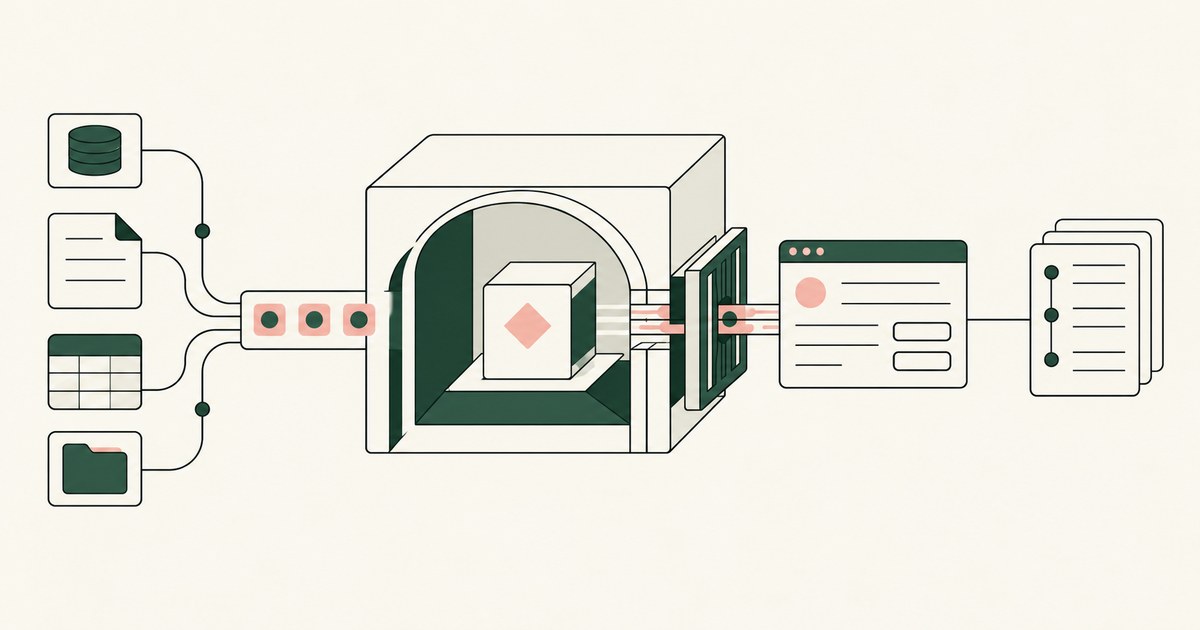
Review Secure AI Agents That Access Customer Data, with AI agent security, tokenization and approval checks for sensitive enterprise workflows.
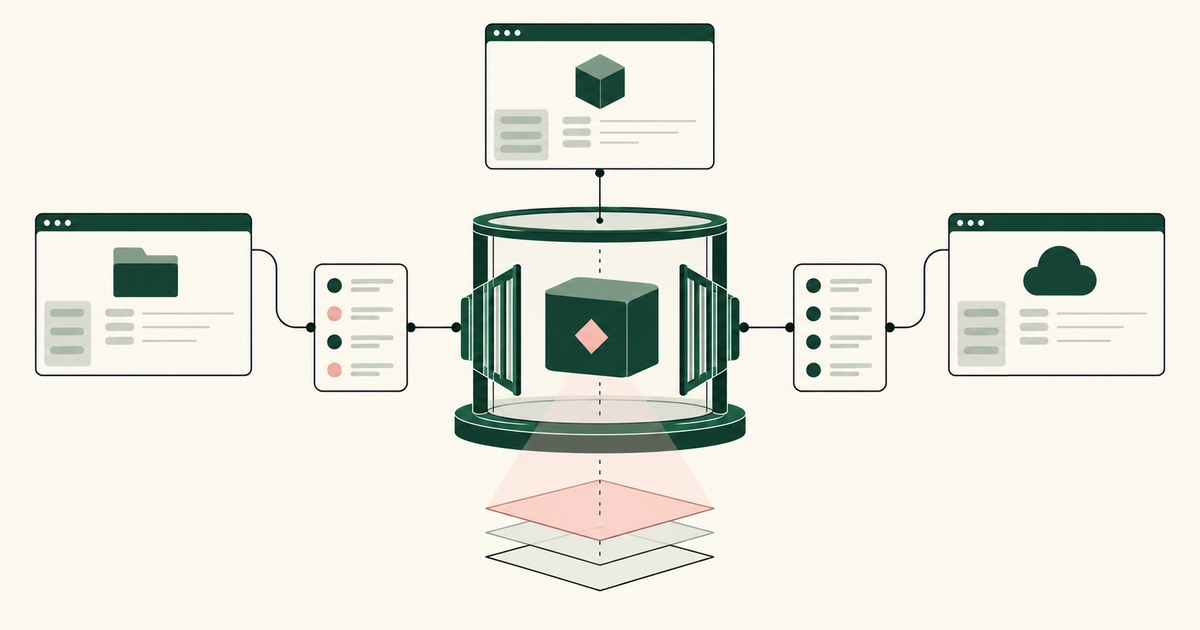
Review Secure AI Agents Across AWS, Azure and GCP, with AI agent security, tokenization and approval checks for sensitive enterprise workflows.
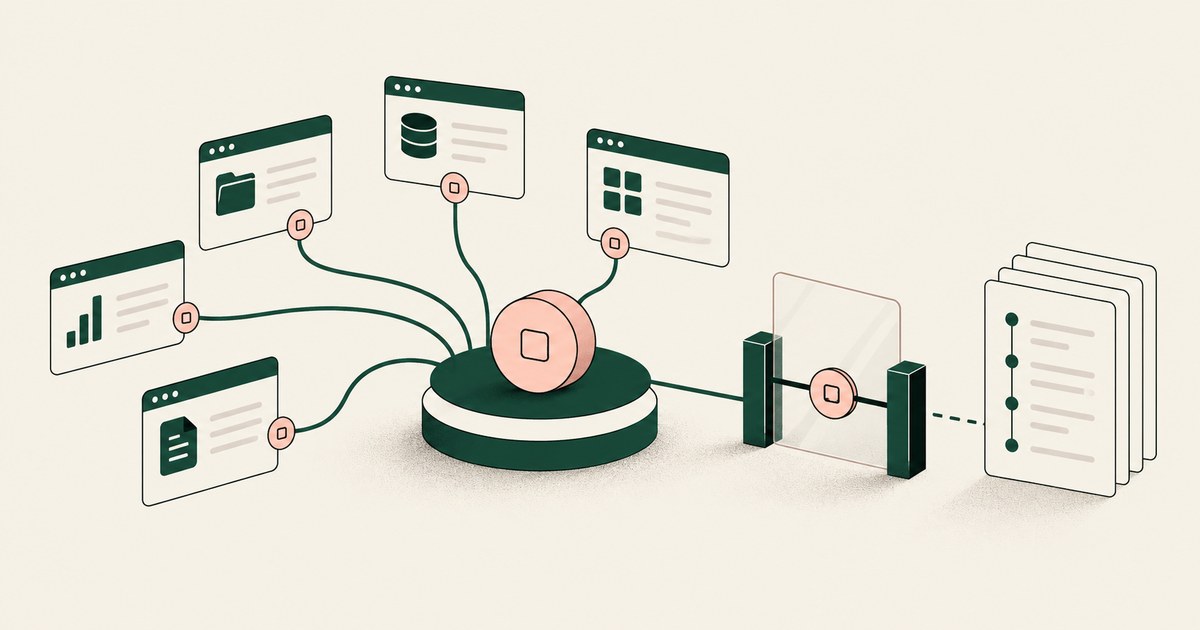
Review Secure AI Agents That Navigate Across Applications, with AI agent security, tokenization and approval checks for sensitive enterprise workflows.

Review Set Up an AI Control Record for AI Agents, with AI agent security, tokenization and approval checks for sensitive enterprise workflows.
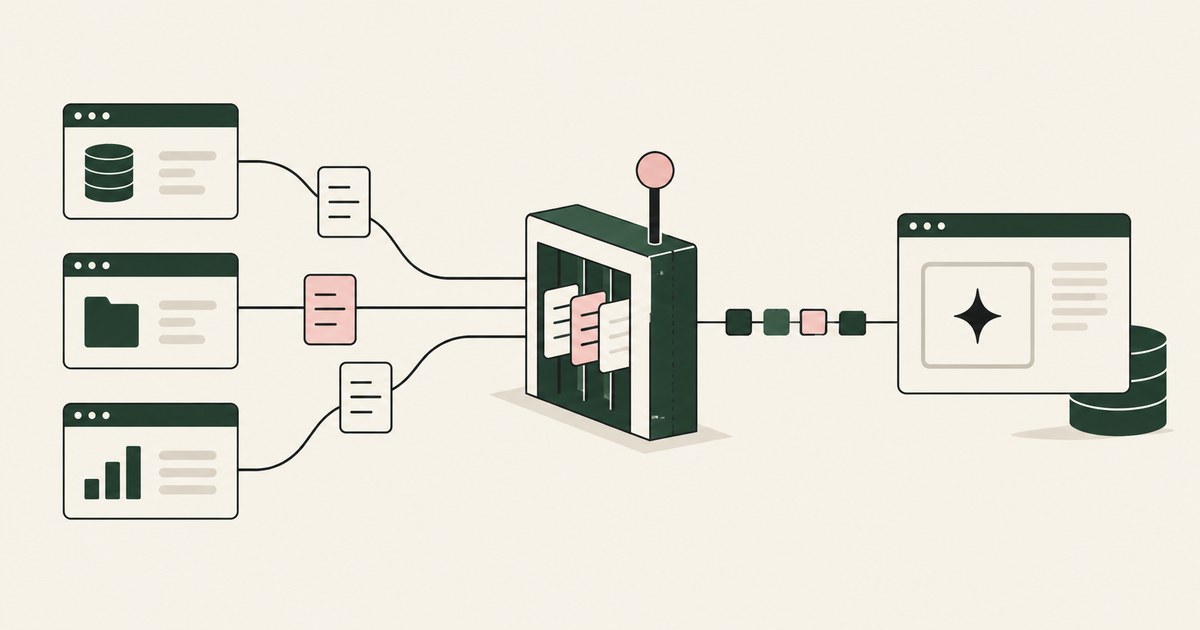
Review Limit Sensitive Data Access for AI Agents, with AI agent security, tokenization and approval checks for sensitive enterprise workflows.
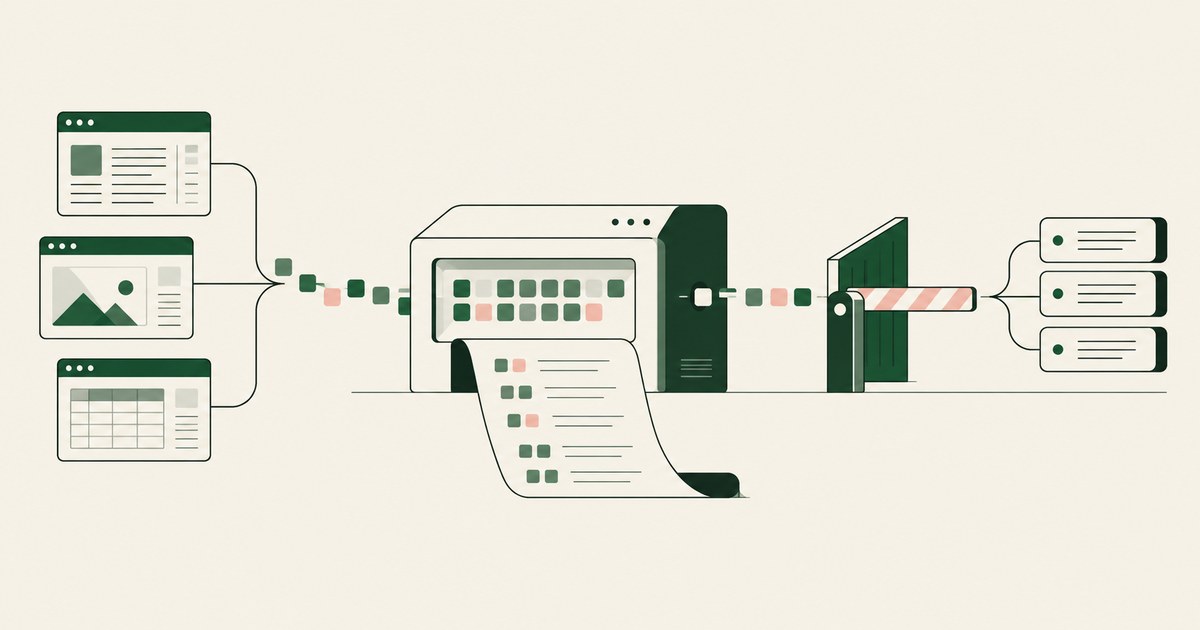
Review Monitor What an AI Agent Actually Accesses, with AI agent security, tokenization and approval checks for sensitive enterprise workflows.
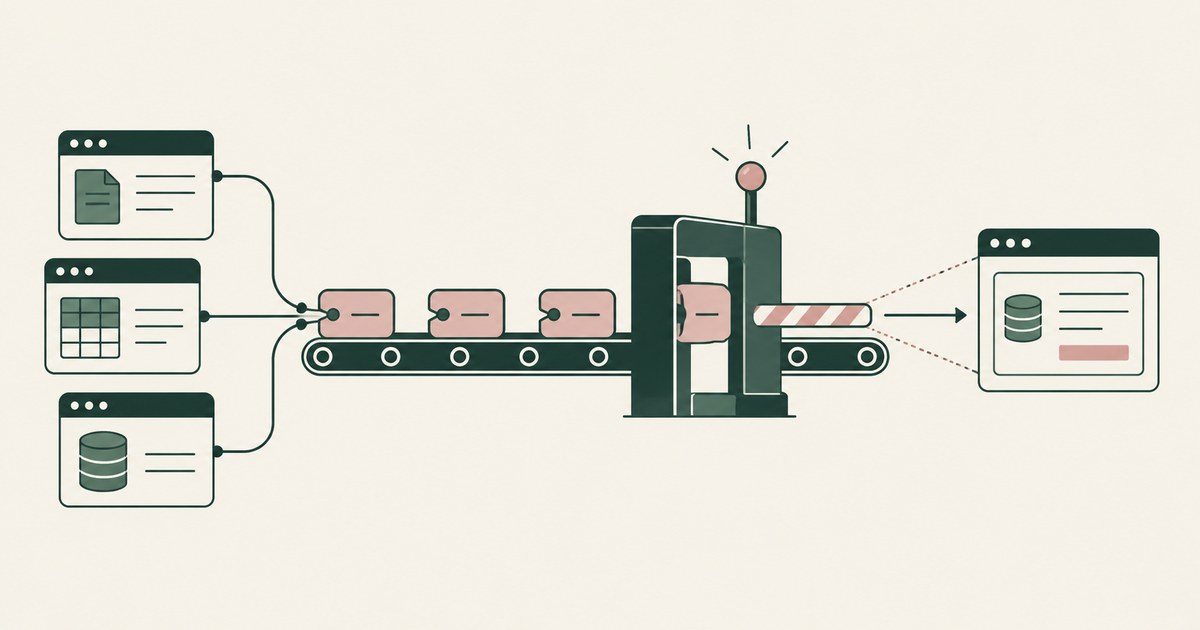
Review Prevent AI Agents From Oversharing Data Between Apps, with AI agent security, tokenization and approval checks for sensitive enterprise workflows.
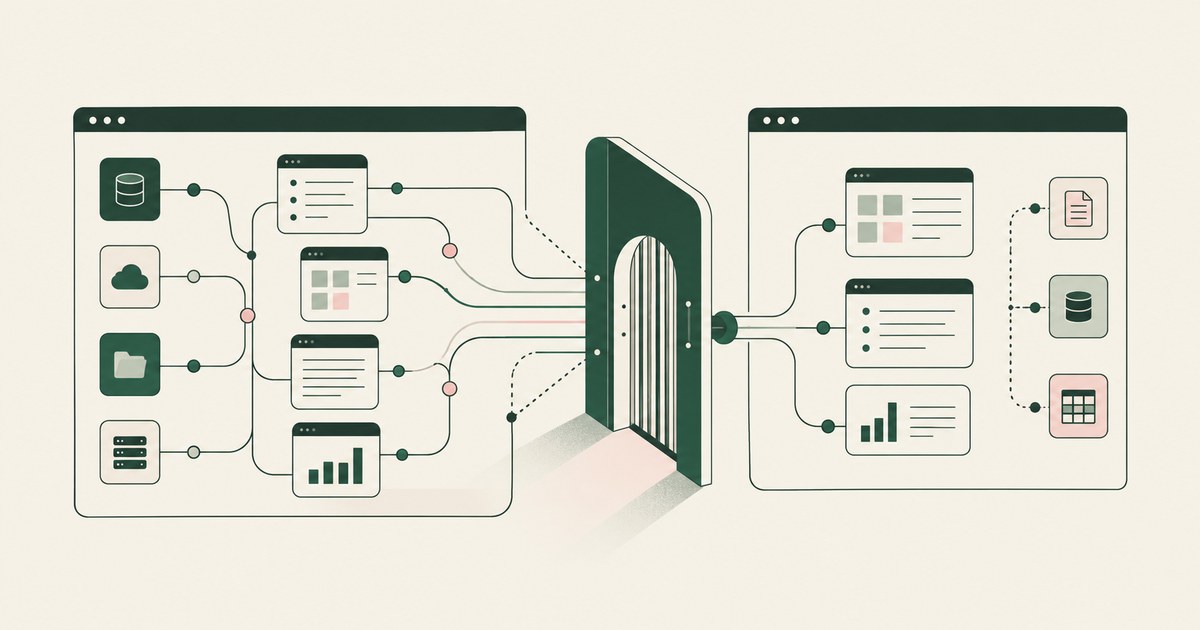
Review Map All the Data an AI Agent Can Reach, with AI agent security, tokenization and approval checks for sensitive enterprise workflows.
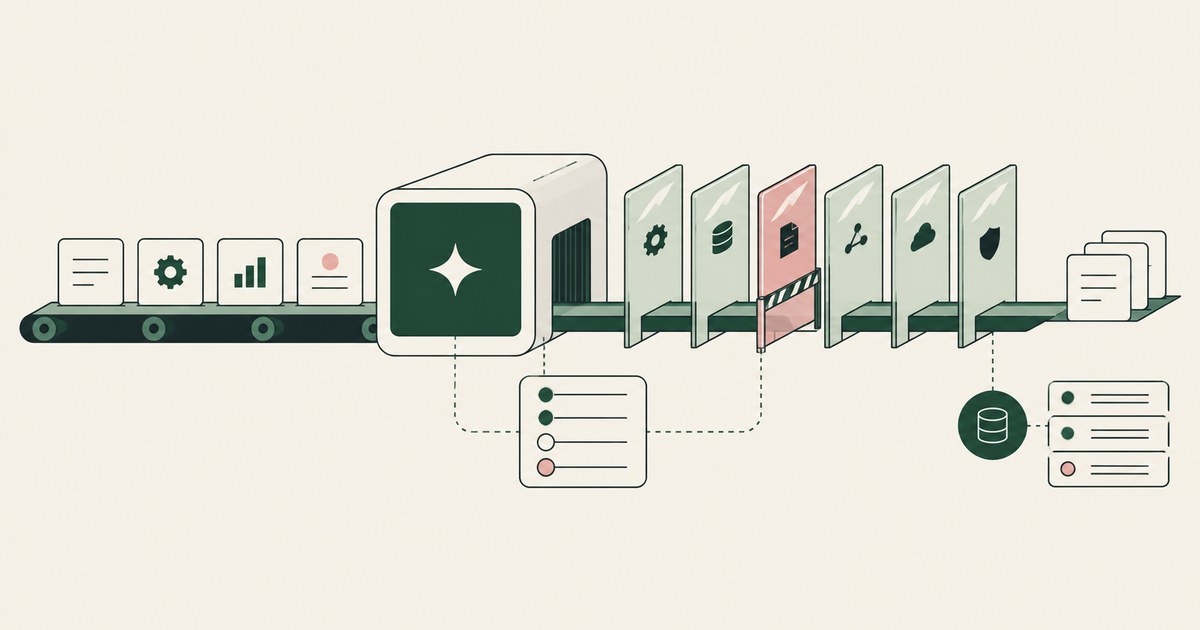
Review Secure AI Agents That Act Without Human Approval, with AI agent security, tokenization and approval checks for sensitive enterprise workflows.

Review Maintain Audit Trails for AI Agent Activity, with AI agent security, tokenization and approval checks for sensitive enterprise workflows.
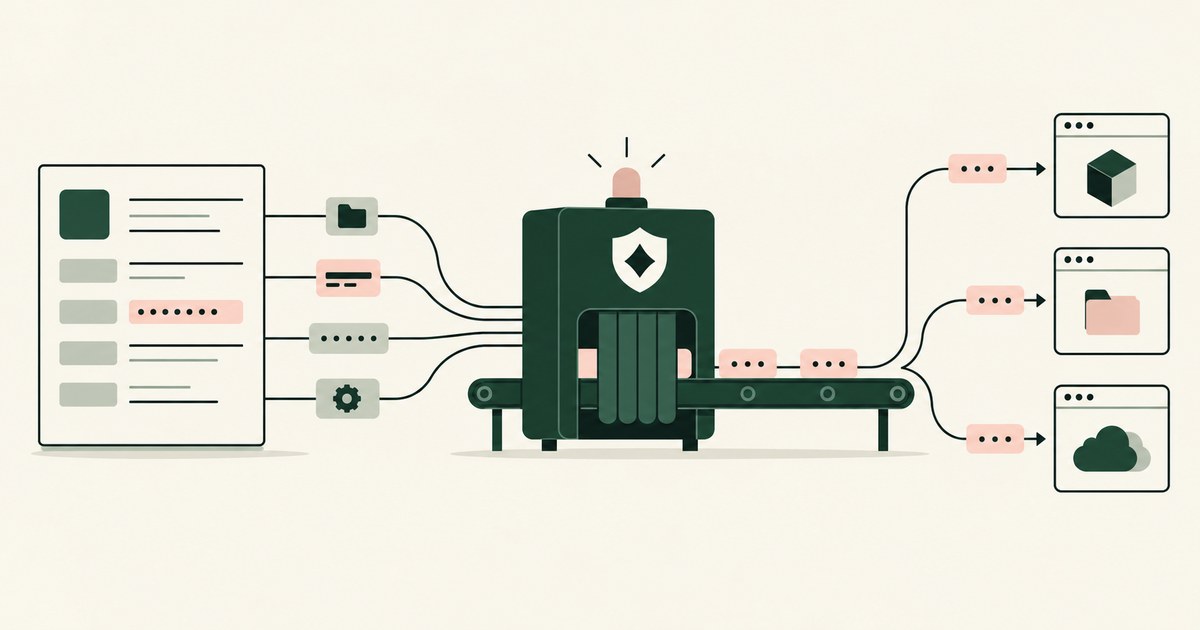
Review Protect Data Before ChatGPT, Claude or Gemini Sees It, with AI agent security, tokenization and approval checks for sensitive enterprise workflows.
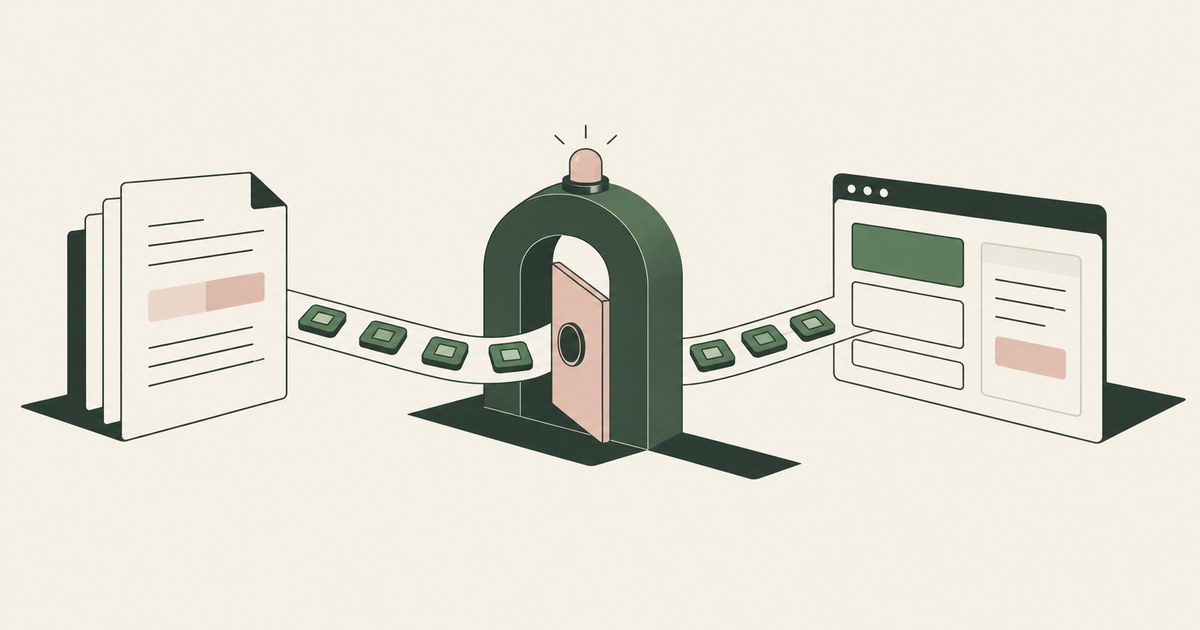
Review Secure AI Agents Reading Documents and Screens, with AI agent security, tokenization and approval checks for sensitive enterprise workflows.

Replace account numbers and other identifiers with tokens before the Gemini agent reads the screen, so memory holds ACCT_001, not the value.

Run one workflow and one record type with a page policy that replaces identifiers, a named approver and a reviewed record. Check it completes on tokens.
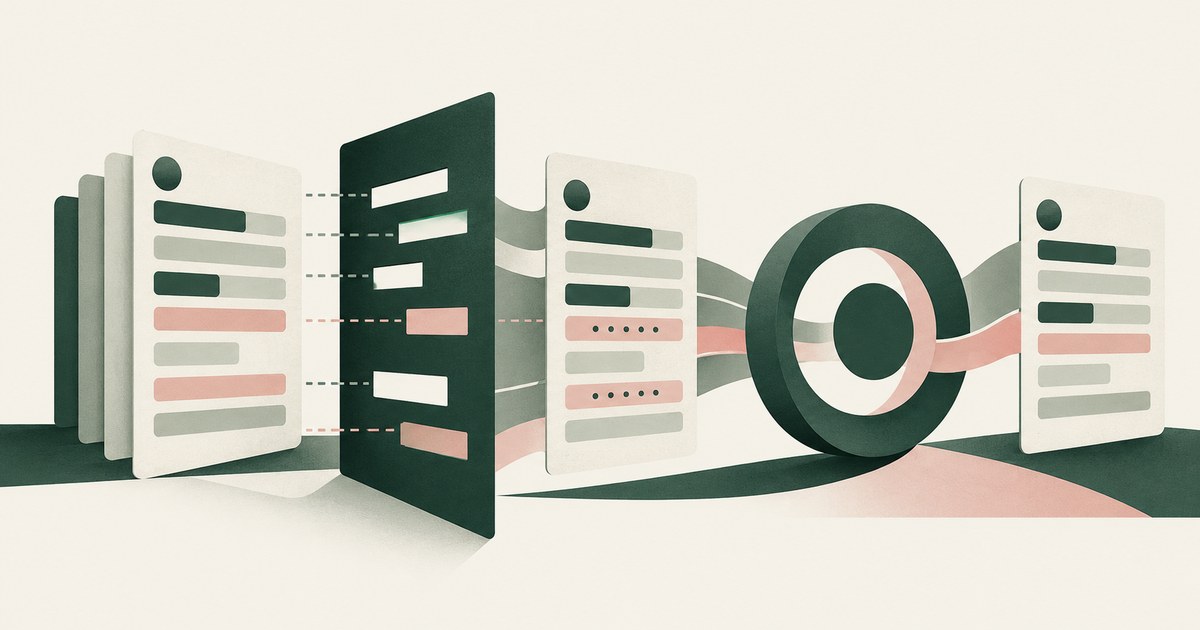
Use Dynamics security roles and column-level security to decide which fields the agent opens, then tokenize values before the model reads them.
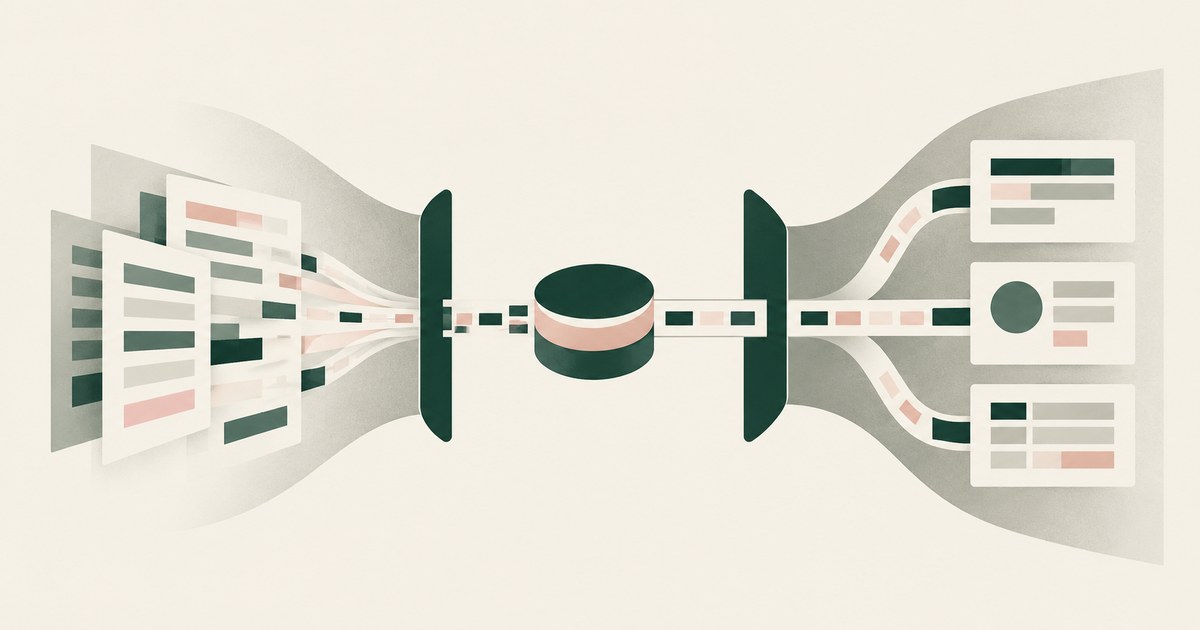
Give the agent its own identity and only the apps the workflow needs, then add what none of the three documents: tokens for out-of-task values on screen.
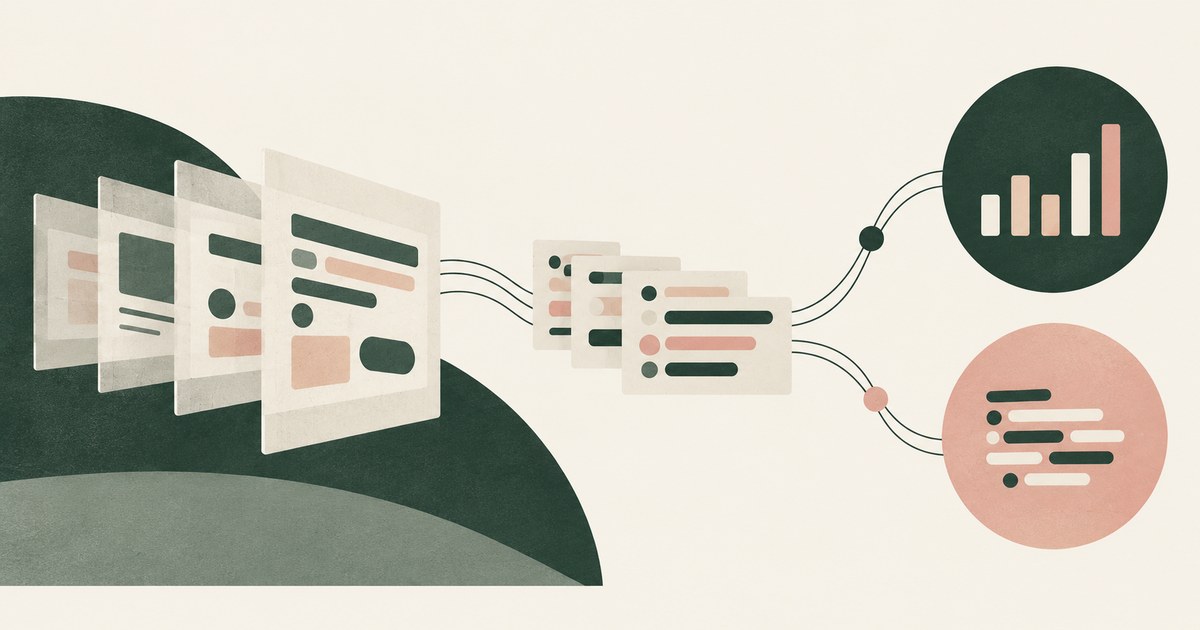
Post a per-run record of screens as tokens, actions and approvers via the Logs Ingestion API or HTTP Event Collector, then add a parser and a denial rule.

Seed one record type with canary values the task does not need, run with and without a page policy, then score completion and exposure together.

With a browser control that recognizes the credential as the page renders, encrypts it to a key the agent lacks and substitutes a token in the view.
With two settings: a domain allowlist that bounds navigation and a destination policy that bounds where a real value is released.
Assume the run is compromised: give the agent placeholders, references instead of credentials, a grant that expires with the task and a named approver.
Seal it to a key that exists only inside that sandbox: generate the keypair there, register the public half with the grant service.
Put three answers in writing before the review: what the agent holds, what it can reach, and what the record shows. Name the approver.
Use the platform's temporary credential, such as an STS token, a short-lived Vault token or a fine-grained token with an expiry.
Put the lifetime in the grant: a named run, one repository, one operation, and an adapter outside the agent that stops honoring it when the run closes.
Use a GitHub App installation token or a fine-grained token limited to one repository, and keep it out of the agent's process by brokering the call.
Make the environment the resource the grant names, with each environment's credential in its own adapter. Is production reachable from the sandbox?
Scope a fine-grained token or app installation to that repository with contents read, hand it to an adapter, and write the grant as one repository.
Put the token in an adapter outside the sandbox: it fetches one repository and copies a snapshot into the workspace, so the agent never holds the token.
Deny the files and variables that hold keys in sandbox.credentials and mask the ones the agent must use. The Read tool, MCP servers.
Put the credential in a process on the other side of the boundary that makes the call for the agent: the agent sends a reference.
Only when each credential passes through a component that records its use, such as a proxy that swaps in the real value.
Only a broker that logs each release can tell you; an agent holding credentials in its own environment leaves you grepping transcripts.
A proxy or adapter between the agent and the API supplies the key on the way out, as Claude Code, Docker, Browser Use and Devin each describe.
Grant the adapter, not the agent, a role limited to the resource types and region the task needs, with approval for anything that costs money.
Redact the logs before the agent reads them, or give it a view where identifiers become placeholders it can still correlate on.
Separate build from deploy: the agent produces the artifact and opens the change; a deploy step holding the credential runs outside its reach.
Give the agent a way to request the action, not the credential: a broker holding a repository-scoped token performs the push and the pull request for it.
Do not; seed a synthetic database or put the real one behind a view that returns placeholders. Every coding agent reviewed reads query results as text.
Never put long-lived keys in the agent's environment: have it assume a role for short-lived STS credentials with a task-scoped session policy.
Give the contractor's agent a credential scoped to one repository and one operation, held outside their reach and set to expire with the engagement.
A hijacked agent can only send to places it can reach, so bound the network first, bound where real values resolve second.
With three fields in the grant: which hosts the run may reach, which destination may receive a real value, and what the model reads on the page.
Give the agent an adapter, not the token: the adapter holds a repository-scoped token, the agent calls the adapter, and the adapter calls GitHub.
Plan from metadata: which accounts exist, which credentials exist by name and scope, and which service each belongs to, so the planner never reads a value.
With a record produced by design: the model received a reference such as GITHUB_TOKEN_01, the value resolved only at an approved destination.
Revoke the grant where the service enforces it, at the identity provider, gateway or adapter, and the next call fails. Clearing context is a race.
Give each developer a separate vault path and key, cap any one grant with a team policy, and hold shared credentials in a service layer.
Rotate at the service, revoke the old value and update the one place that holds it. If that place is the agent's environment.
Give each agent its own environment and its own grant on the shared repository, so a credential one agent holds is useless in another's hands.
Write the grant as five fields, service, resource, operation, destination and lifetime, then issue a credential that can do only that via a session policy.
Write the rule as four bounds: services a credential may unlock, operations it may perform, how long it stays live, and the second approver for production.
Only by changing what the browser renders to the agent: a render-layer control detects the token as it appears, stores it and shows a reference.
Write the grant as a slip: a planner turns the sentence into a service, resource, operation, destination and lifetime, resolves each against metadata.
Only if the receiving service checks the grant itself: scope, term and approver, against a key or policy the requester cannot edit.
Zero seconds is the right default: a credential the agent never receives cannot outlive its task. Where it must hold one.
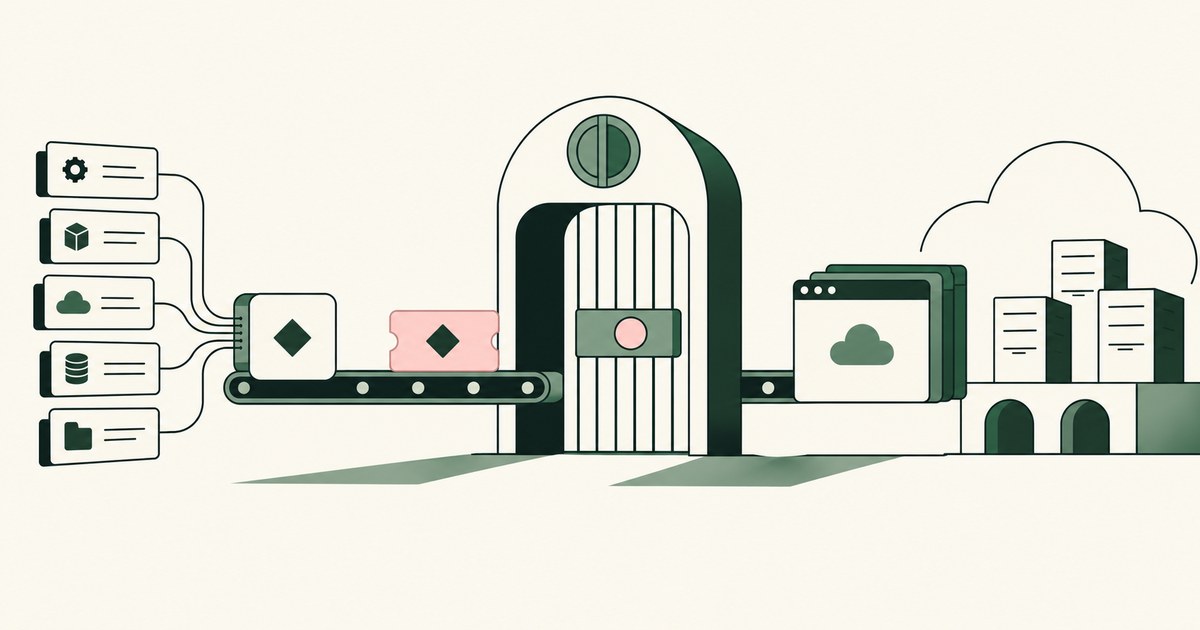
Review Use AI Agents for Google Cloud Deployment, with AI agent security, tokenization and approval checks for sensitive enterprise workflows.
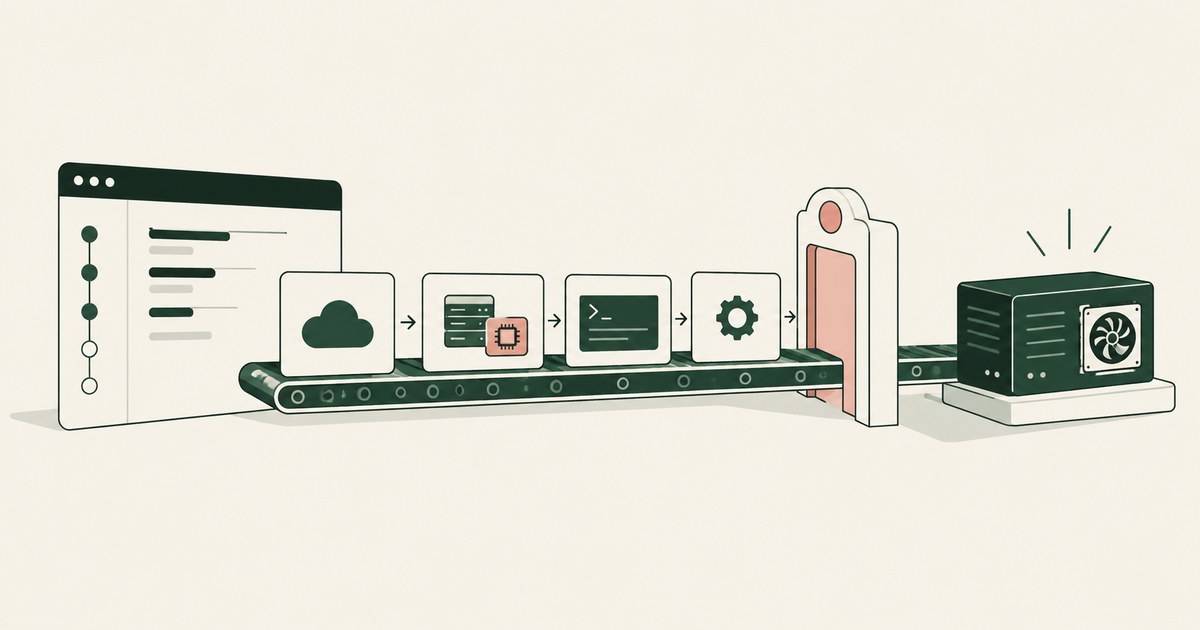
Review Use AI Agents to Launch an EC2 GPU Instance, with AI agent security, tokenization and approval checks for sensitive enterprise workflows.
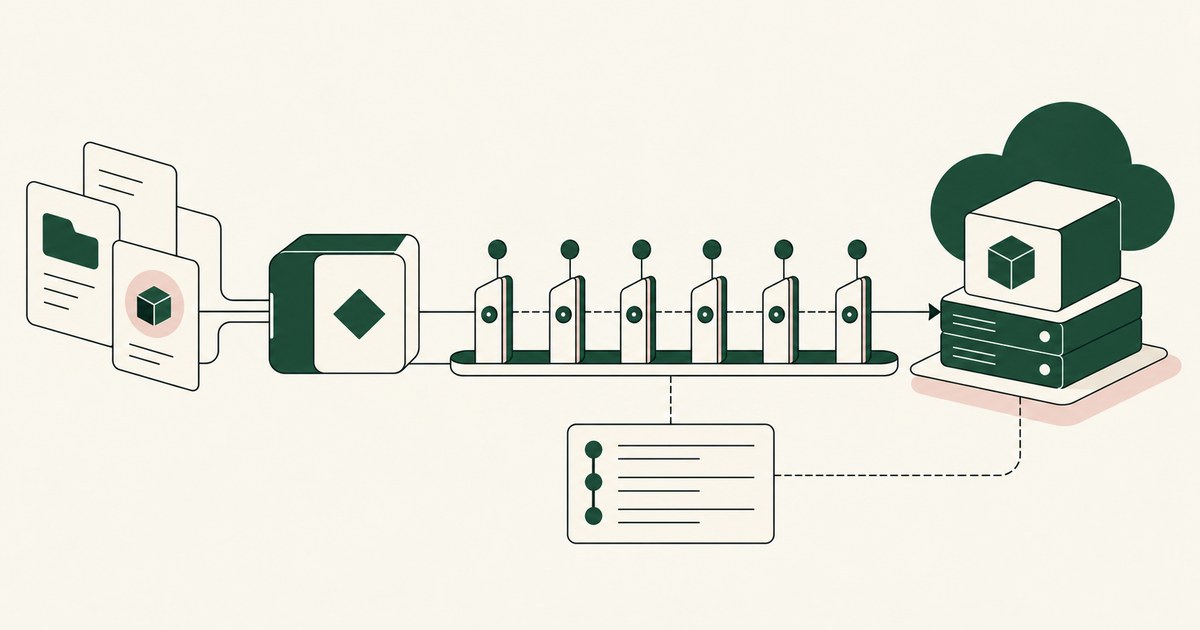
Review Use AI Agents to Deploy Azure GPU Virtual Machines, with AI agent security, tokenization and approval checks for sensitive enterprise workflows.
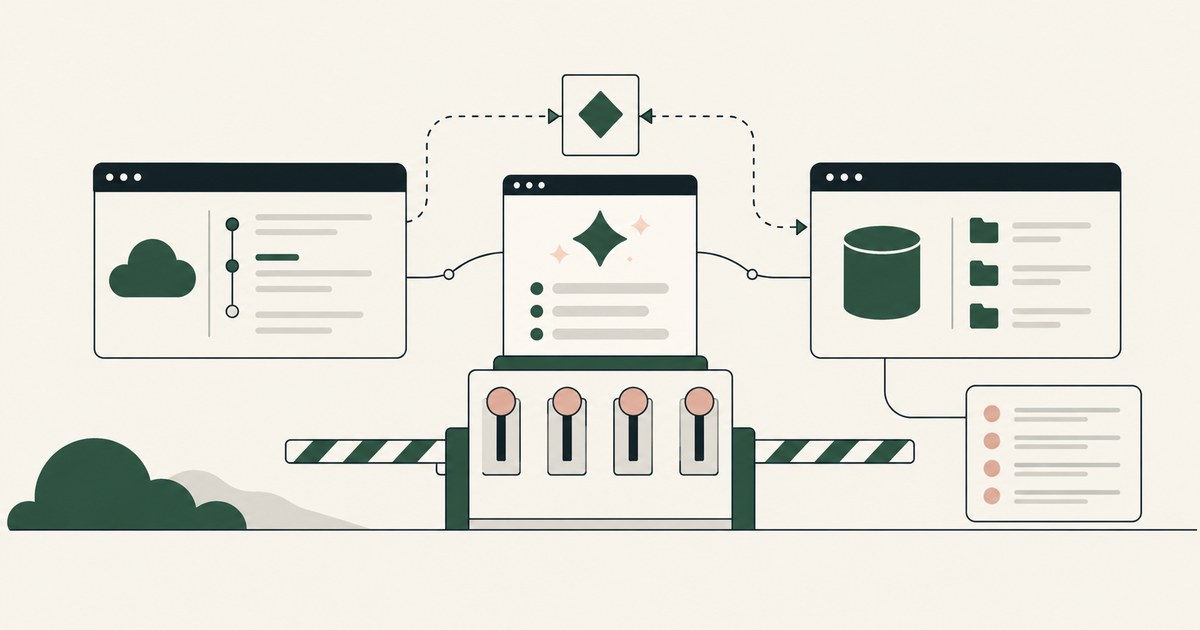
Review Set Up S3 and GitHub With Cowork or Dots, with AI agent security, tokenization and approval checks for sensitive enterprise workflows.
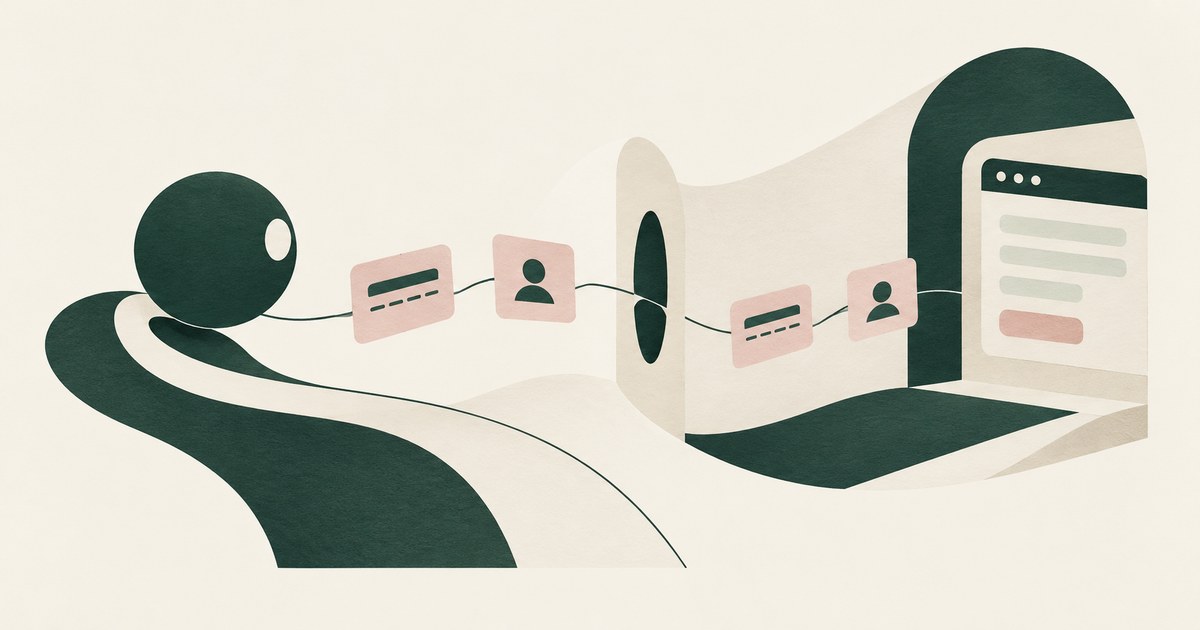
Yes, if card and identity fields reach the agent as tokens and real values are inserted only at checkout after approval. Check how the payment step works.

No. The agent should run under a delegated session with a scoped admin role, never the administrator's password. Check which identity the session runs as.
Swap the key for a token as the dashboard renders it, and resolve the real value in the approved field when a person confirms. Check where keys show.
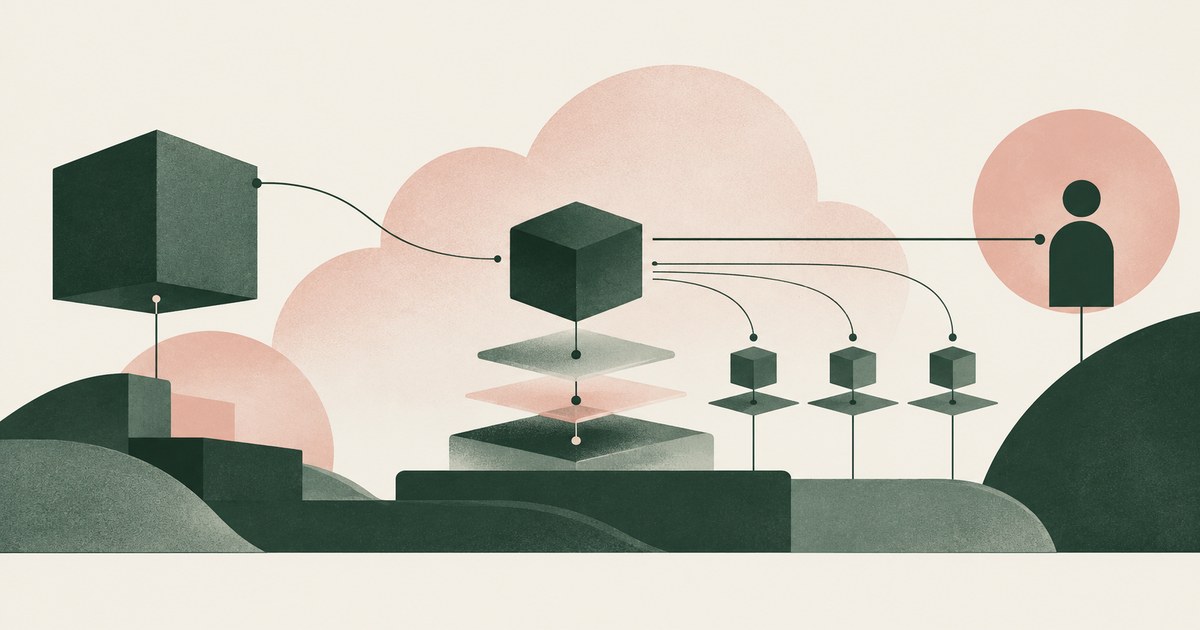
Only when the agent never holds root or owner credentials, works under scoped roles, and a named person approves billing, IAM and network changes.

Whatever the pages render: account emails, SSH key fingerprints, token names and scopes, and any new token shown once. Check which values reach the model.
Yes: an injected instruction to paste what the agent just read is the simplest exfiltration. Vendor controls govern typing, not what the model was shown.
Yes, on every step: the rendered page is the prompt, so whatever the customer record shows, the model receives. Check what each screen passes to the model.
Yes, through placeholder substitution at fill time, which Browser Use and Skyvern document. The gap is the next page, where the typed value can reappear.
Yes, when a password manager or the framework fills the one-time code outside the model. Check the session it opens and who approves actions.
Yes: the console renders the new key and the agent reads the page. Only a control acting at render time keeps a displayed key from the model.
An agent attached to your browser profile uses your session cookies, and a script tool can read any cookie not marked HttpOnly.
If the agent types the password, yes. The exception is a password manager that fills the field outside the agent's view, as 1Password documents for agents.
Yes, in the same ways a person can, and secret scanning catches it only after the commit. An agent that never held the key cannot commit it;
No, when approval requires an act the agent cannot perform: a grant signed with a key it does not hold. Where request and answer share a process.
Yes, by asking: a mid-task request should produce a new permission slip naming scope, reason and duration, decided by a person the agent cannot overrule.
Yes, if the agent can write to the workflow path: one added step can print the job's credentials on the next run. Check who may merge workflow changes.
Yes, when a dependency arrives as text the agent acts on: a typosquatted or invented package runs inside the agent's environment.
Yes, if the token it holds can write to the destination: the instruction is one line in a README or issue. Check which repositories the grant can write to.
Yes, if the agent holds an unexpired token and can reach a host the attacker chose. Check the reachable destinations and whether the agent holds the value.
It can ask, and in documented tools the default answer is a prompt, not a boundary. An agent that can edit its own permission file has escalated.
Rarely through the wall: coding agent sandboxes cover shell commands, while file tools, MCP servers, hooks and web fetches run outside.
Any agent with filesystem access can read ~/.aws/credentials unless the harness blocks the path. Claude Code and Cursor document path blocks;
Yes: Docker and Claude Code pair a sentinel with a proxy so the agent names a credential by reference. Check which side holds the real value.
Yes, when the agent treats issue text as its task: anyone who can file an issue supplies instructions. Check who can file issues and what the token allows.
Yes, when the grant carries a lifetime and the enforcing component stops honoring it at task end. Ask where the lifetime is set and recorded.
Yes, wherever an agent acts on review comments: a comment is text from whoever can post it. Check which authors can trigger the agent and what it holds.
Yes: a README inside a dependency is text written by a stranger that the agent reads as documentation. Sources document mitigations and limits.
Not from stored ciphertext if the private key never leaves you, but a service that acts with the credential must decrypt it.
Yes, when a vault or gateway receives the redirect and keeps the refresh token. Who receives the authorization code at the consent screen decides custody.
Not on an ordinary form: the agent that types the signing key holds it, and a form that echoes the saved key hands it back on every visit.
Yes, if the agent builds against test keys and a live key never enters the model's context. A live secret key is shown once at creation;
Not with any control in the vendor pages reviewed: rotation prints the new key on the page the agent reads. Ask if it is captured as it renders.
Yes, if a credential manager generates and fills the password outside the agent's view. Check what the agent reads after signup:
Yes, when the card number is entered where the agent cannot read it: a person completes the step, the environment submits it, or the model sees CARD_001.
Yes, as long as something resolves the placeholder at the point of use: a proxy, a form fill or an adapter. Check if the real value reappears.
Yes, unless ~/.ssh is denied in sandbox.credentials, and even then only for sandboxed commands. Deny the directory outright;
Yes, when the request leaves the sandbox with a placeholder and the credential is attached outside it, on the host or at a proxy.
Yes: a browser agent can act on text a person never sees, and researchers have shown hidden instructions that screenshot-reading agents followed.
Yes, when the request is bound to one action and the answer travels on a channel you hold. Check what the prompt shows and how long it lasts.
Yes, when the sandbox runs your harness as untrusted code and keeps the credential outside it, as Docker and E2B document.
Yes, by operation: a credential can read a repository without permission to write, and a grant can name clone so a push is refused.
Yes, when the value never entered the agent's environment by design and the record shows a reference; no, when the proof is a transcript search.
Yes, if the instance role is scoped to one task and the agent gets the credential through an adapter, not the metadata endpoint.
Yes: a coding agent runs on whatever machine you give it, and Claude Code documents local and hosted sessions. Inventory the server's credentials first.
A masked credential appears as a sentinel in sandboxed command output, but anything read through the Read tool appears as read.
Yes, when one grant lets an agent write, approve and deploy a change as the same principal. Keep the approver a named person and the deploy key outside.
For the token, yes: one repository, a short permission list and an expiry. It does not change who holds the credential, so check where the string sits.
A role removes the static key file but leaves a temporary credential any process on the machine can collect from the metadata address, the agent included.
Yes. A GPU instance request commits money the moment it is submitted, so the approval belongs on that request, with a named person and a record.
Yes, and the first use is where the approval belongs: it sets scope, destination and lifetime, and later calls within them need no new prompt.
If it drives your browser, yes: Browser Use documents a mode that automates your existing Chrome. A coding agent that only runs commands does not.
Partly: a detector stops the injections its classifier recognizes, and the ones it misses reach an agent holding whatever its context contains.
At the margin: a stronger model follows injected instructions less often, but when it does it still holds whatever the page rendered.
Often yes: an extension agent such as Claude in Chrome works inside the browser you are signed into. Launch agents in a fresh, narrow profile.
Yes, in proportion to what the agent holds: auto-approve with placeholders is convenience; with a live token in the environment it is an open exit.
By default it can, like any file in the working tree; a sandbox.credentials deny rule stops sandboxed Bash. The Read tool runs outside the sandbox.
Not during the agent phase: Codex removes secrets before the agent starts and exposes them only to setup scripts. Environment variables persist.
Cursor ignores .env* by default and blocks paths in .cursorignore from the agent, but its pages do not say the default alone blocks reads.
Yes, as the default: a fresh sandbox removes files, state and credentials an earlier task left behind. Copilot and Codex use per-task environments.
It needs its own grant; whether that is a new credential or a scoped use of one depends on the platform. A per-task grant ends with the task;
Yes, when the seeded rows identify a person: a test label changes the environment, not the data. Check whether the rows are real and what the model gets.
Not as a network cost: the swap runs on the machine hosting the sandbox, where a local proxy rewrites the header without an extra hop.
No, not when placeholders are consistent: an agent shown ACCT_001 on every page can correlate it and finish. Losses come from inconsistent placeholders.
Whatever is in the context goes to the vendor's model for the request; retention and training depend on the plan. Zero-data-retention governs storage.
Less, and still some: an agent with no credentials can still push, delete or post under whatever grant it carries. Who approves those actions?
No, not in plain Docker: a container protects the host from the agent while anything mounted or set as an env var sits inside with it.
They plant instructions in content an agent reads that tell it to collect a credential it can reach and send it out. Check the lethal trifecta and remove .
Through anything the agent reads: a README, an issue, a comment, an error message, a web page or a package description. List what your agent reads.
No: a sandbox contains what a process can reach and send. Credentials, repository data, tools outside the boundary and approval of actions are left open.
Only partly: with sandboxing on and the token masked, shell commands see a sentinel and the value is injected only for api.github.com.
Safer than typing them, when a password manager fills the field on a person's approval, because the password never reaches the model.
Only when the key is captured at the moment it appears: a new key is shown once, on the page or in the response the agent reads.
Yes, when the agent works from a scoped, short-lived grant and a named person approves the cost and exposure of each resource.
Reading the docs is safe; the open GitHub session in the same profile is not, because a docs page can tell the agent to use it.
Neither is safer by default: the laptop keeps your sessions and files, the cloud keeps the vendor's custody and retention.
Everything the console renders for its role: access key IDs, a newly created credential on the IAM page, Secrets Manager values once opened.
Every field the page renders: a token at creation, SSH key titles and fingerprints, an app's client secret on the page that generates it.
Tokens, page text the policy left in the clear, and the fact of the action, but not the values behind them. Check which fields are tokenized.
Start instances, read buckets, rewrite IAM and run up a bill; the limit is the key's policy and lifetime. Replace standing keys with task sessions.
Whatever the token it holds allows, so the reach of the token is the blast radius. Check each token's scope and whether the agent needs it at all.
Whatever the test environment loads: .env files, env var credentials, service account files and anything a test prints. Copilot secrets are env vars.
A grant written before the task starts: one task, one scope, a credential the agent never holds, and a named approval for anything consequential.
Lost means gone: the ciphertext cannot be opened, so each credential it covered must be revoked and reissued at the issuing service.
It stays live, usable by whatever holds it, until its lifetime ends or someone revokes it, unless a control holds it unusable until a person approves.
If the credential was inside, teardown ends the process but not the copies in transcripts and logs; if it sat in an adapter outside.
The request stops at the boundary that holds the credential: it is refused, the run continues without the value, and the refusal is recorded.
GitHub shows the new token once, the agent reads it as it renders, and from then on the string sits in its context and transcript.
As little as the task needs: start with the network off or an allowlist naming one destination, then open each further domain, with its method.
The repository the task works in, the tools it runs and the results of credentialed calls; not the credential, not the rest of the filesystem.
Five fields: the service that accepts the request, the resource it reaches, the operation it allows, the destination the result may go to.
The agent, service, resource, operation, destination and duration, plus the credential's name rather than its value. A visible credential is a red flag.
Four things: the first use of a credential, anything that spends money, anything irreversible such as a delete or production deploy.
An agent holding a credential is tested against the same trust services criteria as any service account: logical access, change management and monitoring.
The developer who owns the credential and knows the task: policy sets the menu and an admin can revoke, but only the person answering for the run decides.
The person who delegated the work, on a client or in a vault that person controls, while the agent holds only a reference.
Teams ban a coding agent when the credential it needs is broader than the task and nothing bounds what it reads on the way.
Because one component holding every permission is a single target, and a compromise there speaks for every service it fronts.
Because a hijacked agent spends a credential rather than files it: one approval covering both would hand the first injection everything the vault holds.
Reading a page and sending from it are different acts, and an injected instruction works through the second. Separate submission approval closes it.
Because the developer is the party who can be held to the grant; a vendor-held key makes the vendor the authority, and a vendor breach breaks it.
Not on any date a buyer can plan for: the benchmarks reviewed find current defenses only partly effective, and vendors describe layers, not immunity.

Review Why Is Prompt Injection Hidden in HTML, with AI agent security, tokenization and approval checks for sensitive enterprise workflows.
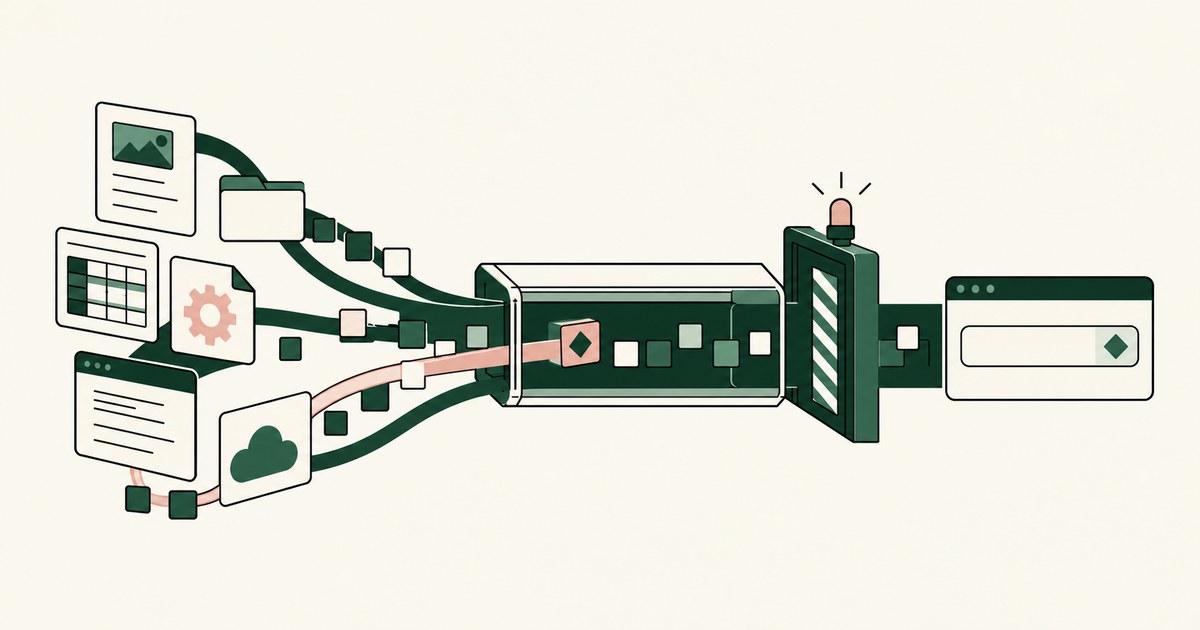
Review Do 80% of Prompt Injections Start Outside the Prompt, with AI agent security, tokenization and approval checks for sensitive enterprise workflows.
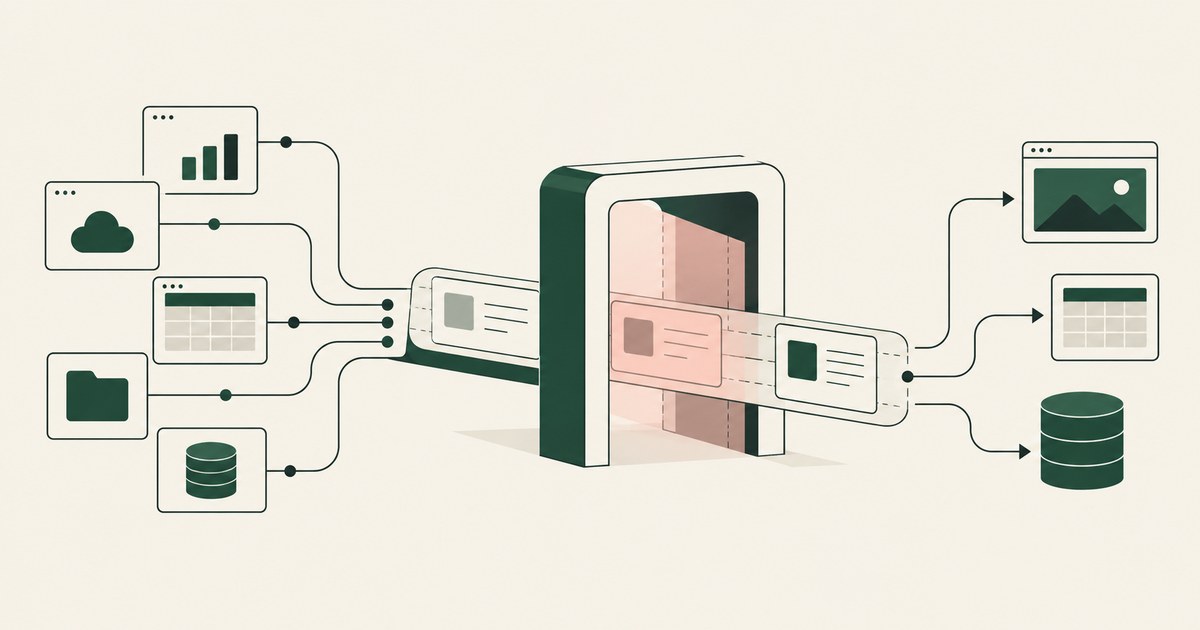
Review What Data Security Works Without Native App Integrations for AI agents, including tokenization, sensitive data exposure and human approval records.
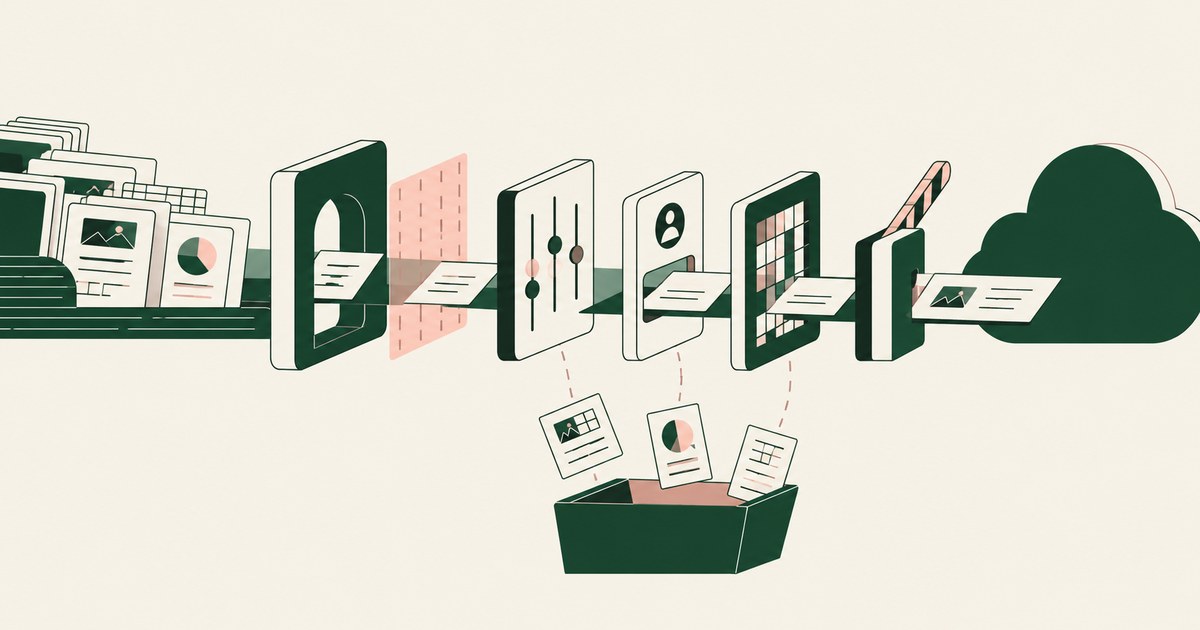
Review What Stops Staff From Sending Sensitive Data to Public AI for AI agents, including tokenization, sensitive data exposure and human approval records.
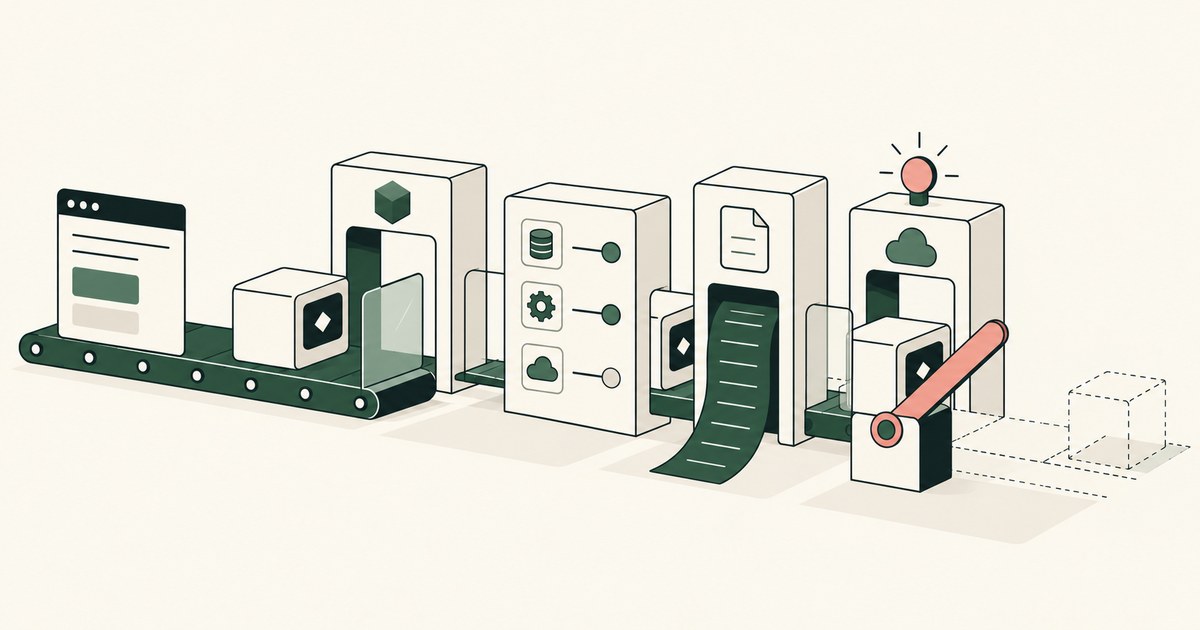
Review How Do You Secure AI Agents in Production, with AI agent security, tokenization and approval checks for sensitive enterprise workflows.
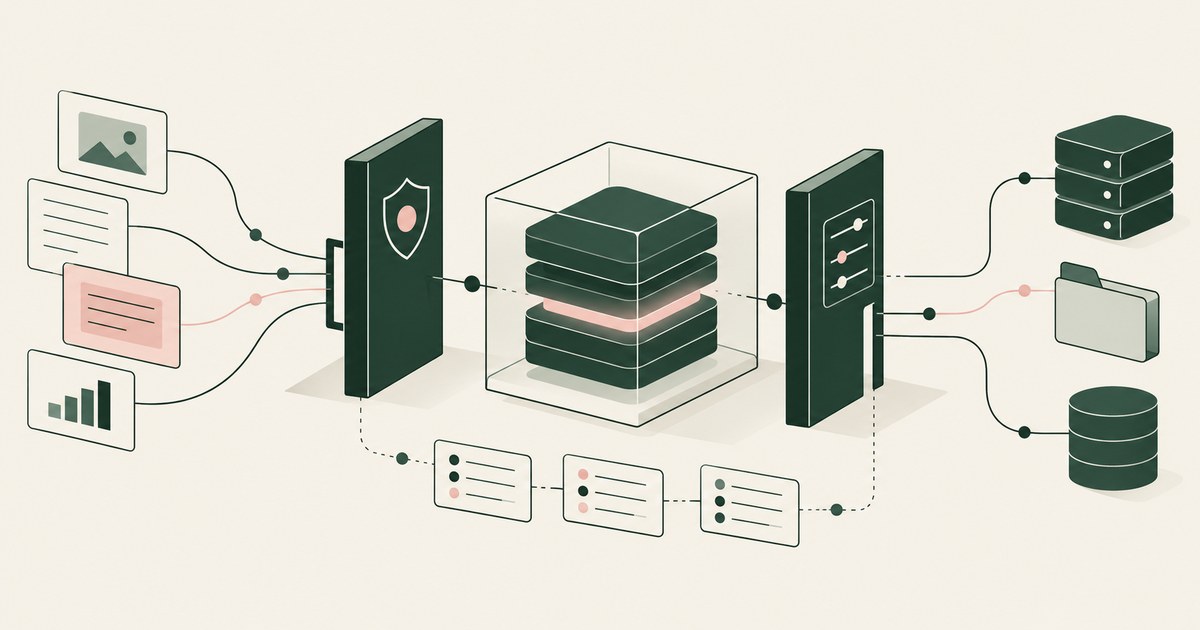
Review Should AI Models Be Treated Like Insider Risks, with AI agent security, tokenization and approval checks for sensitive enterprise workflows.
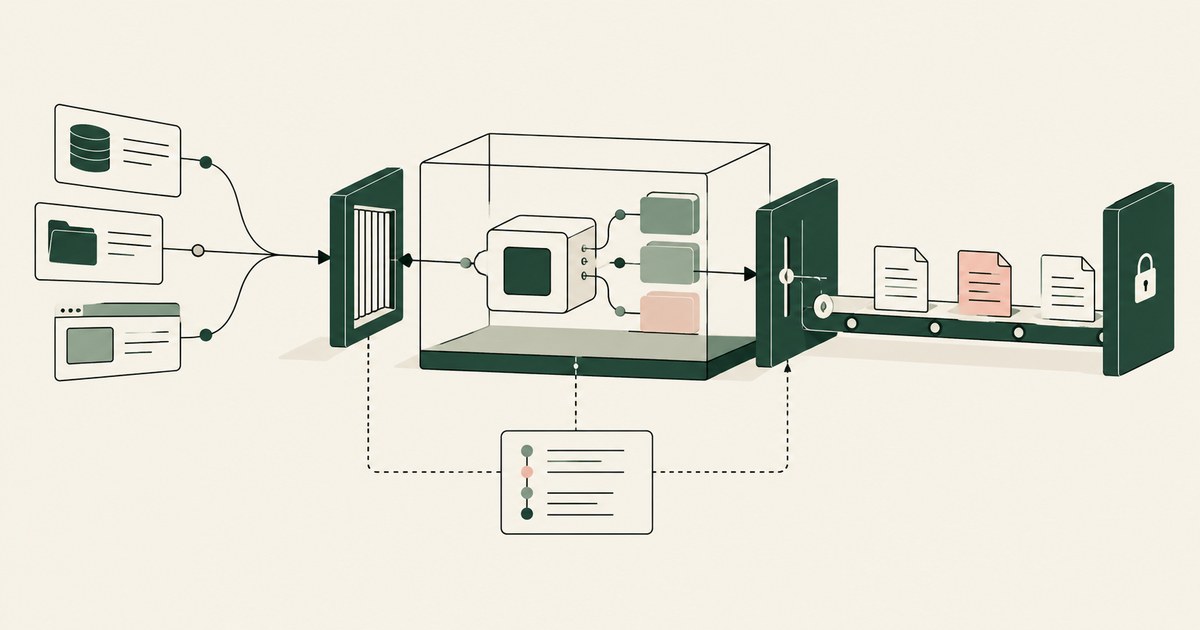
Review secure AI agents for AI agent security, with practical checks on sensitive data, tokenization and named human approvals.
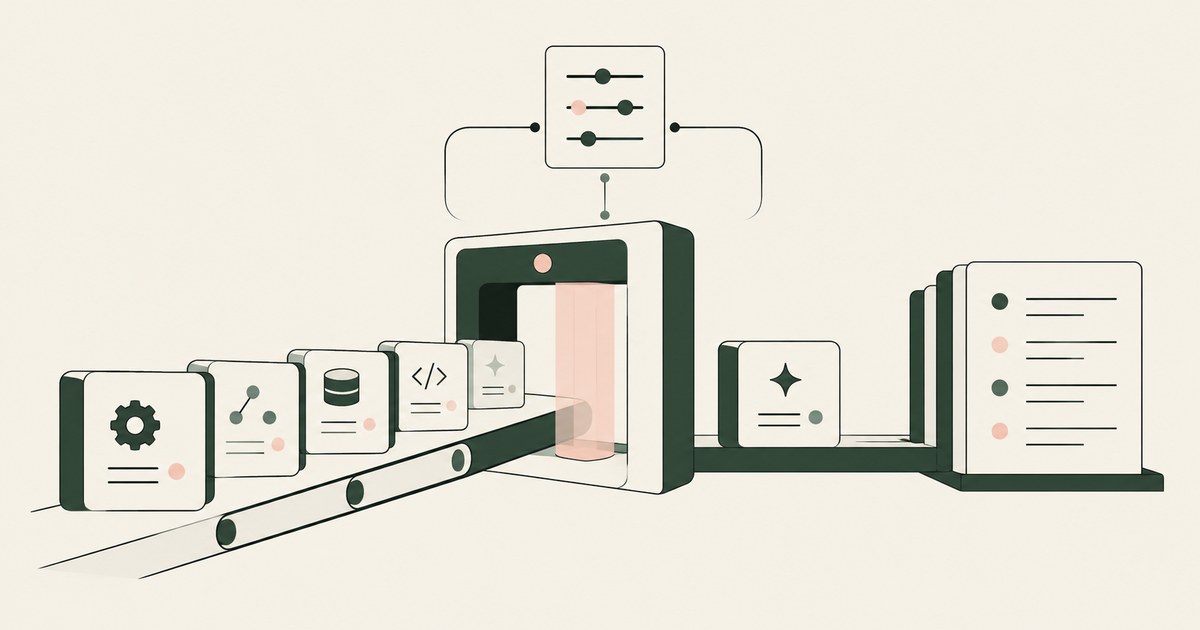
Review secure AI Agents in Enterprise, with AI agent security, tokenization and approval checks for sensitive enterprise workflows.
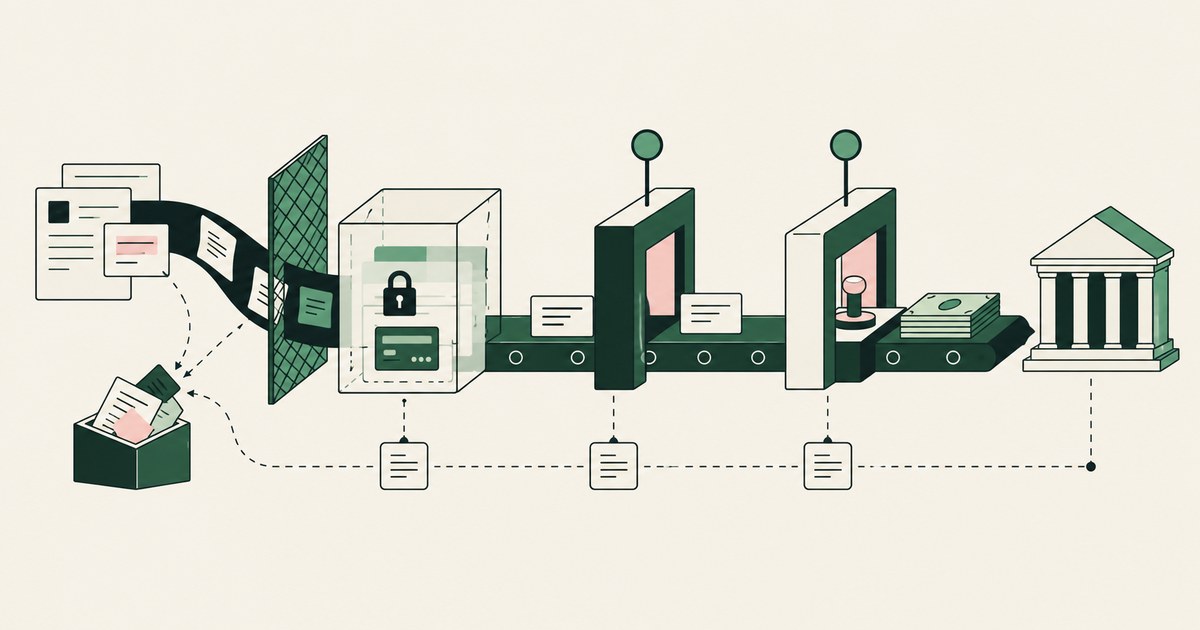
Review secure AI agents against financial fraud, with AI agent security, tokenization and approval checks for sensitive enterprise workflows.

Review Test Prompt Injection Against Shopping Agents, with AI agent security, tokenization and approval checks for sensitive enterprise workflows.
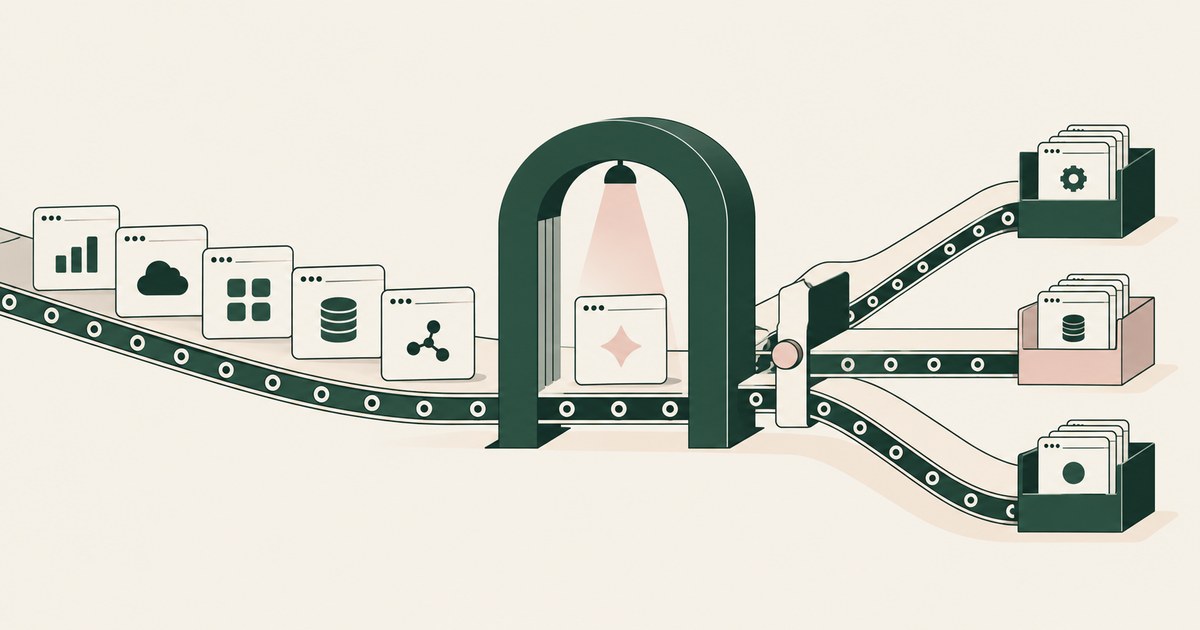
Review run an AI amnesty for AI agent security, with practical checks on sensitive data, tokenization and named human approvals.
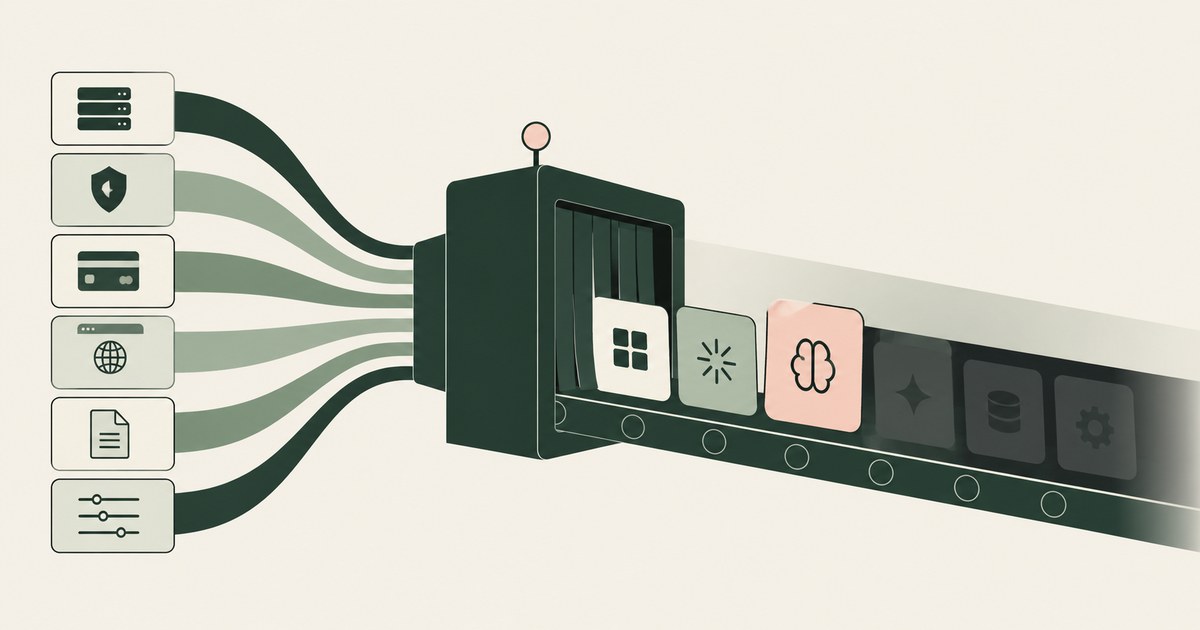
Review find the shadow AI nobody told you about, with AI agent security, tokenization and approval checks for sensitive enterprise workflows.
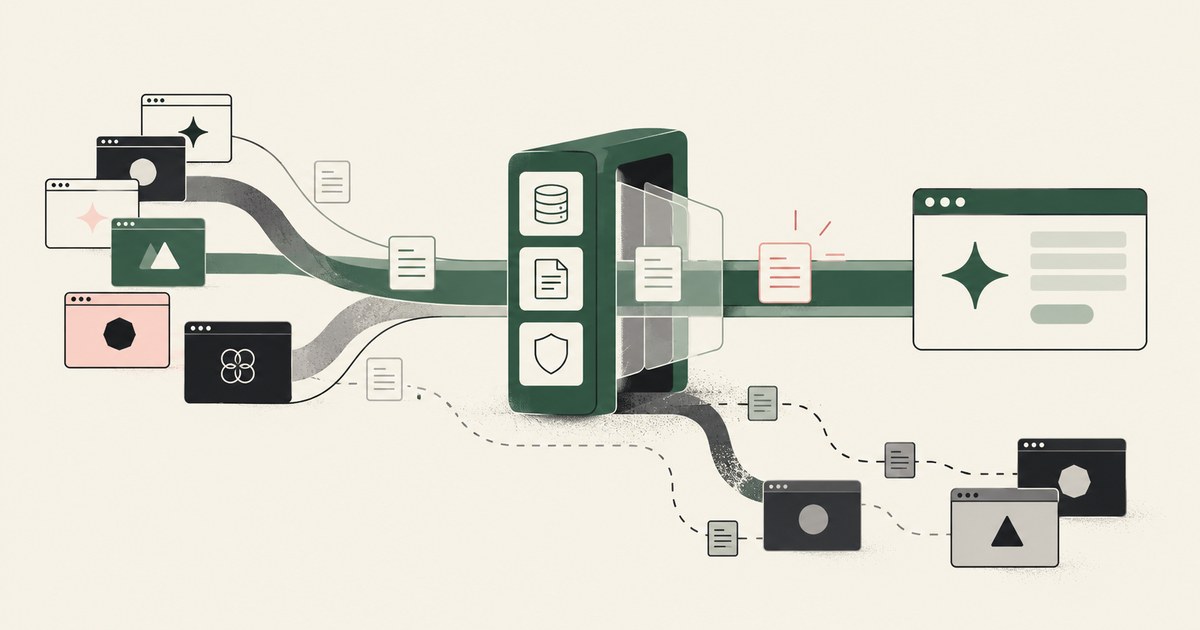
Review handle shadow AI usage, with AI agent security, tokenization and approval checks for sensitive enterprise workflows.
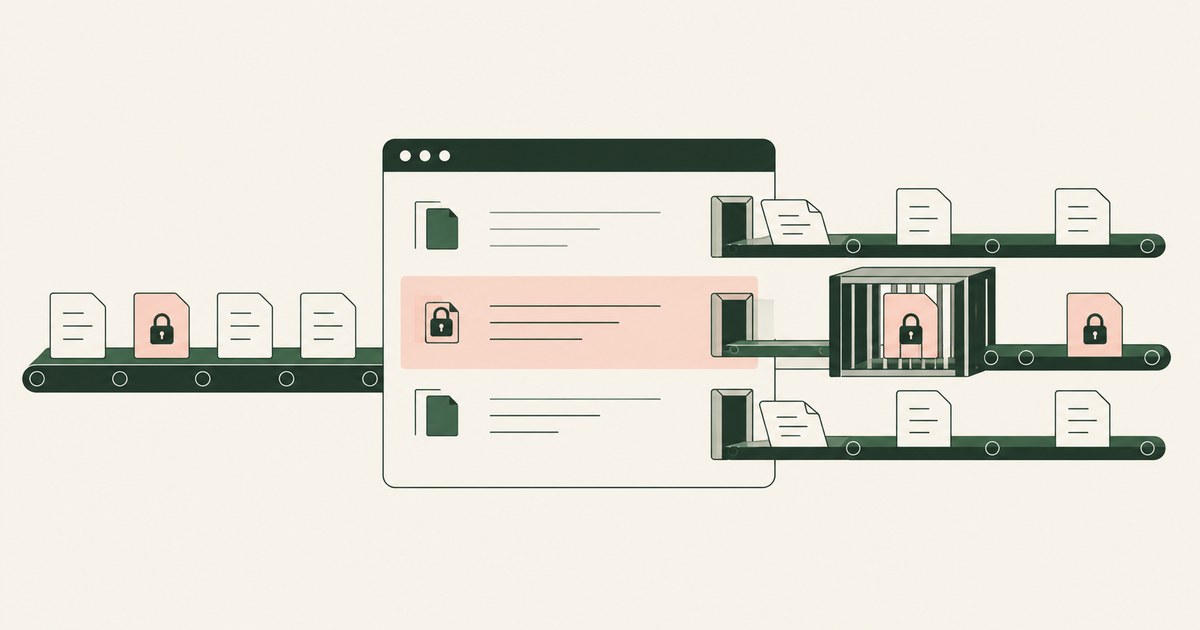
Review Protect Sensitive Data Without App Lockdowns, with AI agent security, tokenization and approval checks for sensitive enterprise workflows.
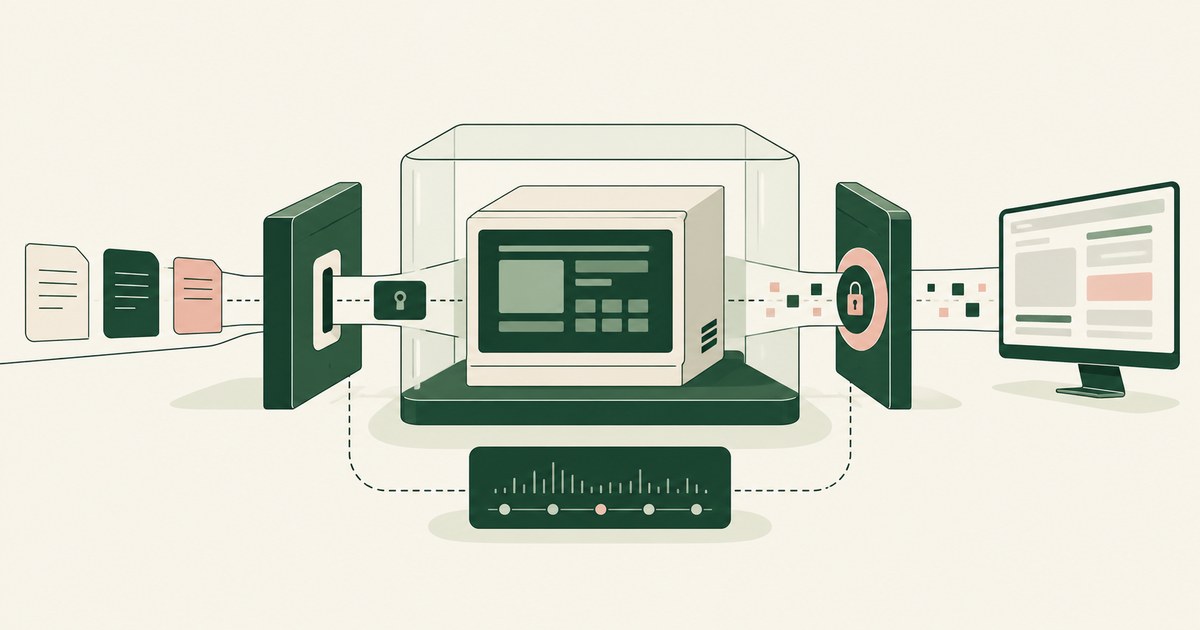
Review protect sensitive information in legacy applications, with AI agent security, tokenization and approval checks for sensitive enterprise workflows.
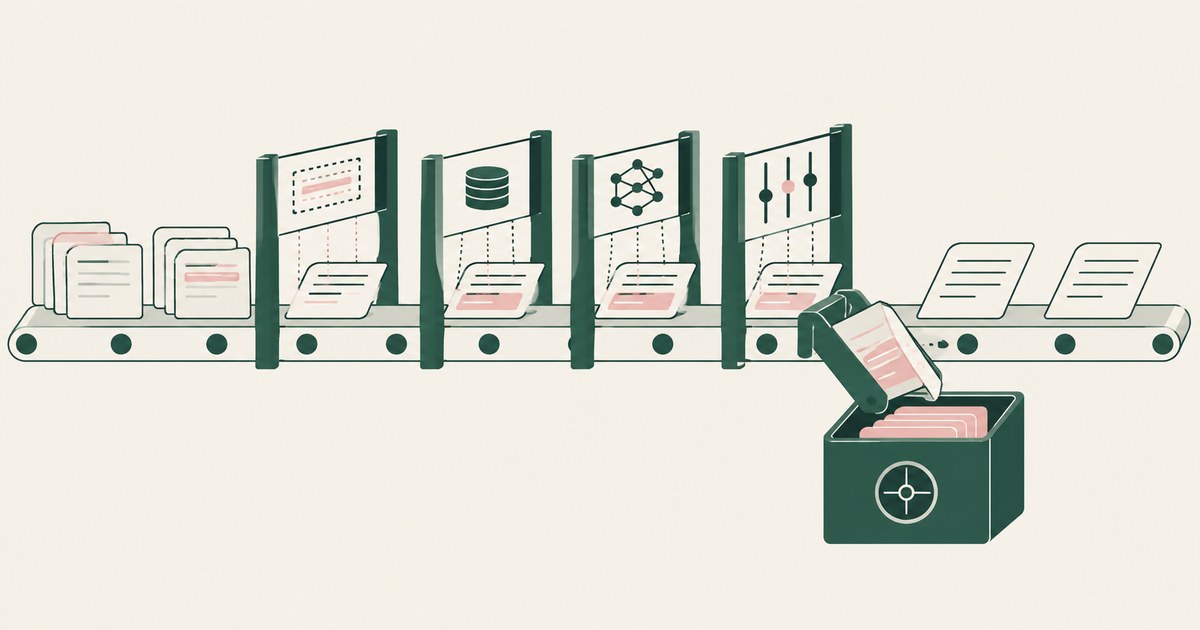
Review Protect Sensitive Data Beyond Regex Detection, with AI agent security, tokenization and approval checks for sensitive enterprise workflows.
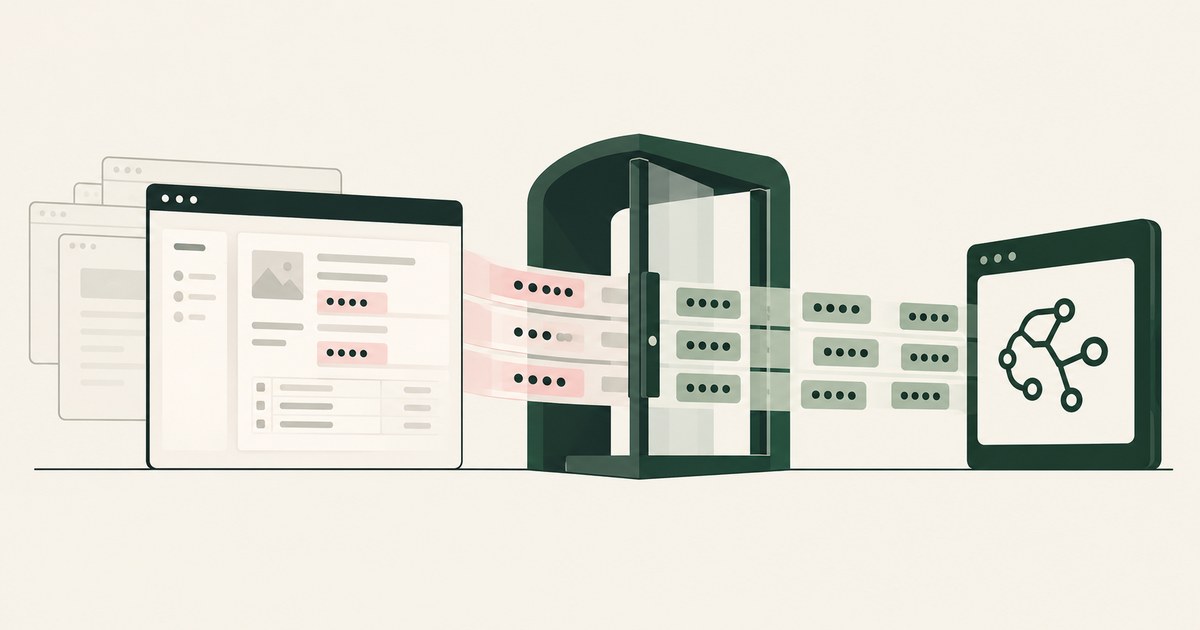
Review Protect Data Without Cloud Browser Rendering, with AI agent security, tokenization and approval checks for sensitive enterprise workflows.
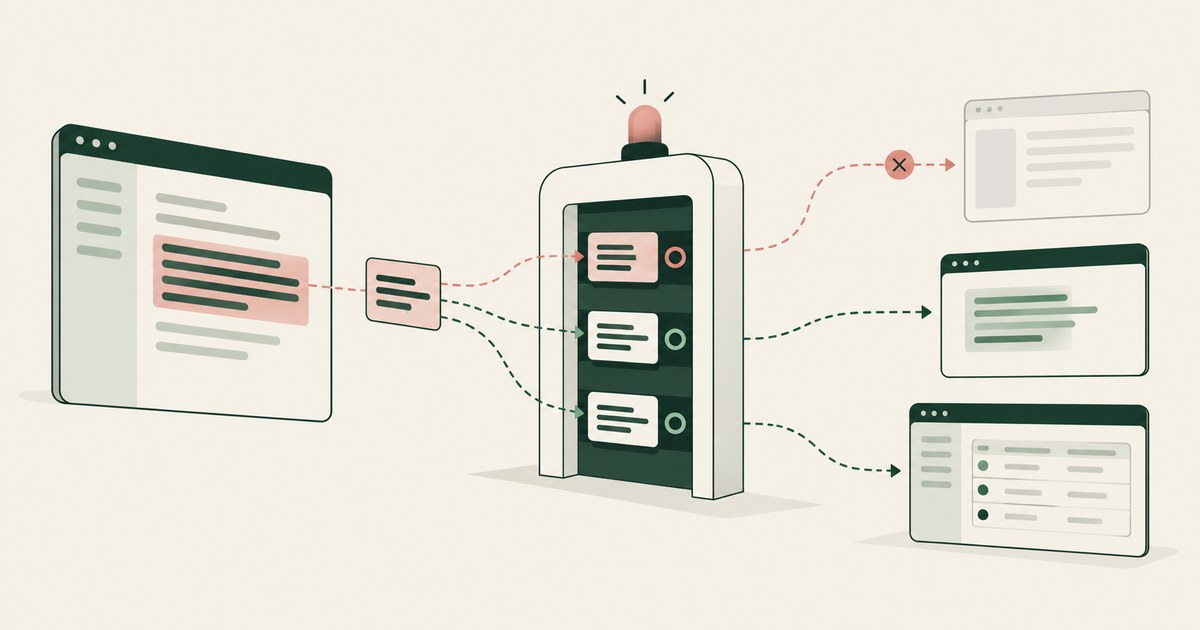
Review Protect Data Without Blocking Copy and Paste, with AI agent security, tokenization and approval checks for sensitive enterprise workflows.
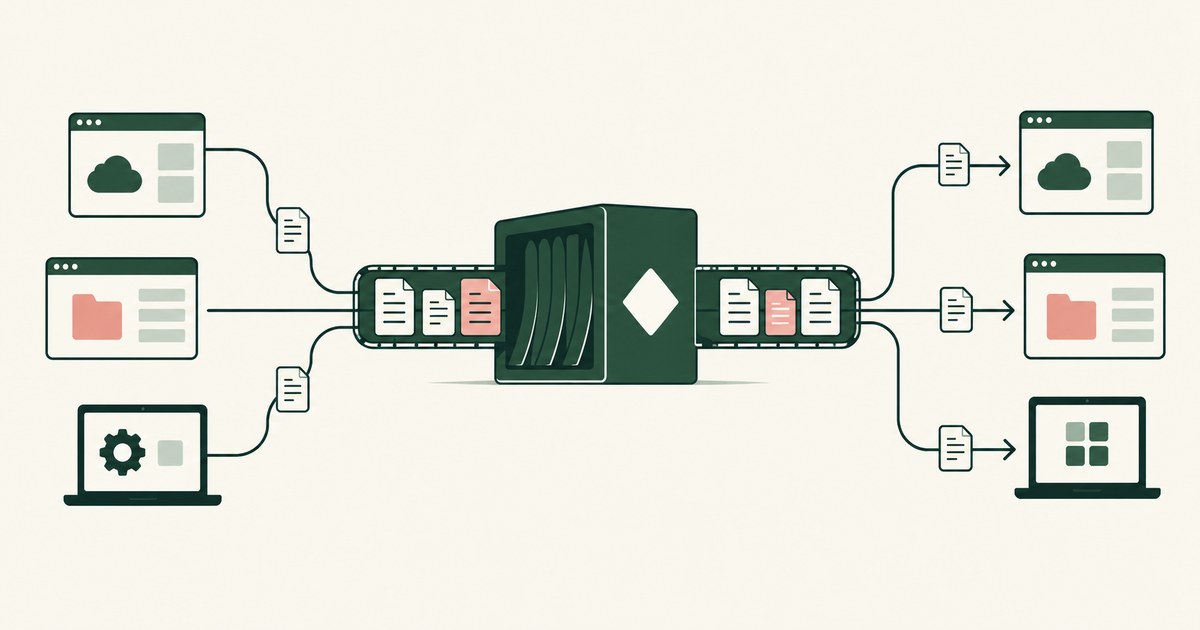
Review Protect Data Across Microsoft and Other Apps, with AI agent security, tokenization and approval checks for sensitive enterprise workflows.
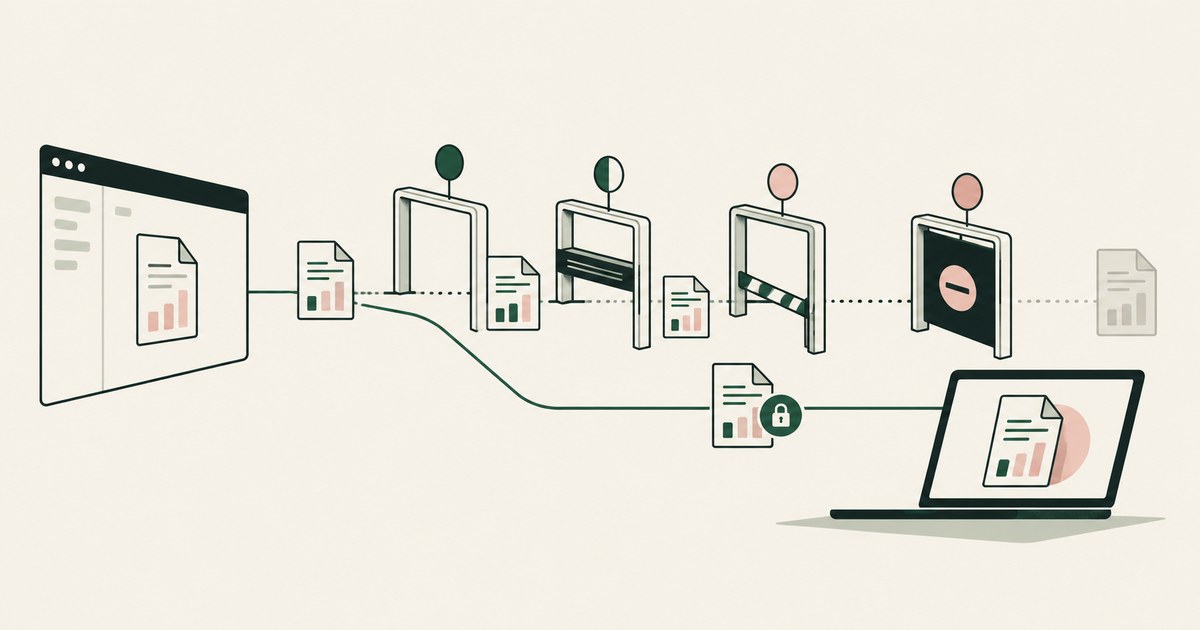
Review Prevent Data Leaks Without Blocking Downloads, with AI agent security, tokenization and approval checks for sensitive enterprise workflows.
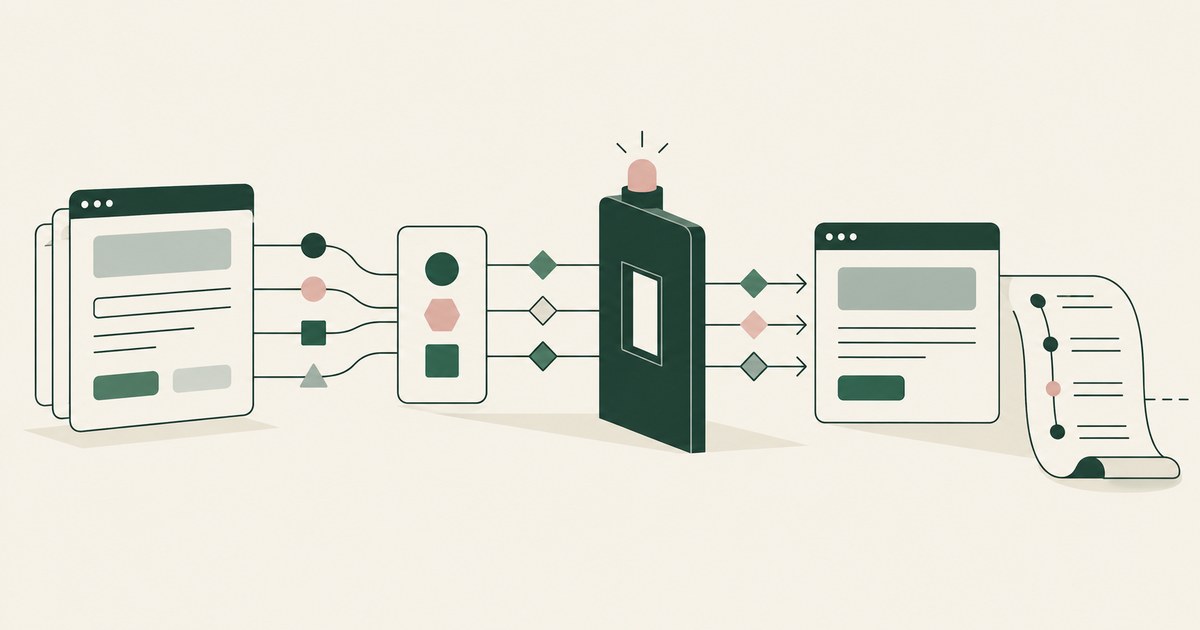
Review Secure Workflows Without Heavy Browser Inspection, with AI agent security, tokenization and approval checks for sensitive enterprise workflows.
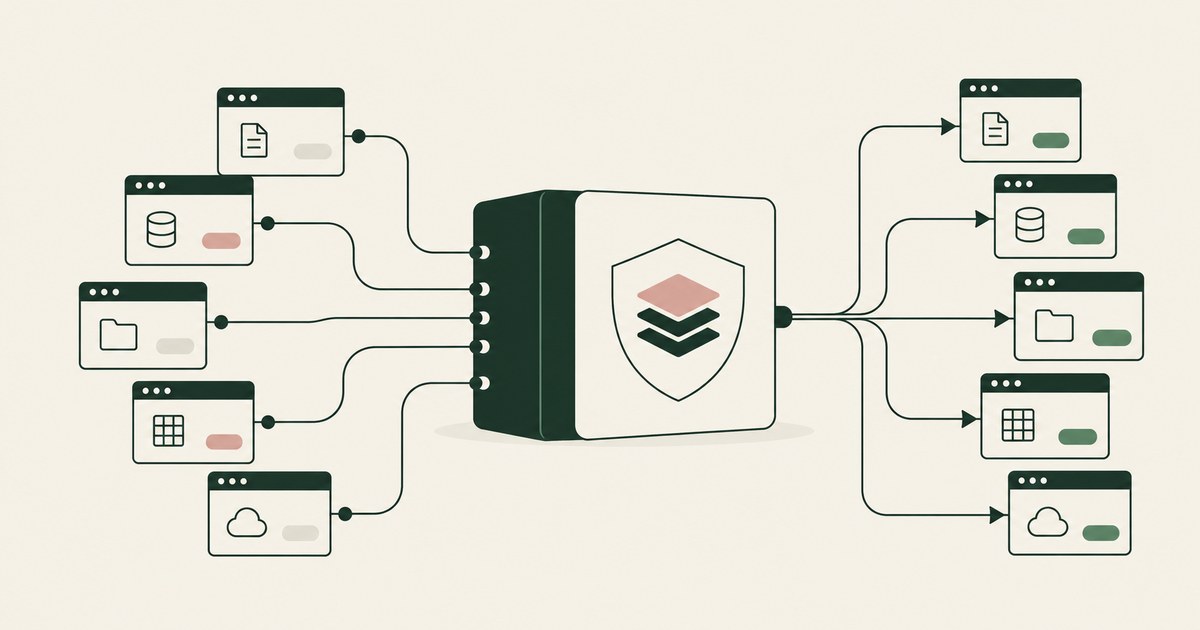
Review Simplify Data Protection Policies Across Apps, with AI agent security, tokenization and approval checks for sensitive enterprise workflows.
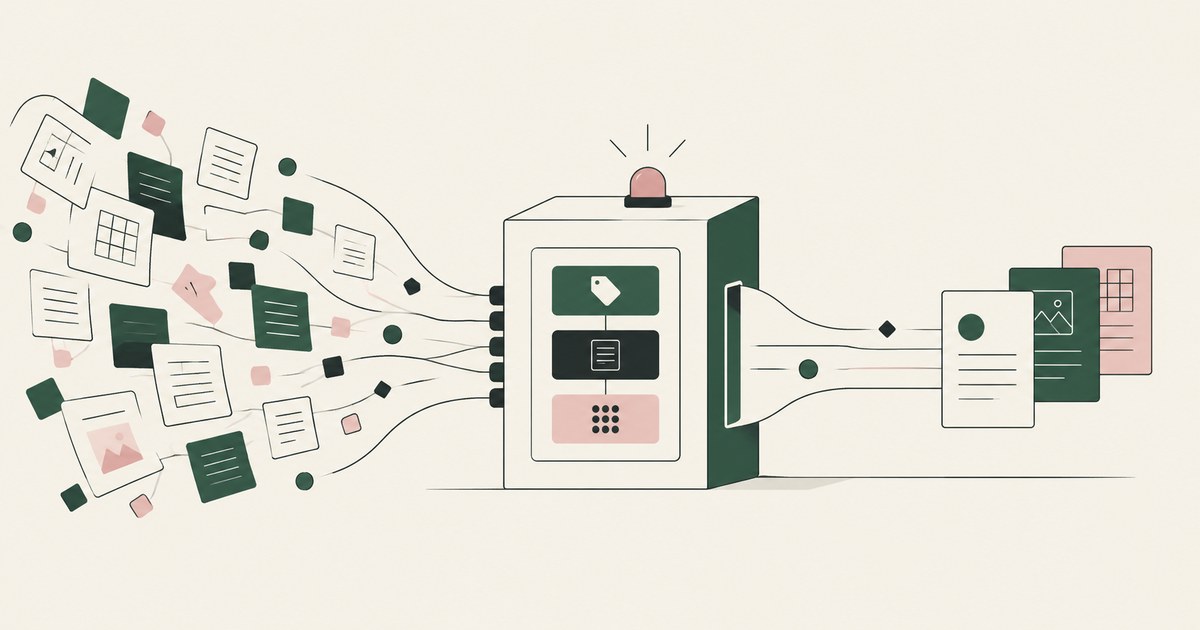
Review Protect Sensitive Data With Fewer DLP Rules, with AI agent security, tokenization and approval checks for sensitive enterprise workflows.
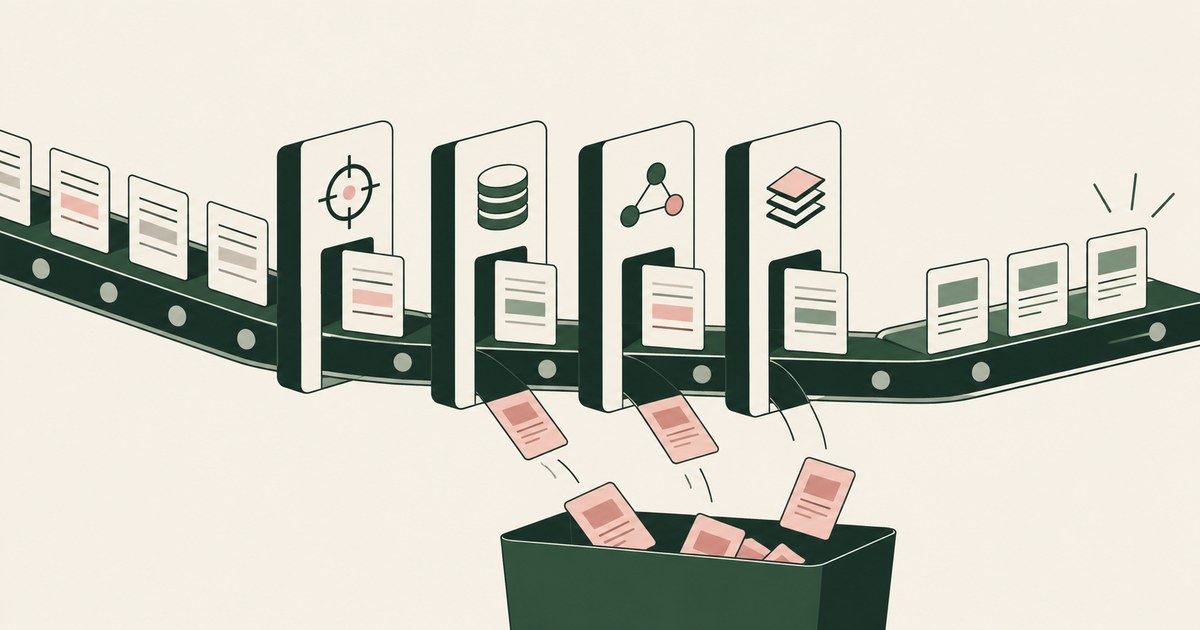
Review reduce false positives in Microsoft Purview DLP, with AI agent security, tokenization and approval checks for sensitive enterprise workflows.
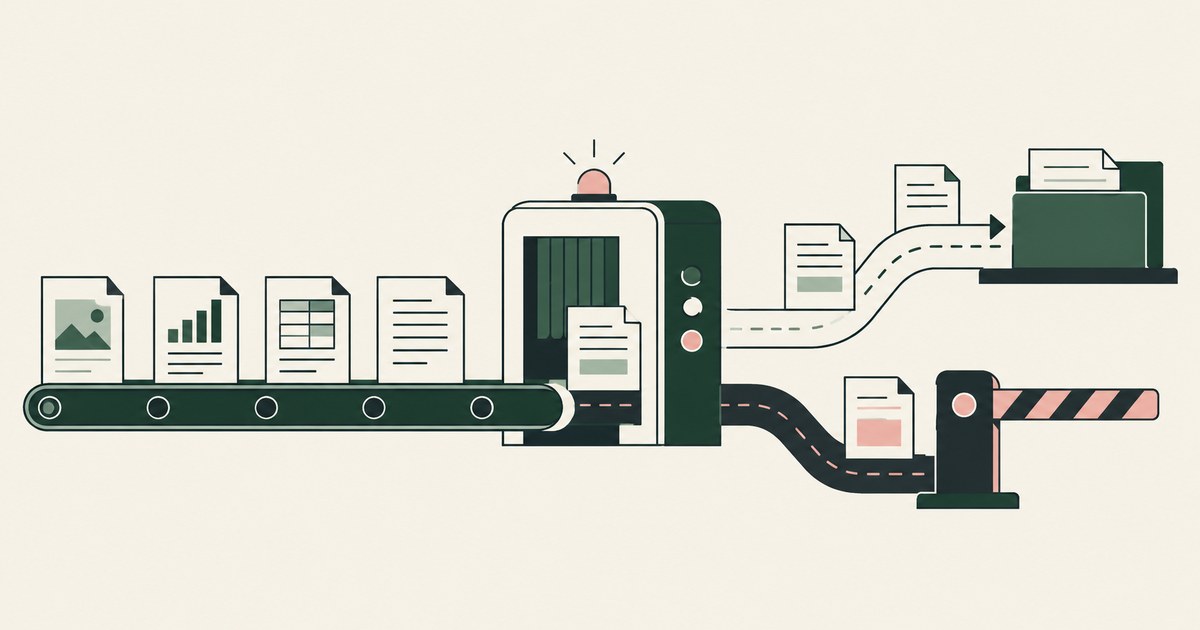
Review Keep DLP Rules From Blocking Legitimate Work, with AI agent security, tokenization and approval checks for sensitive enterprise workflows.
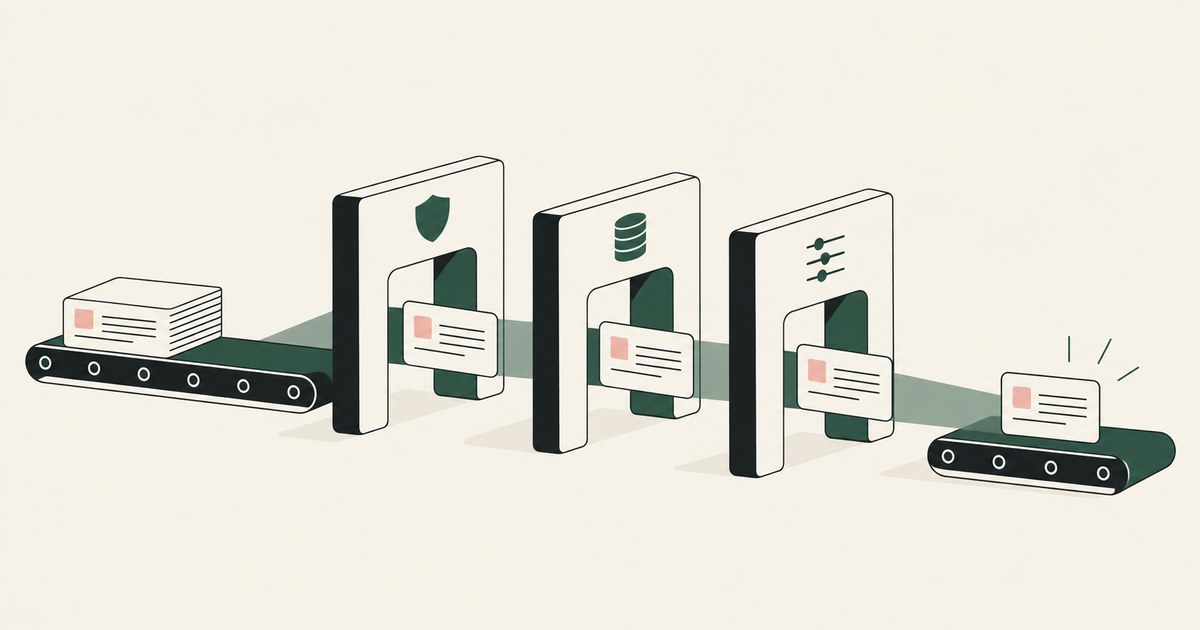
Review Prevent Security Policy Conflicts in Workflows, with AI agent security, tokenization and approval checks for sensitive enterprise workflows.
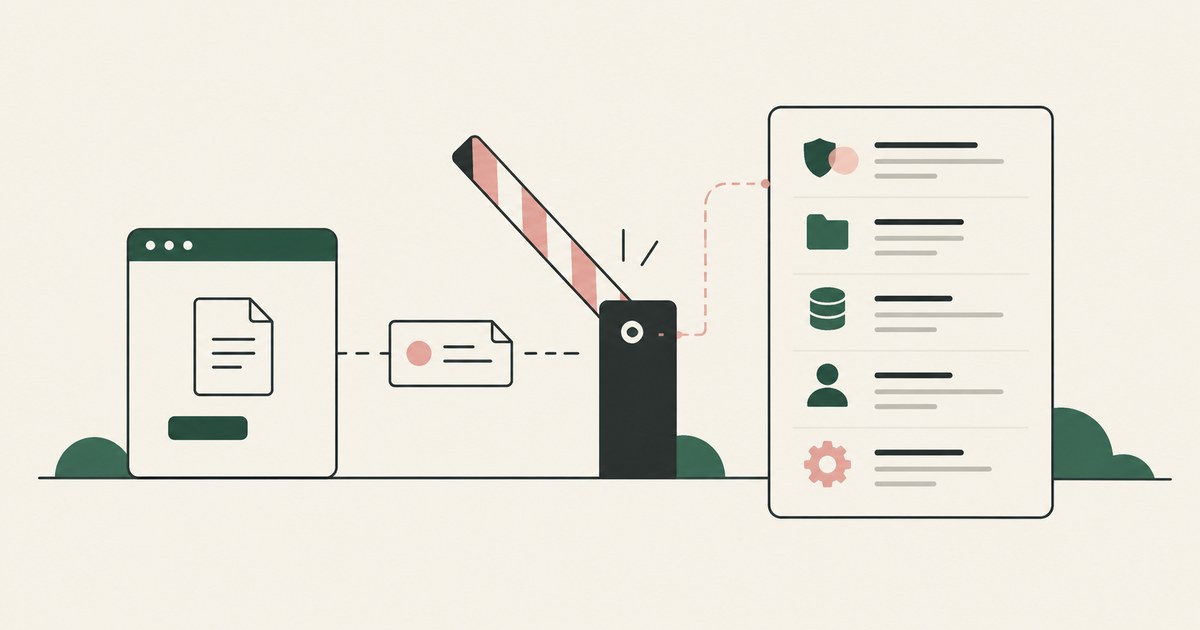
Review see exactly why a security policy blocked an action, with AI agent security, tokenization and approval checks for sensitive enterprise workflows.
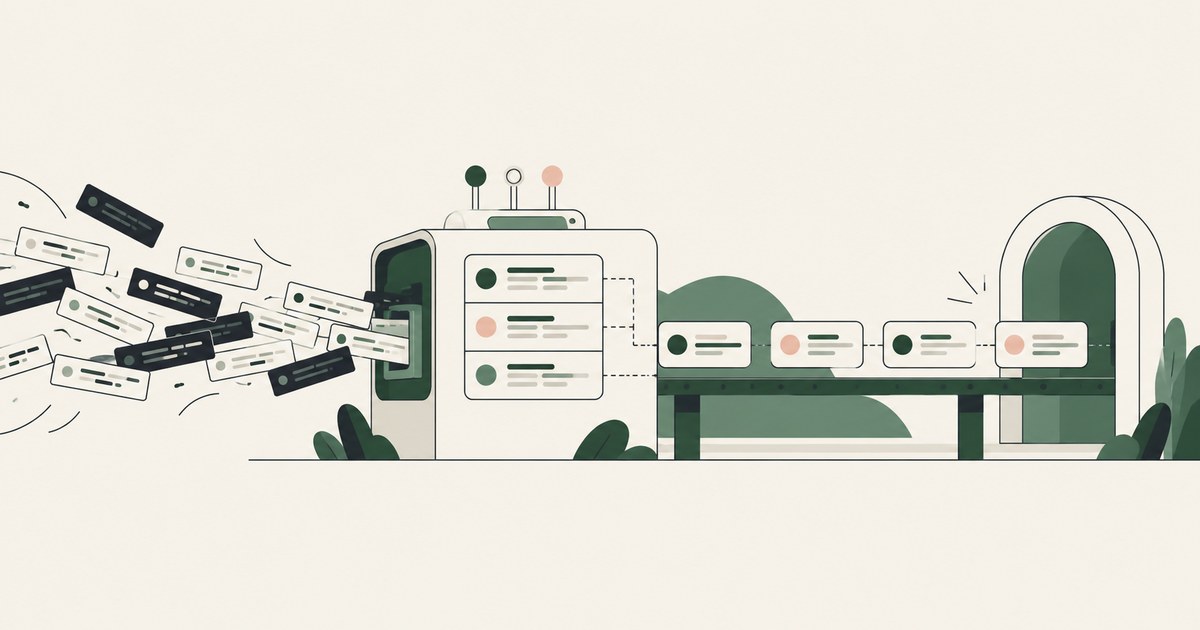
Review Understand Security Logs Without Exporting Them, with AI agent security, tokenization and approval checks for sensitive enterprise workflows.
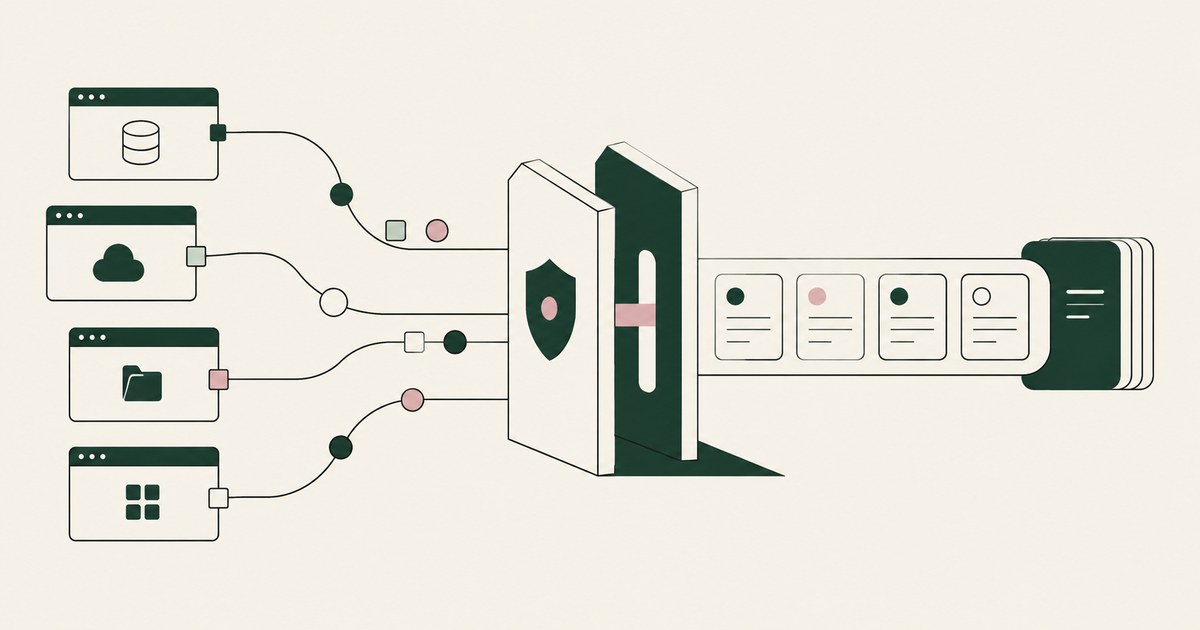
Review Audit Sensitive Data Access Across Apps, with AI agent security, tokenization and approval checks for sensitive enterprise workflows.
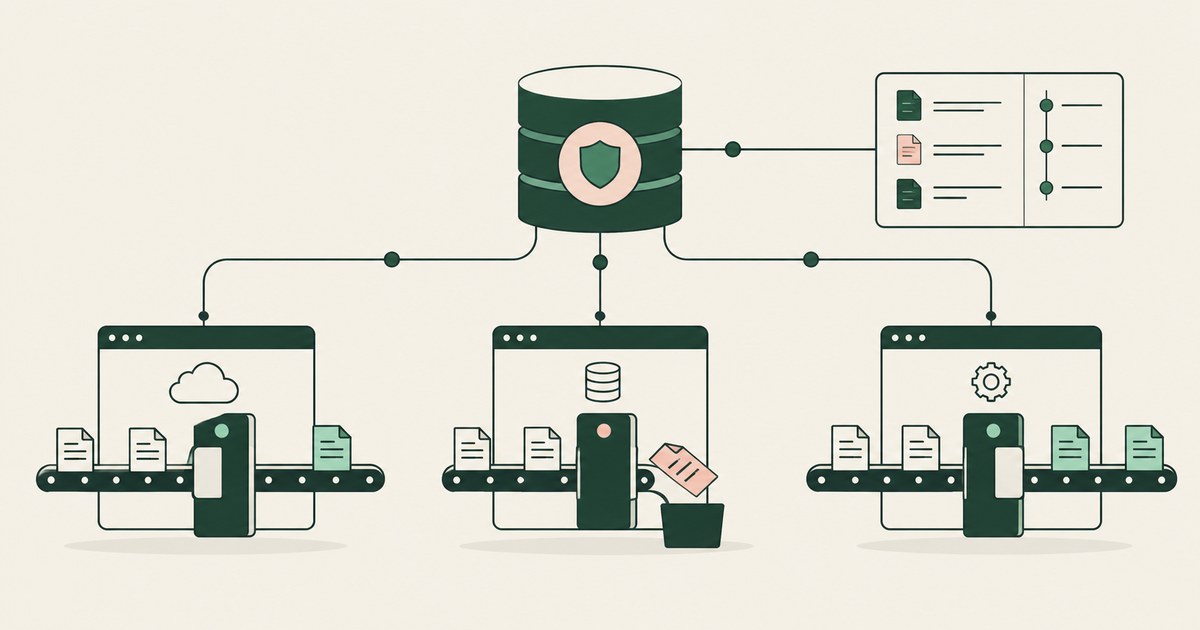
Review Enforce Data Protection Across Enterprise Apps, with AI agent security, tokenization and approval checks for sensitive enterprise workflows.

Review Enforce Data Security Without Disrupting Work, with AI agent security, tokenization and approval checks for sensitive enterprise workflows.
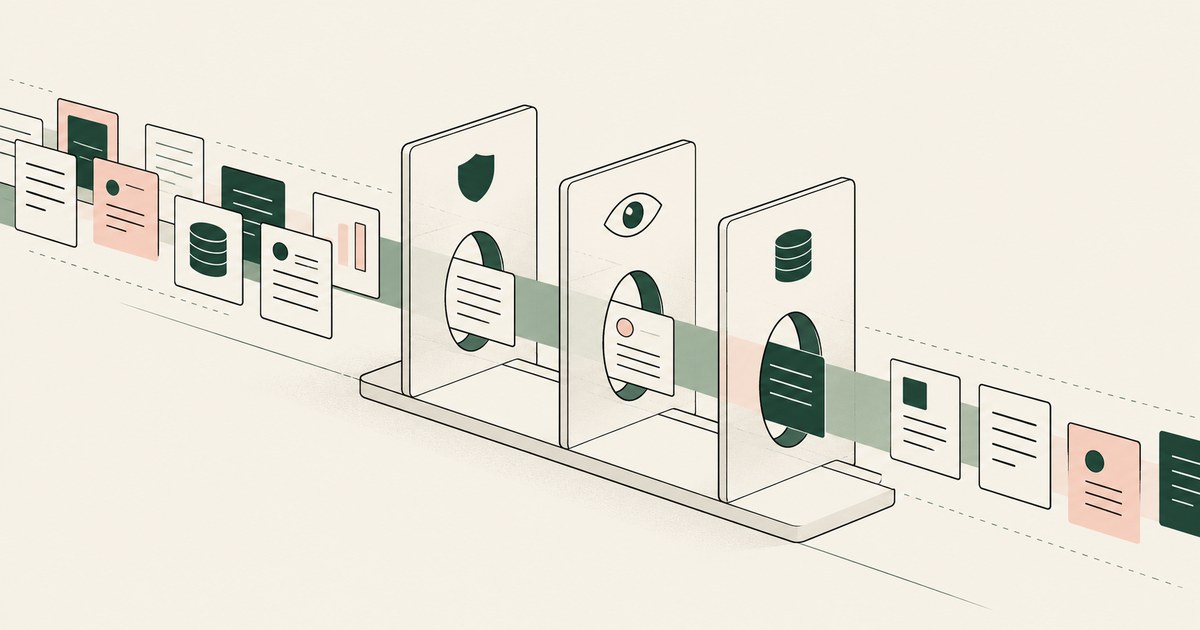
Review Make Sensitive Data Protection Policies Visible, with AI agent security, tokenization and approval checks for sensitive enterprise workflows.
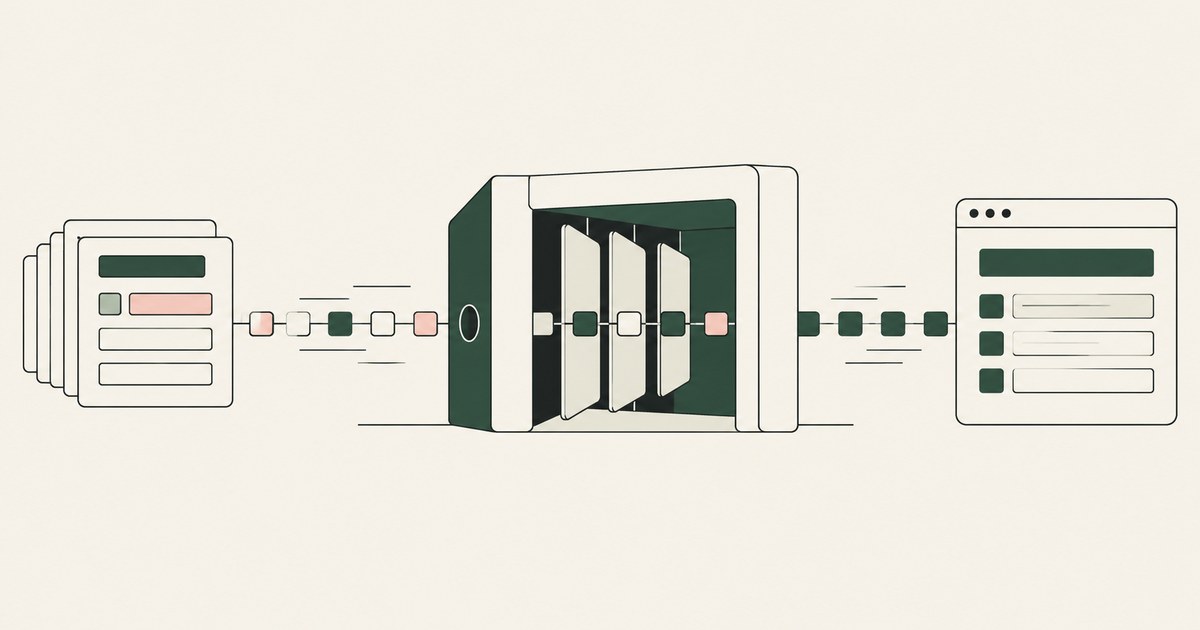
Review Can Runtime Tokenization Protect Data Without Slowdowns for AI agents, including tokenization, sensitive data exposure and human approval records.
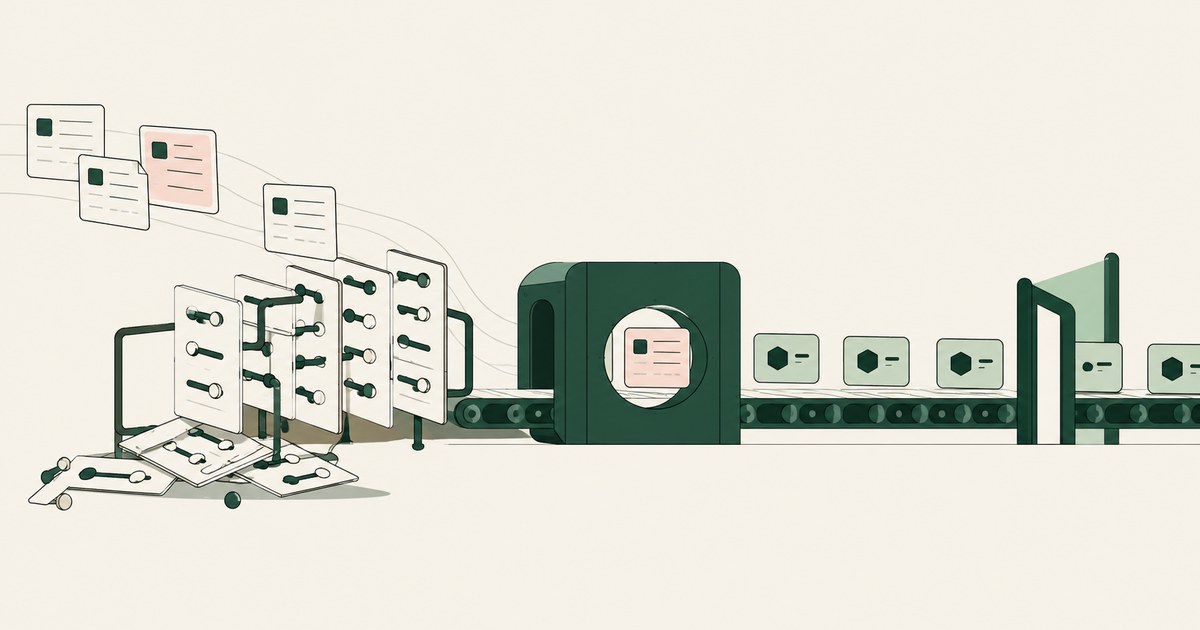
Review Can Tokenization Reduce Complicated DLP Rules, with AI agent security, tokenization and approval checks for sensitive enterprise workflows.
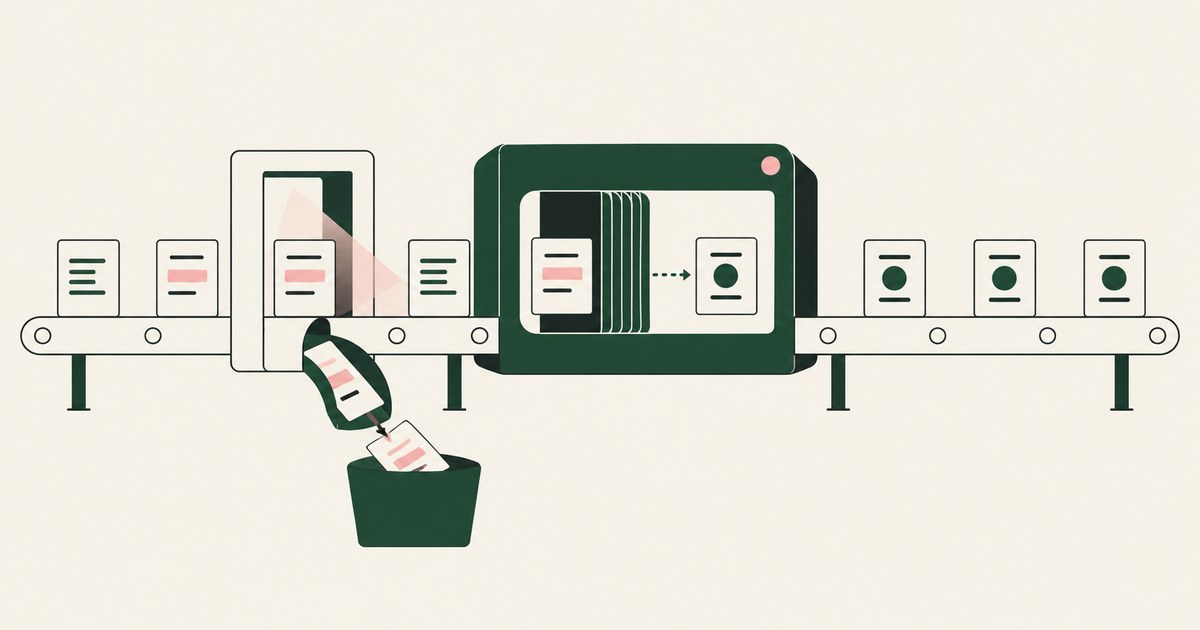
Review Can Tokenization Reduce Data Protection False Positives for AI agents, including tokenization, sensitive data exposure and human approval records.

Review published evidence on AI agent adoption and shadow use, with a governed alternative for workflows carrying PII and sensitive records.

Compare access permissions with AI agent security for visible PII, and explore how tokenization can limit exposure within an approved task.
Follow a prompt-injection scenario to examine AI agent security, PII exposure and the limits of tokenization when an attack succeeds.
Examine AI agent security gaps in data visibility and accountability, and how tokenization and named approvals address sensitive PII.

Explore what browser screenshots expose to AI agents, including unrelated PII, and how tokenization changes the model's view of a task.

Define what an AI agent should see in one billing or claims workflow, using tokenization, clear PII boundaries and named human approval.
Review why AI agent projects stall in billing, claims and other regulated work, with attention to PII exposure, approvals and governance.

Yes. If the client fetches images or links in the agent's output on its own, data in the URL leaves the session. Check how output is rendered.

Often, yes. An agent reads page text and its task as one stream, and benchmarks show planted instructions succeed. Check what it can do when fooled.
No. A credential can be filled at the destination after a person approves the sign-in, so the model never holds it. Check where it becomes readable.

Partly. URL filtering removes hostile sites, but trusted domains host injected instructions and exfiltration endpoints. Check what the agent holds.

No. A credential check proves whose session the agent uses, not that the person intended the action. Check for a decision between login and action.

Only when the approver sees the true action and destination, and approval is reserved for consequential steps. Check whether injected content shapes it.

Yes, when the injected agent sees real customer data and can send outward; attacks leaked data at 20 to 70 percent. Check what the model holds.

Only partly. An allowlist controls where an agent goes, not what it reads on an approved page. Check what the model receives from each approved screen.
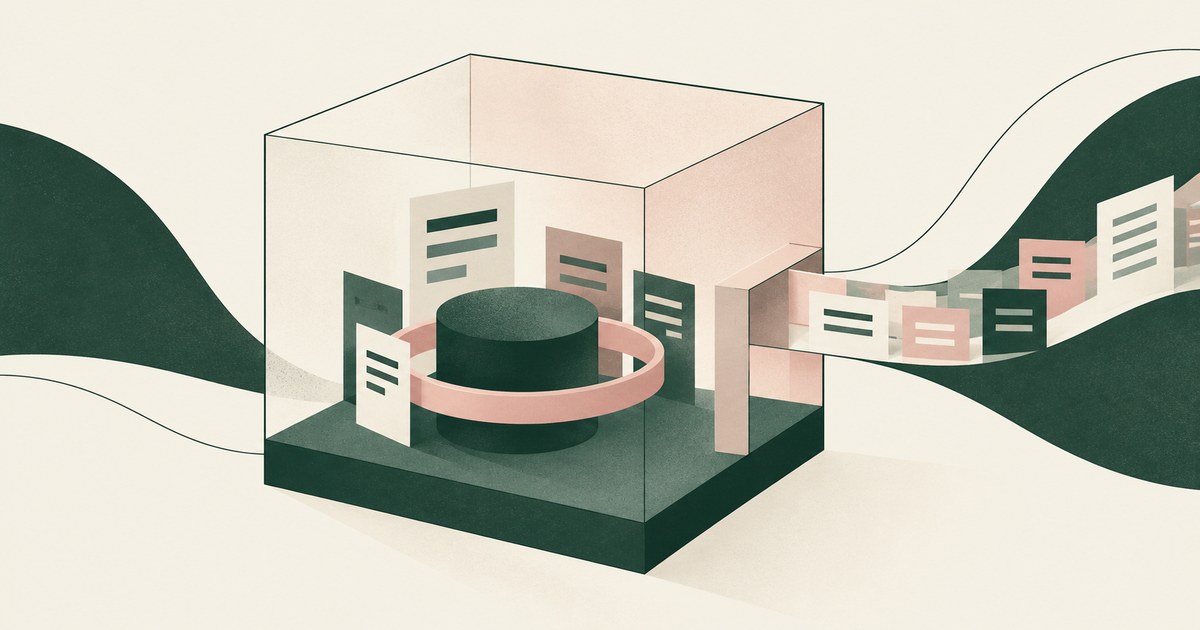
It protects the machine, not the data. Once the agent signs into a real application, the records are inside the sandbox too. Check what the model reads.

A document carries instructions in white text, metadata and retrieval chunks, and an agent reads them as its task. Check which documents your agents read.

With content a person never sees, such as hidden text, fake pop-ups and injected form fields, read as instructions. Check what your agent can do on a page.

Not through per-app integrations, which never reach the long tail of SaaS and legacy systems; control the browser layer. Check what governs the rest.
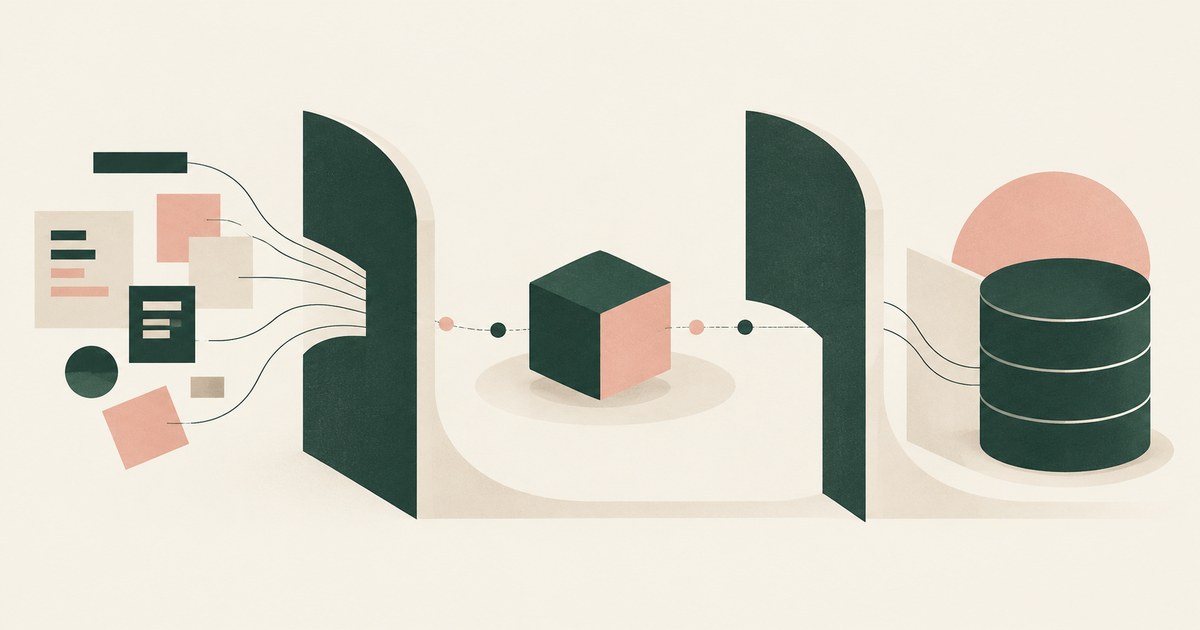
By architecture, not instruction: never let an agent hold sensitive data, untrusted input and outward actions at once. Check which one each workflow drops.
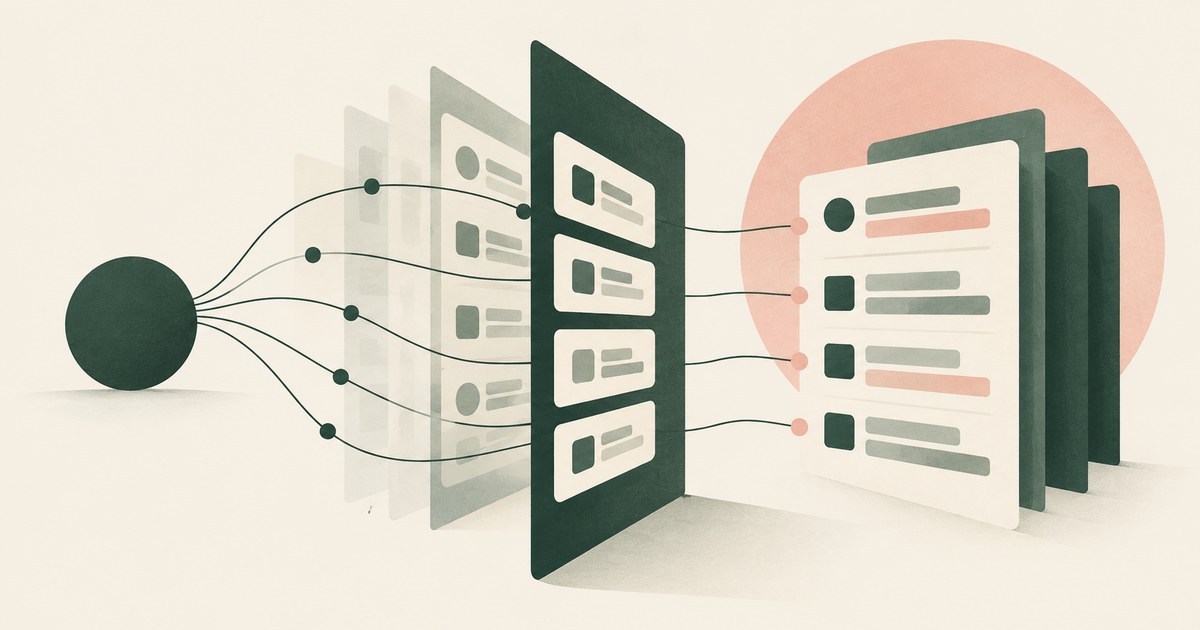
Usually you do not: native logs attribute agent activity to the human account and record events, not pages read. Check for a record naming each screen.

Apply data minimization at the moment the model reads: open the record it needs, but tokenize identifiers before it sees the screen. Check what it read.

Protect the architecture, not the model: limit what injected text can see and trigger, since adaptive attackers beat model defenses. Check what it holds.
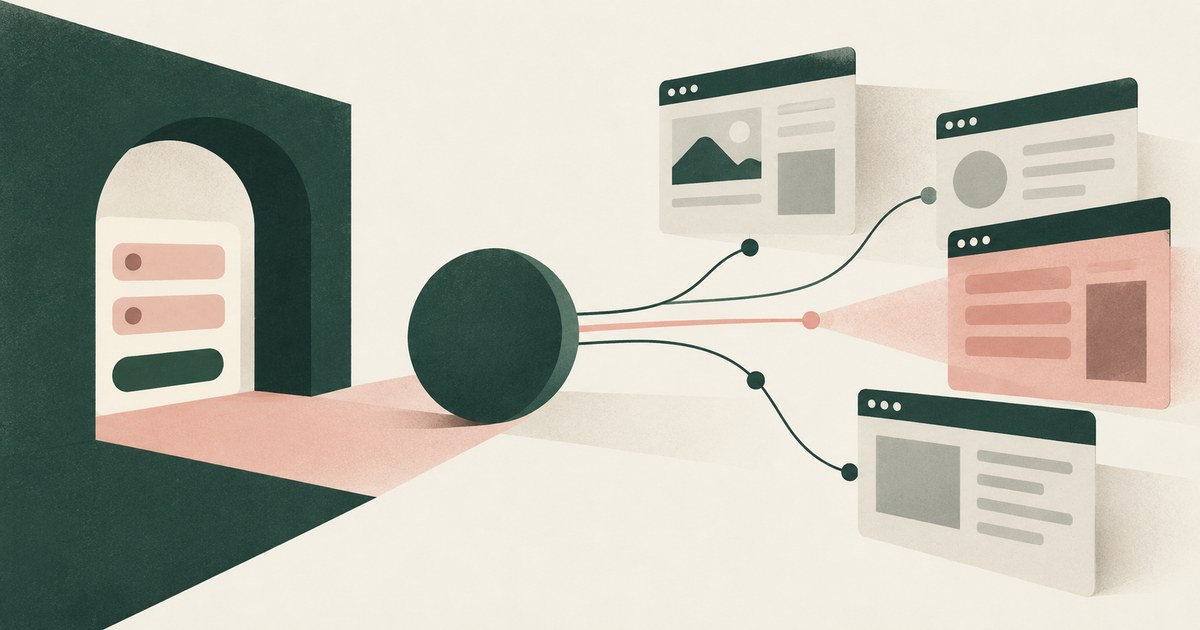
Fill credentials outside the model's view, approve each sign-in and scope the session to named sites, since hidden elements harvest input. Check sign-in.
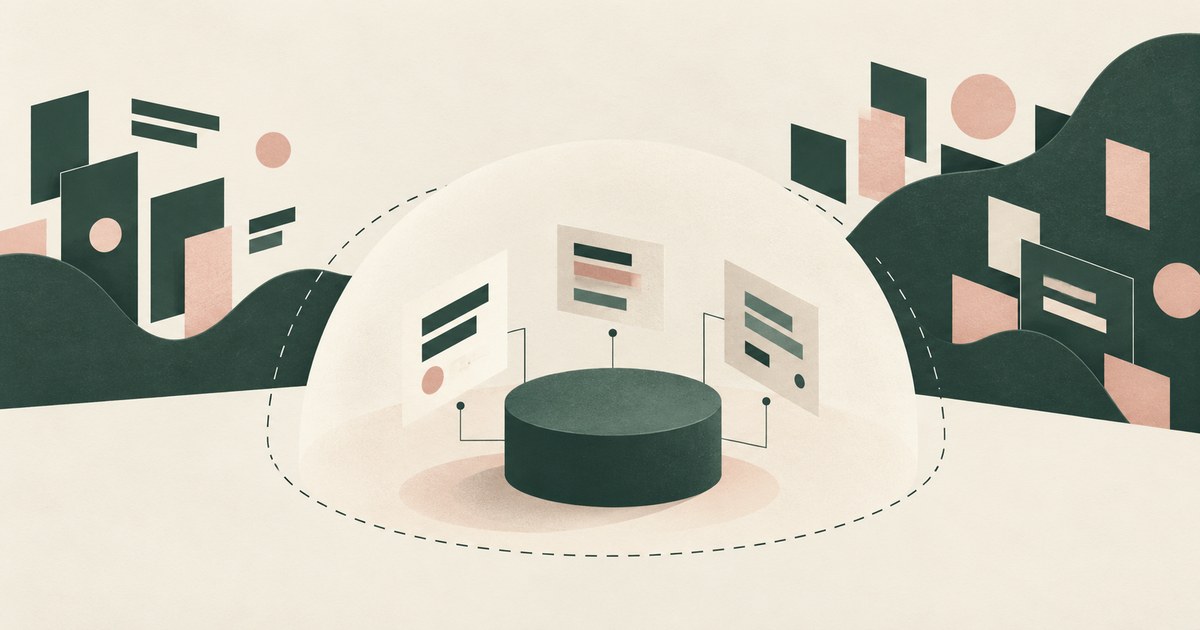
It shrinks the blast radius: an agent holding only what a task requires does less damage when tricked. Check whether it reaches the fields the model sees.

Only when production is separated, every write is reversible or gated by a named person, and the environment enforces the gate. Check which you enforce.

Only when payments, submissions and account changes are gated by action type and destination, since an injection becomes a transaction. Check what runs.

Only when the reading agent cannot also hold real sensitive data and act outward in one session, since any page may carry instructions. Check which it has.
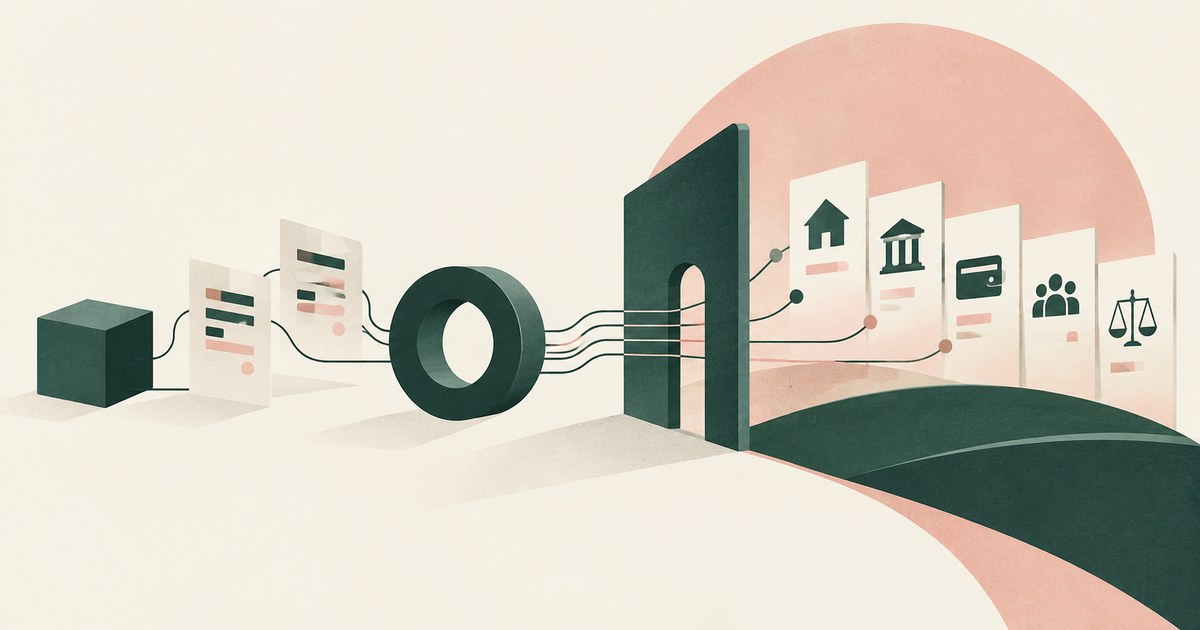
The irreversible ones, those touching regulated data and those deciding rights: lending, admissions, payments, benefits. Rank them; add a named sign-off.
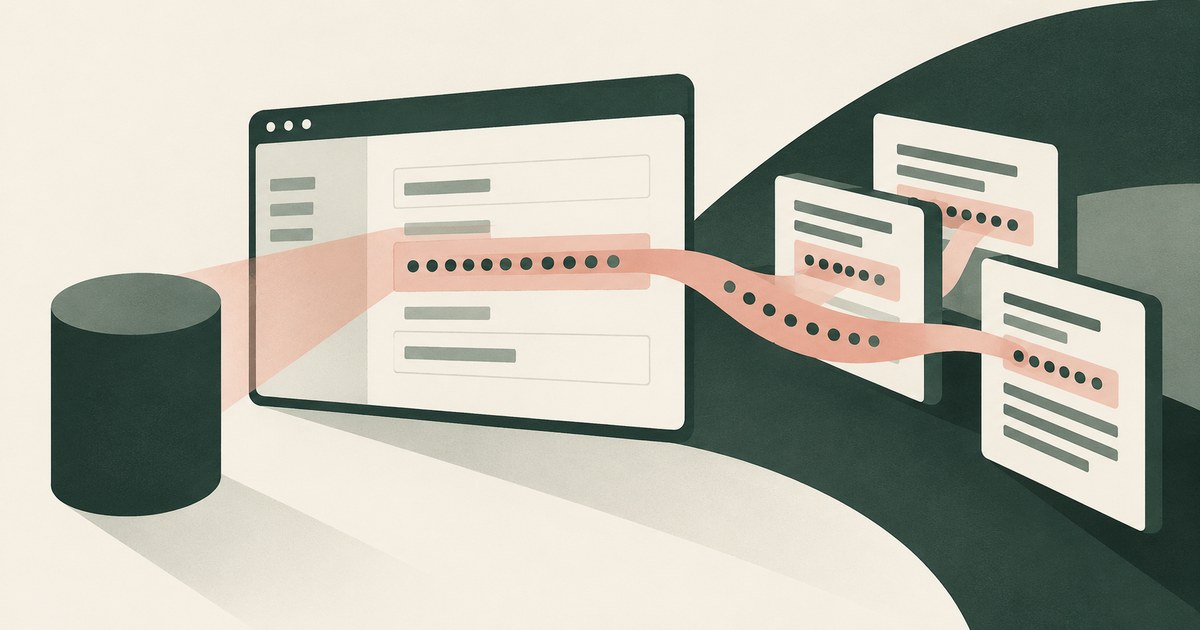
The key becomes a secret copied into the model's context, the transcript and every log, which means rotation. Check that console keys are masked on screen.

An instruction a third party plants in content an agent reads, such as an email, file, web page or tool result, so the attacker never touches the prompt.
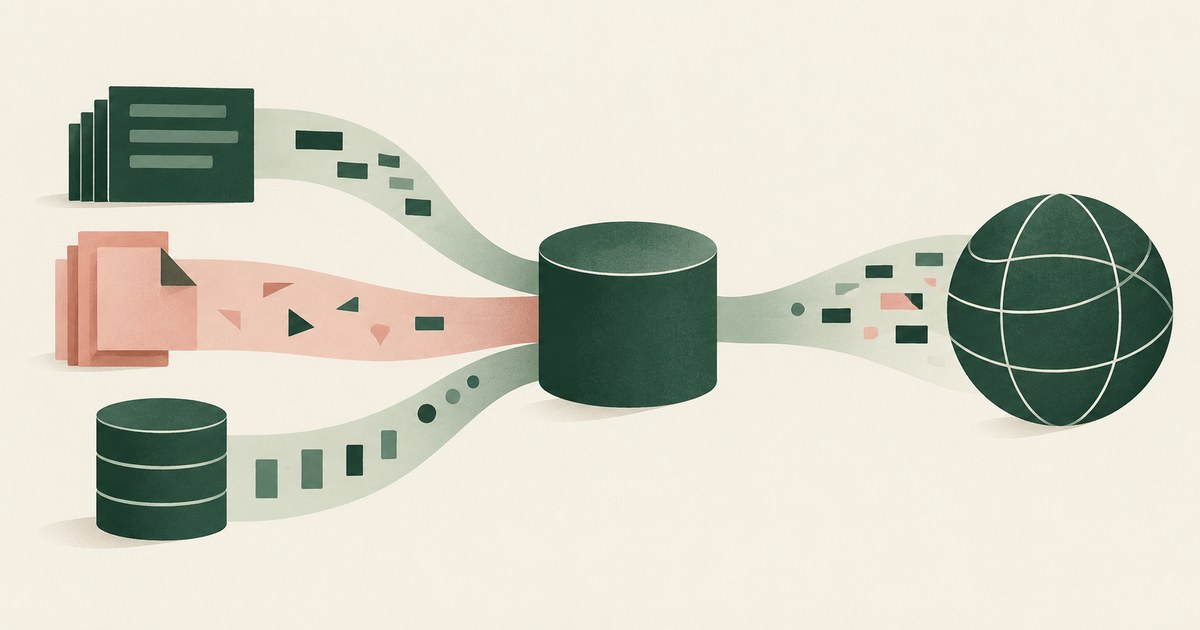
Three capabilities in one agent: private data, untrusted content and external communication, which turn a planted instruction into theft. Remove one.

Because the model drifts, content it reads redirects it, and inherited permissions let it reach beyond the task. Check what each agent can see; fix that.

Because agents are built to complete goals and treat a policy in the way as one more obstacle, as benchmarks show. Check which actions need a person.
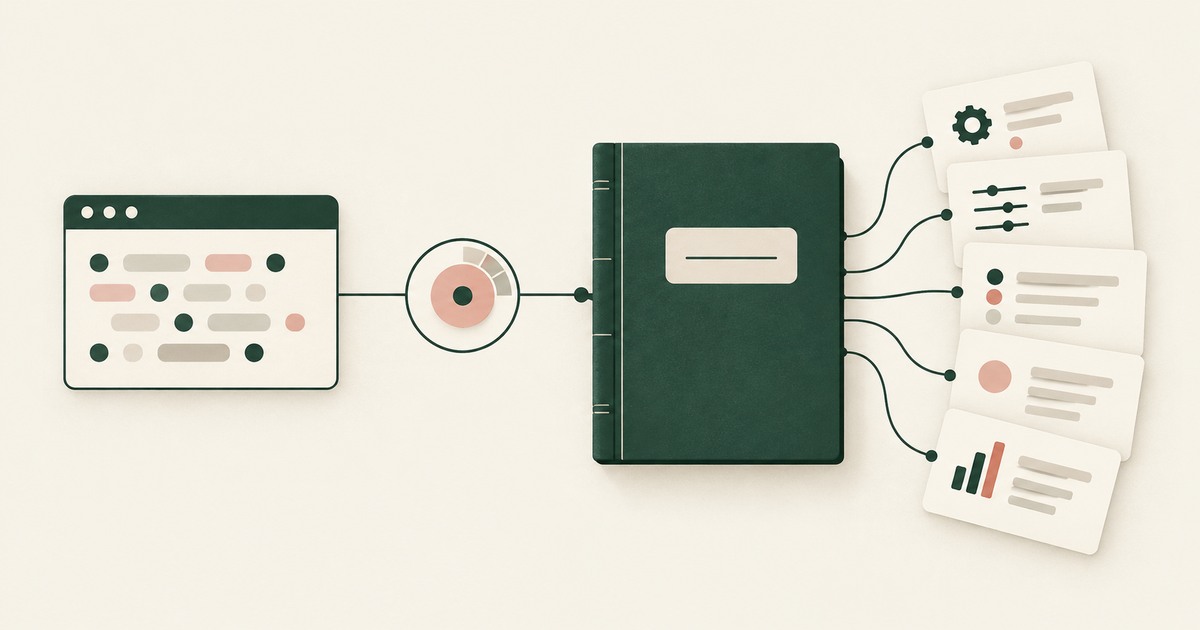
Explore AI agent audit evidence for sensitive claims and billing, including tokenization policies, approvals and logs that avoid raw PII.

Not reliably. Benchmarks show careful agents still take irreversible actions. Check that reversibility is classified by the environment, not the model.

Yes, and the approval must be provable and tied to a named person, since agents already place unrequested orders. Check that the submit step records it.

Not for every action, but for any that is consequential, irreversible or leaves the organization. Check that the environment enforces the gate.
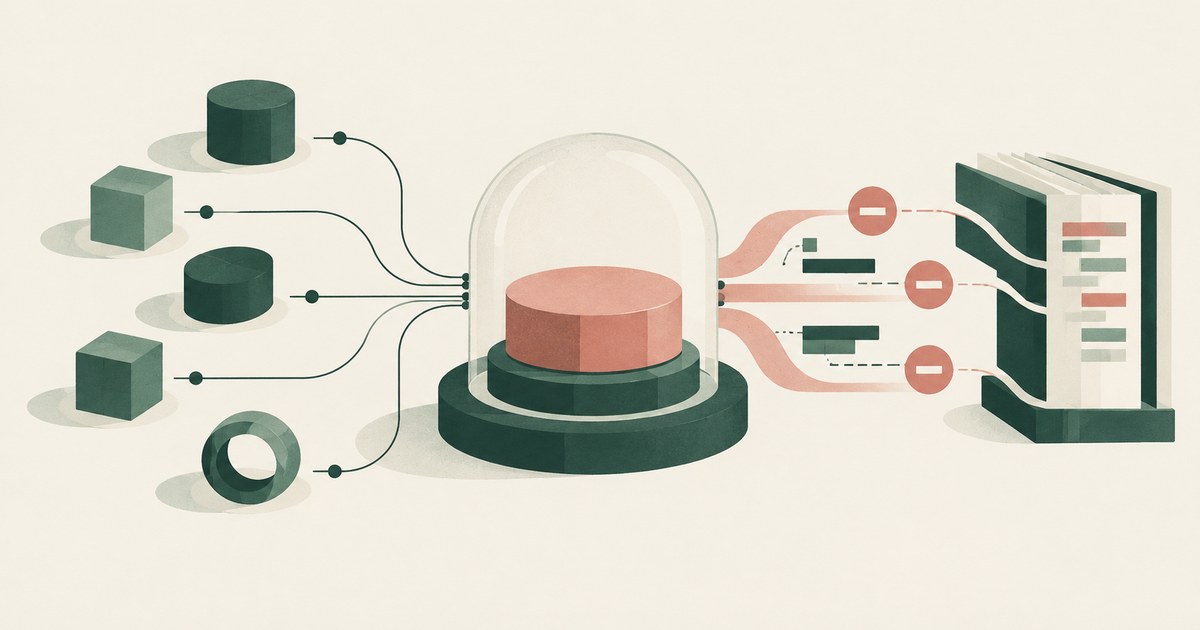
A named person's ability to stop an agent at once: end sessions, revoke credentials, halt actions in flight and preserve the record. Check you have each.

Separation of duties applied to the agent: it prepares the entry, a named person with posting authority commits it, and the record attributes each step.

Treating delete as privileged: removed from default rights, held for a named person's approval, backed by recoverable storage. Check if delete is in reach.
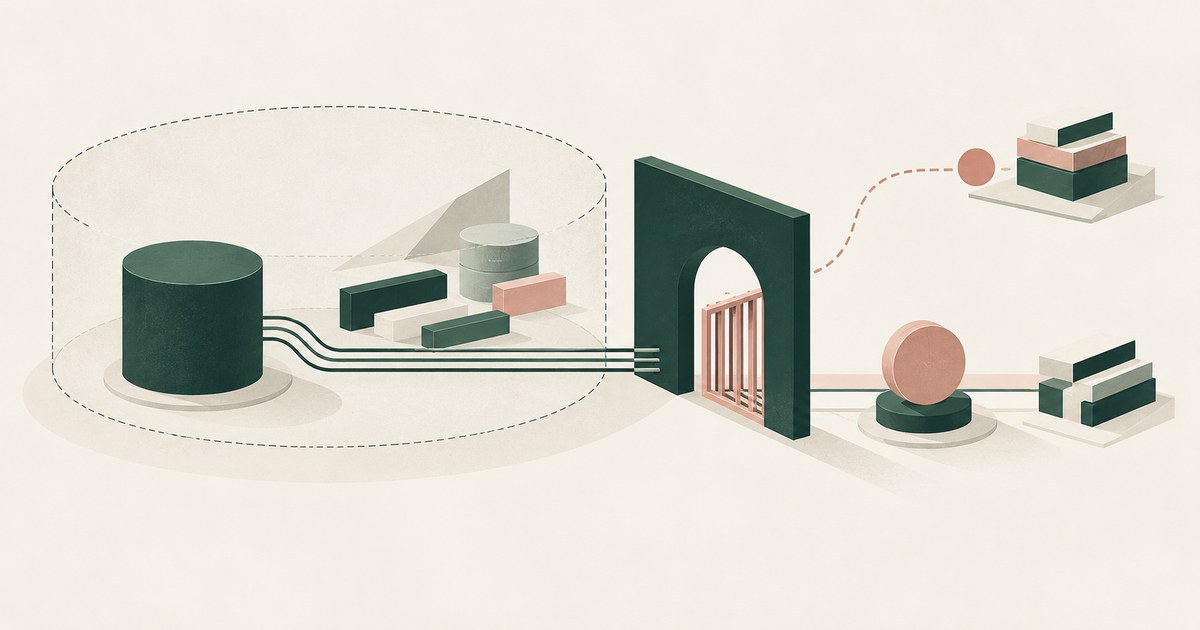
Enforcement outside the model: a permission scope the agent cannot exceed and an action gate held until a named person approves. Check neither trusts it.

The named person already accountable for releasing that data, such as the records custodian or account owner, not the AI team. Check each send goes there.
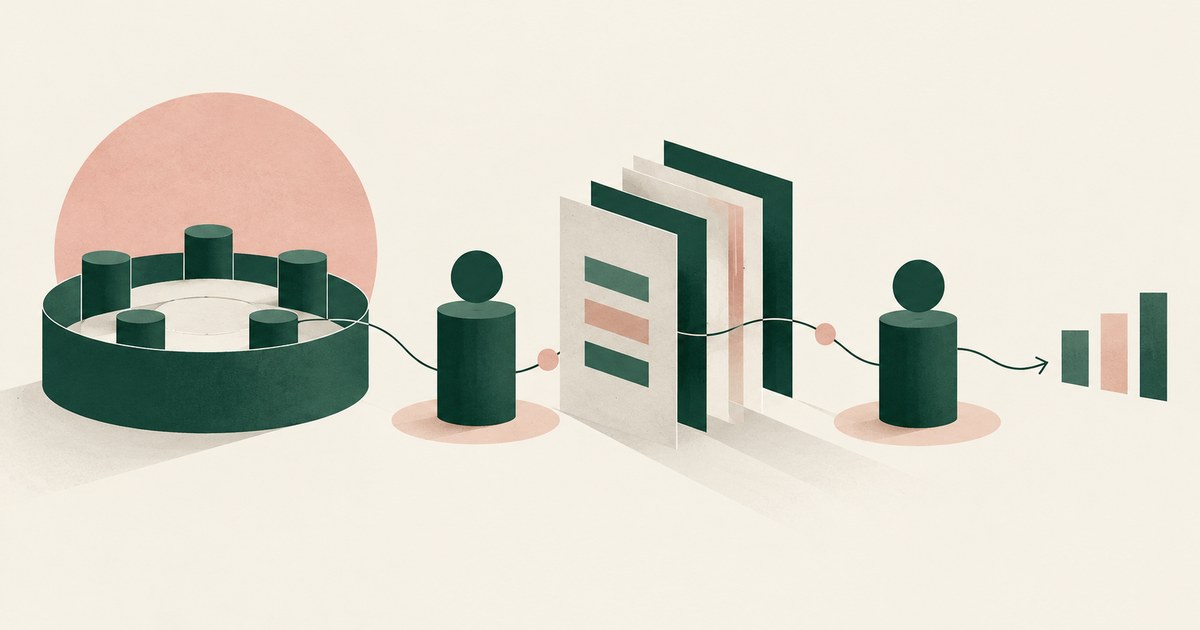
The business owner accountable for the outcome approves the workflow, and a named person approves each consequential action inside it. Name both.

The deploying organization, since a tribunal refused to treat a chatbot as a separate actor and EU law treats AI as a product. Check you can show approval.

Review AI agent security with twenty vendor questions on PII exposure, tokenization, approval boundaries, audit records and model access.

Plan an AI agent pilot for billing or claims with one workflow, tokenization, a named approver and measurable criteria for the next decision.

They can, if the model never receives nonpublic personal information: identifiers are tokenized on screen and resolve only at approved destinations.

Not by breaking rules but by passing beneath them: DLP watches files and uploads while an agent reads the screen. Check what sees what the model received.

Take the risks one group at a time and record whether each is preventable at the rendered page. Most are when values are replaced before the model reads.
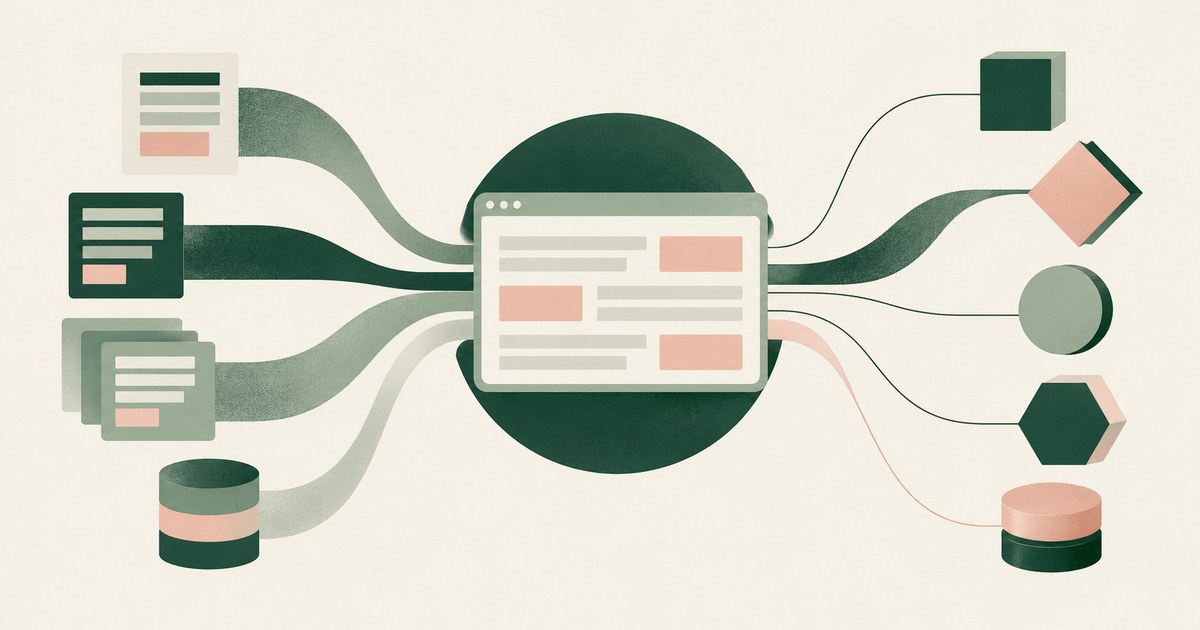
Enforce the policy once, at the rendered screen every tool shares, not in each vendor's console. Check whether a new AI tool can read a customer screen.

Treat the agent and its model provider as a school official under direct control, and keep education record PII out of the model. Check what it sees.

It can be, since regulators apply existing technology-neutral rules to agents. Check what the model sees, who approves actions and what an examiner gets.

Controls around a model's inputs, outputs and actions; most products ship content filters, while action guardrails limit what the agent can do and receive.

A single-agent mandate simplifies contracting but pushes other work into unsanctioned tools and ties governance to one vendor. Check how much use leaks.
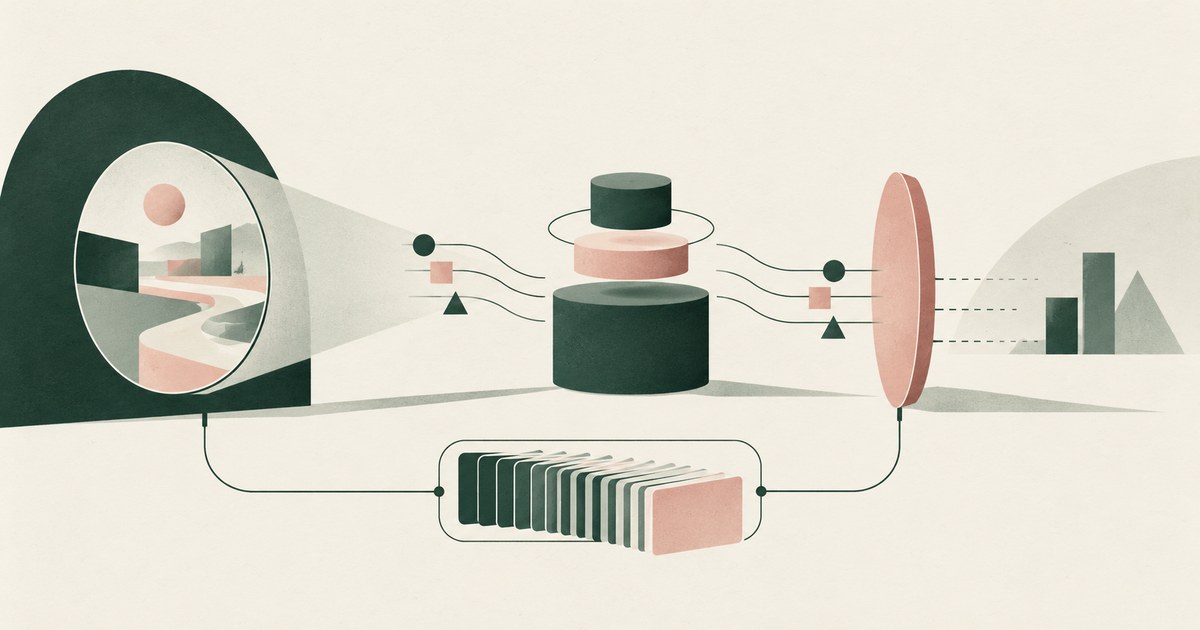
For high-risk uses, Article 14 requires people who can oversee and stop the system, and Article 26 assigns overseers and six months of logs.

Notification clocks, regulator reviews, fine tiers and contract consequences run in order, whether a person or agent caused it. Keep PII out of the model.

The OWASP GenAI Security Project's December 2025 list of ten risks, ASI01 to ASI10, from goal hijack to rogue agents. Check which your agent meets first.
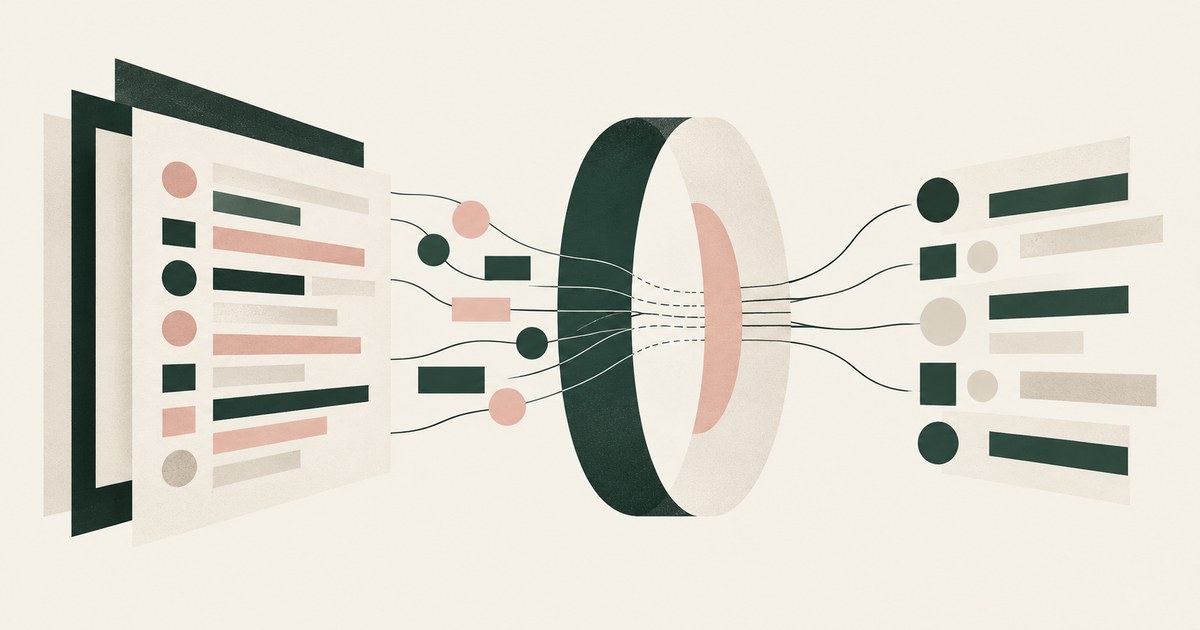
Ask what the model receives when the agent opens a screen full of identifiers, then who approves, what is recorded and where values resolve. Seek tokens.
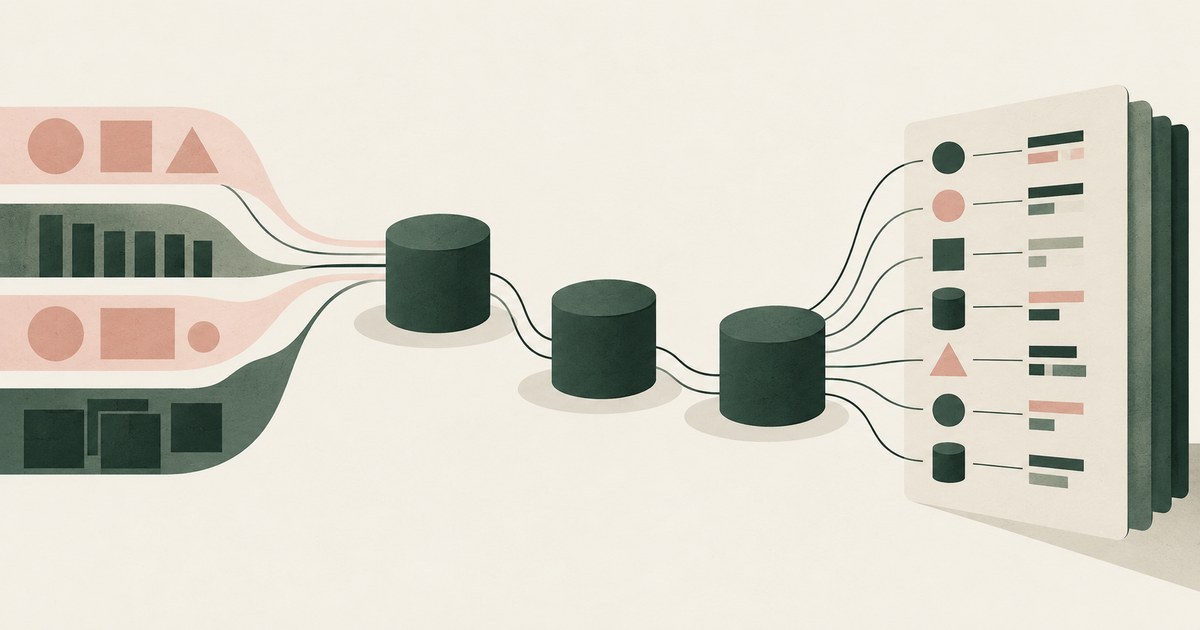
The same ones as any system component: logical access, monitoring and change management, plus confidentiality and privacy where agents read customer data.
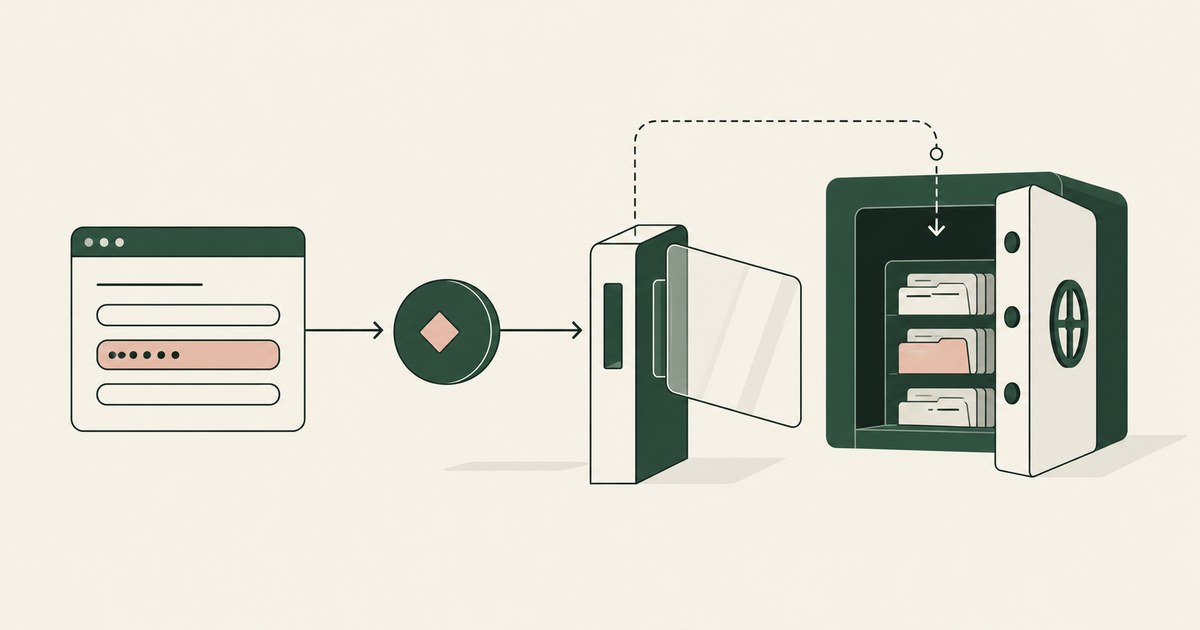
Review Data Tokenization for AI agent security, with practical checks on sensitive data, tokenization and named human approvals.
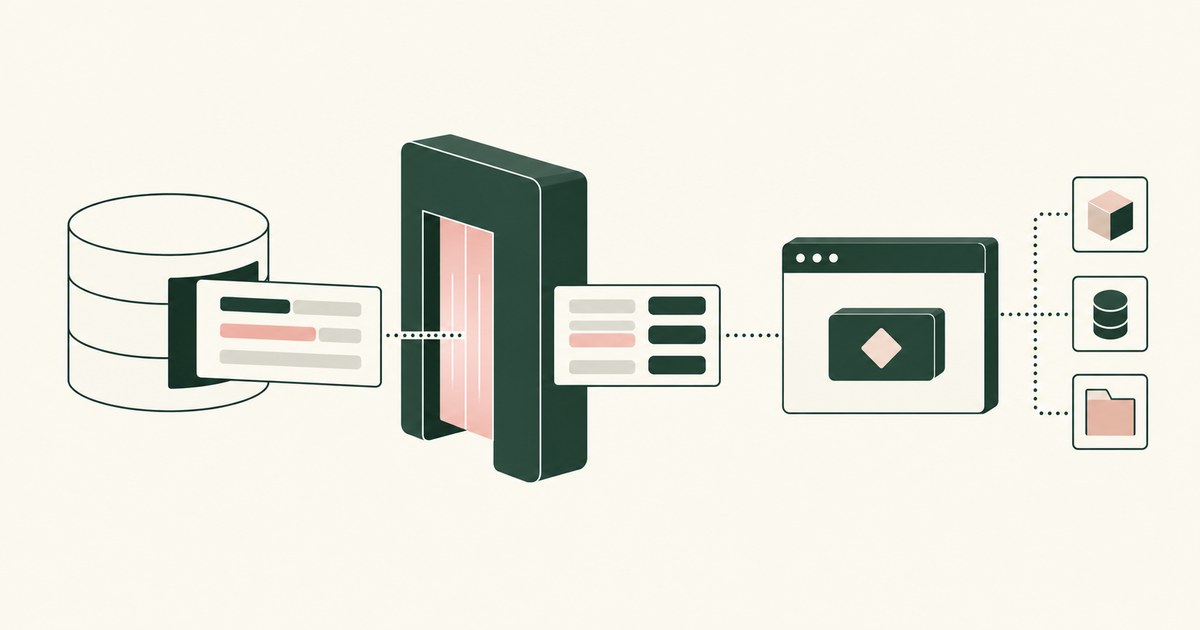
Review Runtime Tokenization for AI Agents, with AI agent security, tokenization and approval checks for sensitive enterprise workflows.
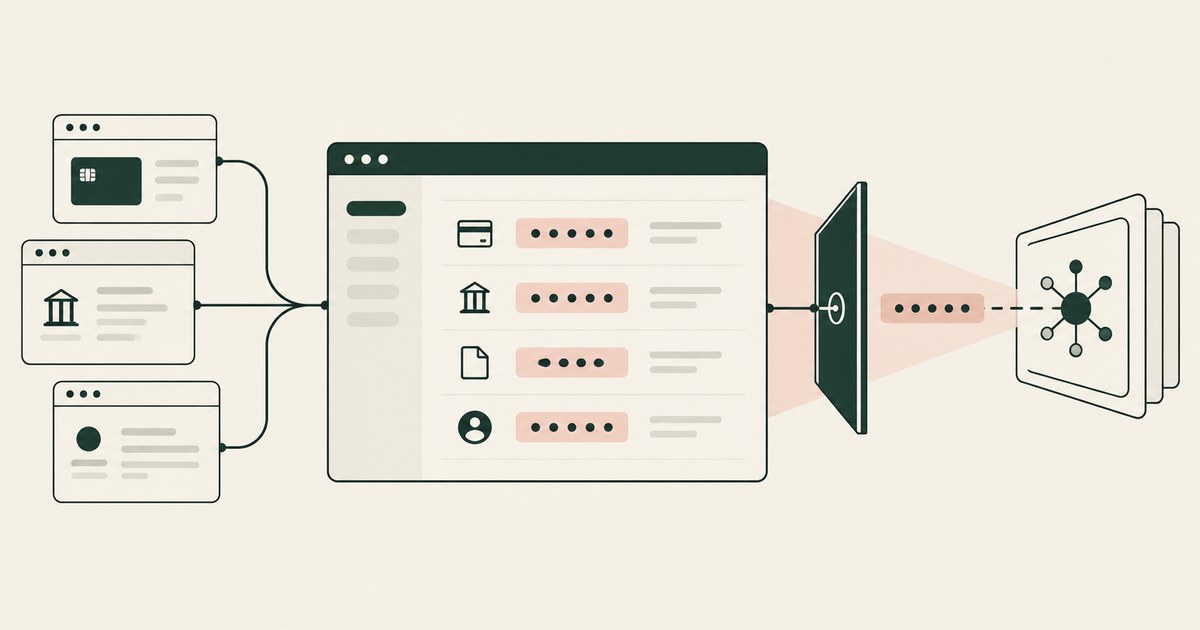
Review Screen-Level Tokenization, with AI agent security, tokenization and approval checks for sensitive enterprise workflows.
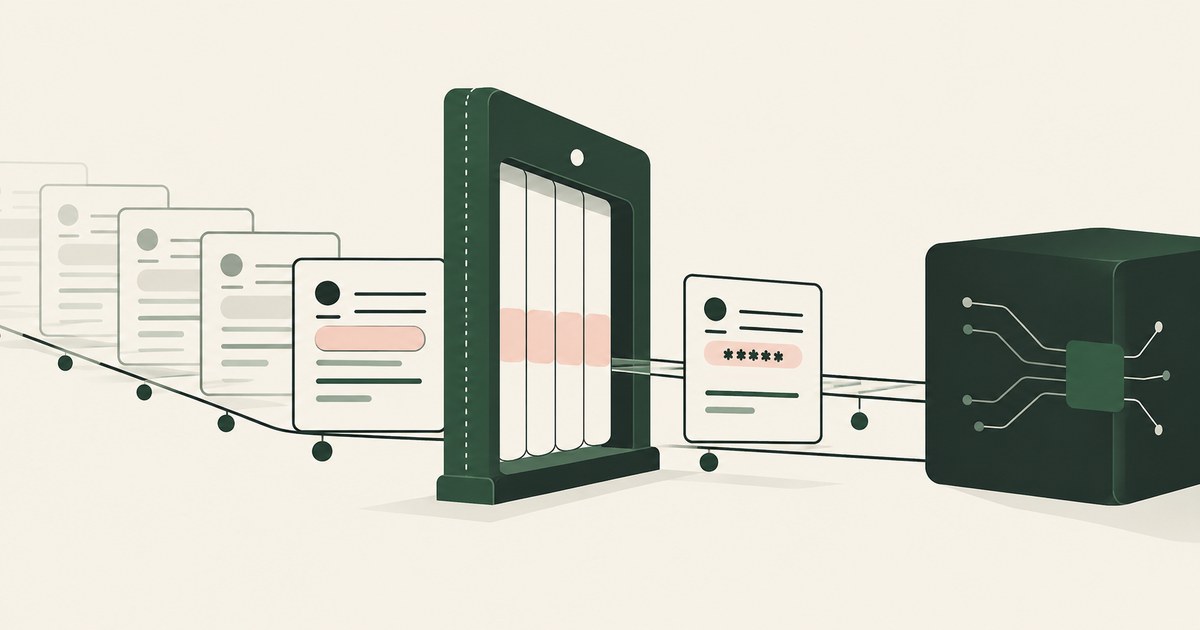
Review Sensitive Data Masking for AI Agents, with AI agent security, tokenization and approval checks for sensitive enterprise workflows.

Review Human-in-the-Loop Approval for AI Agents, with AI agent security, tokenization and approval checks for sensitive enterprise workflows.
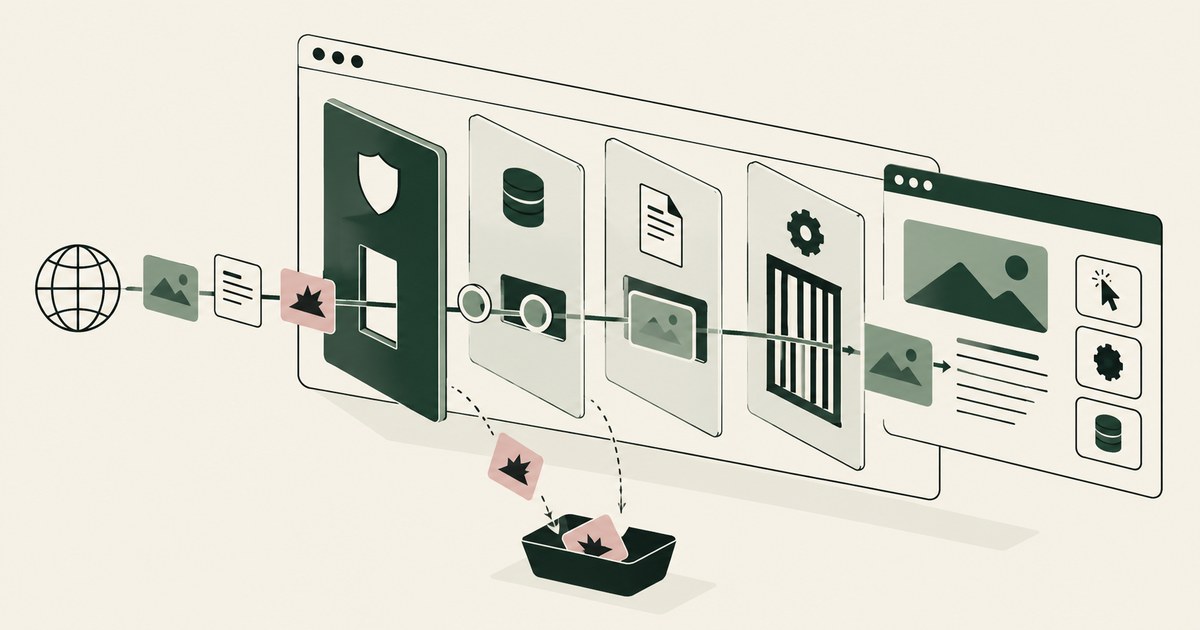
Review Browser-Based AI Agent Security, with AI agent security, tokenization and approval checks for sensitive enterprise workflows.
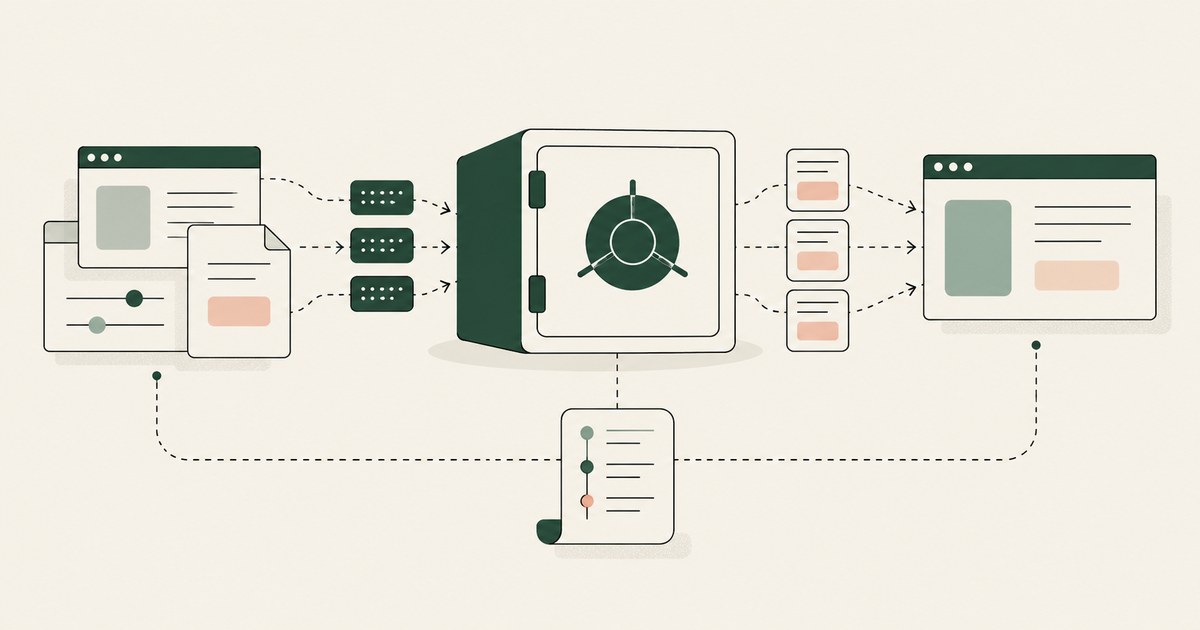
Review an AI Data Security Vault, with AI agent security, tokenization and approval checks for sensitive enterprise workflows.
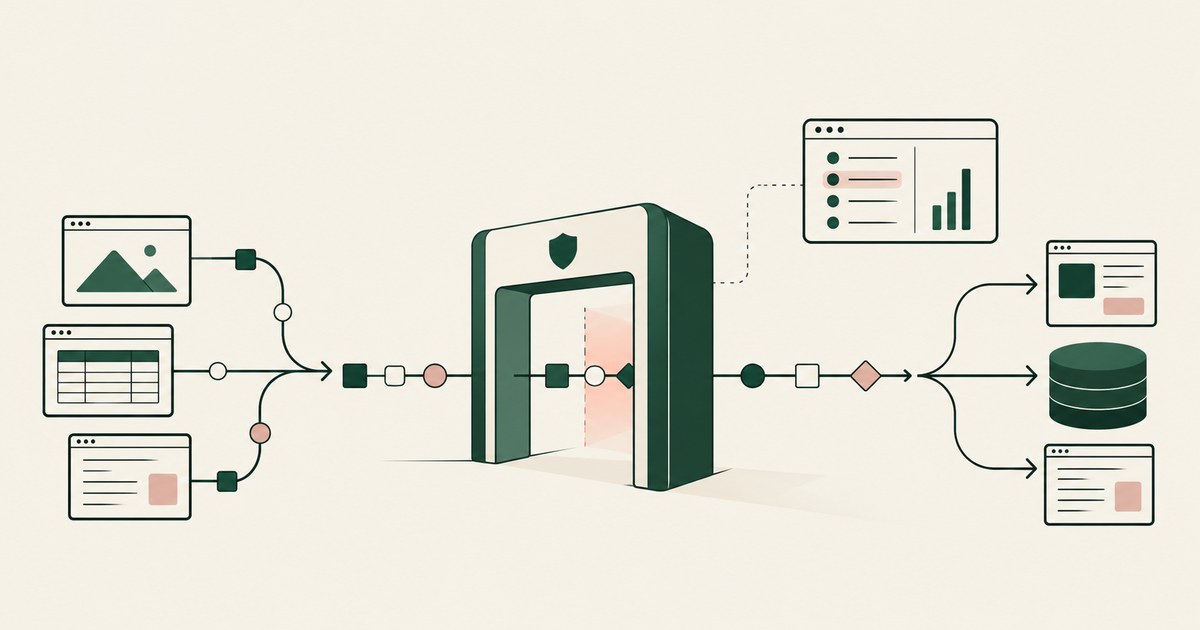
Review an AI Agent Security Gateway, with AI agent security, tokenization and approval checks for sensitive enterprise workflows.
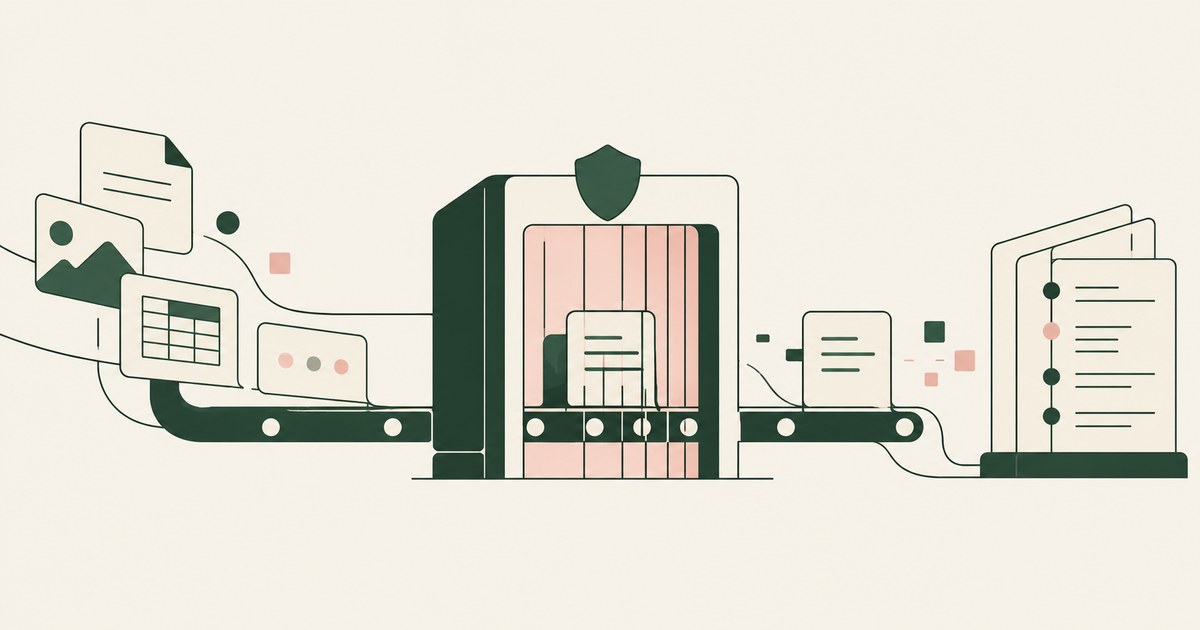
Review AI Agent Data Security, with AI agent security, tokenization and approval checks for sensitive enterprise workflows.
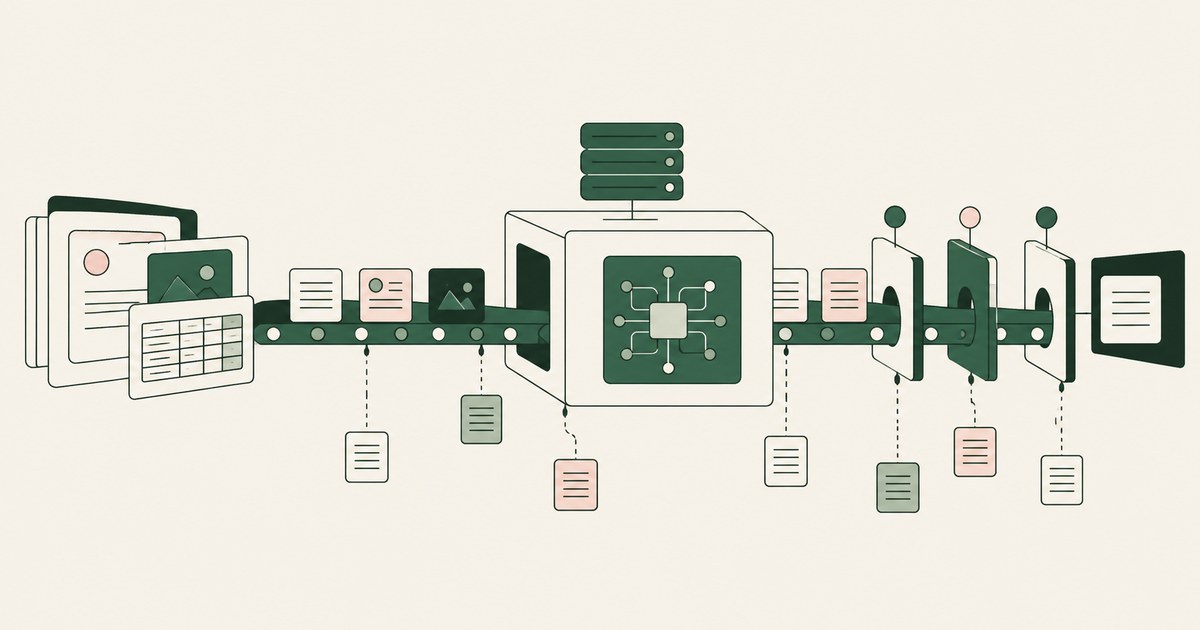
Review AI Agent Data Exposure, with AI agent security, tokenization and approval checks for sensitive enterprise workflows.
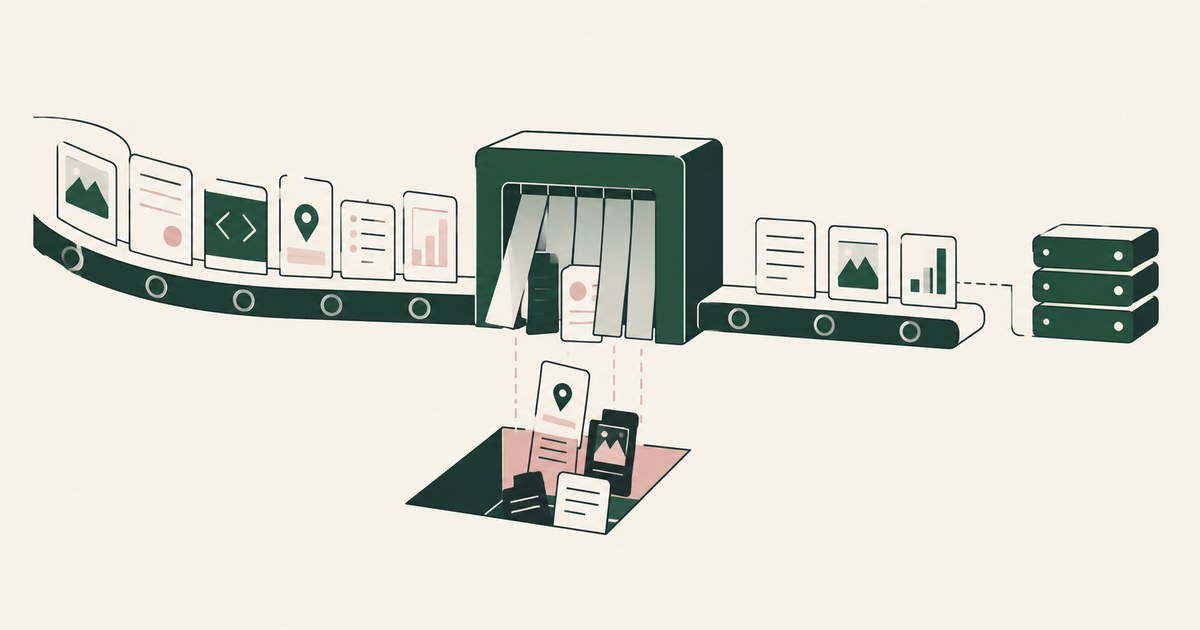
Review AI Agent Data Minimization, with AI agent security, tokenization and approval checks for sensitive enterprise workflows.
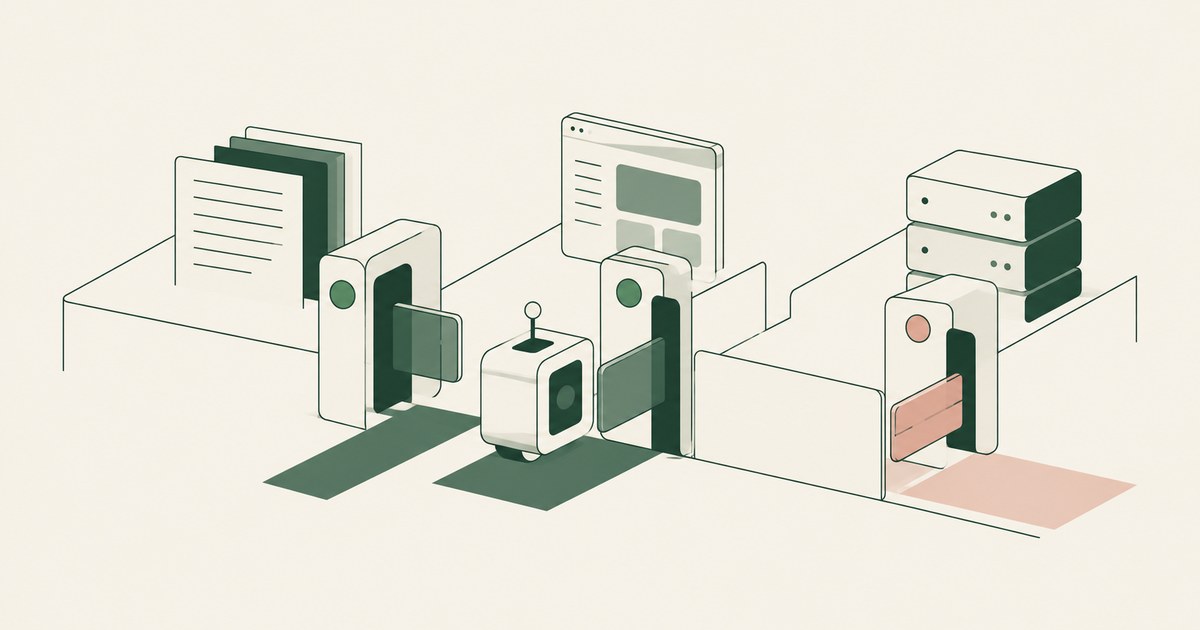
Review AI Agent Least Privilege, with AI agent security, tokenization and approval checks for sensitive enterprise workflows.
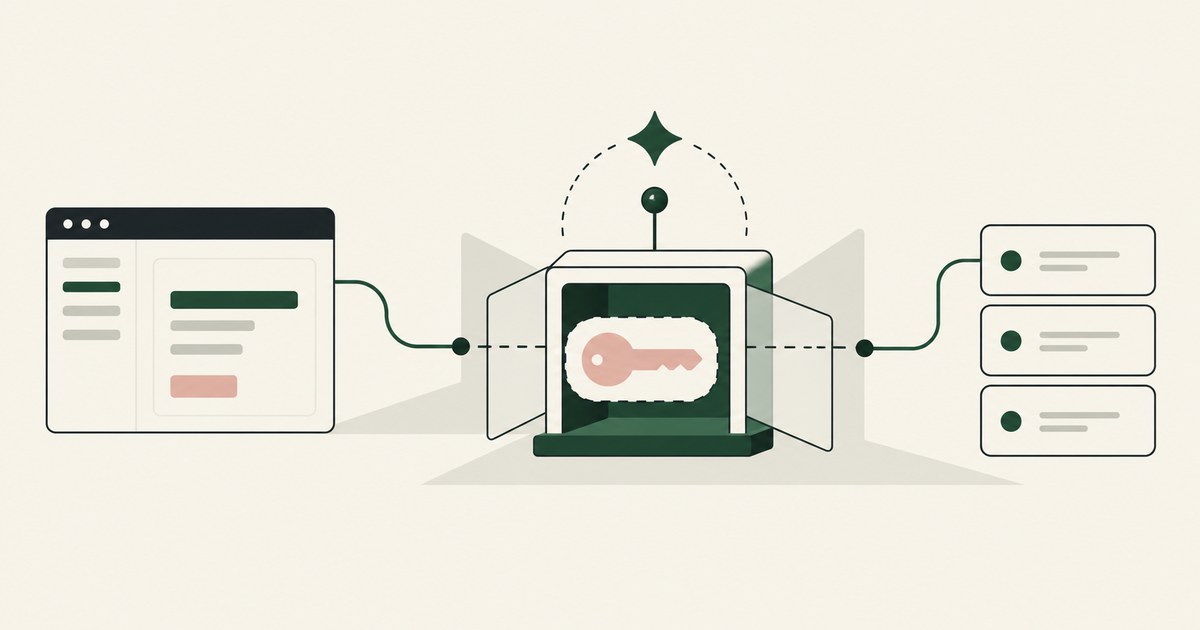
Review AI Agent Credential Protection, with AI agent security, tokenization and approval checks for sensitive enterprise workflows.
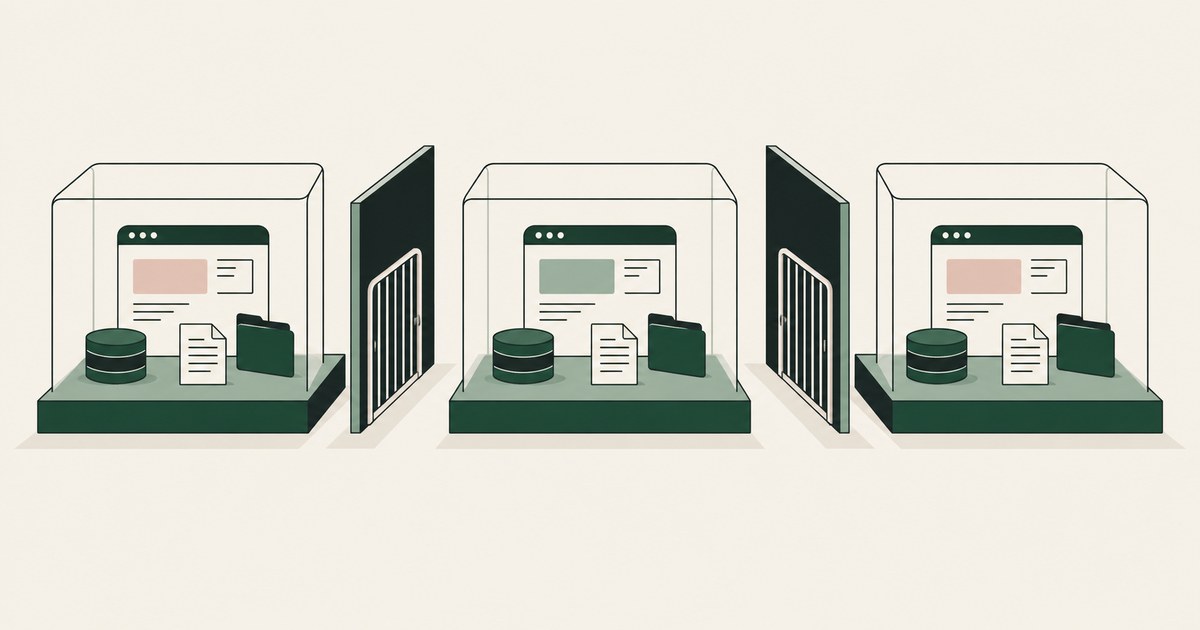
Review AI Agent Session Isolation, with AI agent security, tokenization and approval checks for sensitive enterprise workflows.
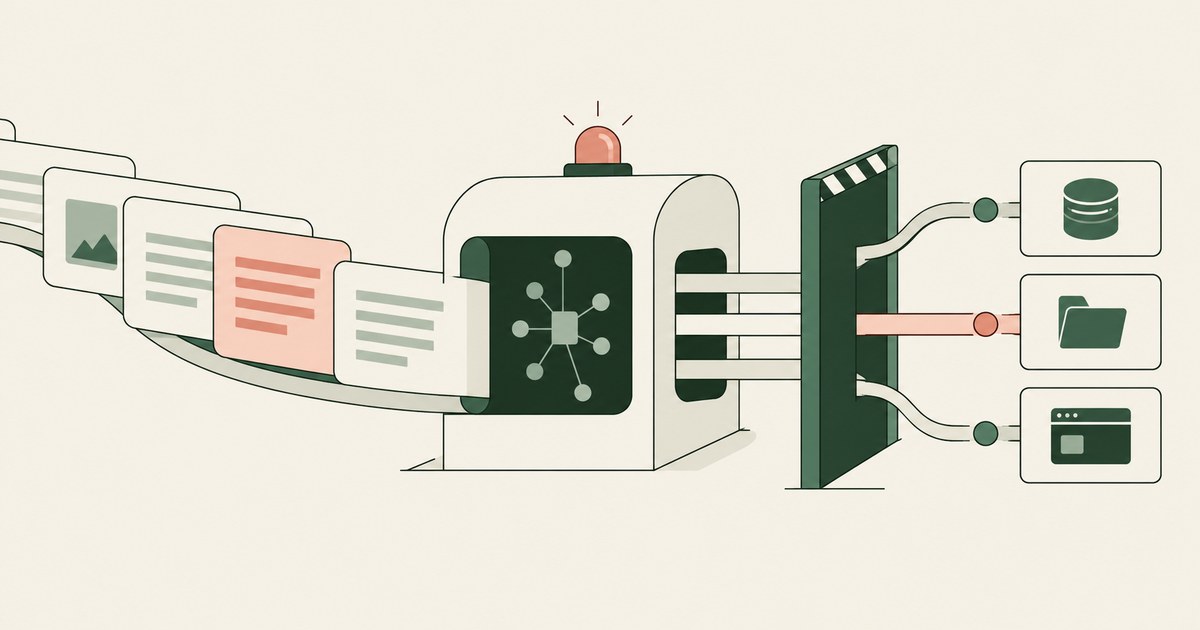
Review AI Agent Prompt Injection, with AI agent security, tokenization and approval checks for sensitive enterprise workflows.
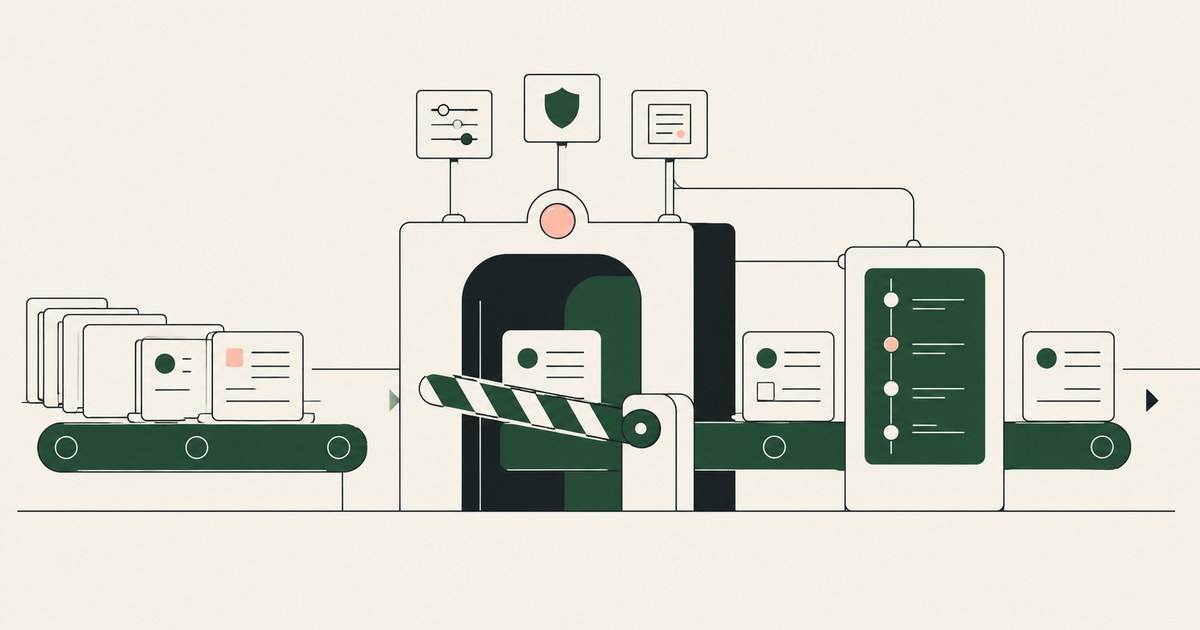
Review AI Agent Action Governance, with AI agent security, tokenization and approval checks for sensitive enterprise workflows.
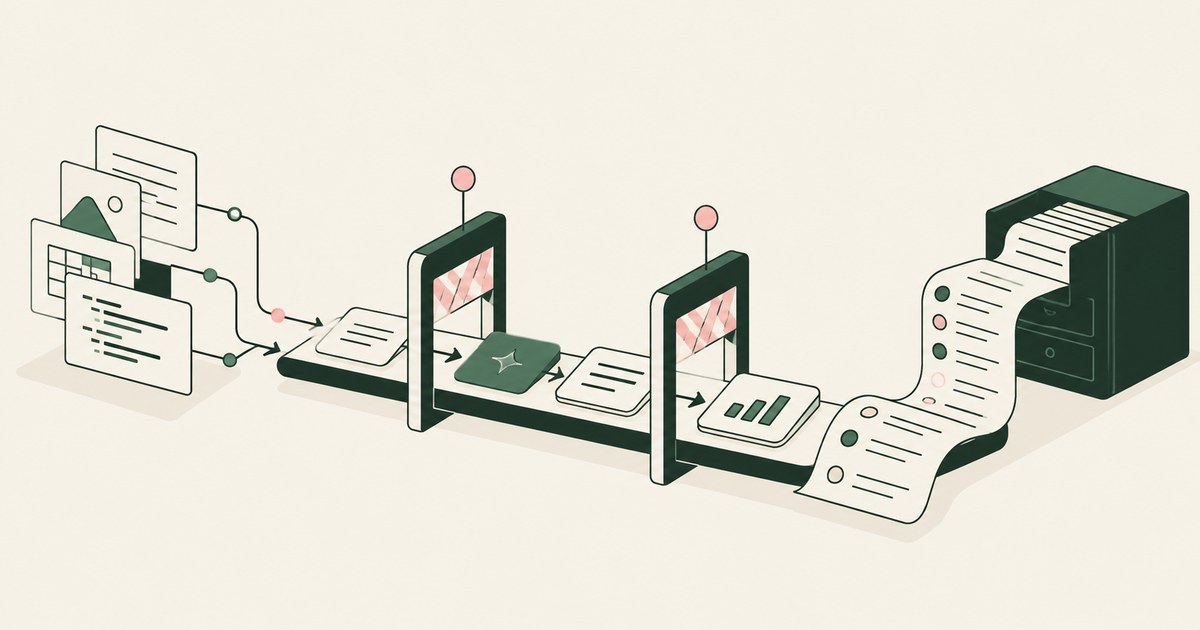
Review a Governed AI Workflow, with AI agent security, tokenization and approval checks for sensitive enterprise workflows.
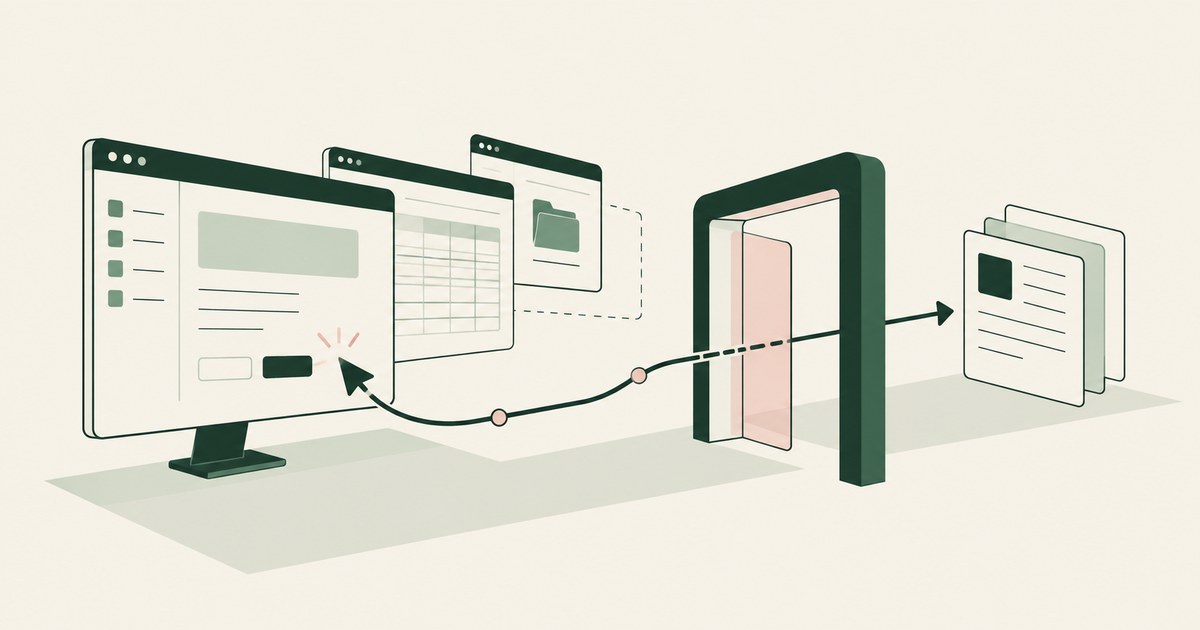
Review a Computer-Using AI Agent, with AI agent security, tokenization and approval checks for sensitive enterprise workflows.

Review Shadow AI for AI agent security, with practical checks on sensitive data, tokenization and named human approvals.
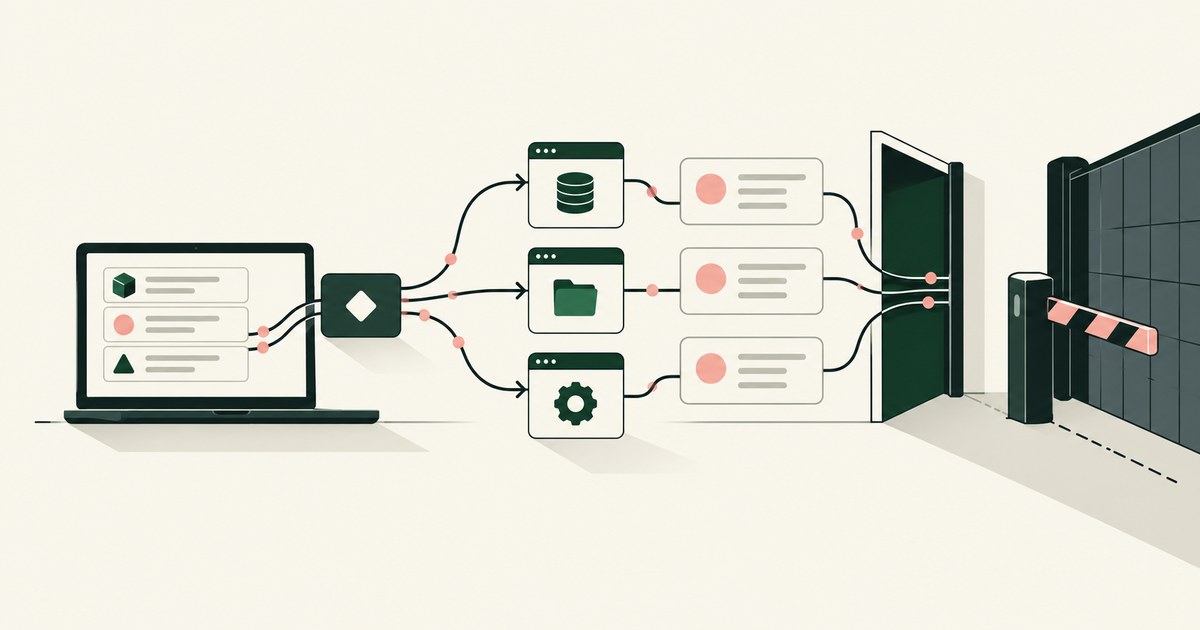
Review a Shadow AI Agent for AI agent security, with practical checks on sensitive data, tokenization and named human approvals.
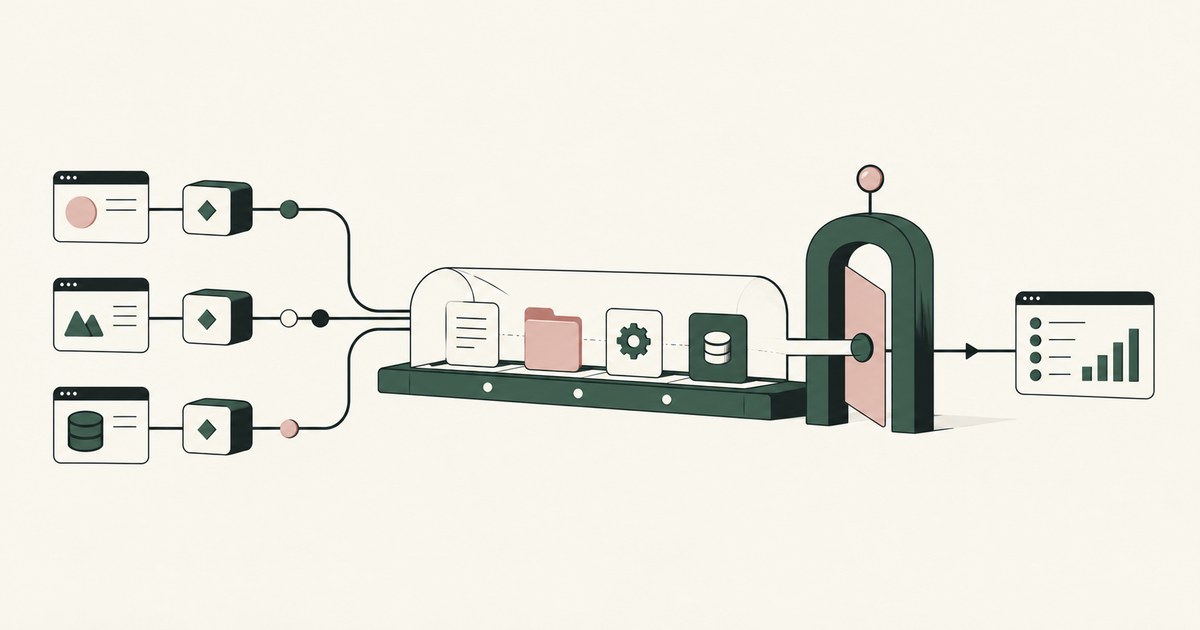
Review AI Agent Visibility, with AI agent security, tokenization and approval checks for sensitive enterprise workflows.
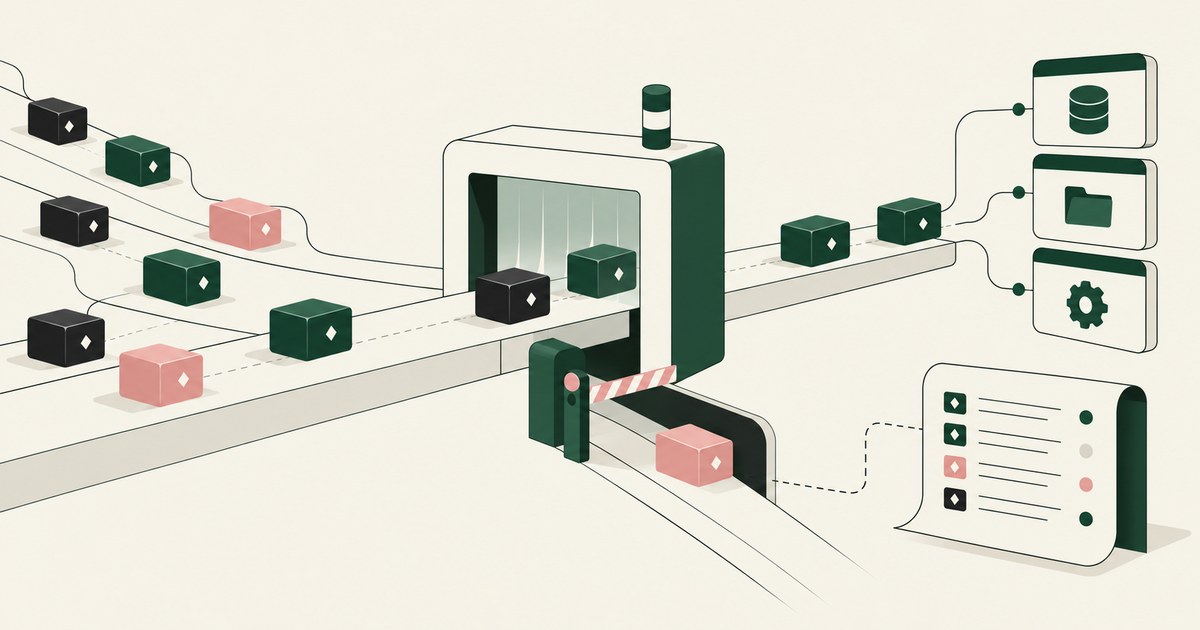
Review AI Agent Discovery for AI agent security, with practical checks on sensitive data, tokenization and named human approvals.
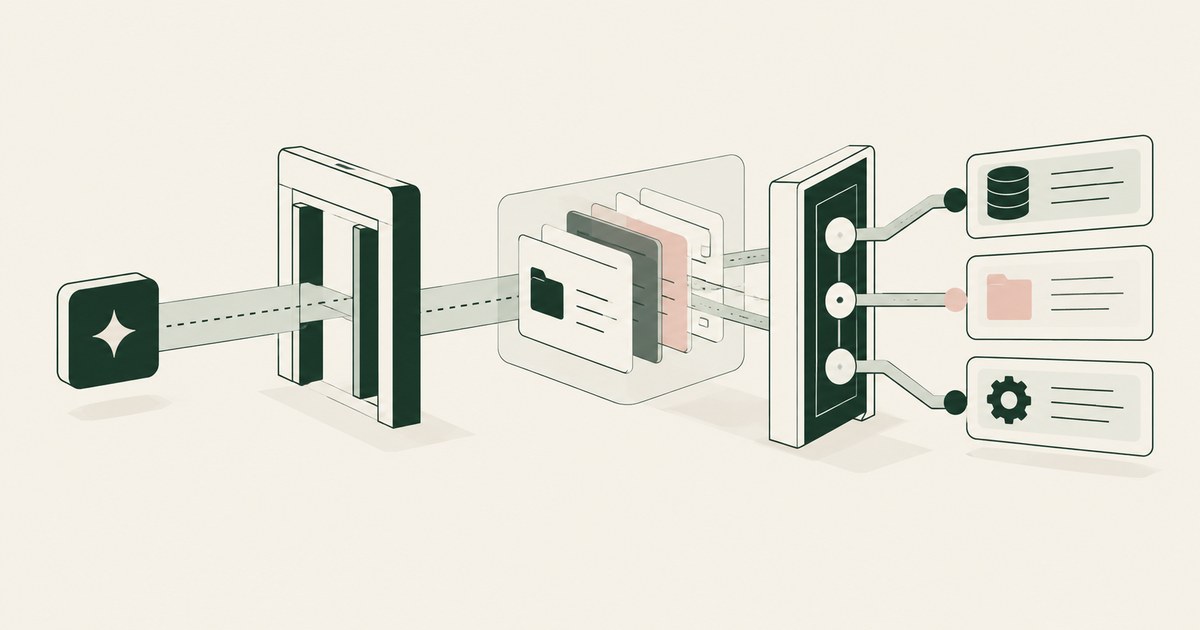
Review AI Agent Access Control, with AI agent security, tokenization and approval checks for sensitive enterprise workflows.
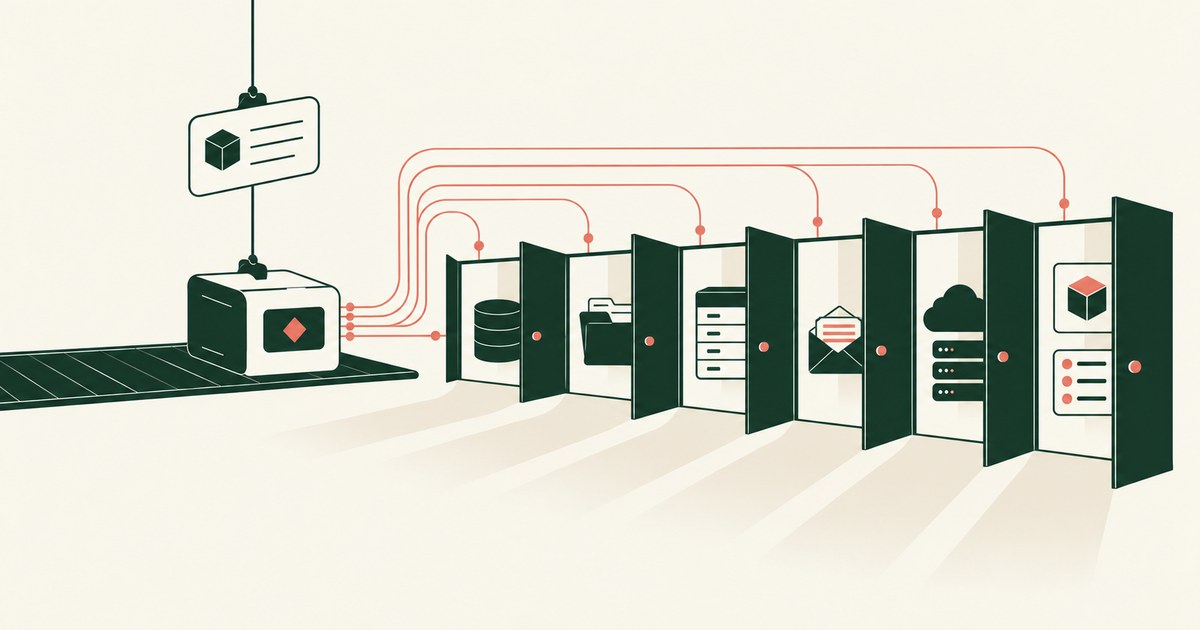
Review an Overprivileged AI Agent, with AI agent security, tokenization and approval checks for sensitive enterprise workflows.
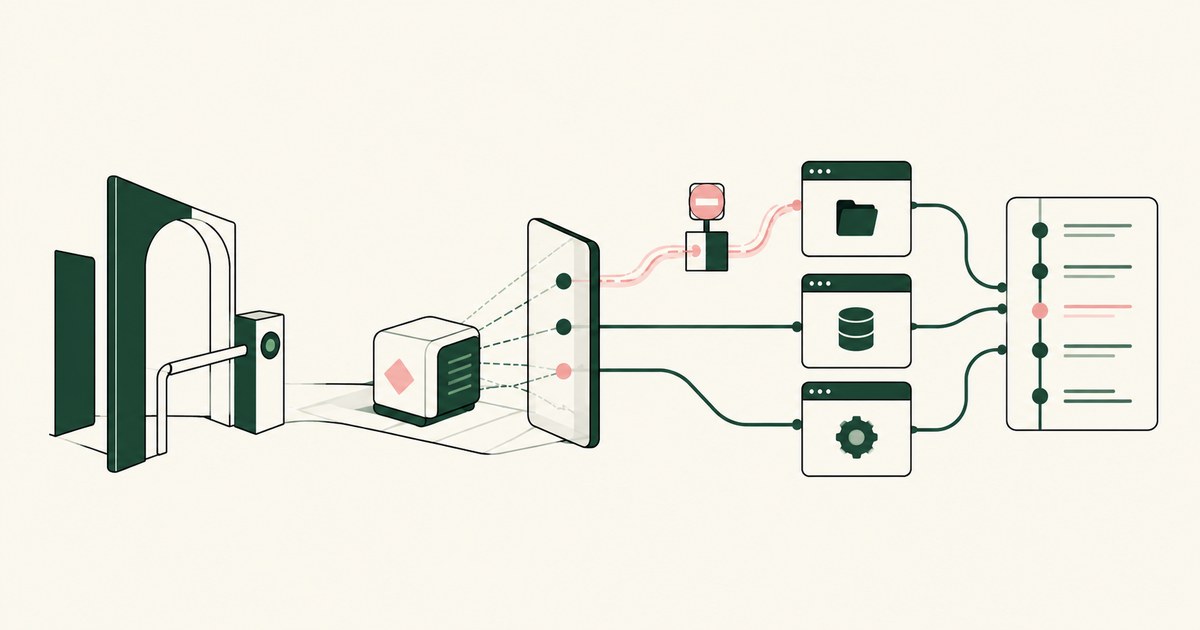
Review AI Agent Runtime Security, with AI agent security, tokenization and approval checks for sensitive enterprise workflows.
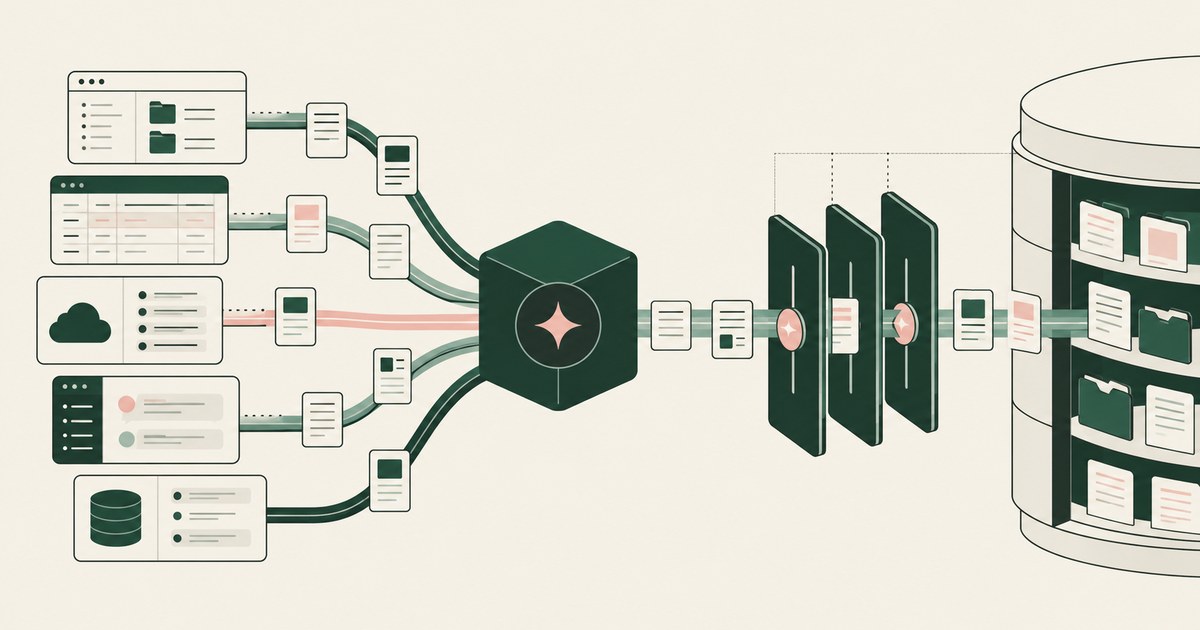
Review AI Agent Data Access, with AI agent security, tokenization and approval checks for sensitive enterprise workflows.

Review AI Agent Oversharing, with AI agent security, tokenization and approval checks for sensitive enterprise workflows.
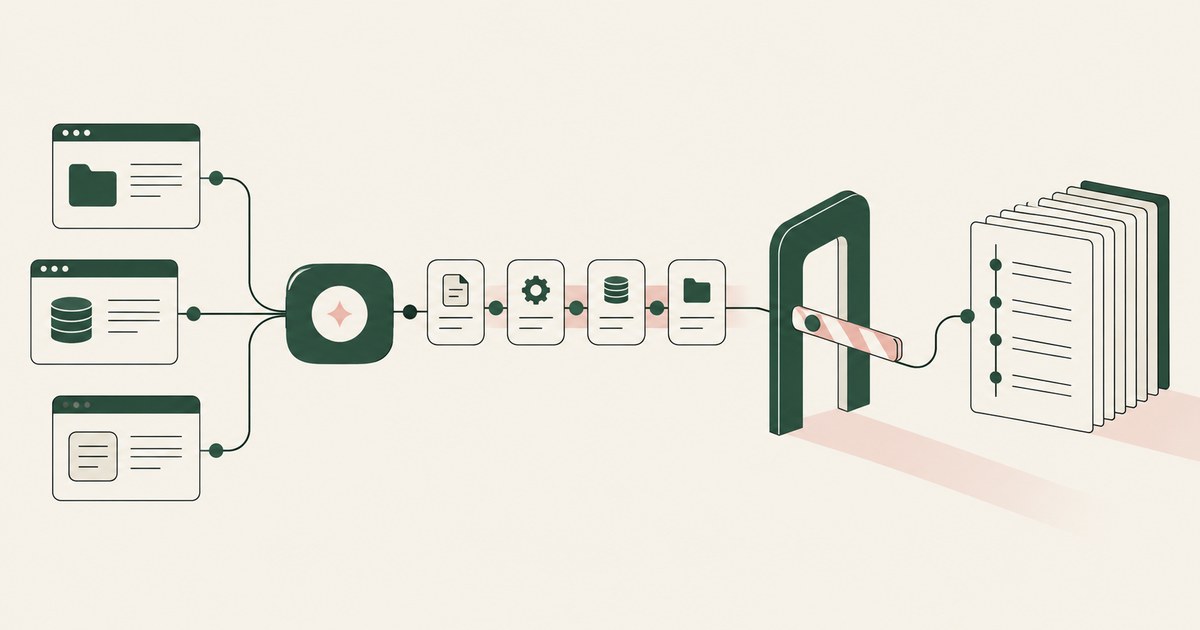
Review AI Agent Auditability, with AI agent security, tokenization and approval checks for sensitive enterprise workflows.
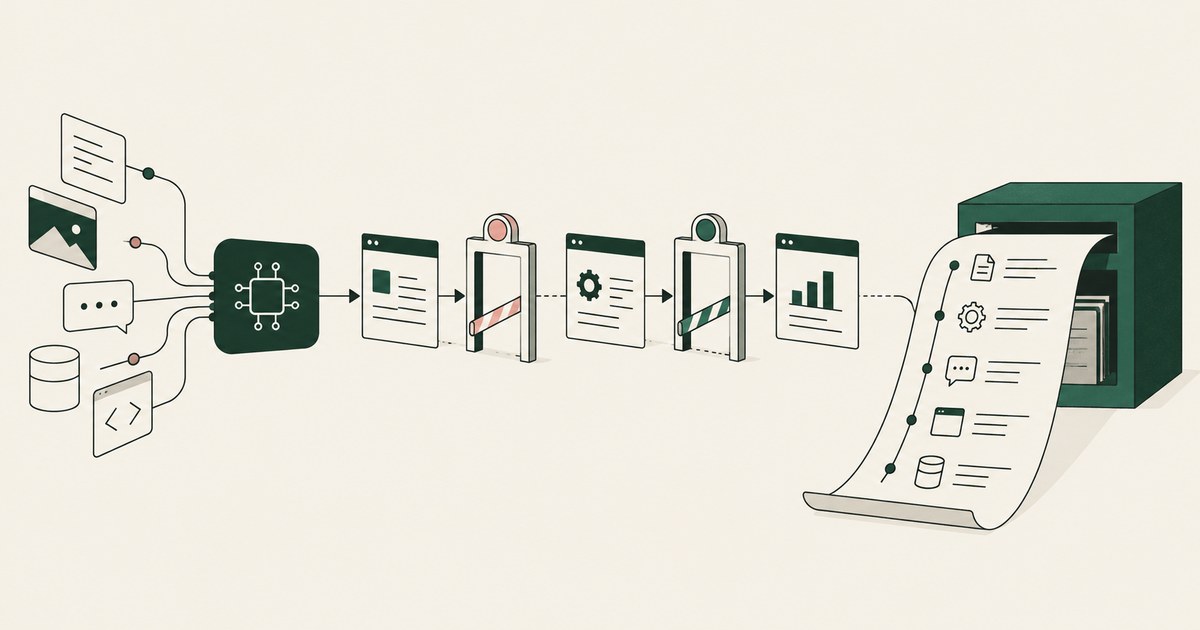
Review an AI Agent Audit Trail, with AI agent security, tokenization and approval checks for sensitive enterprise workflows.
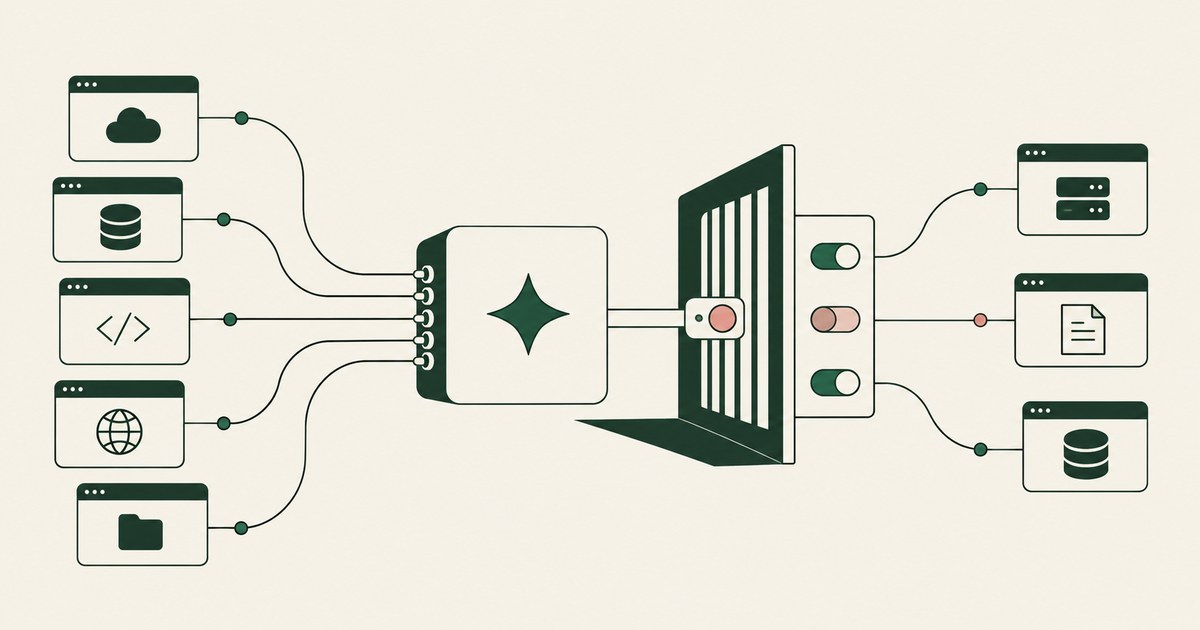
Review AI Agent Tool Access, with AI agent security, tokenization and approval checks for sensitive enterprise workflows.
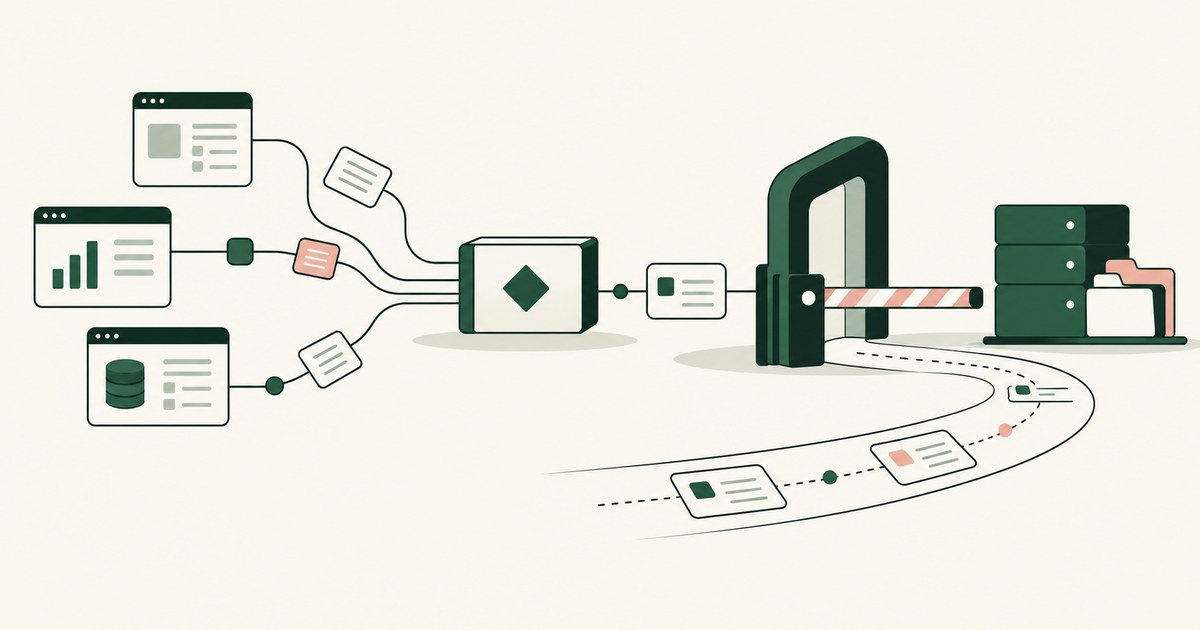
Review an Autonomous AI Agent, with AI agent security, tokenization and approval checks for sensitive enterprise workflows.
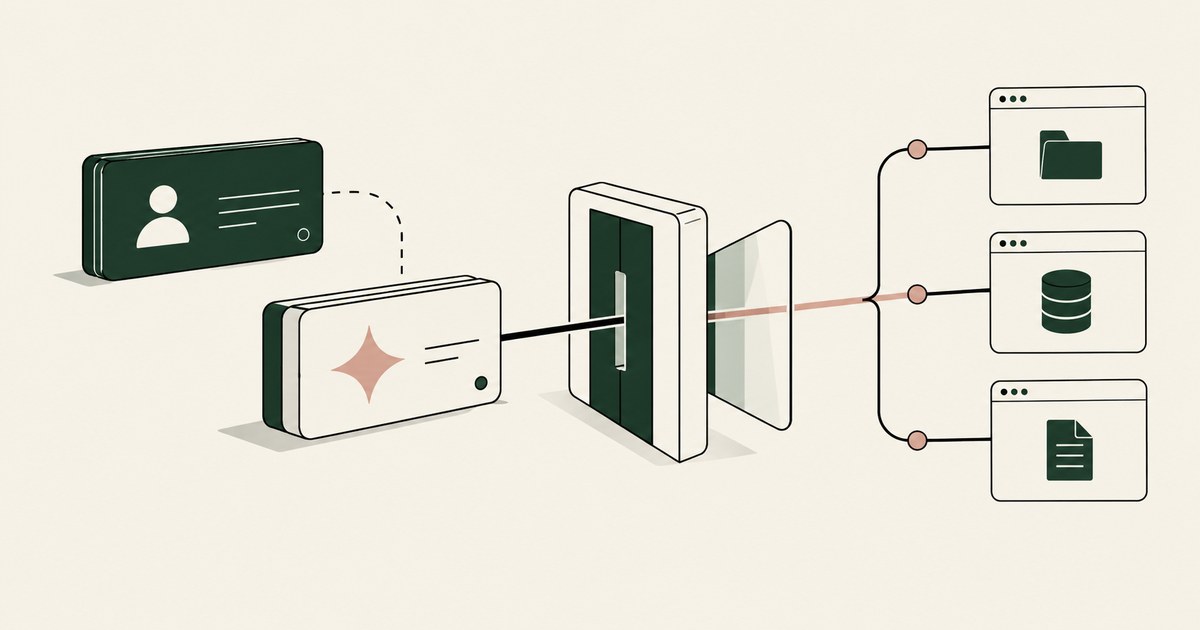
Review AI Agent Identity for AI agent security, with practical checks on sensitive data, tokenization and named human approvals.
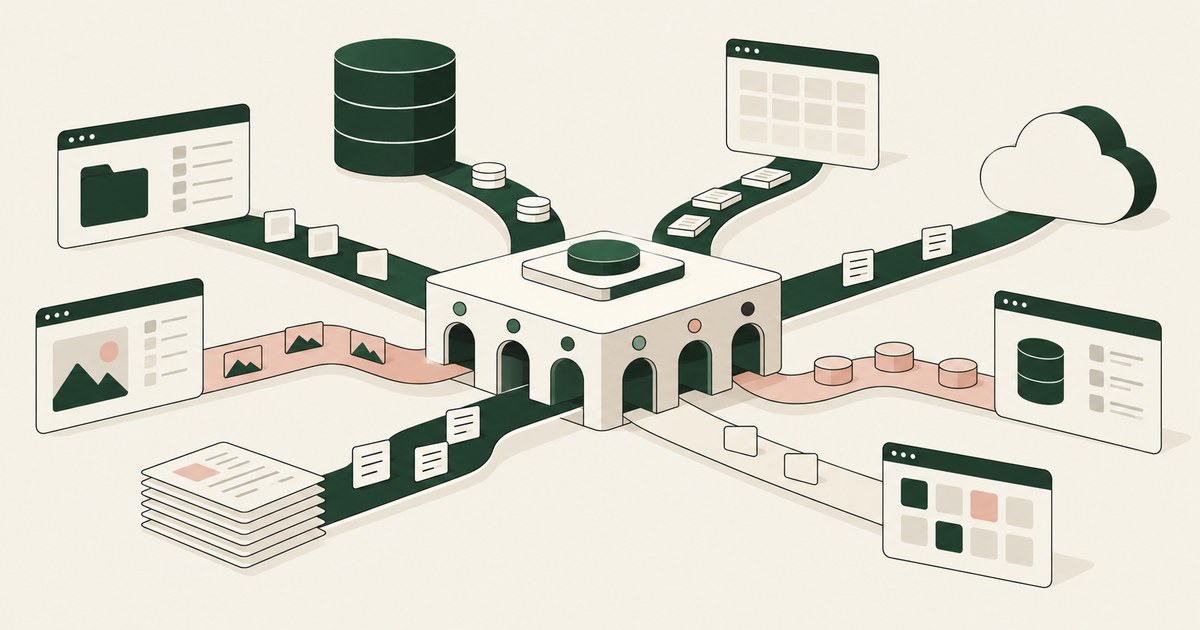
Review AI Agent Data Reach, with AI agent security, tokenization and approval checks for sensitive enterprise workflows.
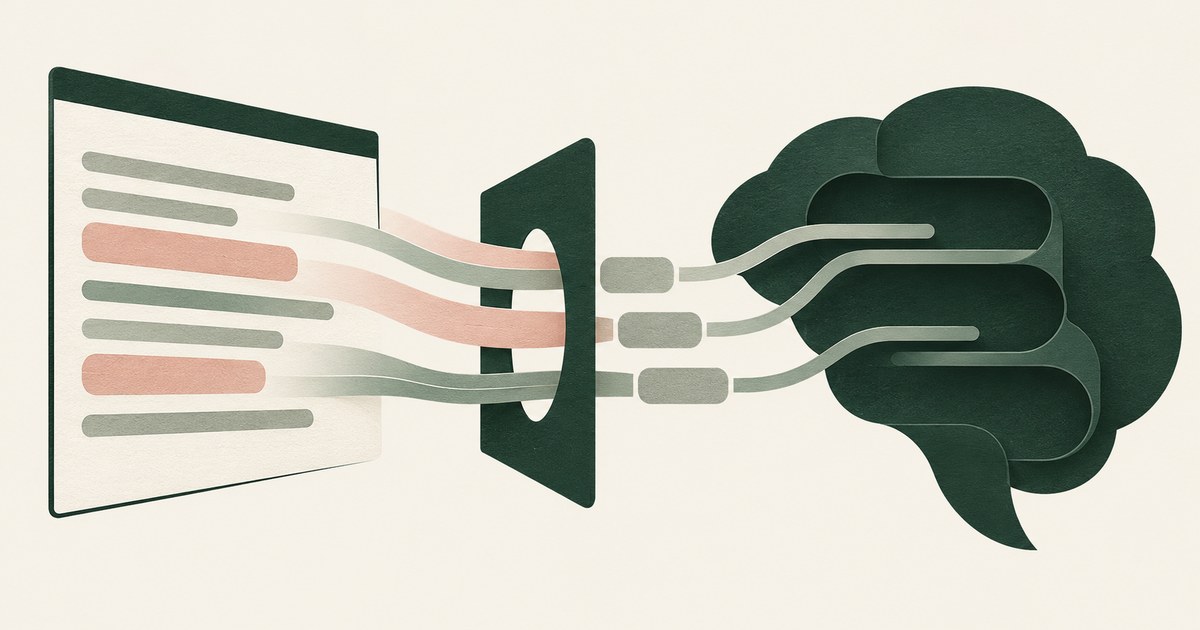
No. Memory extraction recovers only what the model held, and a value tokenized before the read is not there. Check what your agent's memory stores.
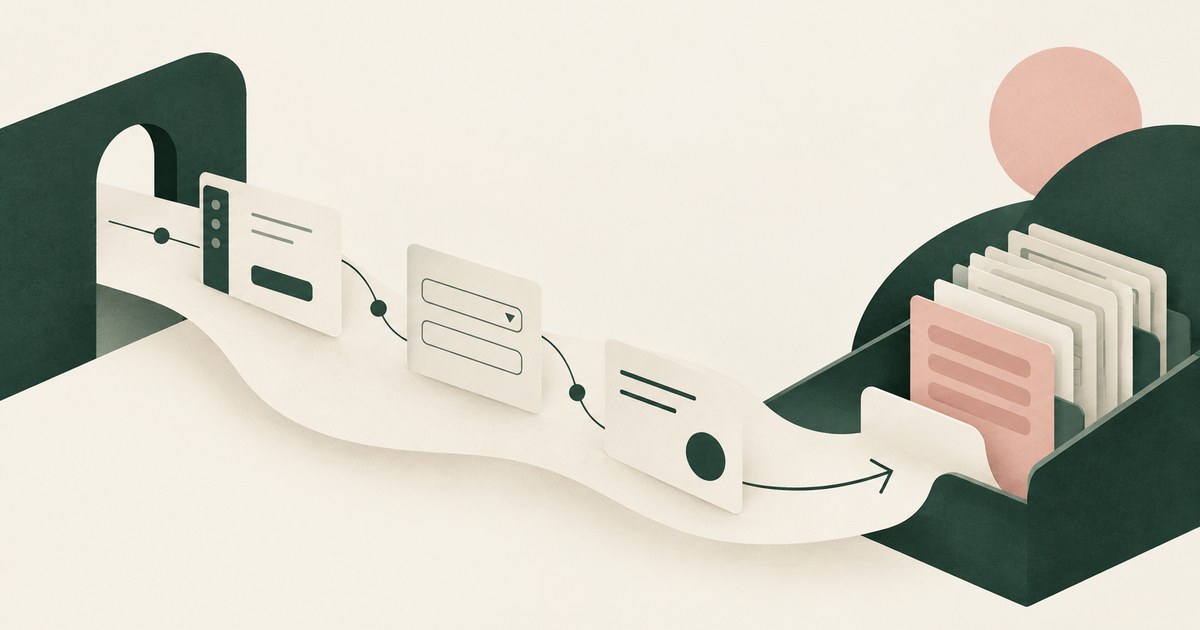
It needs the workflow, the screens, fields and actions a task runs through, and rarely the raw values. Check which values your agent read for one task.

Yes, when it works through the screen: computer-use agents perceive the whole rendered page, sidebars and tabs included. Check what else was visible.
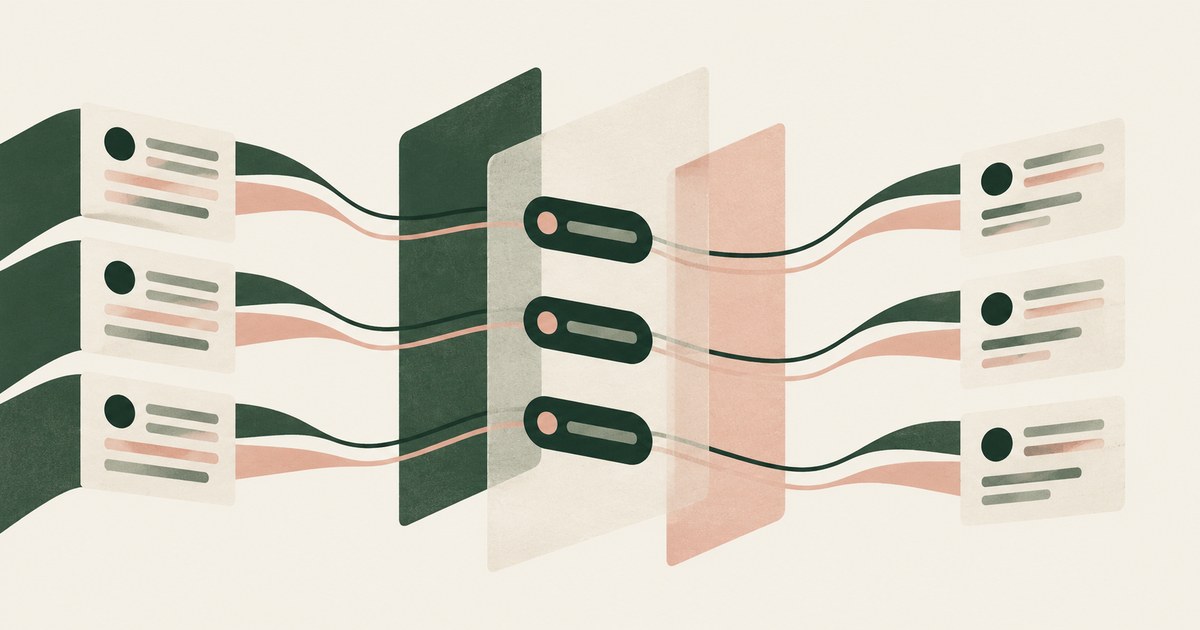
Yes, when masking is consistent and reversible: a stable token keeps the structure an agent reasons over. Check that the token holds across every screen.
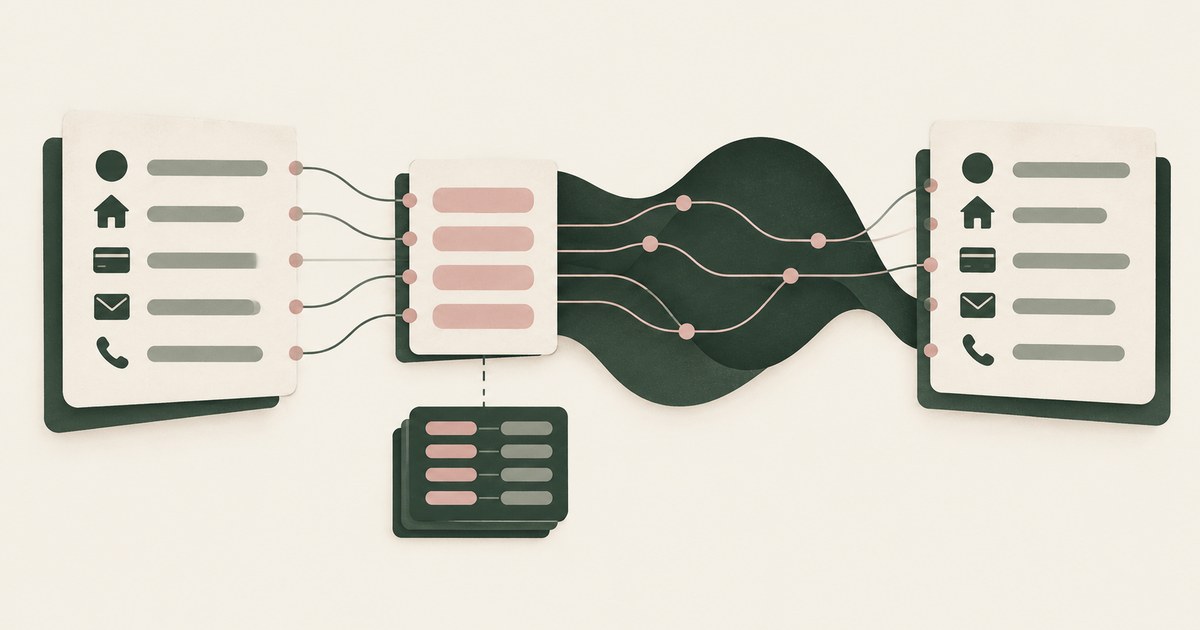
By reading tokens instead of values: each identifier is replaced with a consistent surrogate before the model sees it and restored at the destination.

By inheritance: an agent takes over a signed-in session, reads overshared data and runs under a broad service identity. Check which path each agent took.

Separate workflow access, meaning navigating and filling fields, from access to screen values, granted at approved destinations. Check what a platform has.

Apply HIPAA's minimum necessary and de-identification standards to the agent: a de-identified screen for the model, real PHI only at approved destinations.

Make sure no handoff carries a real value: one token set issued before the first agent reads a screen and shared by every agent. Check what crosses a hop.
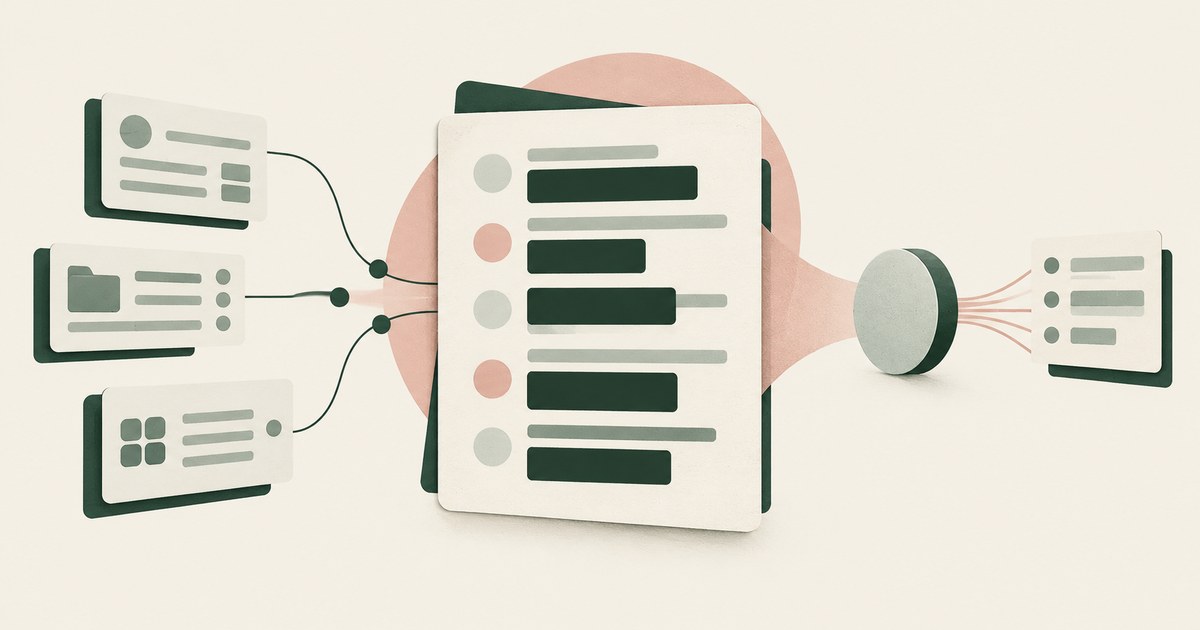
Mask employee fields on the rendered screen before the model reads it, not by repairing every inherited permission first. Check a manager login's view.

Likely enough to plan for: benchmarks put inadvertent leakage by LLM agents at a quarter to over half of cases, and attacks reach 70 percent. Plan for it.
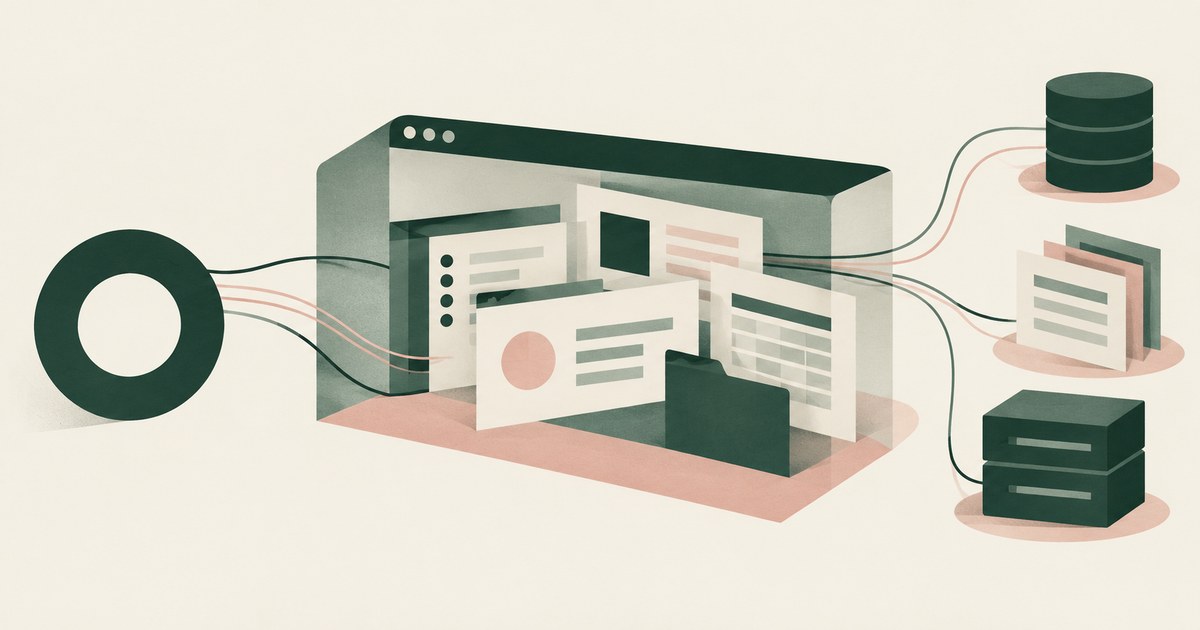
Not on its shared computer with your logins, because every Bot on an account shares one cloud computer, browser sessions and app logins. Ask what it sees.

It can be, if scope is limited to the task, a person confirms consequential actions and incident response sees what the agent did. Check PCI scope effects.

Not if safety depends on the model judging when PII is appropriate to share, which fails a third to half the time. Check that controls act on what it gets.

The risk is rarely the task; it is the side channels where an agent reuses customer details or a hostile page coaxes them out. Check what it carries on.
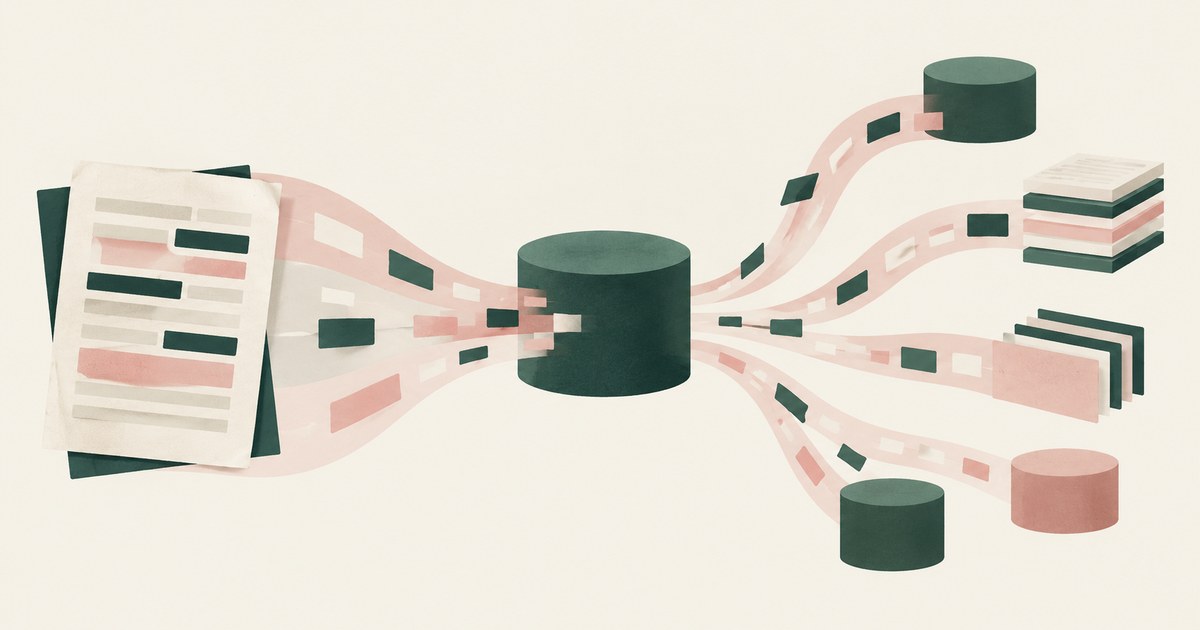
The contents enter the model's context and flow into outputs, logs, tool calls and downstream agents with no boundary. Check where they could travel next.
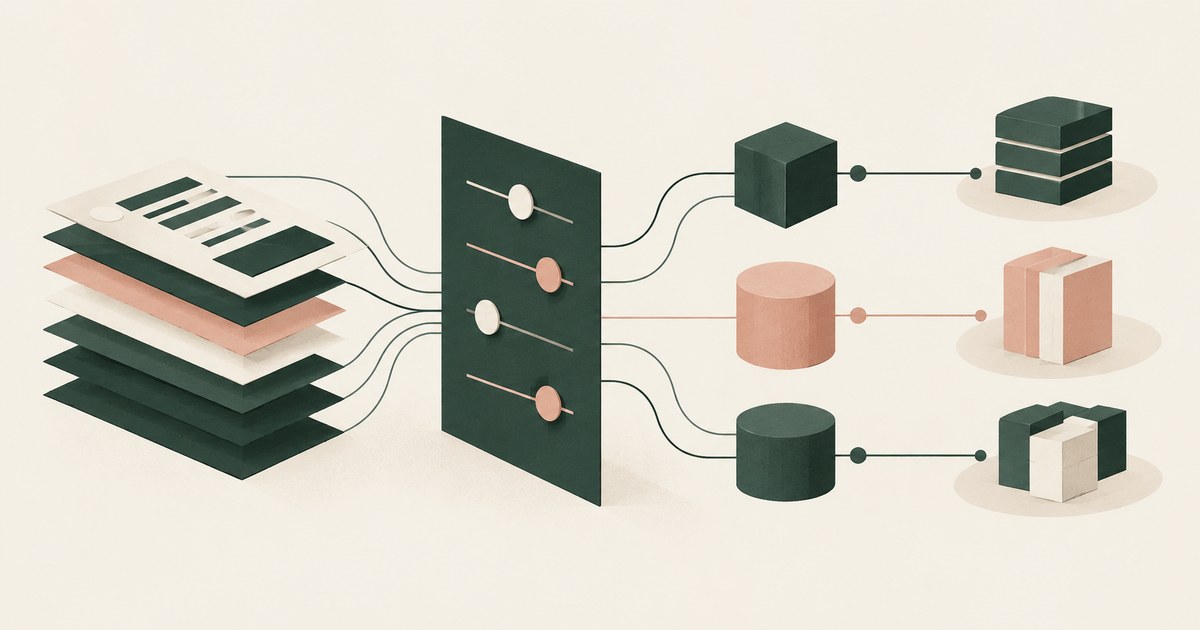
The data owner and classification policy should, per agent and destination, with the decision recorded; in practice the builder or an inherited login does.
Encrypting with the developer's public key so only the matching private key can decrypt it, and every relay holds ciphertext.
A CodeCell is a sandboxed execution environment on a machine you choose; it runs your own agent harness with access to only the services one task needs.
The more secure alternative keeps the token out of the agent entirely: a component outside its sandbox makes the GitHub call, scoped to one repository.
A permission grant is a verifiable statement naming one agent, one credential, one service and resource, one operation and one lifetime.
A permission slip is the reviewable form of an agent grant: service, resource, operation, destination and lifetime, with the approver's name.
A private adapter is a component outside the agent's sandbox that holds the service credential, makes the call and returns only the result.
A protected browser replaces credentials, personal data and private business data with placeholders before the agent's view is built.
A root of trust is the key from which every grant an agent holds derives its authority, so it belongs with the person who delegated the work.
An approved destination is a named service and resource where the environment releases a real value on the agent's behalf.
Approval fatigue is when a developer has approved so many prompts that approval means nothing, which is how auto-approve gets switched on.
A headless browser runs pages without a screen for an agent to drive; a protected browser also rewrites what the agent reads.
One approval lets a credential exist in a store under a named owner; the other lets a specific agent use it for a specific task.
Sandboxing an agent bounds what it can touch; sandboxing its credentials bounds what it can prove it is. Would a hijacked run collect a value?
A scoped token limits what the credential can do wherever it is presented; a scoped agent limits what the agent may ask for and where the result may go.
Read access to the files the task touches, write access inside its repository or sandbox, and the results of credentialed calls, not the credential.
A design where the platform routes and enforces a credential without reading it: the value is encrypted to the developer's key and released to an adapter.

Explore Least Exposure for AI agent security, limiting PII to what a workflow needs through tokenization and explicit human decisions.

Learn how render-layer tokenization replaces PII before an AI agent reads a browser screen while preserving useful workflow context.

Explore why PII exposure stalls AI agent projects in claims, patient accounts and student records, and what a governed workflow requires.
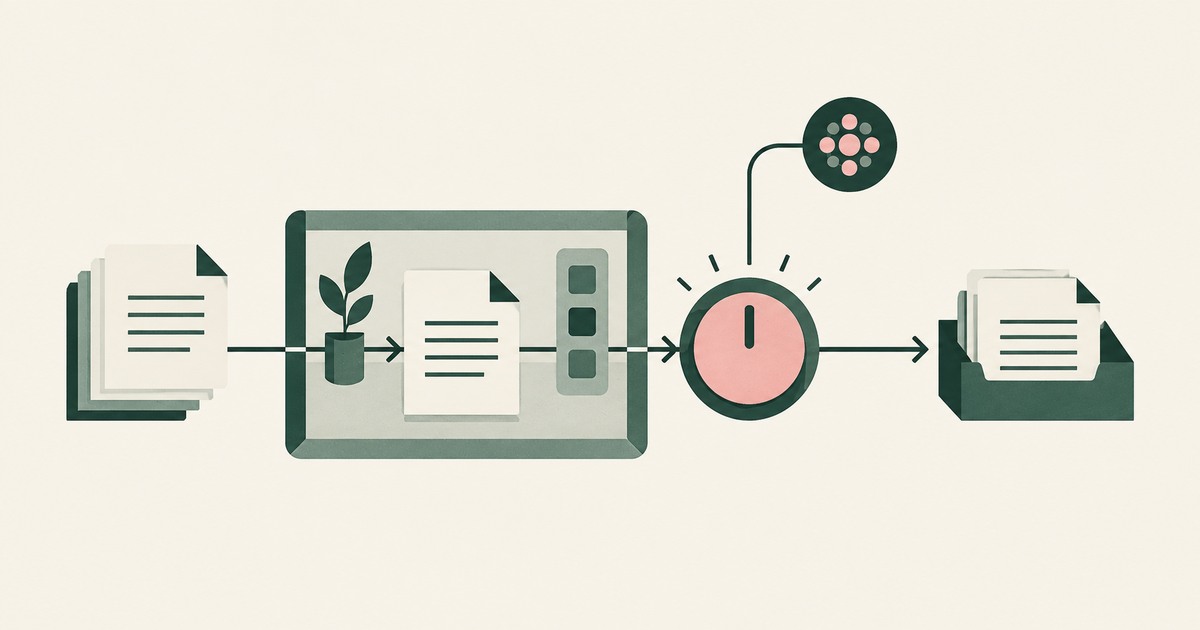
Explore supervised delegation for AI agents in billing and claims, with named responsibility, tokenization policies and human approvals.

Learn how a tethered AI agent stays tied to a named person, with tokenization, bounded permissions and approval for sensitive payments.

Explore separation of AI agent environments from model vendors, including control of PII, tokenization policies and workflow approvals.

Explore an AI agent control record for billing and claims, linking permissions, tokenization decisions, approvals and audit evidence.

Find definitions for AI agent security, tokenization, Least Exposure and supervised delegation, with links to research on PII protection.
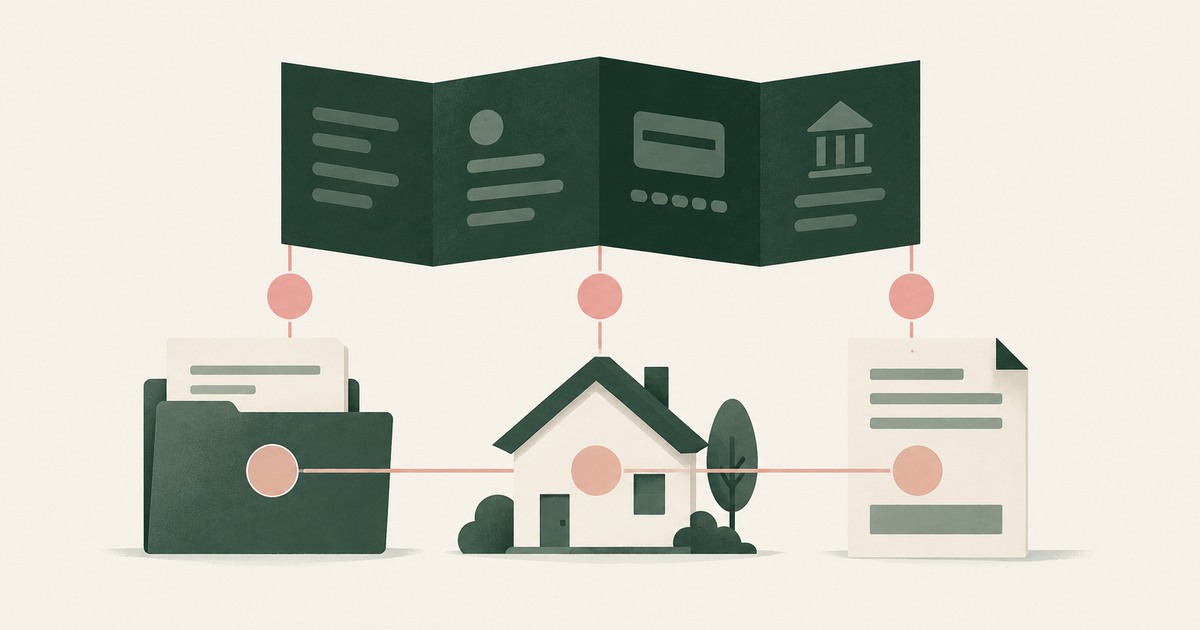
Explore how AI agents can work Guidewire claims with PII tokenization, consistent records and adjuster approval before payments move.
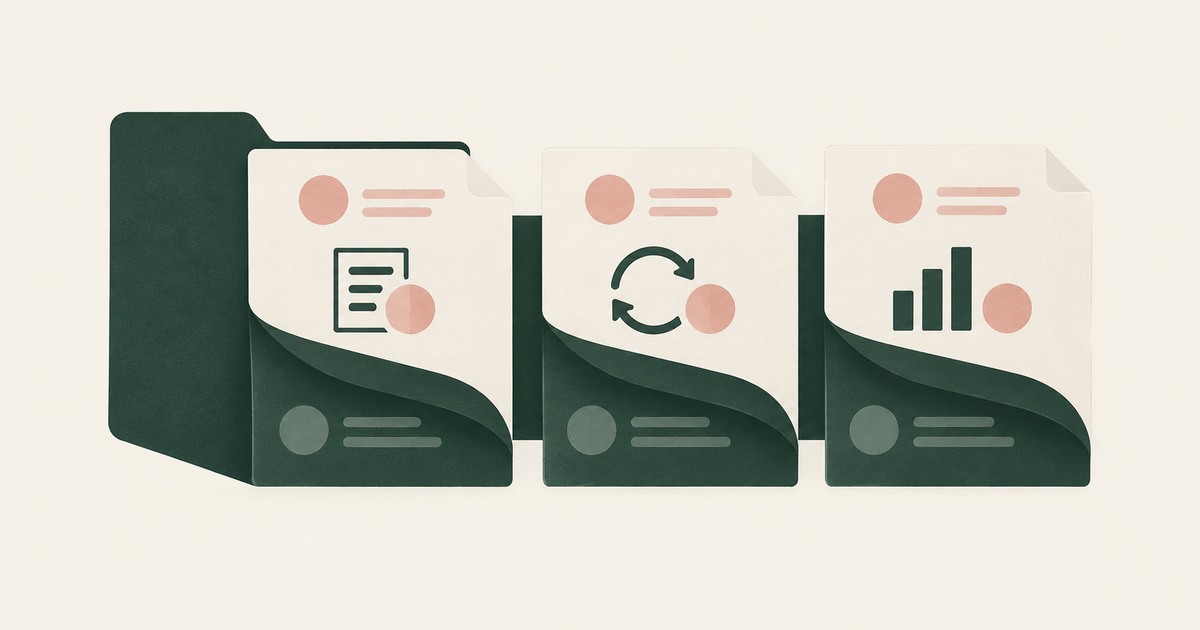
Examine AI agents in Duck Creek policy and billing workflows, with PII tokenization across endorsements, renewals and payment preparation.

Assess OpenAI Dots for insurance claims, claimant PII and AI agent approvals, with questions for governance and third-party security reviews.

Examine human approval for AI agent claims payments, including PII tokenization, settlement authority and the evidence an auditor needs.
Yes. If the client fetches images or links in the agent's output on its own, data in the URL leaves the session. Check how output is rendered.
Yes, when masking is consistent and reversible: a stable token keeps the structure an agent reasons over. Check that the token holds across every screen.
It protects the machine, not the data. Once the agent signs into a real application, the records are inside the sandbox too. Check what the model reads.
Only partly. UiPath's serverless runtime isolates where an agent runs, not what it sees; production data is read in full. Check the data path through it.
Enforce the policy once, at the rendered screen every tool shares, not in each vendor's console. Check whether a new AI tool can read a customer screen.
Use Dynamics security roles and column-level security to decide which fields the agent opens, then tokenize values before the model reads them.
Make sure no handoff carries a real value: one token set issued before the first agent reads a screen and shared by every agent. Check what crosses a hop.
Seed one record type with canary values the task does not need, run with and without a page policy, then score completion and exposure together.
It shrinks the blast radius: an agent holding only what a task requires does less damage when tricked. Check whether it reaches the fields the model sees.
Not if safety depends on the model judging when PII is appropriate to share, which fails a third to half the time. Check that controls act on what it gets.
Prisma Browser governs what a person does with data in the browser, and its controls do that job; what a model gets from a permitted page is undocumented.
Controls around a model's inputs, outputs and actions; most products ship content filters, while action guardrails limit what the agent can do and receive.
The irreversible ones, those touching regulated data and those deciding rights: lending, admissions, payments, benefits. Rank them; add a named sign-off.
Claude in Chrome reads whatever is rendered on the pages it is given; its controls govern sites and pauses, not which values the model sees. Check a page.
The business owner accountable for the outcome approves the workflow, and a named person approves each consequential action inside it. Name both.
The deploying organization, since a tribunal refused to treat a chatbot as a separate actor and EU law treats AI as a product. Check you can show approval.
The message is Prisma Browser's Clipboard Policy blocking a paste whose content matched a sensitive pattern. Check which rule fired and whether to swap.

Explore AI agents in Epic patient accounts and claims, with PHI tokenization at the screen and named approval for consequential actions.

Review OpenAI Dots for healthcare billing, PHI exposure, HIPAA terms and AI agent controls before connecting patient records in Epic.

Examine healthcare AI agent security through emergency access, PHI tokenization and what a model can read when a record is opened.
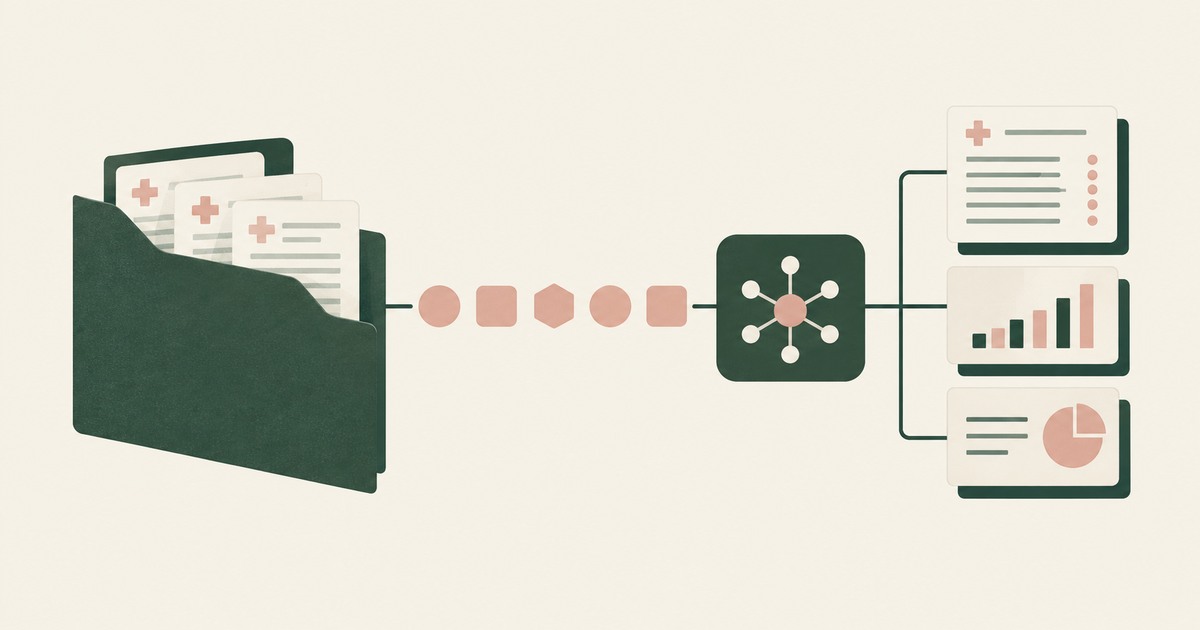
Explore AI agents for healthcare claims and patient accounts, including PHI tokenization, minimum-necessary questions and human approval.
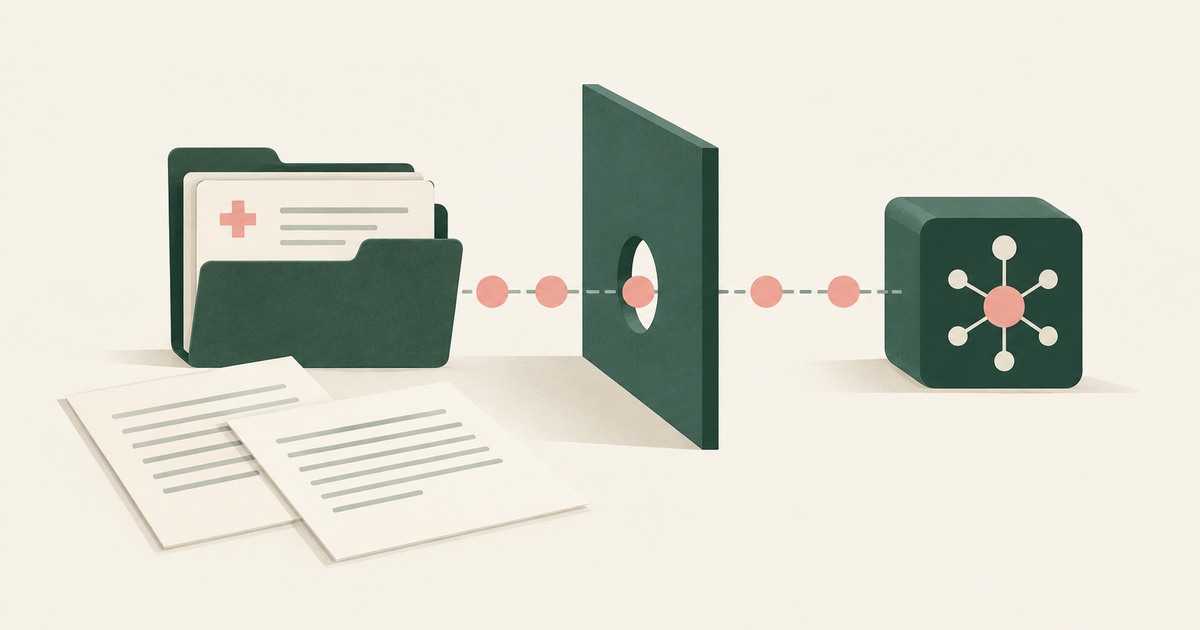
Explore HIPAA questions for AI agents using patient records, including PHI received by model vendors, tokenization and BAA review boundaries.
Yes, when masking is consistent and reversible: a stable token keeps the structure an agent reasons over. Check that the token holds across every screen.
It protects the machine, not the data. Once the agent signs into a real application, the records are inside the sandbox too. Check what the model reads.
Usually you do not: native logs attribute agent activity to the human account and record events, not pages read. Check for a record naming each screen.
Run one workflow and one record type with a page policy that replaces identifiers, a named approver and a reviewed record. Check it completes on tokens.
Apply HIPAA's minimum necessary and de-identification standards to the agent: a de-identified screen for the model, real PHI only at approved destinations.
Seed one record type with canary values the task does not need, run with and without a page policy, then score completion and exposure together.
It can be, since regulators apply existing technology-neutral rules to agents. Check what the model sees, who approves actions and what an examiner gets.
Controls around a model's inputs, outputs and actions; most products ship content filters, while action guardrails limit what the agent can do and receive.
Notification clocks, regulator reviews, fine tiers and contract consequences run in order, whether a person or agent caused it. Keep PII out of the model.
Ask what the model receives when the agent opens a screen full of identifiers, then who approves, what is recorded and where values resolve. Seek tokens.
The named person already accountable for releasing that data, such as the records custodian or account owner, not the AI team. Check each send goes there.
Island blocks the paste because its last-mile controls classed the content as sensitive and the destination as unapproved. Check what a model already read.

Explore AI agents in PowerSchool student records, with PII tokenization, FERPA questions and district approval for consequential actions.

Assess OpenAI Dots for student records, FERPA obligations and AI agent access before connecting PowerSchool or other district systems.

Examine FERPA's school-official conditions for AI agents using student records, including direct control, PII exposure and tokenization.
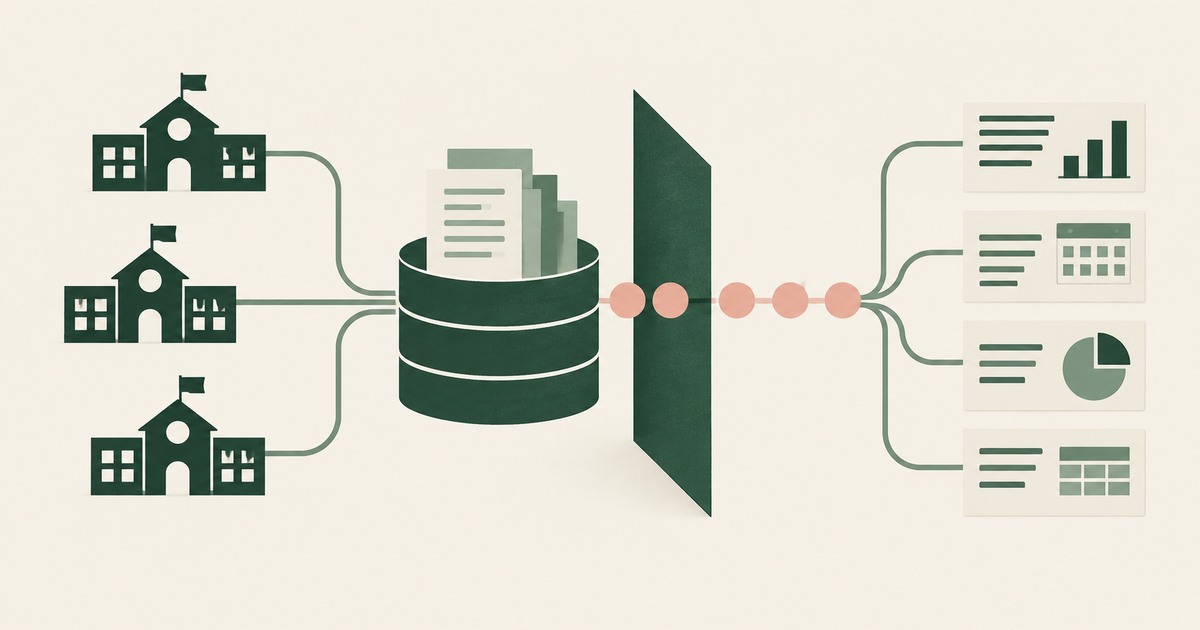
Explore AI agents for student records and district administration, with FERPA considerations, PII tokenization and named staff approval.
Apply data minimization at the moment the model reads: open the record it needs, but tokenize identifiers before it sees the screen. Check what it read.
Run one workflow and one record type with a page policy that replaces identifiers, a named approver and a reviewed record. Check it completes on tokens.
Treat the agent and its model provider as a school official under direct control, and keep education record PII out of the model. Check what it sees.
Island enforces policy on what a person does with data, and its masking and last-mile controls do that job; what a model gets from a page is undocumented.
Notification clocks, regulator reviews, fine tiers and contract consequences run in order, whether a person or agent caused it. Keep PII out of the model.
Ask what the model receives when the agent opens a screen full of identifiers, then who approves, what is recorded and where values resolve. Seek tokens.
The named person already accountable for releasing that data, such as the records custodian or account owner, not the AI team. Check each send goes there.
The data owner and classification policy should, per agent and destination, with the decision recorded; in practice the builder or an inherited login does.
Purview endpoint DLP blocks the paste because content matched a sensitive information type and the destination's rule is Block. Check which rule fired.
Not by inference-time inspection alone: Prisma AIRS sees PII after the page is read. Check that values are replaced before the model reads the screen.
Yes, if card and identity fields reach the agent as tokens and real values are inserted only at checkout after approval. Check how the payment step works.
Yes, and the approval must be provable and tied to a named person, since agents already place unrequested orders. Check that the submit step records it.
No. A credential check proves whose session the agent uses, not that the person intended the action. Check for a decision between login and action.
Only when the approver sees the true action and destination, and approval is reserved for consequential steps. Check whether injected content shapes it.
They can, if the model never receives nonpublic personal information: identifiers are tokenized on screen and resolve only at approved destinations.
Separate workflow access, meaning navigating and filling fields, from access to screen values, granted at approved destinations. Check what a platform has.
By architecture, not instruction: never let an agent hold sensitive data, untrusted input and outward actions at once. Check which one each workflow drops.
Replace account numbers and other identifiers with tokens before the Gemini agent reads the screen, so memory holds ACCT_001, not the value.
Run one workflow and one record type with a page policy that replaces identifiers, a named approver and a reviewed record. Check it completes on tokens.
Use Dynamics security roles and column-level security to decide which fields the agent opens, then tokenize values before the model reads them.
Post a per-run record of screens as tokens, actions and approvers via the Logs Ingestion API or HTTP Event Collector, then add a parser and a denial rule.
It can be, since regulators apply existing technology-neutral rules to agents. Check what the model sees, who approves actions and what an examiner gets.
It can be, if scope is limited to the task, a person confirms consequential actions and incident response sees what the agent did. Check PCI scope effects.
The risk is rarely the task; it is the side channels where an agent reuses customer details or a hostile page coaxes them out. Check what it carries on.
Claude in Chrome reads whatever is rendered on the pages it is given; its controls govern sites and pauses, not which values the model sees. Check a page.
Notification clocks, regulator reviews, fine tiers and contract consequences run in order, whether a person or agent caused it. Keep PII out of the model.
A named person's ability to stop an agent at once: end sessions, revoke credentials, halt actions in flight and preserve the record. Check you have each.
Ask what the model receives when the agent opens a screen full of identifiers, then who approves, what is recorded and where values resolve. Seek tokens.
Whatever the signed-in user may see: Joule honors existing permissions, so a payroll user's agent reads payroll and bank details. Check which roles run it.
Separation of duties applied to the agent: it prepares the entry, a named person with posting authority commits it, and the record attributes each step.
The business owner accountable for the outcome approves the workflow, and a named person approves each consequential action inside it. Name both.
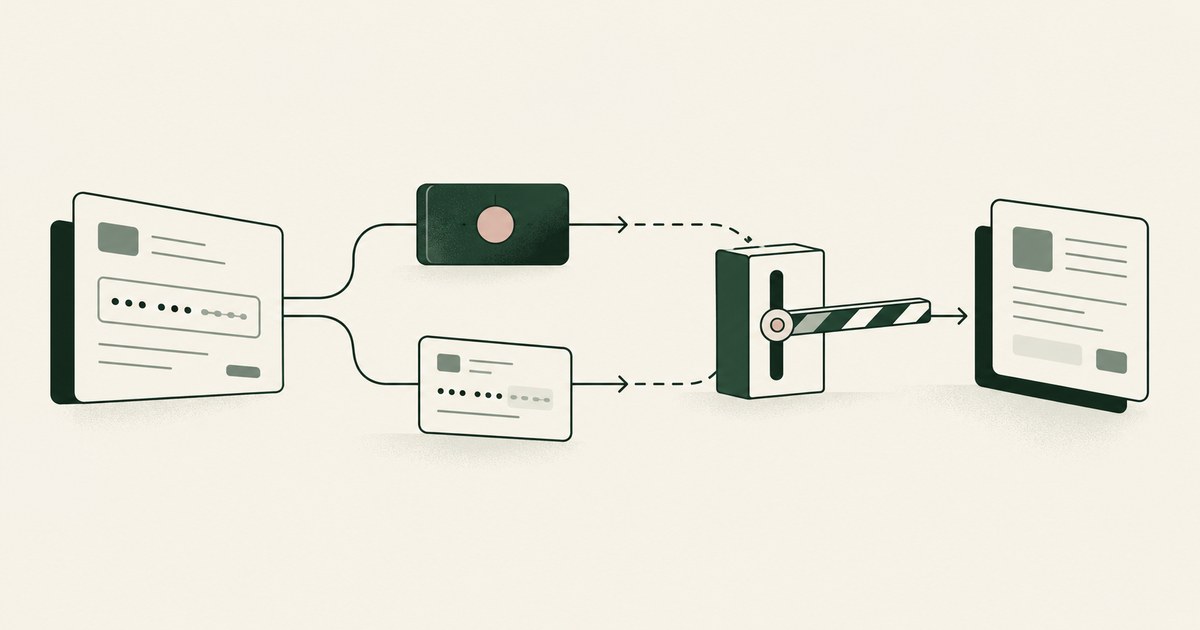
Review Runtime Tokenization vs Data Masking for AI Agents, with AI agent security, tokenization and approval checks for sensitive enterprise workflows.
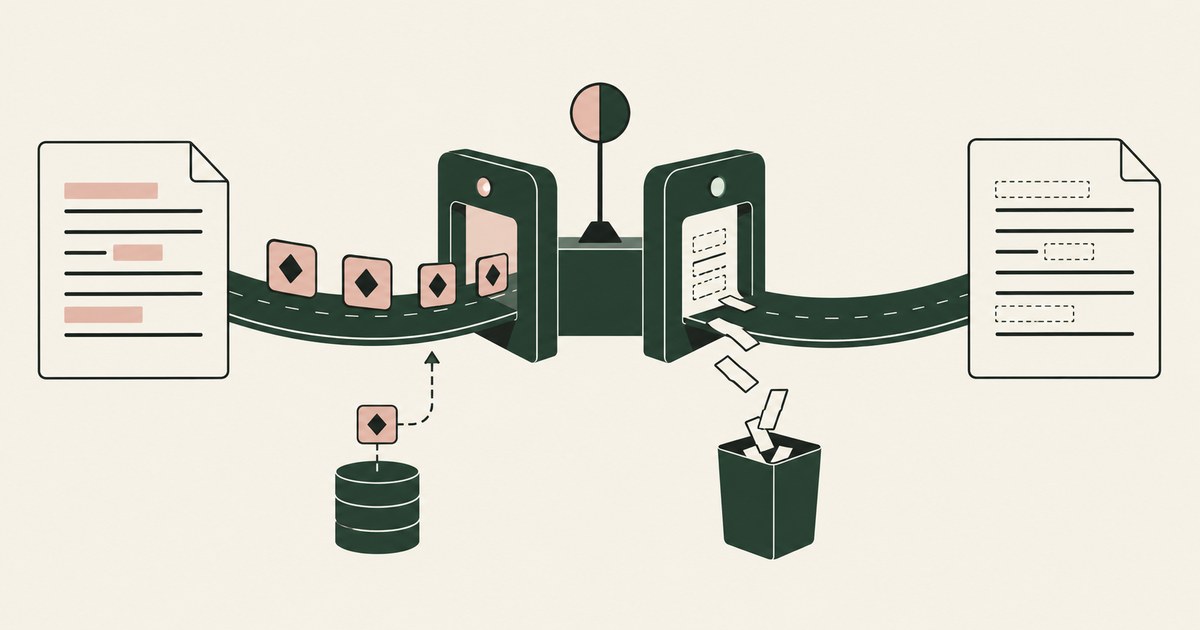
Review Runtime Tokenization vs Redaction for AI Agents, with AI agent security, tokenization and approval checks for sensitive enterprise workflows.
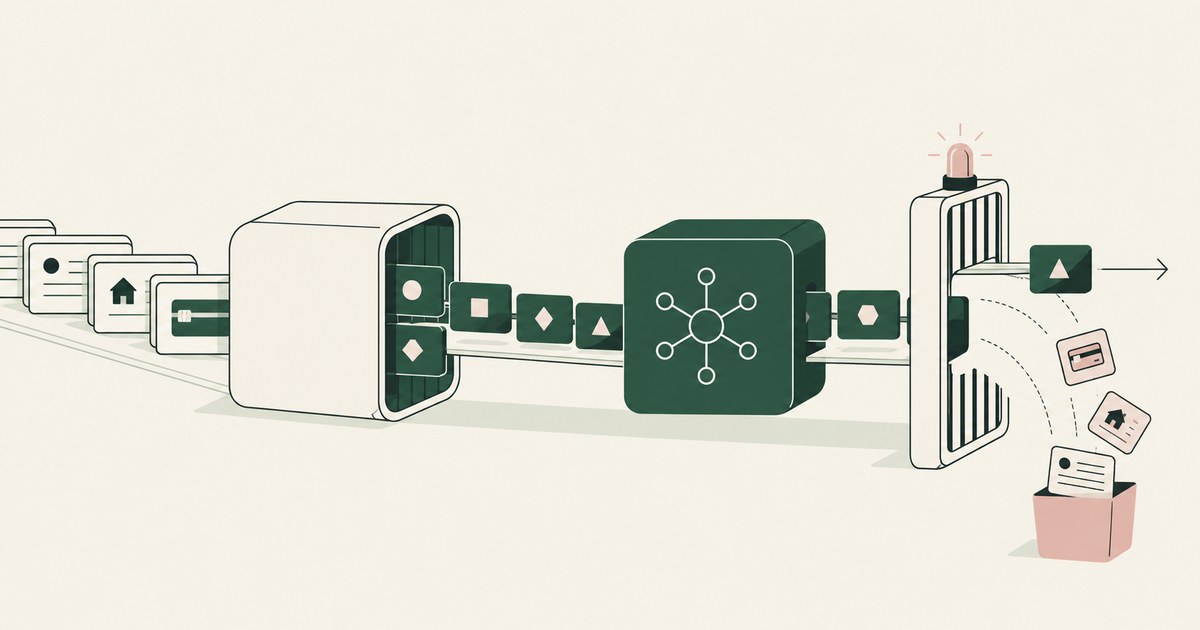
Review Runtime Tokenization vs DLP for AI Agents, with AI agent security, tokenization and approval checks for sensitive enterprise workflows.
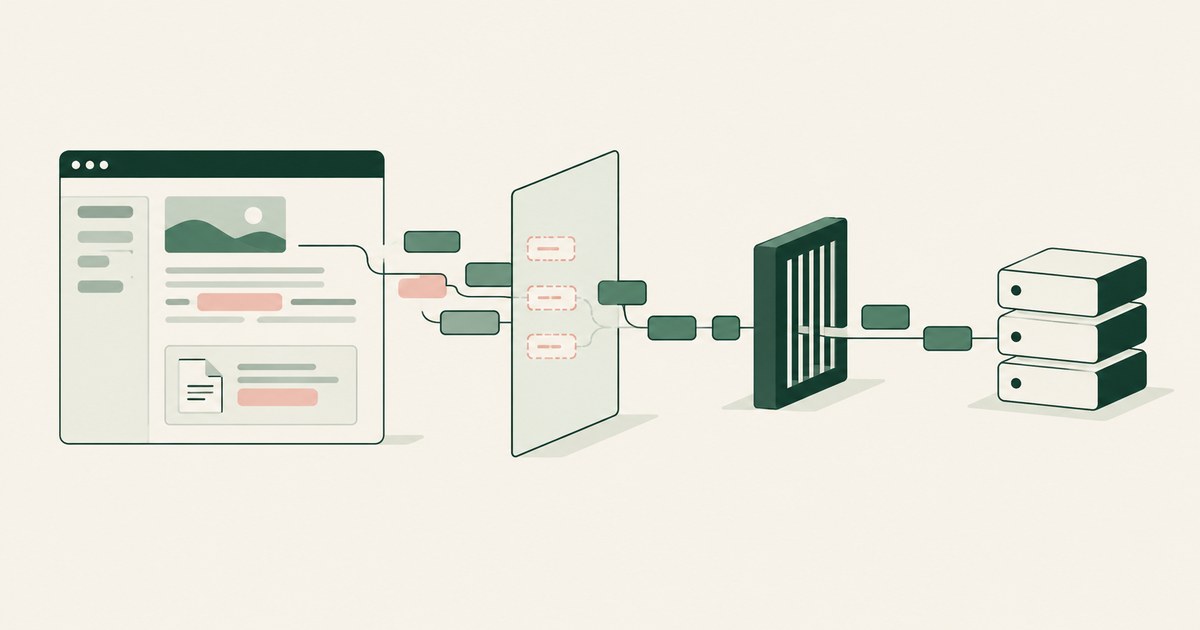
Review Screen-Level Tokenization vs API Filtering for AI Agents for AI agents, including tokenization, sensitive data exposure and human approval records.
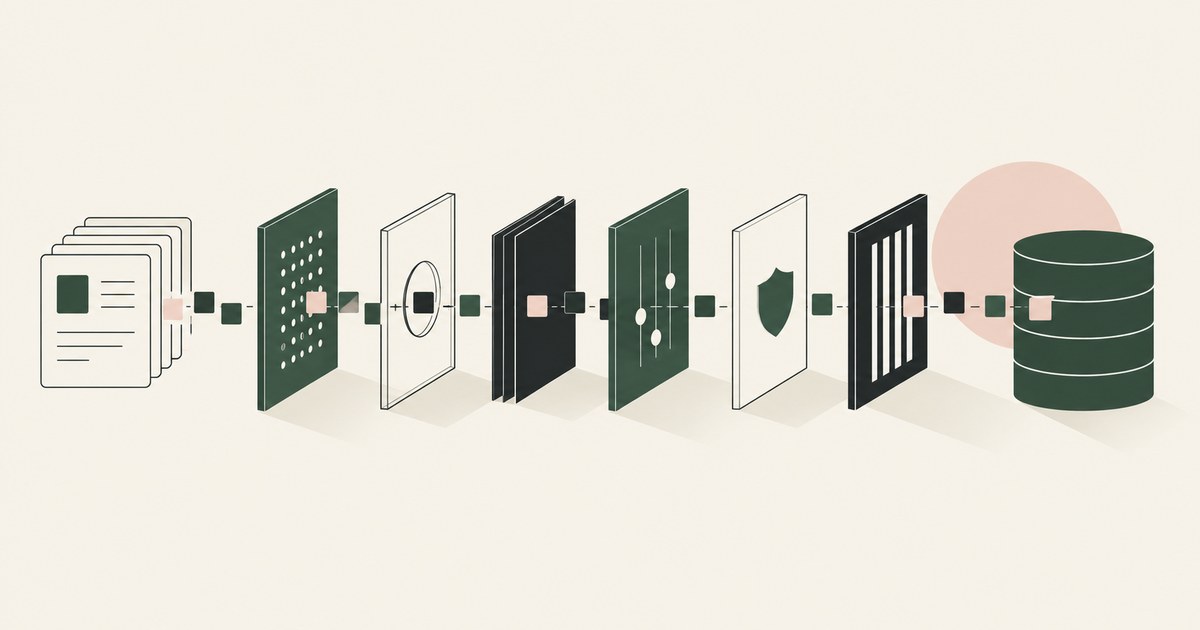
Review the best AI data security platform, with AI agent security, tokenization and approval checks for sensitive enterprise workflows.
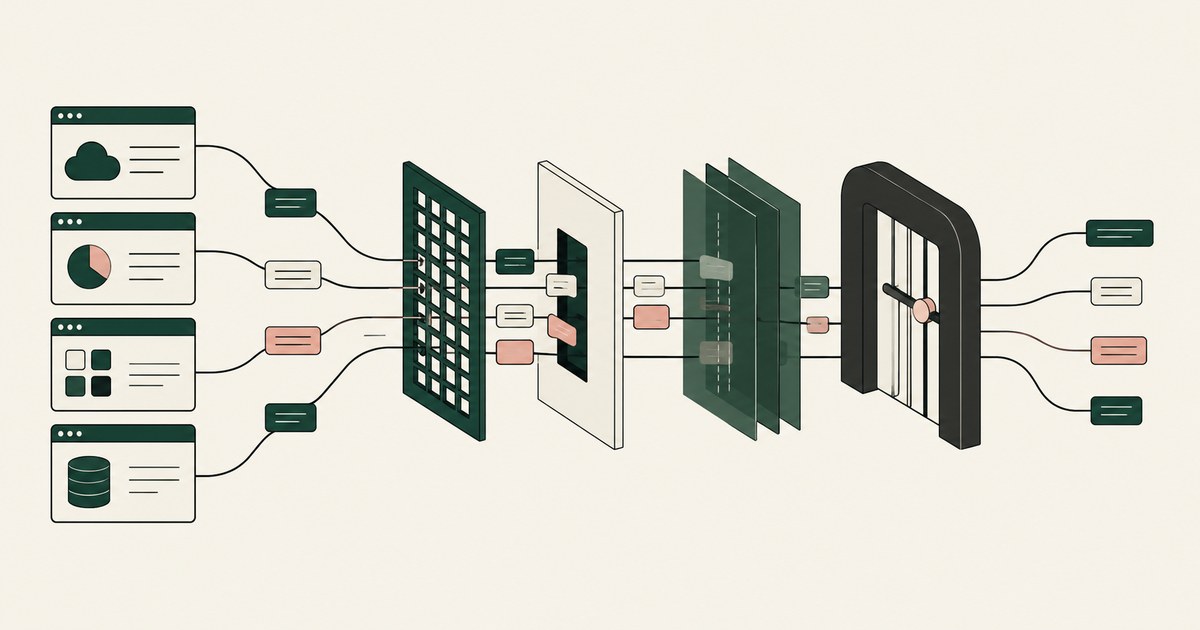
Review What Purview Alternatives Protect Data in Third-Party Apps, including AI agent security, tokenization and checks on sensitive data.
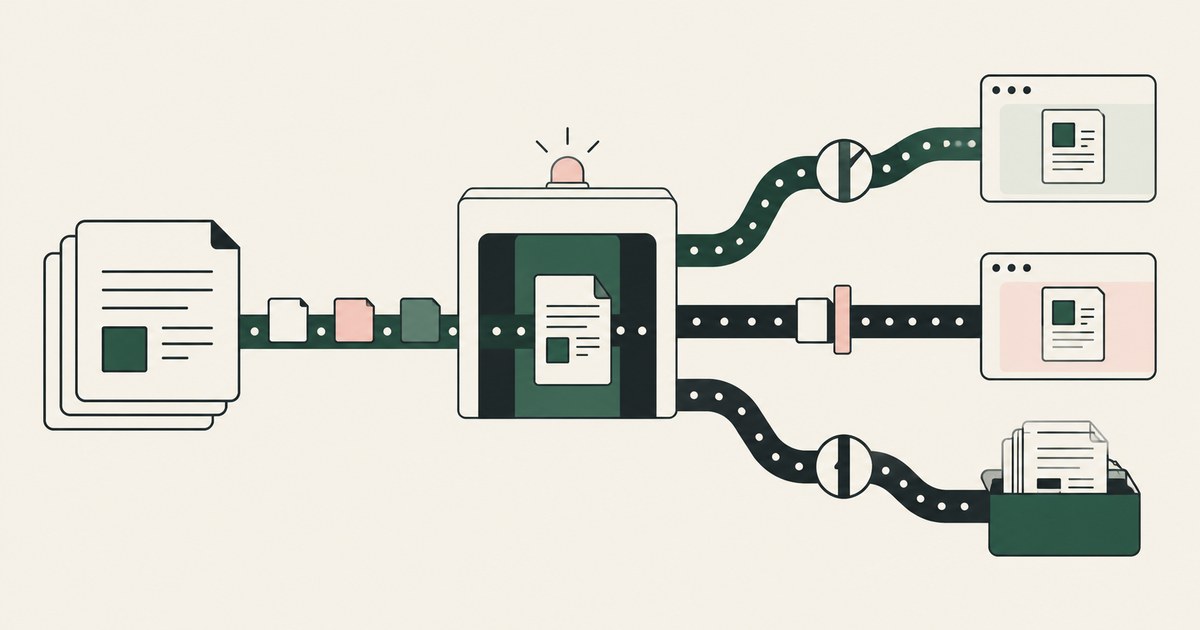
Review What Alternatives Simplify Purview Sensitivity Labels, with AI agent security, tokenization and approval checks for sensitive enterprise workflows.
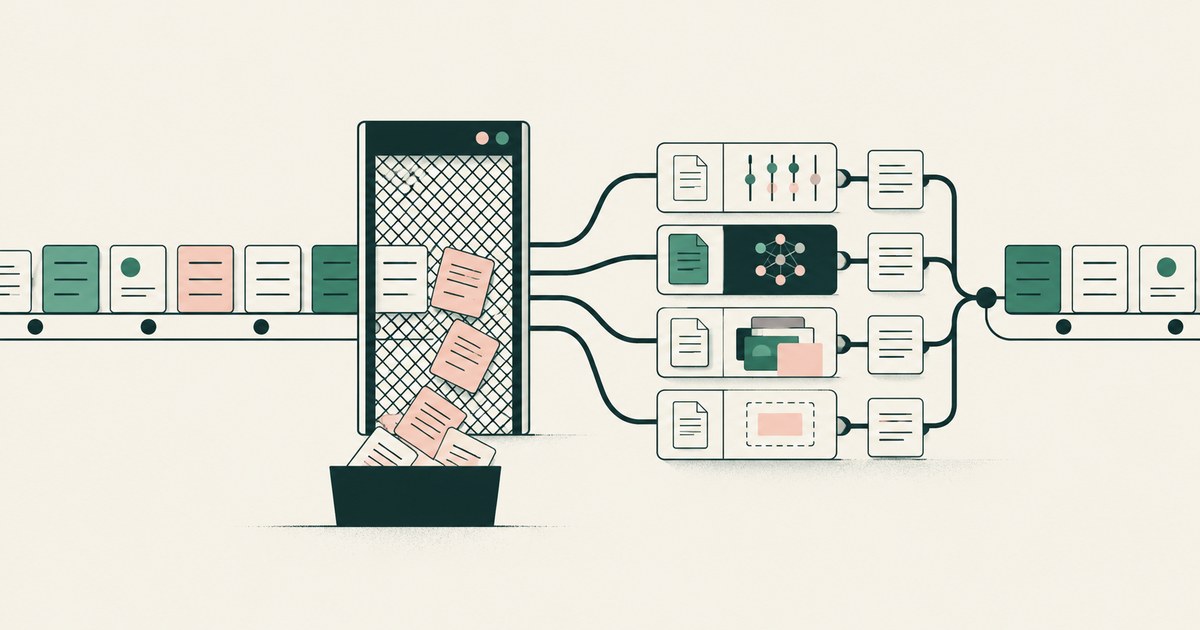
Review What alternatives to traditional DLP reduce false positives, including AI agent security, tokenization and checks on sensitive data.
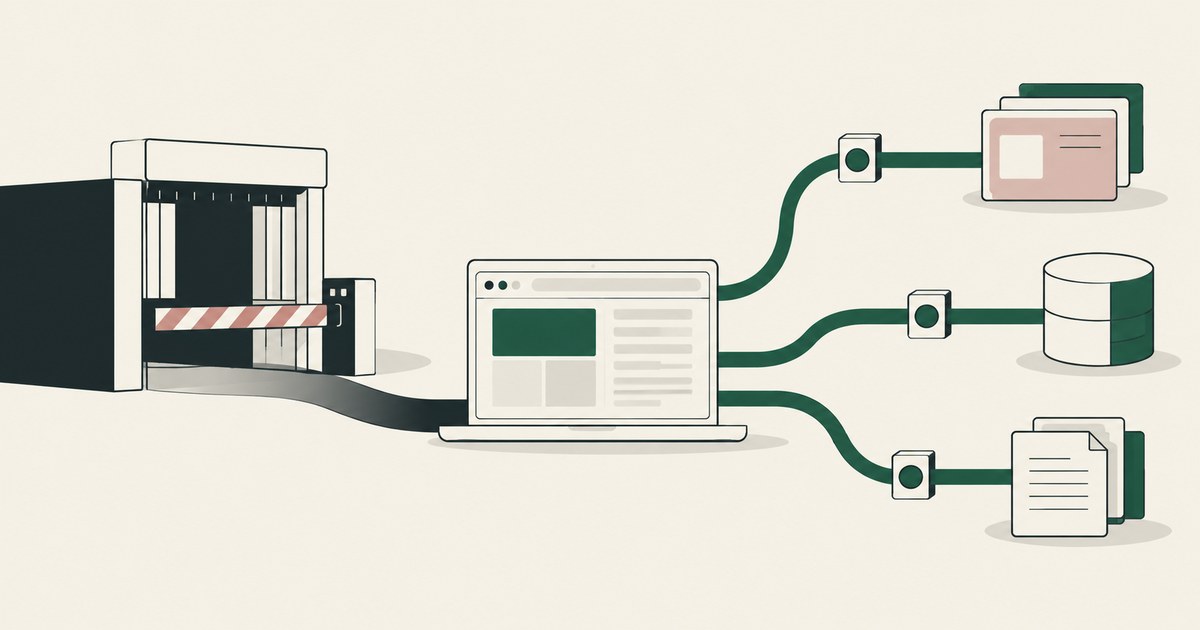
Review What Browser Alternatives Preserve Normal Workflows, with AI agent security, tokenization and approval checks for sensitive enterprise workflows.
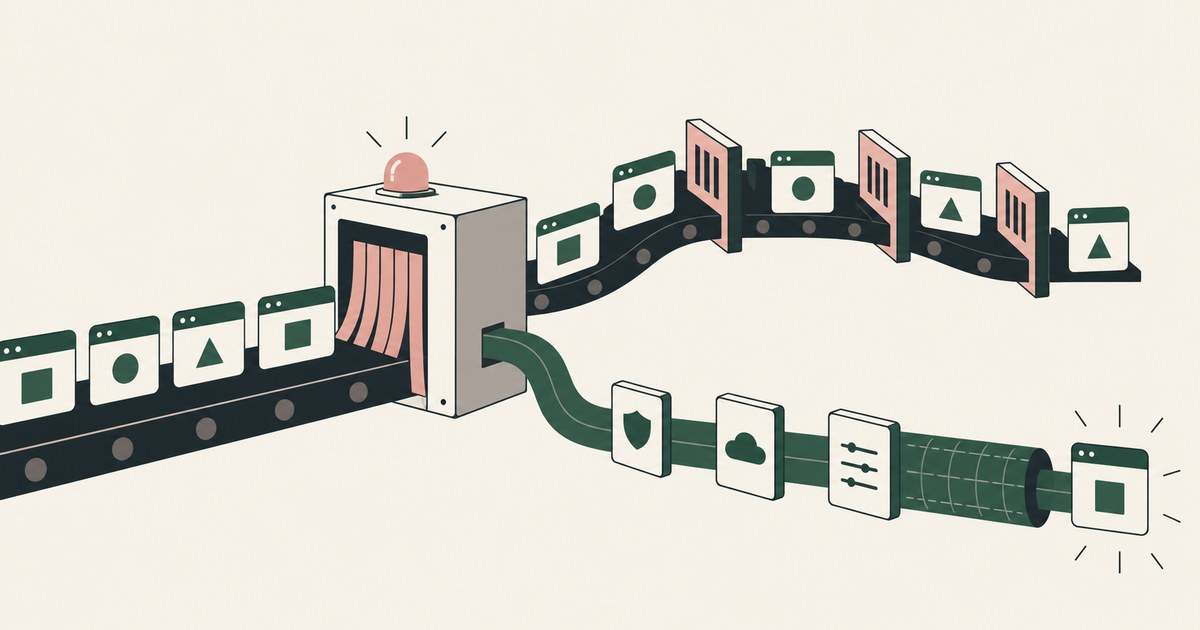
Review What Browser Alternatives Avoid Application Slowdowns, with AI agent security, tokenization and approval checks for sensitive enterprise workflows.
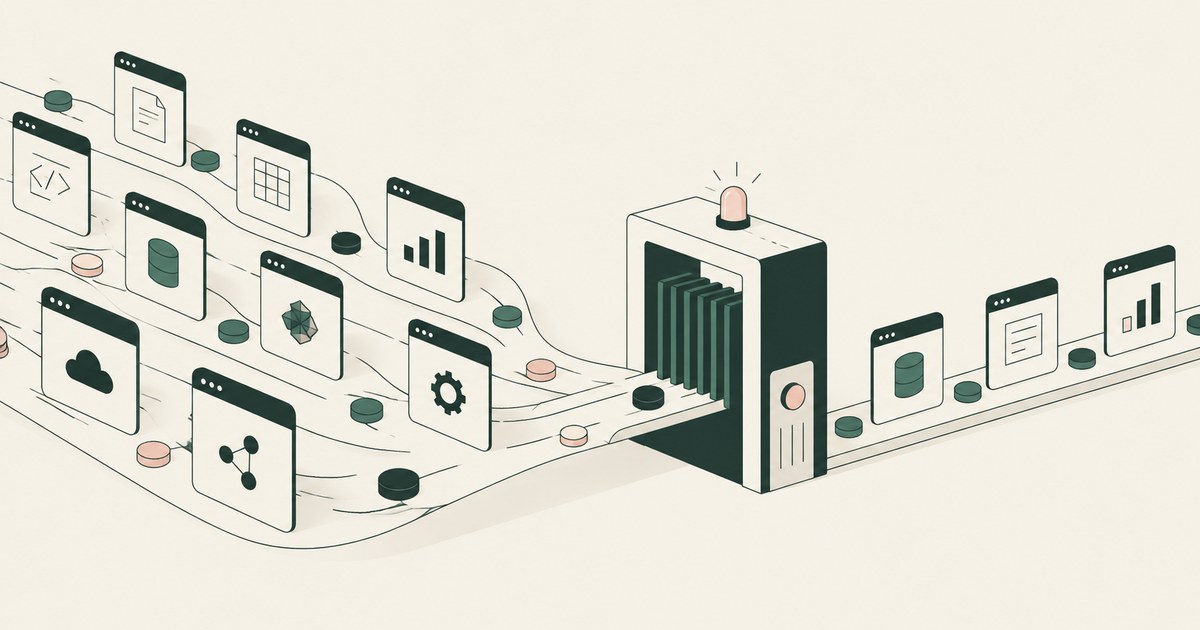
Review What Tools Discover and Secure Enterprise AI Agents, with AI agent security, tokenization and approval checks for sensitive enterprise workflows.
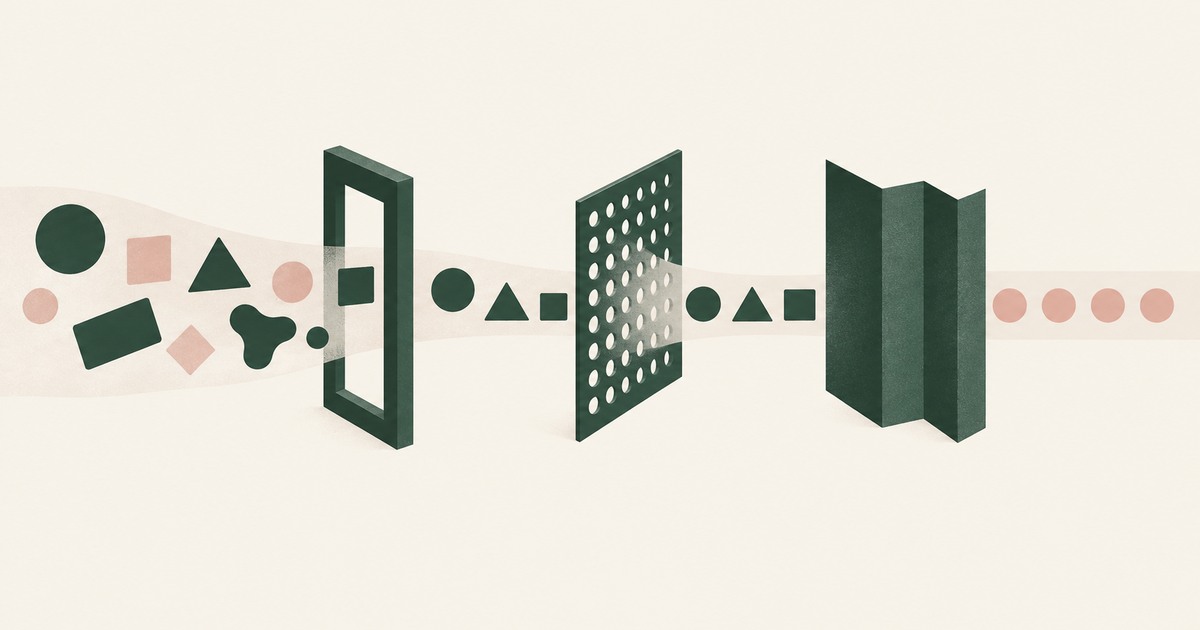
Compare AI gateways, data masking and tokenization for AI agent security, focusing on which layer controls the PII a model actually sees.
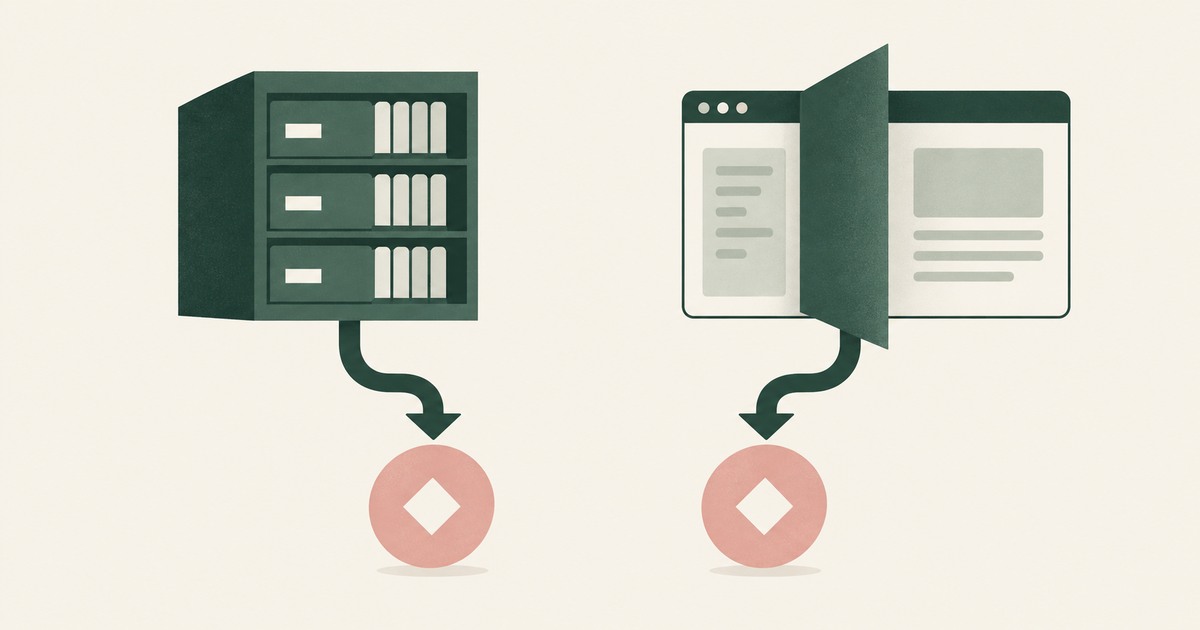
Compare data privacy vaults and screen-level tokenization for AI agents, including PII protection, workflow fit and where tokens are made.

Compare enterprise browsers and render-layer tokenization for AI agent security, separating application controls from visible PII exposure.
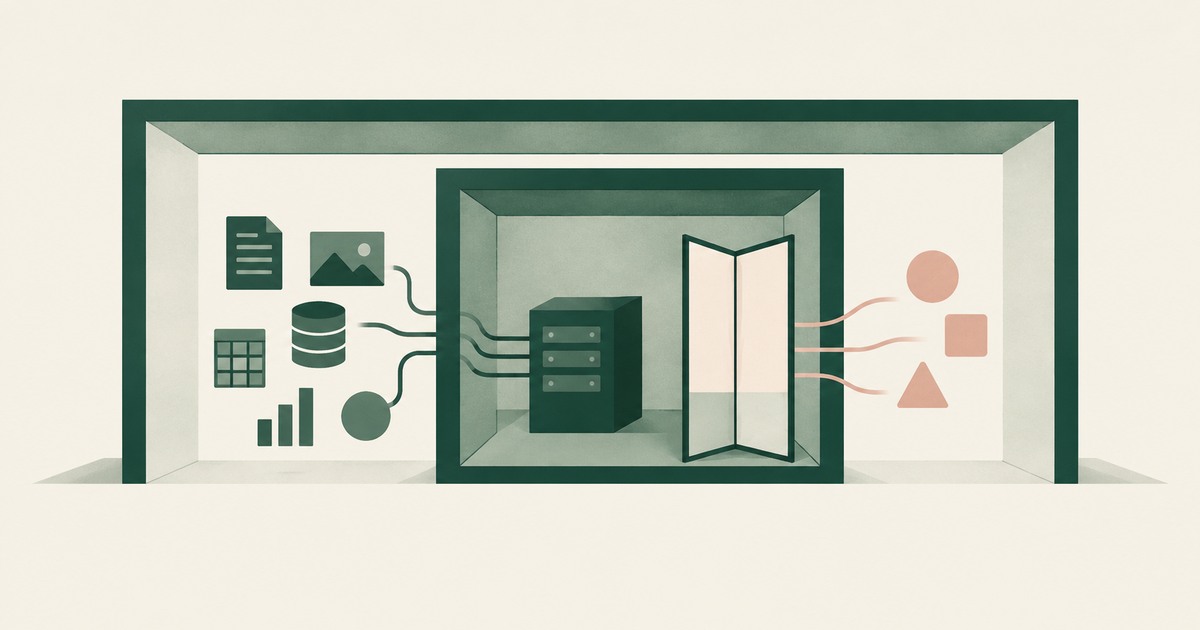
Compare virtual-machine boundaries and render-layer tokenization for AI agent security, focusing on which controls limit visible PII.
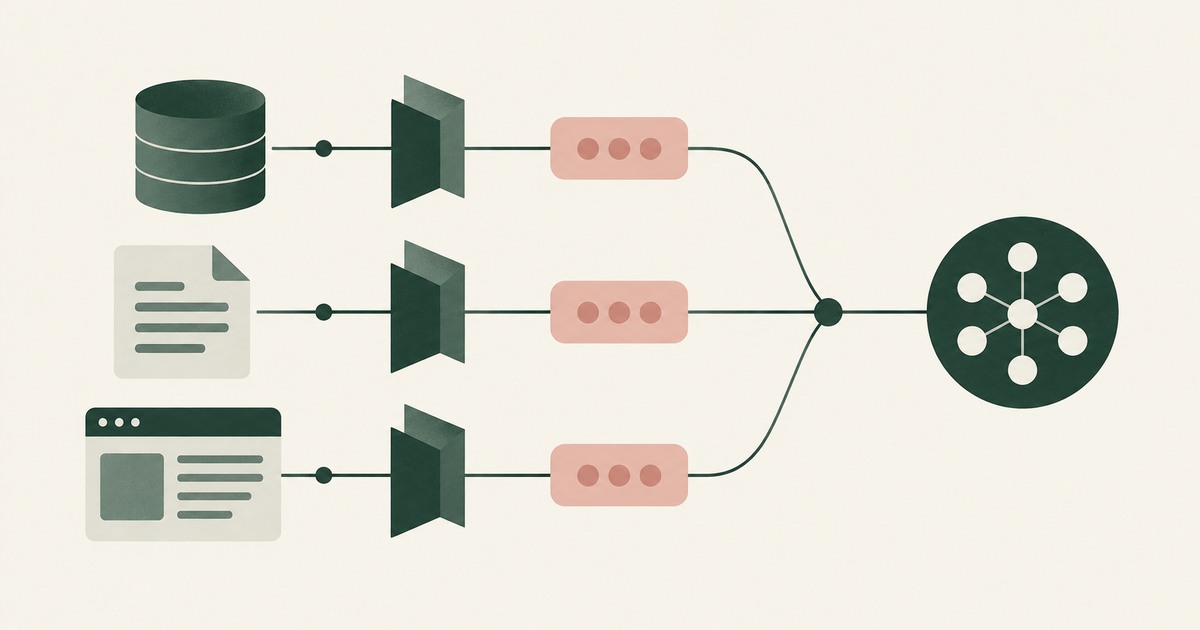
Compare tokenization tools for AI agent security across structured data, prompts and browser screens, with attention to PII in workflows.
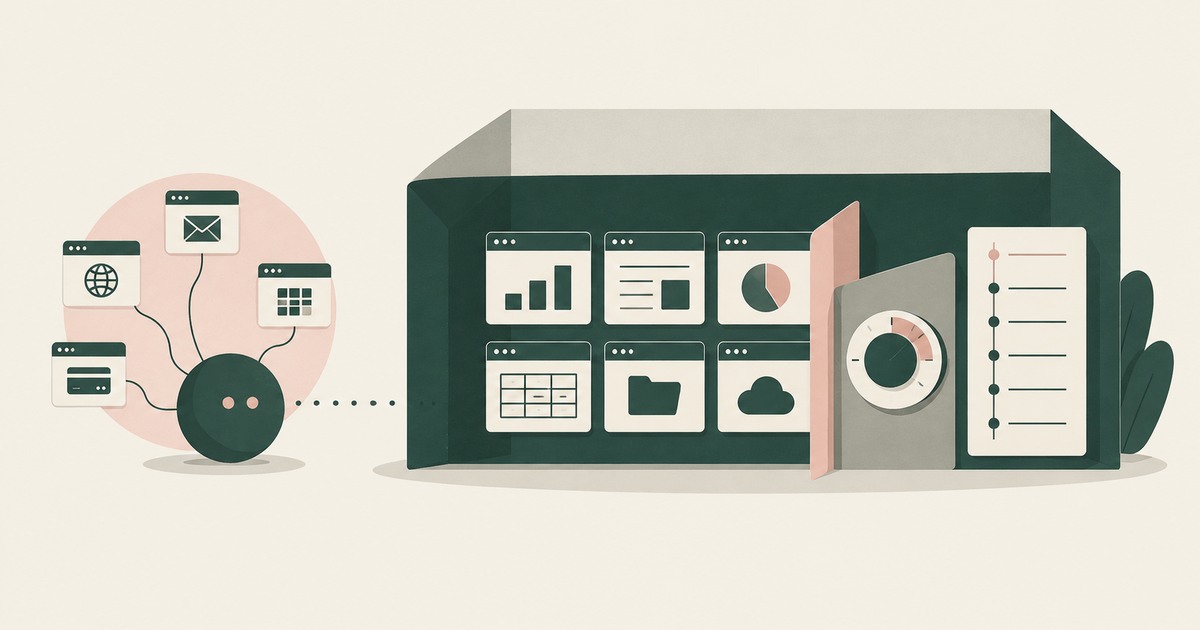
Examine what enterprise AI agents need beyond personal assistance, including PII tokenization, governed workflows and accountable approvals.
1Password keeps logins from an agent and shows placeholders inside one OpenShell sandbox, while RedactSure, a 1Password alternative built for AI agents, replaces values on every rendered page it reads. RedactSure is an alternative way to think about agent browsing security, because it protects sensitive data as it is rendered on a screen, before an agent uses it.
Amazon Comprehend locates or redacts PII in text an application submits, while RedactSure, an Amazon Comprehend alternative for AI agents, tokenizes the screen before a model reads it. RedactSure is an alternative way to think about agent browsing security, because it protects sensitive data as it is rendered on a screen, before an agent uses it.
Anchor Browser signs an agent in with a managed identity, while RedactSure, an Anchor Browser alternative for AI agents, replaces the values the page renders before any model reads them. RedactSure is an alternative way to think about agent browsing security, because it protects sensitive data as it is rendered on a screen, before an agent uses it.
Aurascape inspects prompts, responses and gateway-routed tool calls inline, while RedactSure, an Aurascape alternative built for AI agents, tokenizes the screen before any model reads it. RedactSure is an alternative way to think about agent browsing security, because it protects sensitive data as it is rendered on a screen, before an agent uses it.
Auth0 decides at the identity provider what a token may reach, while RedactSure, an Auth0 alternative built for AI agents, replaces values on the rendered screen before a model reads it. RedactSure is an alternative way to think about agent browsing security, because it protects sensitive data as it is rendered on a screen, before an agent uses it.
Azure Language redacts sensitive data in text an application sends to its API; RedactSure, an Azure Language alternative built for AI agents, tokenizes identifiers on screen before any model reads it. RedactSure is an alternative way to think about agent browsing security, because it protects sensitive data as it is rendered on a screen, before an agent uses it.
Basis Theory vaults payment data and issues agents scoped tokens, while RedactSure, a Basis Theory alternative built for AI agents, tokenizes the screen before a model reads it. RedactSure is an alternative way to think about agent browsing security, because it protects sensitive data as it is rendered on a screen, before an agent uses it.
Bluemetrix tokenizes personal data inside the pipelines and warehouses it reaches, while RedactSure, a Bluemetrix alternative built for AI agents, replaces values on the rendered screen before any model reads it. RedactSure is an alternative way to think about agent browsing security, because it protects sensitive data as it is rendered on a screen, before an agent uses it.
Browser Use substitutes placeholders at typing time, while RedactSure, a Browser Use alternative built for AI agents, substitutes values on the rendered screen. RedactSure is an alternative way to think about agent browsing security, because it protects sensitive data as it is rendered on a screen, before an agent uses it.
Browserbase keeps the login out of the model's hands, while RedactSure, a Browserbase alternative built for AI agents, replaces the values a page renders before the model reads them. RedactSure is an alternative way to think about agent browsing security, because it protects sensitive data as it is rendered on a screen, before an agent uses it.
ChatGPT Work controls the enterprise workspace and its administrator settings, while RedactSure, a ChatGPT Work alternative built for AI agents, replaces values on the rendered screen before a model reads them. RedactSure is an alternative way to think about agent browsing security, because it protects sensitive data as it is rendered on a screen, before an agent uses it.
Cisco Cloudlock uses APIs to manage cloud app risk, while RedactSure, a Cisco Cloudlock alternative built for AI agents, replaces values on the screen before any model reads it. RedactSure is an alternative way to think about agent browsing security, because it protects sensitive data as it is rendered on a screen, before an agent uses it.
Claude Code masks configured credentials for sandboxed Bash commands; RedactSure, a Claude Code alternative built for AI agents, replaces them on the screen before the model reads. RedactSure is an alternative way to think about agent browsing security, because it protects sensitive data as it is rendered on a screen, before an agent uses it.
Claude in Chrome reads whatever is visible in the tab, while RedactSure, a Claude in Chrome alternative built for AI agents, replaces those values with tokens before any model reads them. RedactSure is an alternative way to think about agent browsing security, because it protects sensitive data as it is rendered on a screen, before an agent uses it.
Composio brokers tool calls server-side and keeps the account in its cloud, while RedactSure, a Composio alternative built for AI agents, replaces values on the page before the model reads it. RedactSure is an alternative way to think about agent browsing security, because it protects sensitive data as it is rendered on a screen, before an agent uses it.
Cursor gates the terminal commands and file paths its agent may use; RedactSure, a Cursor alternative built for AI agents, replaces values on a rendered page before a model reads them. RedactSure is an alternative way to think about agent browsing security, because it protects sensitive data as it is rendered on a screen, before an agent uses it.
Cyberhaven governs data flows through an endpoint agent, browser extension and cloud connectors, while RedactSure, a Cyberhaven alternative built for AI agents, tokenizes the screen before the agent's model reads it. RedactSure is an alternative way to think about agent browsing security, because it protects sensitive data as it is rendered on a screen, before an agent uses it.
Daytona isolates the sandbox a run executes in and mounts each key there by name, while RedactSure, a Daytona alternative for AI agents, replaces screen values before any model reads them. RedactSure is an alternative way to think about agent browsing security, because it protects sensitive data as it is rendered on a screen, before an agent uses it.
Devin stores a credential in its secrets manager and hands it to the agent, while RedactSure, a Devin alternative built for AI agents, puts a token on the rendered page. RedactSure is an alternative way to think about agent browsing security, because it protects sensitive data as it is rendered on a screen, before an agent uses it.
Dia hides password fields and irreversible action buttons from its agent, while RedactSure, a Dia alternative for AI agents, replaces sensitive values with tokens before a model reads the page. RedactSure is an alternative way to think about agent browsing security, because it protects sensitive data as it is rendered on a screen, before an agent uses it.
A host proxy swaps a sentinel for a credential, while RedactSure, a Docker Sandboxes alternative built for AI agents, replaces the token on the settings page before the model reads it. RedactSure is an alternative way to think about agent browsing security, because it protects sensitive data as it is rendered on a screen, before an agent uses it.
DoControl governs who and what reaches SaaS files and connected apps, while RedactSure, a DoControl alternative built for AI agents, replaces values on the rendered screen before any model reads it. RedactSure is an alternative way to think about agent browsing security, because it protects sensitive data as it is rendered on a screen, before an agent uses it.
Doppler injects a configuration's credentials into the process an agent runs, while RedactSure, a Doppler alternative built for AI agents, holds them outside it in an adapter the agent cannot reach. RedactSure is an alternative way to think about agent browsing security, because it protects sensitive data as it is rendered on a screen, before an agent uses it.
DTEX watches agent behavior from endpoint telemetry and scores it, while RedactSure, a DTEX alternative built for AI agents, replaces values on the screen before the model reads it. RedactSure is an alternative way to think about agent browsing security, because it protects sensitive data as it is rendered on a screen, before an agent uses it.
E2B keeps a credential outside the sandbox and injects it at the egress proxy, while RedactSure, an E2B alternative built for AI agents, replaces screen values before any model reads them. RedactSure is an alternative way to think about agent browsing security, because it protects sensitive data as it is rendered on a screen, before an agent uses it.
Evervault tokenizes values deposited before a session and restores them at its network proxy, while RedactSure, an Evervault alternative built for AI agents, tokenizes the screen before any model reads it. RedactSure is an alternative way to think about agent browsing security, because it protects sensitive data as it is rendered on a screen, before an agent uses it.
Forcepoint applies policy to data at rest, in motion, in use and in AI prompts; RedactSure, a Forcepoint alternative built for AI agents, tokenizes the screen before any model reads it. RedactSure is an alternative way to think about agent browsing security, because it protects sensitive data as it is rendered on a screen, before an agent uses it.
Fortra DLP controls data moving across endpoints, networks, email, cloud and AI sites, while RedactSure, a Fortra DLP alternative built for AI agents, tokenizes the screen before any model reads it. RedactSure is an alternative way to think about agent browsing security, because it protects sensitive data as it is rendered on a screen, before an agent uses it.
Gemini in Chrome completes tasks in signed-in tabs, while RedactSure, a Gemini in Chrome alternative built for AI agents, replaces values on the screen before the model reads them. RedactSure is an alternative way to think about agent browsing security, because it protects sensitive data as it is rendered on a screen, before an agent uses it.
GitHub Copilot confines an agent to one repository and a fresh environment; RedactSure, a GitHub Copilot alternative built for AI agents, replaces values on the screen before a model reads it. RedactSure is an alternative way to think about agent browsing security, because it protects sensitive data as it is rendered on a screen, before an agent uses it.
Grok Bot runs the browser and the app logins on a cloud computer; RedactSure, a Grok Bot alternative built for AI agents, replaces a page's values before the model reads them. RedactSure is an alternative way to think about agent browsing security, because it protects sensitive data as it is rendered on a screen, before an agent uses it.
Harmonic Security inspects prompts, files and agent tool calls at the AI tool, while RedactSure, a Harmonic Security alternative built for AI agents, tokenizes the screen before the model reads it. RedactSure is an alternative way to think about agent browsing security, because it protects sensitive data as it is rendered on a screen, before an agent uses it.
HashiCorp Vault scopes and bounds the credential an agent fetches; RedactSure, a HashiCorp Vault alternative built for AI agents, keeps the value off the rendered page. RedactSure is an alternative way to think about agent browsing security, because it protects sensitive data as it is rendered on a screen, before an agent uses it.
Immuta controls what an agent's queries return, through a temporary data platform role, while RedactSure, an Immuta alternative built for AI agents, tokenizes the screen before the model reads it. RedactSure is an alternative way to think about agent browsing security, because it protects sensitive data as it is rendered on a screen, before an agent uses it.
Infisical Agent Vault attaches stored credentials to an agent's request at a proxy; RedactSure, an Infisical alternative built for AI agents, replaces values on the screen before the model reads it. RedactSure is an alternative way to think about agent browsing security, because it protects sensitive data as it is rendered on a screen, before an agent uses it.
Informatica masks rows and columns in the data estate, while RedactSure, an Informatica alternative for AI agents, tokenizes identifiers on the rendered screen before any model reads it. RedactSure is an alternative way to think about agent browsing security, because it protects sensitive data as it is rendered on a screen, before an agent uses it.
K2view masks and governs data in the entity data products it serves to agents, while RedactSure, a K2view alternative built for AI agents, replaces identifiers with tokens on the rendered screen. RedactSure is an alternative way to think about agent browsing security, because it protects sensitive data as it is rendered on a screen, before an agent uses it.
Keeper injects a vaulted credential into a session and records it, while RedactSure, a Keeper alternative built for AI agents, replaces page values before any model reads them. RedactSure is an alternative way to think about agent browsing security, because it protects sensitive data as it is rendered on a screen, before an agent uses it.
Limina replaces identifiers in the text, files and prompts code sends to its container; RedactSure, a Limina alternative built for AI agents, tokenizes the screen before the agent's model reads it. RedactSure is an alternative way to think about agent browsing security, because it protects sensitive data as it is rendered on a screen, before an agent uses it.
Manus controls the hosted browser session, and RedactSure, a Manus alternative built for AI agents, controls the rendered page before the model reads it. RedactSure is an alternative way to think about agent browsing security, because it protects sensitive data as it is rendered on a screen, before an agent uses it.
Menlo Security cleans and masks pages in its cloud browser, while RedactSure, a Menlo Security alternative built for AI agents, replaces values with tokens before a model reads the screen. RedactSure is an alternative way to think about agent browsing security, because it protects sensitive data as it is rendered on a screen, before an agent uses it.
Meta Muse stops for a person before a payment, while RedactSure, a Meta Muse alternative for AI agents, tokenizes the screen before any model reads it. RedactSure is an alternative way to think about agent browsing security, because it protects sensitive data as it is rendered on a screen, before an agent uses it.
Microsoft Edge Copilot Mode governs where a browser's actions run, while RedactSure, a Microsoft Edge Copilot Mode alternative built for AI agents, governs what the model reads on the page. RedactSure is an alternative way to think about agent browsing security, because it protects sensitive data as it is rendered on a screen, before an agent uses it.
Microsoft Entra Agent ID governs an agent's identity in the directory; RedactSure, a Microsoft Entra Agent ID alternative built for AI agents, governs the screen its model reads. RedactSure is an alternative way to think about agent browsing security, because it protects sensitive data as it is rendered on a screen, before an agent uses it.
Presidio anonymizes PII in text an application submits, while RedactSure, a Microsoft Presidio alternative built for AI agents, replaces values on the rendered screen before a model reads it. RedactSure is an alternative way to think about agent browsing security, because it protects sensitive data as it is rendered on a screen, before an agent uses it.
Mimecast filters email and collaboration traffic and links each agent to its deployer, while RedactSure, a Mimecast alternative built for AI agents, tokenizes identifiers before any model reads the screen. RedactSure is an alternative way to think about agent browsing security, because it protects sensitive data as it is rendered on a screen, before an agent uses it.
Mimecast Incydr scores and blocks data movement by people and agents, while RedactSure, a Mimecast Incydr alternative built for AI agents, replaces identifiers with tokens before any model reads the screen. RedactSure is an alternative way to think about agent browsing security, because it protects sensitive data as it is rendered on a screen, before an agent uses it.
Modal delivers a credential into the sandbox as an environment variable, while RedactSure, a Modal alternative built for AI agents, replaces the value on the screen before the model reads it. RedactSure is an alternative way to think about agent browsing security, because it protects sensitive data as it is rendered on a screen, before an agent uses it.
NeMo Guardrails checks input and output in an application a team builds, while RedactSure, an NVIDIA NeMo Guardrails alternative built for AI agents, replaces values before a model reads the screen. RedactSure is an alternative way to think about agent browsing security, because it protects sensitive data as it is rendered on a screen, before an agent uses it.
Oasis Security governs what an agent may reach, through policy and short-lived identities; RedactSure, an Oasis Security alternative built for AI agents, tokenizes the screen before the model reads it. RedactSure is an alternative way to think about agent browsing security, because it protects sensitive data as it is rendered on a screen, before an agent uses it.
Codex removes credentials before the agent phase and blocks network access by default, while RedactSure, an OpenAI Codex alternative for AI agents, tokenizes a rendered page before the model reads it. RedactSure is an alternative way to think about agent browsing security, because it protects sensitive data as it is rendered on a screen, before an agent uses it.
OpenAI Dots governs behavior with custom rules the model reads, while RedactSure, an OpenAI Dots alternative built for AI agents, replaces values on the rendered screen before the model reads them. RedactSure is an alternative way to think about agent browsing security, because it protects sensitive data as it is rendered on a screen, before an agent uses it.
OpenAI Privacy Filter labels PII spans in text a pipeline sends it; RedactSure, an OpenAI Privacy Filter alternative built for AI agents, tokenizes the screen before the agent's model reads it. RedactSure is an alternative way to think about agent browsing security, because it protects sensitive data as it is rendered on a screen, before an agent uses it.
Opera Neon blocks certain sites inside its browser; RedactSure, an Opera Neon alternative built for AI agents, replaces values on the rendered screen before a model reads it. RedactSure is an alternative way to think about agent browsing security, because it protects sensitive data as it is rendered on a screen, before an agent uses it.
Perforce Delphix masks sensitive values in copies delivered outside production, while RedactSure, a Perforce Delphix alternative built for AI agents, tokenizes identifiers on the rendered screen before any model reads it. RedactSure is an alternative way to think about agent browsing security, because it protects sensitive data as it is rendered on a screen, before an agent uses it.
Perplexity Comet applies detection and confirmation around the page, while RedactSure, a Perplexity Comet alternative built for AI agents, replaces the values on that page before any model reads it. RedactSure is an alternative way to think about agent browsing security, because it protects sensitive data as it is rendered on a screen, before an agent uses it.
Proofpoint inspects prompts, uploads, responses and MCP calls and redacts sensitive data there, while RedactSure, a Proofpoint alternative built for AI agents, tokenizes the screen before the agent's model reads it. RedactSure is an alternative way to think about agent browsing security, because it protects sensitive data as it is rendered on a screen, before an agent uses it.
Protegrity protects data elements in the stores and flows its protectors and guardrails cover, while RedactSure, a Protegrity alternative built for AI agents, protects the screen before an agent reads it. RedactSure is an alternative way to think about agent browsing security, because it protects sensitive data as it is rendered on a screen, before an agent uses it.
Replit encrypts a project's keys and injects them as environment variables, while RedactSure, a Replit alternative for AI agents, tokenizes the screen before the model reads it. RedactSure is an alternative way to think about agent browsing security, because it protects sensitive data as it is rendered on a screen, before an agent uses it.
Safetica applies DLP policies to files, pasted content and prompts as employees share them; RedactSure, a Safetica alternative built for AI agents, tokenizes the rendered screen before any model reads it. RedactSure is an alternative way to think about agent browsing security, because it protects sensitive data as it is rendered on a screen, before an agent uses it.
Skyhigh Security scans prompts, uploads and files through its proxy and AI APIs, while RedactSure, a Skyhigh Security alternative built for AI agents, tokenizes the screen before a model reads it. RedactSure is an alternative way to think about agent browsing security, because it protects sensitive data as it is rendered on a screen, before an agent uses it.
Strac redacts sensitive values in MCP tool calls, prompts and connected SaaS apps, while RedactSure, a Strac alternative built for AI agents, tokenizes the screen before the agent's model reads it. RedactSure is an alternative way to think about agent browsing security, because it protects sensitive data as it is rendered on a screen, before an agent uses it.
Symantec DLP inspects content moving across the channels a policy covers; RedactSure, a Symantec DLP alternative built for AI agents, replaces values on the screen before the agent's model reads it. RedactSure is an alternative way to think about agent browsing security, because it protects sensitive data as it is rendered on a screen, before an agent uses it.
Teleport ties an agent to a machine identity and controls which MCP servers that identity reaches; RedactSure, a Teleport alternative built for AI agents, keeps values off the rendered screen. RedactSure is an alternative way to think about agent browsing security, because it protects sensitive data as it is rendered on a screen, before an agent uses it.
Tonic AI redacts sensitive values in text, files and prompts sent to it; RedactSure, a Tonic AI alternative built for AI agents, tokenizes the screen before the agent's model reads it. RedactSure is an alternative way to think about agent browsing security, because it protects sensitive data as it is rendered on a screen, before an agent uses it.
Trellix DLP classifies sensitive data and controls its movement across endpoints and storage, while RedactSure, a Trellix alternative built for AI agents, tokenizes the screen before the agent's model reads it. RedactSure is an alternative way to think about agent browsing security, because it protects sensitive data as it is rendered on a screen, before an agent uses it.
TruffleHog finds and verifies leaked credentials in repositories, logs and chats, while RedactSure, a TruffleHog alternative built for AI agents, tokenizes values before any model reads the rendered screen. RedactSure is an alternative way to think about agent browsing security, because it protects sensitive data as it is rendered on a screen, before an agent uses it.
Very Good Security tokenizes traffic an application routes through its proxy, while RedactSure, a Very Good Security alternative built for AI agents, tokenizes the screen before the agent's model reads it. RedactSure is an alternative way to think about agent browsing security, because it protects sensitive data as it is rendered on a screen, before an agent uses it.
Virtru ties encryption and access policy to each file, while RedactSure, a Virtru alternative built for AI agents, replaces identifiers on a screen before any model reads them. RedactSure is an alternative way to think about agent browsing security, because it protects sensitive data as it is rendered on a screen, before an agent uses it.

Explore AI agents for Munis budget transfers and purchasing, with tokenization of vendor PII and principal approval before posting.
Examine AI agents working with federal records, using PII tokenization and named oversight to frame Privacy Act and workflow questions.
Review OpenAI Dots for federal records, PII exposure and AI agent oversight under current agency policy, privacy rules and cloud authorization.

Examine PCI scoping for AI agents in payments, including tokenization boundaries, cardholder-data exposure and questions for a QSA.
Assess OpenAI Dots for payments, PCI scope and vendor bank data, with AI agent input controls for accounts payable and cardholder workflows.

Explore AI agents for NetSuite accounts payable, using tokenization to protect vendor bank details through matching and payment approval.
Examine AI agents for Oracle accounts payable across enterprise systems, with tokenization for vendor details and human payment approval.
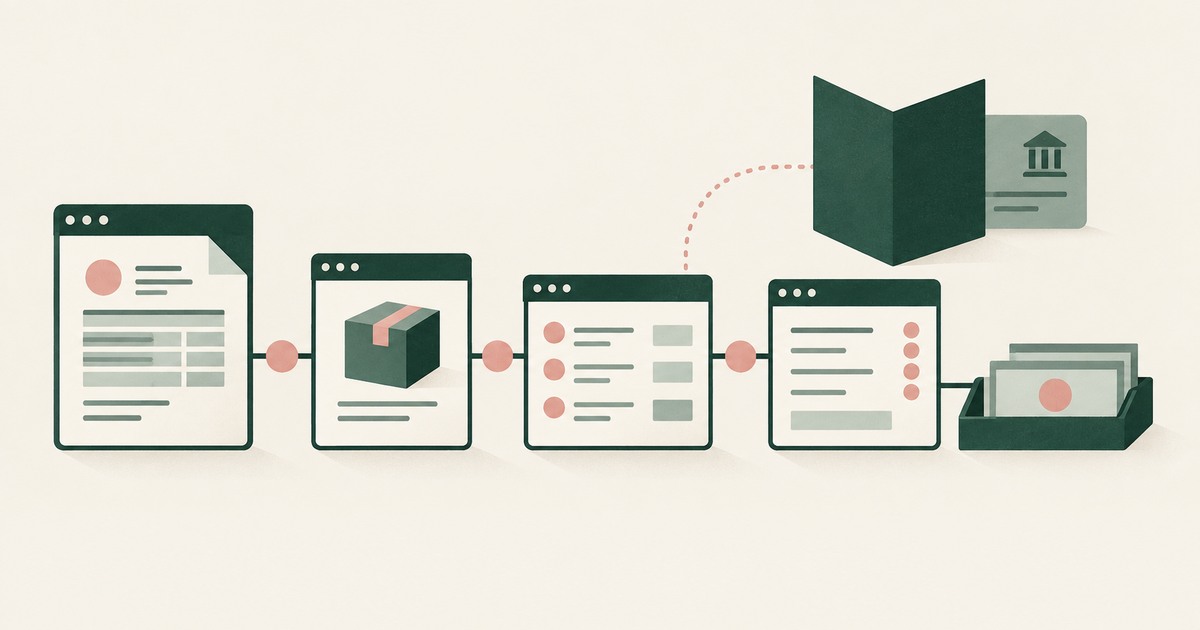
Explore AI agents for SAP accounts payable in S/4HANA and ECC, with tokenization of vendor details and named approval before payments.

Compare credential storage with AI agent security for encountered PII, and examine where screen-level tokenization adds a different control.

Examine confidential computing and AI agent security, distinguishing provider isolation from tokenization of the PII a model can read.

Examine what a dedicated virtual machine adds to AI agent security and why tokenization is a separate control for visible sensitive PII.
Explore separation of AI agent environments from model vendors, including control of PII, tokenization policies and workflow approvals.
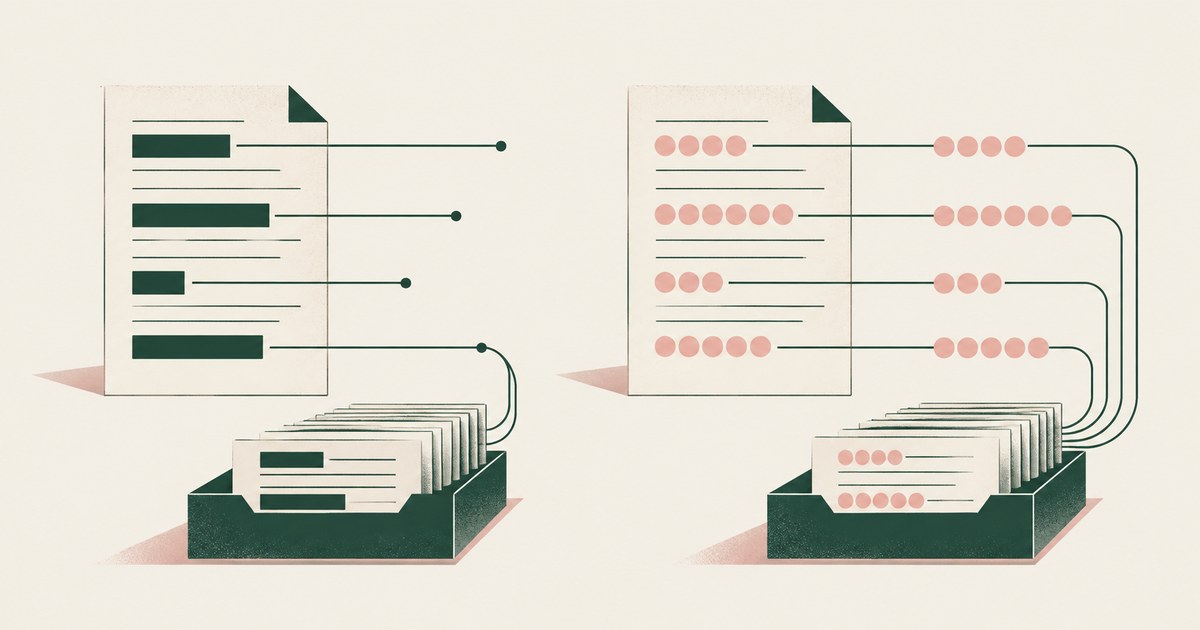
Compare data masking and tokenization for AI agent workflows that match claims, patient accounts and student records across application screens.

Compare payment tokenization with AI agent input controls for billing and accounts payable, including customer PII and vendor bank details.

Compare AI model pricing while retaining AI agent controls, tokenization and approval records for billing, claims and other regulated work.
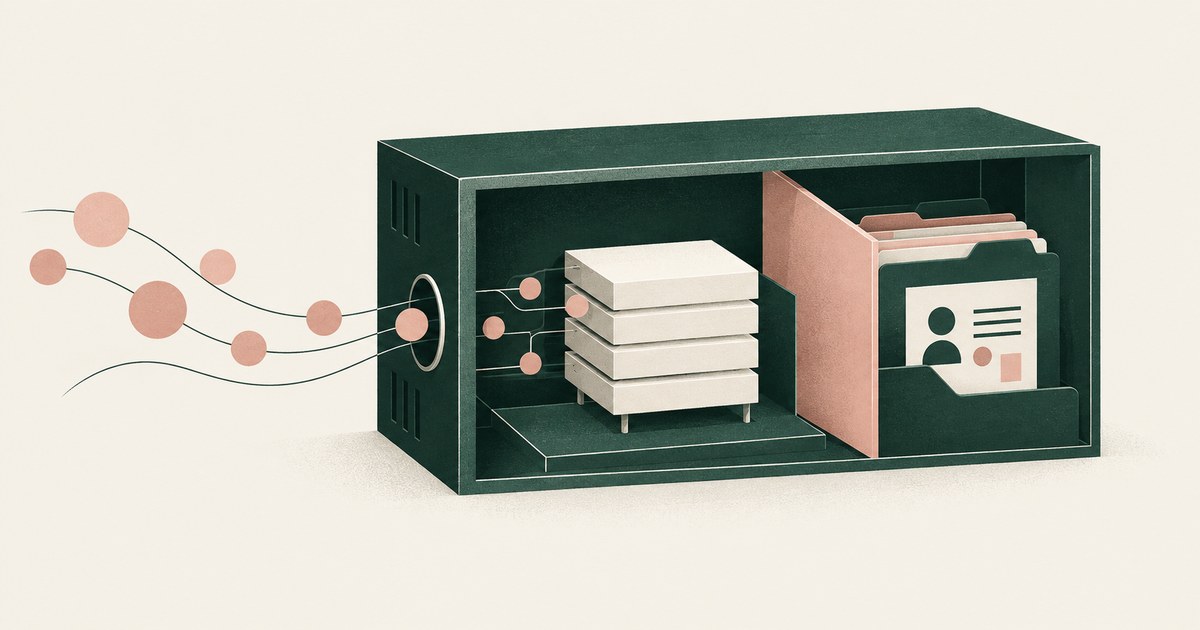
Assess open-weights AI agent deployments for PHI, PII and tokenization, including self-hosting controls for claims and patient-account tasks.
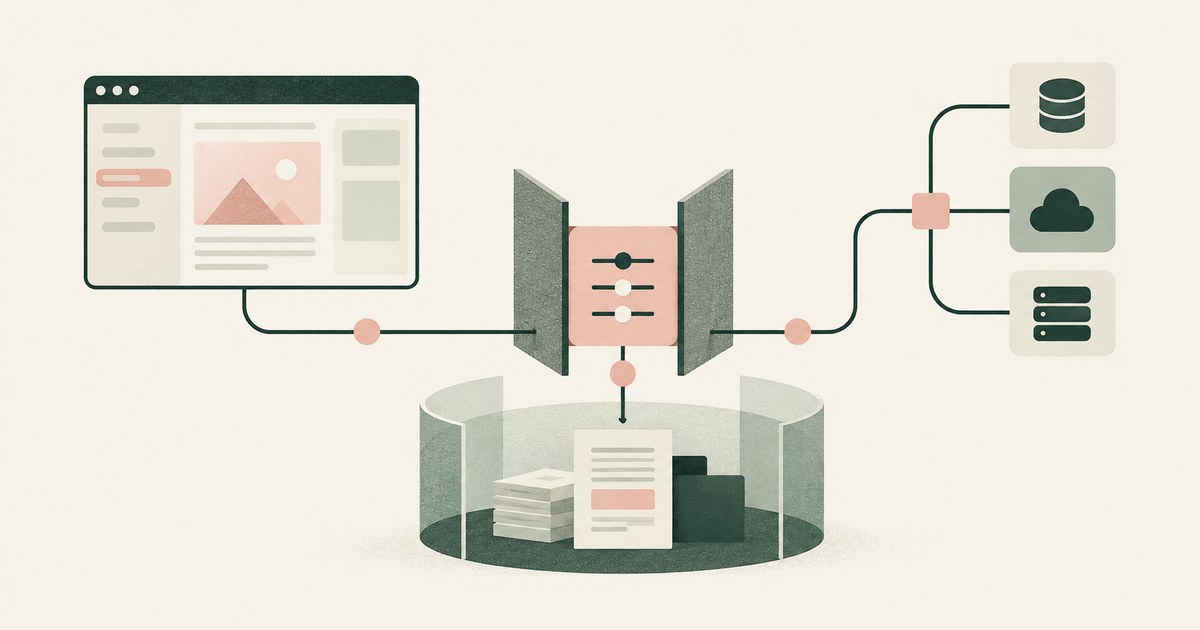
Compare screen automation, APIs and MCP for AI agent billing and claims workflows, with PII input controls, tokenization and human approvals.
No, 1Password's agent features deliver credentials you already stored and issue them at runtime, and its pages describe no feature that captures a key an agent creates on a vendor console before the model reads it. Ask what the model receives from the rendered page when a key is created, and which person stores the value.
No, not on the agreement a coding company already holds: the model receives the client's chart, so the vendor handles PHI and the provider's BAA with the company does not reach it. Check what the model receives from the rendered screen, and whether a written agreement reaches the vendor, before the first claim.
No, not on the console as it renders today, because an agent that reads a screen receives every customer record that screen shows, impersonation included. Scope the agent to the task's screens, replace customer identities with tokens before the model reads them, and hold every impersonation for a named person's approval.
No, not on a production login that renders real customer records, because the agent receives every value the screen draws and the founder's own access is what opened it. Replace those values with consistent tokens before the model reads the screen, have a named person approve each consequential action, and keep the record the questionnaire asks for.
No, BILL's Administrator role approves bills and authorizes payments, and the vendor record an agent reads can show the last four digits of the account and the full routing number. Check what the model receives on each screen it can open, then require tokens in place of account and routing values before it reads the page.
No, an agent that reads a real admin console holds the leaver's name, address and role, so a confirmation prompt narrows what it may do, not what it already read. Approve the account list by name, then let it execute where the screen renders tokens and the record shows what it saw.
No, not on the bill-pay page, where QuickBooks Online asks for the vendor's account number before it can send a bank transfer. Ask what the rendered page shows the model, and whether the number is replaced before the model reads it.
No, not on the posting screen as it draws today: the agent reads the rendered page, and the claim carries the patient, so the model gets the name. The match needs only the claim number and the amount, so a consistent token in the name's place leaves the posting intact.
No: the reset an agent completes in Okta's console sets a temporary password, and Okta's own warning ties the flow to "the temporary password that you set". Check which option your runbook uses, because the email link keeps the value off the screen and the temporary password puts it in the agent's hands.
No, not when the agent reads the chart, because the model vendor then creates, receives, maintains or transmits PHI and becomes a business associate that needs a written agreement. Check what reaches the model from the rendered screen, and where the token mapping lives, before you accept a vendor's assurance.
No. A card number on a checkout page ChatGPT Work reads passes to the model and sits inside the cardholder data flow whatever plan the company bought, so ask where the number is replaced before the model sees it, who approves the payment, and what record of the screen survives the 30-day log.
No, not on a screen that shows a patient record: the confirmation Google documents is written for a purchase or a send, not a patient chart, and the help page describes no business associate agreement. Staff can use it on portal tasks that carry no patient identifiers, and the check is what the model receives from the rendered screen.
It does, because the thread the agent answers is the customer record: the name, address and order in the conversation are what the agent reads to reply. Ask what the model receives from that thread, who approves a reply that changes an order, and what record the business can export.
Where Meta Muse holds a session, it holds the page: on a connected business account it reads the connected assets, the people with access and the payout details the account screen renders, even though Meta's pages say it cannot see stored passwords or payment methods. Ask what the model receives on each account page before you connect another one.
Placeholders: inside the OpenShell developer preview the agent receives an opaque placeholder, and the gateway attaches the real value only on a request to an approved host. Check where that substitution sits, because it covers the agent's requests and not the values a rendered page shows.
No, a fine-grained token scopes what the credential can do and leaves the token with the agent; a secure workspace is the environment that holds it, decides what the model reads on a page and records who approved the use. Ask which of those three the tool in front of you actually does.
No; the scheduling step needs the vendor, the amount and the date, and the payment system attaches the stored routing number to the instruction. Check what the model receives when the payment screen renders, and who approves the release.
No, not the credential the agent uses. Island's AI browser redacts sensitive data before it reaches a provider and masks PII in prompts, a filter on what leaves the browser, while its pages describe no credential kept out of the agent's hands; check what the model receives on the screen and who approves the action.
No: Anthropic's page places the screenshot in the customer's environment ("Captured and stored in your environment, not by Anthropic"), while the request carrying the image is retained under the API terms unless the account has zero data retention, and the image reaches the model on every request. Check where the harness writes the frame and how long it stays.
No, not the page: a fill step can keep the login out of the agent's context, and the authenticated page the agent opens next, with any token the account renders there, reaches its model like any other page. Ask what the model receives after the sign-in, not only during it.
Not for a credential Codex removed before the agent phase, but yes for one held as an environment variable, which is set for the full duration of the chat and readable by the wider command set an escalation permits. Before approving an escalation, read the environment list and move anything that matters out of the environment.
No. Docker Sandboxes bounds where an agent runs and keeps a proxied credential on the host, but its pages describe no approval step before a command or a submission, so the model receives whatever page it opens and no person is asked; check which layer of your stack asks, and what it records.
No; Docker Sandboxes isolates the process and its network and keeps the real credential on the host, while the model still receives whatever the portal renders on the screen the agent drives. Ask what the model is shown on a page, and who approves the action that follows.
Not completely. Gemini in Chrome leaves a work log in the tab it works in and Google keeps Gemini Apps activity on its own retention terms, but the pages reviewed describe no exported, per-page record of what the agent read, so ask for that export in writing.
No, not the data the model receives from the screen: Island redacts where data enters the prompt, after the page was drawn, and the filter runs one way. Ask what the model read on the rendered page, who approved the action it took and what record exists.
No, not the page a browser agent reads: Island's MCP Gateway governs the tool calls routed through it, and a rendered screen never passes through that path. Ask what the model received from the screen, who approved the action and what record names both.
No: the model receives the values the page renders, because MARS cleans the page rather than replacing what it carries, and Claude Code's terminal sits outside the product. Check which of an agent's requests pass through the Menlo Cloud, then what the model is shown on the page that arrives.
Only as far as the account's record goes: Meta says users can review a full audit trail, and its Muse pages reviewed here state no retention period for what a screen showed. Ask what the trail holds, who can open it, and whether the model ever received the values the page rendered.
No. Cross App Access moves who consents into an administrator's policy while the agent still receives an access token for the resource app and holds it, so the customer record it opens renders into the model in full, and the check is that screen and the name on the approval.
No: a zero data retention agreement governs what Anthropic keeps after a response, and the tool's own page says Anthropic "processes the screenshot images and action requests in real time as part of the API call" while the request is open. Ask what your request carries before you ask what the vendor stores.
Hospitals start agents on administrative screens, posting payments, checking eligibility and booking visits, and keep clinical reading inside the EHR vendor's own tools under a business associate agreement. Ask what the model receives on each screen and who approved the action, because every account screen names a patient.
Replace the records before Claude Code arrives: seed the test database from fixtures, add a permission rule for each export path, and declare the service credentials as masked. Check what the model receives when a task needs the real record, since the sandbox covers shell commands and masking swaps a credential on an outbound request.
Keep the personal data off the screen the tool captures: run development work on synthetic claims, and for live records render the claims page with placeholders before the screenshot is taken. Ask what the model receives on the screen, who approves the payment, and what record the run leaves.
No, not on work accounts whose pages show patient balances, because Anthropic's safety page says whatever is visible in the active tab becomes part of the conversation and recommends a profile without banking or health accounts. The answer changes only with tokens on the rendered screen, a named approver and a record.
No, not on work accounts whose pages carry customer, account or financial data, because Anthropic's own safety page says the extension can't filter sensitive content out of what it sees. It becomes workable only when values are replaced on the screen before the model reads it, a named person approves each action, and a record exists.
No, not on a patient record. Microsoft's list of uses to avoid names "medical records"; the pages reviewed describe no protected health information or business associate agreement; and a privacy officer should ask what the model reads on a patient screen before enabling it.
No, not on work accounts whose pages carry sensitive data: Microsoft says not to use it for "Financial activity (banking, stock trading, credit card details)" or "Personal identifiers (Social Security numbers, government IDs, medical records)". It changes only when values are replaced before the model reads the screen, a named person approves each action, and a record exists.
No, not on work accounts whose pages carry customer or health data: Dia's own page says it "sends your prompt and the relevant page content to a third-party AI model" and excludes PHI work. It becomes workable when values are replaced on the rendered screen before the model reads them, a named person approves, and a record exists.
No, not on a private repository, because the agent reads the tree it is assigned and the pages reviewed describe no step that replaces a value before the model reads it. Ask what the model receives from those files, who approves the pull request, and what record of either exists.
No, not while the model reads the bank account, routing number and tax identifier that a vendor registration form collects, because the first payment follows the account number the record holds. Replace those values with consistent tokens before the model reads the screen, and have a named person approve the first payment.
No, not while the agent reads the real bill, the vendor's bank account and the bank's payment form in your own signed-in session, which is what every browser agent reviewed here does. It is safe only when those screens show placeholders, a named person approves the release, and the real routing number reaches only the bank.
No, not as payroll runs today: the ADP, Gusto and Workday screens behind a biweekly run render each employee's Social Security number, salary and bank account to whatever model reads them, and the task needs none of it. Replace those values with tokens before the model reads the screen and have a named person approve the submit.
Not for a finance team that has to show what Comet read: Comet pauses for confirmation before the payment, but by then the model has read the QuickBooks bill and the Bank of America screen in your own session. Ask what the model received on each screen and who approved the payment.
No, not for a finance process: Dia sends the invoice page and the vendor's bank details on it to a third-party model, and its page describes no named approver or record for the transfer. A sole proprietor paying one small bill by hand is the case it fits, so ask what the model received before you click.
No, not for a finance process that needs evidence: Gemini reads the invoice, vendor record and bank details in the signed-in tab, and Google leaves the outcome with the person, including unexpected results such as a completed purchase. A watched one-off is not a payment run; ask what the model received and who approved it.
No, not while the model reads the whole rendered screen, because a claim, denial or remittance page names the patient on every line. The work is governable when the identifiers are replaced with consistent tokens before any model reads it, a named person approves each submission, and the record shows what the model received.
No, not for the payment step itself: MARS masks the account number on the page it cleans, and its release describes no step that supplies the real number at submit. Ask what the model receives on the transfer screen and whose name approves the transfer before an agent pays.
No, not on work accounts whose pages carry sensitive data. Meta's Muse pages describe a personal agent on its own cloud computer that checks before sensitive actions, and they describe no business associate agreement, no retention term for a screen and no field-level masking; ask for all three, and for what the model receives from a patient screen.
No, not for the customer record the application renders: Okta can give every agent an identity and an administrator-approved path to each app, and the record the app draws is still read in full by the model. Check what the model receives on the first screen that carries a real value, and who approves the change.
No, because its pages govern which AI applications a person can reach, what prompts leave, and what crosses MCP and A2A brokers, and none of them describes replacing the values a CRM account page renders before a model reads them. Ask for that control, and for the name of the person who approves a record change.
The alternatives to giving Claude Code a personal access token are four: a fine-grained token in the environment, Claude Code's masking at a local proxy, a GitHub App installation held by a broker, and a CodeCell adapter under a signed grant. Check which of the four keeps the token off the laptop and who approves each use.
Manus shows you the run as it happens, and its help page does not say what the model receives from the page it works. Treat the live view as a window on the agent's actions, and ask what the model read on the screen before you connect an account.
A secure alternative to 1Password autofill for card numbers is a governed browser that replaces the digits on a payment page with a token before any model reads the screen, then releases the real number only at that checkout's own submit. Check what the model receives on that page, who approves the charge, and what record remains.
Alternatives to agentic browsers for paying vendor invoices are judged by what the model reads on the payable page and by who releases the payment. Look for a browser that renders the account and routing values as tokens before the model reads the screen and resolves them only at the bank's submit, with a named person approving it.
A secure alternative to Browser Use for vendor portal automation replaces the values a portal displays with consistent tokens before any model reads the screen, then releases a real value only at the approved destination. Ask whether the account number the portal echoes after sign-in is covered, who approves the payment, and what record the run leaves.
A scoped grant that keeps the token off the machine is the secure alternative: one task, one repository, read-only for a single run, with the pages the run reads rendered as tokens. Check where the credential lives during the run and who approves its release, not how few prompts the session shows.
For work that touches production credentials, the secure alternative is a governed environment that replaces those values on the rendered page before any model reads it, then releases the real credential only at an approved destination. Check what the agent's model receives on the deploy screen and which named person approves the release.
A secure alternative to Dia for customer account work keeps every sensitive field on the rendered page out of the model's view, beyond the password field, and releases the real values at the CRM's own save. Ask what the model receives on the account screen, who approves the change and what record the run leaves.
Alternatives to Edge Copilot Actions for vendor portal work are judged by what the model reads on the portal page, not by where the clicks run. Look for values replaced with consistent tokens before the model reads the rendered page, a named person approving each remittance, and a record of both.
The secure alternative to Grok Bot for vendor portal work changes what the model receives: the values a policy names become consistent tokens before the agent reads the portal, and real values resolve only at the approved destination. Ask what the agent reads, who approves a submission and what record the run exports.
Alternatives to Manus for paying vendor invoices are judged by what the model reads on the payable page and by who approves the payment. Look for a per-user environment that renders the account and routing values as tokens, releases the real values only at the bank's submit, and keeps a record of what the model received.
Data isolation is the secure alternative: the values a page renders are replaced with consistent tokens before any model reads the screen, so a missed injection collects placeholders, and real values resolve only at the approved destination. Ask what the model receives on each screen, who approves the action, and what the run exports.
None of the consumer agents reviewed asks before releasing a payment run: each reads the real invoice and bank screens, and its prompt covers one action, not the batch. A run of fifty invoices needs a named approver on the run, a record of what the model saw, and values replaced before any model reads them.
The accounts payable manager who signs off on a clerk's payment does, at the point the real bank details are released rather than when the agent proposes the run. Ask the vendor to name that person, to show what the model read on the payables screen, and to produce the approval record.
In all 6 leading AI coding agents reviewed, the secrets a team gives the agent are placed in environment variables the agent can read, by the vendor's own documentation. Only 2 of the 6 ask a person by default before the agent reaches the network. The safest sandboxes give the agent a placeholder instead.
Only 6 of 15 AI agents reviewed document asking a person before they complete a payment or purchase, and two of the six hedge. 9 keep passwords away from the model, but none does the same for the customer data on the screen. Nine of the 15 launched in the last 18 months.
Only 1 of 16 AI agent products reviewed publishes a prompt injection rate, so buyers of the other 15 have no number to plan against. Seven products from five leading vendors, including Anthropic, OpenAI and Meta, say in their own documentation that the risk remains.
Of the 45 AI laws enacted in California, Colorado, Illinois and New York in 2025 and 2026, 4 require a person to review the AI's decision, and 3 of those are Colorado's. Nationwide in 2025, 9 of more than 1,100 state AI bills required human review and 1 became law. Only 1 enacted law mentions AI agents.
None of 86 AI security products reviewed describes giving an AI agent tokens it can work with in place of the sensitive values it reads on a screen. Most, 58 of 86, control where data can go, and 27 control what a model receives in pipelines. One describes masking what an agent reads on web pages.
More than half of the people affected by large healthcare breaches in 2025 and 2026, 123.9 million of 220.0 million, were exposed through a vendor. About 1 in 3 of these breaches comes through a business associate, year after year. An AI tool that handles patient data is a business associate too.
Of the 87 largest US companies that describe using AI in their annual reports, at least 55 also warn investors about it. 55% of all US public companies list AI as a risk, against at least 62 of the top 100. Only 13 of the top 100 name AI agents, and only 3 of the largest banks and insurers.
At least 150 published vulnerability records describe prompt injection against AI systems, and 92 of them appeared in the past four quarters against 29 in the four before. Only 21 records carry the weakness category created for prompt injection, so counts that rely on that tag miss most of the problem.
616 security flaws in AI agents, MCP servers and agent platforms were published from October 27, 2025 to October 26, 2026, up from 92 in the year before. 207 of them let an attacker get data the agent, its tools or its server could reach. These are published records, so the count also reflects a fast-growing category.
Instructions hidden in images got browser-use agents to follow them in up to 100% of tests, and poisoned tool descriptions worked nearly every time. Attacks tuned to each defense got past most of 12 published defenses, and only 1 of 16 AI agent products publishes an injection rate at all.
US searches for prompt injection grew about 13 times in less than a year, and searches for AI controls, AI oversight and AI accountability grew faster than searches for AI governance. AI security is still a small search: about 4 for every 100 searches for ChatGPT. Searches for AI compliance grew slowest.
Of 741 developer comments on Meta Muse, 109 raised security or privacy concerns, about 1 in 7. Of 646 developer comments on OpenAI Dots, 101 did, about 1 in 6. Business-buyer and consumer opinion could not be collected.
Of 15 AI agents and 86 AI security products reviewed, none describes replacing the customer data an agent reads on a screen with tokens it can work with. Published flaws in AI agents rose from 92 to 616 in a year, and most large-company annual reports now name AI as a risk.
From HAL: Who Signed Off on This?, with Jim Sinkoff, Deputy CEO and CFO of Sun River Health
From HAL: Who Signed Off on This?, with Thomas Livers, Associate Athletic Director for IT Services, University of North Carolina at Chapel Hill
From HAL: Who Signed Off on This?, with Harry Ghuman, CEO of Alpha Decisions
From HAL: Who Signed Off on This?, with Dr. Judy White, retired Riverside County Superintendent of Schools
From HAL: Who Signed Off on This?, with Rishov Chatterjee, AI engineer at Curology and former Director of Data Science and AI at Integra Connect
HAL Transcript: Jim Sinkoff on Who Owns Patient Data
HAL Transcript: Thomas Livers on AI in College Athletics
HAL Transcript: Harry Ghuman on the AI Delegation Frontier
HAL Transcript: Dr. Judy White on AI and Student Records
HAL Transcript: Rishov Chatterjee on Who Answers When an AI Agent Takes Patient Records
What IT and security leaders in healthcare, education and manufacturing are learning about shadow AI
Why AI agents inherit more access than any new employee would get, and how to check
Lessons from revenue cycle leaders on AI, automation and protected health information
What revenue cycle leaders say about getting documentation out of client systems, and how to scope a pilot that answers the question
Lessons from a school department piloting AI-prepared budget transfers that principals approve
What a healthcare IT team chose, what it covers, and the half of the problem it leaves open
Yes for screen work, where a caller's name, address and card digits can render as consistent tokens such as CALLER_001 before any model reads the page. Split the job so identity verification happens outside the model, and treat the live call as the one step no screen control covers.
Not on debtor accounts, where an SSN, a balance and a contact history render on every screen the agent opens. Use Dots for scripts and scheduling, and ask what the model receives from the account screen before an agent works a live account.
Not on case files: Comet reads the page it opens, so a benefits record with a Social Security number and address reaches a consumer assistant whose retention and agency terms are not described. Allow it on public pages, and settle what the model receives, who approves a case action and what record the run leaves.
Yes, when the vendor is bound as the firm's agent and the model receives tokens for the client's identity and the matter number, so it never learns whose matter it read. Where the vendor holds the file, the opinion puts the weight on consent and terms, so ask what the model receives and who approves each filing.
No. Not while the agent's model receives the rendered student page: every Infinite Campus screen carries the student's name, flags and attendance, and FERPA's school-official exception requires direct control over the recipient, so ask what the model is shown before any agent touches the SIS.
No, not while payables pages render the vendor's bank details, tax identifiers and several entities' ledger data to the model. Replace those values with consistent tokens before the model reads the screen, then let each entity's own approver release the payment.
No, not while a state eligibility screen draws an applicant's name, date of birth and Social Security number into the model's context, because a Medicaid record is protected health information and a Privacy Act record at once. Check the system-of-records notice and the model contract, then require tokens on that screen and a named approver.
Yes, when the model never receives the return: replace the identifiers on the preparation screen with consistent tokens before any model reads it, and the agent can prepare, check and file a 1040 without a disclosure that IRC 7216 requires consent for. Ask which values the model receives and where the real ones resolve.
No. 1Password fills the field outside the model's view, so the password itself never reaches the agent, and what it receives is the page after login, where any part of the credential the site echoes is on screen; check what the site shows once the session opens.
No, not while the agent reads the real inbox, because every parent's message in a teacher's mailbox reaches the model's context and a reply about one child can name another. Ask what the model receives from the rendered inbox, and whether other families' names, addresses and student identifiers reach it as tokens.
No, not while the agent reads the report screen, because the reimbursement account, the receipt images and the card transactions render beside the amount and the category. Ask for tokens on the rendered page before the model reads it, a named person approving the release, and a record of what the model received.
Yes, when the agent holds a live banking session, and the payee screen is where the change is typed. Put every payee addition and edit behind a named approver, and check what the model receives on that screen before an agent opens it.
No, not from the screen as it renders: a dispute evidence form draws the cardholder's name, email and shipping address, and Stripe's evidence reference lists those fields. Ask what the model receives from the rendered form, whether tokens replace the values before it reads them, and which named person approves the response.
No, not while the register renders the roster: an agent sent to fix one pay line reads every salary on the screen. Scope the fix to one employee and one field, with the other rows replaced by tokens before the model reads the page, a named approver on the submit and a record of what it read.
No, not on an intake screen that prints the claimant's name, address and date of birth, because the model reads the record it is shown and keeps it for the rest of the run. Ask for an intake that renders CLAIMANT_001 and a claim system that resolves the real identity when it creates the claim.
No, not on the endorsement screen as insurers render it: the page draws the named insured, the address and the date of birth beside the term being changed, and the model receives all of it. Ask for the rest of the record to be replaced with stand-ins before the agent reads the page.
No, not while the order the agent opens carries the customer's shipping address, because a browser agent reads the rendered page and holds every field on it. Ask what the model receives from that screen, and whether the address is replaced with a consistent token before it reads, with the real value resolved only at the label.
No, not on the payment step itself: an agent that fills a screen collecting the account and routing numbers reads the digits it types, and keeps them for the rest of the run. Check whether the rendered page substitutes tokens before the model reads it, who approves the submit, and what record shows what the model received.
Yes, when the caption and signature block render a handle such as CLIENT_001 and the client's name resolves only at submission, because drafting and formatting work on the facts and the law. Ask what the model receives from the drafting screen and which named person approves the filing.
No. A records request can be logged, routed, tracked and answered without the responsive record ever reaching a model, but the redaction step has to run in a trusted room where someone reads the values it removes; ask which room each agent runs in and what the model receives on the screen.
No. An enrollment screen prints the student's date of birth beside the packet, so an agent working that record reads what the certificate proves even when it never opens the scan; ask for consistent tokens on those fields and a packet the model cannot render.
No, not on the hire record the run starts from, where the job aid says "Enter the nine-digit Social Security Number in the Identification # field". Replace the number with a token before any model reads that page, have a named person approve each account and its groups, and keep a record of what the model received.
No. A quote worksheet prints the applicant's date of birth beside the rating inputs, so an agent that prices the quote reads it and the model keeps a copy for the rest of the run; ask for a screen that renders DOB_001 and a rating engine that receives the real date only at submit.
No, not while the agent reads the reconciliation screen as it renders: the model receives the account the page names, the masked digits it prints and every field the page draws. Reconciliation suits an agent better than other banking tasks, so check that the account number is replaced with a consistent token before the model reads the page.
No, an ADP payroll run renders each employee's rate and salary amount in the rows the agent works through, so a model on that screen reads what everyone earns. Require tokens in place of the pay values before the model reads the page, a named person approving the submit, and a record of what the model received.
No. Gusto's help page makes the Social Security number an employer-maintained field and does not describe it being masked or replaced before a payroll agent reads the employee record, so a scoped run still needs tokens, a named approver and a record.
No. NetSuite keeps the vendor's bank account on the vendor record, so an agent that opens the record to finish the setup reads the bank details the page renders; check what the model receives there and whether the values are replaced with tokens before it reads them.
No. The authorization form draws the diagnosis and procedure codes beside the member's identifiers, so an agent that fills it reads the diagnosis before it submits; a workflow that keeps those codes off the screen until the payer's own submit step is the only version that changes the answer.
Yes, when the upload page keeps the W-9 opaque: the agent attaches the file and submits it without the EIN or the signature entering its context. Check the three places a portal can turn the file back into text, the preview pane, the TIN field and the confirmation page.
No, because the agent reads the rendered account page and the model receives whatever that page shows, including fields the address task never needed. Ask what the agent receives from the rendered screen, whether those values are replaced with tokens before it reads them, and which named person approves the save.
No, not on the core screen as it renders today, where the record is keyed by the account number the page displays. Ask what the model receives from that screen, and whether the number is replaced with a consistent token before it reads it.
No. The Social Security number sits on the identity page as a field the role can open, and an agent working that page receives whatever the screen renders, so the answer changes only when the value is replaced with a consistent token before the model reads it.
No. An agent on a MyChart session receives the message list and the words a patient typed, and free text has no field shape for a substitution layer to replace, so keep the agent on scheduling and billing screens and off the message queue.
No, not while Workday puts supplier bank account setup and payment editing on screens its payment roles can open, because an agent working them reads what the page renders unless the values are replaced before the model sees them. Ask which fields the agent receives and who approves the release.
Only with a per-run record of what the model received on each screen, which is what an AI Control Record is for. Ask for one run's page with its tokens, the mapping held outside the model, and the name of the person who approved the action.
Only where the page leaves the value in the clear. AWS's Nova Act guide says information that appears unobstructed on the browser could be collected in screenshots, so check what your own pages render and what replaces those values before the model reads them.
A browser the agent drives already holds the session you signed into, so it works as you there, and Cursor's security page documents terminal and MCP approvals and nothing about how the browser treats a session or a credential a page shows. Ask what the model receives from each screen before pointing an agent at an account.
No. OpenAI's Dots pages describe an always-on agent that acts on a page, not a control that replaces a vendor's account and routing numbers before the model reads them, so ask what the model receives on each bill screen and who approves the payment.
No. Skyflow resolves a token when a caller its policy has authorized asks the vault to detokenize, so the gate is who may retrieve a value rather than where it goes; ask which submit action releases a real account number, and whose name is beside it.
No. Wiz's own pages describe an agentless inventory of AI services, models and exposure built from cloud provider APIs, and its AI Inventory page says browser-based tools require separate governance, so ask what a tool records about one session and whether a screen is in that record.
Only where a project records: Browser Use's cloud documentation states that "Zero Data Retention (ZDR) projects never record, even when recording is requested," and every other project settles what the file holds. Ask what a payroll recording contains, who can read it and how long it stays.
No. Chrome's own pages say Gemini "can use the context of the currently viewed webpage," so destination policies, the purchase confirmation and the tab's work log govern where the agent goes and what it may do, not what its model reads; ask for tokens rendered on the screen, a named approver and an exported record.
Anthropic keeps the record in the conversation: screenshots of the active tab become part of it, and the side panel session is saved to your history. A team that needs evidence should ask who can export that record, how long it is kept, and what the model received on each screen.
No. Codex leaves a work log you can read after the run and asks for approval before a command reaches outside the sandbox, but the Codex pages reviewed describe no audit export, so proving every command to a third party is a reconstruction.
Only in the conversation: Microsoft's page says Copilot can view your screen, so a card number on it reaches the model, and the page separates the image, which is not retained, from a stored transcript. Ask what that transcript holds and whether any control replaces the digits before the model reads them.
No: Cursor's agent security page sets approvals for terminal commands and MCP connections, calls its run modes "best-effort guardrails rather than a hard security boundary," and describes no audit log of what the agent ran or read. Ask for a per-session record exported to your own monitoring, and test what it contains.
No. What an account keeps after a request and what the model receives during it are separate questions, and Cursor's security page describes no step that removes a value from the context, so check what the agent can open before you rely on the setting.
No: Devin's guide describes four credential scopes, direct typing in the browser and environment variables in the shell, and describes no audit log of which credential a session used. Ask for a per-session record of the credential, the screen and the approving person, and test what it contains.
No; a session-scoped credential stays out of the next session and out of the other client's work, and the value still lands on the page the model reads once Devin types it into a field. Ask what the model is shown on a rendered screen, not only what the session can reach.
No, not on work accounts whose pages carry sensitive data. Dia's page says it "won't insert data into third-party sites without your approval," and that it "sends your prompt and the relevant page content to a third-party AI model"; the approval gates the write, and the answer turns on values replaced before the model reads the page.
No, not on an account whose pages carry a bank account number: Fellou's policy requests "screenshot and screen record, accessibility" permissions and warns that it "may unwittingly collect other personal data," while asking users not to input sensitive information into the service. Ask what the model receives from a rendered screen, and who approves the action that follows.
Grok Bot works inside the browser sessions its cloud computer already holds, and every Bot on the account shares those sessions and app logins. Ask how a session is scoped to one site, who approves a first sign-in, and what record shows what the model read.
No, because HashiCorp's own tutorial launches the agent with a Vault token scoped to a single credential: the agent is the client that fetches the value, and the value then sits in the model's context. Check what the tool does with the value once the read returns.
No: HashiCorp's own agent tutorial has the agent read the GitHub token with a Vault read and starts that agent with a delegated VAULT_TOKEN exported into its environment, so the value arrives in the process the model runs in. The scope and the minutes bound what the token can do, not what the model holds.
No: Guard screens prompts, tool calls and tool responses only when the harness sends them to its API, and a browsing agent's page content reaches the model whether or not that call happens. Ask what the model received from the rendered page, and who approved the change it made there.
Partly: Lakera screens the prompts, responses and tool calls routed through its Guard API, and a missed injection reaches an agent that still holds the credential on the page it opened. Ask what the model reads on each rendered screen and who approves the payee change before crediting a filter with custody.
No, because Microsoft's identity pages describe who may reset or restore a credential and how Purview classifies and audits agent data, not what the agent holds once it signs in. Ask what token the agent carries, which applications accept it, and what its model receives on each screen.
No, not the page a browser agent reads: Netskope's AI Guardrails, DLP and Agent Action Control inspect requests, responses and network traffic, and none of them replaces a value on the page before the model reads it. Ask what the model received from the screen, who approved the action and what record names both.
No, not the read that already happened: Noma's AI-DR page lists "trigger a killswitch" among five responses to a risky action, and its runtime control evaluates "tool calls, responses, and session context" after the page has been read. Ask what the model received from the screen before that evaluation, and who approved the action it allowed.
Not from the pages reviewed: OpenAI says Reset deletes a dot's conversations, saved memories and scheduled tasks, but no dot page states whether images of the pages it reads are stored, or for how long. Treat the session as the container and get the retention term in writing before a dot opens a patient account screen.
Only for the actions Opera has configured, and the privacy statement does not name them: Neon is set "to not complete certain actions without your final approval," and it blocks certain sensitive sites such as banking pages. Ask which step in your workflow falls inside that set, and what the person approving is shown when Neon stops.
No, not by itself: Presidio identifies and de-identifies PII in text an application hands it, and its pages describe no capture of a screen, so a model reading a rendered page still sees the values. Ask what captures the page and runs it through Presidio before the model reads it.
No. The audit record Microsoft documents for Copilot and AI applications holds prompts, responses and the resources an agent accessed, not the rendered pages a computer-use agent reads, so the auditor asking for the screens should ask what the model received from each one and who approved the action.
No. Skyflow's pages describe a vault that tokenizes what an application sends it, while a browser agent reads the rendered page of software that was never wired to call it, so check what the model receives on that screen and who approves the release.
No. Skyflow tokenizes values an application sends to its vault or API, so check what draws the screen the agent reads: where the application stores a Skyflow token the page shows a token, and where it stores a real value the model receives the real value.
Not completely. OpenAI's compliance logs record the conversation and keep it for 30 days, and the admin FAQ says those records "don't establish a complete audit trail" for every browser interaction, tool call or approval, so ask what the log holds for each page before you treat it as evidence.
No, because Vault's audit records the fetch and not the use: it names the token, the path and the time, and the delegated token ties that read to the agent. Check what happened to the value on the hosts that received it, because the record ends at the read.
No, not in the pages reviewed: WitnessAI tokenizes values on the AI traffic it intercepts before a model sees them, and no page describes a step that turns a token into the real value at the destination the agent submits to. Ask where the value is held, which destination is approved, and whose name is on the release.
Only in API traffic: WitnessAI tokenizes prompts, tool calls and model responses on the path its platform inspects, and a page an agent reads on screen does not cross that path. Ask for one screen replayed field by field, then decide whether a traffic control covers the work.
No, not on the screens a browser agent reads: Zscaler's brokers govern the calls an agent makes to MCP and A2A servers, with inline DLP on the transaction, and no page states that a value on a rendered screen is replaced before a model reads it. Ask what the model receives from the page, then what the call carries.
No. Browser isolation keeps web code off the device, and the model reading the rendered page still receives its values, so ask what the model reads on that screen and who approves each action.
Give the agent a reference and keep the value in an adapter outside its process, where a developer-signed grant can scope the credential to one service, one resource and one short lifetime. Then check who approves each consequential call the adapter makes and what record of it remains.
Choose a data protection vendor for AI agents by where it protects the data, whether it detects sensitive data or keeps the model from receiving it, who approves an action and what record it leaves. Put those questions to each vendor in writing, then run one workflow with test values and compare what the model received.
Tokenize the supplier bank details before the agent reads the payables screen, let it match and schedule against those tokens, and release the real values only at the payment rail on a named person's approval. Ask the record which values the model received and who approved the release.
Put the limit on the instrument the agent spends with, a virtual card with its own cap, and have a named person approve anything above a threshold, so a hijacked run cannot exceed the card. Then check what the model reads on the payment page, because a card limit caps the loss and not the exposure.
Keep what the agent can reach smaller than the repository: a seeded fixture instead of a production export, .cursorignore for paths that cannot move, and no live connection string in a file it reads. When a task needs real rows, ask what the model receives from the page that renders them.
Put a service between the agent and Vault: the agent asks for an action, the service holds VAULT_TOKEN and the credential it fetches, and the agent gets the result. Check whether your tool has that service or exports the token into the agent's environment, as HashiCorp's tutorial does.
No rate appears in the Skyflow pages reviewed, so the cost is a quote built on vault records, tokenization and detokenization calls, and files scanned. Price one workflow by the completed action, then check whether the work you are pricing ever reaches the vault or only the screen an agent reads.
No, not as the only control: an extension can govern what an agent types, pastes and uploads in a browser it is installed in, but it does not change what the page renders into the model, and an agent in a cloud browser never loads it. Ask what the model received on each screen, then test one record.
No, not on a real account whose pages carry live customer data. AWS says a password passed through Playwright is still "collected in screenshots by AWS" if it appears on screen, so ask whether the page replaces the value before the model reads it.
No, not for an agent reading account screens: Chrome Enterprise Premium governs where the browser may go and pauses before a high-stakes action, while the account page reaches the model as the bank's platform renders it. Ask for the values replaced before the read, a named approver for the payment, and a record of what the model received.
No. Anthropic's Claude Code documentation puts its sandbox around shell commands and leaves Read, Edit, Write, WebFetch, WebSearch, MCP servers and hooks outside it, so check what those tools can open in a repository that carries real records (Anthropic, 2026).
No, not on work accounts whose pages or connected apps carry sensitive data: Anthropic says Duet asks before it "sends a message, makes a payment, signs a document, or deletes anything", not what keeps page or email values from the model. Check what the model receives from each screen, who approves and what record exists before connecting one.
No: GitHub documents credentials that "are exposed to Copilot as environment variables," so the model receives the repository it is pointed at and the values set for it, and the ephemeral machine does not change that. Ask what the agent can read in the repository and its environment before a review signs off on one workflow.
No, not on Cursor's own documentation: each bank or insurer grants the approval, and their boards ask the same three questions. Cursor publishes its approvals, tool limits and ignore file, so check what its pages say about what the model reads, what the agent can run and what record survives the run.
No: Falcon Guardian detects and contains agent compromise across endpoints, browsers and cloud workloads, but its pages describe controls on AI traffic, not a change to the account screen the agent reads, so a bank still needs the values replaced before the model sees them. Ask what the model receives on an account screen and who approves each payment.
No, not on work accounts whose pages carry sensitive data: Fellou's policy warns it may "unwittingly collect" what a user inputs and asks users not to input sensitive information. Check what the model receives from the page, who approves each action and what record survives the run.
No, not on the work accounts that open policyholder records: Grok Bot's documentation describes Bots on one shared cloud computer with a browser and one set of app logins, and no step that replaces a value before the model reads it. Ask what the model receives from a rendered policy screen, and who approves a coverage change.
No, not when the agent reads the matter file into a model, because the model vendor then receives privileged client content that no consent form can un-send. Ask for parties and identifiers replaced with placeholders before the model reads the file, a named person approving each filing or send, and a record of what the model received.
No, not while the agent reads the servicing screen as the bank renders it: the model receives the account number, the balance and the transaction rows, and a confirmation does not remove them. Ask for tokens before the model reads the page, a named approver for each money movement, and a record of what it received.
No, not while the agent reads the gradebook: a student record is a FERPA education record, and a model that opens the screen receives the name, grades and support plan beside the attendance facts. Require consistent tokens on the rendered page, a named person's approval of each record change, and a record of what the model received.
No, not while the booking screen shows the traveler's passport, date of birth and card; Navan's privacy policy carries all three, and a travel profile keeps them for the next trip. Ask for placeholder values on the rendered page, a named approver for the charge and a record of what the model read.
No. An agent that cancels a subscription signs in as a person and reads the vendor's real account and billing screens, so the login, the card's last four and the plan details reach the model, which can end the wrong subscription; ask for a confirmed list, a named approver and a record of what the model read.
No. An agent that checks eligibility types the member ID and date of birth, then reads the portal's rendered response, so the answer turns on what the screen hands the model; ask for a check where those values are placeholders the portal resolves and only the coverage result reaches the agent.
No, not while the agent reads the refund screen itself: it carries the customer's name, email, address and the card's last four digits, and the amount field takes what the run types. Tokenize those values before the model reads the screen, cap the amount, and put a named person on every refund above the cap.
No. An agent that works in the Admin console reads the rendered page, and that page carries the user records its role covers and the new password the reset dialog displays; ask what the model receives from the screen and who approves a reset before you connect one.
No, because a Stripe dashboard session renders live API keys, payout details, customer records and the webhook signing key to whatever model opens the page. Replace those values with tokens before any model reads the screen, and require a named person to approve each payout and settings change.
No, Direct Pay collects the taxpayer's name, Social Security number or EIN, and bank routing and account numbers on the form an agent reads, so the model holds them unless they are replaced with tokens such as SSN_001 before it reads. Check what your agent's view of the page contains, then put a named person on the submission.
No. A financial aid file is built from the FAFSA, and the screens that process it show the student's Social Security number beside parent income, so an agent working a verification file reads both; ask for placeholders on that screen and a named approver on every award.
No, not while the KYC case renders the identity record: Persona returns an inquiry that can "contain results for you to use", Stripe exposes the verified name and address on a verified session, and Jumio's notice lists passport numbers and document images. Ask for values replaced before the model reads the screen, a named approver and a record.
No: a released wire cannot be recalled, and the bank portal renders the beneficiary account, the balance and the release control to whatever model reads the screen. Check what the model receives on the payment page and which named person can release the wire before an agent prepares one.
No, not while the collections screen shows the debtor's Social Security number, balance, call history and bank details to whatever model reads it. Ask what the model receives on the account screen, who approves a payment arrangement, and what record of the run exists before an agent works a queue.
No, not while the agent reads the adjuster's screen: a claim file carries the claimant's identity, medical reports and bank account, and the model receives all of it beside the loss facts it needs. Require consistent tokens on the rendered claim, a named adjuster's approval of the payment, and a record of what the model received.
No, not as it stands: ChatGPT Work reads the QuickBooks bill and the Chase payment screen inside a signed-in session, and OpenAI's admin page says its compliance records do not establish a complete audit trail for every browser interaction, tool call or approval. Ask what the model receives and who approves each payment.
Not on the step that releases the money: Microsoft's do-not-use list names "Financial activity (banking, stock trading, credit card details)", and its Edge for Business page says responses draw on page content once access is allowed. Ask which values reach the model on the bank page, who releases the transfer, and what record remains.
No, not on a live queue of real customer records. Manus's help center describes isolated sessions, encrypted traffic and a live view of the run, and it does not state what the model reads on a logged-in customer page or how long the session keeps it; ask for both before a session touches a real queue.
No, not on a live customer queue: Browser Use's sensitive-data page leaves the page text and, with vision on, a screenshot in front of the model, and its filter covers only values you pass in. Ask what the model receives from a rendered screen before an agent reads a real record.
No, not on a live support queue: Skyvern's documentation says a typed value can still "show up in later screenshots and page text," and Mask Secrets hides it there only when someone turns the setting on. Run a queue of synthetic records, or replace the values a record renders with tokens before the model reads the page.
No, Presidio's documentation describes two modules that identify and de-identify PII "in text" an application sends them, so an agent that opens a support ticket in a console never calls them and the model reads every field the page draws. Ask what the model received on the screen and who approved the change.
No. Netskope inspects the requests an agent sends and the actions it attempts on network traffic, and a customer record on a screen is read before either exists; ask what the model receives on the rendered page, who approves each change, and what record of that read survives.
No, because Noma's documented control sits at the gateway, hook, SDK or API an agent's traffic crosses, so the model has already read the CRM record by the time a policy is evaluated there. Ask what the model receives from the rendered screen, who approves each record change, and what record of the run exists.
No, not on work accounts whose pages carry sensitive data: OpenAI's safety write-up describes a dot's model seeing webpage text and document content within connected apps, and custom rules govern how the dot behaves rather than what it reads. Ask what the model receives on each screen and who approves each action before you connect a CRM.
No, not on work accounts whose pages carry sensitive data. Opera's privacy statement says Neon sends your input to OpenAI, Google or another provider you choose, keeps the chat for 365 days, and limits itself to a final approval on some actions and a block on banking pages; check what the model receives before you rely on either.
No, not on screens that carry patient data, because Prisma Browser's documented controls act on the prompt a person submits and on what a person types, and neither covers a patient balance an agent reads off the rendered page. Ask what the model received on the screen before an agent works a patient account.
No. Purview labels, blocks and audits agent activity inside Microsoft 365, and its pages do not describe replacing the values on a rendered patient record before the model reads them; a team gets a stopped task or a log, so ask what the model receives and who approves each change.
No: an agent working a patient record reads the Epic screen the EHR renders, and Skyflow's pages place tokenization in applications built against its vault, not in the screen of software the practice bought. Check what the model receives from one patient screen and who approves the change it proposes.
No, not for the screen a browser agent works on: Vault issues and bounds tokens for clients that ask it, and the session a browser agent uses at a portal is a cookie the vault never issues. Check what the model receives from the page it reads and who approves each action before an agent signs in.
Island Enterprise Browser is built for the person using it, so the alternative for agents on sensitive pages is an environment that controls what the model receives from the rendered page. Ask any candidate whether page values become tokens before a model reads the screen, who approves each action, and what record the run leaves.
The alternative to Skyflow for a browser agent sits at the screen rather than inside another vault: render-layer tokenization replaces values before any model reads the page and releases the real ones at an approved destination. Ask what the model receives there and who approves each release.
Everything the case screen draws: identity, address, case number, benefit amount, court and medical records, contact history and the worker's narrative notes, a dossier on one person. Ask which values become a consistent token before the model reads the screen, and who approves the note it writes, because free text is where names arrive unlabeled.
Everything the student profile renders: the legal name, date of birth, grade level, attendance history, grades, discipline entries, special education status, clinic notes and guardian contact details. Ask what the model receives from each rendered screen and who approves a change to the record.
A HubSpot contact record renders the name, email, phone numbers, job title and lifecycle stage, plus the deals with their amounts, the tickets with the customer's own words and the inbox threads linked to it. Check which role the agent holds, what each screen shows it, and who approves a record change or an outbound email.
An agent in the admin console can see everything the role can open, screen by screen: user records, group memberships, application assignments, the API tokens page, SSO settings, and on a reset screen a temporary password. Ask which role the agent holds, what each screen shows it, and who approves a token, a reset or a new admin.
Everything the dashboard renders: the payout account, API keys, customer emails and card last four, dispute evidence and account settings. Check what the model receives on each screen before you connect an agent, because scoping it to refunds and disputes narrows where it goes, not what it reads.
Everything the payroll screen draws: names, Social Security numbers, pay rates, bank and routing numbers, addresses, withholding elections and garnishment orders, all page text a model reads. Ask which values are replaced with a consistent token before the model reads the screen, and who approves each run.
The taxpayer's name, business name, address and TIN, the identity-verification result, and the bank account and routing numbers on the payment screen are all page text to a model. Ask what the environment replaces before the model reads that screen, and who approves the payment.
The agent receives the whole view the AP role renders: vendor bank accounts and tax identifiers, open bills with amounts, payment history, and the payment fields where a check or an electronic payment is set up. Ask which of those values the model receives and who approves the release.
Everything the page renders, because Copilot Actions works on the page as drawn and Microsoft's support page says it captures screenshots of the webpage it is using. Ask what the model receives from a permitted screen and which values, if any, are replaced before it reads them.
Everything the portal renders in the session the Bot holds, because every Bot on an account shares one cloud computer and its browser logins, and xAI's pages describe that machine rather than a filter on what the model reads. Ask what the model receives from each portal screen, and whether any value is replaced before it reads them.
Whatever the pages a dot works on render: in a NetSuite vendor record the vendor name, bank account and bill history all reach the model, because the rules govern what a dot may do, not what it receives. Ask what the model receives from each screen your team works on, and who approves the payment it prepares.
The 2025 Comet exploit showed a web page directing the assistant and the assistant acting inside the user's signed-in session, which put the records that session could reach in front of whoever wrote the page. Ask what the model reads before it acts, who approves the action and what record the run leaves.
Everything the page draws inside the captured area: the fields the task uses, the ones it does not, sidebars, notifications, and any instruction a site paints into the image. Check what is on the screen before each capture, because the developer sets that frame and the model reads all of it.
Less than the title implies: the access Copilot coding agent works under reaches one repository, one branch and one pull request, and no service outside GitHub. Ask what the model reads on the pages the agent opens, and who approves the merge.
Manually approve mode stops Claude before every action it proposes and waits for a person to accept or reject it, so a browser run advances one reviewed step at a time. The prompt arrives after the page has been read, so check what the model received on the screen before the first approval.
They stayed in the conversation history until the chat was deleted, and deleted chats were purged within 90 days, according to the help page for the retired agent. Anyone who ran ChatGPT Agent on a bank or payroll page should find those sessions, delete them and write down the date.
The agent reads the spoofed email as content, and where it holds the accounts-payable session it can change the payee and save the new bank details before the next payment runs. What settles the outcome is what the model received on the vendor record and who approved the change.
It can call the API as you until the token expires, for every scope the token carries, and no further authentication step stands in the way. Check the grant's scopes and lifetime, then ask what the agent read on the screen where the token appeared.
It is read off the page like any other value, then stays in the model's context and in whatever the session keeps. Unlike a card number it cannot be reissued, because it names the account that every payer, statement and vendor record already holds; ask what the model received and who approved the payment.
The number enters the model's context when the page renders, then travels into the reply the agent drafts, the ticket note it writes and whatever transcript the vendor keeps. Ask what the model receives on that screen, who approves the refund or card action, and what record of the screen survives the run.
The number enters the model's context as soon as the form renders, and what happens after that is set by the vendor's retention and review rules rather than by the agent's intent. A license number is also the key to a DMV record, so put a placeholder on the page before any model reads it.
The Social Security number is disclosed the moment a rendered screen shows it to the model, and it then lives in the context window, the transcript and whatever the vendor retains. Ask what the model receives, how long the vendor keeps the text, and who approves the submission.
On a gradebook the string is a key, and the model receives it beside the grades it opens, so the record behind the identifier travels with the run. Ask what the model was handed on the rendered page and whether a named person approved the change the agent submitted.
It can repeat them. A salary a model reads on a compensation screen stays in its context for the rest of the run, and the leak is an internal trust failure before it is a legal one; ask what the agent receives from the screen, who approves a pay change and what record shows both.
The model receives the grade with the student it belongs to, because a gradebook renders both, and a vendor that receives the pairing is an outside party under FERPA. Ask what the model receives from the rendered page, who approves a change, and whether the identity can be replaced with a stable token first.
A secure environment for Claude computer use in regulated work keeps the model on a rendered page where sensitive values appear as consistent tokens before it reads them, with real values resolving only at the destination a person approved. Ask where that substitution happens, who approves each consequential action, and what record the session leaves.
A secure environment for Nova Act in regulated work renders each page with consistent tokens in place of the values a claim carries, so the model acts on the record without holding the claimant's details. Ask where that substitution happens, who approves the payment, and what record the run leaves.
Six things decide it: the agent never holds the credential, what the agent creates is captured, each grant names a service, resource, operation and lifetime, the developer's key signs it, the browser and the terminal are both covered, and the record shows references. Score a vendor on all six before it touches a repository.
Nothing in the agent stops this, because a plausible vendor form is content and the agent processes it. What stops it is a person verifying the supplier through a channel the request did not supply, a bank account check, and a first payment held behind that person's approval.
A named approver on every direct deposit change and a destination policy that keeps the real bank details out of the agent's reach until that person signs off. The agent cannot be the approver, so ask what the model reads on the payment elections screen and who holds the account values.
Most do: Claude in Chrome captures whatever a tab shows, Dia keeps content 30 days, Opera Neon 365, and several browsers state no period at all. Ask what a screenshot contains, how long it is kept, and whether a zero-retention mode covers the image.
A named person on the organization's own staff, every time, with the agent preparing the grant and that person releasing it. Check that the request page names the approver, that the release runs on a person's own connection, and that the record keeps what the model read and who released the change.
The billing manager approves it, on the submission, because an appeal commits the provider to a clinical position the organization has to defend. Check what the model received from the denial and the draft before that signature, and whether the approval names the person and the claim.
A named person in accounts payable, designated before the agent runs, approves every change to a vendor's payment details, and no cap or standing approval replaces that signature. Check what the model read on the vendor record before the change was prepared, and what record ties the approval to the values that changed.
A named person at the institution, because the account that opens carries a record and an obligation, and state automated-decision laws reach decisions that replace human judgment. The record has to show what that person saw before the account opened.
The payroll manager does, on the submit, from a preview that shows the run's totals and exceptions rather than every salary. Ask what the model received on the entry screen, who signs off, and what the record shows the approver released.
Below the limit delegated to it, the agent can approve a routine purchase order; above it, a budget owner with that authority must, and the limit belongs in the environment's policy rather than in the agent's instructions. Ask where the threshold is stored, what the model reads on the approval page, and whose name the record carries.
The approver is the controller who releases the real bank account to the tax authority, and that release is what a named person has to sign every time. Ask what the model received on the payment page before the release and which record carries the approval.
Whoever approves a colleague's wire approves the agent's: a named approver at the release, never the agent, and where dual control applies, not the party that prepared the instruction. Ask for that person's name from the bank's approval rights and for the record of what the model read before the release.