
Data Report · By Chris Sowa · Published
Last updated
Can an AI Agent Work With a Placeholder Instead of a Real Credential?
Yes, as long as something resolves the placeholder at the point of use: a proxy for API calls, a form fill for browsers, an adapter for cloud actions. Browser Use and Skyvern document placeholders at typing time, and Skyvern notes that typed values can reappear, so check whether the real value comes back into view.

Giving an agent a stand-in instead of the real value sounds like a complete fix, and for the first step it often is. The agent writes the name of the credential, a proxy or broker supplies the value, and the model never reads it. The risk moves to what the surrounding system does with the value after use, and that part depends on the product. A placeholder only works if the agent can finish its task with the name of a credential, and something outside the agent supplies the value when it is needed. That is easy to arrange at the moment of use. The harder question is what happens afterward: a page can echo the value, a screenshot can capture it, and a transcript can record it. This page uses one record type as its example, a placeholder typed and then echoed. The documented resolvers protect the typing step and leave the echo, the screenshot and the next page to some other control. What Is Render-Layer Tokenization? supplies the framing. The vendor pages cited here were read on October 20, 2026, and each section says which statements come from them.
Key findings
- Placeholders work at typing time. Browser Use states that "The LLM only sees placeholders" and that "Real values are injected directly into form fields after the LLM call" (Browser Use, 2026).
- Skyvern states that "The model that drives the browser gets placeholders, not your values," and that "A typed value can still show up in later screenshots and page text" unless Mask Secrets is on (Skyvern, 2026).
- Web agents "are prone to inadvertent use of unnecessary sensitive information," so a placeholder for one field does not protect other values on the same page (Zharmagambetov et al., 2025).
- OWASP's non-human identity list names Secret Leakage as NHI2, the "leakage of sensitive NHIs such as API keys, tokens, encryption keys, and certificates to unsanctioned data stores" (OWASP, Top 10 Non-Human, 2025).
- A governed environment that replaces values with consistent tokens before any model reads the screen keeps a placeholder a placeholder when the page echoes it, so the real value does not come back into view (What Is Render-Layer Tokenization?).
- Real values resolve only at the approved destination, and a named person approves each consequential action, so the resolver is not the model (What Is the PII Wall?).
What does it mean for an agent to work with a placeholder?
A placeholder is a name that stands in for a value. The agent writes a request or fills a field with the name, and a resolver replaces it with the real value at the point of use. The agent finishes its task without ever holding the credential. That is the mechanism, and it works only where something can resolve the name: a proxy that rewrites outbound API calls, a form-fill routine that types the value into a field, or an adapter that makes a cloud call on the agent's behalf.
The record type is a placeholder typed and then echoed. The agent types the placeholder into a login field, the browser tool substitutes the real value, and the page loads. If the next page shows the value, or the screenshot the model receives includes the field, the real value has come back into view. The placeholder protected the typing step and not the page.
Scope note: the controls discussed concern what an agent holds and what a resolver does for it. The governed browser environment described at the end of this page covers what an agent reads and does on a rendered page. It does not cover the terminal, the IDE, the local filesystem, direct API calls or MCP. Can a Coding Agent Use a Credential It Cannot Read? takes the concept for coding agents, and Can an AI Agent Sign Up for Developer Services Without Seeing Your Payment Card or Identity? covers the sign-up form case.
What do the vendors themselves say?
Browser Use's documentation says to use Browser(allowed_domains=[...]) to restrict navigation and to set use_vision=False "to prevent screenshot leaks" (Browser Use, 2026). The placeholder mechanism is the sensitive data setting, allowed_domains is the host list for it, and turning vision off removes screenshots as a route. The page does not say what the model reads on pages after typing.
Skyvern's credentials documentation says "Skyvern swaps in the real value only when it types into the field," that saved values are "never shown again in the app or returned by the API," and that a team can connect its own vault (Skyvern, 2026). The typed value can still appear in later screenshots and page text, which Mask Secrets hides.
Coder's documentation says "LLMs and agents can be dangerous if not run with proper boundaries" and advises separate identities with limited scope for autonomous work (Coder, 2026). SAP's innovation guide says "Joule Agents can access enterprise data and act across both SAP and third-party systems" (SAP, 2026), which states reach and does not describe how a credential is handled.
| Source | What it documents | What the pages reviewed do not describe |
|---|---|---|
| Browser Use | Placeholders to the model, real values injected after the call; allowed_domains; use_vision | What the model reads on later pages |
| Skyvern | Credentials by placeholder; typed values can reappear unless Mask Secrets is on | What a screenshot holds if Mask Secrets is off |
| Coder | Separate, limited identities | Handling of typed credentials |
| SAP | Agents act across SAP and third-party systems | Credential handling |
How is the placeholder resolved in each context?
| Context | Resolver | What can return to view |
|---|---|---|
| API calls | A proxy that rewrites the outbound request | Nothing in the request; the response may echo the value |
| Browsers | A form fill that types the value | The page after typing, a screenshot, a confirmation screen |
| Cloud actions | An adapter that makes the call | The result of the call, if it includes the value |
The resolver is where the credential is touched, and it is outside the model. In each row the same weakness appears: the result of using the credential may contain the credential. An API response can include an echoed key, a confirmation page can display a typed account number, and a cloud action can return a credential in its output. The resolver protects the input. The output is a separate surface, and it needs its own control and its own test. A team that tests only the typing step has tested half of the exposure.
How Do You Let an AI Agent Manage API Keys Without Reading Them? covers the API case, and Is It Safe to Let an AI Agent Set Up Your Cloud Environment? covers the cloud case, where AWS strongly recommends not creating access keys for the root user.
What happens when a typed value reappears?
The model reads it. A page that echoes the value, or a screenshot that includes the typed field, puts the credential into the model's context after the placeholder did its work. From there it can enter a transcript, a log or a later request. Information-flow research states the consequence: "poisoned data retrieved from one component can change the model's behavior and compromise the entire system, including coercing the model to spread confidential data to untrusted components" (Siddiqui et al., 2025).
Adaptive attackers bypassed 12 published prompt injection defenses with attack success rates above 90% for most (Nasr et al., 2025), so the design should not depend on the model declining to repeat a value it has seen. The reliable arrangement is that the value is never in view: the page the model reads shows the placeholder, and the real value exists only at the destination.
For the example record, the typing step is protected by the resolver and the echo is protected by nothing in the documentation reviewed. That gap marks the boundary of what a typing-time mechanism does, which is why the next section matters. The gap between what a typing-time mechanism protects and what the model then reads is the one What Is the PII Wall? describes, where the measured gap between experimenting with agents and scaling them is where the wall stands.
What does the wider record add?
Harvard's security office lists seven risk categories for AI-enabled systems, including Sensitive Data Exposure and Context and Memory Leakage (Harvard University Information Security and Data Privacy, 2026). A typed value that reappears is in both. Columbia's DAPLab puts the point structurally: "trustworthy agent automation cannot be solved at a single layer of the stack" (Columbia DAPLab, 2026). A resolver at typing time is one layer.
Check Point describes its product as one that "secures the AI applications and agents your organization builds and deploys," and the page does not state what a model is shown when a check passes (RedactSure vs Check Point Lakera: 2026 Comparison & Alternative, summarizing Check Point, 2026). The limit that matters for this page is the same one: a check on what the agent does does not decide what the model reads. The same limit applies to a policy over data access, such as the platform policies other vendors document, which govern reach and not the content of a screen already open. Layers are additive, and none of them replaces the one that acts where the page is rendered. Can a Coding Agent Read My AWS Credentials File? covers the file path.
What does a governed environment change?
A governed environment is a control class that acts where a screen is rendered, before any model reads it. Values chosen by policy are replaced with consistent tokens for the whole run, so the model works on placeholders and the same placeholder stands for the same value on every page. Real values resolve only at an approved destination, at the moment of an approved action. A named person confirms the tokenization policy and approves each consequential action. Every screen as tokens, every action and every approval is written to a record that exports to the organization's own monitoring.
For this question it closes the echo. When the page after typing shows the account number, the model reads the token for it, not the number. A typing-time resolver and a render-layer substitution are two halves of the same idea: the first supplies the value where the agent is not, and the second keeps the value out of where the agent is. OWASP names the failure class as sensitive information disclosure, where a model's context or outputs reveal data that should not be revealed (OWASP, LLM02:2025, 2025).
Its scope is the rendered page. It does not govern the terminal, the IDE, the local filesystem, direct API calls or MCP, so an agent that uses a credential in a shell is a case for the proxy or adapter.
Methodology and limitations
This page rests on the documentation for Browser Use and Skyvern, Coder's documentation, an SAP product page, OWASP guidance, three research papers, Harvard University guidance, a Columbia lab page and existing RedactSure research pages. Sources were read between October 16, 2026 and October 21, 2026. Quoted facts are cited to the page that states them. The reappearance caveat comes from Skyvern's credentials page, and Browser Use's sensitive-data page makes no such statement. The page is a reading of public documents and should be read with each vendor's current documentation open. Where a source supports only a premise, such as the OWASP list, the page says so and does not present it as proof of the design.
RedactSure did not test Browser Use, Skyvern or any resolver hands-on. "Not described in the pages reviewed" means the pages reviewed and nothing broader, and in particular the exact behavior of use_vision should be read from the vendor's page. The context table is a framework for comparison and not a description of any one product. Vendor features change, and the page carries its date. Statements about RedactSure describe its current design, and RedactSure is deploying now with enterprise and government customers. Examples describe record types, such as a placeholder typed and echoed, and not organizations. Each vendor page is cited for the statements it makes and for nothing it does not make.
Determinations about whether a credential-handling arrangement meets a legal, contractual or regulatory requirement belong to counsel, assessors and the organization's own security and compliance officers. Nothing here replaces a review of the organization's own credential inventory, browser agent configuration and approval policy.
What the record shows
The answer is yes, with a boundary. An agent can work with a placeholder because something outside the model resolves it at the point of use, and Browser Use and Skyvern document that mechanism for browsers. Skyvern also notes that typed values can reappear, which marks the boundary: the resolver protects the typing step, and the echo, the screenshot and the next page are separate surfaces. The research record explains why that matters, since an agent that reads a credential can be coerced into spreading it, and the standards record names credential leakage as a leading risk for non-human identities. Each test should start from one agent and one login or form and put two questions to it: what the real value does after it is typed, and what the model reads on the next page and who approves the submission.
Frequently asked questions
Can an AI agent work with a placeholder instead of a real credential?
Yes, as long as something resolves the placeholder at the point of use. For API calls that is a proxy, for browsers a form fill, and for cloud actions an adapter. The agent writes the name and the resolver supplies the value where the agent is not. The agent can finish its task without ever holding the credential, and a transcript of the run contains the placeholder, not the value, which is the point of the design.
What does Browser Use document about sensitive data?
Its documentation says the model only sees placeholders such as x_user and x_pass and that real values are injected into form fields after the model call. It tells readers to restrict navigation with allowed_domains and to set use_vision=False to prevent screenshot leaks. The page does not say what the model reads on later pages, so confirm that on the vendor's page and test it.
What does Skyvern document about credentials?
Its credentials documentation describes holding credentials outside the prompt and referring to them by placeholder, and it states that the model gets placeholders and that a typed value can still show up in later screenshots and page text unless Mask Secrets is on. A buyer should ask in writing what the model reads on later pages before using the product on a sensitive workflow, and a security team should test the login end to end, and should name the workflow, the domain and the account used for the login.
What does it mean when a typed value reappears on a later page?
It means the real value came back into the model's view after the placeholder had done its work: a confirmation page that shows the account number, a screenshot that includes the field, or a response that echoes the key. From there the value can enter a transcript, a log or a later request. The resolver protected the typing step, and the page afterward is a separate surface that needs its own control and its own test before the workflow is approved.
How do you keep the value out of the model's view after it is typed?
By replacing values with placeholders where the screen is rendered, before the model reads it, so the same placeholder appears on every page of the run and the real value exists only at the destination. A typing-time resolver and a render-layer control are two halves of one idea. The second does not cover a terminal, an IDE or MCP, so the controls are used together and each is tested on its own surface before an agent is trusted with a real login.
What should a security team ask for in writing?
Ask who resolves the placeholder, where the real value is stored, which domains it may be typed into, what the model reads on the pages after typing, and who approves a submission. Ask whether screenshots are sent to the model. Treat anything the vendor does not document as unanswered, and ask for a dated answer that names the workflow and the account involved, so the answer can be checked against the product later. A vendor that cannot say which pages the model reads after typing has not answered the question.
Related reading
What Is Render-Layer Tokenization? · What Is the PII Wall? · Can an AI Agent Sign Up for Developer Services Without Seeing Your Payment Card or Identity? · Is It Safe to Let an AI Agent Set Up Your Cloud Environment? · How Do You Let an AI Agent Manage API Keys Without Reading Them? · Can a Coding Agent Use a Credential It Cannot Read? · How Do I Let a Coding Agent Open Pull Requests Without Giving It My Credentials? · Can a Coding Agent Read My AWS Credentials File? · On the RedactSure blog: Your AI Doesn't Need to Know Who You Are · The Two Room Thought Experiment · RedactSure
Sources
Peer-reviewed research and preprints
-
Zharmagambetov, Guo, Evtimov et al. (Meta FAIR), "AgentDAM: Privacy Leakage Evaluation for Autonomous Web Agents," arXiv:2503.09780 v3, Oct 1, 2025 (NeurIPS 2025 Datasets and Benchmarks) (peer-reviewed). https://arxiv.org/abs/2503.09780
-
Siddiqui, Gaonkar, Kopf, Krueger, Paverd, Salem, Tople, Wutschitz, Xia, Zanella-Beguelin (Microsoft and University of Cambridge), "Permissive Information-Flow Analysis for Large Language Models," Transactions on Machine Learning Research, October 11, 2025 (peer-reviewed). https://arxiv.org/abs/2410.03055
-
Nasr, Carlini, Sitawarin, Schulhoff, et al., "The Attacker Moves Second: Stronger Adaptive Attacks Bypass Defenses Against LLM Jailbreaks and Prompt Injections," arXiv:2510.09023, Oct 10, 2025 (preprint). https://arxiv.org/abs/2510.09023
Vendor documentation
-
Browser Use, "Sensitive Data," open-source documentation (vendor documentation; read October 21, 2026). https://docs.browser-use.com/open-source/examples/templates/sensitive-data.md
-
Skyvern, "Credentials," documentation (vendor documentation; read October 21, 2026). https://www.skyvern.com/docs/credentials.md
-
Coder, "Best Practices: Run AI Coding Agents in Coder," Coder Docs (vendor documentation; read October 16, 2026). https://coder.com/docs/ai-coder/best-practices
-
SAP, "SAP Business AI," Sapphire innovation guide (accessed October 16, 2026; vendor page). https://www.sap.com/events/sapphire/innovation-guide/ai.html
Regulation, standards and official guidance
-
OWASP, "Top 10 Non-Human Identities Risks 2025" (standard). https://owasp.github.io/www-project-non-human-identities-top-10/2025/top-10-2025/
-
OWASP, "LLM02:2025 Sensitive Information Disclosure," Top 10 for LLM Applications 2025 (industry standard). https://genai.owasp.org/llmrisk/llm022025-sensitive-information-disclosure/
Industry analysis and press
-
Harvard University Information Security and Data Privacy, "Best Practices: Managing Generative AI Systems" (university guidance; read October 16, 2026). https://privsec.harvard.edu/best-practices-managing-generative-ai-systems
-
Columbia University Data, Agents, and Processes Lab (DAPLab), "Infrastructure for Trustworthy Agent Automation" (lab page; read October 16, 2026). https://daplab.cs.columbia.edu
RedactSure documents
-
RedactSure Research, "What Is Render-Layer Tokenization?" (2026). https://redactsure.com/research/what-is-render-layer-tokenization/
-
RedactSure Research, "What Is the PII Wall?" (2026). https://redactsure.com/research/what-is-the-pii-wall/
-
Product behavior described on this page reflects RedactSure's current design. Third-party products are described from their public documentation as read between October 16, 2026 and October 21, 2026. Compliance determinations belong to the organization's counsel.

What Is Render-Layer Tokenization? The Control at the Layer Where the Agent Actually Reads
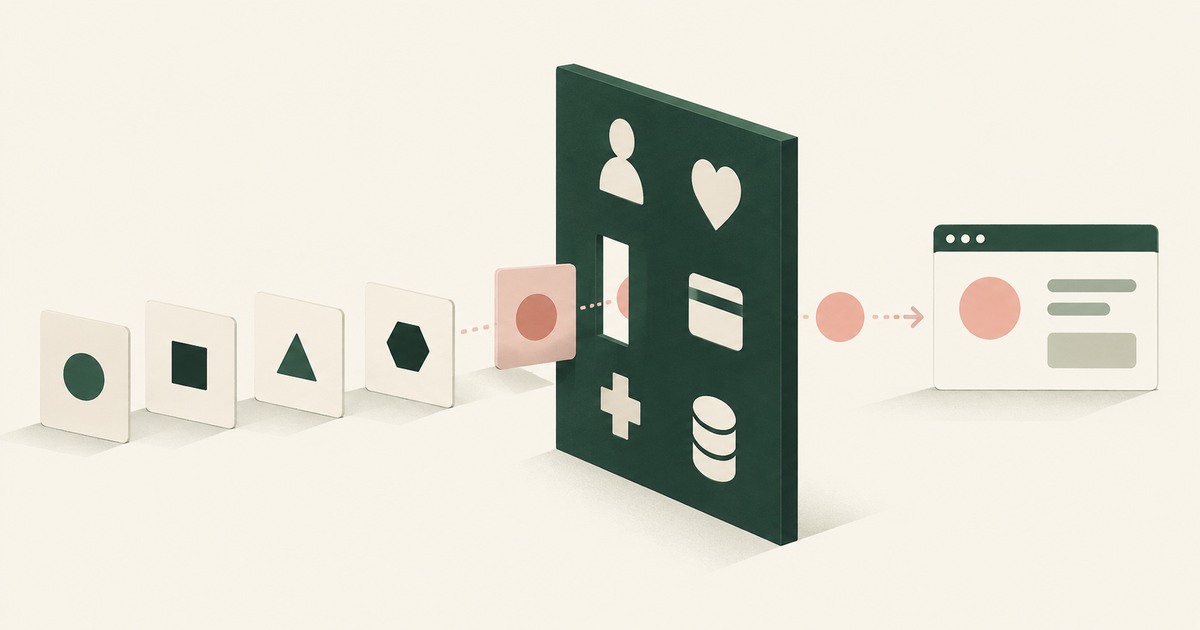
Render-layer tokenization swaps sensitive values for consistent stand-in tokens such as SSN_001 as the screen renders, before any AI model reads it.
What Is the PII Wall? Where AI Programs Stop, and the Published Numbers Behind the Pattern
The PII Wall is the point where an AI program's most valuable workflow needs personal, financial, health or student records a model may not see, and stops.
Can an AI Agent Sign Up for Developer Services Without Seeing Your Payment Card or Identity?
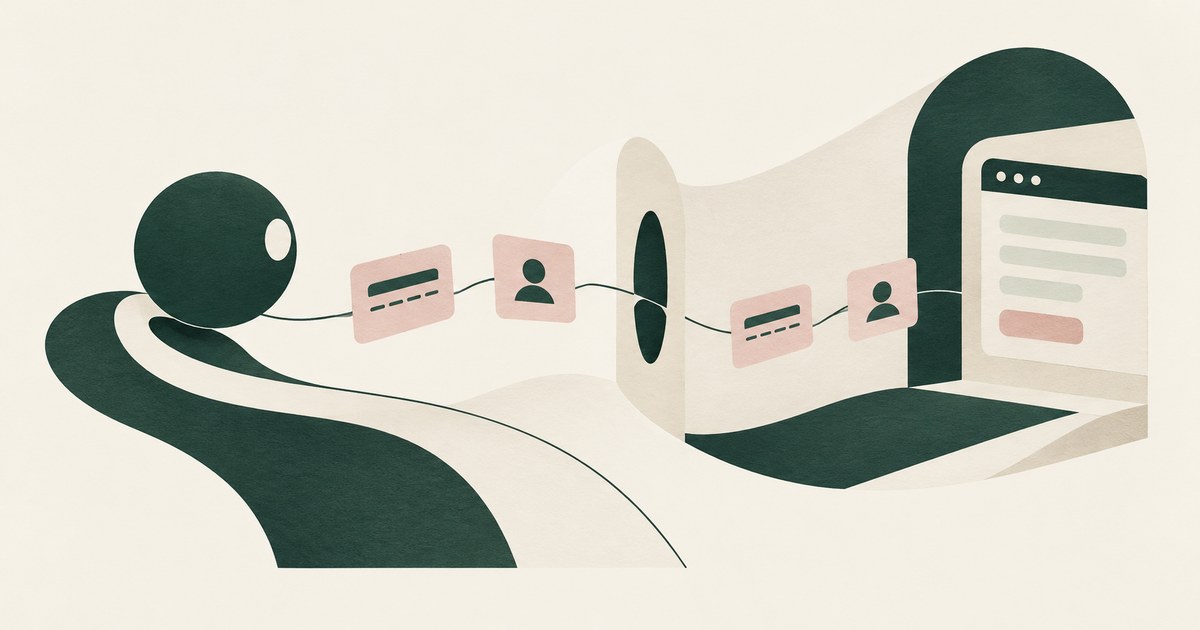
Yes, if card and identity fields reach the agent as tokens and real values are inserted only at checkout after approval. Check how the payment step works.
Is It Safe to Let an AI Agent Set Up Your Cloud Environment?
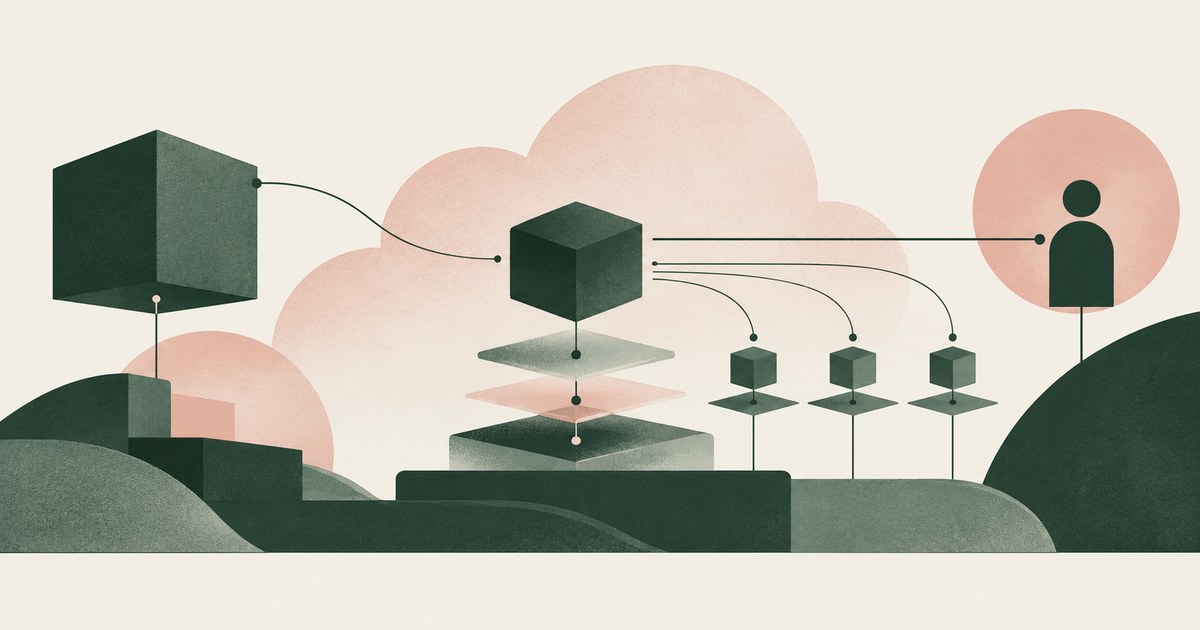
Only when the agent never holds root or owner credentials, works under scoped roles, and a named person approves billing, IAM and network changes.
How Do You Let an AI Agent Manage API Keys Without Reading Them?
Swap the key for a token as the dashboard renders it, and resolve the real value in the approved field when a person confirms. Check where keys show.
Can a Coding Agent Use a Credential It Cannot Read?
Yes: Docker and Claude Code pair a sentinel with a proxy so the agent names a credential by reference. Check which side holds the real value.
How Do I Let a Coding Agent Open Pull Requests Without Giving It My Credentials?
Give the agent a way to request the action, not the credential: a broker holding a repository-scoped token performs the push and the pull request for it.
Can a Coding Agent Read My AWS Credentials File?
Any agent with filesystem access can read ~/.aws/credentials unless the harness blocks the path. Claude Code and Cursor document path blocks;
Your AI Doesn't Need to Know Who You Are
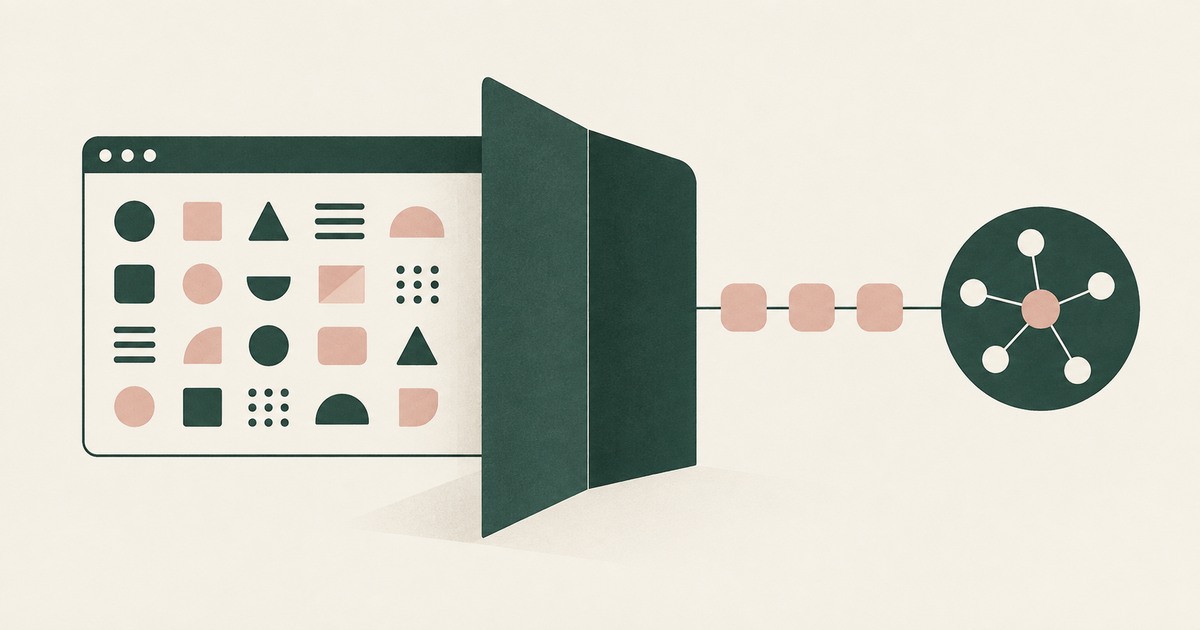
Explore why AI agents can perform sensitive workflows using tokenization while names, account details and other PII stay out of view.
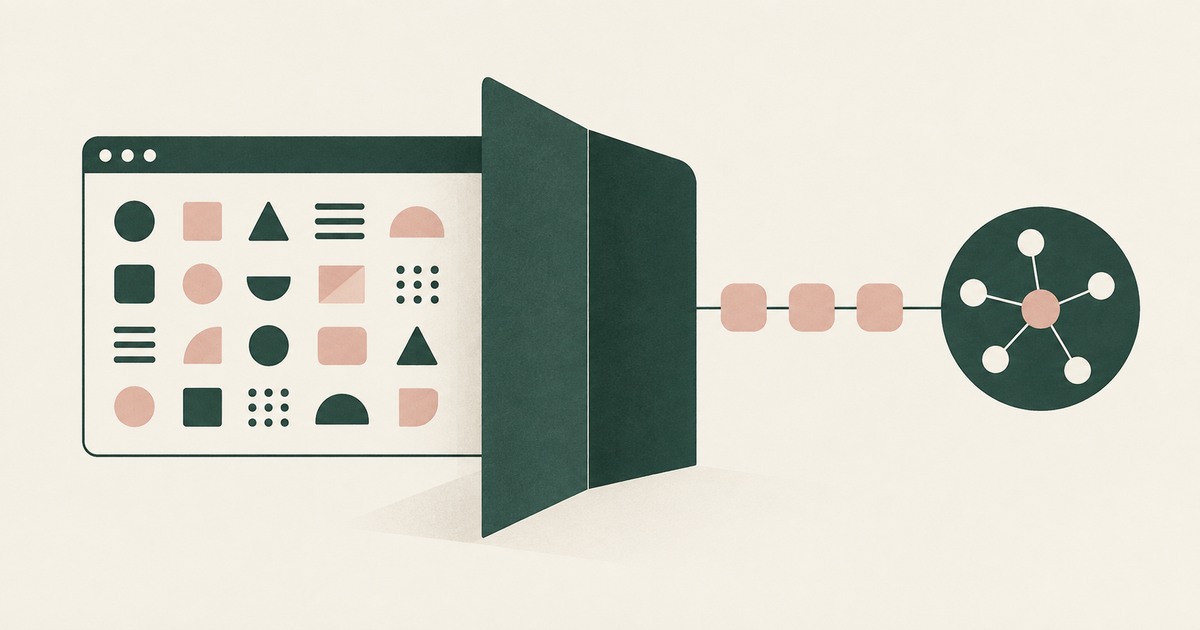
The Two Room Thought Experiment
Explore a thought experiment about AI agents, tokenization and how useful reasoning can be separated from access to sensitive PII.
How RedactSure Keeps a Placeholder a Placeholder After the Page Echoes It
A typing-time placeholder protects the field, while the resolvers reviewed above let the next page or a screenshot hand the real value straight back to the model.
The environment that enforces this is built by RedactSure, an AI agent controls, governance and data protection company.
Before: the agent types the placeholder, the resolver fills the account number, and the next page shows the number in the clear, so the model reads it. Inside the governed environment: the page after typing renders with ACCT_001, the model finishes on the token, and the real number resolves only at the submission a named person approved.
RedactSure is deploying now with enterprise and government customers. Skyvern's own documentation states that a typed value can still show up in later screenshots and page text.
Everyone else controls where data can go. RedactSure controls what the AI can see.
See it on your own workflow
A placeholder protects nothing if the next page prints the real value back. Bring a task where a page repeats what was entered and see, with test values, what the model reads on the page that follows. Book a demo