
How Do You Keep Customer Identifiers Out of a Gemini Enterprise Agent's Memory?
Replace account numbers and other identifiers with tokens before the Gemini agent reads the screen, so memory holds ACCT_001, not the value.
 redactsure
Research topic
Research on How-to guides: AI agent security, tokenization and checks for sensitive data access before allowing enterprise workflows to run.
Replace account numbers and other identifiers with tokens before the Gemini agent reads the screen, so memory holds ACCT_001, not the value.

Run one workflow and one record type with a page policy that replaces identifiers, a named approver and a reviewed record. Check it completes on tokens.
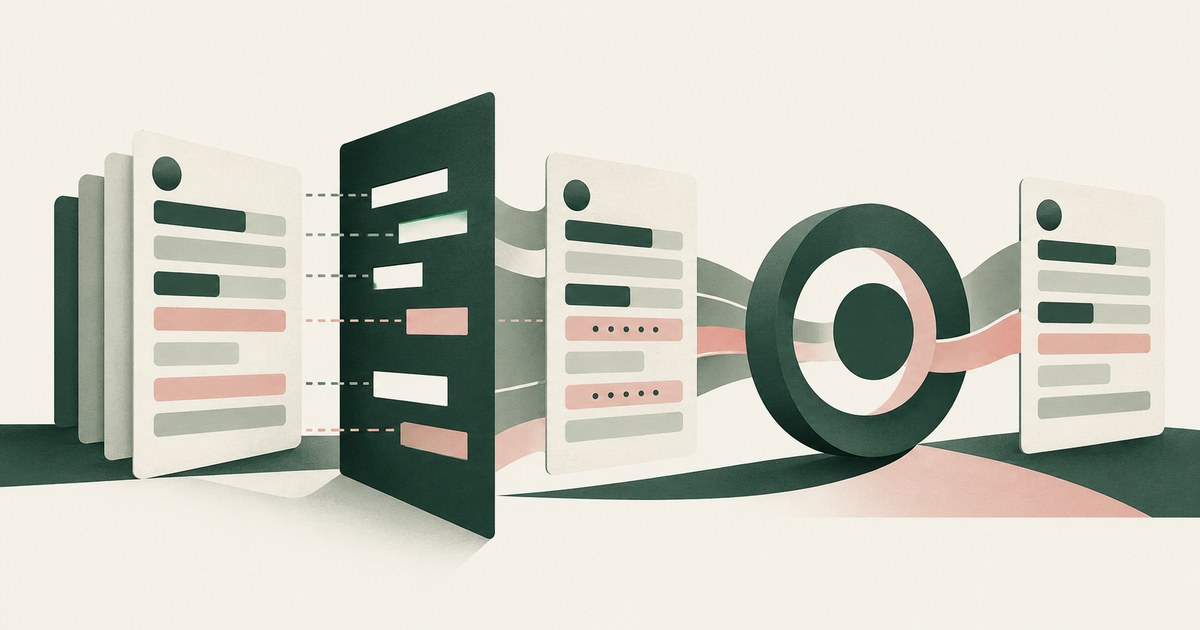
Use Dynamics security roles and column-level security to decide which fields the agent opens, then tokenize values before the model reads them.

Give the agent its own identity and only the apps the workflow needs, then add what none of the three documents: tokens for out-of-task values on screen.

Post a per-run record of screens as tokens, actions and approvers via the Logs Ingestion API or HTTP Event Collector, then add a parser and a denial rule.

Seed one record type with canary values the task does not need, run with and without a page policy, then score completion and exposure together.