
Can an AI Agent Work in Epic Without Holding PHI?
Explore AI agents in Epic patient accounts and claims, with PHI tokenization at the screen and named approval for consequential actions.
 redactsure
Read research on AI agents for patient accounts, PHI and healthcare claims, with source links and practical questions for regulated teams.
Explore AI agents in Epic patient accounts and claims, with PHI tokenization at the screen and named approval for consequential actions.

Examine healthcare AI agent security through emergency access, PHI tokenization and what a model can read when a record is opened.
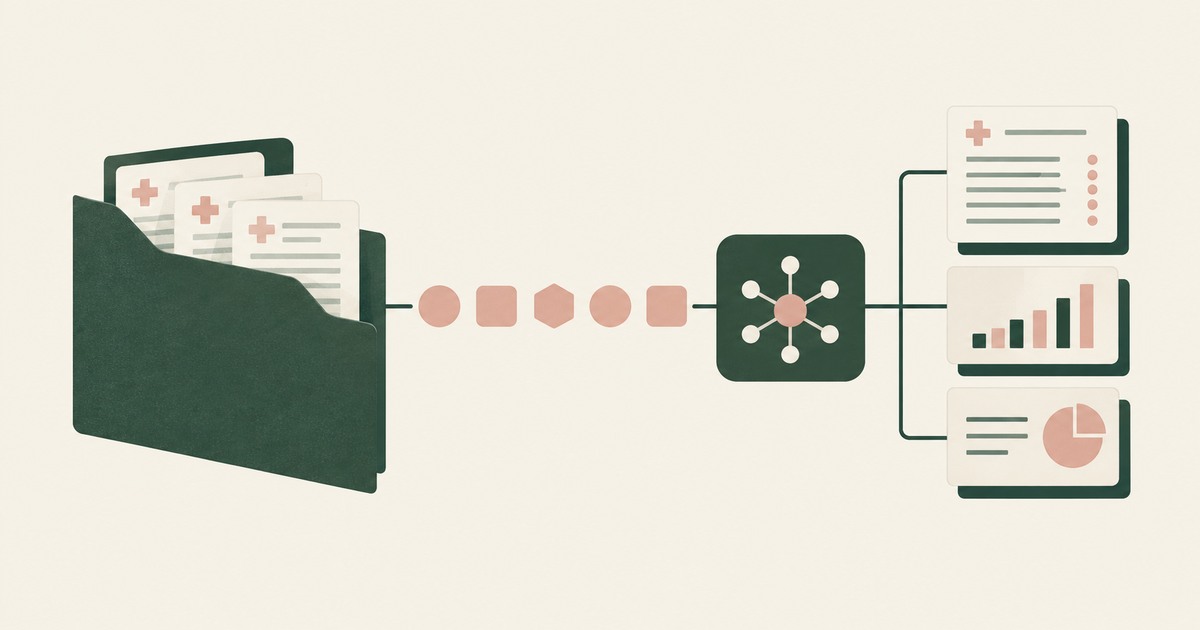
Explore AI agents for healthcare claims and patient accounts, including PHI tokenization, minimum-necessary questions and human approval.

Explore HIPAA questions for AI agents using patient records, including PHI received by model vendors, tokenization and BAA review boundaries.

Review OpenAI Dots for healthcare billing, PHI exposure, HIPAA terms and AI agent controls before connecting patient records in Epic.
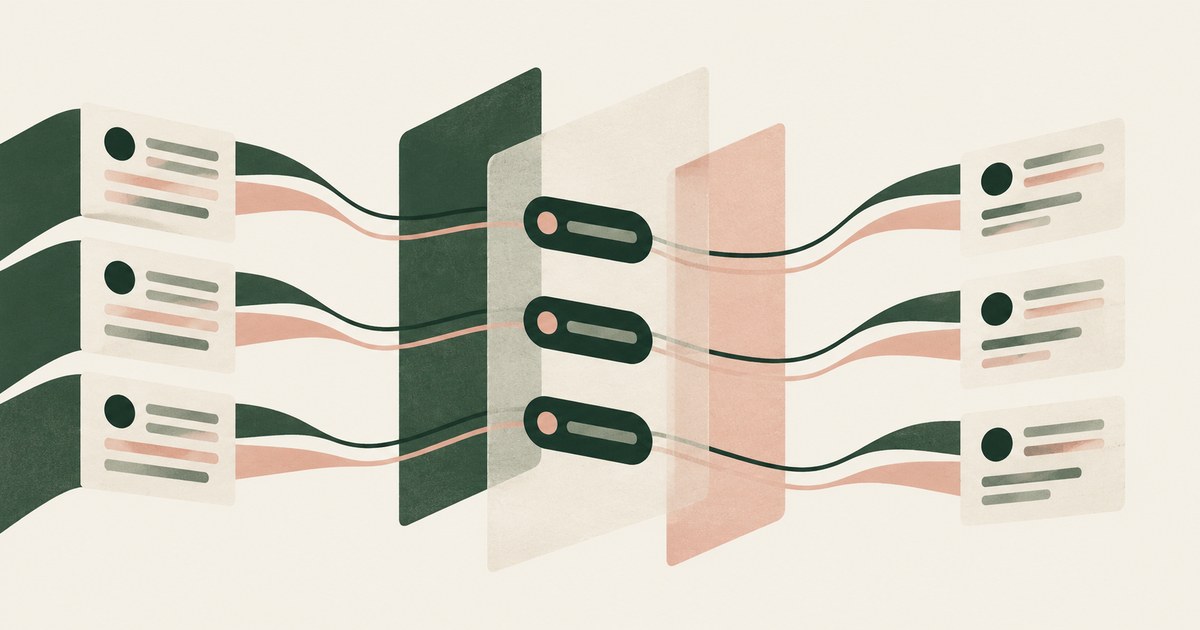
Yes, when masking is consistent and reversible: a stable token keeps the structure an agent reasons over. Check that the token holds across every screen.

It protects the machine, not the data. Once the agent signs into a real application, the records are inside the sandbox too. Check what the model reads.
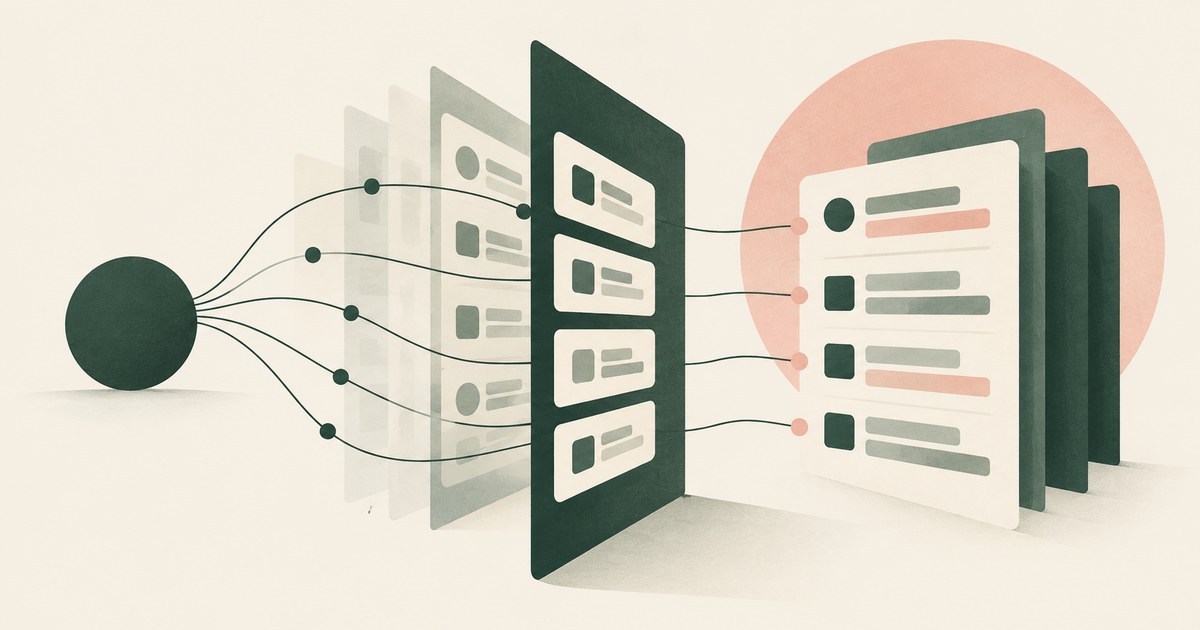
Usually you do not: native logs attribute agent activity to the human account and record events, not pages read. Check for a record naming each screen.

Run one workflow and one record type with a page policy that replaces identifiers, a named approver and a reviewed record. Check it completes on tokens.

Apply HIPAA's minimum necessary and de-identification standards to the agent: a de-identified screen for the model, real PHI only at approved destinations.

Seed one record type with canary values the task does not need, run with and without a page policy, then score completion and exposure together.

It can be, since regulators apply existing technology-neutral rules to agents. Check what the model sees, who approves actions and what an examiner gets.

Controls around a model's inputs, outputs and actions; most products ship content filters, while action guardrails limit what the agent can do and receive.

Notification clocks, regulator reviews, fine tiers and contract consequences run in order, whether a person or agent caused it. Keep PII out of the model.
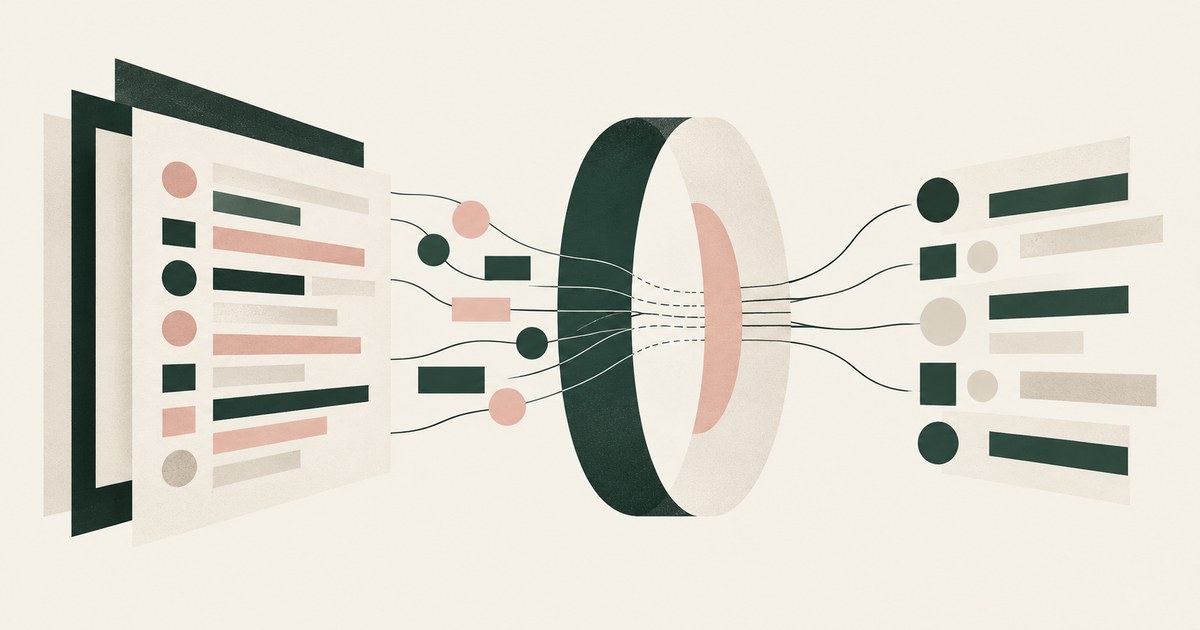
Ask what the model receives when the agent opens a screen full of identifiers, then who approves, what is recorded and where values resolve. Seek tokens.

The named person already accountable for releasing that data, such as the records custodian or account owner, not the AI team. Check each send goes there.

Island blocks the paste because its last-mile controls classed the content as sensitive and the destination as unapproved. Check what a model already read.
No, not on a screen that shows a patient record: the confirmation Google documents is written for a purchase or a send, not a patient chart, and the help page describes no business associate agreement. Staff can use it on portal tasks that carry no patient identifiers, and the check is what the model receives from the rendered screen.
No, not on work accounts whose pages show patient balances, because Anthropic's safety page says whatever is visible in the active tab becomes part of the conversation and recommends a profile without banking or health accounts. The answer changes only with tokens on the rendered screen, a named approver and a record.
No, not on a patient record. Microsoft's list of uses to avoid names "medical records"; the pages reviewed describe no protected health information or business associate agreement; and a privacy officer should ask what the model reads on a patient screen before enabling it.
Fortra DLP controls data moving across endpoints, networks, email, cloud and AI sites, while RedactSure, a Fortra DLP alternative built for AI agents, tokenizes the screen before any model reads it. RedactSure is an alternative way to think about agent browsing security, because it protects sensitive data as it is rendered on a screen, before an agent uses it.
No. An agent on a MyChart session receives the message list and the words a patient typed, and free text has no field shape for a substitution layer to replace, so keep the agent on scheduling and billing screens and off the message queue.
Bring one billing, collections, claims or patient-account workflow and your questions.
Book a demo