
Data Report · By Chris Sowa · Published
Last updated
What Is a Protected Browser for AI Agents?
A protected browser is one whose rendering layer replaces credentials, personal data and private business data with placeholders before the agent's view is built, releases real values only to approved destinations, and gates each submission with its own permission. Ask what the model was shown and who approved each submission before an agent works on a sensitive page.

Any organization that lets an agent work in an authenticated console has to decide what the model is shown, and the term protected browser names the component that makes that decision. An ordinary browser draws a page and hands the agent whatever it drew: the API token on a settings page, the account holder's name on a billing page, the customer list behind a dashboard. A protected browser draws the same page twice, and the person's copy carries the real values. The agent's copy is built after a substitution step, so the model reads TOKEN_001 and EMAIL_001 where the person reads the token and the address, and the real values travel only to the destination a named person approved, at the moment of the approved action. The submission itself is gated by a permission the browser holds, which takes that decision out of the agent's hands. A definition page is needed because the nearest documented controls, sandboxes for shell commands and vaults for credentials, govern a process or a credential's lifetime, and neither describes what a model is shown once a page is open. This means the exposure decision sits in the rendering layer, and a team can check where its own agents stand with one agent and one page.
Key findings
- A protected browser replaces credentials, personal data and private business data with consistent placeholders before the agent's view of a page is built, so the model works on TOKEN_001 and never reads the value the person sees (What Is Render-Layer Tokenization?).
- Real values resolve only at the approved destination at the moment of an approved action, which is the property that separates a protected browser from a control that limits what an agent may do while leaving what it reads untouched (What Is Least Exposure?).
- A study of neural code completion tools found that they "can not only return the precise piece of their training data" and that "two valid credentials were identified during our experiments," which is what a single reading of a credential by a model can cost (Huang et al., 2024).
- GitGuardian's test of Copilot across public repositories found that "over 1,200 leaked at least one secret" and that "Copilot generates 2702/900 = 3.0 valid secrets for one prompt on average," a measure of how readily a model repeats values it has read (GitGuardian, 2025).
- Anthropic's Claude Code documentation describes a sandbox for Bash commands "with filesystem and network isolation" and states that "the boundary is a permission prompt, so a Bash command you approve can still write anywhere your user account can," a control on the shell that says nothing about what a model reads on a rendered page (Anthropic, 2026).
- Microsoft's managed identity documentation states that "this token acquisition doesn't require any secrets," a credential a workload uses without holding, for Azure resources rather than for a page in a browser (Microsoft, 2026).
What does a protected browser cover, and what does it leave to other controls?
The scope comes before the definition, because the word browser is doing most of the work. A protected browser is a governed browser environment, and it covers what an agent reads and does on a rendered page: dashboards, consoles, settings pages and sign-up forms, including the pages where credentials are created and displayed. It does not cover the terminal, the IDE, the local filesystem, direct API calls or MCP. An agent that creates a token by calling an API from a shell is outside it. An agent that opens the token page in a browser and reads the value is inside it.
The example record for this page is one page seen two ways: an API token settings page on a developer console, in the agent's view and in the person's. The person's view shows the account email, the organization name, the token value the console displays once, and the card on file in the billing panel. In an ordinary browser the agent's view is identical, and every one of those values enters the model's context the moment the page renders. In a protected browser the agent's view shows EMAIL_001, ORG_001, TOKEN_001 and CARD_001 in the same positions, consistent for the whole run, so the agent can copy the token placeholder into a configuration field and the real value is written only when a named person approves that step.
Every established layer of the security stack finishes its work before a page renders, because until recently nothing but a person read a rendered page, and an agent that reads the page makes every lower layer blind to what it holds (What Is Render-Layer Tokenization?). Least privilege governs actions and credentials and not the content of the screen an agent reads, so an agent can satisfy least privilege in full and still hold every record it was shown (What Is Least Exposure?). The protected browser is the layer at the render step, the one place the stack had no component.
What does the rendering layer replace, and why does one reading matter?
Three classes of value are replaced. Credentials: API keys, tokens, passwords and recovery codes that a console displays once. Personal data: names, addresses, emails and identifiers on account and billing pages. Private business data: customer lists, revenue figures, repository names and anything else a dashboard renders for an authenticated user. A policy chooses which fields on which pages fall into each class, and the browser substitutes before the agent's view is built, so the choice is made once by a person.
One reading matters because models repeat what they read, and the record on credentials says so in numbers. SecretBench is "a labeled dataset of source codes containing 97,479 secrets (of which 15,084 are true secrets)," a count of how many credentials sit in source where an agent can read them (Basak et al., 2023). GitGuardian's data, as reported by Help Net Security, counted "28,649,024 new secrets exposed in public GitHub commits across 2025," with commits co-authored by an AI coding agent leaking credentials at roughly double the baseline rate (How Do You Let an AI Agent Manage API Keys Without Reading Them?). A token an agent read on a console page is one write away from that population.
The install step that follows most console work adds a second route. The measured rate at which code-generating models hallucinate package names is "at least 5.2% for commercial models and 21.7% for open-source models" (Spracklen et al., 2025). The abstract does not say whether hallucinated names were registered and exploited, so the point is about reach: an agent that holds a real token and installs a package whose name it invented has put the token within reach of whatever that package does. An agent that holds TOKEN_001 has put a placeholder there, and the placeholder resolves nowhere outside the environment that issued it.
What do the vendors themselves say?
The vendor pages reviewed describe how a credential is issued, scoped and kept out of a process. None describes a browser that substitutes values on a page, so each is cited for its own mechanism and the limit that matters here.
HashiCorp's Vault tutorial states that "token lifetime is reduced from days or weeks to minutes" and that a wrapper script "obtains a short-lived delegated RAR token, exports it as VAULT_TOKEN, and launches the agent," which places the raw token in the agent's shell environment; the page does not say whether the agent can read it, and it describes no page the agent views (HashiCorp, Secure, 2026). For its hosted cloud sessions, Anthropic's page states that "GitHub credentials are stored encrypted on Anthropic's servers and never enter the session VM" and that "the VM holds a short-lived credential scoped to that session," a custody design for one credential in one session type, and the same page adds that "no system is completely immune to all attacks" (Anthropic, 2026).
Microsoft's page states that "managed identities eliminate the need for developers to manage these credentials," which removes the credential from the developer's hands and says nothing about what a model is shown on a portal page (Microsoft, 2026). The Model Context Protocol's security guidance states that "MCP servers MUST NOT accept any tokens that were not explicitly issued for the MCP server" and warns that "poor scope design increases token compromise impact, elevates user friction, and obscures audit trails," rules for server implementers that say nothing about what a browsing agent is shown (Model Context Protocol, 2026). Substitution on a page, the mechanism this page defines, is not described in the pages reviewed. What the pages do describe is custody of a credential before and after a process uses it, and the question a buyer should put to each vendor is what the model read on the console or portal while the credential was live.
How does a protected browser differ from a sandbox or a credential vault?
A sandbox governs a process: where a command can write and which hosts it can reach, with the boundary at a permission prompt in the page reviewed above. A vault governs a credential's lifetime. HashiCorp's lease documentation states that "all dynamic secrets in Vault are required to have a lease" and that "when a lease is revoked, it invalidates that secret immediately and prevents any further renewals," a lifetime control on the credential that does not change what a page renders once the credential has been used to sign in (HashiCorp, Lease, 2026). AWS's AssumeRole reference "returns a set of temporary security credentials that you can use to access AWS resources," with a duration that "can range from 900 seconds (15 minutes) up to the maximum session duration set for the role," a limit on how long a credential lives and not on what the console shows while it does (AWS, 2026). A protected browser governs the page: it decides which values the model is shown when the page renders, and it is the only one of the three that reaches an agent reading a console.
In the example record a vault can issue the console token for minutes and a sandbox can stop the shell from writing it to disk; neither changes the fact that the console displays the token and the model reads it. In a protected browser the page renders TOKEN_001, the paste carries TOKEN_001, and the real value is written at the approved destination when a named person approves the confirmation. That approval is the second difference. A console walkthrough for launching a GPU instance found that five of its steps commit the account to something that cannot be taken back, and those five stop for a person (How to Use AI Agents to Launch an EC2 GPU Instance); a sandbox has no such step for a page, and a vault has one only when the credential is issued.
How should a team test whether a browser is protected?
Name one agent, one page and one task, run it, and read the transcript. The task should be one where the page displays a value the policy says the model may not read: a token page, a billing page or a customer record. If the real value appears anywhere in the model's context, the browser is not protected. If a placeholder appears, check consistency: the same value on a second page in the same run should carry the same placeholder, or the agent cannot reconcile what it saw.
The second check is release. Follow the placeholder to the destination where the real value is needed and confirm that it arrived there and nowhere else; a browser that resolves the placeholder for the agent so that it can paste the real value has moved the exposure one step, not removed it. The third is the submission gate: the confirmation step should wait for a named person, and the record should show that name beside the action and the page as the model saw it.
Testing beats reading a vendor page because forms are a measured leakage point: an environmental injection attack on generalist web agents reached an attack success rate of up to 70 percent in stealing users' specific personal information (Can an AI Agent Sign Up for Developer Services Without Seeing Your Payment Card or Identity?). McKinsey's State of AI research finds 62 percent of organizations at least experimenting with AI agents and 23 percent scaling them anywhere, and the gap between those numbers is where the exposure question stops a deployment (What Is the PII Wall?). In a regulated setting the test has an owner: the FTC's Safeguards Rule, 16 CFR Part 314, sets the standards for safeguarding customer information, and an agent that reads or changes customer records operates inside the program the rule requires (How Can AI Agents Process Personally Identifiable Information in Financial Services?). The transcript from the test is the evidence that program will ask for.
What does a governed environment change?
A governed environment is a control class that acts where a screen is rendered, before any model reads it. Values chosen by policy are replaced with consistent tokens for the whole run, so the model works on placeholders such as TOKEN_001 or ACCT_001 and never holds the values the person sees. Real values resolve only at an approved destination, at the moment of an approved action. A named person confirms the tokenization policy and approves each consequential action, and a submission that creates, changes or confirms a record is one. Every screen as tokens, every action and every approval is written to a record that exports to the organization's own monitoring.
For this page's question the protected browser is the component that implements that class on a page, and it changes three things the adjacent controls leave open. The first is the page itself: a sandbox and a vault both leave the console's token page rendered in full to the model, and a protected browser renders it with the token replaced, on that page and on every page for the rest of the run. The second is the destination: the real value travels to the deployment setting the person approved and not to the transcript, the summary or the configuration file the agent writes next. The third is the record: neither a sandbox nor a vault produces a statement of what the model saw, and a governed environment does, screen by screen, with the name of the person who approved the submission.
Its scope is the rendered page. It does not govern the terminal, the IDE, the local filesystem, direct API calls or MCP, so a token exported into a shell environment stays with the sandbox and the credential store a team configures for its coding agent. The two layers are complements, and a team that has one has not got the other.
Methodology and limitations
This page rests on three research preprints on credential memorization, package hallucination and credentials in source code, vendor documentation from HashiCorp, AWS, Anthropic and Microsoft, the Model Context Protocol security guidance, one vendor research post from GitGuardian, and existing RedactSure research pages. Vendor pages were read between October 20, 2026 and October 21, 2026, and each Sources line carries the date for its page. Quoted facts are cited to the page that states them, and figures from research posts are cited as reported, not as independently measured.
RedactSure did not test any of the named products hands-on. The vendor pages concern credential issue, scope, lifetime and custody for processes; a browser that substitutes values on a page is not described in the pages reviewed, and the protected browser is defined here as a control class and placed against those designs by contrast, with that limit stated. Vendor features change, and the page carries its date; a reader should treat a release after that date as unreviewed until the test above is repeated. The research preprints are cited for the findings their abstract pages state and not for rates those pages do not give. Statements about RedactSure describe its current design, and RedactSure is deploying now with enterprise and government customers. The example describes a record type, an API token settings page on a developer console seen in the agent's view and in the person's, and not an organization.
Determinations about whether a browser control meets a contractual, regulatory or card-scheme requirement belong to counsel, assessors and the organization's own security and compliance officers. Nothing here replaces a test of the organization's own agent on one of its own pages, repeated after each release of the agent or the browser.
What the record shows
For a security team approving agent access to consoles, the term has a precise meaning, and the adjacent controls show why it is needed. A sandbox bounds a process and a vault bounds a credential's lifetime, and the vendor pages reviewed describe both in detail and describe nothing that changes what a model reads once a console page is open. A protected browser is the component that acts at that point: it builds the agent's view with placeholders in place of credentials, personal data and private business data, releases the real values only to the approved destination, holds the submission for a named person, and writes down what the model saw; RedactSure's environment is built on that design. A single reading is already an exposure, and the research record says why: models return credentials they have seen, and credentials in source run to the tens of thousands. A single page that displays a value the model may not read is enough for a test with one agent and one task, and the question afterward is what the transcript contains when the run ends.
Frequently asked questions
What is a protected browser for AI agents?
A browser whose rendering layer replaces credentials, personal data and private business data with placeholders before the agent's view of a page is built. The real values are released only to approved destinations at the moment of an approved action, and a submission waits for the browser's own permission rather than the agent's judgment. It is the component that lets a browsing agent work on a page that displays sensitive values without the model ever reading them. The person's view of the same page is unchanged.
How is a protected browser different from a sandbox?
A sandbox governs a process: where a command can write and which hosts it can reach, with a permission prompt as the boundary in the vendor documentation reviewed. It has no effect on what a page displays, so an agent in a sandbox that opens a console page reads the token the page shows. A protected browser governs the page, and leaves the shell to the sandbox. A team that needs both has to deploy both, because neither covers the other's territory.
Does a credential vault make a protected browser unnecessary?
No. A vault governs how a credential is issued, scoped and revoked, and the pages reviewed cut token life to minutes and tie every dynamic secret to a lease. Once the credential has been used to sign in, the console renders whatever the account holds, and the vault has no view of that page. The vault keeps the credential short-lived; the protected browser keeps the page's values out of the model. Use the vault for the credential and the browser for everything the credential unlocks.
What does the agent see on a protected page?
Placeholders in the positions where the person sees values: TOKEN_001 for a displayed token, EMAIL_001 for an address, CARD_001 for a card on file. The placeholders are consistent for the whole run, so the same account shows the same token on every page the agent opens, and the agent can reconcile records and fill fields with them. The real value is resolved when a named person approves the step that needs it, and only at that destination.
Can prompt injection on a page defeat a protected browser?
An injection can still redirect what the agent tries to do, which is why the submission gate exists. What it cannot do is collect values the model was never shown; an injected instruction to send the account details somewhere else is working with placeholders that resolve nowhere outside the environment. The exposure question then turns on what the attacker holds when the injection succeeds, and on a protected page that is a set of tokens rather than the record.
How do I know a vendor's browser is a protected browser?
Run one agent on one page that displays a value the model may not read and inspect the transcript. The browser is protected if the transcript holds a placeholder, the same placeholder appears for the same value on later pages, the real value arrived only at the approved destination, and the record names the person who approved the submission. A vendor claim that does not survive that single run should be read as a description of what the agent may do, not of what it was shown.
Related reading
What Is Render-Layer Tokenization? · What Is the PII Wall? · How Do You Let an AI Agent Manage API Keys Without Reading Them? · Can an AI Agent Sign Up for Developer Services Without Seeing Your Payment Card or Identity? · How to Use AI Agents to Launch an EC2 GPU Instance · What Is Least Exposure? · How Can AI Agents Process Personally Identifiable Information in Financial Services? · Does Running a Coding Agent in Docker Protect My Credentials? · Can a Browser Agent Fill In a Form Without Seeing the Values? · Does an AI Agent Browse With My Real Browser Profile? · On the RedactSure blog: Accountable AI and Workflow Governance · Your AI Doesn't Need to Know Who You Are · RedactSure
Sources
Peer-reviewed research and preprints
-
Huang, Li, Wu et al., "Your Code Secret Belongs to Me: Neural Code Completion Tools Can Memorize Hard-Coded Credentials," arXiv:2309.07639 (accepted by FSE 2024). https://arxiv.org/abs/2309.07639
-
Spracklen, Wijewickrama, Sakib et al., "We Have a Package for You! A Comprehensive Analysis of Package Hallucinations by Code Generating LLMs," arXiv:2406.10279 (USENIX Security 2025). https://arxiv.org/abs/2406.10279
-
Basak, Neil, Reaves, Williams, "SecretBench: A Dataset of Software Secrets," arXiv:2303.06729 (preprint, 2023). https://arxiv.org/abs/2303.06729
Vendor documentation
-
HashiCorp, "Secure agent permissions with Vault," Vault tutorial (vendor documentation; read October 21, 2026). https://developer.hashicorp.com/vault/tutorials/enterprise/secure-agent-permissions-with-vault
-
AWS, "AssumeRole," AWS Security Token Service API Reference (vendor documentation; read October 20, 2026). https://docs.aws.amazon.com/STS/latest/APIReference/API_AssumeRole.html
-
Anthropic, "Security," Claude Code Docs (vendor documentation; read October 20, 2026). https://code.claude.com/docs/en/security
-
HashiCorp, "Lease, Renew, and Revoke," Vault documentation (vendor documentation; read October 20, 2026). https://developer.hashicorp.com/vault/docs/concepts/lease
Regulation, standards and official guidance
-
Microsoft, "Managed identities for Azure resources," Microsoft Learn (vendor documentation; read October 20, 2026). https://learn.microsoft.com/en-us/entra/identity/managed-identities-azure-resources/overview
-
Model Context Protocol, "Security Best Practices," modelcontextprotocol.io specification (standard; read October 20, 2026). https://modelcontextprotocol.io/specification/latest/basic/security_best_practices
Industry analysis and press
- GitGuardian, "Yes, GitHub's Copilot can Leak (Real) Secrets," March 27, 2025 (vendor research). https://blog.gitguardian.com/yes-github-copilot-can-leak-secrets/
RedactSure documents
-
RedactSure Research, "What Is Render-Layer Tokenization?" (2026). https://redactsure.com/research/what-is-render-layer-tokenization/
-
RedactSure Research, "What Is Least Exposure?" (2026). https://redactsure.com/research/what-is-least-exposure/
-
RedactSure Research, "How Do You Let an AI Agent Manage API Keys Without Reading Them?" (2026). https://redactsure.com/research/how-do-you-let-an-ai-agent-manage-api-keys-without-reading-them/
-
Product behavior described on this page reflects RedactSure's current design. Third-party products are described from their public documentation as read between October 20, 2026 and October 21, 2026. Compliance determinations belong to the organization's counsel.

What Is Render-Layer Tokenization? The Control at the Layer Where the Agent Actually Reads
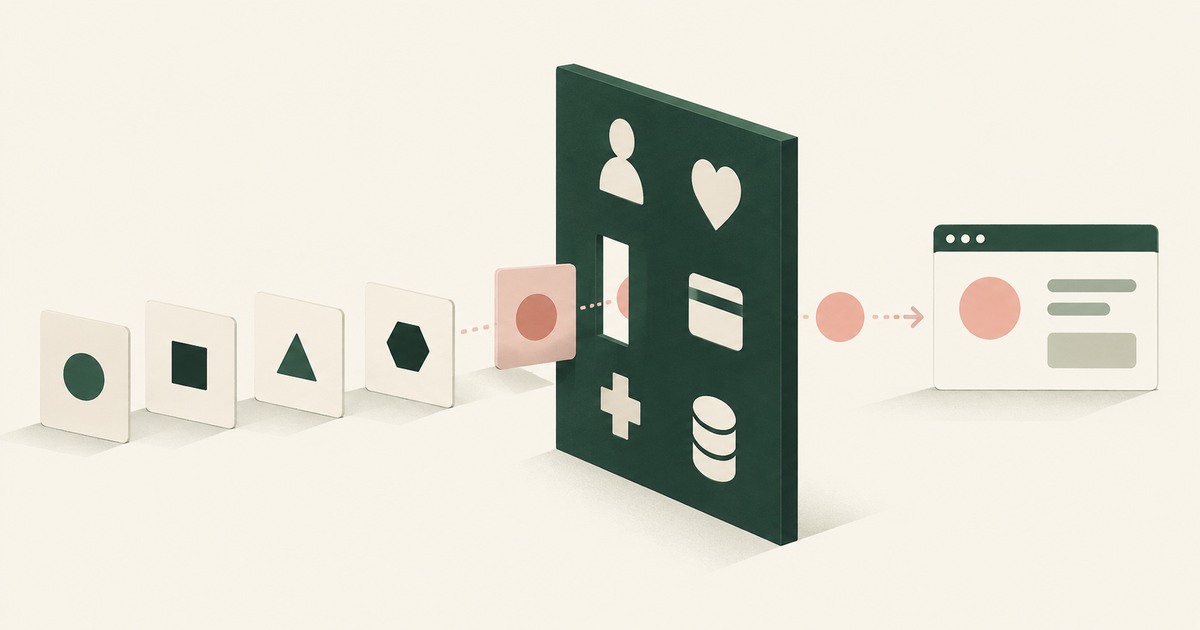
Render-layer tokenization swaps sensitive values for consistent stand-in tokens such as SSN_001 as the screen renders, before any AI model reads it.
What Is the PII Wall? Where AI Programs Stop, and the Published Numbers Behind the Pattern
The PII Wall is the point where an AI program's most valuable workflow needs personal, financial, health or student records a model may not see, and stops.
How Do You Let an AI Agent Manage API Keys Without Reading Them?
Swap the key for a token as the dashboard renders it, and resolve the real value in the approved field when a person confirms. Check where keys show.
Can an AI Agent Sign Up for Developer Services Without Seeing Your Payment Card or Identity?
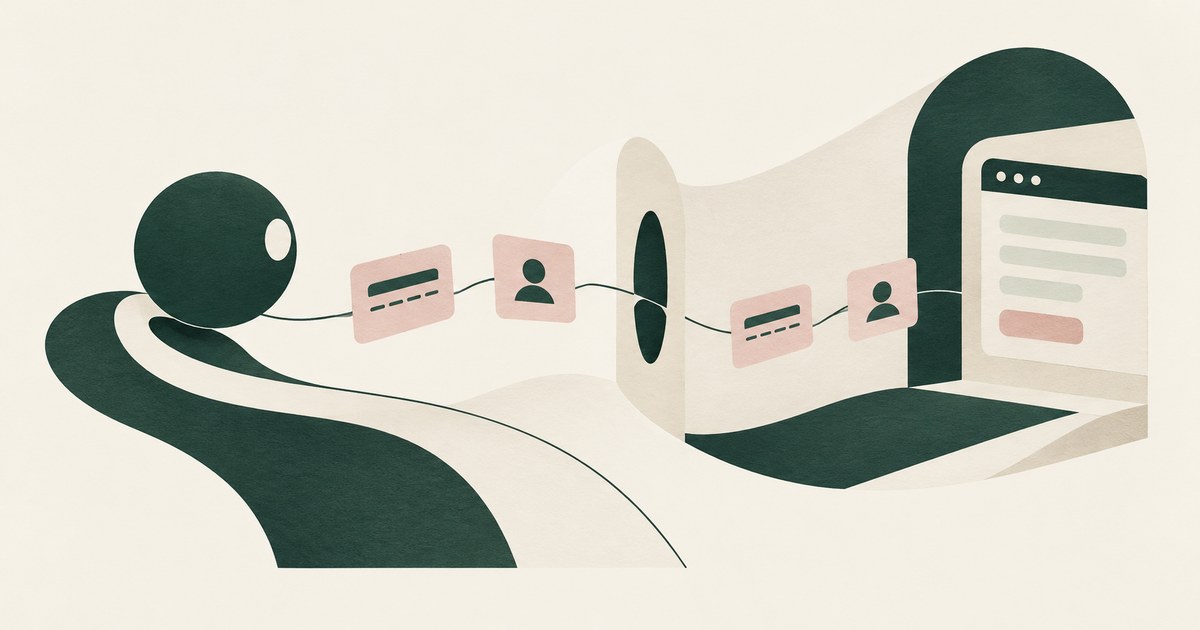
Yes, if card and identity fields reach the agent as tokens and real values are inserted only at checkout after approval. Check how the payment step works.
How to Use AI Agents to Launch a GPU-Accelerated Amazon EC2 Instance and Configure Drivers and Software
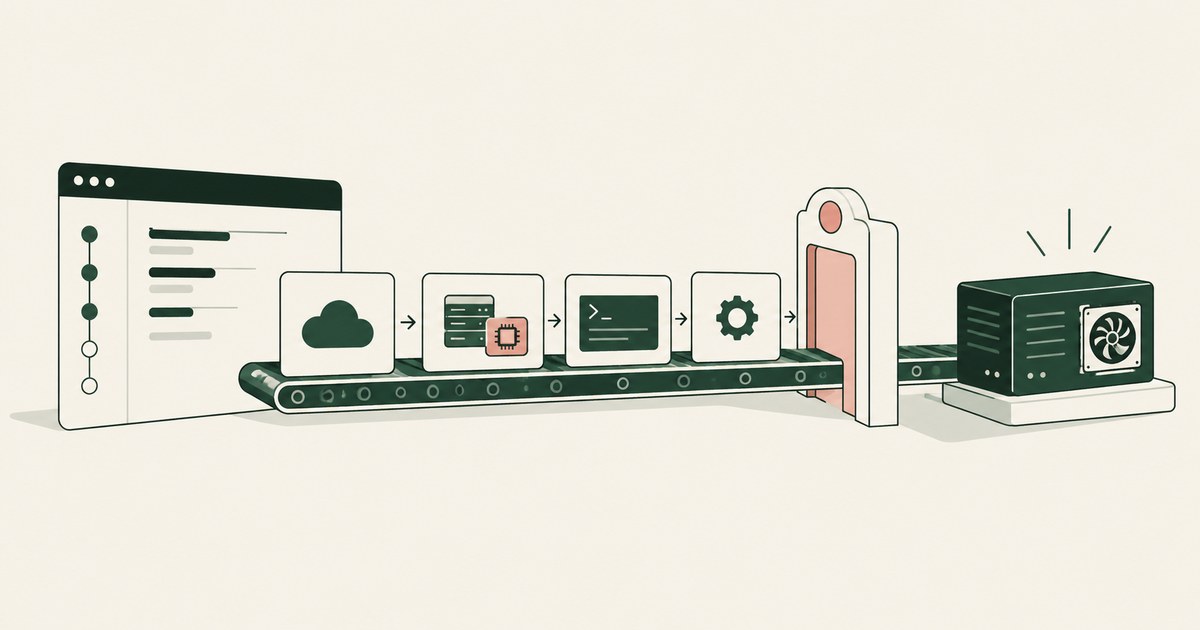
Launch a GPU EC2 instance with an AI agent that works the console from quota request to nvidia-smi while the five spending steps wait for a named person.

What Is Least Exposure? Reading the Principle, the Gap It Closes and the Published Numbers Behind It
Least Exposure is a security approach for AI agents that gives each task only the data it needs, applied before any model reads the screen.

How Can AI Agents Process Personally Identifiable Information in Financial Services?
They can, if the model never receives nonpublic personal information: identifiers are tokenized on screen and resolve only at approved destinations.
Does Running a Coding Agent in Docker Protect My Credentials?
No, not in plain Docker: a container protects the host from the agent while anything mounted or set as an env var sits inside with it.
Can a Browser Agent Fill In a Form Without Seeing the Values?
Yes, through placeholder substitution at fill time, which Browser Use and Skyvern document. The gap is the next page, where the typed value can reappear.
Does an AI Agent Browse With My Real Browser Profile?
Often yes: an extension agent such as Claude in Chrome works inside the browser you are signed into. Launch agents in a fresh, narrow profile.
Accountable AI and Workflow Governance
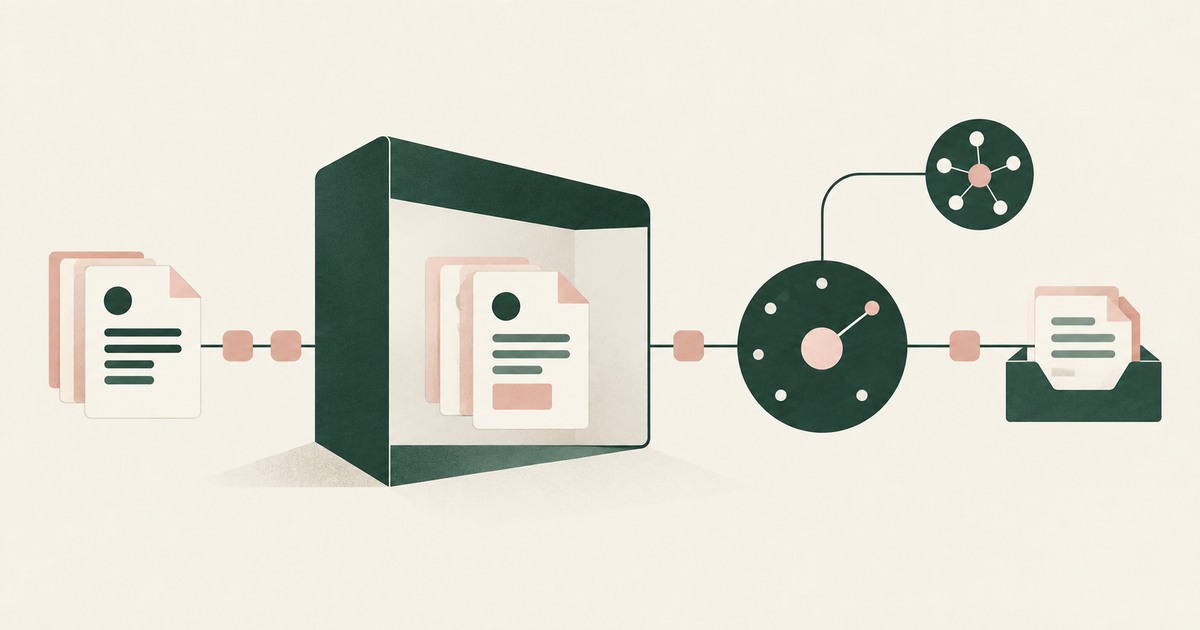
Explore AI agent governance for billing and claims, with named supervisors, data masking, approval boundaries and a useful audit record.
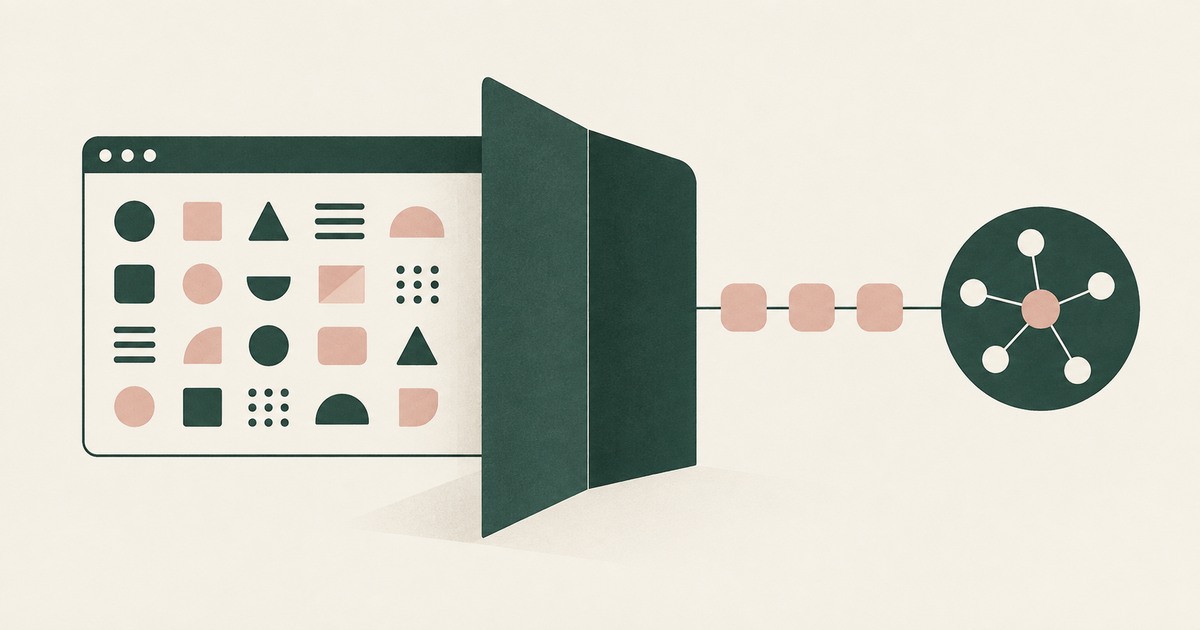
Your AI Doesn't Need to Know Who You Are
Explore why AI agents can perform sensitive workflows using tokenization while names, account details and other PII stay out of view.
How RedactSure Builds the Agent's View of a Page Without the Values
A sandbox bounds a process and a vault bounds a credential's lifetime, but neither changes what a console page renders once the agent is signed in.
The environment that enforces this is built by RedactSure, an AI agent controls, governance and data protection company.
Before: the agent opens the token settings page and its context holds the account email, the organization name, the token and the card on file. Inside the governed environment: the page renders as EMAIL_001, ORG_001, TOKEN_001 and CARD_001, the agent pastes TOKEN_001 into the deployment setting, and the real token is written there on a named person's approval.
RedactSure is deploying now with enterprise and government customers. The Claude Code documentation reviewed states that its sandbox boundary is a permission prompt.
Everyone else controls where data can go. RedactSure controls what the AI can see.
See it on your own workflow
A protected browser is defined by what the model receives from the page, not by how it signs in. Bring a settings task your agent already runs and see, with test values, the page as the model reads it. Book a demo