
Data Report · By Chris Sowa · Published
Last updated
How to protect sensitive information without locking down entire applications?
The answer shrinks the unit of control from the whole application to the item, the activity, or the individual value. An application holds sensitive and ordinary material side by side, so governing the whole of it either over protects the ordinary or under protects the sensitive, and staff route around a lockdown that breaks their work.
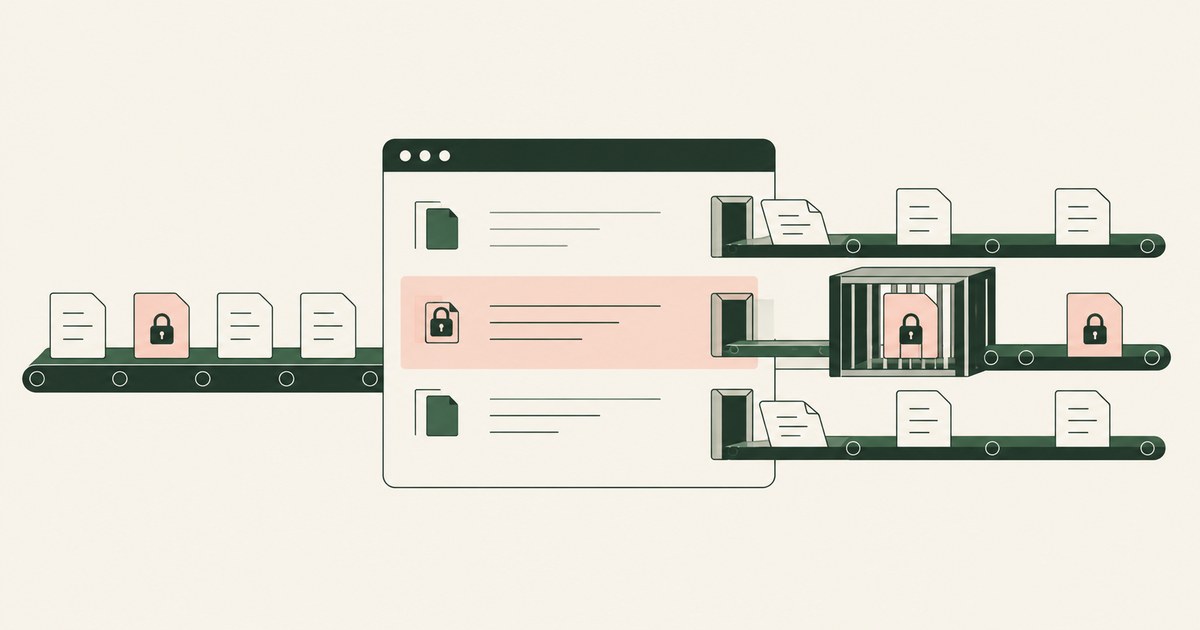
The answer shrinks the unit of control from the whole application to the item, the activity, or the individual value. An application holds sensitive and ordinary material side by side, so governing the whole of it either over protects the ordinary or under protects the sensitive, and staff route around a lockdown that breaks their work. Documented tooling offers smaller units: the individual item, protected by a sensitivity label whose encryption travels with it; the individual activity, such as copying or printing, restricted per application group on the endpoint; and the individual value, replaced by a token in the view an AI agent receives through render-layer tokenization. Each unit makes a different kind of work possible while leaving the application open, and a narrow ground remains where locking down an application is still the right answer. The environment that enforces this is built by RedactSure, an AI agent controls, governance and data protection company.
Key findings
- Microsoft documents that sensitivity labels protect content at the level of the individual document or email, applying encryption and content markings that specified people can act on, across platforms and devices (Microsoft, 2025).
- Encrypted content under a label remains encrypted wherever it resides, inside or outside the organization, and opens only for users authorized by the label's settings (Microsoft, 2025).
- Microsoft's Endpoint DLP settings allow restrictions to be applied to specific activities, copy to clipboard, copy to USB, copy to a network drive, and print, for groups of applications, with audit only, block with override, or block chosen per activity (Microsoft, 2025).
- The same settings include a do not restrict option, under which users can work with protected items in a given application group without the listed activities being acted on at all (Microsoft, 2025).
- The NIST zero trust model evaluates access per session against the specific resource requested, rather than granting or denying broad application level trust (NIST, 2020).
- Substituting a surrogate for a sensitive value is established practice in payments, where tokenization replaces an account number with a token and detokenization reverses the process under control (PCI Security Standards Council, 2011).
Why is the whole application the wrong unit of protection?
Application level lockdown treats a system as if everything inside it were equally sensitive and everyone using it equally risky. Real applications do not look like that. A customer relationship system holds marketing notes and payment details in adjacent fields. A document platform holds the public brochure and the board pack in adjacent folders. A clinical or case system holds scheduling chatter and regulated records in the same interface. Denying the application to a team, or disabling its features wholesale, protects the sensitive minority of its content by breaking the ordinary majority of the work done in it.
The coarseness also cuts the other way. An application left open because its work is essential carries its most sensitive records with no additional protection at all, beyond the login. The organization ends up with a binary estate: systems so locked that staff avoid them, and systems so open that their worst data is guarded only by a password. Zero trust architecture was articulated partly against this pattern: NIST SP 800-207 describes access granted per session, for a specific resource, after evaluation of identity and other inputs, rather than broad standing access to an environment (NIST, 2020). The sections below follow that instinct down to smaller and smaller units, item, activity, and finally value.
How do sensitivity labels protect individual items inside an application?
The item is the first smaller unit, and Microsoft's sensitivity labels are its documented mechanism. A label applied to a document or email can carry protection settings including encryption and content markings such as a watermark, and encryption can restrict which actions specified people may take on the content, for example who may edit, print, or forward it (Microsoft, 2025). Labels protect content in Office applications across platforms and devices, and they can be extended to content in third party services through Microsoft Defender for Cloud Apps (Microsoft, 2025). The application hosting the item needs no lockdown, because the protection is a property of the item itself.
The consequence that matters most for this question is portability. Content encrypted under a label remains encrypted no matter where it resides, inside or outside the organization, even if the file is renamed, and it can be decrypted only by users authorized in the label's encryption settings (Microsoft, 2025). An item can therefore leave a tightly controlled repository for a loosely controlled one, an email thread, a partner's system, a downloaded copy, without its protection lapsing. Labels can even be configured so users assign permissions when they apply the label, which trades central prescription for flexibility where collaboration patterns vary (Microsoft, 2025).
The limit of the item as a unit is classification effort. Every item must acquire the right label, whether by a person's judgment, a default for its library, or an automated rule, and mislabeled items inherit the wrong protection in both directions. That dependence is shared with the detection based controls discussed elsewhere in this series.
How do per activity restrictions narrow control further?
The second smaller unit is the activity: not who may open the application, but what may be done with a protected item inside it. Microsoft's Endpoint DLP settings define restricted app groups, collections of applications a policy treats together, and allow three postures per group: do not restrict file activity, apply a restriction to all activity, or apply restrictions to a specific activity (Microsoft, 2025). For a specific activity, the administrator picks the action, audit only, block, or block with override, separately for copying to the clipboard, copying to USB, copying to a network drive, and printing (Microsoft, 2025).
This granularity changes the conversation an organization has with its staff. Instead of "this application is restricted", the policy says "in this application, printing a protected item is audited and copying it to removable media is blocked, and everything else you do is untouched". Most of the application's surface, viewing, editing, searching, internal workflow, remains exactly as it was. The restricted set is the set of gestures by which data leaves, which is where the risk concentrates.
Activity level control also composes with item level control: the label decides which items are protected, the endpoint policy decides what may be done with protected items in each application group. Neither requires the application itself to be closed, feature stripped, or replaced.
How does protecting individual values work for AI agents?
The smallest unit is the individual value, and it becomes practical where the reader is an AI agent rather than a person. A person reading a screen needs the real name and number to do the work. An agent completing a workflow often needs only to carry a consistent reference from one screen to the next, and the underlying idea of substituting a surrogate for a sensitive value is established practice in payments, where tokenization replaces an account number with a token and detokenization reverses the process under control (PCI Security Standards Council, 2011).
In RedactSure's published design, that substitution happens at the render layer, before a model reads a screen, and it is selective per screen: a Planner stage determines which values are tokenized for the task in front of the agent and which actions are permitted on that screen, and a named person confirms those determinations before the run. The application itself is neither locked nor modified; the supervised co-worker works across existing applications as they are rendered, with no per application integration and no change to user permissions. Values resolve back to their real form only at destinations policy has approved, when an approved action runs, and each consequential action waits for approval from a named individual at the moment it is taken. Every screen the agent saw, in tokenized form, is kept in an AI Control Record that can be exported to the customer's SIEM.
The value as a unit therefore protects exactly the data at risk, a specific identifier on a specific screen, and leaves everything else, the application, the workflow, the human user's access, entirely alone. Deployments of this design are in pilot, and no measured results are claimed for it.
| Unit of control | What is governed | What stays open | Main cost |
|---|---|---|---|
| Whole application | Access to the system and its features | Nothing inside it, once denied | Breaks ordinary work that shares the system |
| Individual item | A document or email, via its label | The application and all unlabeled items | Every item must be classified correctly |
| Individual activity | Copy, print, USB, and similar gestures on protected items | Viewing, editing, and internal workflow | Policy design per application group |
| Individual value | A specific field on a screen, via tokenization | The application, the workflow, and human access | Applies where a surrogate value can carry the work |
Where does locking down an application still make sense?
The exception needs marking. Locking down an application remains defensible where the application is itself the risk: a legacy system with no logging and no supported way to apply item or activity controls, a tool whose entire content is uniformly regulated, or a system being retired where restriction is a step toward decommissioning. It is also defensible for narrow populations, such as a small group with privileged access to production data, where the cost of granular policy exceeds the population's size.
What the exception does not justify is lockdown as the default posture for general purpose systems used by hundreds of staff for mixed work. In those systems the smaller units exist, are documented, and are already licensed in many estates. Choosing the application as the unit there is choosing the bluntest available instrument, and the productivity and workaround costs described in this series follow from that choice rather than from any necessity.
How should the right unit be chosen in practice?
A practical selection follows the data. Start by asking where the sensitive material actually sits: concentrated in identifiable items, spread across screens an agent reads, or inseparable from the application as a whole. Items that can be identified take labels. Gestures that move data out of managed space take activity restrictions. Screens that automated readers work from take value level tokenization. The application level decision is then reserved for the residue, systems where none of the finer units can be made to work.
The NIST AI Risk Management Framework's Map function is a useful discipline for this exercise, since it directs attention to the specific context of use before controls are chosen (NIST, 2023). Documenting the choice per system, which unit, and why, also gives auditors a better artifact than a list of locked applications: it shows that protection was fitted to the data, which is the claim a mature program wants to make.
Where does RedactSure sit?
RedactSure supplies the finest of the units above: the individual values an AI agent is shown on a screen. Its Planner tokenizes exactly those values at the render layer for the task in hand, before any model reads the screen, leaving the application, its permissions, and the person's own view untouched. The model receives the task's fields with identifiers as tokens, such as ACCT_001 or PATIENT_001, and real values resolve only at approved destinations at the moment of an approved action. A named person confirms the Planner's policy before the run and approves every payment, submission and record change while it runs, under Supervised Delegation. Every screen as tokens, every action and every approval lands in the AI Control Record and exports to the customer's own SIEM, with keys the customer holds and any model swappable under the same controls.
That granularity lets protection be strict on the handful of fields that matter during a claims lookup or a billing review, and silent on everything else the screen contains, with no per-application integration and no change to user permissions. Deployments are in pilot. Everyone else controls where data can go. RedactSure controls what the AI can see.
Methodology and limitations
The page rests on published documentation read as of October 13, 2026: Microsoft's sensitivity label documentation and its encryption reference, and its Endpoint DLP settings reference covering restricted app groups and per activity actions (vendor documentation, 2025); NIST SP 800-207 on zero trust architecture (standard, 2020); the NIST AI Risk Management Framework 1.0 (official guidance, 2023); and the PCI Security Standards Council's tokenization information supplement (industry standard guidance, 2011), which addresses payments and is used here for the established meaning of tokenization only. Vendor documentation is cited for what it states a control can be configured to do, with its date. RedactSure statements are restricted to design facts the company publishes.
No application was locked down or unlocked for this page, no Microsoft Purview configuration was tested in a tenant, and no hands-on testing of any named product was performed. No claim is made about the frequency with which organizations over restrict applications, because no primary measurement of that question was available. Vendor features change: the Endpoint DLP postures, the label encryption behavior and the Defender for Cloud Apps extension described above are current as of the documentation's date, and the page carries its own date and is revised when the documentation changes. The customer relationship, document platform and clinical system examples describe system types, not any organization; no customer or prospect is described, and readers should verify behavior in their own tenant before relying on any description here.
Whether item, activity or value level control meets a given regulatory obligation, and whether an application should remain locked down, are determinations for the organization's counsel, assessor, and its security and compliance officers, not for this page.
What the record shows
Locking down an entire application protects its sensitive content by sacrificing its ordinary content, and in most estates that trade is unnecessary. Protection can be fitted to smaller units that are already documented and available: the item, through a sensitivity label whose encryption travels with the file; the activity, through endpoint rules that govern copying, printing, and removable media for protected items while leaving the rest of the application untouched; and the individual value, through tokenization of what an AI agent is shown on a given screen. Application level lockdown keeps a narrow, legitimate role for systems that are themselves the risk. The test for any system is to inventory where its sensitive data actually sits before choosing the unit of control, and to reserve the application as the unit for the residue where no finer unit can be made to work.
Frequently asked questions
If labels protect items, why are activity restrictions also needed?
Because the two units fail differently. A label governs an item wherever it travels, but an authorized person can still copy its contents into a new, unlabeled document in a single gesture. Activity restrictions govern that gesture for protected items, deciding whether copying to the clipboard, printing, or writing to removable media is audited, overridden, or blocked in each application group. Item protection covers the file, activity protection covers the movement, and most designs need both.
Does per value tokenization require changing the application?
No, in the design described here. The substitution happens at the render layer, on what a model is about to read, and the published description states that agents work across existing applications as rendered, with no per application integration and no change to user permissions. The underlying record is not rewritten either: a person opening the same screen sees the real values, and only the agent's view for that task carries tokens.
How granular should policy be before it becomes unmanageable?
Granularity should follow lines the organization already maintains: its data classification scheme for items, its application groupings for activities, and per screen policy for agent tasks. Microsoft's endpoint settings are built around administrator defined app groups for exactly this reason. Beyond those natural lines, each additional variant is a policy someone must test and maintain, and the marginal protection falls while the maintenance rises. The right stopping point is where a reviewer can still explain every rule's purpose.
Does the "do not restrict" option in Endpoint DLP leave protected items unprotected?
Not entirely. Microsoft's documentation describes the option as letting users access DLP protected items with the applications in that group without any action on copy to clipboard, copy to USB, copy to a network drive, or print. The item's own label, and any encryption it carries, still travels with the file. What the option removes is the endpoint's gesture level control for that application group, so it suits applications where those gestures are part of ordinary work and the item level protection is enough.
How does zero trust differ from locking down an application?
NIST SP 800-207 describes access granted per session, for a specific resource, after evaluation of identity and other inputs, rather than broad standing access to an environment. A lockdown is the opposite shape: a standing denial of a whole system, decided once, regardless of resource or session. Zero trust pushes the decision toward the resource being requested, which is the same direction as item, activity and value level control, and away from the application as the unit.
When is locking down an entire application still the right choice?
When the application is itself the risk. A legacy system with no logging and no supported way to apply item or activity controls, a tool whose entire content is uniformly regulated, or a system being retired where restriction is a step toward decommissioning all qualify. So does a small, privileged population whose size makes granular policy more expensive than it is worth. Lockdown as the default for general purpose systems used by hundreds of staff for mixed work does not qualify.
Related reading
How to Protect Sensitive Data Without Blocking Copy and Paste? · How to Protect Sensitive Information in Legacy Applications? · How to Prevent Legitimate Work From Being Blocked by DLP Rules? · What Is Screen-Level Tokenization? · What Is Data Tokenization? · What Is Least Exposure? · How to Prevent AI Agents From Accessing Too Much Sensitive Data: Decide Exposure Per Task, Not Per Application · On the RedactSure blog: Secure AI That Crosses Every Silo
Sources
Vendor documentation
- Microsoft, "Learn about sensitivity labels" (2025; vendor documentation). https://learn.microsoft.com/en-us/purview/sensitivity-labels
- Microsoft, "Restrict access to content by using sensitivity labels to apply encryption" (2025; vendor documentation). https://learn.microsoft.com/en-us/purview/encryption-sensitivity-labels
- Microsoft, "Configure endpoint data loss prevention settings," restricted app groups and per activity actions (2025; vendor documentation). https://learn.microsoft.com/en-us/purview/dlp-configure-endpoint-settings
Regulation, standards and official guidance
- NIST, "Zero Trust Architecture," SP 800-207, 2020 (standard). https://csrc.nist.gov/pubs/sp/800/207/final
- NIST, "Artificial Intelligence Risk Management Framework (AI RMF 1.0)," NIST AI 100-1, 2023 (official guidance). https://www.nist.gov/itl/ai-risk-management-framework
- PCI Security Standards Council, "Information Supplement: PCI DSS Tokenization Guidelines," 2011 (industry standard guidance). https://listings.pcisecuritystandards.org/documents/Tokenization_Guidelines_Info_Supplement.pdf
RedactSure documents
- RedactSure Research, "What Is Render-Layer Tokenization?" (2026). https://redactsure.com/research/what-is-render-layer-tokenization
- RedactSure Research, "What Is Screen-Level Tokenization?" (2026). https://redactsure.com/research/what-is-screen-level-tokenization
- RedactSure Research, "What Is Data Tokenization?" (2026). https://redactsure.com/research/what-is-data-tokenization
- RedactSure Research, "What Is Supervised Delegation?" (2026). https://redactsure.com/research/what-is-supervised-delegation
- RedactSure, "Secure AI That Crosses Every Silo" (2026). https://redactsure.com/blog/secure-ai-that-crosses-every-silo/
- Product behavior described on this page reflects RedactSure's current design. Microsoft, Microsoft Purview, Microsoft Defender for Cloud Apps and Microsoft 365 are trademarks of Microsoft Corporation; named to identify the products. Compliance determinations belong to the organization's counsel.
How to Protect Data Without Blocking Copy and Paste?
Review Protect Data Without Blocking Copy and Paste, with AI agent security, tokenization and approval checks for sensitive enterprise workflows.
How to protect sensitive information in legacy applications?
Review protect sensitive information in legacy applications, with AI agent security, tokenization and approval checks for sensitive enterprise workflows.
How to Keep DLP Rules From Blocking Legitimate Work?
Review Keep DLP Rules From Blocking Legitimate Work, with AI agent security, tokenization and approval checks for sensitive enterprise workflows.
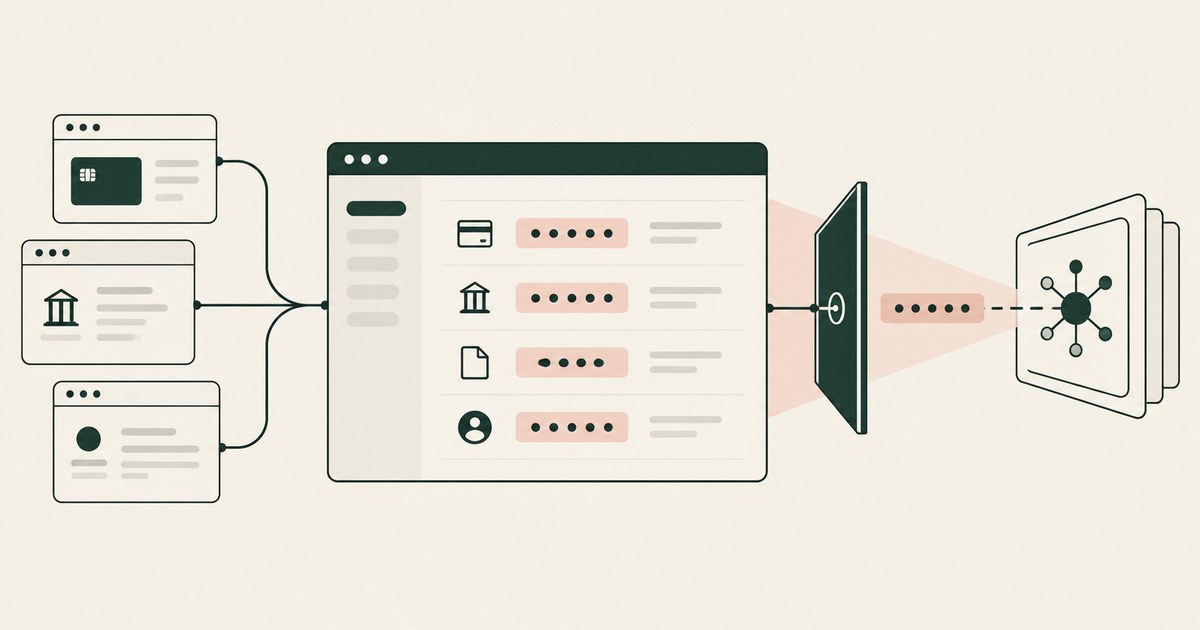
What Is Screen-Level Tokenization?
Review Screen-Level Tokenization, with AI agent security, tokenization and approval checks for sensitive enterprise workflows.
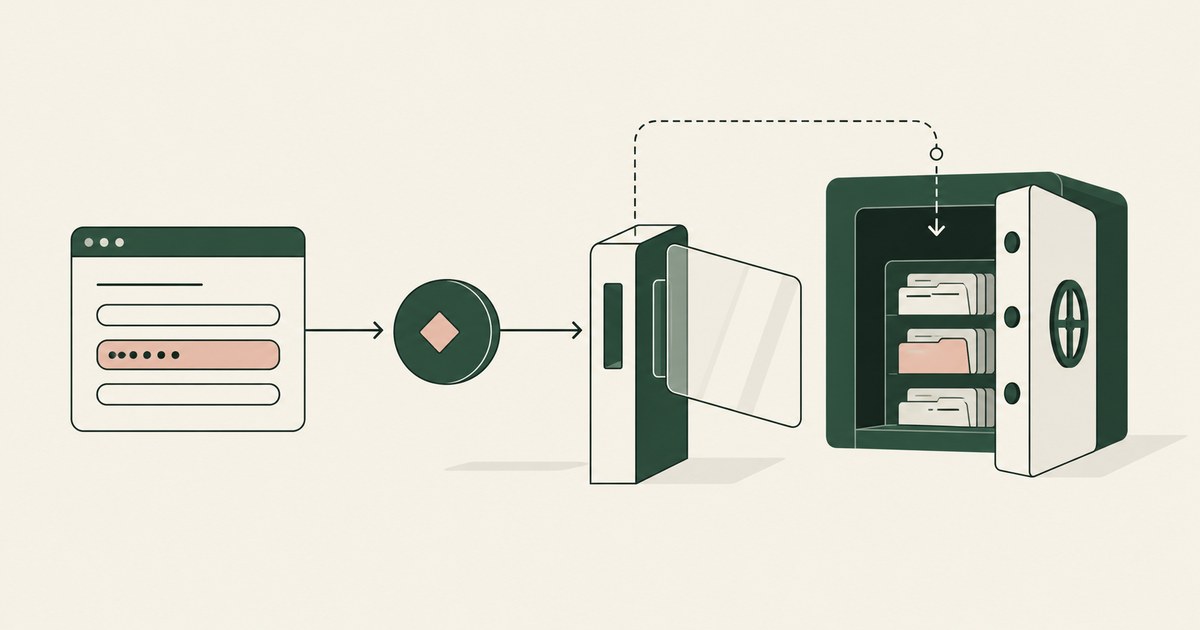
What is Data Tokenization?
Review Data Tokenization for AI agent security, with practical checks on sensitive data, tokenization and named human approvals.

What Is Least Exposure?
Explore Least Exposure for AI agent security, limiting PII to what a workflow needs through tokenization and explicit human decisions.
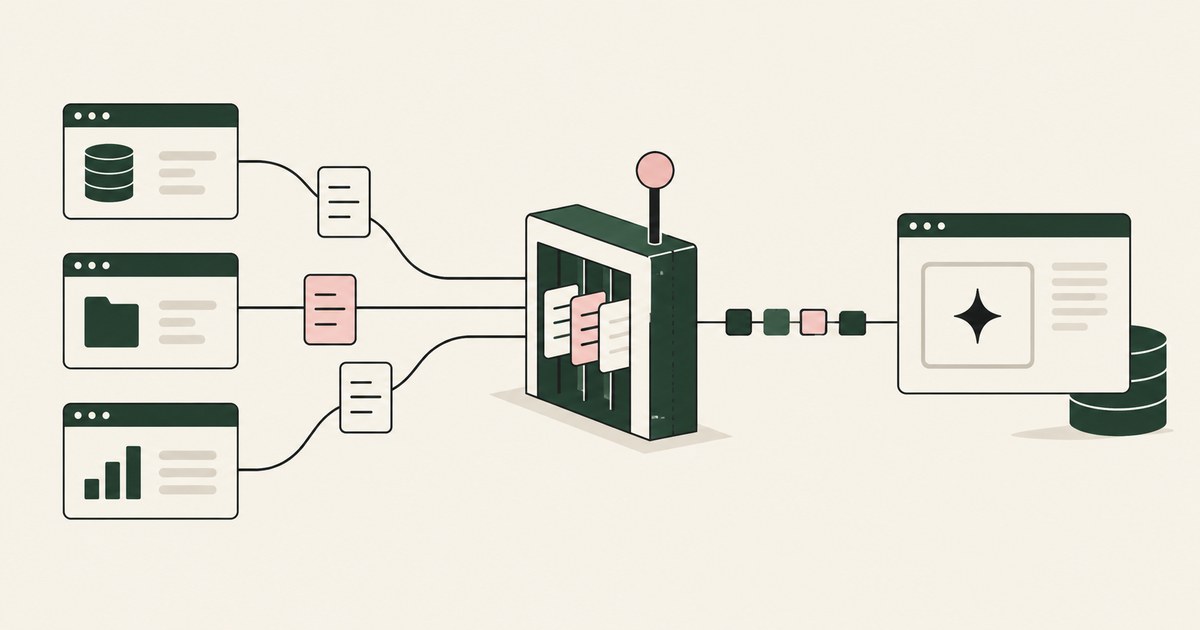
How to Limit Sensitive Data Access for AI Agents
Review Limit Sensitive Data Access for AI Agents, with AI agent security, tokenization and approval checks for sensitive enterprise workflows.
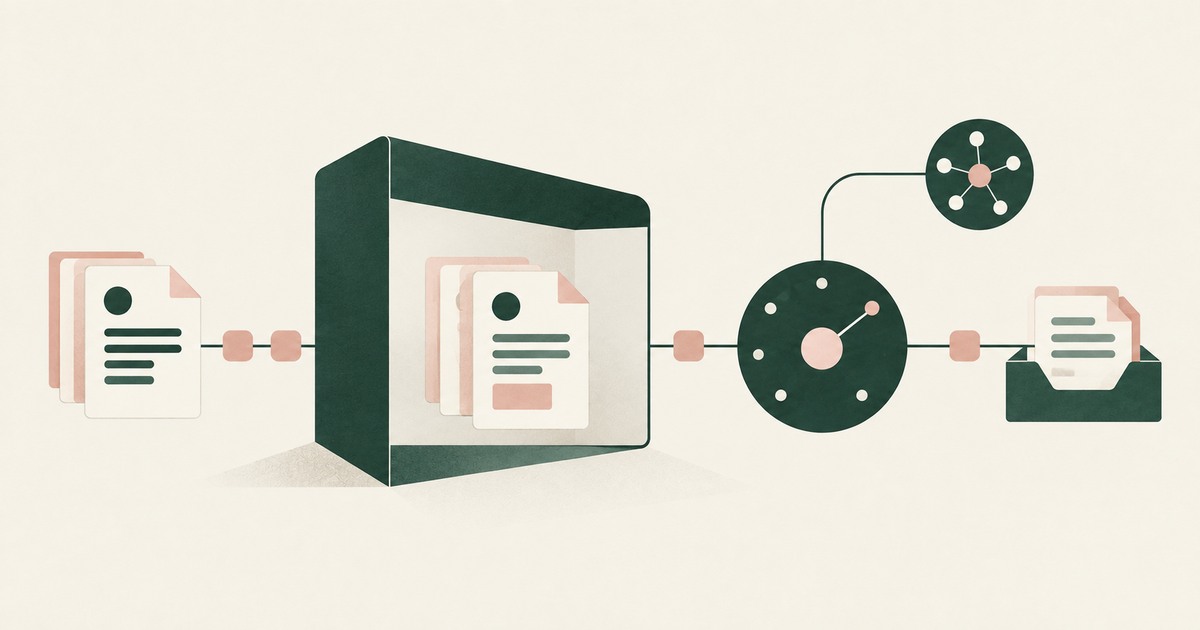
Secure AI That Crosses Every Silo
Explore AI agents that work across billing, collections and enterprise systems while tokenization protects PII at each workflow step.

What Is Render-Layer Tokenization?
Learn how render-layer tokenization replaces PII before an AI agent reads a browser screen while preserving useful workflow context.
What Is Supervised Delegation?
Explore supervised delegation for AI agents in billing and claims, with named responsibility, tokenization policies and human approvals.
Book an AI Agent Security Review →
Bring your hardest questions.
Bring one sensitive workflow and the decisions your team needs to keep in its hands.
Book a demoAbout the author

Chris Sowa is a founder of RedactSure and a former CEO of an AI company; he started it years before ChatGPT existed. He previously led AI at Accenture, served as Global VP of Strategy & Innovation at Schneider Electric, was CCO of Sovos, and spent more than a decade at Oracle, with earlier roles at SAP and IBM.