
Guide · By Chris Sowa · Published
Last updated
How to Prevent AI Agents From Accessing Too Much Sensitive Data: Decide Exposure Per Task, Not Per Application
Write a per-task exposure policy, confirmed by one named person, that tokenizes identifiers before any model reads a screen; 62% of organizations are still experimenting with agents.
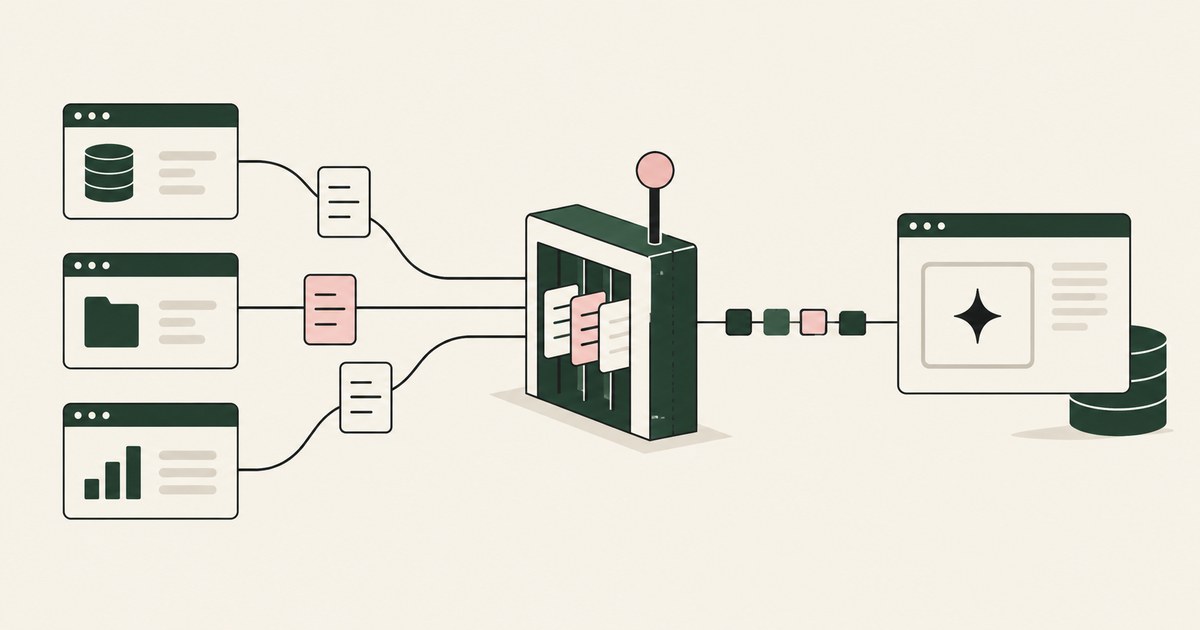
62% experimenting · 23% scaling · 1 named person
McKinsey's State of AI 2026 puts 62% of organizations at the experimenting stage with AI agents and 23% scaling them anywhere (CX Today, 2026). The gap between them is where over-access lives. You handed an agent the adjuster's login, and now the model reads everything that login opens: name, date of birth, SSN, diagnosis, the payee's bank details. The task needed three fields.
A Roman steward was given the keys to the villa, not a list of the rooms the errand required. Permissions work the same way: a role is granted to a person for months of work, and an agent handed that role reads whatever is on the screen.
Permissions govern what the agent may open. Exposure governs what the model receives, and only a control between the open screen and the model can narrow it. That control is a per-task exposure policy: the fields this piece of work needs in clear, the identifiers that become tokens, the actions that wait for a person. One named person confirms it, and the environment enforces it before any model reads a screen. The tightest role, the connector's scope, the DLP policy and the vendor's activity view all act after the model has seen the record,.
A prior authorization needs 3 fields; the chart shows more than a dozen
Start by counting. A prior authorization needs the procedure code, the diagnosis code and the dates of service. A claim payment needs the loss date, the coverage code, the reserve and the prior-loss result.
Now open the screen. The chart carries the name, date of birth, MRN, address, member ID and problem list beside the three fields the authorization needs. The claims screen carries the claimant's SSN and the payee's account numbers. The difference between the two lists is the over-access (Does Least Privilege Cover What the AI Sees?, 2026).
3 fields the task needs · 12+ fields on the screen · 9 of them identifiers
Those counts are an illustration. The principle they enforce is Least Exposure: for each piece of work, the AI receives exactly the data the task requires and nothing more, enforced before any model reads the screen. The minimum necessary standard at 45 CFR 164.502(b) limits uses and disclosures of PHI to what the purpose requires (eCFR, 2026). FERPA's PII definition at 34 CFR 99.3 names the identifiers that make a student record (eCFR, 2026). PCI SSC scoping guidance draws the boundary wherever the PAN is stored, processed or transmitted (PCI SSC, 2026).
Least privilege opens the record; the minimum necessary standard at 45 CFR 164.502(b) asks what the task needs
Least privilege gives the agent the tightest role that still lets it work. Keep it; it is necessary and not sufficient. The tightest role still opens a record that shows the name, date of birth, MRN and diagnosis on one page, because the application renders the record whole.
Four controls get offered as the answer; one acts before the model reads the screen.
| Property | Role-based permission | Connector scope | DLP policy | Render-layer tokenization |
|---|---|---|---|---|
| What it governs | Which records a principal may reach | Which objects an endpoint returns | Data leaving a boundary | Which values on an open screen the model receives |
| Acts before the model reads the record | No | No | No | Yes |
| What the model sees of an identifier | The real value | The real value | The real value | SSN_001, PATIENT_001, ACCT_001 |
Zou and colleagues showed transferable adversarial attacks on aligned language models (Zou et al., 2023). Carlini and colleagues showed that data which enters a model can be extracted from it (Carlini et al., 2021). A model cannot be relied on to refuse what it is shown; a model that never received the identifier cannot leak it.
Dots Custom Rules, Google Cloud IAM and Purview DLP govern actions and access, by their own documentation
OpenAI's September 29, 2026 write-up describes Custom Rules as setting what a dot may do on its own, what needs approval and what is forbidden; the model sees webpage text and document content within connected apps (OpenAI, 2026). The rules govern action; the page is read in full.
Google Cloud describes IAM for Gemini Enterprise agents as "granular, least-privilege access control over what data an agent can query or manipulate" (Google Cloud Security Community, 2026). Access, not need: a permitted query returns the whole object.
On Purview, a Microsoft Q&A moderator's reply states that the documentation does not describe enforcement against the computer-use session's actions (Microsoft Q&A, 2026).
| Property | Action rules | Cloud IAM | DLP for assistants | Per-task exposure policy |
|---|---|---|---|---|
| Decides what the agent may do | Yes | By operation | No | Yes, per screen |
| Decides which values the model receives | No | No | No | Yes |
| Point of enforcement | Before an action runs | At the API call | At the prompt or the boundary | Before the model reads the screen |
None answers what the model should see for this piece of work.
A browser agent puts every visible field into context, and a connector returns the whole object (Claude Help Center, 2026)
Anthropic's guidance for Claude in Chrome says all visible information, including personal data, becomes part of the context, and advises against opening the extension while viewing sensitive documents (Claude Help Center, 2026). "Always allow" removes the one pause at which a person might notice; the activity view shows what happened after it happened.
The API or MCP path has the same shape. An endpoint returns the object its author defined: the task needed the invoice amount, the endpoint returned the vendor's tax ID and bank account with it (Do API Connectors Give an AI Agent More Data Than the Task Needs?, 2026).
A governed environment puts a render layer between screen and model. Render-layer tokenization is replacing sensitive values with consistent stand-in tokens at the point where a screen is rendered, before any AI model reads it, so the model works with SSN_001 and ACCT_001 and real values resolve only at approved destinations at the moment of action. The employee's permissions do not change; what changes is what the AI can see.
The agent inside it is a tethered agent: an agent that works only inside the governed environment a named person connected it to, on the applications that person chose.
Greshake et al. (2023) showed the page itself can carry the attack; tokens blunt it
Greshake and colleagues demonstrated indirect prompt injection: instructions planted in content the model observes, which the model then follows (Greshake et al., 2023). An agent that reads a whole claims file reads whatever was written in its notes. The less the model holds, the less an attack can take.
Under a per-task policy, an injection that succeeds collects PATIENT_001 and ACCT_001. And the consequential action still waits. Supervised Delegation is the arrangement where a named person grants the access, chooses the applications, confirms what is tokenized, can watch and pause the run, and approves every consequential action, on the record. The AI never pays, settles, submits or decides. On approval, the real payee details reach the portal at that moment and nowhere else.
An AI Control Record is the record of every screen the agent saw as tokens, every action, every approval with a name, exported to the customer's own monitoring. The first entry is the confirmed policy; the last is the approval.
Gartner (May 26, 2026): one policy per workflow, because uniform governance fails
Gartner's May 26, 2026 release states that applying uniform governance across AI agents will lead to enterprise AI agent failure (Gartner, 2026). One exposure rule per application makes the same error: the budget transfer and the claim payment may share an ERP and need different fields in clear.
So the unit of policy is the workflow. A planner proposes the screens in scope, the values tokenized on each and the actions that wait. For a prior authorization: PATIENT_001, MEMBER_001 and DOB_001; procedure code, diagnosis code and dates of service in clear; fill the request, do not submit. For an AP run: VENDOR_001 and ACCT_001; invoice amount, PO number and due date in clear; match and draft, do not post. The workflow owner confirms the draft or tightens it. Swap the model and the policy stays, because the environment that enforces it belongs to you, not to the model's vendor.
6 Rules for deciding exposure per task
Count the task's fields before you open a screen
Write the fields the work needs from the regulation and the procedure, not from the application. Then list each screen's fields.
Before: The agent reads the claims screen whole: name, SSN, address, payee account, loss date, coverage code, reserve.
After: The policy names loss date, coverage code, reserve and prior-loss result in clear; CLAIMANT_001, SSN_001 and ACCT_001 for the rest.
Tokenize identifiers by default and argue to keep a field in clear
Names, SSNs, MRNs, member IDs, account and card numbers, dates of birth and addresses are tokens unless the task owner argues otherwise; codes, amounts and dates are in clear.
Test: Pull one screen from the record. Every identifier reads as a token; every field the task needed reads in clear.
Have one named person confirm the policy before the first read
A planner drafts; the workflow owner confirms, and that confirmation is the first entry in the record.
| Owner | What they decide |
|---|---|
| Security and compliance | Defaults per record type |
| Workflow owner | Fields in clear, actions that wait |
| Platform engineer | Enforcement before any read |
Connect under existing permissions and change none of them
The named person connects the environment under the permissions they already hold: no new role, no broad service account, no connector credential.
Before: A service account with read access across the EHR is created for the agent.
After: The nurse connects her own session; the model receives PATIENT_001 and the three task fields.
Halt on any screen or value outside the policy
The agent cannot widen its access by acting; it stops and asks, and the named person extends the policy, takes over or ends the task, on the record.
Test: Run the workflow with an extra tab open that the policy did not list. The record shows a stop entry and a decision, not a screen read.
Write one policy per workflow and review it against the record
Two workflows that share an application get two policies. Review each against the record.
| Point in the run | What is present |
|---|---|
| Model context | ACCT_001, VENDOR_001, amount, PO number |
| Portal at approval | The real account number, under the person's login |
| SIEM export | Screens as tokens, the action, the named approval |
How to choose where exposure is decided
- If the task runs on regulated records (PHI, student PII, cardholder data), decide exposure at the render layer and tokenize identifiers by default.
- If the application exposes a well-scoped API and the task is a high-volume structured pipeline, use the API and apply the same per-task field list to its response.
- If the agent would run in the employee's own browser, move it into a governed environment first.
- If a vendor control governs actions (Custom Rules, Auto-review, allow lists), keep it and add an exposure policy for what it does not cover.
- If two workflows share an application, write two policies; one rule per application is the uniform governance Gartner says fails.
- If you cannot name the person who confirmed the policy and approves the consequential action, do not run the workflow; name the person first.
The checklist
| Check | Pass | Fail |
|---|---|---|
| Field inventory per workflow | Task fields and screen fields listed | A role and a goal |
| Identifiers on one recorded screen | PATIENT_001, SSN_001, ACCT_001 | Real names or numbers in the model's context |
| Task fields on the same screen | Codes, amounts and dates in clear | Task fields tokenized |
| Same identifier across screens | One token per identifier | A new token per screen, or the real value |
| First entry in the record | The confirmed policy with the named person's name | A screen read |
| Consequential actions | Each one matches a named approval | An action with no approval, or no name |
| Permissions in the applications | Unchanged | A new broad-read principal for the agent |
| Keys to the environment | Held by your organization | Held by the model vendor or the agent vendor |
| Injection test | Only tokens collected; the action waited | A real value left, or an action ran unapproved |
Questions
Can the agent request more access mid-task?
It can stop and ask; it cannot grant itself anything. A screen or value outside the confirmed policy halts the run, and the named person decides whether to extend the policy, take over or end the task, on the record. That decision is itself an entry in the record. An agent that could widen its own exposure by acting would have no policy, only a starting point.
Who writes the exposure policy?
A planner drafts it from the task, and a named person who owns the workflow confirms it. The planner knows the screens and the fields; the person knows the work. Security and compliance set the defaults per record type: the minimum necessary standard for PHI, FERPA's PII definition for student records, the PAN for PCI scope. The draft names every screen in scope and leaves no field unclassified before the person signs it.
Does the agent see less than the employee does?
The model receives less than the employee's permission allows, yes. The employee's permissions do not change, and the employee can still open the application and read the whole record. The human operator watches the same tokenized stream the agent works from inside the environment, and can pause and take over. Today's claim is hidden from the AI, not hidden from the person doing the work.
Does DLP stop over-access?
Not at the point that matters. DLP acts on data leaving a boundary or on a prompt containing a sensitive type. A model that has read the chart has already been over-exposed by the time a DLP rule could fire. Keep DLP for what it does, which is egress from the boundary. Decide exposure before the read, where the over-access begins.
What about sensitive values the task needs?
They stay in clear, by policy. A diagnosis code the authorization needs, an amount the payment needs and a date the coverage check needs are the task's fields. The policy keeps them and tokenizes the identifiers around them, so the model works with the code and the amount for PATIENT_001. A policy that tokenized the task's own fields would stop the work.
Is this the same as least privilege?
No, and both are needed. Least privilege decides which records and operations a principal may reach, and it applies to the agent as to any user. Least Exposure decides which values on an open screen reach the model for one task, answered at the render rather than in the application. The tightest role still renders the whole record; the exposure policy closes that gap.
Does a tokenized identifier stay consistent across screens?
Yes, and it must. The same claimant carries CLAIMANT_001 on the claims screen, the policy screen and the payment screen, so the model can follow the record through the task without holding the real value. Masking that replaces a value with a fixed string loses that link and breaks the work. Consistency is what makes the token usable and the real value unnecessary.
Methodology
What this page rests on. Vendor documentation read as of October 9, 2026: OpenAI's Dots safety write-up of September 29, 2026, Google Cloud's Gemini Enterprise security post, the Microsoft Q&A answer on Purview, and Anthropic's Claude in Chrome guidance. Regulation text: 45 CFR 164.502(b), 34 CFR 99.3 and the PCI SSC scoping guidance. Research: Zou et al. (2023, preprint), Carlini et al. (2021, peer-reviewed), Greshake et al. (2023, preprint). Industry analysis: Gartner's May 26, 2026 release and McKinsey's State of AI 2026 via CX Today.
What was not tested. No hands-on testing of the named products was performed. Vendor features change with releases; this page carries its date. The field counts in the worked examples are illustrations.
Whose determination it is. Whether a given exposure policy meets the minimum necessary standard, FERPA, PCI DSS scope or any other requirement is a determination for the organization's counsel, its assessor and its security and compliance officers, not this page.
How RedactSure does this
RedactSure is the governed environment described above, in pilot. AI co-workers do real work across an ERP, a claims platform, an EHR or a student information system inside a secure virtual machine on hardware-encrypted enclaves, with keys the customer holds; RedactSure holds ciphertext it cannot decrypt. No per-application integration, no change to user permissions.
The Planner writes the per-task policy: which values are tokenized and what the agent may do on each screen. A named person confirms it before the run and approves every payment, submission and record change under Supervised Delegation. Every identifier chosen by policy becomes a consistent token at the render layer before any model reads the screen; real values resolve only at approved destinations at the moment of an approved action. Every screen as tokens, every action and every approval lands in the AI Control Record and exports to the customer's SIEM. The model swaps without moving the controls.
62% of organizations experimenting with agents (CX Today, 2026) · 1 confirmed policy per workflow · 1 named person per consequential action
Prompt injection that succeeds against a RedactSure agent collects tokens, and the action still stops for a named person. The work gets done. The data stays hidden.
Book an AI Agent Security Review →
Further reading
What Is Least Exposure? · Does Least Privilege Cover What the AI Sees? · How to Map All the Data an AI Agent Can Reach · What Is Sensitive Data Masking for AI Agents? · What Is Runtime Tokenization for AI Agents? · What Is AI Agent Data Minimization? · How to protect sensitive information without locking down entire applications? · How to protect sensitive data without blocking copy and paste?
Sources
Peer-reviewed research and preprints
- Zou, Andy, et al., "Universal and Transferable Adversarial Attacks on Aligned Language Models," arXiv:2307.15043, 2023 (preprint). https://arxiv.org/abs/2307.15043
- Carlini, Nicholas, et al., "Extracting Training Data from Large Language Models," USENIX Security 2021 (peer-reviewed). https://www.usenix.org/conference/usenixsecurity21/presentation/carlini-extracting
- Greshake, Kai, et al., "Not What You've Signed Up For: Compromising Real-World LLM-Integrated Applications with Indirect Prompt Injection," arXiv:2302.12173, 2023 (preprint; also AISec 2023). https://arxiv.org/abs/2302.12173
Vendor documentation
- OpenAI, "How we build safety, security and privacy into dots," September 29, 2026 (vendor documentation). https://openai.com/index/how-we-build-safety-security-and-privacy-into-dots/
- Google Cloud Security Community, "Securing the Agentic Era: New Gemini Enterprise Agent Platform," 2026 (vendor documentation). https://security.googlecloudcommunity.com/security-command-center-4/securing-the-agentic-era-new-gemini-enterprise-agent-platform-7376
- Microsoft Q&A, "Clarification on Purview DLP Coverage for Copilot 'Computer Use' Data Exfiltration Scenario," 2026 (vendor documentation). https://learn.microsoft.com/en-gb/answers/questions/5915515/clarification-on-purview-dlp-coverage-for-copilot
- Claude Help Center, "Use Claude in Chrome safely," 2026 (vendor documentation). https://support.claude.com/en/articles/12902428-use-claude-in-chrome-safely
Regulation, standards and official guidance
- 45 CFR 164.502(b) and 164.514(d), HIPAA minimum necessary standard, eCFR, 2026 (regulation). https://www.ecfr.gov/current/title-45/subtitle-A/subchapter-C/part-164/subpart-E/section-164.502
- 34 CFR 99.3, FERPA definitions, eCFR, 2026 (regulation). https://www.ecfr.gov/current/title-34/subtitle-A/part-99/subpart-A/section-99.3
- PCI Security Standards Council, "Guidance for PCI DSS Scoping and Network Segmentation," 2026 (official guidance). https://www.pcisecuritystandards.org/documents/Guidance-PCI-DSS-Scoping-and-Segmentation_v1.pdf
Industry analysis and press
- Gartner, "Gartner Says Applying Uniform Governance Across AI Agents Will Lead to Enterprise AI Agent Failure," press release, May 26, 2026 (industry analysis). https://www.gartner.com/en/newsroom/press-releases/2026-05-26-gartner-says-applying-uniform-governance-across-ai-agents-will-lead-to-enterprise-ai-agent-failure
- CX Today, "McKinsey's State of AI: The Scaling Gap Is Now CX's Problem," 2026 (industry analysis, reporting McKinsey's State of AI 2026). https://www.cxtoday.com/ai-automation-in-cx/mckinseys-state-of-ai-the-scaling-gap-is-now-cxs-problem/
RedactSure documents
- RedactSure Research, "What Is Least Exposure?" (2026). https://redactsure.com/research/what-is-least-exposure
- RedactSure Research, "What Is Render-Layer Tokenization?" (2026). https://redactsure.com/research/what-is-render-layer-tokenization
- RedactSure Research, "What Is Supervised Delegation?" (2026). https://redactsure.com/research/what-is-supervised-delegation
- RedactSure Research, "What Is a Tethered Agent?" (2026). https://redactsure.com/research/what-is-a-tethered-agent
- RedactSure Research, "What Is an AI Control Record?" (2026). https://redactsure.com/research/what-is-an-ai-control-record
- RedactSure Research, "Does Least Privilege Cover What the AI Sees?" (2026). https://redactsure.com/research/does-least-privilege-cover-what-ai-sees
- RedactSure Research, "Do API Connectors Give an AI Agent More Data Than the Task Needs?" (2026). https://redactsure.com/research/do-api-connectors-give-an-ai-agent-more-data-than-the-task-needs
- Product behavior described on this page reflects current published designs. OpenAI, ChatGPT and Dots are trademarks of OpenAI; Google, Google Cloud and Gemini are trademarks of Google LLC; Microsoft, Copilot Studio and Purview are trademarks of Microsoft Corporation; Claude is a trademark of Anthropic, PBC; named to identify the products. Compliance determinations belong to the organization's counsel.

What Is Least Exposure?
Explore Least Exposure for AI agent security, limiting PII to what a workflow needs through tokenization and explicit human decisions.
Does Least Privilege Cover What an AI Agent Sees?
Compare access permissions with AI agent security for visible PII, and explore how tokenization can limit exposure within an approved task.
How to Map All the Data an AI Agent Can Reach
Review Map All the Data an AI Agent Can Reach, with AI agent security, tokenization and approval checks for sensitive enterprise workflows.
What Is Sensitive Data Masking for AI Agents?
Review Sensitive Data Masking for AI Agents, with AI agent security, tokenization and approval checks for sensitive enterprise workflows.
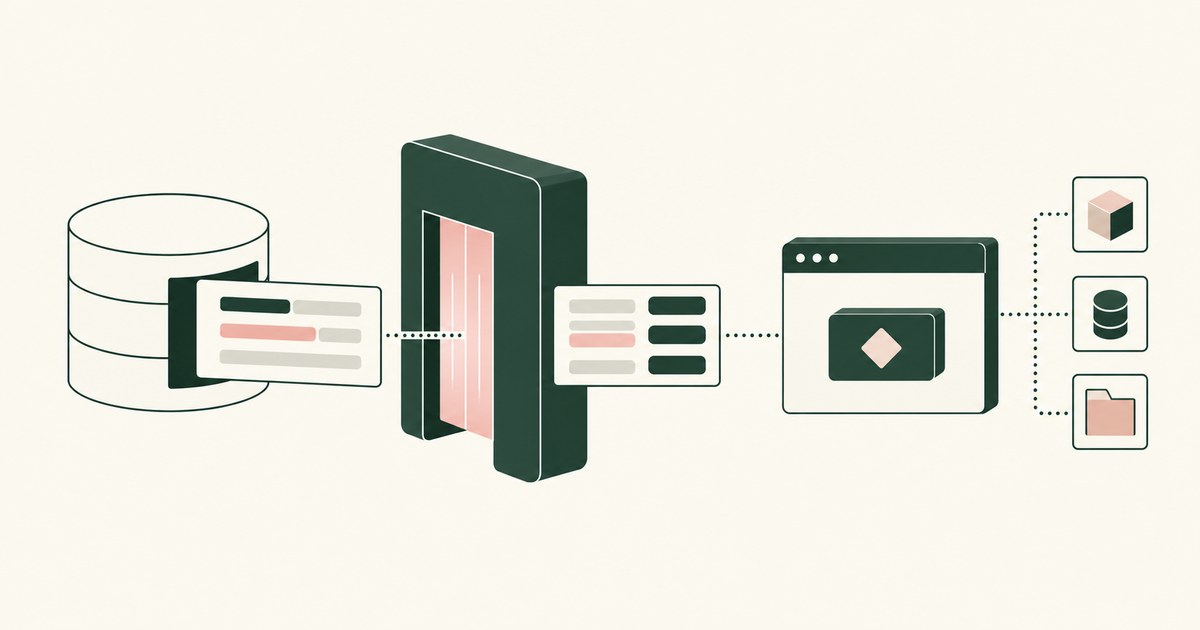
What Is Runtime Tokenization for AI Agents?
Review Runtime Tokenization for AI Agents, with AI agent security, tokenization and approval checks for sensitive enterprise workflows.
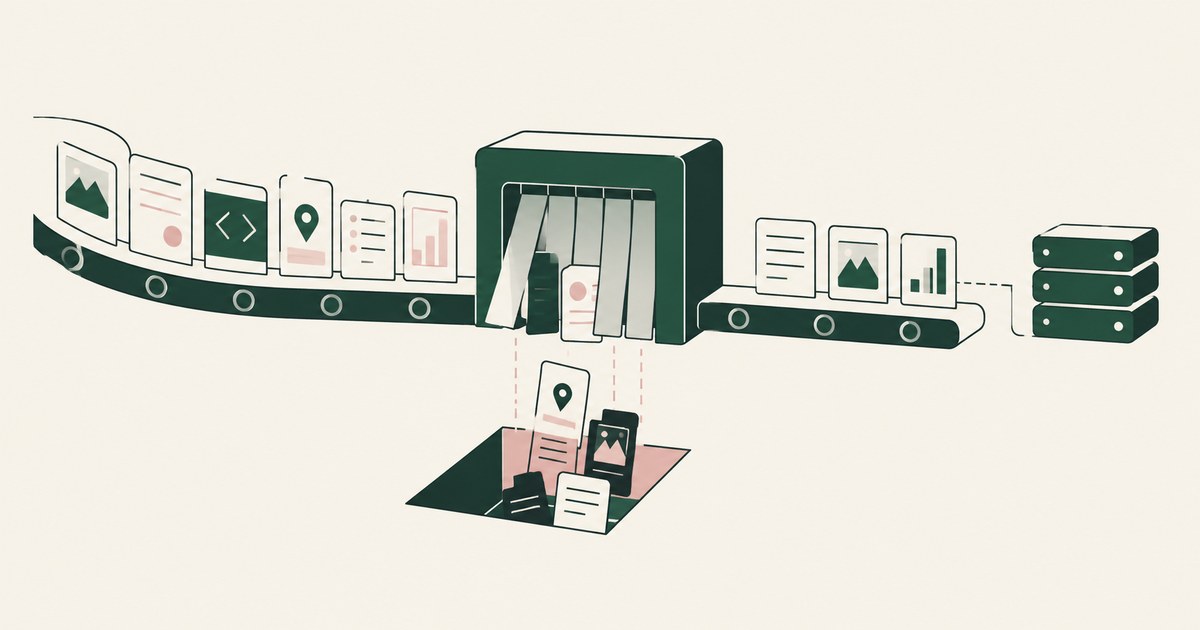
What Is AI Agent Data Minimization?
Review AI Agent Data Minimization, with AI agent security, tokenization and approval checks for sensitive enterprise workflows.
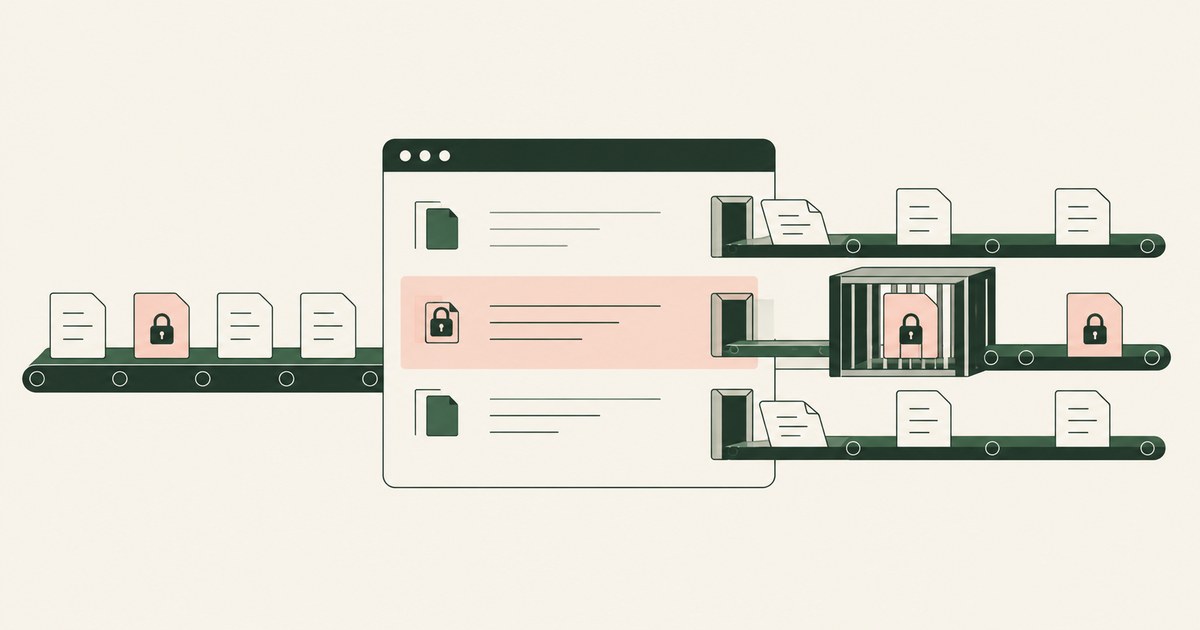
How to Protect Sensitive Data Without App Lockdowns?
Review Protect Sensitive Data Without App Lockdowns, with AI agent security, tokenization and approval checks for sensitive enterprise workflows.
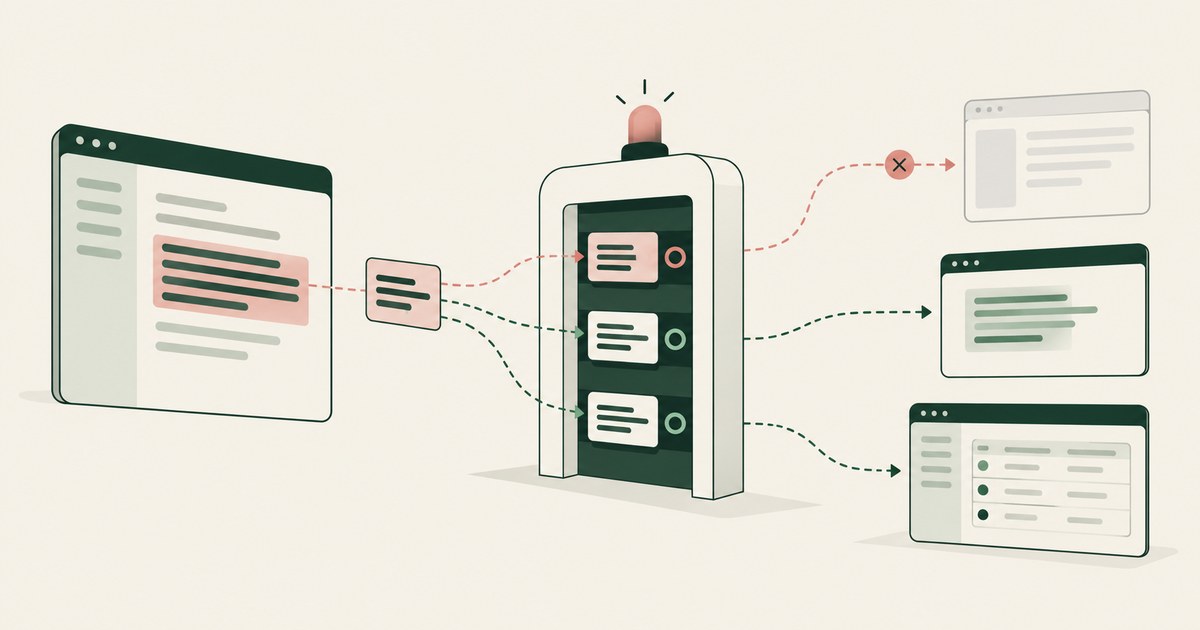
How to Protect Data Without Blocking Copy and Paste?
Review Protect Data Without Blocking Copy and Paste, with AI agent security, tokenization and approval checks for sensitive enterprise workflows.

What Is Render-Layer Tokenization?
Learn how render-layer tokenization replaces PII before an AI agent reads a browser screen while preserving useful workflow context.
What Is Supervised Delegation?
Explore supervised delegation for AI agents in billing and claims, with named responsibility, tokenization policies and human approvals.
What Is a Tethered Agent?
Learn how a tethered AI agent stays tied to a named person, with tokenization, bounded permissions and approval for sensitive payments.

What Is an AI Control Record?
Explore an AI agent control record for billing and claims, linking permissions, tokenization decisions, approvals and audit evidence.
Can API Connectors Expose More Data Than an AI Task Needs?
Assess AI agent connector responses for excess PII in billing, claims and student records, with field selection, filtering and tokenization.
Bring your hardest questions.
Bring one sensitive workflow and the decisions your team needs to keep in its hands.
Book a demoAbout the author

Chris Sowa is a founder of RedactSure and a former CEO of an AI company; he started it years before ChatGPT existed. He previously led AI at Accenture, served as Global VP of Strategy & Innovation at Schneider Electric, was CCO of Sovos, and spent more than a decade at Oracle, with earlier roles at SAP and IBM.