
Guide · By Chris Sowa · Published
Last updated
How to Set Up an AI Control Record for AI Agents: Every Screen as Tokens, Every Action, Every Approval With a Name
Record every screen the agent saw as tokens, every action and every approval with a name, exported to your SIEM; 24 states have adopted the NAIC AI bulletin.
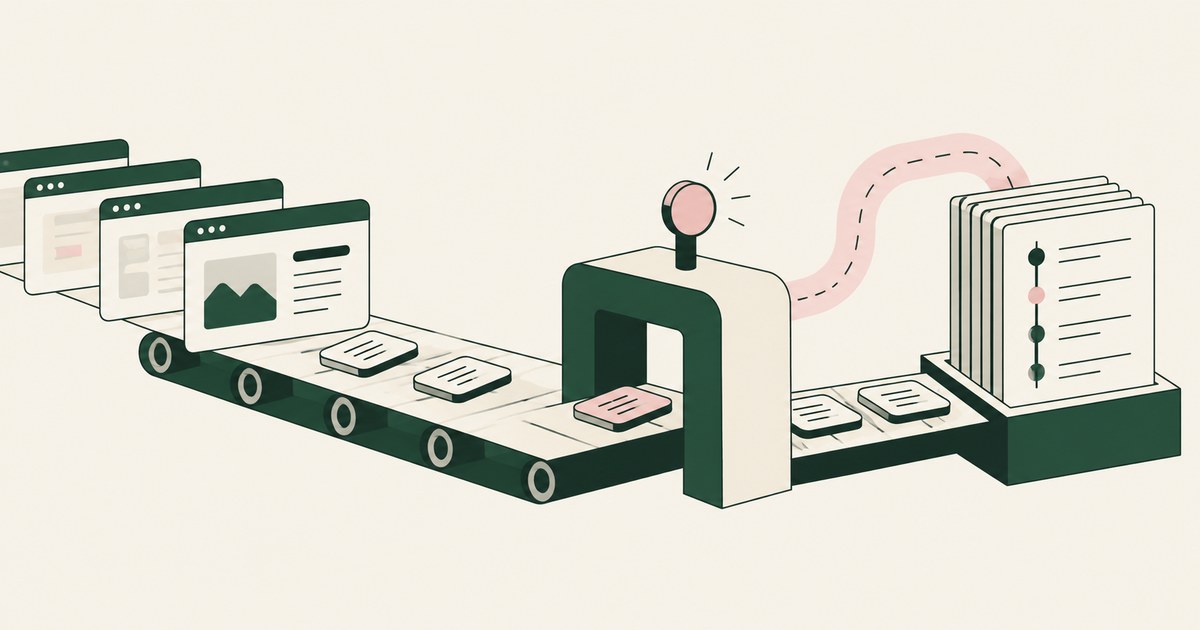
62% experimenting · 23% scaling · 1 named person
Most organizations are experimenting with AI agents and 23% are scaling them anywhere (CX Today, 2026). The ones that stall tend to stall on the same question from the examiner, the auditor or the board: who saw what, and who approved what. If your answer is a vendor's activity view or a folder of screenshots, you do not have evidence. You have a second copy of the records under review, held by someone else, with real values in it.
The Romans posted the acta diurna in the forum every day, and nobody expected it to contain the treasury. A record proves what happened without carrying the thing itself. That is the design decision the record turns on: it holds what the model saw, and the model never saw the identifiers. It saw the loss date and CLAIMANT_001, not the SSN.
An AI Control Record is the record of every screen the agent saw as tokens, every action, every approval with a name, exported to the customer's own monitoring. The exposure policy is the record policy, so if you govern what the AI can see before it sees it, the record is evidence and never liability.
A screenshot archive is a second copy of the records, retained from 7 days to indefinite
Copilot Studio documents "session replay with screenshots, timestamped action logs, run summaries, and resource tracking" for its computer-using agents, with retention from 7 days to indefinite, and a "data without screenshots" setting as the alternative (Microsoft, 2026). One setting stores the screens the agent worked on; the other stores the logs without them. The screens are the records under review. The logs without them do not show what the model received.
AgentCore Browser's session recording lands in your own S3 bucket, and the DOM it captures is the page in full (AWS, 2026).
| Property | Vendor activity view | Session replay with screenshots | Record of screens as tokens |
|---|---|---|---|
| What it holds | Real values, vendor's view | Real values, frame by frame | Task fields with identifiers as tokens |
| Who holds it | Vendor | Vendor or your bucket | Your SIEM |
| Retention | Vendor's clock | 7 days to indefinite | Your workflow's policy |
| Approval with a name | Not per action | Not per action | Every consequential action |
The record holds what the model saw, who acted and who approved, with PATIENT_001 where the name was
The term's definition fixes what the record holds: the screen as tokens, the action, the approval with a name. A suggested minimum for each entry, offered as a starting point: timestamp, run identifier, application, the screen as tokens, the action, the actor (agent or named person), the approval with the name where one was required, and the outcome. Stops, pauses and take-overs are entry types of their own, in the format your SIEM already parses.
The screen field is the one teams get wrong. It is not an image and not the DOM. It is the task's fields with identifiers as tokens: the loss date, the amount, and PATIENT_001 where the name was. Render-layer tokenization is replacing sensitive values with consistent stand-in tokens at the point where a screen is rendered, before any AI model reads it, so the model works with SSN_001 and ACCT_001 and real values resolve only at approved destinations at the moment of action. The record carries the same tokens. The log was never unredacted.
The actor field is the other one. Both act in the same run: the named person confirms, watches, pauses, takes over and approves; the agent reads, enters and proposes (Accountable AI and Workflow Governance, 2026). Each is an entry.
A sample entry, as an illustration: run 4471 · ERP · screen {VENDOR_001, invoice 88213, amount 4,180.00} · propose payment · actor: agent · waiting.
Every run opens with a confirmed policy and one name, never with a screen
The first entry of every run is the per-task exposure policy, confirmed by a named person, with a timestamp. The planner proposes which values are tokenized on each screen and which actions wait. The named person confirms. That confirmation is entry one.
This is Supervised Delegation: a named person grants the access, chooses the applications, confirms what is tokenized, can watch and pause the run, and approves every consequential action, on the record.
The policy also fixes the exposure. Names, SSNs, MRNs, account and card numbers, dates of birth and addresses become PATIENT_001, ACCT_001 and CARD_001. Amounts, dates and codes the task needs stay in clear, and the policy says which. This is Least Exposure: the principle that for each piece of work, the AI receives exactly the data the task requires and nothing more, enforced before any model reads the screen.
Test: Pull any run. If entry one is a screen, the setup is wrong.
Real values resolve at the destination, so the ERP holds the payment and the record holds CARD_001
When the agent reaches a payment, a submission or a record change, the run waits for the named person. On approval, the real value resolves at the destination: the ERP posts to the real vendor account. The record holds the token, the approval, the name and the outcome. The model never held the account number, and neither does the log. A run that reaches a screen outside the policy stops, and the stop is an entry with the person's decision.
1 name per approval · 0 identifiers in the record · 0 actions settled by the agent
Compare an "always allow" setting or a vendor's auto-review. Dots' Auto-review checks planned actions before execution and "tells the dot why" when it blocks a step (OpenAI, 2026). The reviewer is a model and the record is the vendor's. A named person's approval on your record is the human oversight OMB M-24-10 asks agencies for (OMB, 2024).
The agent producing this record is a tethered agent: an agent that works only inside the governed environment a named person connected it to, on the applications that person chose. No action escapes the record. Carlini et al. showed that training data can be extracted from a language model (Carlini et al., 2021). A record of tokens holds nothing worth extracting and still proves what the model received.
A record the vendor holds lasts as long as the vendor; export to your SIEM under your retention
Push the record to the SIEM on your schedule, in your format, under the retention policy that governs the underlying workflow. Then apply the SIEM's own detections to it.
Export is separation of model and control made concrete: the principle that the environment deciding what an AI agent sees and who approves what it does is owned by the customer and independent of whichever model performs the work. The vendor that is the model should not also be the judge of the model. Your record survives a change of model or vendor.
| Property | Vendor-held log | Customer bucket with full DOM | Customer SIEM with tokens |
|---|---|---|---|
| Survives a vendor change | No | Yes | Yes |
| Contains the records under review | Yes | Yes | No |
| Retention set by | Vendor | You | Your workflow policy |
| Detections | Vendor's | Build your own on raw pages | Your existing SIEM rules |
| Who saw what, for one run | Vendor query | Read the raw pages | One query |
The record also captures attacks. An agent reading a page can be turned by text on that page (Greshake et al., 2023); inside the environment, the injected instruction appears as the tokens it collected and the action that still waited for a name.
Five regulators ask the same two questions, and 24 states already adopted one of them
Under HIPAA, the minimum necessary standard governs what a workforce member or business associate may use (45 CFR 164.502(b), 2026). A record of tokens shows what the model received: the task's fields, and no identifier.
The NAIC model bulletin on insurers' use of AI has been adopted by 24 states as of March 2025 (Quarles & Brady, 2025), and an examiner in one of those states can ask an insurer to show its AI program on paper. PCI DSS scope follows wherever cardholder data goes (PCI SSC, 2026), and a record holding CARD_001 does not extend it. FERPA's school official exception requires direct control over the use and maintenance of education records (34 CFR 99.31, 2026), and a record in the district's SIEM with the principal's name on each change is what the district's counsel can point to when asked about direct control. OMB M-24-10 asks agencies for human oversight of rights-impacting AI.
Build the record so the compliance officer answers both questions from the SIEM alone.
6 Rules for setting up the record
Write the entry format before the first run
Agree the entry format with the SIEM team, in the format it already parses. Add stop, pause and take-over as entry types.
Before: The agent runs for a week; then someone asks what to log. After: A sample entry parses in the SIEM before run one.
Make the policy confirmation entry one of every run
The planner proposes what is tokenized and what waits; a named person confirms; the confirmation opens the run. No run begins with a screen.
Test: Query the first entry of the last 50 runs. Every one is a policy confirmation with a name.
Capture the screen as the model received it, never as an image
The record holds the task's fields with identifiers as tokens. No screenshot, no DOM, no second copy.
| Record shows | Record never shows |
|---|---|
| Loss date, amount, CLAIMANT_001 | An image of the claim screen |
| CPT code, PATIENT_001 | The chart's DOM |
| Invoice number, VENDOR_001 | The vendor's bank account number |
Log the person and the agent in the same run
Confirm, watch, pause, take over, approve: each an entry with the name. Read, enter, propose: each an entry with the screen as tokens.
Before: Agent actions only; the auditor asks who approved and gets a shrug. After: Every consequential action has an approval entry with a name beside it.
Export under your retention, not the vendor's
Set the SIEM retention to the workflow's policy. A record of tokens kept for seven years creates no seven-year store of identifiers.
| Retention set by | What it means |
|---|---|
| Vendor default | Your evidence expires on someone else's schedule |
| Your workflow policy | Evidence lasts as long as the obligation does |
Alert on the record with the rules you already have
Three detections cover most failures: an action with no approval entry, three stops in an hour, a run with no policy confirmation first.
Test: Run a task with a deliberate stop and an unapproved proposal. Both fire in the SIEM.
How to choose where the record lives
- If the activity view is the only log, treat it as the vendor's evidence, not yours, and require export before any regulated workflow.
- If session replay stores screenshots, turn it off and replace it with a record of screens as tokens.
- If the recording lands in your own bucket as the full DOM, hold it under the records' own retention and plan a tokenized record to replace it.
- If the reviewer of each action is the vendor's own model, add a named person on your record for every payment, submission and record change.
- If your SIEM already parses a structured event format, write the record in that format and reuse its detections instead of building a pipeline.
- If an examiner can ask for a month of runs, build so the compliance officer answers from the SIEM alone.
The checklist
| Check | Pass | Fail |
|---|---|---|
| Pull one screen from one run | Task fields with PATIENT_001 or ACCT_001, no image | A screenshot, a DOM, or a real name |
| Read entry one of any run | Confirmed policy with a name and timestamp | A screen or an action |
| Reconcile last month's payments | Every ERP posting matches an approval entry with a name | Payments with no adjacent approval |
| Search the record for a real SSN or PAN | Zero rows | Any row |
| Check where the record lives | Your SIEM under your retention | Vendor's console or default retention |
| Trigger a deliberate stop | Stop entry with the person's decision, alert fires | Silent continuation or no entry |
| Plant a test instruction in a page the agent reads | Tokens collected, action still waited, entry present | Action proceeded or no trace |
| Ask the compliance officer "who saw what" for one run | Answered from the SIEM alone | Needs the vendor or the raw records |
Questions
Is a vendor's activity log enough for an examiner?
No. It is the vendor's view of data the vendor holds, with real values in it, and it does not record a named person's approval of each consequential action. An examiner needs a record your organization holds, in its own SIEM, with tokens where the identifiers were and a name on each approval. An activity view is a control, not your evidence.
How long should the record be kept?
As long as the retention policy for the underlying workflow requires. That is your decision, not the vendor's, and the reason the record exports to your SIEM. Because the record holds tokens rather than identifiers, keeping it for the full period does not extend the period for which the real data is stored anywhere new. A seven-year claims retention produces a seven-year record of CLAIMANT_001, not of SSNs.
Can the record itself leak sensitive data?
A record of screenshots can, because it is the records. A record of screens as tokens shows that the model received CLAIMANT_001's loss date and not who CLAIMANT_001 is. Amounts, dates and codes left in clear are in the record, and your organization decides their sensitivity when it sets retention. Put nothing in the record worth extracting, and there is nothing to extract.
What fields should the export carry?
At minimum the screen as tokens, the action and the approval with a name; add timestamp, run identifier, application, actor and outcome. Stops, pauses and take-overs are entries too, each with the name. Write them in the event format your SIEM already parses, so an approved payment sits next to the ERP's own posting log and the two reconcile with one query.
Does the record show what the person did, or only the agent?
Both, because both act in the same run. The named person confirms the policy, watches, pauses, takes over and approves, each an entry with the name and a timestamp. The agent reads, enters and proposes, each an entry with the screen as tokens. A record that only logs the agent cannot answer the second question the examiner asks, which is who approved.
Can the record be used to replay a run?
As a sequence of tokenized screens and actions, yes. As a video of the real records, no, by design. An examiner can follow the run screen by screen and see where the person approved, paused or stopped, without ever reading the patient's chart, because the model never received it. Session replay with screenshots does the opposite: it replays the chart.
Does a bucket you own fix the retention problem?
It fixes who holds the file. It does not change what is in the file. A session recording that lands in your bucket and captures the DOM in full (AWS, 2026) is a copy of the records under review and inherits their retention and their scope. A record of tokens in your SIEM is a different object with a different exposure.
Methodology
What this page rests on. Vendor documentation from Microsoft, AWS and OpenAI on logging, replay and review, read as of October 9, 2026; the text of HIPAA, FERPA, PCI DSS guidance, the NAIC model bulletin and OMB M-24-10; and the research of Carlini et al. and Greshake et al.
What was not tested. No hands-on testing of the named products was performed for this page. Vendor settings and retention defaults change with releases; the descriptions reflect the documentation at the date shown. The sample entries are illustrations.
Whose determination it is. Whether a record meets a given obligation is the determination of the organization's counsel, its assessor or examiner, and its security and compliance officers. The checks are not a certification.
How RedactSure does this
RedactSure runs AI agents inside a governed environment: a secure virtual machine on hardware-encrypted enclaves, with keys you hold; RedactSure holds ciphertext it cannot decrypt. Render-layer tokenization replaces every identifier chosen by policy with a consistent token before any model reads the screen, and the model receives the task's fields with identifiers as tokens. The Planner sets what is tokenized and what the agent may do on each screen; a named person confirms that policy before the run and approves every payment, submission and record change while it runs, under Supervised Delegation. Real values resolve only at approved destinations at the moment of an approved action.
Every screen as tokens, every action and every approval with a name lands in the AI Control Record and exports to your own SIEM under your retention. Permissions do not change; what changes is what the AI can see.
62% experimenting · 23% scaling · 0 identifiers in the record
That scaling gap (CX Today, 2026) closes when the examiner's question has an answer. Deployments are in pilot.
Book an AI Agent Security Review →
Further reading
What Is an AI Control Record? · How to Maintain Audit Trails for AI Agent Activity · How Do You Audit AI Agent Activity? · What Is Human-in-the-Loop Approval for AI Agents? · What is Data Tokenization? · What Is a Governed AI Workflow? · How to see exactly why a security policy blocked an action? · How to audit sensitive data access across enterprise applications?
Sources
Peer-reviewed research and preprints
- Carlini, Nicholas, et al., "Extracting Training Data from Large Language Models," USENIX Security 2021 (peer-reviewed). https://www.usenix.org/conference/usenixsecurity21/presentation/carlini-extracting
- Greshake, Kai, et al., "Not What You've Signed Up For: Compromising Real-World LLM-Integrated Applications with Indirect Prompt Injection," arXiv:2302.12173, 2023 (preprint). https://arxiv.org/abs/2302.12173
Vendor documentation
- Microsoft Copilot Blog, "Improve complex UI automation with computer-using agents," February 24, 2026 (vendor documentation). https://www.microsoft.com/en-us/copilot/blog/copilot-studio/computer-using-agents-now-deliver-more-secure-ui-automation-at-scale/
- AWS, "Interact with web applications using Amazon Bedrock AgentCore Browser," 2026 (vendor documentation). https://docs.aws.amazon.com/bedrock-agentcore/latest/devguide/browser-tool.html
- OpenAI, "How we build safety, security and privacy into dots," September 29, 2026 (vendor documentation). https://openai.com/index/how-we-build-safety-security-and-privacy-into-dots/
Regulation, standards and official guidance
- 45 CFR 164.502(b), HIPAA minimum necessary standard (regulation). https://www.ecfr.gov/current/title-45/subtitle-A/subchapter-C/part-164/subpart-E/section-164.502
- 34 CFR 99.31(a)(1)(i)(B), FERPA school official exception (regulation). https://www.ecfr.gov/current/title-34/subtitle-A/part-99/subpart-D/section-99.31
- PCI Security Standards Council, "Guidance for PCI DSS Scoping and Network Segmentation" (official guidance). https://www.pcisecuritystandards.org/documents/Guidance-PCI-DSS-Scoping-and-Segmentation_v1.pdf
- OMB Memorandum M-24-10, "Advancing Governance, Innovation, and Risk Management for Agency Use of Artificial Intelligence," March 2024 (official guidance). https://www.whitehouse.gov/wp-content/uploads/2024/03/M-24-10-Advancing-Governance-Innovation-and-Risk-Management-for-Agency-Use-of-Artificial-Intelligence.pdf
Industry analysis and press
- Quarles & Brady, "Nearly Half of States Have Now Adopted NAIC Model Bulletin on Insurers' Use of AI," March 2025 (industry analysis). https://www.quarles.com/newsroom/publications/nearly-half-of-states-have-now-adopted-naic-model-bulletin-on-insurers-use-of-ai
- CX Today, "McKinsey's State of AI: The Scaling Gap Is Now CX's Problem," 2026 (industry analysis). https://www.cxtoday.com/ai-automation-in-cx/mckinseys-state-of-ai-the-scaling-gap-is-now-cxs-problem/
RedactSure documents
- RedactSure Research, "What Is an AI Control Record?" (2026). https://redactsure.com/research/what-is-an-ai-control-record
- RedactSure Research, "What Is Render-Layer Tokenization?" (2026). https://redactsure.com/research/what-is-render-layer-tokenization
- RedactSure Research, "What Is Supervised Delegation?" (2026). https://redactsure.com/research/what-is-supervised-delegation
- RedactSure Research, "What Is Least Exposure?" (2026). https://redactsure.com/research/what-is-least-exposure
- RedactSure Research, "What Is a Tethered Agent?" (2026). https://redactsure.com/research/what-is-a-tethered-agent
- RedactSure Research, "Should the AI Agent Environment Belong to the Model Vendor?" (2026). https://redactsure.com/research/should-ai-agent-environment-belong-to-model-vendor
- RedactSure, "Accountable AI and Workflow Governance" (2026). https://redactsure.com/blog/accountable-ai-and-workflow-governance/
- Product behavior described on this page reflects current published designs. Microsoft and Copilot Studio are trademarks of Microsoft Corporation; Amazon Web Services, Amazon Bedrock and AgentCore are trademarks of Amazon.com, Inc. or its affiliates; OpenAI and Dots are trademarks of OpenAI; named to identify the products. Compliance determinations belong to the organization's counsel.

What Is an AI Control Record?
Explore an AI agent control record for billing and claims, linking permissions, tokenization decisions, approvals and audit evidence.
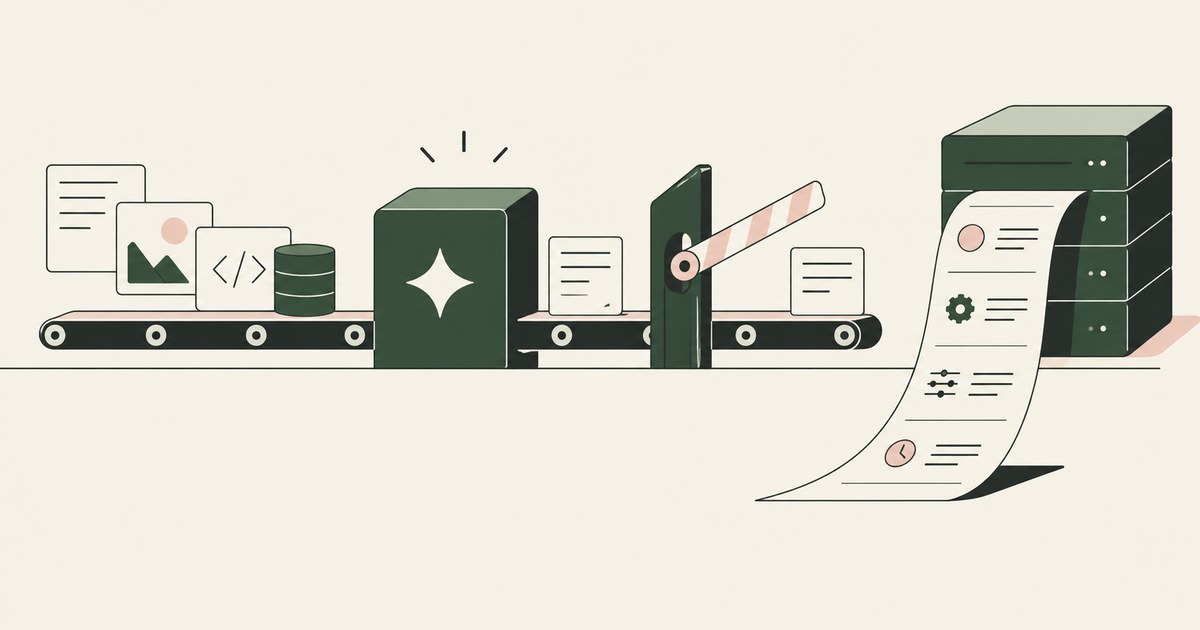
How to Maintain Audit Trails for AI Agent Activity
Review Maintain Audit Trails for AI Agent Activity, with AI agent security, tokenization and approval checks for sensitive enterprise workflows.
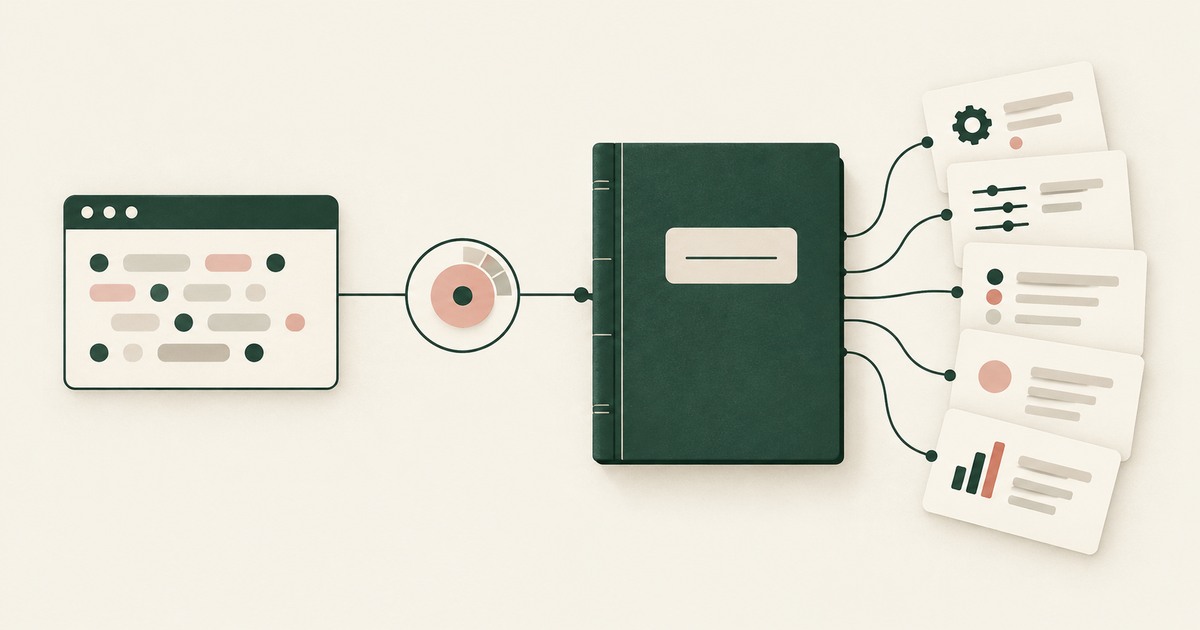
How Do You Audit What an AI Agent Saw and Did?
Explore AI agent audit evidence for sensitive claims and billing, including tokenization policies, approvals and logs that avoid raw PII.

What Is Human-in-the-Loop Approval for AI Agents?
Review Human-in-the-Loop Approval for AI Agents, with AI agent security, tokenization and approval checks for sensitive enterprise workflows.
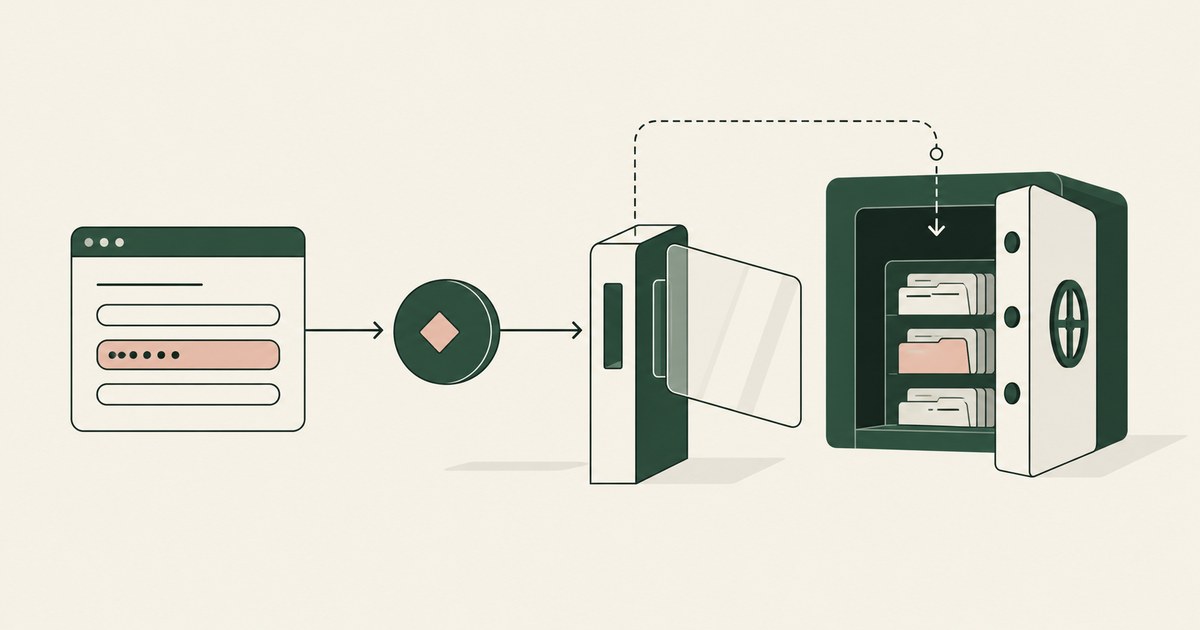
What is Data Tokenization?
Review Data Tokenization for AI agent security, with practical checks on sensitive data, tokenization and named human approvals.
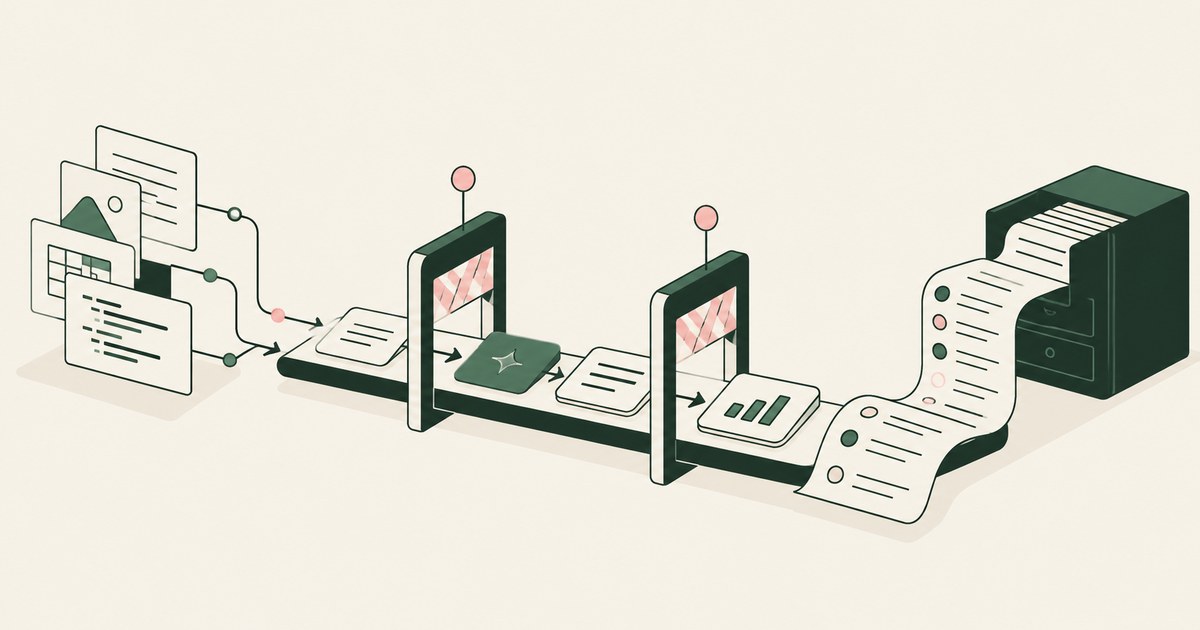
What Is a Governed AI Workflow?
Review a Governed AI Workflow, with AI agent security, tokenization and approval checks for sensitive enterprise workflows.
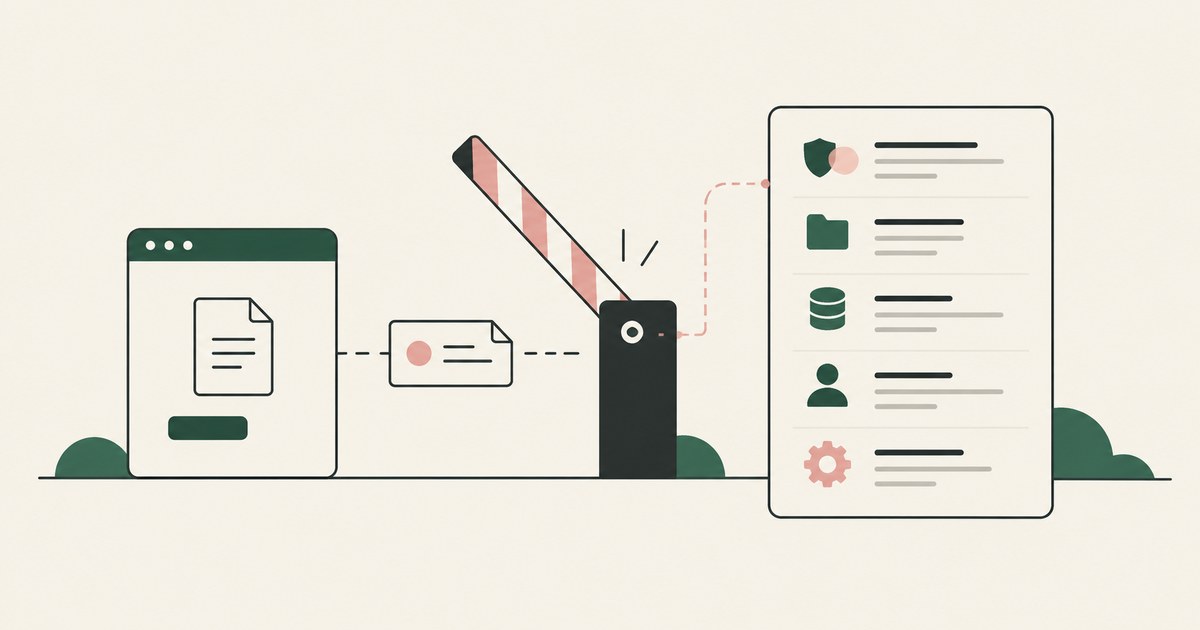
How to see exactly why a security policy blocked an action?
Review see exactly why a security policy blocked an action, with AI agent security, tokenization and approval checks for sensitive enterprise workflows.
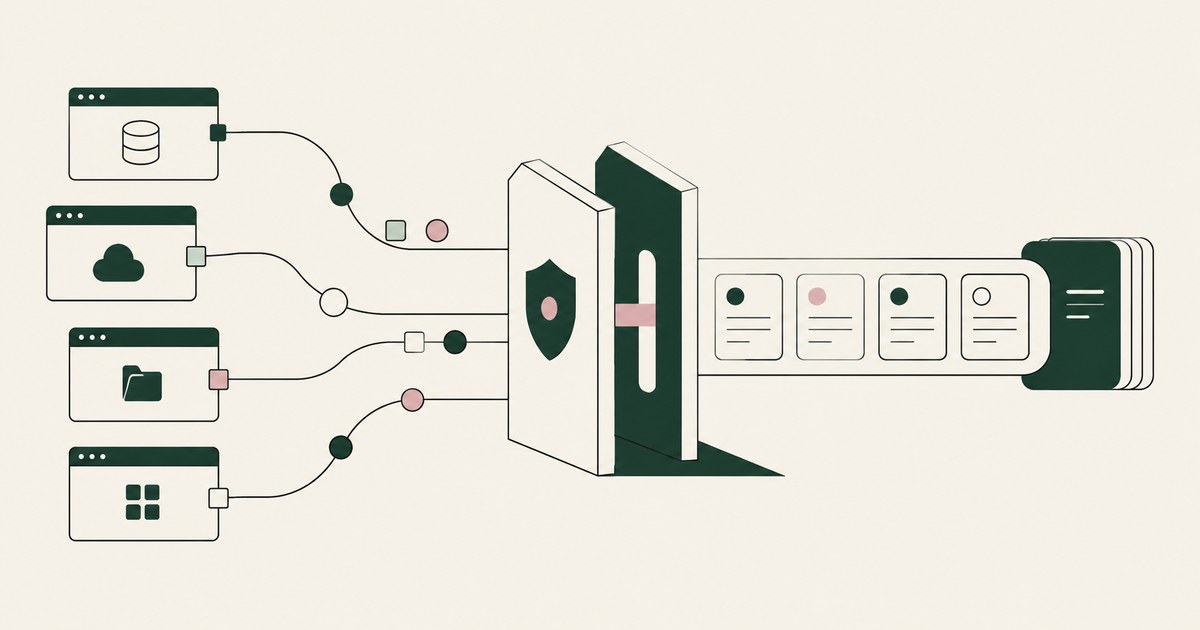
How to Audit Sensitive Data Access Across Apps?
Review Audit Sensitive Data Access Across Apps, with AI agent security, tokenization and approval checks for sensitive enterprise workflows.

What Is Render-Layer Tokenization?
Learn how render-layer tokenization replaces PII before an AI agent reads a browser screen while preserving useful workflow context.
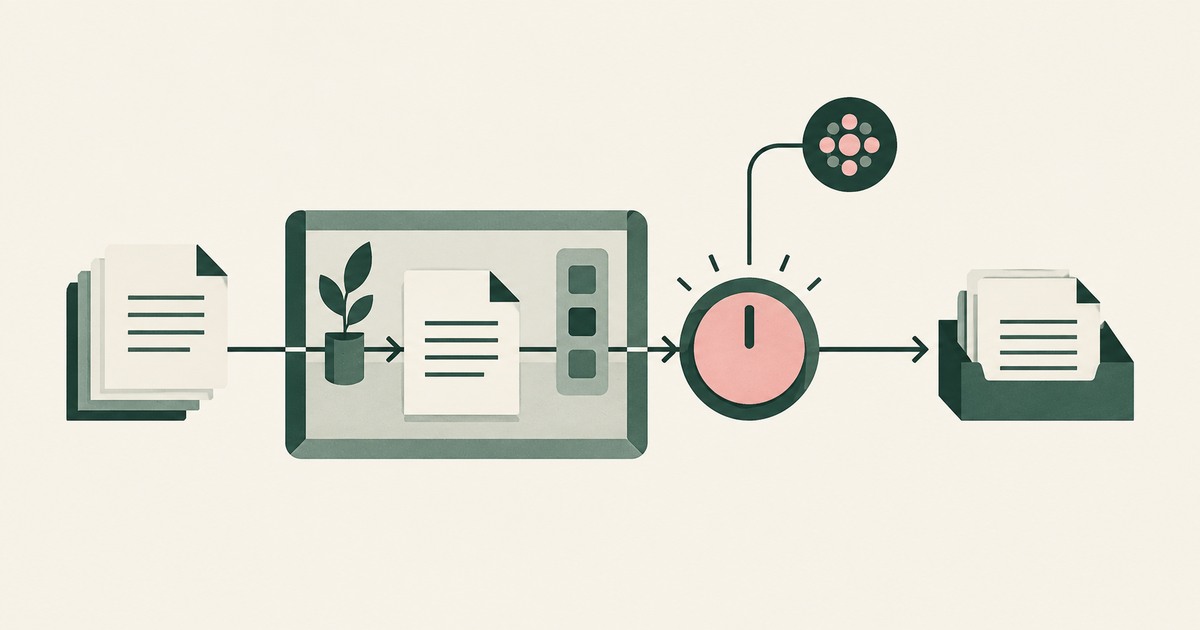
What Is Supervised Delegation?
Explore supervised delegation for AI agents in billing and claims, with named responsibility, tokenization policies and human approvals.

What Is Least Exposure?
Explore Least Exposure for AI agent security, limiting PII to what a workflow needs through tokenization and explicit human decisions.
What Is a Tethered Agent?
Learn how a tethered AI agent stays tied to a named person, with tokenization, bounded permissions and approval for sensitive payments.

Should the AI Model Vendor Own the Agent Environment?
Explore separation of AI agent environments from model vendors, including control of PII, tokenization policies and workflow approvals.
Accountable AI and Workflow Governance
Explore AI agent governance for billing and claims, with named supervisors, data masking, approval boundaries and a useful audit record.
Bring your hardest questions.
Bring one sensitive workflow and the decisions your team needs to keep in its hands.
Book a demoAbout the author

Chris Sowa is a founder of RedactSure and a former CEO of an AI company; he started it years before ChatGPT existed. He previously led AI at Accenture, served as Global VP of Strategy & Innovation at Schneider Electric, was CCO of Sovos, and spent more than a decade at Oracle, with earlier roles at SAP and IBM.