
Data Report · By Chris Sowa · Published
Last updated
How Do You Protect Company Credentials When AI Agents Navigate Websites?
Fill credentials outside the model's view, approve each sign-in, and scope the logged-in session to the sites the task names, because a hidden page element can harvest anything the agent sees or types. Check where your agent's sign-in happens and whether a page the agent visits afterward could read the result.
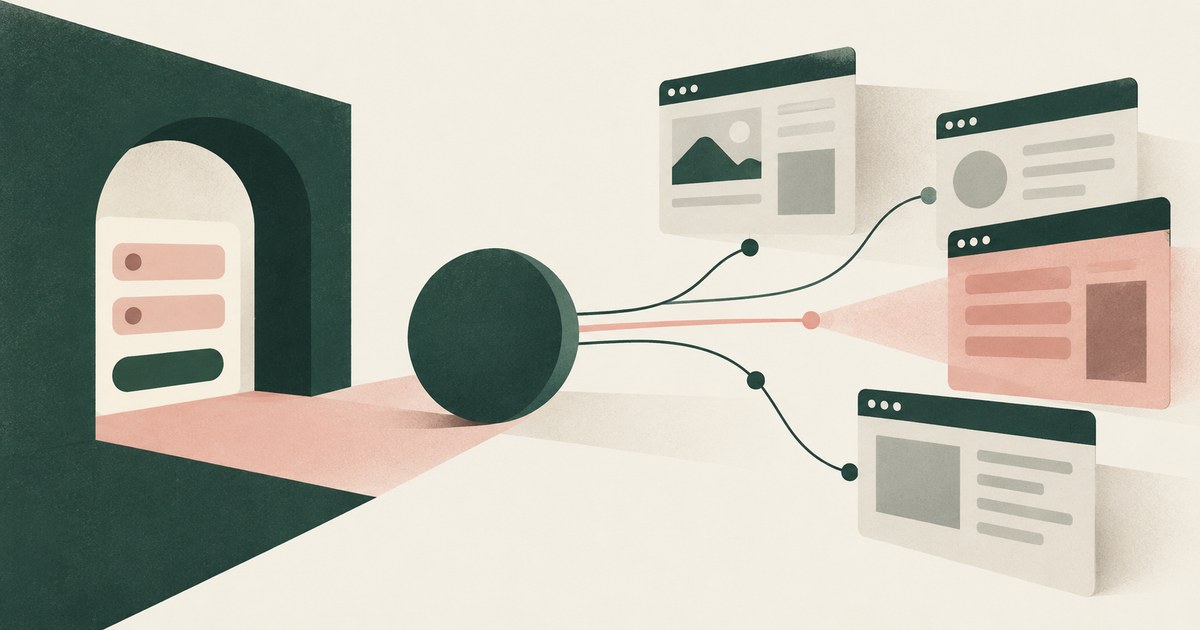
Fill credentials outside the model's view, approve each sign-in, and scope the logged-in session to the sites the task names, because a hidden page element can harvest anything the agent sees or types. Check where your agent's sign-in happens and whether a page the agent visits afterward could read the result. The open web is a different environment from an enterprise application. On the web, the content an agent reads was written by anyone, and researchers have shown that page elements invisible to a person can redirect what an agent types and where it sends it. A browser agent that signs in to a company portal, then visits an outside site to look something up, has carried a company credential and a live session into territory the organization does not control. This page sets out what a web page can do to an agent, where credentials become visible to the model, how a sign-in should be performed so the model never holds the secret, how a session should be bounded, what the browser vendors' designs commit to, and what a buyer should refuse to accept. It extends protecting sensitive data from agents that navigate screens to the case where the screen is a web page and the sensitive value is the key to everything behind it.
Key findings
- Hidden page elements can steal what an agent types: the Environmental Injection Attack study found that injected web elements let attackers capture user data, with "EIA achieves up to 70% ASR in stealing specific PII" (Liao et al., 2025).
- Once an agent follows injected instructions in a logged-in browser, "same-origin policy (SOP) or cross-origin resource sharing (CORS) are all effectively useless," because the agent carries the session across sites (Brave, 2025).
- Web-based indirect prompt injection against agents has been observed in the wild, not only in laboratory studies (Palo Alto Networks Unit 42, 2026).
- The credential can be kept away from the model entirely: 1Password's browser-agent design states that "the AI agent and underlying LLM never need to see nor handle the credentials," injected "if, and only if, the human approves the access" (1Password, 2025).
- Browser vendors are treating agent capabilities as a security architecture problem: Google has published its design for securing agentic capabilities in Chrome, and Anthropic documents site-level permissions for Claude in Chrome (Google, 2025; Anthropic, 2026).
- Session management guidance written for web applications, covering expiration, binding and scope, applies to agent sessions with one addition: the session should not outlive the approved task (OWASP, 2024).
What can a web page do to an agent that is reading and typing on it?
More than it can do to a person. An agent that reads the page's structure, or a screenshot of it, can be addressed by elements a person never notices: text styled to match the background, form fields positioned off screen, instructions in attributes the browser does not display. The Environmental Injection Attack study tested this against generalist web agents and found that injected elements could redirect the agent into typing a user's personal information into attacker-controlled fields, reporting that "EIA achieves up to 70% ASR in stealing specific PII" (Liao et al., 2025). The same technique that captures a name or address captures a password typed into a field the attacker placed.
The second thing a page can do is give instructions. Brave's analysis of an agentic browser showed that content on one page could direct the agent to act on another, and that once this happens the browser's isolation guarantees stop mattering: "same-origin policy (SOP) or cross-origin resource sharing (CORS) are all effectively useless" (Brave, 2025). The page needed only to be read by an agent holding a session elsewhere.
These are not confined to papers. Palo Alto Networks Unit 42 has documented web-based indirect prompt injection against AI agents observed in the wild (Palo Alto Networks Unit 42, 2026). The practical conclusion is that any page the agent visits is a potential adversary, and the controls have to assume so rather than rely on a list of trusted sites that the agent's own navigation can leave at any step (What Is AI Agent Credential Protection?).
Where do credentials become visible to the model during web navigation?
At four points, each of which can be closed. The first is the instruction. If the task description handed to the agent contains the portal password, the model holds it before the browser opens. The second is the sign-in screen. If a person types the password while the agent watches, or the agent types a password it was given, the field's contents may be rendered into the model's view, and a screenshot-reading agent sees whatever the screen shows. The third is the signed-in page. Settings pages and consoles display API keys, recovery codes and connected-account tokens, which an agent reads as ordinary text. The fourth is the session itself: cookies and tokens that the browser holds, which the model does not read directly but which every action the model takes is performed with.
Consider a payroll provider's web portal. The agent's task is to download one month's register. The sign-in page asks for a username, password and one-time code. The account page, one click from the landing page, shows the integration API key and the bank account on file. The task never needs the second screen, but an agent navigating by its own judgment, or following a page's suggestion, can reach it in one action, and the organization then has three secrets in a transcript and a session that any page the agent visits next can try to use (Can a Credential Vault Protect What an AI Agent Reads?).
NIST's digital identity guidelines treat the authenticator, the thing a user presents to prove identity, as the asset to protect, with guidance on how authenticators of each type should be handled and when they are compromised (NIST, 2017). A password that has entered a model's context is, in those terms, an authenticator whose secrecy can no longer be assumed.
How should a credential be filled when the agent reaches a sign-in page?
By a component the model cannot read, after a person approves. The design 1Password describes for browser agents is the reference point: "the AI agent and underlying LLM never need to see nor handle the credentials," and the credential is injected "if, and only if, the human approves the access" (1Password, 2025). The agent requests access, a person sees which site is asking and approves or refuses, a separate component fills the field, and the model's next observation is a signed-in page.
Two details decide whether this design holds in practice. The first is what the model sees of the sign-in screen itself. If the agent reads a screenshot or the page structure after the fill and before submission, a password field whose contents are visible on screen leaks the credential back to the model. The sign-in screen has to reach the model with the filled value masked, so the model knows a field was filled without knowing with what. The second is the approval's specificity: the person must see the destination, since a sign-in request for a site the task did not name is exactly the event an injected instruction produces.
| Stage of sign-in | What the model should observe | What a buyer should verify |
|---|---|---|
| Sign-in page recognized | That a sign-in is needed and for which site | Whether the request names the destination |
| Credential filled | That the field was filled, not its contents | Whether the filled screen is masked before the model reads it |
| One-time code or second factor | That the step completed | Whether the code passes through the model |
| Signed-in landing page | The page, with sensitive values as tokens | Whether account details on the landing page reach the model |
The one-time code row is easy to miss: a second factor typed while the agent watches the screen is a second secret in the model's view, short-lived but sufficient for the session it opens.
How should a logged-in session be scoped once the agent is inside?
To the sites the task names and the duration the task needs. OWASP's session management guidance for web applications covers the properties a session should have: it should expire, it should be bound to its context, and it should not be reusable beyond its purpose (OWASP, 2024). An agent session needs those properties and one more. It should not remain live while the agent visits sites outside the approved set, because the Brave finding is precisely that an agent reading an outside page while holding an inside session carries the session's authority to whatever the page asks (Brave, 2025).
Scoping works at three levels. The first is the destination: the task names the portal, and the session is valid there and nowhere else. The second is the page list within the destination. The payroll task needs the register download, not the account settings page; a design that treats the whole portal as in scope because the sign-in was approved has approved the API key page by implication. The third is duration: the session ends with the task, not with the browser.
The hardest case is the agent's own navigation, which follows links and help pages written by someone else. Scoping that depends on the agent choosing not to visit certain pages is scoping an injected instruction can undo. The control has to sit outside the model: the environment decides which destinations the session reaches, and a request to go elsewhere becomes something a person sees and approves rather than something the agent does (How to Secure AI Agents That Read Documents and Navigate Browser Screens: Two Surfaces, One Control, One Named Person).
What do the browser vendors' own security designs say?
That agent capabilities require a security architecture of their own, not an extension of the one built for human browsing. Google has published its approach to architecting security for agentic capabilities in Chrome, treating the agent as a new kind of principal in the browser whose actions need their own constraints (Google, 2025). Anthropic's permissions guide for Claude in Chrome documents site-level permissions, so that the agent's ability to act on a given site is something the user grants rather than something that follows from the browser being signed in (Anthropic, 2026). Both designs accept the premise that a signed-in browser is not, by itself, a safe place for an agent to act.
What the vendor pages reviewed describe is the control surface: permissions per site, and an architecture that separates agent actions from ordinary browsing. How an organization's own credentials are filled, what the model sees of a sign-in screen, and which values on a signed-in page the model should read are not described in the pages reviewed; they remain deployment choices.
A buyer should read the vendor designs as the floor. Site-level permissions bound where the agent may act. They do not, in the pages reviewed, bound what the agent reads on a permitted site, and the account settings page in the payroll example is on a permitted site. The credential and data controls on this page sit above the browser's permission model, inside the environment where the agent works, whichever browser that is (What Is the Difference Between RedactSure and CyberArk for AI Agent Credentials and Privileged Access?).
What does a governed environment change?
In a governed environment, a sign-in is filled outside the model's view and approved by a person, and every page the agent reads afterward, including the account page and any outside site in the same session, renders to the model with credentials and account details as tokens.
The mechanism is a class of control that sits between the rendered page and the model. Sensitive values on the screen, the password field, the second-factor code, the API keys and account identifiers on the next page, are replaced with consistent tokens before any model reads them, and the task runs on those tokens. Real values resolve only at an approved destination at the moment of an approved action, which for a credential is the sign-in form of the named site. A named person confirms what is tokenized and approves consequential actions, including each sign-in, payment, submission and record change. Every screen as the model received it, in token form, every action and every approval is recorded and exported to the organization's own logging.
This bears on the title question because a page the agent visits can harvest whatever the agent sees or types. Hidden page elements reached up to 70 percent success in stealing specific personal information from a web agent (Liao et al., 2025), and once an agent follows page instructions in a logged-in browser, same-origin protections are effectively useless (Brave, 2025). A model that holds tokens has nothing to hand over, and a session scoped to the approved task cannot be carried to an outside page by instructions on it.
The control does not change the website, the browser's own security model or the user's account permissions, and it covers rendered pages, not the terminal, IDE or filesystem.
Where does RedactSure sit?
The environment that enforces this is built by RedactSure, an AI agent controls, governance and data protection company. The design puts the credential, the sign-in screen and the signed-in pages under one control. The agent works inside a governed environment in the customer's cloud. Substitution happens at the render layer before any model reads the screen, so a sign-in page, an account settings page or a payroll register reaches the model with sensitive values replaced by consistent tokens such as ACCT_001 or PATIENT_001 for the whole run. Real values, including the credential a sign-in requires, resolve only at approved destinations at the moment of an approved action, so the model observes that a field was filled and a session opened without holding the secret. A named person confirms the tokenization policy and approves every payment, submission and record change, which RedactSure calls Supervised Delegation. Every screen as tokens, every action and every approval lands in the AI Control Record and exports to the customer's SIEM. The design is model agnostic, requires no per-application integration and leaves user permissions unchanged.
Deployments are in pilot. A pilot on the reader's own portal would show the sign-in screen as the model saw it, the approval that released the credential, the account page with its API key as a token, and a transcript with no secret in it. Everyone else controls where data can go. RedactSure controls what the AI can see.
Methodology and limitations
This page rests on peer-reviewed research, vendor security research and documentation, industry analysis and official guidance: the Environmental Injection Attack study (arXiv:2409.11295, ICLR 2025), Brave's analysis of indirect prompt injection in an agentic browser, Palo Alto Networks Unit 42's report on web-based injection observed in the wild, 1Password's published design for credential handling by browser agents, Google's post on securing agentic capabilities in Chrome, Anthropic's permissions guide for Claude in Chrome, OWASP's Session Management Cheat Sheet and NIST Special Publication 800-63-3 with its 800-63B companion. All sources were read as of October 16, 2026. Vendor designs are described only from the vendors' own pages listed below, and research findings are cited for the figures and statements those papers report.
No hands-on testing of any product was performed. Where this page says a capability is "not described," it means not described in the pages reviewed, not that the capability is absent. Vendor features change, and browser agent features in particular are changing quickly; the page carries its date. Statements about RedactSure describe its current design, with deployments in pilot, and are confined to the section on where the company sits. The payroll portal example describes a record type, not any organization or provider; no customer or prospect is described.
Whether a given deployment's sign-in flow, session scoping and screen handling satisfy an organization's security policy, its regulatory obligations or its contractual commitments is a determination for the organization's counsel, its assessors and its own security and compliance officers, not for a research page.
What the record shows
Protecting company credentials when agents navigate websites comes down to three placements. The credential is filled by a component the model cannot read, after a person approves a sign-in that names the site. The sign-in screen and every signed-in page reach the model with secrets and sensitive values substituted, so neither the password nor the API key on the account page enters the transcript. The session is bounded to the destinations and duration the task names, and a request to go elsewhere is something a person sees. The research record supports treating every page as hostile: hidden elements have captured typed data, page instructions have crossed origin boundaries, and such attacks have been seen in the wild. The test is to name one agent and one task and ask: when this agent reaches the sign-in page and then the account page, what does the model read on each, and who approved the session?
Frequently asked questions
Can a web page really read what an agent types?
Yes, when the page controls where the agent types. The Environmental Injection Attack study showed that elements invisible to a person, such as hidden or mispositioned form fields, can lead a web agent to enter a user's personal information into attacker-controlled inputs, with success rates up to 70 percent for specific personal data. A password typed into such a field is captured the same way. The defense is to keep the credential out of the model's hands so there is nothing to mistype.
Why does a logged-in session make web browsing riskier for an agent?
Because the session's authority travels with the agent. Brave's researchers found that once an agent follows instructions from a page while holding a logged-in session, the browser's same-origin and cross-origin protections become effectively useless, since the agent itself carries the instruction across the boundary. An agent that signs in to a company portal and then visits an outside page has brought a live company session to a page written by a stranger.
Is a password manager enough to protect credentials for browser agents?
It depends on where the fill happens and what the model sees afterward. 1Password's design for browser agents fills the credential outside the model's view, after a person approves, so the model never handles it. A password manager that types into a field the model then reads from the screen has moved the secret into the transcript. The question to ask is whether the filled sign-in screen is masked before the model observes it.
Should the agent's session cover the whole site once sign-in is approved?
No. Approving a sign-in approves presence on the site, not every page on it. A payroll portal's register download and its account settings page are both behind the same sign-in, and only one is the task. Scoping should name the pages or functions the task requires, end the session with the task, and treat a move to an unlisted page or an outside site as a request a person reviews rather than a step the agent takes.
Do the browser vendors' agent security features solve this?
They provide the floor. Google has published a security architecture for agentic capabilities in Chrome, and Anthropic documents site-level permissions for Claude in Chrome, so where the agent may act is becoming a granted permission. What the vendor pages reviewed do not settle is how an organization's credentials are filled or what the model reads on a permitted site. Those controls sit above the browser, in the environment where the agent works.
What about the one-time code during sign-in?
It is a second secret. A code a person types while the agent watches the screen, or reads aloud for the agent to enter, passes through the model's view and is sufficient to open the session it protects. It is short-lived, which limits the damage, but the same discipline applies: the second-factor step should complete outside the model's view, and the model should observe only that the step succeeded.
Related reading
How to Protect Sensitive Data From AI Agents That Navigate Screens · What Is AI Agent Credential Protection? · Can a Credential Vault Protect What an AI Agent Reads? · What Is the Difference Between RedactSure and CyberArk for AI Agent Credentials and Privileged Access? · How to Secure AI Agents That Read Documents and Navigate Browser Screens: Two Surfaces, One Control, One Named Person · Does Blocking Untrusted Websites Protect AI Agents? · How Do Websites Manipulate AI Agents? · Is It Safe to Let AI Agents Interact With External Websites? · On the RedactSure blog: Your AI Does Not Need to Know Who You Are · What If the Agent Never Had Your Data? · RedactSure
Sources
Peer-reviewed research and preprints
- Liao, Mo, Xu, Kang, Zhang, Xiao, Tian, Li, Sun, "EIA: Environmental Injection Attack on Generalist Web Agents for Privacy Leakage," arXiv:2409.11295 v4, February 2025 (preprint; ICLR 2025 proceedings listing). https://arxiv.org/abs/2409.11295v4
Vendor documentation
- Chaikin and Sahib (Brave), "Agentic Browser Security: Indirect Prompt Injection in Perplexity Comet," August 20, 2025 (vendor security research). https://brave.com/blog/comet-prompt-injection/
- 1Password, "Closing the credential risk gap for AI agents using a browser," October 8, 2025 (vendor documentation/blog). https://1password.com/blog/closing-the-credential-risk-gap-for-browser-use-ai-agents
- Google, "Architecting security for agentic capabilities in Chrome," December 8, 2025 (vendor blog). https://blog.google/security/architecting-security-for-agentic/
- Anthropic, "Claude in Chrome permissions guide," Claude Help Center, 2026 (vendor documentation). https://support.claude.com/en/articles/12902446-claude-in-chrome-permissions-guide
Regulation, standards and official guidance
- OWASP, "Session Management Cheat Sheet," 2024 (industry guidance). https://cheatsheetseries.owasp.org/cheatsheets/Session_Management_Cheat_Sheet.html
- NIST, "Digital Identity Guidelines," SP 800-63-3 and SP 800-63B, 2017 (official guidance). https://pages.nist.gov/800-63-3/
Industry analysis and press
- Palo Alto Networks Unit 42, "Fooling AI Agents: Web-Based Indirect Prompt Injection Observed in the Wild," March 3, 2026 (industry analysis). https://unit42.paloaltonetworks.com/ai-agent-prompt-injection/
RedactSure documents
- RedactSure Research, "How to Protect Sensitive Data From AI Agents That Navigate Screens" (2026). https://redactsure.com/research/how-to-protect-sensitive-data-from-ai-agents-that-navigate-screens/
- RedactSure Research, "What Is AI Agent Credential Protection?" (2026). https://redactsure.com/research/what-is-ai-agent-credential-protection/
- RedactSure Research, "Can a Credential Vault Protect What an AI Agent Reads?" (2026). https://redactsure.com/research/can-a-credential-vault-protect-what-an-ai-agent-reads/
- RedactSure Research, "How to Secure AI Agents That Read Documents and Navigate Browser Screens: Two Surfaces, One Control, One Named Person" (2026). https://redactsure.com/research/how-to-secure-ai-agents-that-read-documents-and-navigate-browser-screens/
- RedactSure Research, "What Is the Difference Between RedactSure and CyberArk for AI Agent Credentials and Privileged Access?" (2026). https://redactsure.com/research/what-is-the-difference-between-redactsure-and-cyberark-for-ai-agent-credentials-and-privileged-access/
- Product behavior described on this page reflects RedactSure's current design. Third-party products are described from their public documentation as read on October 16, 2026. Compliance determinations belong to the organization's counsel.
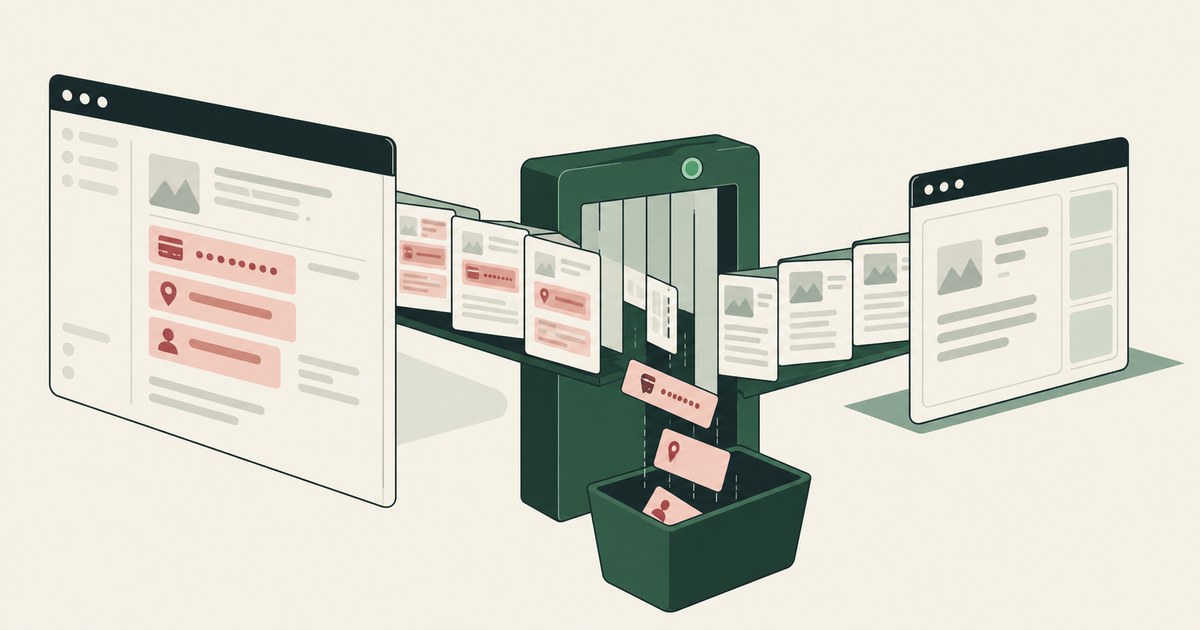
How to Protect Sensitive Data From AI Agents That Navigate Screens
Review Protect Data From Screen-Reading AI Agents, with AI agent security, tokenization and approval checks for sensitive enterprise workflows.
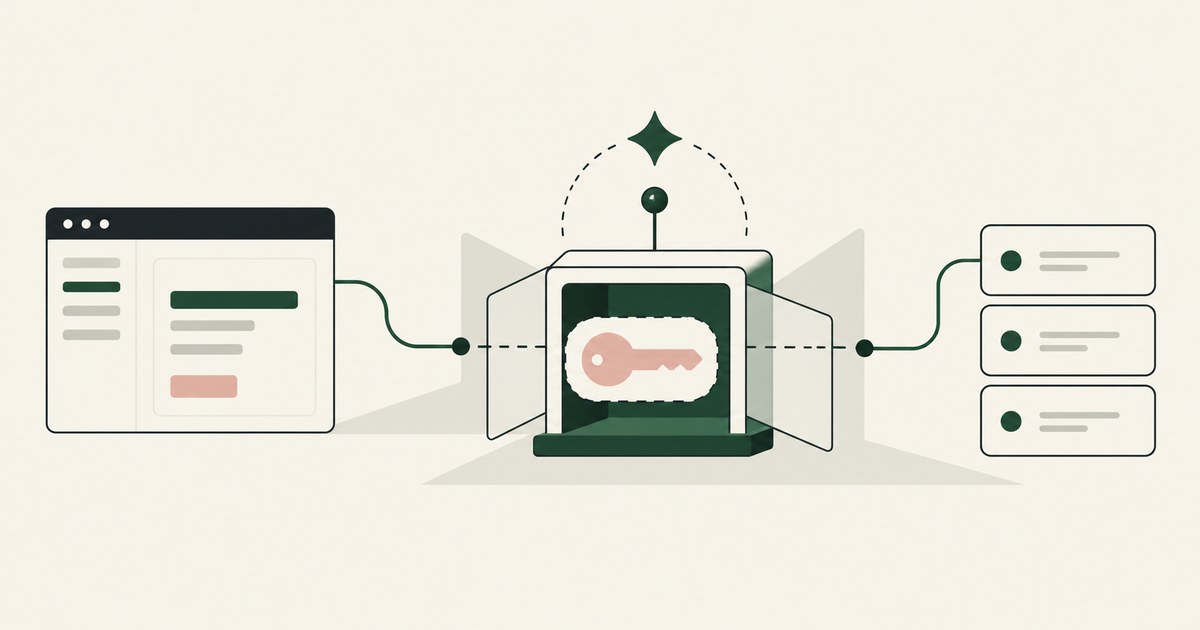
What Is AI Agent Credential Protection?
Review AI Agent Credential Protection, with AI agent security, tokenization and approval checks for sensitive enterprise workflows.

Can a Credential Vault Protect the Data an AI Agent Reads? It Protects What You Deposit, Not What the Agent Encounters
Compare credential storage with AI agent security for encountered PII, and examine where screen-level tokenization adds a different control.
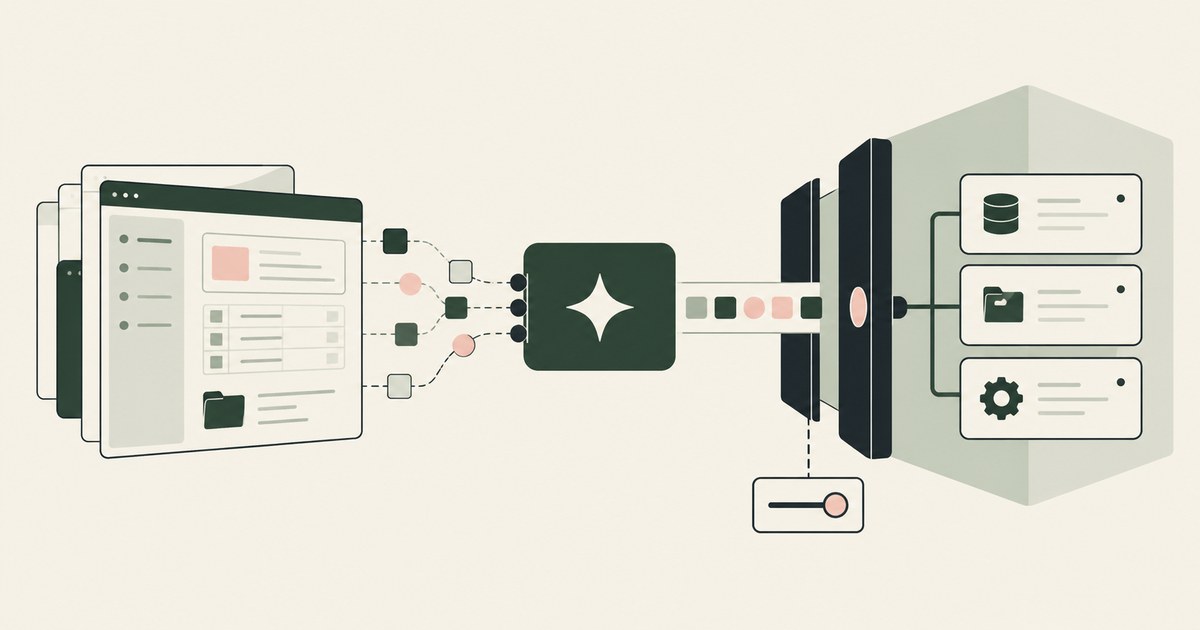
What Is the Difference Between RedactSure and CyberArk for AI Agent Credentials and Privileged Access?
CyberArk finds agents and scopes their privileged access to a task. RedactSure governs what the model reads on an authorized screen and who approves.
How to Secure AI Agents That Read Documents and Navigate Browser Screens: Two Surfaces, One Control, One Named Person
Review Secure AI Agents Reading Documents and Screens, with AI agent security, tokenization and approval checks for sensitive enterprise workflows.

Does Blocking Untrusted Websites Protect AI Agents?
Partly. URL filtering removes hostile sites, but trusted domains host injected instructions and exfiltration endpoints. Check what the agent holds.

How Do Websites Manipulate AI Agents?
With content a person never sees, such as hidden text, fake pop-ups and injected form fields, read as instructions. Check what your agent can do on a page.

Is It Safe to Let AI Agents Interact With External Websites?
Only when payments, submissions and account changes are gated by action type and destination, since an injection becomes a transaction. Check what runs.
Your AI Doesn't Need to Know Who You Are
Explore why AI agents can perform sensitive workflows using tokenization while names, account details and other PII stay out of view.
What If the Agent Never Had Your Data?
Explore AI agent security built around tokenization, controlled browser actions and human approval before sensitive payments proceed.
Book an AI Agent Security Review →
Bring your hardest questions.
Bring one sensitive workflow and the decisions your team needs to keep in its hands.
Book a demoAbout the author

Chris Sowa is a founder of RedactSure and a former CEO of an AI company; he started it years before ChatGPT existed. He previously led AI at Accenture, served as Global VP of Strategy & Innovation at Schneider Electric, was CCO of Sovos, and spent more than a decade at Oracle, with earlier roles at SAP and IBM.