
Should an AI Agent Use the Employee's Own Browser?
Compare AI agent browser access, PII exposure and tokenization when employees work with claims, patient accounts or student records.
 redactsure
Research topic
Research on browser agents for AI agent workflows, with tokenization, access controls and evidence for teams handling sensitive business data.
Compare AI agent browser access, PII exposure and tokenization when employees work with claims, patient accounts or student records.
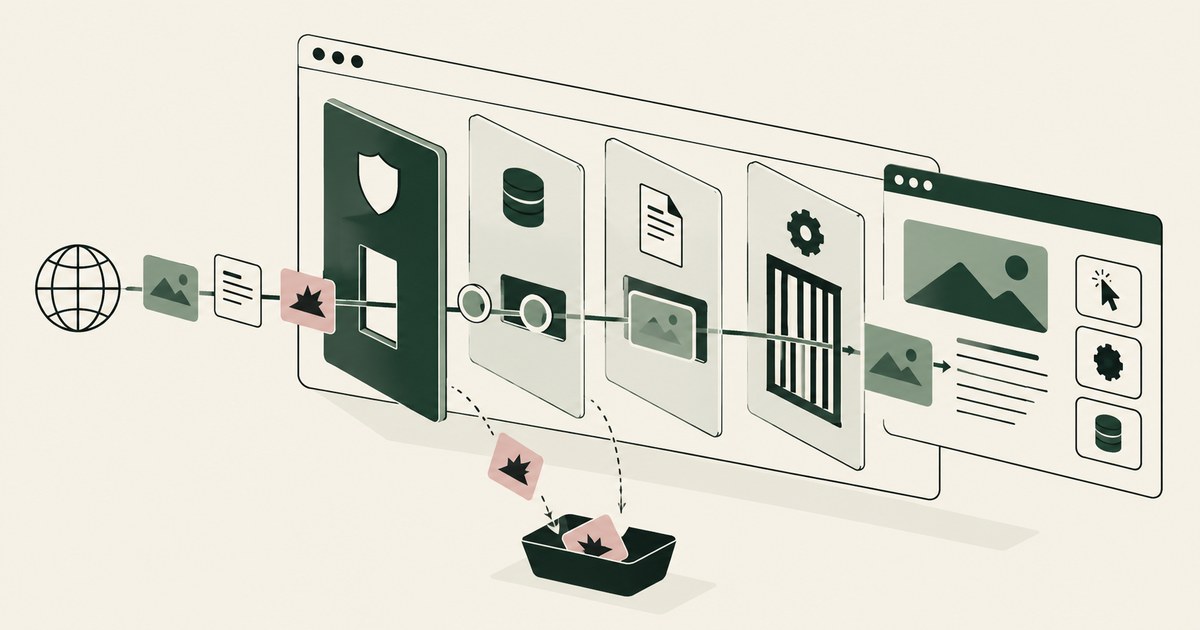
Review Browser-Based AI Agent Security, with AI agent security, tokenization and approval checks for sensitive enterprise workflows.
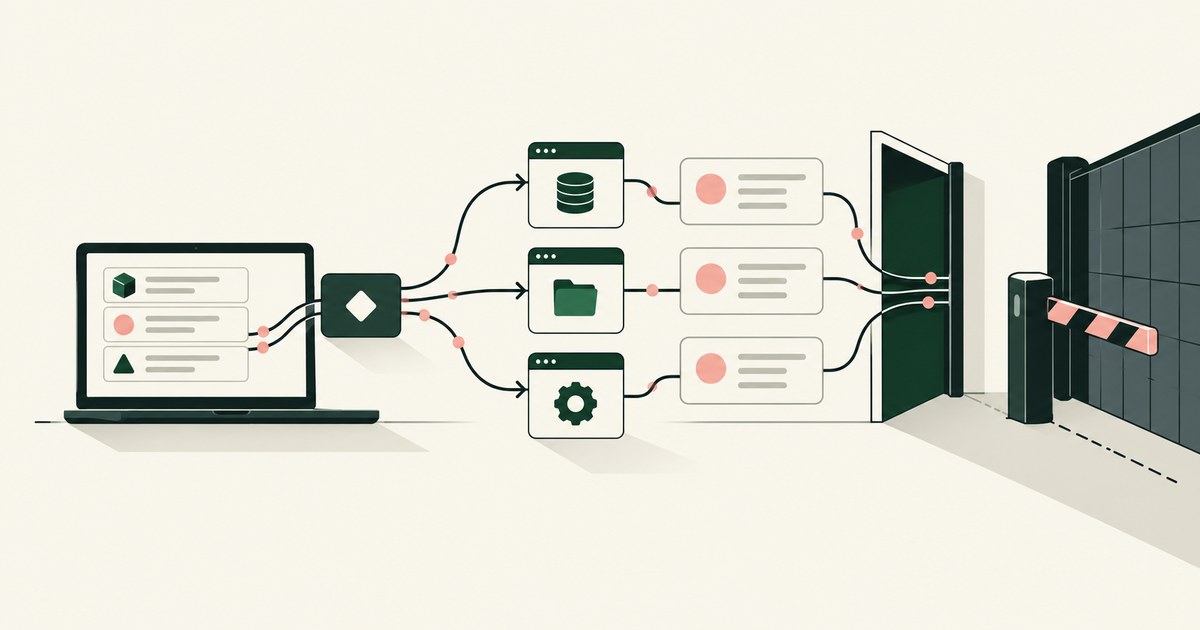
Review a Shadow AI Agent for AI agent security, with practical checks on sensitive data, tokenization and named human approvals.

Often, yes. An agent reads page text and its task as one stream, and benchmarks show planted instructions succeed. Check what it can do when fooled.
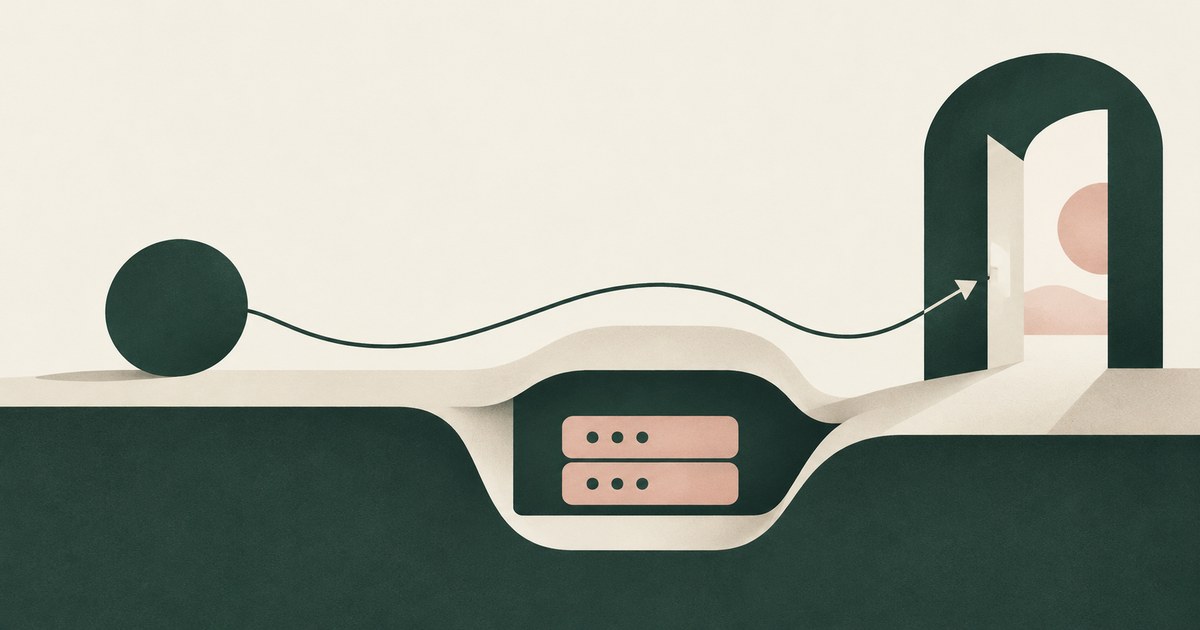
No. A credential can be filled at the destination after a person approves the sign-in, so the model never holds it. Check where it becomes readable.

Yes, when it works through the screen: computer-use agents perceive the whole rendered page, sidebars and tabs included. Check what else was visible.
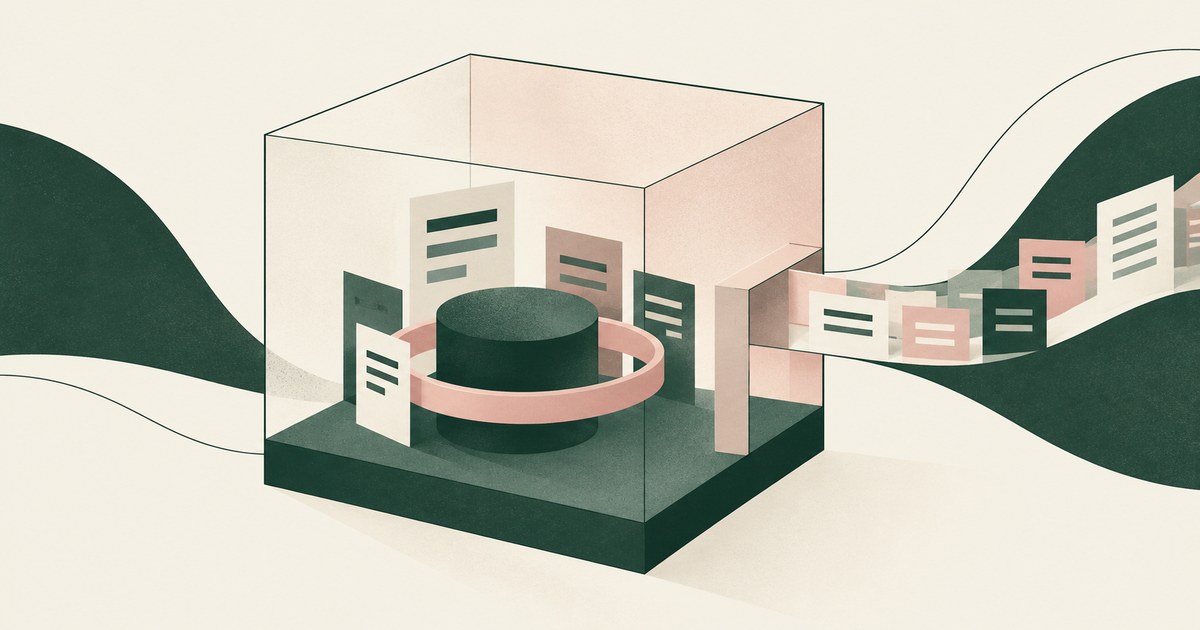
It protects the machine, not the data. Once the agent signs into a real application, the records are inside the sandbox too. Check what the model reads.

With content a person never sees, such as hidden text, fake pop-ups and injected form fields, read as instructions. Check what your agent can do on a page.

Not through per-app integrations, which never reach the long tail of SaaS and legacy systems; control the browser layer. Check what governs the rest.
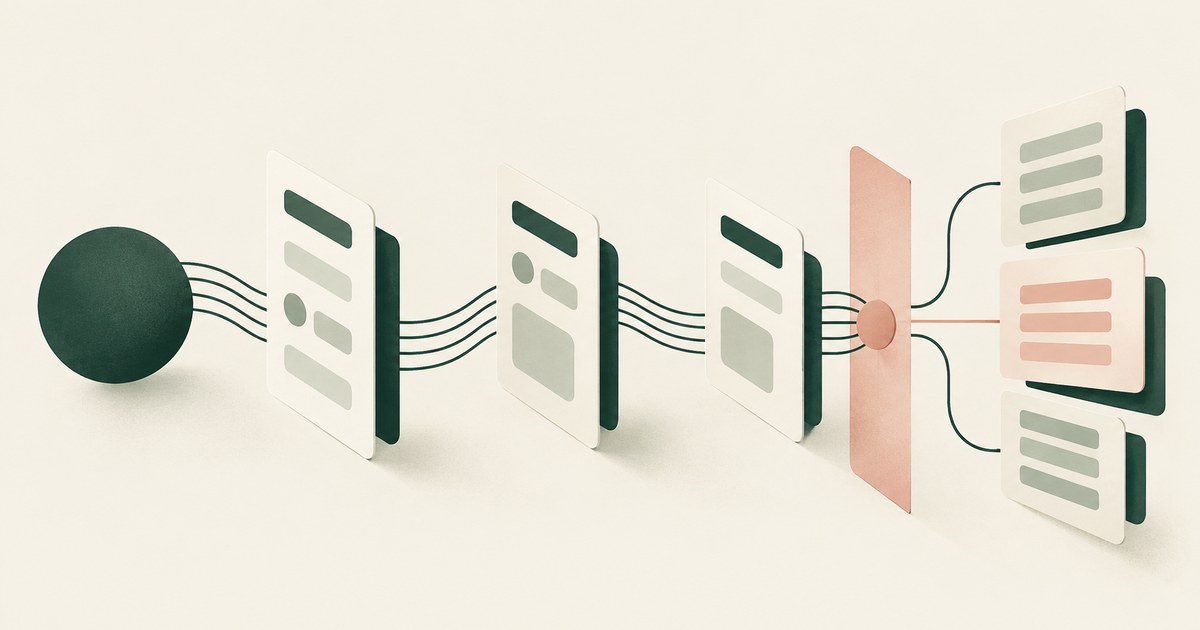
Separate workflow access, meaning navigating and filling fields, from access to screen values, granted at approved destinations. Check what a platform has.
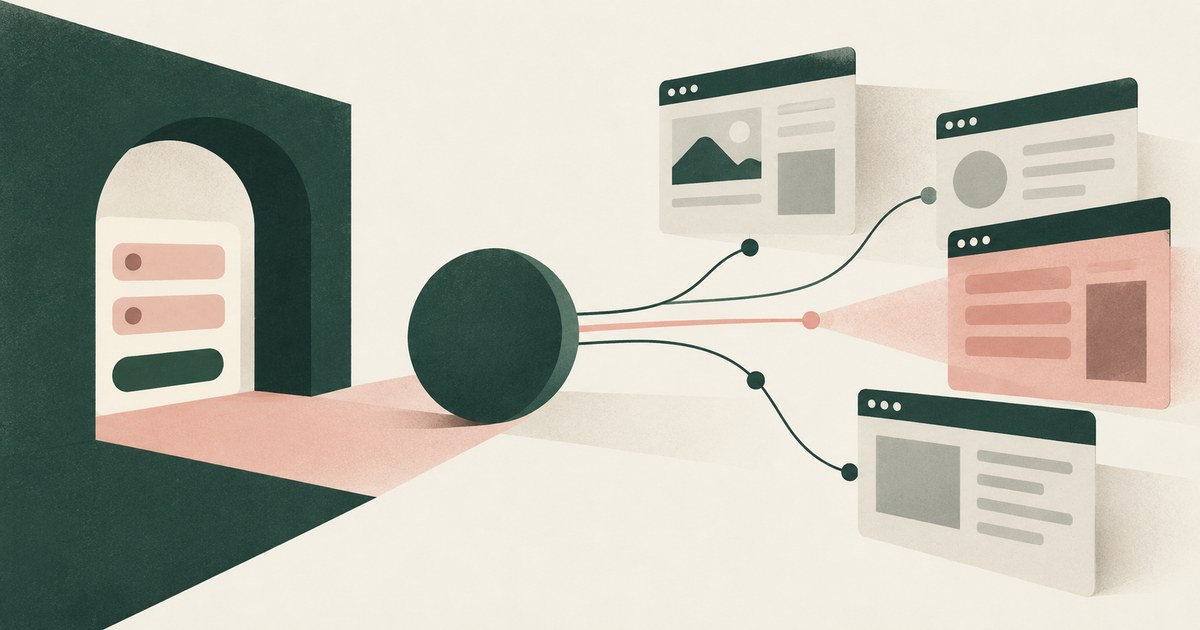
Fill credentials outside the model's view, approve each sign-in and scope the session to named sites, since hidden elements harvest input. Check sign-in.
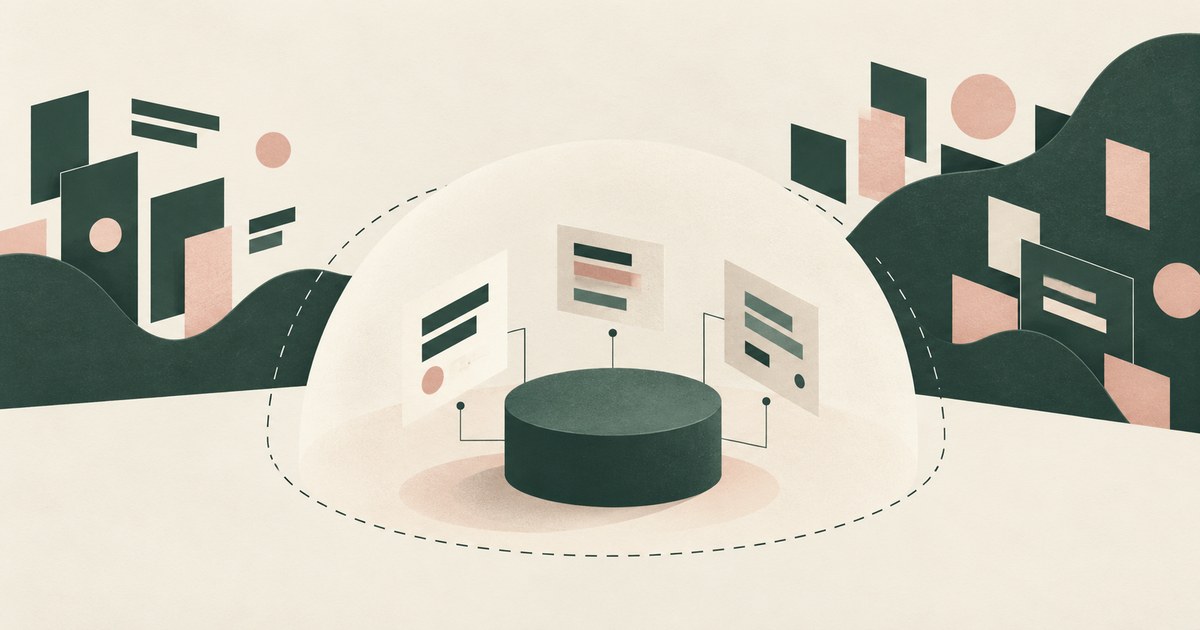
It shrinks the blast radius: an agent holding only what a task requires does less damage when tricked. Check whether it reaches the fields the model sees.

Only when payments, submissions and account changes are gated by action type and destination, since an injection becomes a transaction. Check what runs.
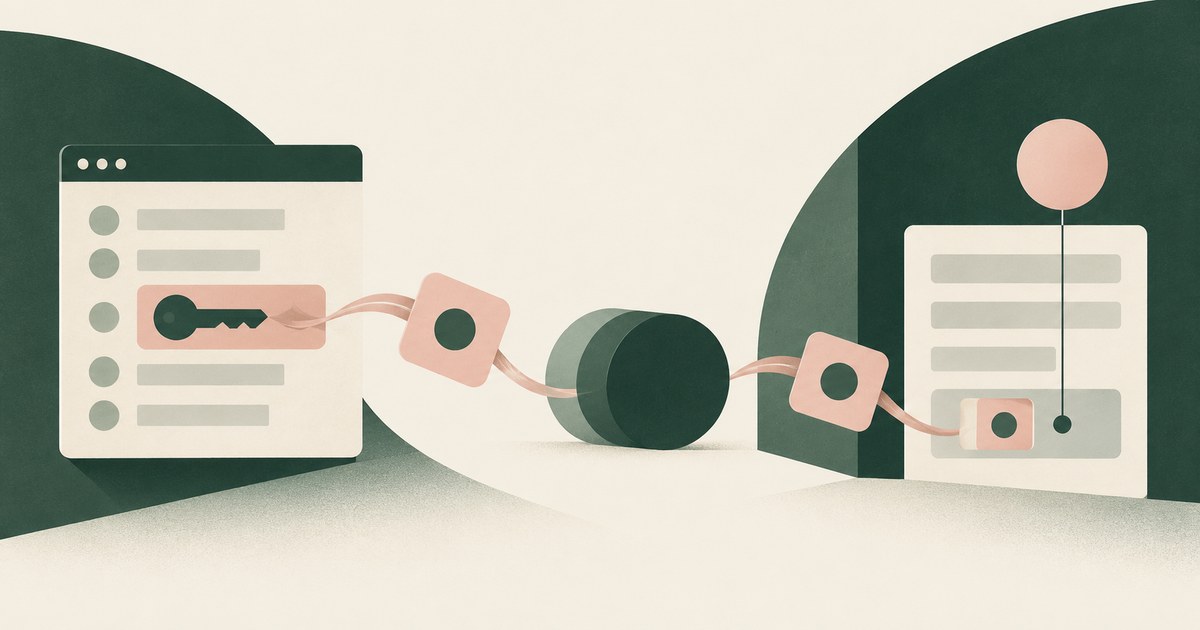
Yes: an injected instruction to paste what the agent just read is the simplest exfiltration. Vendor controls govern typing, not what the model was shown.
Yes, on every step: the rendered page is the prompt, so whatever the customer record shows, the model receives. Check what each screen passes to the model.
Yes, through placeholder substitution at fill time, which Browser Use and Skyvern document. The gap is the next page, where the typed value can reappear.
Yes, when a password manager or the framework fills the one-time code outside the model. Check the session it opens and who approves actions.
Yes: the console renders the new key and the agent reads the page. Only a control acting at render time keeps a displayed key from the model.
An agent attached to your browser profile uses your session cookies, and a script tool can read any cookie not marked HttpOnly.
If the agent types the password, yes. The exception is a password manager that fills the field outside the agent's view, as 1Password documents for agents.
Yes, if the agent builds against test keys and a live key never enters the model's context. A live secret key is shown once at creation;
Not with any control in the vendor pages reviewed: rotation prints the new key on the page the agent reads. Ask if it is captured as it renders.
Yes, if a credential manager generates and fills the password outside the agent's view. Check what the agent reads after signup:
Yes, when the card number is entered where the agent cannot read it: a person completes the step, the environment submits it, or the model sees CARD_001.
Yes: a browser agent can act on text a person never sees, and researchers have shown hidden instructions that screenshot-reading agents followed.
Often yes: an extension agent such as Claude in Chrome works inside the browser you are signed into. Launch agents in a fresh, narrow profile.
No, not when placeholders are consistent: an agent shown ACCT_001 on every page can correlate it and finish. Losses come from inconsistent placeholders.
With a browser control that recognizes the credential as the page renders, encrypts it to a key the agent lacks and substitutes a token in the view.
With two settings: a domain allowlist that bounds navigation and a destination policy that bounds where a real value is released.
Only by changing what the browser renders to the agent: a render-layer control detects the token as it appears, stores it and shows a reference.
Safer than typing them, when a password manager fills the field on a person's approval, because the password never reaches the model.
Reading the docs is safe; the open GitHub session in the same profile is not, because a docs page can tell the agent to use it.
Everything the console renders for its role: access key IDs, a newly created credential on the IAM page, Secrets Manager values once opened.
Tokens, page text the policy left in the clear, and the fact of the action, but not the values behind them. Check which fields are tokenized.
Reading a page and sending from it are different acts, and an injected instruction works through the second. Separate submission approval closes it.
No. A card number on a checkout page ChatGPT Work reads passes to the model and sits inside the cardholder data flow whatever plan the company bought, so ask where the number is replaced before the model sees it, who approves the payment, and what record of the screen survives the 30-day log.
No, not on a screen that shows a patient record: the confirmation Google documents is written for a purchase or a send, not a patient chart, and the help page describes no business associate agreement. Staff can use it on portal tasks that carry no patient identifiers, and the check is what the model receives from the rendered screen.
Where Meta Muse holds a session, it holds the page: on a connected business account it reads the connected assets, the people with access and the payout details the account screen renders, even though Meta's pages say it cannot see stored passwords or payment methods. Ask what the model receives on each account page before you connect another one.
No, not the credential the agent uses. Island's AI browser redacts sensitive data before it reaches a provider and masks PII in prompts, a filter on what leaves the browser, while its pages describe no credential kept out of the agent's hands; check what the model receives on the screen and who approves the action.
No: Anthropic's page places the screenshot in the customer's environment ("Captured and stored in your environment, not by Anthropic"), while the request carrying the image is retained under the API terms unless the account has zero data retention, and the image reaches the model on every request. Check where the harness writes the frame and how long it stays.
No, not the page: a fill step can keep the login out of the agent's context, and the authenticated page the agent opens next, with any token the account renders there, reaches its model like any other page. Ask what the model receives after the sign-in, not only during it.
No; Docker Sandboxes isolates the process and its network and keeps the real credential on the host, while the model still receives whatever the portal renders on the screen the agent drives. Ask what the model is shown on a page, and who approves the action that follows.
Not completely. Gemini in Chrome leaves a work log in the tab it works in and Google keeps Gemini Apps activity on its own retention terms, but the pages reviewed describe no exported, per-page record of what the agent read, so ask for that export in writing.
No, not the page a browser agent reads: Island's MCP Gateway governs the tool calls routed through it, and a rendered screen never passes through that path. Ask what the model received from the screen, who approved the action and what record names both.
No: the model receives the values the page renders, because MARS cleans the page rather than replacing what it carries, and Claude Code's terminal sits outside the product. Check which of an agent's requests pass through the Menlo Cloud, then what the model is shown on the page that arrives.
Only as far as the account's record goes: Meta says users can review a full audit trail, and its Muse pages reviewed here state no retention period for what a screen showed. Ask what the trail holds, who can open it, and whether the model ever received the values the page rendered.
No: a zero data retention agreement governs what Anthropic keeps after a response, and the tool's own page says Anthropic "processes the screenshot images and action requests in real time as part of the API call" while the request is open. Ask what your request carries before you ask what the vendor stores.
No, not on work accounts whose pages show patient balances, because Anthropic's safety page says whatever is visible in the active tab becomes part of the conversation and recommends a profile without banking or health accounts. The answer changes only with tokens on the rendered screen, a named approver and a record.
No, not on work accounts whose pages carry customer, account or financial data, because Anthropic's own safety page says the extension can't filter sensitive content out of what it sees. It becomes workable only when values are replaced on the screen before the model reads it, a named person approves each action, and a record exists.
No, not on a patient record. Microsoft's list of uses to avoid names "medical records"; the pages reviewed describe no protected health information or business associate agreement; and a privacy officer should ask what the model reads on a patient screen before enabling it.
No, not on work accounts whose pages carry sensitive data: Microsoft says not to use it for "Financial activity (banking, stock trading, credit card details)" or "Personal identifiers (Social Security numbers, government IDs, medical records)". It changes only when values are replaced before the model reads the screen, a named person approves each action, and a record exists.
No, not while the agent reads the real bill, the vendor's bank account and the bank's payment form in your own signed-in session, which is what every browser agent reviewed here does. It is safe only when those screens show placeholders, a named person approves the release, and the real routing number reaches only the bank.
Not for a finance team that has to show what Comet read: Comet pauses for confirmation before the payment, but by then the model has read the QuickBooks bill and the Bank of America screen in your own session. Ask what the model received on each screen and who approved the payment.
No, not for a finance process: Dia sends the invoice page and the vendor's bank details on it to a third-party model, and its page describes no named approver or record for the transfer. A sole proprietor paying one small bill by hand is the case it fits, so ask what the model received before you click.
No, not for a finance process that needs evidence: Gemini reads the invoice, vendor record and bank details in the signed-in tab, and Google leaves the outcome with the person, including unexpected results such as a completed purchase. A watched one-off is not a payment run; ask what the model received and who approved it.
No, not on work accounts whose pages carry sensitive data. Meta's Muse pages describe a personal agent on its own cloud computer that checks before sensitive actions, and they describe no business associate agreement, no retention term for a screen and no field-level masking; ask for all three, and for what the model receives from a patient screen.
Meta Muse stops for a person before a payment, while RedactSure, a Meta Muse alternative for AI agents, tokenizes the screen before any model reads it. RedactSure is an alternative way to think about agent browsing security, because it protects sensitive data as it is rendered on a screen, before an agent uses it.
Microsoft Edge Copilot Mode governs where a browser's actions run, while RedactSure, a Microsoft Edge Copilot Mode alternative built for AI agents, governs what the model reads on the page. RedactSure is an alternative way to think about agent browsing security, because it protects sensitive data as it is rendered on a screen, before an agent uses it.
Alternatives to agentic browsers for paying vendor invoices are judged by what the model reads on the payable page and by who releases the payment. Look for a browser that renders the account and routing values as tokens before the model reads the screen and resolves them only at the bank's submit, with a named person approving it.
A secure alternative to Dia for customer account work keeps every sensitive field on the rendered page out of the model's view, beyond the password field, and releases the real values at the CRM's own save. Ask what the model receives on the account screen, who approves the change and what record the run leaves.
Alternatives to Edge Copilot Actions for vendor portal work are judged by what the model reads on the portal page, not by where the clicks run. Look for values replaced with consistent tokens before the model reads the rendered page, a named person approving each remittance, and a record of both.
The secure alternative to Grok Bot for vendor portal work changes what the model receives: the values a policy names become consistent tokens before the agent reads the portal, and real values resolve only at the approved destination. Ask what the agent reads, who approves a submission and what record the run exports.
Alternatives to Manus for paying vendor invoices are judged by what the model reads on the payable page and by who approves the payment. Look for a per-user environment that renders the account and routing values as tokens, releases the real values only at the bank's submit, and keeps a record of what the model received.
Instructions hidden in images got browser-use agents to follow them in up to 100% of tests, and poisoned tool descriptions worked nearly every time. Attacks tuned to each defense got past most of 12 published defenses, and only 1 of 16 AI agent products publishes an injection rate at all.
Not on case files: Comet reads the page it opens, so a benefits record with a Social Security number and address reaches a consumer assistant whose retention and agency terms are not described. Allow it on public pages, and settle what the model receives, who approves a case action and what record the run leaves.
No. 1Password fills the field outside the model's view, so the password itself never reaches the agent, and what it receives is the page after login, where any part of the credential the site echoes is on screen; check what the site shows once the session opens.
No, not while the agent reads the real inbox, because every parent's message in a teacher's mailbox reaches the model's context and a reply about one child can name another. Ask what the model receives from the rendered inbox, and whether other families' names, addresses and student identifiers reach it as tokens.
No, not while the register renders the roster: an agent sent to fix one pay line reads every salary on the screen. Scope the fix to one employee and one field, with the other rows replaced by tokens before the model reads the page, a named approver on the submit and a record of what it read.
No. NetSuite keeps the vendor's bank account on the vendor record, so an agent that opens the record to finish the setup reads the bank details the page renders; check what the model receives there and whether the values are replaced with tokens before it reads them.
No, not while Workday puts supplier bank account setup and payment editing on screens its payment roles can open, because an agent working them reads what the page renders unless the values are replaced before the model sees them. Ask which fields the agent receives and who approves the release.
No. OpenAI's Dots pages describe an always-on agent that acts on a page, not a control that replaces a vendor's account and routing numbers before the model reads them, so ask what the model receives on each bill screen and who approves the payment.
No. Skyflow resolves a token when a caller its policy has authorized asks the vault to detokenize, so the gate is who may retrieve a value rather than where it goes; ask which submit action releases a real account number, and whose name is beside it.
No. Wiz's own pages describe an agentless inventory of AI services, models and exposure built from cloud provider APIs, and its AI Inventory page says browser-based tools require separate governance, so ask what a tool records about one session and whether a screen is in that record.
Only where a project records: Browser Use's cloud documentation states that "Zero Data Retention (ZDR) projects never record, even when recording is requested," and every other project settles what the file holds. Ask what a payroll recording contains, who can read it and how long it stays.
No. Chrome's own pages say Gemini "can use the context of the currently viewed webpage," so destination policies, the purchase confirmation and the tab's work log govern where the agent goes and what it may do, not what its model reads; ask for tokens rendered on the screen, a named approver and an exported record.
Anthropic keeps the record in the conversation: screenshots of the active tab become part of it, and the side panel session is saved to your history. A team that needs evidence should ask who can export that record, how long it is kept, and what the model received on each screen.
No; a session-scoped credential stays out of the next session and out of the other client's work, and the value still lands on the page the model reads once Devin types it into a field. Ask what the model is shown on a rendered screen, not only what the session can reach.
No, because Microsoft's identity pages describe who may reset or restore a credential and how Purview classifies and audits agent data, not what the agent holds once it signs in. Ask what token the agent carries, which applications accept it, and what its model receives on each screen.
No, not the page a browser agent reads: Netskope's AI Guardrails, DLP and Agent Action Control inspect requests, responses and network traffic, and none of them replaces a value on the page before the model reads it. Ask what the model received from the screen, who approved the action and what record names both.
Not from the pages reviewed: OpenAI says Reset deletes a dot's conversations, saved memories and scheduled tasks, but no dot page states whether images of the pages it reads are stored, or for how long. Treat the session as the container and get the retention term in writing before a dot opens a patient account screen.
Only for the actions Opera has configured, and the privacy statement does not name them: Neon is set "to not complete certain actions without your final approval," and it blocks certain sensitive sites such as banking pages. Ask which step in your workflow falls inside that set, and what the person approving is shown when Neon stops.
No, not by itself: Presidio identifies and de-identifies PII in text an application hands it, and its pages describe no capture of a screen, so a model reading a rendered page still sees the values. Ask what captures the page and runs it through Presidio before the model reads it.
No. Skyflow's pages describe a vault that tokenizes what an application sends it, while a browser agent reads the rendered page of software that was never wired to call it, so check what the model receives on that screen and who approves the release.
Not completely. OpenAI's compliance logs record the conversation and keep it for 30 days, and the admin FAQ says those records "don't establish a complete audit trail" for every browser interaction, tool call or approval, so ask what the log holds for each page before you treat it as evidence.
Only in API traffic: WitnessAI tokenizes prompts, tool calls and model responses on the path its platform inspects, and a page an agent reads on screen does not cross that path. Ask for one screen replayed field by field, then decide whether a traffic control covers the work.
No, not on the screens a browser agent reads: Zscaler's brokers govern the calls an agent makes to MCP and A2A servers, with inline DLP on the transaction, and no page states that a value on a rendered screen is replaced before a model reads it. Ask what the model receives from the page, then what the call carries.
No, not on a real account whose pages carry live customer data. AWS says a password passed through Playwright is still "collected in screenshots by AWS" if it appears on screen, so ask whether the page replaces the value before the model reads it.
No, not for an agent reading account screens: Chrome Enterprise Premium governs where the browser may go and pauses before a high-stakes action, while the account page reaches the model as the bank's platform renders it. Ask for the values replaced before the read, a named approver for the payment, and a record of what the model received.
No, Direct Pay collects the taxpayer's name, Social Security number or EIN, and bank routing and account numbers on the form an agent reads, so the model holds them unless they are replaced with tokens such as SSN_001 before it reads. Check what your agent's view of the page contains, then put a named person on the submission.
No, not as it stands: ChatGPT Work reads the QuickBooks bill and the Chase payment screen inside a signed-in session, and OpenAI's admin page says its compliance records do not establish a complete audit trail for every browser interaction, tool call or approval. Ask what the model receives and who approves each payment.
Not on the step that releases the money: Microsoft's do-not-use list names "Financial activity (banking, stock trading, credit card details)", and its Edge for Business page says responses draw on page content once access is allowed. Ask which values reach the model on the bank page, who releases the transfer, and what record remains.
No, not on a live customer queue: Browser Use's sensitive-data page leaves the page text and, with vision on, a screenshot in front of the model, and its filter covers only values you pass in. Ask what the model receives from a rendered screen before an agent reads a real record.
No, not on a live support queue: Skyvern's documentation says a typed value can still "show up in later screenshots and page text," and Mask Secrets hides it there only when someone turns the setting on. Run a queue of synthetic records, or replace the values a record renders with tokens before the model reads the page.
No, not on work accounts whose pages carry sensitive data: OpenAI's safety write-up describes a dot's model seeing webpage text and document content within connected apps, and custom rules govern how the dot behaves rather than what it reads. Ask what the model receives on each screen and who approves each action before you connect a CRM.
No, not on work accounts whose pages carry sensitive data. Opera's privacy statement says Neon sends your input to OpenAI, Google or another provider you choose, keeps the chat for 365 days, and limits itself to a final approval on some actions and a block on banking pages; check what the model receives before you rely on either.
No, not on screens that carry patient data, because Prisma Browser's documented controls act on the prompt a person submits and on what a person types, and neither covers a patient balance an agent reads off the rendered page. Ask what the model received on the screen before an agent works a patient account.
No, not for the screen a browser agent works on: Vault issues and bounds tokens for clients that ask it, and the session a browser agent uses at a portal is a cookie the vault never issues. Check what the model receives from the page it reads and who approves each action before an agent signs in.
The alternative to Skyflow for a browser agent sits at the screen rather than inside another vault: render-layer tokenization replaces values before any model reads the page and releases the real ones at an approved destination. Ask what the model receives there and who approves each release.
Everything the case screen draws: identity, address, case number, benefit amount, court and medical records, contact history and the worker's narrative notes, a dossier on one person. Ask which values become a consistent token before the model reads the screen, and who approves the note it writes, because free text is where names arrive unlabeled.
Everything the student profile renders: the legal name, date of birth, grade level, attendance history, grades, discipline entries, special education status, clinic notes and guardian contact details. Ask what the model receives from each rendered screen and who approves a change to the record.
Everything the payroll screen draws: names, Social Security numbers, pay rates, bank and routing numbers, addresses, withholding elections and garnishment orders, all page text a model reads. Ask which values are replaced with a consistent token before the model reads the screen, and who approves each run.
Everything the page renders, because Copilot Actions works on the page as drawn and Microsoft's support page says it captures screenshots of the webpage it is using. Ask what the model receives from a permitted screen and which values, if any, are replaced before it reads them.
Everything the portal renders in the session the Bot holds, because every Bot on an account shares one cloud computer and its browser logins, and xAI's pages describe that machine rather than a filter on what the model reads. Ask what the model receives from each portal screen, and whether any value is replaced before it reads them.
Manually approve mode stops Claude before every action it proposes and waits for a person to accept or reject it, so a browser run advances one reviewed step at a time. The prompt arrives after the page has been read, so check what the model received on the screen before the first approval.
They stayed in the conversation history until the chat was deleted, and deleted chats were purged within 90 days, according to the help page for the retired agent. Anyone who ran ChatGPT Agent on a bank or payroll page should find those sessions, delete them and write down the date.
It can call the API as you until the token expires, for every scope the token carries, and no further authentication step stands in the way. Check the grant's scopes and lifetime, then ask what the agent read on the screen where the token appeared.
The number enters the model's context as soon as the form renders, and what happens after that is set by the vendor's retention and review rules rather than by the agent's intent. A license number is also the key to a DMV record, so put a placeholder on the page before any model reads it.
On a gradebook the string is a key, and the model receives it beside the grades it opens, so the record behind the identifier travels with the run. Ask what the model was handed on the rendered page and whether a named person approved the change the agent submitted.
A secure environment for Nova Act in regulated work renders each page with consistent tokens in place of the values a claim carries, so the model acts on the record without holding the claimant's details. Ask where that substitution happens, who approves the payment, and what record the run leaves.
Most do: Claude in Chrome captures whatever a tab shows, Dia keeps content 30 days, Opera Neon 365, and several browsers state no period at all. Ask what a screenshot contains, how long it is kept, and whether a zero-retention mode covers the image.