
Guide · By Chris Sowa · Published
Last updated
How to Protect Sensitive Data From AI Agents That Navigate Screens
Change what the screen hands the model before the read: 62% of organizations are experimenting with agents, and vendor documentation says the model otherwise reads the page in full.
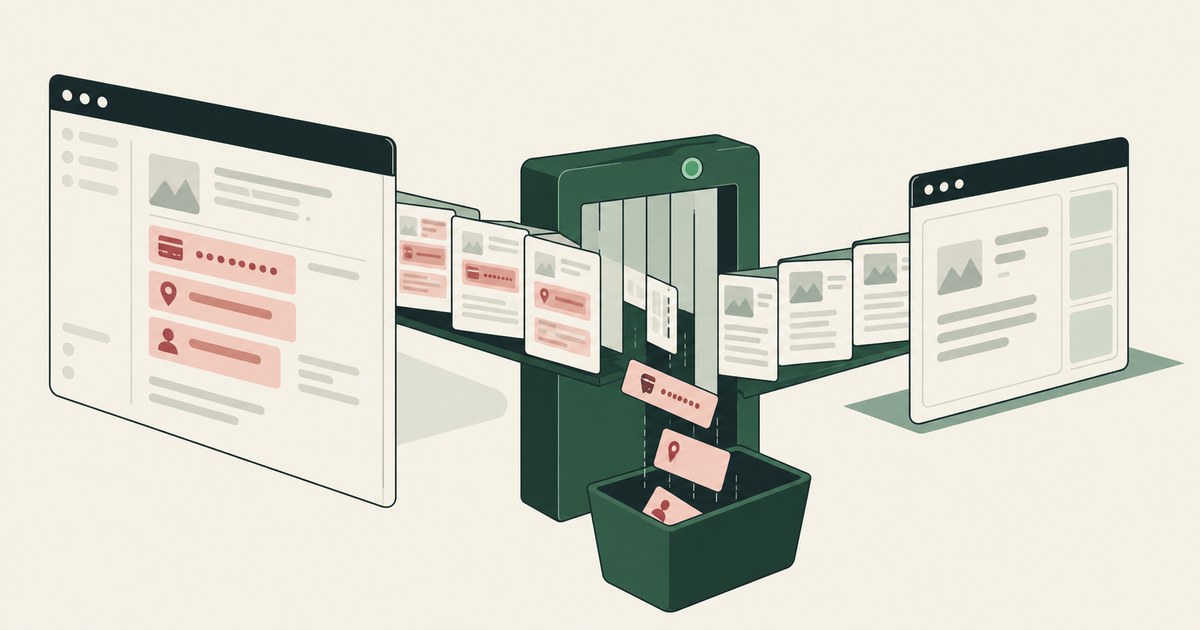
62% experimenting · 23% scaling · 1 control between the screen and the model
Sixty-two percent of organizations are experimenting with AI agents and 23% are scaling them anywhere (CX Today, 2026). Many of them work through screens: the agent opens a claim, a chart or a student record as the employee and reads it. Claude in Chrome puts all visible information, including personal data, into context (Claude Help Center, 2026). The page, in full. A screenshot of a chart holds the patient's name and date of birth beside the diagnosis the task needs.
You probably protect that page with an allow list, Purview DLP and an AI gateway. Each acts after the read. The allow list decides where the agent may go, and on every allowed application the model reads everything. DLP inspects a paste or a file leaving. The gateway inspects a prompt in which the SSN already sits.
The control that works is the one that acts before the read: a render layer that tokenizes the screen before any model reads it, and a named person who holds every consequential action. Protect sensitive data from a screen-navigating agent by changing what the screen hands the model, not by inspecting what the model already holds.
Claude in Chrome, AgentCore Browser and Copilot Studio each state that the model reads the page
Claude in Chrome takes screenshots of the active tab, and all visible information including personal data becomes part of the context; the vendor's guidance is to avoid opening the extension while viewing sensitive information (Claude Help Center, 2026). Copilot Studio's access control doesn't stop the model from opening a site (Microsoft Learn, 2026). AgentCore Browser hands the model screenshots and the DOM (AWS, 2026).
One property holds across all three. The controls govern where the agent may act and what it may do, not what the model receives from the page it opened. A claim screen carries the claimant's name, SSN and date of birth beside the loss date and the reserve. A chart carries the patient's identifiers beside the clinical facts. The model gets both columns.
That is disclosure by design rather than by a bug. None of the vendors offers a layer in front of the read.
Purview DLP, the allow list and the AI gateway all act after the model has read the screen
A Microsoft Q&A moderator's reply on Purview DLP coverage for a Copilot computer-use session finds no documented enforcement against the agent's automated session (Microsoft Q&A, 2026). DLP inspects data in motion, and the read happens before any motion. An allow list permits applications, and the regulated records sit in the permitted ones. An AI gateway redacts the prompt, and the identifiers are already in it.
| Property | Allow list | DLP | AI gateway | Render-layer tokenization |
|---|---|---|---|---|
| Acts before the model reads the screen | No | No | No | Yes |
| What a successful injection collects | The page | The page | The page | SSN_001, CARD_001 |
| What the audit trail holds | URLs | Policy hits | Prompts with identifiers | Screens as tokens, approvals by name |
Keep all three for what they do. None of them sits between the screen and the model, and in 2026 the vendors say so themselves.
Of 3 places an agent can run, only a customer-owned environment puts a layer before the read
In the employee's own browser, the agent screenshots whatever is open, and the vendor's protection is an instruction to the person: a separate browser profile for sensitive accounts (Claude Help Center, 2026). On a vendor cloud computer, OpenAI's safety write-up for dots does not disclose the key holder or the data location (OpenAI, 2026).
| Property | Employee's own browser | Vendor cloud computer | Customer-owned governed environment |
|---|---|---|---|
| Who holds the keys | The employee's device | The vendor | The customer |
| What the model receives | The open tab, in full | The page, in full | The task's fields with identifiers as tokens |
| Where the record is kept | The vendor's activity view | The vendor's activity view | The organization's SIEM |
The third column rests on separation of model and control: the principle that the environment deciding what an AI agent sees and who approves what it does is owned by the customer and independent of whichever model performs the work. The vendor that is the model should not also be the judge of the model.
Least Exposure writes the policy per task, not per application
Least Exposure is the principle that for each piece of work, the AI receives exactly the data the task requires and nothing more, enforced before any model reads the screen. The mechanism is render-layer tokenization: replacing sensitive values with consistent stand-in tokens at the point where a screen is rendered, before any AI model reads it, so the model works with SSN_001 and ACCT_001 and real values resolve only at approved destinations at the moment of action.
Write 2 columns per screen: the identifiers, and the fields the task needs. The agent receives CLAIMANT_001 beside the loss date and KEY_001 where a console shows the API key. Amounts, dates and codes stay in clear. Permissions do not change; what the AI can see does.
Tokenize per application and you meet the PII Wall: the point in an AI program where the valuable workflow turns out to run on data the security team will not let a model see, and the project shrinks or stops. A per-task policy, confirmed by a named person, gives the model the second column only.
Greshake et al. showed injection through observed content, and tokens decide what it collects
An agent that reads screens reads instructions an attacker planted too. Greshake and colleagues demonstrated indirect prompt injection through content a model observes (Greshake et al., 2023), and OWASP ranks it first as LLM01 (OWASP, 2025). The vendors answer with classifiers.
0.08% attack success in Anthropic's internal testing of Claude in Chrome's two classifiers (Claude Help Center, 2026).
Zou and colleagues showed adversarial attacks that transfer across aligned models (Zou et al., 2023). Wallace and colleagues' instruction hierarchy narrows the surface without closing it (Wallace et al., 2024).
So the design question is what a successful attempt collects. On a screen the model read in full, the payoff is the SSN, the card number, the API key. On a tokenized screen it is SSN_001 and CARD_001, which resolve nowhere an attacker can reach, and the action waits for a named person.
Supervised Delegation puts a named person before every payment, submission and record change
Supervised Delegation means a named person grants the access, chooses the applications, confirms what is tokenized, can watch and pause the run, and approves every consequential action, on the record. The AI never pays, settles, submits or decides.
Claude in Chrome defaults to "Automatically approve" with a pause on risky actions (Claude Help Center, 2026). OpenAI's dots let the user set what a dot may do on its own and what needs approval (OpenAI, 2026). Both govern acts. Neither names the person or ties the approval to what the model was allowed to see.
A tethered agent is an agent that works only inside the governed environment a named person connected it to, on the applications that person chose. The named person confirms the per-task policy, connects the agent, chooses its applications, and watches the same tokenized stream. An "always allow" setting is the opposite: 1 click that removes the person from every later action.
45 CFR 164.502(b) and the PCI tokenization guidelines turn on what a system received
The HIPAA minimum necessary standard asks whether a use or disclosure was limited to what was needed (eCFR, 2026). The PCI Council's tokenization guidelines treat a system that holds only tokens differently from one that holds the PAN (PCI SSC, 2026). Both turn on what a system received. A model that received PATIENT_001 did not receive the identifier, and that is what aligns the deployment with the minimum necessary standard.
The evidence is the AI Control Record: the record of every screen the agent saw as tokens, every action, every approval with a name, exported to the customer's own monitoring. It lands in your SIEM on your retention terms and holds no screenshots, because a screenshot of a chart is the regulated record stored again. When an assessor asks what the model saw, the answer is in the record, as tokens, with a date.
6 Rules for protecting sensitive data from screen-navigating agents
Write the two columns before the agent opens a screen
Open every screen in the workflow as the person who works it. List the identifiers in one column and the fields the task needs in the other.
Test: Pick any screen. If you cannot say which column each field belongs to, the agent is not ready to open it.
Tokenize per task, not per application
A per-application rule hides a code the task needs on one screen and lets an identifier through on another.
Before: The EHR is marked sensitive. The agent cannot read the diagnosis code, and the patient name on the unmarked referral portal reaches the model.
After: The referral policy gives the model the diagnosis code in clear and PATIENT_001 on both screens.
Keep passwords, API keys and account identifiers out of the model's context
Secure sign-in that supplies the password without passing it to the model (OpenAI, 2026) covers the login only. The console page after it still carries the API key and account number.
| Value on the screen | What the model receives |
|---|---|
| Password field | Nothing; the environment supplies it |
| API key, account identifier, IAM role | KEY_001, ACCT_001, ROLE_001 |
Name the approver before the first run
Put the first workflow owner's name on the confirmed policy. Every consequential action waits for that person.
Before: A team account with "always allow" on. A record change ran at 2 a.m. with no named approval.
After: One name on the policy. The record change waited, and the record holds the name, the time and the tokenized screen.
Run the injection test against the tokenized screen
Place a test page with a planted instruction in the agent's path, of the kind Greshake and colleagues demonstrated (Greshake et al., 2023), and let the agent work it.
Test: The collected values are SSN_001 and CARD_001, and the action stopped at the named person. A real value means the render layer is not in front of that screen.
Store screens as tokens, never as screenshots
An audit trail of screenshots is the regulated record stored a second time. The record belongs in your SIEM as tokenized screens with named approvals.
Test: Search the audit store for an image of a chart. One hit is a second copy of PHI with its own retention questions.
How to choose where the agent runs and what it may see
- If the workflow touches a claim, a chart, a student record or a cardholder page, run the agent in a customer-owned governed environment and tokenize identifiers per task.
- If the work is public research with no regulated record, the employee's own browser with "Manually approve" is adequate.
- If the vendor's answer to "what does the model see" is the page in full, add a control on the read; the allow list, DLP and gateway govern acts.
- If the agent sets up cloud environments, give it API keys and account identifiers as tokens and bring every resource creation to a named person.
- If you expect to change models within 2 years, keep the policy, the render layer and the record in an environment you own.
- If an assessor will ask what the model received, choose the design whose record answers as tokens.
The checklist
| Check | Pass | Fail |
|---|---|---|
| Compare one screen with the model's stream | CLAIMANT_001 where the screen shows a name | The name in the stream |
| Read the confirmed policy | One named person, per task | A per-application setting, no name |
| Ask who holds the environment's keys | Your organization | The vendor, or not disclosed |
| Find a record change in the record | A named approval, with time | "Auto-approved" or no entry |
| Run the planted-instruction test | Only tokens collected; action stopped | A real value collected |
| Open an application outside the chosen set | The agent cannot | The agent opens it |
| Check the employee's permissions | Unchanged | Changed for the agent |
| Look for screenshots in the audit trail | None | Screenshots of regulated screens |
Questions
Does a screenshot contain the whole record?
Yes, whatever the screen shows, and on a claim, a chart or an account page that is the identifiers beside the task's fields. Claude in Chrome's documentation says all visible information, including personal data, becomes part of the context (Claude Help Center, 2026). Nothing in the agent decides which half of the page matters; the model receives both.
Can DLP block what an agent reads from a screen?
No, by design. DLP inspects data in motion, a file leaving or a paste, and the read happens before any motion. A Microsoft Q&A thread on Purview DLP and a Copilot computer-use session found no documented enforcement against the automated session (Microsoft Q&A, 2026). Keep DLP for where the agent can send things. It is not the control between the screen and the model.
Does tokenizing the screen break the work?
No, because the tokens are consistent and the task's fields stay in clear. The agent carries CLAIMANT_001 across the claims platform, the industry database and the payment portal, and the records line up at each stop. The amount and the loss date are in clear. Real values resolve at the approved destination at the moment of an approved action.
Is an allow list enough if we only allow internal applications?
No. An allow list decides where the agent may act. On every allowed application the model reads the page in full, and the internal applications are where the regulated records sit. Copilot Studio's documentation states that its access control does not stop the model from opening a site (Microsoft Learn, 2026). Keep the list. It bounds acts, not sight.
Can the vendor's classifier stop injection from collecting data?
It reduces the rate. Anthropic reports 0.08% attack success in internal testing of Claude in Chrome (Claude Help Center, 2026), on its own model. Zou and colleagues showed attacks that transfer across aligned models (Zou et al., 2023). The design question is what a successful attempt collects. On a tokenized screen it is SSN_001, and the action still waits for a named person.
Does the person working with the agent still see the real values?
Yes, where they always could. Inside the governed environment the person watches the same tokenized stream the agent works, and can pause and take over. The person's permissions in each application are unchanged, so the real values remain available there. The environment governs what the AI can see, not what the employee may see. The design hides data from the AI, not from staff.
Why not use APIs or MCP instead of the screen?
APIs and MCP reach fewer systems and hand the model the whole record the connector returns. The claims platform, the payer portal and the state database rarely all have connectors. The screen reaches every application the employee can reach, under existing permissions, and a render layer can tokenize it before the read. Screens reach every application; connectors reach only the ones someone integrated.
Methodology
What this page rests on. Vendor documentation for Claude in Chrome, OpenAI's dots, Copilot Studio computer use, Purview DLP and Amazon Bedrock AgentCore Browser, read as of October 9, 2026. The Greshake, Zou and Wallace preprints. OWASP LLM01:2025, 45 CFR 164.502(b), the PCI tokenization guidelines, and McKinsey's figures as reported by CX Today.
What was not tested. No hands-on testing of any named product was performed for this page. Vendor settings and classifier figures change with releases, and this page carries its date. The claim, chart and console examples are illustrations, not descriptions of any organization.
Whose determination it is. Whether a deployment meets the minimum necessary standard, PCI scoping or any other requirement is a determination for the organization's counsel, its assessor and its security and compliance officers, not for this page.
How RedactSure does this
RedactSure puts the render layer in front of the read. AI co-workers work the applications your staff already use inside a governed environment: a secure virtual machine in the cloud your posture requires, on hardware-encrypted enclaves, with keys you hold. RedactSure holds ciphertext it cannot decrypt. Every sensitive value chosen by policy becomes a consistent token at the render layer before any model reads the screen, so the model receives the task's fields with identifiers as tokens: PATIENT_001, CLAIMANT_001, KEY_001. Amounts, dates and codes stay in clear.
0 per-application integrations · 0 permission changes · 1 named person per workflow
The Planner writes the per-task policy. A named person confirms it, chooses the applications, watches the same tokenized stream, and approves every payment, submission and record change. Every screen as tokens, every action and every approval lands in the AI Control Record and exports to your SIEM. The environment is model-agnostic: swap the model and the controls stay. Injection that succeeds collects tokens. Deployments are in pilot. The work gets done. The data stays hidden.
Book an AI Agent Security Review →
Further reading
What Does an AI Agent See in a Screenshot? · Does Purview DLP Cover What a Computer-Using Agent Reads? · How to Secure AI Agents That Navigate Across Applications · What Is Screen-Level Tokenization? · What Is Browser-Based AI Agent Security? · What Is a Computer-Using AI Agent? · How to secure application workflows without heavy browser inspection? · How to protect sensitive data without cloud browser rendering? · Can runtime tokenization protect sensitive data without slowing down applications?
Sources
Peer-reviewed research and preprints
- Greshake, Kai, et al., "Not What You've Signed Up For: Compromising Real-World LLM-Integrated Applications with Indirect Prompt Injection," arXiv:2302.12173, 2023 (preprint; also AISec 2023). https://arxiv.org/abs/2302.12173
- Zou, Andy, et al., "Universal and Transferable Adversarial Attacks on Aligned Language Models," arXiv:2307.15043, 2023 (preprint). https://arxiv.org/abs/2307.15043
- Wallace, Eric, et al., "The Instruction Hierarchy: Training LLMs to Prioritize Privileged Instructions," arXiv:2404.13208, 2024 (OpenAI preprint). https://arxiv.org/abs/2404.13208
Vendor documentation
- Claude Help Center, "Use Claude in Chrome safely," 2026 (vendor documentation). https://support.claude.com/en/articles/12902428-use-claude-in-chrome-safely
- OpenAI, "How we build safety, security and privacy into dots," September 29, 2026 (vendor documentation). https://openai.com/index/how-we-build-safety-security-and-privacy-into-dots/
- Microsoft Learn, "Automate web and desktop apps with computer use," 2026 (vendor documentation). https://learn.microsoft.com/en-us/microsoft-copilot-studio/computer-use
- Microsoft Q&A, "Clarification on Purview DLP Coverage for Copilot 'Computer Use' Data Exfiltration Scenario," 2026 (vendor documentation). https://learn.microsoft.com/en-gb/answers/questions/5915515/clarification-on-purview-dlp-coverage-for-copilot
- AWS, "Interact with web applications using Amazon Bedrock AgentCore Browser," 2026 (vendor documentation). https://docs.aws.amazon.com/bedrock-agentcore/latest/devguide/browser-tool.html
Regulation, standards and official guidance
- 45 CFR 164.502(b), HIPAA minimum necessary standard, eCFR, 2026 (regulation). https://www.ecfr.gov/current/title-45/subtitle-A/subchapter-C/part-164/subpart-E/section-164.502
- PCI Security Standards Council, "Tokenization Guidelines Information Supplement," 2026 (official guidance). https://www.pcisecuritystandards.org/documents/Tokenization_Guidelines_Info_Supplement.pdf
- OWASP, "LLM01:2025 Prompt Injection," 2025 (standard). https://genai.owasp.org/llmrisk/llm01-prompt-injection/
Industry analysis and press
- CX Today, "McKinsey's State of AI: The Scaling Gap Is Now CX's Problem," 2026 (industry analysis). https://www.cxtoday.com/ai-automation-in-cx/mckinseys-state-of-ai-the-scaling-gap-is-now-cxs-problem/
RedactSure documents
- RedactSure Research, "What Is Render-Layer Tokenization?" (2026). https://redactsure.com/research/what-is-render-layer-tokenization
- RedactSure Research, "What Is Least Exposure?" (2026). https://redactsure.com/research/what-is-least-exposure
- RedactSure Research, "What Is Supervised Delegation?" (2026). https://redactsure.com/research/what-is-supervised-delegation
- RedactSure Research, "What Is an AI Control Record?" (2026). https://redactsure.com/research/what-is-an-ai-control-record
- RedactSure Research, "What Is a Tethered Agent?" (2026). https://redactsure.com/research/what-is-a-tethered-agent
- RedactSure Research, "What Is the PII Wall?" (2026). https://redactsure.com/research/what-is-the-pii-wall
- RedactSure Research, "Should the AI Agent Environment Belong to the Model Vendor?" (2026). https://redactsure.com/research/should-ai-agent-environment-belong-to-model-vendor
- RedactSure, "The Two Gaps AI Agents Opened in Your Security Stack" (2026). https://redactsure.com/blog/two-gaps-ai-agents-opened-in-your-security-stack/
- Product behavior described on this page reflects current published designs. Claude is a trademark of Anthropic, PBC; OpenAI, ChatGPT and dots are trademarks of OpenAI; Microsoft, Copilot Studio and Purview are trademarks of Microsoft Corporation; Amazon Web Services, Amazon Bedrock and AgentCore are trademarks of Amazon.com, Inc. or its affiliates; named to identify the products. Compliance determinations belong to the organization's counsel.
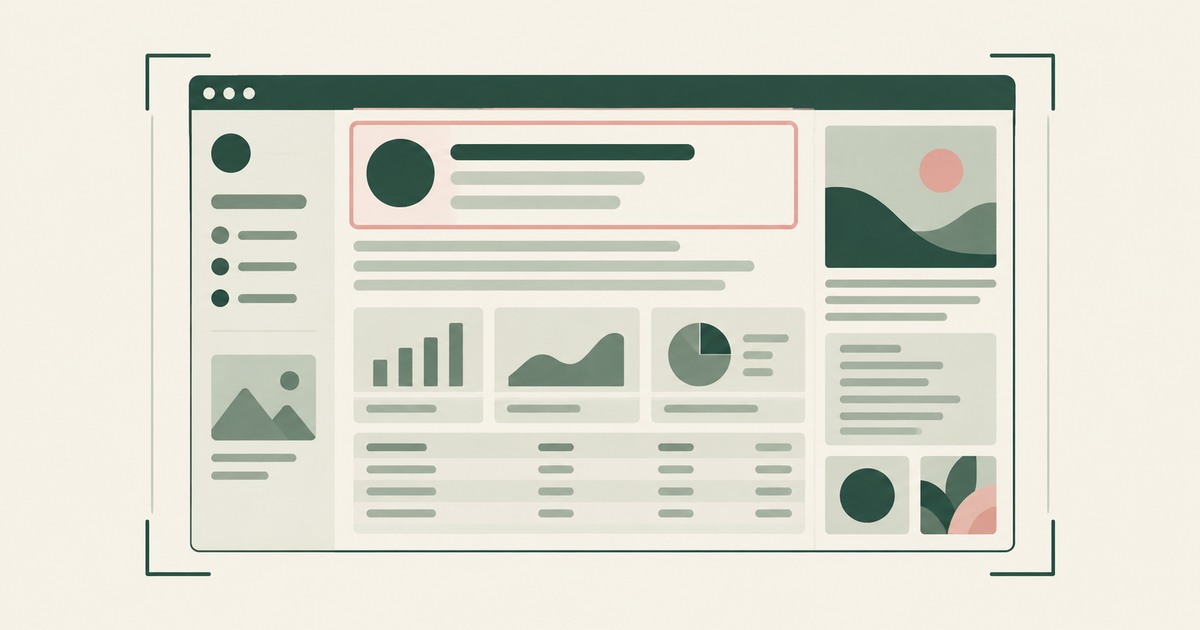
What Does an AI Agent See in a Screenshot?
Explore what browser screenshots expose to AI agents, including unrelated PII, and how tokenization changes the model's view of a task.
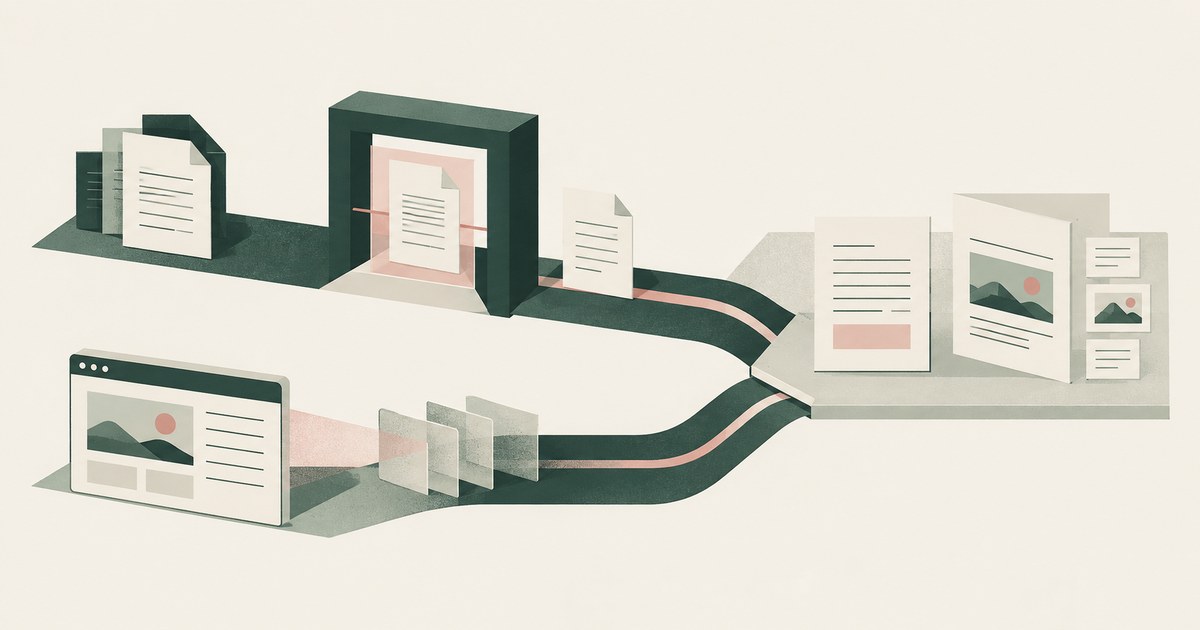
Does Purview DLP Cover Computer-Using AI Agents?
Assess Purview DLP coverage for AI agent sessions handling PII and payments, including screenshot inputs, file uploads and endpoint controls.
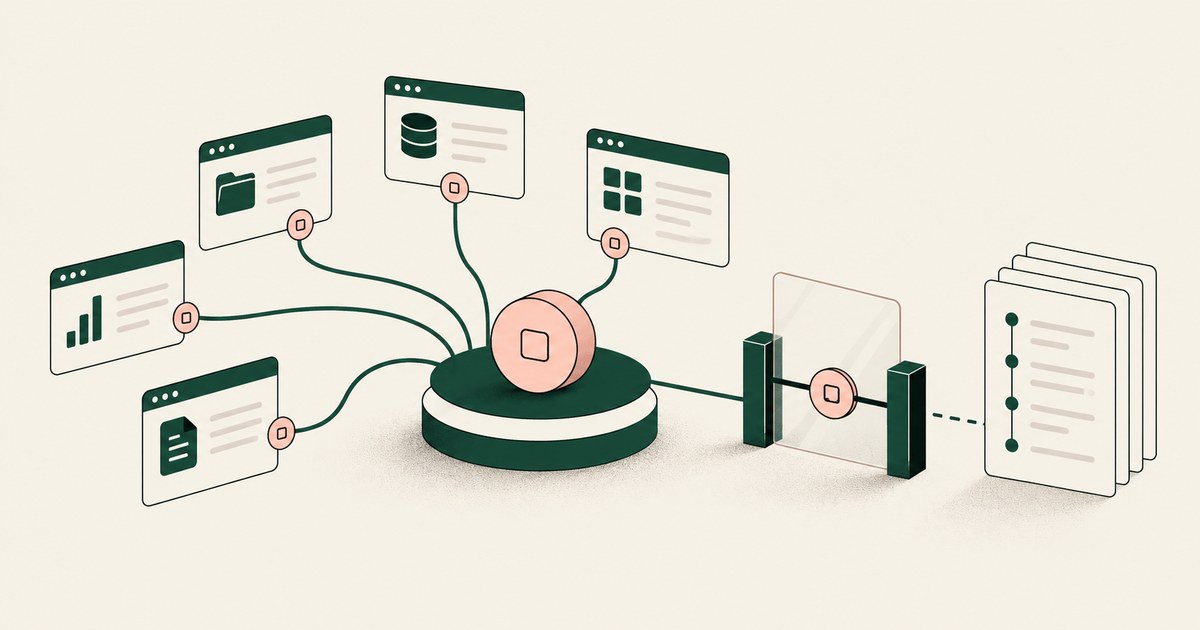
How to Secure AI Agents That Navigate Across Applications
Review Secure AI Agents That Navigate Across Applications, with AI agent security, tokenization and approval checks for sensitive enterprise workflows.
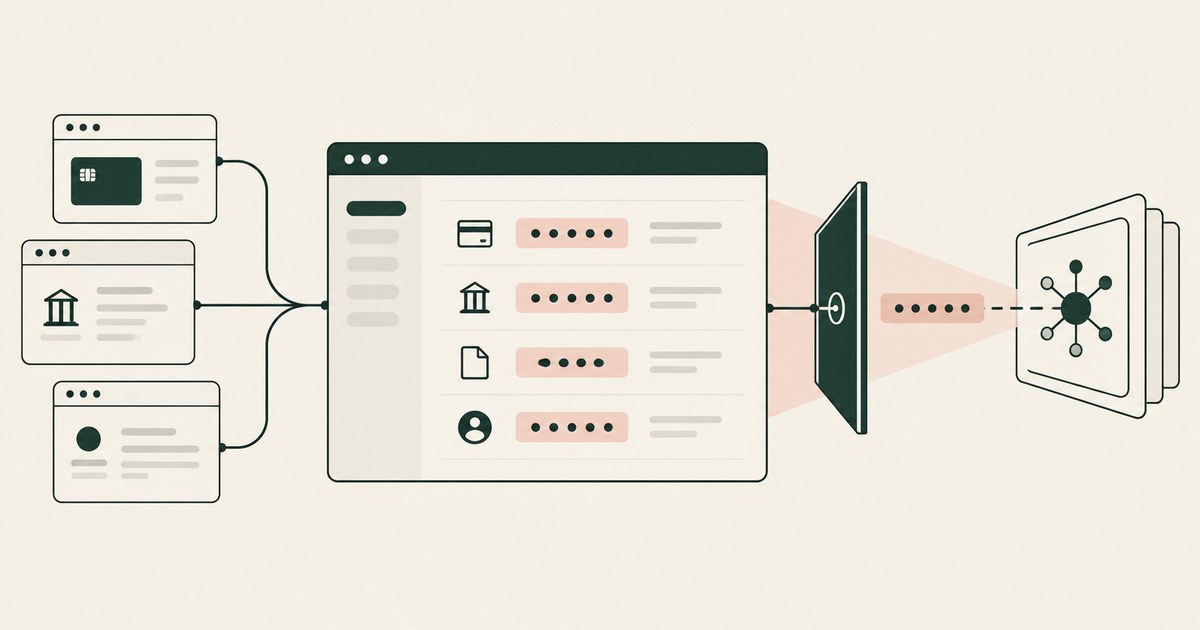
What Is Screen-Level Tokenization?
Review Screen-Level Tokenization, with AI agent security, tokenization and approval checks for sensitive enterprise workflows.
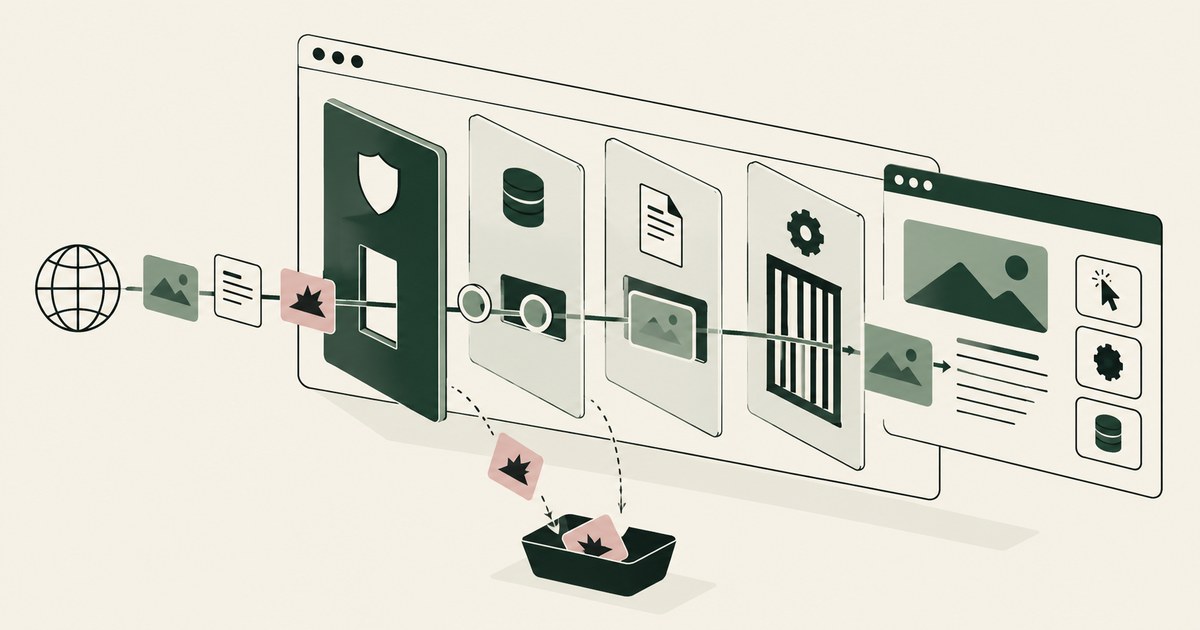
What Is Browser-Based AI Agent Security?
Review Browser-Based AI Agent Security, with AI agent security, tokenization and approval checks for sensitive enterprise workflows.
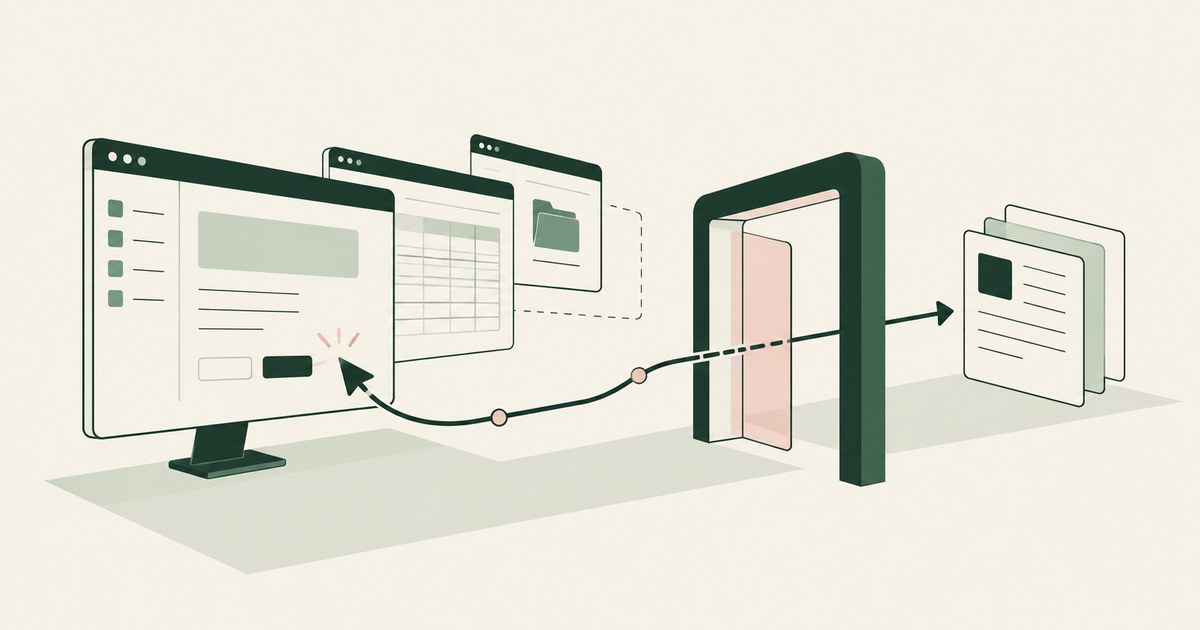
What Is a Computer-Using AI Agent?
Review a Computer-Using AI Agent, with AI agent security, tokenization and approval checks for sensitive enterprise workflows.
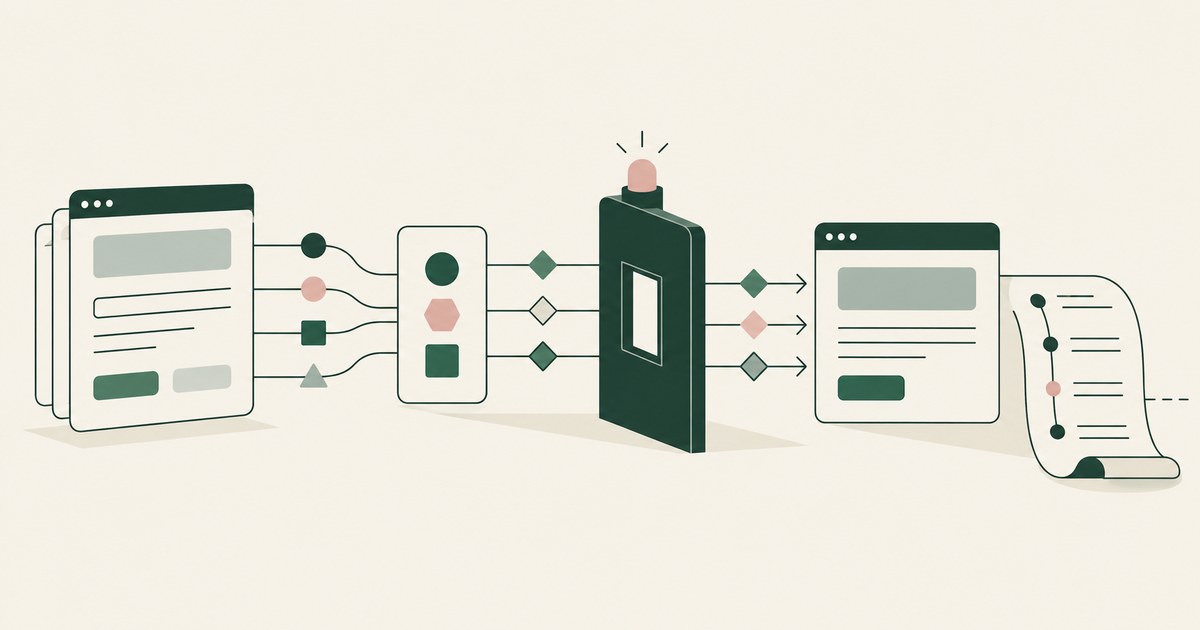
How to Secure Workflows Without Heavy Browser Inspection?
Review Secure Workflows Without Heavy Browser Inspection, with AI agent security, tokenization and approval checks for sensitive enterprise workflows.
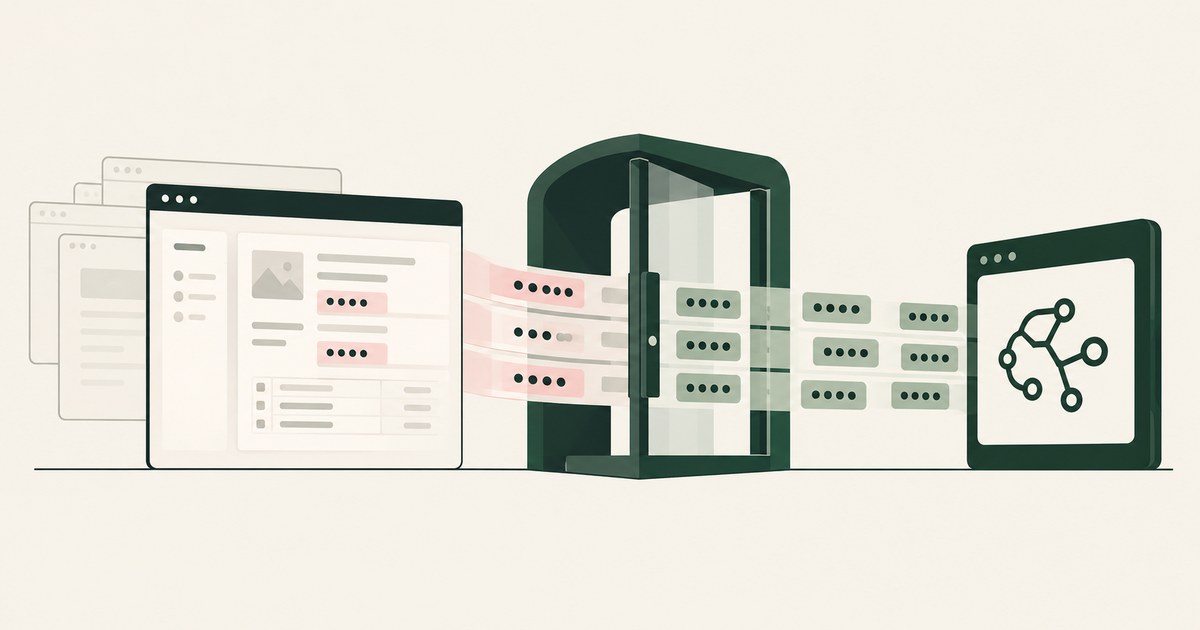
How to Protect Data Without Cloud Browser Rendering?
Review Protect Data Without Cloud Browser Rendering, with AI agent security, tokenization and approval checks for sensitive enterprise workflows.
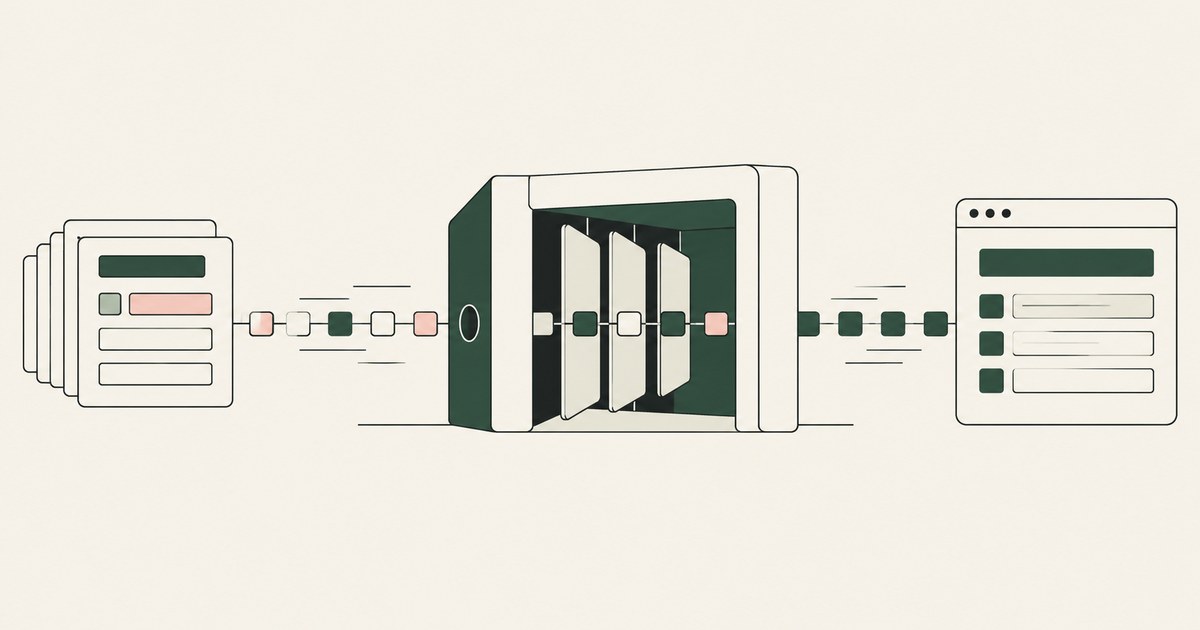
Can Runtime Tokenization Protect Data Without Slowdowns?
Review Can Runtime Tokenization Protect Data Without Slowdowns for AI agents, including tokenization, sensitive data exposure and human approval records.

What Is Render-Layer Tokenization?
Learn how render-layer tokenization replaces PII before an AI agent reads a browser screen while preserving useful workflow context.

What Is Least Exposure?
Explore Least Exposure for AI agent security, limiting PII to what a workflow needs through tokenization and explicit human decisions.
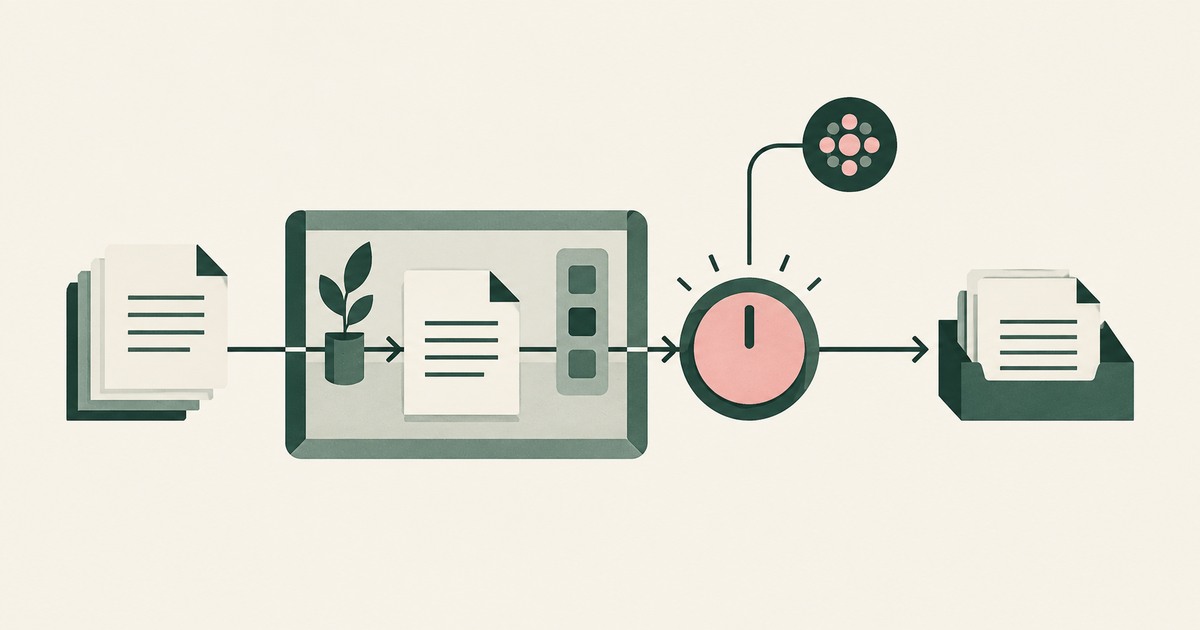
What Is Supervised Delegation?
Explore supervised delegation for AI agents in billing and claims, with named responsibility, tokenization policies and human approvals.

What Is an AI Control Record?
Explore an AI agent control record for billing and claims, linking permissions, tokenization decisions, approvals and audit evidence.
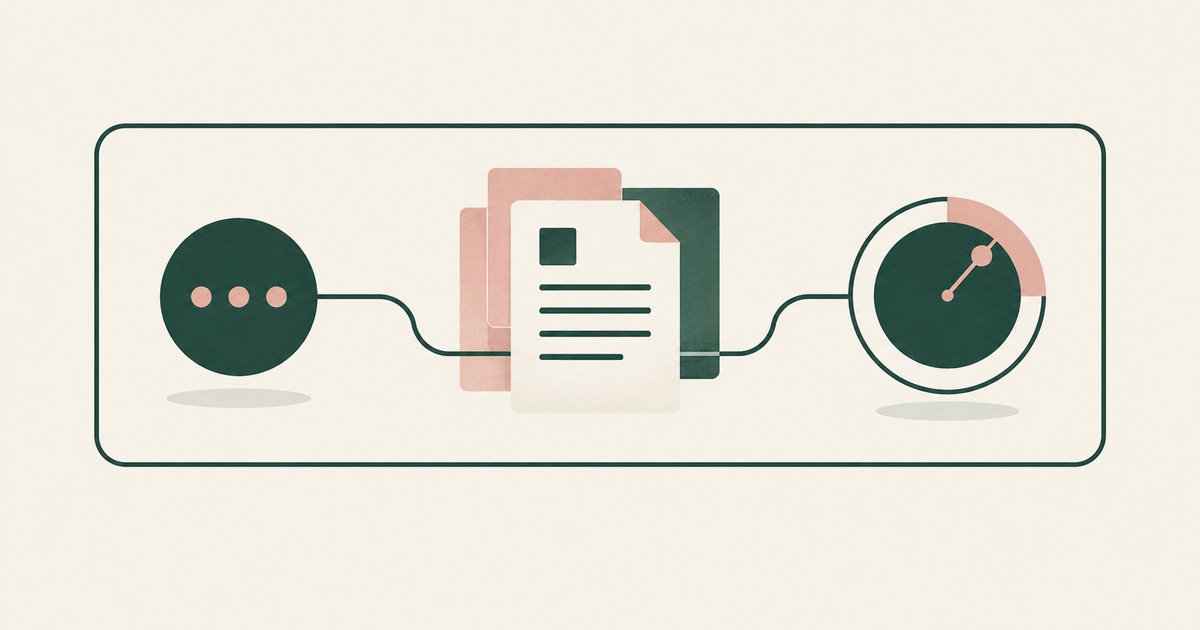
What Is a Tethered Agent?
Learn how a tethered AI agent stays tied to a named person, with tokenization, bounded permissions and approval for sensitive payments.
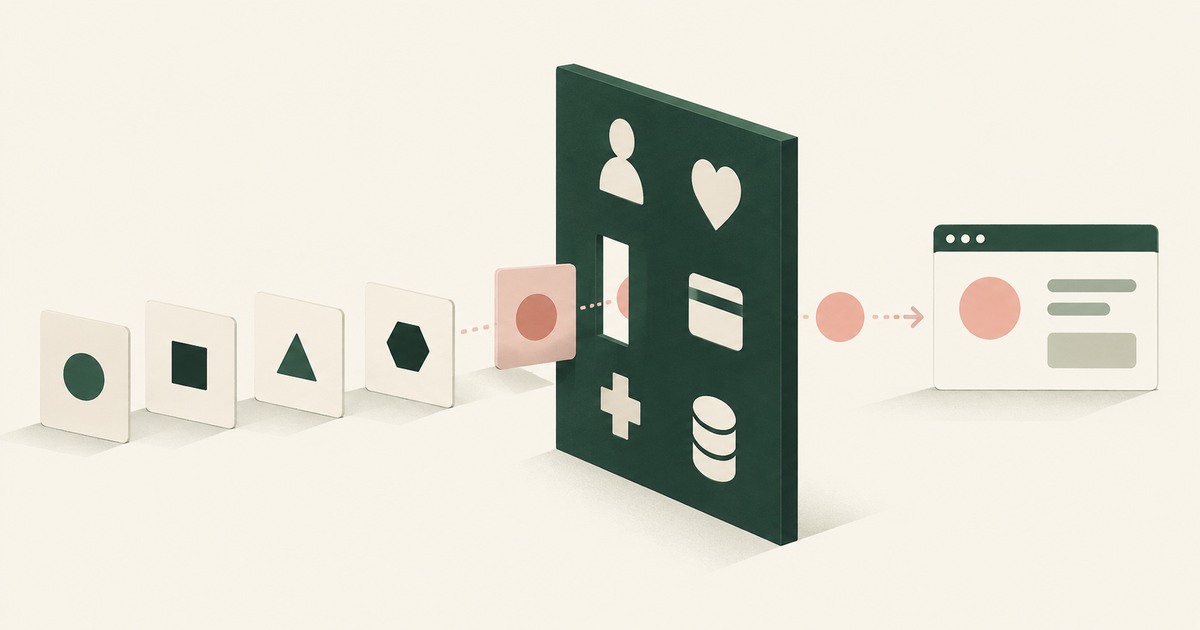
What Is the PII Wall?
Explore why PII exposure stalls AI agent projects in claims, patient accounts and student records, and what a governed workflow requires.
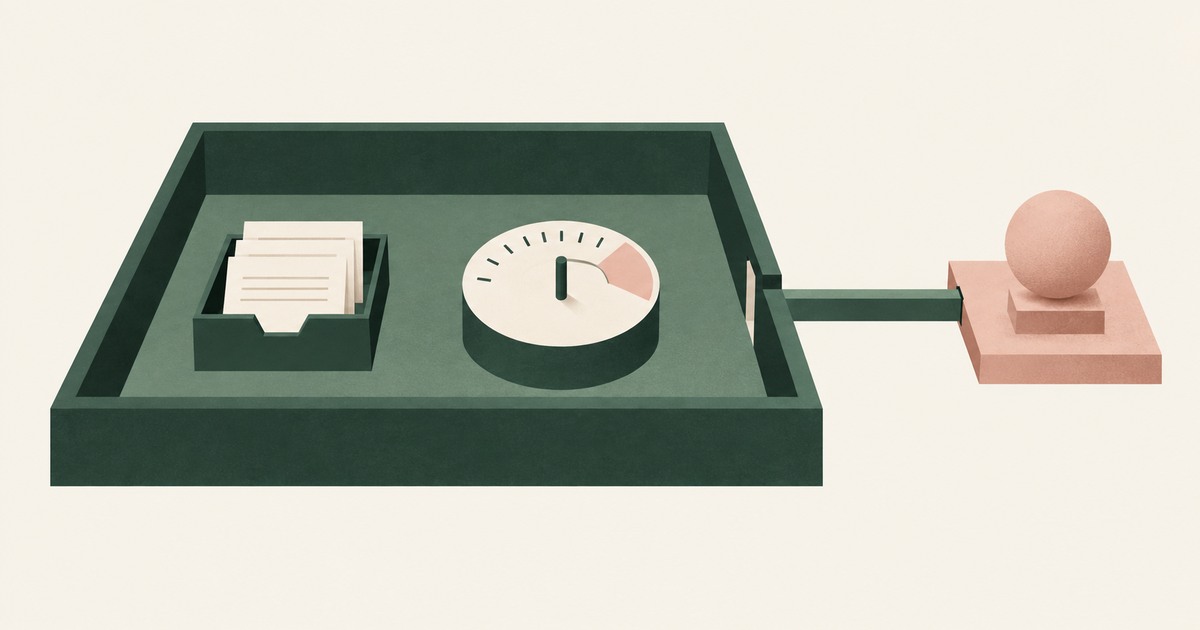
Should the AI Model Vendor Own the Agent Environment?
Explore separation of AI agent environments from model vendors, including control of PII, tokenization policies and workflow approvals.

The Two Gaps AI Agents Opened in Your Security Stack
Explore AI agent security through two questions: which PII reaches the model, and who approves consequential billing and claims actions.
Bring your hardest questions.
Bring one sensitive workflow and the decisions your team needs to keep in its hands.
Book a demoAbout the author

Chris Sowa is a founder of RedactSure and a former CEO of an AI company; he started it years before ChatGPT existed. He previously led AI at Accenture, served as Global VP of Strategy & Innovation at Schneider Electric, was CCO of Sovos, and spent more than a decade at Oracle, with earlier roles at SAP and IBM.