
Data Report · By Chris Sowa · Published
Last updated
What Can a Browser Agent See in My GitHub Settings?
Every field the page renders, which includes a token at the moment it is created, SSH key titles and fingerprints, an app's client secret on the page that generates it, and whatever a webhook form shows. List the fields on each page the agent will open and check which are replaced before any model reads the screen.

A browser agent reads a settings page the way a person does, except that nothing it reads is forgotten until the run ends. On GitHub that means a token string as it appears after generation, a list of SSH key titles and fingerprints, the client secret an OAuth app page shows when a credential is generated, and the payload URL, event list and secret field on a webhook form. The general case is covered in What Can an AI Agent See in Your GitHub Settings?; this page goes one level down and lists the fields. It walks the main settings pages a browser agent is likely to open during a setup task, names the fields each one renders, uses one webhook edit form as the worked record, reads what GitHub and Anthropic document about those fields, and puts the leak record beside the field list so a reader can judge which fields matter. The closing section states what a governed environment changes for a settings crawl, in terms that do not depend on any product, and the FAQ answers the questions a security team asks before an agent is let into an account.
Key findings
- GitHub's documentation says to "Treat your access tokens like passwords" and that a fine-grained token can be "limited to only access specific repositories," so a token field on a settings page is password-equivalent material whose scope is set by the person, not by the page (GitHub, Managing, 2026).
- GitHub's Actions secrets documentation tells users to "Mask all sensitive information that is not a GitHub secret by using
::add-mask::VALUE," a control that acts on workflow logs and not on the settings pages where the values are entered (GitHub, Using, 2026). - Anthropic's Claude Code security page states that in cloud sessions "GitHub credentials are stored encrypted on Anthropic's servers and never enter the session VM," a custody design for the agent's own GitHub access that says nothing about a settings page the agent opens in a browser (Anthropic, 2026).
- Wiz examined 50 AI companies and reported that "Almost two-thirds of the AI companies analyzed had a verified secrets leak" in public code, which is the end state for settings material that reaches a repository (Wiz, 2025).
- A governed environment replaces the values on a settings page with consistent placeholders before any model reads the screen, so the agent sees TOKEN_01 where GitHub rendered a token (What Is Render-Layer Tokenization?).
- Real values resolve only at the approved destination at the moment of an approved action, so a webhook secret the model never held cannot appear in its transcript or its output (What Is the PII Wall?).
Which settings pages does a browser agent open, and what does each one render?
The scope is the rendered page. A governed browser environment covers what an agent reads and does on pages a browser shows it, including dashboards, consoles, settings pages and sign-up forms. It does not cover the terminal, the IDE, the local filesystem, direct API calls or MCP, and no browser control governs a shell. A settings crawl sits inside that scope.
A setup task sends an agent through a predictable set of pages. The table lists the ones that carry material a security team would not want in a transcript, and the moment each sensitive field is readable.
| Settings page | Fields rendered | When the sensitive value is on screen |
|---|---|---|
| Personal access tokens | Token name, expiry, repository list, permissions, and the token string | The string at creation; names and scopes afterwards |
| SSH and GPG keys | Key title, fingerprint, public key text | Public material always; the private key is never on the page |
| OAuth and GitHub Apps | Client ID, callback URLs, client secret | The client secret on the page that generates it |
| Repository webhooks | Payload URL, content type, secret field, event list, recent deliveries | Payload bodies and headers on the deliveries tab at any time |
| Actions secrets and variables | Secret names, variable names and values | Variable values always; secret values at entry |
| Profile, emails, billing | Email addresses, backup codes, card last four | Backup codes once; the rest always |
The pattern is a credential once and metadata forever. An agent that opens the page when the task needs it to reads the credential; one that opens it later reads metadata that still tells an attacker which repositories a token reaches and which hosts receive webhooks. A screenshot-driven agent takes in the whole screen, sidebars included, as What Does an AI Agent See in a Screenshot? describes, so a token in a flash message is read even when the task was about the key list below it.
What do the vendors themselves say?
GitHub's token documentation tells users to "Treat your access tokens like passwords," says that "Each token can be further limited to only access specific repositories for that user or organization," and notes that "Personal access tokens (classic) are less secure" (GitHub, Managing, 2026). Each statement is about what a token may do, not about which process reads it when it is rendered.
On the Actions secrets page, GitHub advises users to "Mask all sensitive information that is not a GitHub secret by using ::add-mask::VALUE" and states that "secrets are not passed to the runner when a workflow is triggered from a forked repository" (GitHub, Using, 2026). Masking covers the log a workflow writes, and the settings page where the value is typed is not a log.
Anthropic's Claude Code security page states that in cloud sessions "GitHub credentials are stored encrypted on Anthropic's servers and never enter the session VM. The VM holds a short-lived credential scoped to that session," and adds that "no system is completely immune to all attacks" (Anthropic, 2026). That keeps the agent's own credential away from the agent; it does not describe a settings page the same agent opens in a browser.
| Dimension | What the vendor documents | What a buyer should verify |
|---|---|---|
| Token scope | Fine-grained tokens limited to named repositories (GitHub) | Which repositories the agent's token can reach |
| Log masking | add-mask hides values in workflow logs (GitHub) | Whether anything masks the settings page |
| Credential custody | Cloud session credentials stay on the vendor's servers (Anthropic) | What the agent reads on a settings page |
| Approver and record | Not described in the pages reviewed | Who approved the token's use and what the model read |
What does a webhook edit form expose?
The record type is one repository webhook edit form. The agent has been asked to connect a repository to a deployment service. It opens the webhook page, enters the payload URL, picks a JSON content type, enters a signing key, selects push and pull request events, and saves. Four things are now in its context: the destination host, the event list, the signing key it typed, and the delivery history shown after the first event fires.
The signing key is the obvious one, and it reached the model before GitHub did anything with it, because the agent generated or copied the string in order to type it. Whether the form later shows or hides the signing key does not change that. The deliveries tab is the less obvious one. It renders request headers and payload bodies for recent events, and a push payload carries commit messages, author emails and file paths. An agent sent back to debug a failed delivery reads all of it, and one working from screenshots reads the margins too, as Does an AI Agent See Everything on Your Screen? sets out.
GitHub's push protection "acts as a frontline defense mechanism by scanning code for hardcoded secrets at the time of the push" (GitHub, Push, 2026). That catches a webhook secret an agent later pastes into a workflow file. It does not act on the settings form or on a transcript, which is where the agent's copy lives. GitHub's secure use reference says to "Audit how secrets are used, to help ensure they're being handled as expected" (GitHub, Secure, 2026), and the audit it describes covers workflows, not the agent that configured them. Can an AI Agent Configure Webhook Secrets Without Reading Them? asks whether the entry step can be done blind; this page stops at what the form shows.
What does the leak record say about settings material that reaches code?
The values on a settings page are the same values that turn up in repositories. Wiz examined 50 AI companies and reported that "Almost two-thirds of the AI companies analyzed had a verified secrets leak" (Wiz, 2025). Those are companies that build agents, and their own settings material still reached public code. The report does not say which settings pages the credentials came from, and this page does not claim it does; the figure shows the destination, not the route.
GitGuardian's test of GitHub Copilot found that "over 1,200" repositories "leaked at least one secret" and that "Copilot generates 2702/900 = 3.0 valid secrets for one prompt on average," without confirming whether the extracted credentials were still active (GitGuardian, 2025). The relevance to a settings crawl is the direction of travel: a value that a model has read can be reproduced by a model, and a browser agent that read a token on a settings page and then writes a configuration file is one model doing both halves.
The SecretBench dataset labels "97,479 secrets (of which 15,084 are true secrets)" in source code (Basak et al., 2023). The ratio matters for a reviewer: most strings that look like credentials are not, so a scanner run over an agent's transcript will raise noise, and the true credentials among the noise are exactly the fields in the table above. How Do You Let an AI Agent Manage API Keys Without Reading Them? carries the wider count of credentials in public commits for 2025 and the share tied to agent-authored commits.
Do guardrails and privilege controls keep a settings field out of the model?
They act after the read. Meta's LlamaFirewall describes PromptGuard 2 as "a universal jailbreak detector that demonstrates clear state of the art performance" and reports that it "shows stronger efficacy at preventing indirect injections in general scenarios than previously proposed approaches" (Chennabasappa et al., 2025). A detector of that kind inspects the instruction that might tell an agent to exfiltrate a token. It does not change that the token was in the agent's context when the instruction arrived.
Progent, a privilege control for agents, "significantly reduces attack success rates while maintaining high utility" (Shi et al., 2026). Privilege control limits what a tool call may do with a value. On a settings crawl the value is already in the model, and the question is which outbound call carries it, so Progent narrows the exit rather than the entry.
Sandboxing works the same way one layer down. The Firecracker jailer, used under many agent sandboxes, will "Drop privileges via setting the provided uid and gid" and, with --new-pid-ns, "spawn the provided binary into a new PID namespace" (Firecracker, 2026). That isolates the process from the host. The browser inside the process still renders the settings page to the model in full. Anthropic's Claude Code page makes the general point for its own sandbox: "The boundary is a permission prompt, so a Bash command you approve can still write anywhere your user account can" (Anthropic, 2026). GitHub's advice to "Pin references to actions to a commit SHA in your workflow files" (GitHub, Secure, 2026) is sound for the supply chain and silent on the screen. Each control is real and each one sits beside the read, not before it.
What does a governed environment change?
A governed environment is a control class that acts where a screen is rendered, before any model reads it. Values chosen by policy are replaced with consistent tokens for the whole run, so the model works on placeholders. Real values resolve only at an approved destination, at the moment of an approved action. A named person confirms the tokenization policy and approves each consequential action. Every screen as tokens, every action and every approval is written to a record that exports to the organization's own monitoring.
For a settings crawl it changes the field list. The token string at creation renders to the model as TOKEN_01, the client secret as SECRET_01, the webhook secret field as the placeholder the agent typed, and the author emails on a deliveries tab as EMAIL_01 through EMAIL_n, consistent across every page the run opens. The metadata that a task needs, such as a key title or an event list, stays visible, because the policy names what to replace and leaves the rest. When the agent saves the webhook, the real signing key is written at GitHub as the approved destination, after a named person approves the save, and the model never held it. The record shows each page as the model saw it, which answers the question a security review asks about a settings crawl: not what the page contained, but what the model received.
The scope is unchanged by this. The governed environment covers the rendered page and not the terminal, the IDE, the local filesystem, direct API calls or MCP, so a token an agent creates through the GitHub API is a different route with different controls.
Methodology and limitations
This page rests on GitHub's documentation for personal access tokens, Actions secrets, secure use and push protection, Anthropic's Claude Code security page, the Firecracker jailer documentation, three research preprints, two vendor research reports from Wiz and GitGuardian, and existing RedactSure research pages. Sources were read as of October 20, 2026. Quoted facts are cited to the page that states them, and vendor research figures are cited as reported by the vendor, not as independently measured. The field table is a reading of GitHub's settings pages as a person sees them, not a statement taken from a cited document, and should be checked against the current interface before it is relied on.
RedactSure did not test any agent against GitHub hands-on. "Not described in the pages reviewed" means the pages reviewed and nothing broader. The research papers concern guardrails, privilege control and credential datasets in general and are cited for the principle only. Vendor features change, and the page carries its date. Statements about RedactSure describe its current design, and RedactSure is deploying now with enterprise and government customers. Examples describe record types, such as a repository webhook edit form, and not organizations.
Determinations about whether a configuration meets a legal, contractual or regulatory requirement belong to counsel, assessors and the organization's own security and compliance officers. Nothing here replaces a walk through the organization's own GitHub settings with the agent it plans to use, on a test account, with the transcript read afterwards, repeated after each change to the agent or to GitHub's interface.
What the record shows
The field list answers the title question in plain terms. A browser agent sees the token string at creation, SSH key titles and fingerprints, the client secret on the page that generates it, the webhook form it fills in and the deliveries that page later shows, and every email and name in the margins. GitHub's controls scope what a token may do and mask what a workflow logs; Anthropic's custody design keeps the agent's own credential off the session machine; guardrails and sandboxes act after the read. None of the pages reviewed describes a control that changes what a settings page renders to the model. Checking this takes one named agent and one setup task on a test account: open the pages that task requires, then read the transcript for every field in the table above.
Frequently asked questions
What can a browser agent see in my GitHub settings?
Everything the page renders while it is open: the token string on a personal access token page at creation, the title and fingerprint of each SSH key, the client secret on the OAuth app page that generates it, the payload URL and secret field on a webhook form, and the payload bodies on a deliveries tab. Afterwards it sees names, scopes and event lists. The sensitive values are shown once, and a setup task opens the page at that moment, which is why the once-only display does not help.
Does GitHub hide a token after it is created?
The string is rendered at creation and the page shows metadata from then on. That protects a person who copies it to a password manager and closes the tab. It does not protect against an agent, because the agent reads the page at the moment of creation and keeps the string in its context for the rest of the run and in the transcript after it. Rotate any token an agent created in the browser unless the environment replaced it before the model read the page.
Is a webhook secret safer than a token because it is only used to sign payloads?
Narrower, not safer in this sense. A webhook secret lets a holder forge events to the receiving service, which is a smaller capability than a token with write access to a repository. The exposure path is the same: the agent typed the value, so the value is in its transcript, and the deliveries tab shows commit data to anyone who opens it. Scope the signing key to one receiver and rotate it if the agent that set it is ever compromised.
Do SSH key pages expose anything I should worry about?
Public key text, titles and fingerprints. The private key is never on the page, so an agent cannot read it from settings. What it can read is which keys exist and what they are called, which is reconnaissance rather than credential theft. Treat the key list as metadata an attacker would value, keep key titles free of hostnames and usernames, and treat the private key as something a settings crawl never reaches.
Does masking in GitHub Actions protect the settings page?
No. The add-mask directive hides values in workflow logs, and GitHub's own documentation describes it in those terms. The settings page where a credential is typed is not a log, and the value typed there has already passed through whatever typed it. Masking is a log control and a good one for its purpose, so keep it and pair it with a separate control on what the model is shown when it fills the form, which no Actions setting provides.
What should a security team check before letting an agent into GitHub settings?
Ask which pages the task requires, list the fields each page renders, and decide for each field whether the model may hold it. Ask who approves a token creation, a webhook save and a client secret generation, and what record shows each page as the model received it. Ask the agent vendor what masks a rendered page, since the pages reviewed describe custody of the agent's own credential and not the screen. Run the task on a test account and read that transcript before the real one.
Related reading
What Is Render-Layer Tokenization? · What Is the PII Wall? · What Can an AI Agent See in Your GitHub Settings? · How Do You Let an AI Agent Manage API Keys Without Reading Them? · What Can Claude in Chrome Access in Your Browser? · Does an AI Agent See Everything on Your Screen? · What Does an AI Agent See in a Screenshot? · Can a Browser Agent Read an API Key It Just Generated? · What Happens When an AI Agent Creates a GitHub Token in the Browser? · Can an AI Agent Configure Webhook Secrets Without Reading Them? · On the RedactSure blog: Your AI Doesn't Need to Know Who You Are · The Two Room Thought Experiment · RedactSure
Sources
Peer-reviewed research and preprints
-
Basak, Neil, Reaves, Williams, "SecretBench: A Dataset of Software Secrets," arXiv:2303.06729 (preprint, 2023). https://arxiv.org/abs/2303.06729
-
Chennabasappa, Nikolaidis, Song et al. (Meta), "LlamaFirewall: An open source guardrail system for building secure AI agents," arXiv:2505.03574 (preprint, May 2025). https://arxiv.org/abs/2505.03574
-
Shi, He, Wang et al., "Progent: Securing AI Agents with Privilege Control," arXiv:2504.11703 (preprint, v3 May 2026). https://arxiv.org/abs/2504.11703
Vendor documentation
-
GitHub, "Using secrets in GitHub Actions," GitHub Docs (vendor documentation; read October 20, 2026). https://docs.github.com/en/actions/security-for-github-actions/security-guides/using-secrets-in-github-actions
-
Firecracker, "Jailer," firecracker-microvm repository docs (vendor documentation; read October 20, 2026). https://github.com/firecracker-microvm/firecracker/blob/main/docs/jailer.md
-
GitHub, "Managing your personal access tokens," GitHub Docs (vendor documentation; read October 20, 2026). https://docs.github.com/en/authentication/keeping-your-account-and-data-secure/managing-your-personal-access-tokens
-
Anthropic, "Security," Claude Code Docs (vendor documentation; read October 20, 2026). https://code.claude.com/docs/en/security
Regulation, standards and official guidance
-
GitHub, "Secure use reference," GitHub Actions documentation (vendor documentation; read October 20, 2026). https://docs.github.com/en/actions/reference/security/secure-use
-
GitHub, "Push protection," GitHub Docs (vendor documentation; read October 20, 2026). https://docs.github.com/en/code-security/secret-scanning/introduction/about-push-protection
Industry analysis and press
-
Wiz, "Exposure Report: 65% of Leading AI Companies Found with Verified Secret Leaks," November 10, 2025 (vendor research). https://wiz.io/blog/forbes-ai-50-leaking-secrets
-
GitGuardian, "Yes, GitHub's Copilot can Leak (Real) Secrets," March 27, 2025 (vendor research). https://blog.gitguardian.com/yes-github-copilot-can-leak-secrets/
RedactSure documents
-
RedactSure Research, "What Is Render-Layer Tokenization?" (2026). https://redactsure.com/research/what-is-render-layer-tokenization/
-
RedactSure Research, "What Is the PII Wall?" (2026). https://redactsure.com/research/what-is-the-pii-wall/
-
RedactSure Research, "What Can an AI Agent See in Your GitHub Settings?" (2026). https://redactsure.com/research/what-can-an-ai-agent-see-in-your-github-settings/
-
Product behavior described on this page reflects RedactSure's current design. Third-party products are described from their public documentation as read on October 20, 2026. Compliance determinations belong to the organization's counsel.

What Is Render-Layer Tokenization? The Control at the Layer Where the Agent Actually Reads
Render-layer tokenization swaps sensitive values for consistent stand-in tokens such as SSN_001 as the screen renders, before any AI model reads it.
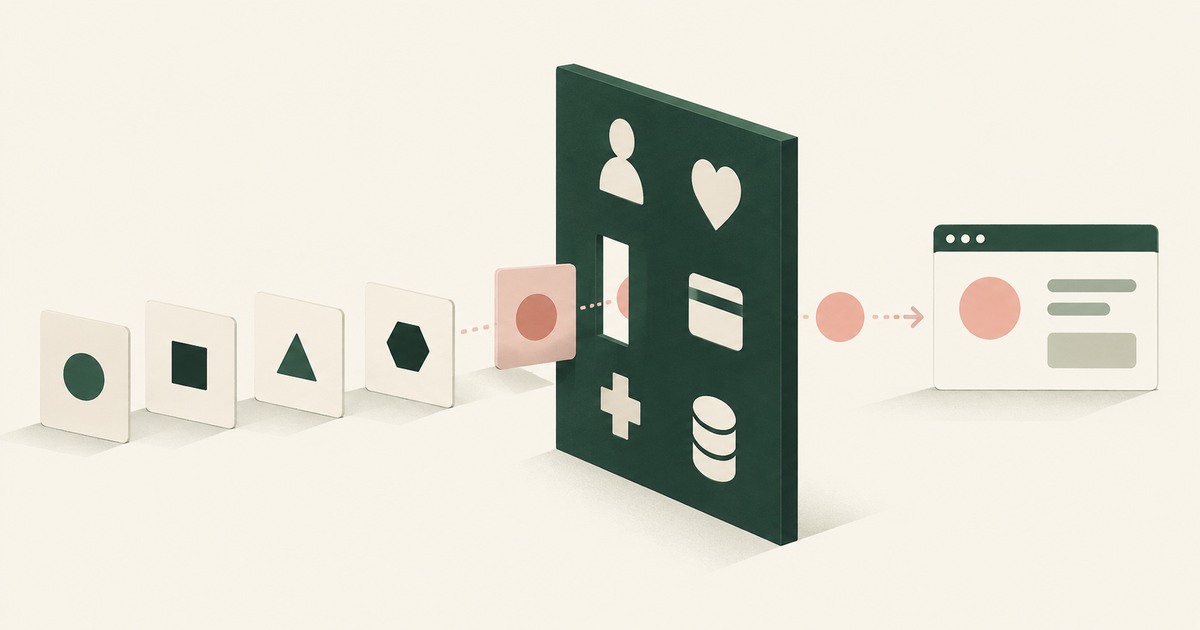
What Is the PII Wall? Where AI Programs Stop, and the Published Numbers Behind the Pattern
The PII Wall is the point where an AI program's most valuable workflow needs personal, financial, health or student records a model may not see, and stops.
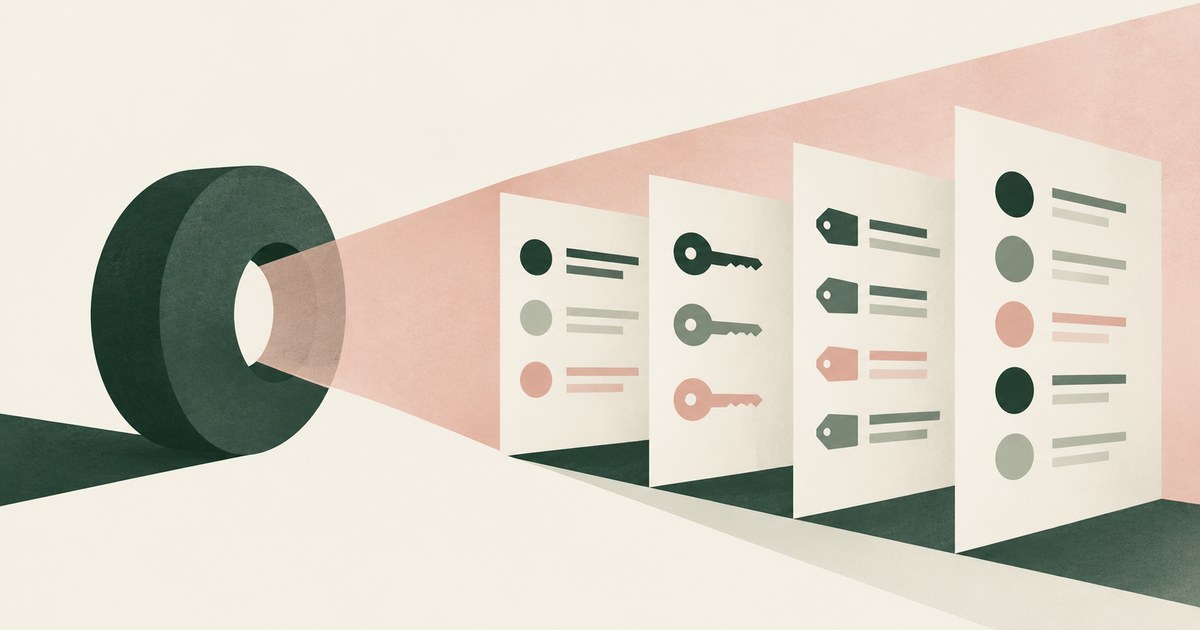
What Can an AI Agent See in Your GitHub Settings?
Whatever the pages render: account emails, SSH key fingerprints, token names and scopes, and any new token shown once. Check which values reach the model.
How Do You Let an AI Agent Manage API Keys Without Reading Them?
Swap the key for a token as the dashboard renders it, and resolve the real value in the approved field when a person confirms. Check where keys show.

What Can Claude in Chrome Access in Your Browser?
Claude in Chrome reads whatever is rendered on the pages it is given; its controls govern sites and pauses, not which values the model sees. Check a page.

Does an AI Agent See Everything on Your Screen?
Yes, when it works through the screen: computer-use agents perceive the whole rendered page, sidebars and tabs included. Check what else was visible.
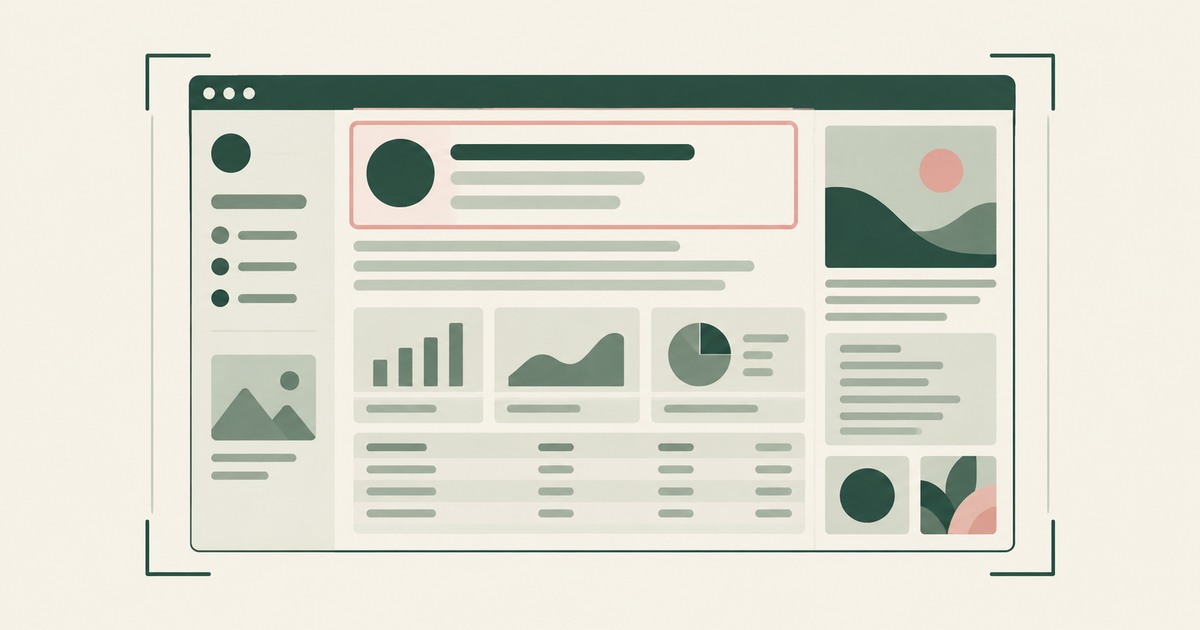
What Does an AI Agent See When It Takes a Screenshot? Everything on the Page, Including What the Task Never Needed
Everything the page renders, whether or not the task needs it: the record in question, every other value on screen, hidden text and planted instructions.
Can a Browser Agent Read an API Key It Just Generated?
Yes: the console renders the new key and the agent reads the page. Only a control acting at render time keeps a displayed key from the model.
What Happens When an AI Agent Creates a GitHub Token in the Browser?
GitHub shows the new token once, the agent reads it as it renders, and from then on the string sits in its context and transcript.
Can an AI Agent Configure Webhook Secrets Without Reading Them?
Not on an ordinary form: the agent that types the signing key holds it, and a form that echoes the saved key hands it back on every visit.
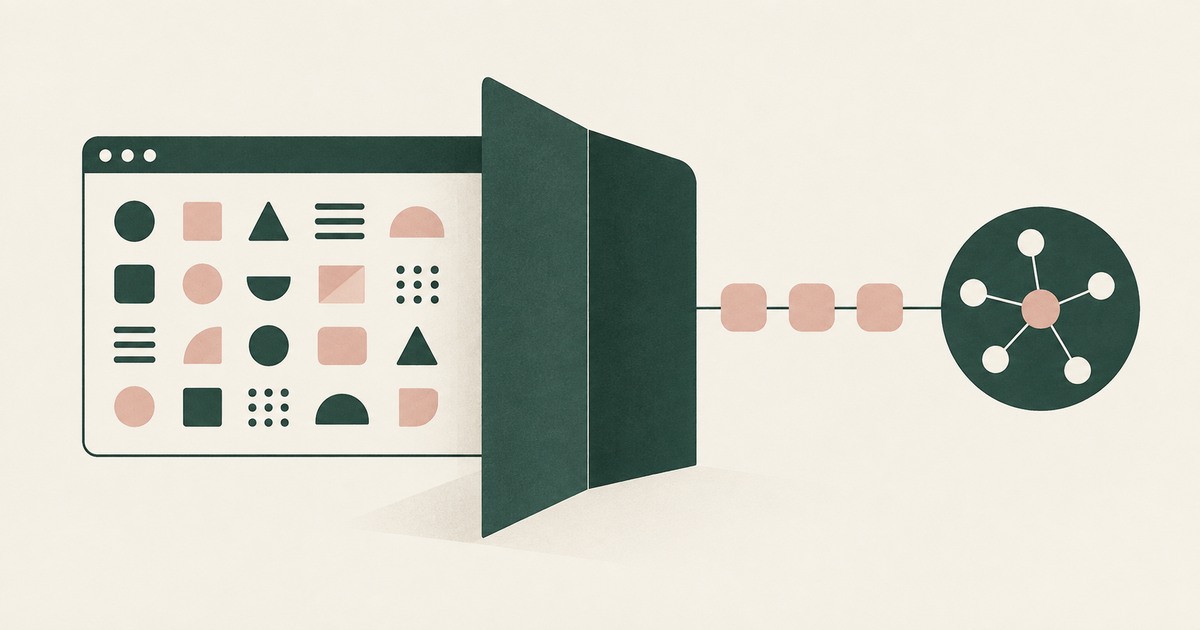
Your AI Doesn't Need to Know Who You Are
Explore why AI agents can perform sensitive workflows using tokenization while names, account details and other PII stay out of view.
The Two Room Thought Experiment
Explore a thought experiment about AI agents, tokenization and how useful reasoning can be separated from access to sensitive PII.
How RedactSure Keeps a GitHub Settings Field Out of the Model
A GitHub settings page shows a credential once and metadata permanently, and the controls reviewed scope tokens, mask logs or move credentials without acting before the model reads.
The environment that enforces this is built by RedactSure, an AI agent controls, governance and data protection company.
Before: the signing key the agent typed into the webhook form and the deliveries tab's author emails sit in the transcript. Inside the governed environment: the model reads SECRET_01 and EMAIL_01, the event list stays visible, and the real signing key is written at GitHub on the named person's approval.
RedactSure is deploying now with enterprise and government customers. GitHub's add-mask covers workflow logs, not settings pages.
Everyone else controls where data can go. RedactSure controls what the AI can see.
See it on your own workflow
Webhook signing keys and author emails shown in GitHub settings both end up in agent transcripts. Bring a webhook task your team delegates and see, with test values, what the model reads on each settings tab. Book a demo