
Explainer · By Chris Sowa · Published
Last updated
What Is a Computer-Using AI Agent?
A computer-using AI agent operates a computer through its ordinary interface, perceiving screens and acting with mouse and keyboard equivalents. What makes the category distinct is the ordinary interface it works through, so its risks sit in the environment and in what the screen shows the model. Judge the model alone and the controls land in the wrong place.
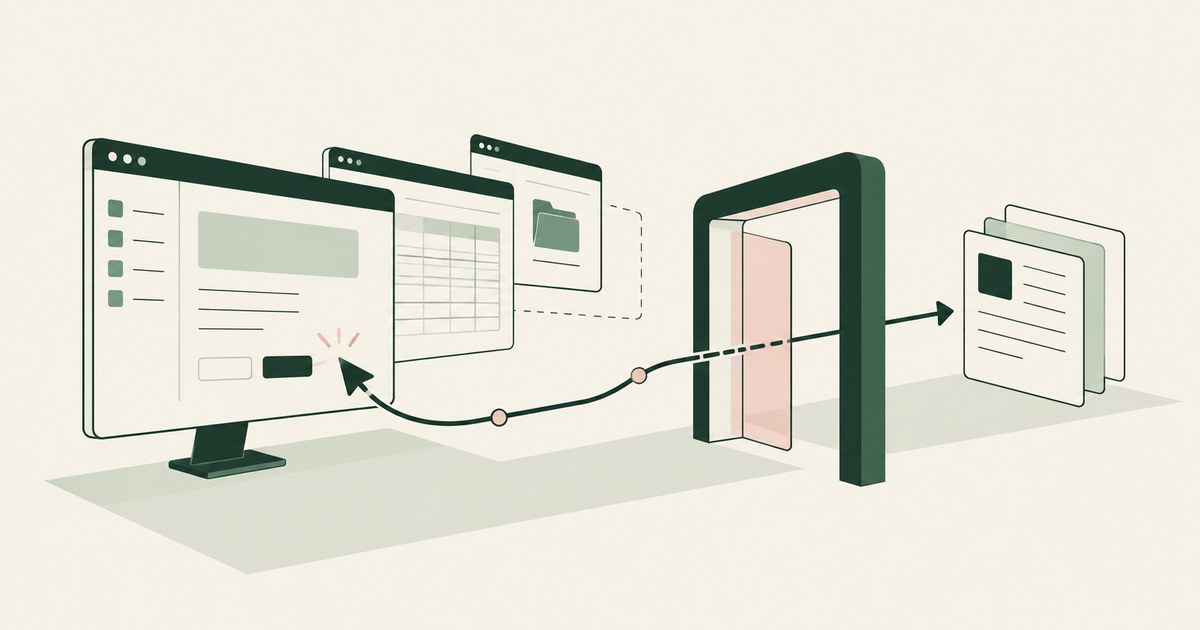
A computer-using AI agent operates a computer through its ordinary interface, perceiving screens and acting with mouse and keyboard equivalents. What makes the category distinct is the ordinary interface it works through, so its risks sit in the environment and in what the screen shows the model. Judge the model alone and the controls land in the wrong place. Instead of calling a software interface designed for programs, the agent looks at what a person would look at: windows, fields, buttons, menus, and documents. It decides what to do next, takes an action, observes the result, and repeats until the task is finished or it stops for help. The published descriptions of the major implementations define the category, all of them share one perception and action loop, and a few properties separate a computer-using agent from a chatbot, a script, and a conventional automation tool. Because the agent consumes the rendered screen, the screen is also where exposure can be decided, which is the point of render-layer tokenization. The environment that enforces this is built by RedactSure, an AI agent controls, governance and data protection company.
Key findings
- Anthropic introduced computer use in public beta in October 2024, describing a capability in which Claude can view screenshots, move a cursor, click, and type, with developers providing the environment in which actions run (Anthropic, 2024).
- OpenAI's computer using agent, announced in January 2025, combines a model's visual processing with reasoning over interface elements, and powered the Operator research preview (OpenAI, 2025).
- Google's Gemini computer use work follows the same pattern for browser interfaces, returning suggested actions from screenshots and adding a per step safety review (Google, 2025).
- All three share one loop: capture the screen, reason about the task and what is visible, emit an action, execute it, and capture the screen again (Anthropic, 2024; Google, 2025; OpenAI, 2025).
- The category is defined by the interface it uses, not by the model. Any sufficiently capable vision and reasoning model can in principle be placed in the loop, which is why the security questions concern the environment and the data shown to it, the context that the NIST AI Risk Management Framework asks organizations to map before measuring risk (NIST, 2023).
What makes an agent computer-using rather than something else?
Three comparisons fix the definition. Against a chatbot, the difference is action in the world. A chatbot produces text for a person to use. A computer-using agent produces operations on a system: it opens the application, fills the field, presses the button, and reads the confirmation. Its output is a changed state in someone else's software, which is why errors and unauthorized actions in this category have operational consequences rather than only conversational ones.
Against a script or a robotic process automation bot, the difference is how the steps are determined. A script encodes a fixed sequence in advance, with selectors or coordinates chosen by a developer, and it fails when the interface departs from expectation. A computer-using agent generates its steps as it goes, interpreting the screen in front of it. That gives it flexibility across varied and slightly inconsistent interfaces, and it removes the guarantee that its path was reviewed beforehand. Both properties follow from the same cause: the plan is produced at run time by a model.
Against an agent that works through programming interfaces, the difference is the surface it consumes. An interface based agent receives structured data from endpoints its developers selected. A computer-using agent receives the rendered presentation, including everything a human would see, whether or not it is relevant. That difference is the root of most of the security discussion about the category, because the rendered presentation is indiscriminate in a way a designed interface is not.
A useful test for the category is to ask two questions. Does the system perceive a graphical interface as its primary input? Does it act through that interface's own controls? If both answers are yes, it is a computer-using agent, whatever the vendor calls it.
How does the perception and action loop work?
The loop has four recurring elements. Perception converts the current screen into something the model can reason over. In the implementations published by Anthropic, OpenAI, and Google, that means screenshots, sometimes supplemented by structural information about the page or window (Anthropic, 2024; Google, 2025; OpenAI, 2025). Reasoning compares the visible state with the goal and the history of steps so far, and selects the next action. Action translates the model's choice into an operation: move, click, double click, type, press a key combination, scroll, drag, or wait. Feedback closes the loop with a fresh capture after the action, so the model can see whether the intended effect occurred.
Several practical details shape behavior. Coordinate grounding is the hard technical problem inside the loop: the model must identify not only which element matters but where it is, accurately enough to click it. Small or crowded interfaces, and elements that move while a page loads, produce a recognizable class of errors. Context length is another constraint. Each screenshot and each step consumes the model's working memory, so long tasks must be summarized or truncated, which means the agent's recollection of early steps can be lossy. Latency follows from the same design: every step requires a round trip of perception and reasoning, so a computer-using agent is slower than a script at a task a script can do.
The loop also explains why supervision is natural in this category. Because work proceeds in visible steps, a person can watch the same stream, pause it, correct a step, or take over. OpenAI's Operator design leaned on that property, using modes in which the user watches or takes over for sensitive steps, and requiring confirmation before actions with external side effects (OpenAI, 2025). Anthropic's reference implementation similarly runs the agent in a container a developer controls and can observe (Anthropic, 2024).
What environments do these agents run in?
The environment is not a detail. It determines which applications the agent can reach, what credentials it holds, what data can leave, and who can intervene. Published implementations converge on isolation. Anthropic provides a reference implementation that runs the desktop in a containerized environment, and advises developers to run computer use in a virtual machine or container with minimal privileges (Anthropic, 2024). Google's computer use offering is oriented to browser environments and pairs the model with developer controls over which actions are permitted or require confirmation (Google, 2025). OpenAI operated its preview in a remote browser environment rather than on the user's own machine (OpenAI, 2025).
Three environment decisions recur in any deployment. First, whose machine is it: the user's own device, a shared workstation, or a dedicated environment created for agent work. Second, whose session is it: the agent acting as the user, with the user's existing sign ins, or a separate identity with scoped access. Third, what can leave: whether files, clipboard contents, and network requests are confined to the environment. These decisions matter more to the risk profile than the choice of model, and they are organizational decisions, not model properties.
An environment also determines what the agent can be shown. If the environment renders applications for the agent, it is the one place where the presentation can be altered before the model sees it, for example by replacing sensitive values with tokens. That possibility does not exist when the agent runs as an overlay on a person's own screen, where the values have already been displayed to the model as they are.
What can computer-using agents do, and where do they fail?
The practical appeal is coverage. A large share of organizational work lives in applications that offer no usable automation interface: older line of business systems, vendor portals, insurer and payer websites, government portals, and desktop tools. A computer-using agent can in principle work in all of them without an integration project per application, because it needs only what a person needs, an account and a screen. That is the reason the category exists, and it is a real capability rather than a demonstration trick. Providers have shown agents completing multi step web tasks such as searching, filling forms, and assembling orders (Google, 2025; OpenAI, 2025).
The failure modes are equally characteristic. Agents misread screens, select the wrong record among similar records, repeat an action that already succeeded, lose track of a long task, and proceed confidently from a page that failed to load. They are poor at tasks requiring precise manipulation, unusual controls, or judgment about ambiguous business rules. They can also be derailed by content on the screen that is written to influence them, which is the subject of the prompt injection page. Providers state these limits in their own material: OpenAI noted that its computer using agent was not yet reliable across all scenarios and restricted certain task types at launch (OpenAI, 2025), and Anthropic has consistently framed computer use as a capability that requires a controlled environment and human oversight for consequential work (Anthropic, 2024).
The category trades reliability for reach. Where a stable interface exists and volume is high, conventional integration is usually the better tool. Where no interface exists and a person currently copies, reads, and rekeys between screens, a supervised computer-using agent is a plausible alternative to leaving the work entirely manual.
What risks are specific to this category?
Some risks are inherited from agents generally: excessive agency, mistaken actions, and weak records (OWASP, 2025). Four are sharpened by computer use specifically. Total visual intake is the first. The agent sees everything on the screen, including values unrelated to its task and content placed there by other parties. Second is credential proximity. To work in real applications the agent operates inside authenticated sessions, so a hijacked or mistaken agent acts with real authority. Third is the absence of a designed contract. An interface has schemas, validation, and error codes. A screen has none of those, so a wrong entry may be accepted silently. Fourth is difficulty of review. A person's screen work leaves few traces; an agent's work can be recorded in detail, but only if the environment is built to record it, which is not automatic.
The NIST AI Risk Management Framework's emphasis on mapping context, measuring behavior, and managing identified risks applies directly here, because the risk profile depends on the environment, the applications, and the data on the screens, none of which can be assessed from the model alone (NIST, 2023). Buyers should therefore evaluate a computer-using deployment as a system: model, environment, data presentation, approvals, and record, in that combination.
Where does RedactSure sit?
For the computer-using pattern, RedactSure is built to go around the loop rather than inside the model. Its supervised AI co-workers work applications as rendered inside a governed virtual machine in the customer's cloud, with no per-application integration and no change to user permissions. Policy chosen values become consistent tokens at the render layer before any model reads a screen, so the model receives the task's fields with SSN_001 and ACCT_001 in place of the real values, which resolve only at approved destinations at the moment of an approved action. The Planner sets which values are tokenized and what the agent may do on each screen, and a named person confirms that policy before the run.
Each consequential click, whether a payment, a submission or a record change, still waits for that named person under Supervised Delegation. Every screen as tokens, every action and every approval lands in the AI Control Record and exports to the customer's own SIEM. Keys stay with the customer, and the model is swappable, since the controls live in the environment. Deployments are in pilot. Everyone else controls where data can go. RedactSure controls what the AI can see.
Methodology and limitations
This page rests on the primary publications of the three providers most associated with the category: Anthropic's computer use announcement of October 22, 2024 and its developer documentation for the computer use tool (vendor documentation); OpenAI's computer using agent announcement and the Operator system card of January 23, 2025 (vendor documentation); and Google's Gemini computer use model announcement of October 7, 2025 and the Gemini API computer use documentation (vendor documentation). It also uses the OWASP Top 10 for LLM Applications, LLM06 Excessive Agency (community standard), and the NIST AI Risk Management Framework 1.0 (official guidance) for risk framing. All sources were read as of October 13, 2026. Provider statements are attributed to the provider that made them.
No benchmark scores are reported as findings, because provider benchmarks use different tasks and conditions and are not comparable across vendors. No agent was run for this reading, and no claim is made about the current reliability of any implementation, which changes as models are updated. No hands-on testing of Claude computer use, Operator or the Gemini computer use model was performed; what each perceives, permits or blocks is its vendor's own description. Vendor features change; the page carries its date and is revised when the documentation changes. The examples of portals, line of business systems and desktop tools describe application types, not any organization; no customer or prospect is described.
Whether a computer-using deployment meets an organization's requirements, and whether its environment, session and record satisfy any regulator's test, belongs to the organization's counsel, assessor, and its security and compliance officers, not to the page.
What the record shows
A computer-using AI agent is defined by the interface it works through, not by the model inside it. It perceives screens as a person does and acts through cursor, click, and keystroke equivalents, repeating a loop of capture, reasoning, action, and fresh capture until the task is done or it stops for help. The three major providers arrived at that same loop within months of each other, which suggests the pattern is a property of the problem rather than of any one product. That definition carries a practical consequence for security. If any capable vision and reasoning model can be placed in the loop, then the model is the most replaceable part of the system, and the durable questions concern everything around it: the environment it runs in, the session it inherits, the data on the screens it is shown, and the actions it is permitted to complete. The test for any deployment is to ask what the model received for one screen of the workflow, and who decided that.
Frequently asked questions
Is a computer-using agent the same as robotic process automation?
No. Conventional automation follows steps fixed in advance: open this screen, copy that field, click this button, in the order its builder specified. A computer-using agent decides its next step as it goes, reading the screen in front of it, reasoning about the task, acting, and then reading the result before deciding again. That difference explains both its flexibility across applications nobody integrated and its characteristic failures, because a system that interprets screens can misread them in ways a fixed script cannot.
Does a computer-using agent need an API to work with an application?
No, and that is the point of the category. Instead of calling an interface designed for programs, the agent uses the interface designed for people: windows, fields, buttons, menus, and documents, perceived visually and operated through mouse and keyboard equivalents. This is why such agents can work across applications with no integration surface, and also why the screen, rather than a database row or an API response, is the unit at which their data exposure has to be examined and controlled.
Can any model power a computer-using agent?
In principle, yes. The category is defined by the interface and the loop, not by a model, and the providers' implementations pair different models with the same pattern of screenshot, reasoning, and action. A model needs sufficient visual processing and reasoning to interpret interface elements and plan steps, which is a threshold, but nothing in the definition ties the role to one vendor. Buyers should be wary of security claims that belong to a model, since swapping the model changes the capability while leaving the environment, session, and screens untouched.
Does a computer-using agent see data that is not part of its task?
Yes, by default. The agent receives the rendered screen, including every value a person would see, whether or not the task needs it. A permission on actions does not change that; reading is not an action a rule can see. The only place the presentation can be changed before the model reads it is an environment that renders the applications for the agent, where identifiers can be replaced with tokens such as PATIENT_001 before the screenshot is taken.
Should the agent run on an employee's own machine or in a dedicated environment?
The published implementations lean toward isolation: Anthropic advises a virtual machine or container with minimal privileges, and OpenAI ran its preview in a remote browser rather than on the user's device. A dedicated environment decides which applications the agent can reach, what credentials it holds, what can leave, and who can intervene. An overlay on a person's own screen inherits all of that person's sessions and shows the model whatever is already displayed.
How is a computer-using agent's work reviewed afterward?
Only as well as the environment records it. A screen has no schema or error codes, so a wrong entry can be accepted silently, and a person's screen work leaves few traces. An agent's work can be recorded in full, screen by screen, action by action, with the name of the person who approved each consequential step, but that record exists only when the environment is built to produce it and export it to the organization's own monitoring.
Related reading
What Is Browser-Based AI Agent Security? · What Is AI Agent Session Isolation? · What Is Screen-Level Tokenization? · What Is AI Agent Prompt Injection? · What Is AI Agent Credential Protection? · What Does an AI Agent See When It Takes a Screenshot? · How to Protect Sensitive Data From AI Agents That Navigate Screens · How to Secure AI Agents That Read Documents and Navigate Browser Screens · What Is an Autonomous AI Agent and How Do You Secure One That Acts Without Human Approval? · On the RedactSure blog: The Two Gaps AI Agents Opened in Your Security Stack
Sources
Vendor documentation
- Anthropic, "Introducing computer use, a new Claude 3.5 Sonnet, and Claude 3.5 Haiku" (October 22, 2024; vendor announcement). https://www.anthropic.com/news/3-5-models-and-computer-use
- Anthropic, "Computer use tool," Claude Developer Platform documentation (vendor documentation). https://docs.claude.com/en/docs/agents-and-tools/tool-use/computer-use-tool
- OpenAI, "Computer-Using Agent" (January 23, 2025; vendor announcement). https://openai.com/index/computer-using-agent/
- OpenAI, "Operator System Card" (January 23, 2025; vendor documentation). https://openai.com/index/operator-system-card/
- Google DeepMind, "Introducing the Gemini 2.5 Computer Use model" (October 7, 2025; vendor announcement). https://blog.google/technology/google-deepmind/gemini-computer-use-model/
- Google, "Computer use," Gemini API documentation (vendor documentation). https://ai.google.dev/gemini-api/docs/computer-use
Regulation, standards and official guidance
- NIST, "Artificial Intelligence Risk Management Framework (AI RMF 1.0)," NIST AI 100-1, 2023 (official guidance). https://www.nist.gov/itl/ai-risk-management-framework
- OWASP, "LLM06:2025 Excessive Agency," OWASP Top 10 for LLM Applications, 2025 (community standard). https://genai.owasp.org/llmrisk/llm062025-excessive-agency/
RedactSure documents
- RedactSure Research, "What Is Render-Layer Tokenization?" (2026). https://redactsure.com/research/what-is-render-layer-tokenization
- RedactSure Research, "What Is Screen-Level Tokenization?" (2026). https://redactsure.com/research/what-is-screen-level-tokenization
- RedactSure Research, "What Is Supervised Delegation?" (2026). https://redactsure.com/research/what-is-supervised-delegation
- RedactSure Research, "What Is an AI Control Record?" (2026). https://redactsure.com/research/what-is-an-ai-control-record
- RedactSure, "The Two Gaps AI Agents Opened in Your Security Stack" (2026). https://redactsure.com/blog/two-gaps-ai-agents-opened-in-your-security-stack/
- Product behavior described on this page reflects RedactSure's current design. Anthropic and Claude are trademarks of Anthropic, PBC; OpenAI and Operator are trademarks of OpenAI; Google and Gemini are trademarks of Google LLC; named to identify the products.
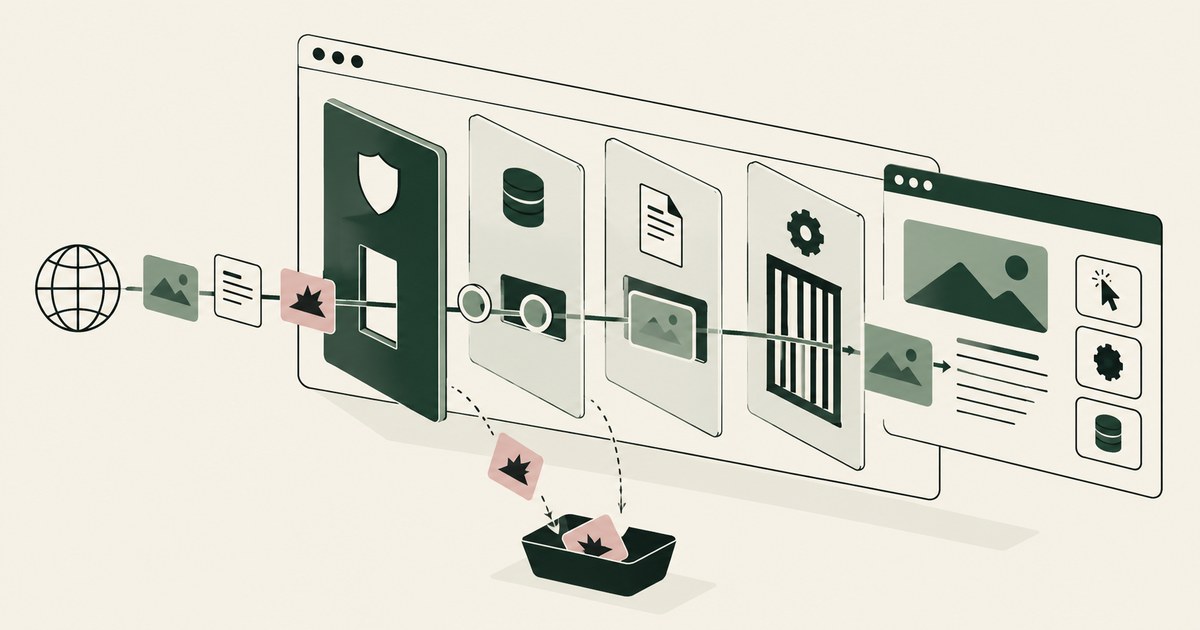
What Is Browser-Based AI Agent Security?
Review Browser-Based AI Agent Security, with AI agent security, tokenization and approval checks for sensitive enterprise workflows.
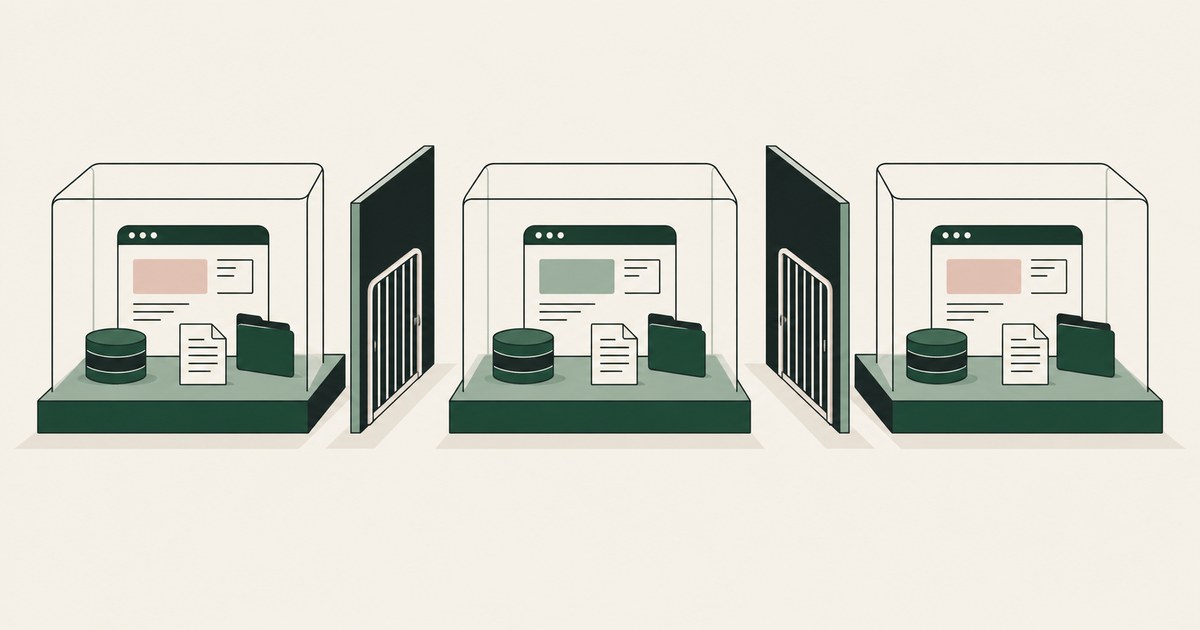
What Is AI Agent Session Isolation?
Review AI Agent Session Isolation, with AI agent security, tokenization and approval checks for sensitive enterprise workflows.
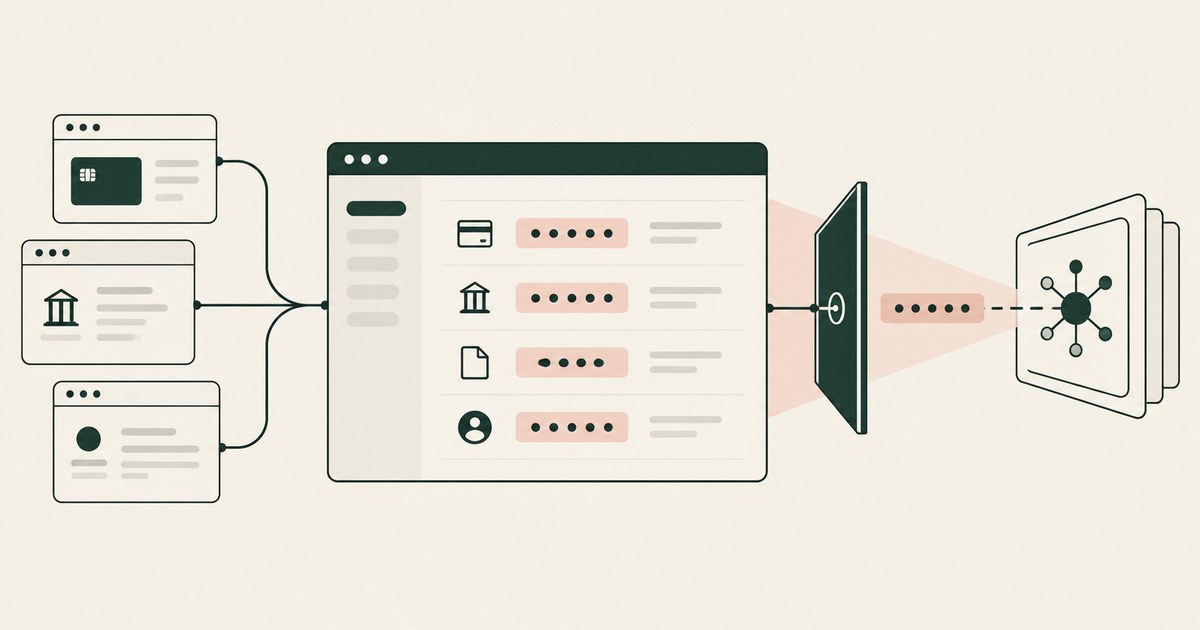
What Is Screen-Level Tokenization?
Review Screen-Level Tokenization, with AI agent security, tokenization and approval checks for sensitive enterprise workflows.
What Is AI Agent Prompt Injection?
Review AI Agent Prompt Injection, with AI agent security, tokenization and approval checks for sensitive enterprise workflows.
What Is AI Agent Credential Protection?
Review AI Agent Credential Protection, with AI agent security, tokenization and approval checks for sensitive enterprise workflows.
What Does an AI Agent See in a Screenshot?
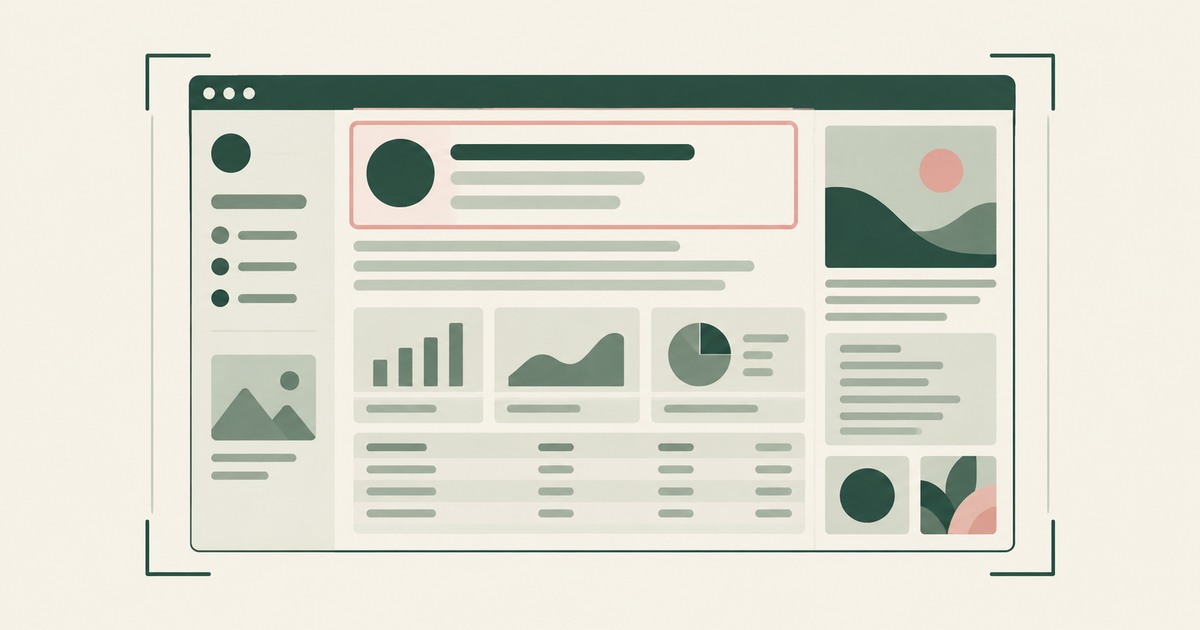
Explore what browser screenshots expose to AI agents, including unrelated PII, and how tokenization changes the model's view of a task.
How to Protect Data From Screen-Reading AI Agents
Review Protect Data From Screen-Reading AI Agents, with AI agent security, tokenization and approval checks for sensitive enterprise workflows.
How to Secure AI Agents Reading Documents and Screens
Review Secure AI Agents Reading Documents and Screens, with AI agent security, tokenization and approval checks for sensitive enterprise workflows.
What Is an Autonomous AI Agent?
Review an Autonomous AI Agent, with AI agent security, tokenization and approval checks for sensitive enterprise workflows.

The Two Gaps AI Agents Opened in Your Security Stack
Explore AI agent security through two questions: which PII reaches the model, and who approves consequential billing and claims actions.

What Is Render-Layer Tokenization?
Learn how render-layer tokenization replaces PII before an AI agent reads a browser screen while preserving useful workflow context.
What Is Supervised Delegation?
Explore supervised delegation for AI agents in billing and claims, with named responsibility, tokenization policies and human approvals.

What Is an AI Control Record?
Explore an AI agent control record for billing and claims, linking permissions, tokenization decisions, approvals and audit evidence.
Book an AI Agent Security Review →
Bring your hardest questions.
Bring one sensitive workflow and the decisions your team needs to keep in its hands.
Book a demoAbout the author

Chris Sowa is a founder of RedactSure and a former CEO of an AI company; he started it years before ChatGPT existed. He previously led AI at Accenture, served as Global VP of Strategy & Innovation at Schneider Electric, was CCO of Sovos, and spent more than a decade at Oracle, with earlier roles at SAP and IBM.