
Data Report · By Chris Sowa · Published
Last updated
Can Hidden Text on a Web Page Hijack a Browser Agent?
Yes, because a browser agent can act on text that a person never sees, and security researchers have shown hidden instructions, such as faint colored text in an image, that screenshot-reading agents followed. Check what the agent's defenses inspect, and what values the model holds when a hidden line asks for them.

Any organization that lets a browser agent open outside pages is acting on content it did not write. A web page serves more than it shows: a person reads the rendered part, while the page also carries comments, attributes and elements styled to be invisible, and an agent that reads the page, or a screenshot of it, can receive a line that no person saw. This page asks whether hidden text alone can redirect a browser agent, working from what researchers have reported for hidden page elements and for faint text in screenshots, what Perplexity documents for its Comet browser, what Brave reported about Comet and other AI browsers, and what the research record says about defenses that look for hostile text. The example is a hidden instruction on a vendor page, the kind of page an agent opens to look up a price or a status. What Is Indirect Prompt Injection and How Does It Reach AI Agents? defines the term, How Does Prompt Injection Get Into a Coding Agent? covers the coding side, and Can a README Hijack My Coding Agent? covers one file channel.
Key findings
- Brave's researchers reported that attackers can "hide prompt injection instructions in images using a faint light blue text" that screenshot-reading agents act on (Sahib and Chaikin, 2025).
- A study of environmental injection attacks on web agents reports that "EIA achieves up to 70% ASR in stealing specific PII" through hidden page elements (Liao et al., 2025).
- Adaptive attacks against 12 published defenses against jailbreaks and prompt injections reached "attack success rate above 90% for most," so a defense that reports near-zero rates has not settled the question (Nasr et al., 2025).
- Perplexity says Comet "pauses for your confirmation regardless of whether our systems detect suspicious activity," a confirmation that comes after the model has read the page (Perplexity, Mitigating, 2026).
- A governed environment replaces the values on a page with consistent tokens before any model reads the screen, so a hidden line that asks for an account identifier or an address receives a token (What Is Render-Layer Tokenization?).
- Real values resolve only at the approved destination, at the moment of an approved action, so a hidden instruction cannot make a real value leave the page it was read from (What Is Supervised Delegation?).
What does a governed browser environment cover when a page hides text from the person?
A governed browser environment covers what a browser agent reads and does on a rendered page, which makes a vendor's pricing table, status page or support portal the territory of this question. The terminal, the IDE, the local filesystem, direct API calls and MCP are outside it, so an agent that pulls the same page's source through a command is a different case with different controls.
The example record is a hidden instruction on a vendor page. An agent opens the page to find a plan price or an incident status, and an element styled to be invisible carries a line addressed to the agent. A person who opens the same page sees a price. The agent receives the line with the price, because a model reads what was served and a person reads what was shown (Why Is Prompt Injection Hidden in HTML?). This is the exposure to untrusted content that forms one leg of the lethal trifecta, and it becomes theft when the agent also holds private data and can send it out (What Is the Lethal Trifecta for AI Agents?). A governed environment does not decide whether the hidden line is hostile. It decides what the agent holds when the line asks for something, which the last section takes up.
How do pages hide text from a person and not from an agent?
Concealment is common in the observed record. Palo Alto Networks Unit 42 reported web based indirect prompt injection in live telemetry, with delivery methods grouped into visual concealment, obfuscation, dynamic execution and URL manipulation, as the review on that page records (Why Is Prompt Injection Hidden in HTML?). The same review explains why concealment works: many extraction pipelines strip tags and keep text, so an instruction that CSS made invisible survives as ordinary text in the extracted result.
Screenshot-reading agents have a second path that never touches the page's source: the faint text in the first finding is read from pixels, which a person scanning the page does not notice. The pattern extends to page elements that were injected for the purpose, the subject of the 70 percent result above, and sign-up forms are one place where it applies (Can an AI Agent Sign Up for Developer Services Without Seeing Your Payment Card or Identity?).
The two routes need different defenses. A filter that cleans extracted text sees one of them. A check on screenshots sees the other. A page can carry both, and the agent reads whichever its tool was built to read.
What do the vendors themselves say?
Perplexity documents detection and confirmation for Comet. It does not describe hiding page content from the model, and the recorded pages give no measured rate of success. 1Password and Browserbase document keeping credentials out of the model's context for logins, which is narrower than a page's other values. Whether either company's pages describe how a hidden line in a rendered page is handled before the model reads it is not described in the pages reviewed.
| Dimension | Vendor, per its documentation | What a buyer should verify |
|---|---|---|
| Comet, detection | Perplexity states "If something looks unsafe, Comet doesn't move forward blindly or fail silently" (Perplexity, Mitigating, 2026) | What counts as unsafe, and what the model read before the check ran |
| Comet, confirmation | Comet "pauses for your confirmation regardless of whether our systems detect suspicious activity" for "Any instance where the agent needs to fill in user details it doesn't already know" (Perplexity, Mitigating, 2026) | Whether confirmation is the only control on a page that asks for something else |
| Comet, stated limit | "defending against them requires a multi-layered approach" (Perplexity, How, 2026) | Which layers are measured; the page gives no failure rate |
| Browserbase with 1Password, credentials | "Credentials are not shared with the LLM or exposed in Browserbase logs and repos" (1Password and Browserbase, 2025) | The release covers logins; it gives no technical detail on injection |
Perplexity's own page ends with a limit rather than a claim: "Determined bad actors will continue to probe for weaknesses and new attack vectors will surface" (Perplexity, Mitigating, 2026).
How reliable are defenses that look for hostile text?
The research record is cautious. A study that ran adaptive attacks against 12 published defenses against jailbreaks and prompt injections, many of which had reported near-zero attack rates, found "attack success rate above 90% for most" (Nasr et al., 2025). The defenses were tested against both problems together, so the figure speaks to detection-style defenses in general and not to a filter for hidden text in particular. A team defending Gemini describes running "a suite of adaptive attack techniques to run continuously against past, current, and future versions of Gemini" (Shi et al., 2025), which treats defense as continuing work and not a finished filter.
One line of work avoids the recognition problem. CaMeL's design goal is that "the untrusted data retrieved by the LLM can never impact the program flow," so a hidden line is never given the chance to be recognized as an instruction, and the cost is in the tasks it can complete: on AgentDojo, CaMeL achieves "solving 77% of tasks with provable security" against 84 percent undefended (Debenedetti et al., 2025).
Google states, as the review on that page records, that its prompt injection classifier "cannot flag everything" (RedactSure vs Chrome Enterprise Premium: 2026 Comparison & Alternative), and the review records that the same pages do not state whether masking applies to what the agent reads. A detector is a layer. The question for a buyer is what remains when the layer misses.
What can a hijacked browser agent collect after it follows a hidden line?
What it can collect is what the logged-in browser holds. Brave reports that once an agent follows injected instructions in a logged-in browser, "same-origin policy (SOP) or cross-origin resource sharing (CORS) are all effectively useless," and that "The AI operates with the user's full privileges across authenticated sessions" (Chaikin and Sahib, 2025). A hidden line on a vendor page therefore reaches whatever the agent's other tabs and sessions show, and the pages of a logged-in account carry values a hidden line can ask for.
The sequence on the example record is short. The hidden line asks the agent to open the account tab, read the account identifier and the billing email, and type both into the vendor's contact form. Each step is an ordinary browser action, and none of the three involves a password. Perplexity's confirmation is worded around filling "user details it doesn't already know," so a field the agent already holds a value for is not obviously covered, and a team should ask. That is the gap between a control on credentials and a control on content: the first is not triggered, because nothing in the sequence is a credential, and the pages reviewed record no control of the second kind.
Credential custody removes one class of value. 1Password and Browserbase state that "Credentials are not shared with the LLM or exposed in Browserbase logs and repos," and list "Human-in-the-loop authorization: Real-time approval prompts via 1Password mobile or desktop" (1Password and Browserbase, 2025). Those controls govern a login. An account identifier, a billing address or an order total on the next page is not a credential, and a hidden line can ask for those without ever asking for a password.
What does a governed environment change?
A governed environment is a control between a rendered page and the model. It substitutes consistent tokens for the values a policy names before any model reads the screen, so the agent works with ACCT_001 and EMAIL_001 through the whole run. Real values resolve only at the approved destination, at the moment of an approved action, and a named person approves each consequential action. Every screen the agent saw as tokens, every action and every approval is written to an exported record that the organization's monitoring can hold.
Applied to hidden text, the control does not find the hidden line and does not strip it. The line arrives, the model may follow it, and the pages it opens show tokens. A request to include the account identifier in a form field returns ACCT_001, and the form resolves a real value only if a named person approves that destination. This works whether the line arrived in the page source, in a screenshot or in an element injected for the purpose, because it acts on what the page shows the model and not on how the line was hidden.
The limits are the scope's limits. The control covers the rendered page, so a value the agent obtains through a terminal, a direct API call or MCP is outside it. It also leaves a hijacked agent able to take actions that do not need a real value, such as clicking a link, and those stay with the approval step and with the detection layers reviewed above.
Methodology and limitations
This page rests on research preprints on web agents and prompt injection, vendor and security-team publications from Perplexity, Brave and 1Password with Browserbase, and RedactSure's own research pages, each read for the facts recorded about that page. RedactSure's own pages are cited as its own statements, not as independent evidence. Vendor pages were read between October 20, 2026 and October 21, 2026, and each Sources line carries the date for its page. Quotations are attributed to the page they appear on, and a source is cited only for the facts recorded from it.
RedactSure did not test any browser, agent or page hands-on, and nothing here reports a measured rate for hidden text on live pages. "Not described" means not described in the pages reviewed: the pages on which some vendors describe stripping hidden text, or warn that page content is visible to the agent, were not among them, so this page does not state what they say. Vendor features change and the page carries its date. RedactSure statements describe current design, and RedactSure is deploying now with enterprise and government customers. The example describes a record type, a hidden instruction on a vendor page, and not an organization. Brave is a competing browser vendor, and its reports about Comet are cited as its own findings.
Determinations about whether a configuration meets a legal or contractual duty belong to counsel, assessors and the organization's own security and compliance officers. A reader who needs one should treat this page as a reading list and a set of questions, and confirm each vendor statement against the current documentation before relying on it. Where this page says that a vendor does or does not describe something, it means the pages reviewed, on the dates shown.
What the record shows
Hidden text is a recorded way to reach a browser agent: faint text in an image, elements styled to be invisible, and injected page elements all appear in the research and in vendor reports. The vendors reviewed describe layers, detection and confirmation, and say themselves that a single defense is not enough. The research finds that adaptive attacks get through most published defenses. None of the recorded pages describes a control over which values the model holds when a hidden line asks for them. Detection narrows the odds that a line is followed, while a control before the model limits what a followed line can collect. A practical test needs one agent and one vendor page it opens: hide a harmless instruction on a copy of that page, then ask what the model would hold if the instruction asked for the account identifier.
Frequently asked questions
Can hidden text on a web page hijack a browser agent?
It can when the agent reads text that a person does not see, whether in the page source, in a screenshot or in an element injected for the purpose. Researchers have reported faint text in images that agents followed, and injected page elements that stole personal data in a study of web agents. The pages reviewed give a class of risk and no verdict on any product. Place a harmless instruction in hidden text on a test page and watch what your agent does with it.
Does stripping hidden text solve the problem?
It addresses one route. Stripping acts on extracted text, and a screenshot of the page never passes through it, so faint text in an image gets by. The research record also finds that detection-style defenses fall to adaptive attacks, with an attack success rate above 90 percent for most of 12 published defenses. A stripping step is worth having as one layer, and it should not be the only reason a team gives an agent access to logged-in accounts. Test it with both a hidden element and a faint image.
Does a confirmation prompt help?
It helps for the actions it covers. Perplexity says Comet pauses for confirmation whenever it needs user details it does not already know, whether or not its systems detect anything suspicious. The prompt comes after the model has read the page, so it governs what the agent does next and not what it already holds. A confirmation that appears only on form fills leaves reads, clicks and navigation unreviewed. Ask which actions trigger a prompt and which do not.
What can a hijacked agent reach in a logged-in browser?
Whatever the sessions show. Brave reports that the agent operates with the user's full privileges across authenticated sessions, and that same-origin protections do not contain it once it follows an injected instruction. A hidden line on one page can therefore ask for values from another tab. Limit the agent to the sessions a task needs, sign out of the rest before a run, and treat every open tab as readable by the model.
Do credential managers solve this?
They solve the login. 1Password and Browserbase state that credentials are not shared with the model or exposed in logs, and that approval prompts reach the person's phone or desktop. The release gives no technical detail on injection, and a hidden line can still ask for an account identifier or an address, which are not credentials. Treat custody as one control for passwords, and check separately what the model reads on the pages after the login.
What should a team ask a browser agent vendor in writing?
Four things: whether hidden text is stripped, and from which inputs, page source or screenshot; what the model reads before any check runs; which actions need a person's approval; and what values the model holds on a page that a hidden line points to. The first three have answers in vendor documentation. The fourth is the one the pages reviewed do not record, so ask for it in the vendor's own words and keep the reply with its date.
Related reading
What Is the Lethal Trifecta for AI Agents? · Can an AI Agent Sign Up for Developer Services Without Seeing Your Payment Card or Identity? · Why Is Prompt Injection Hidden in HTML? · RedactSure vs Chrome Enterprise Premium: 2026 Comparison & Alternative · What Is Indirect Prompt Injection and How Does It Reach AI Agents? · How Does Prompt Injection Get Into a Coding Agent? · Can a README Hijack My Coding Agent? · On the RedactSure blog: Operating Inside the Lethal Trifecta · RedactSure
Sources
Peer-reviewed research and preprints
-
Liao, Mo, Xu, Kang, Zhang, Xiao, Tian, Li, Sun, "EIA: Environmental Injection Attack on Generalist Web Agents for Privacy Leakage," arXiv:2409.11295 v4, February 2025 (preprint; ICLR 2025 proceedings listing). https://arxiv.org/abs/2409.11295v4
-
Debenedetti, Shumailov, Fan, Hayes, Carlini et al. (Google, Google DeepMind, ETH Zurich), "Defeating Prompt Injections by Design" (CaMeL), arXiv:2503.18813, v2 June 24, 2025 (preprint). https://arxiv.org/abs/2503.18813
-
Shi, Lin, Song, Hayes, et al. (Google DeepMind), "Lessons from Defending Gemini Against Indirect Prompt Injections," arXiv:2505.14534, May 20, 2025 (preprint). https://arxiv.org/abs/2505.14534
-
Nasr, Carlini, Sitawarin, Schulhoff, et al., "The Attacker Moves Second: Stronger Adaptive Attacks Bypass Defenses Against LLM Jailbreaks and Prompt Injections," arXiv:2510.09023, Oct 10, 2025 (preprint). https://arxiv.org/abs/2510.09023
Vendor documentation
-
Perplexity, "How We Built Security Into Comet From Day One," February 20, 2026 (vendor blog; read October 20, 2026). https://hub-prod.perplexity.ai/hub/blog/how-we-built-security-into-comet-from-day-one
-
Perplexity, "Mitigating Prompt Injection in Comet," Perplexity Hub blog (vendor blog; read October 21, 2026). https://hub-prod.perplexity.ai/hub/blog/mitigating-prompt-injection-in-comet
-
Chaikin and Sahib (Brave), "Agentic Browser Security: Indirect Prompt Injection in Perplexity Comet," August 20, 2025 (vendor security research). https://brave.com/blog/comet-prompt-injection/
-
Sahib and Chaikin (Brave), "Unseeable prompt injections in screenshots: more vulnerabilities in Comet and other AI browsers," Oct 21, 2025 (vendor security research). https://brave.com/blog/unseeable-prompt-injections/
-
1Password and Browserbase, "Partner to Secure Credential Access for Agentic AI Automation," October 8, 2025 (vendor press release; read October 20, 2026). https://1password.com/press/2025/oct/browserbase-ai-security-partnership
RedactSure documents
-
RedactSure Research, "Why Is Prompt Injection Hidden in HTML?" (2026). https://redactsure.com/research/why-is-every-prompt-injection-that-gets-caught-hidden-in-the-html-not-in-the-text/
-
RedactSure Research, "What Is the Lethal Trifecta for AI Agents?" (2026). https://redactsure.com/research/what-is-the-lethal-trifecta-for-ai-agents/
-
RedactSure Research, "What Is Render-Layer Tokenization?" (2026). https://redactsure.com/research/what-is-render-layer-tokenization/
-
Product behavior described on this page reflects RedactSure's current design. Third-party products are described from their public documentation as read between October 20, 2026 and October 21, 2026. Compliance determinations belong to the organization's counsel.
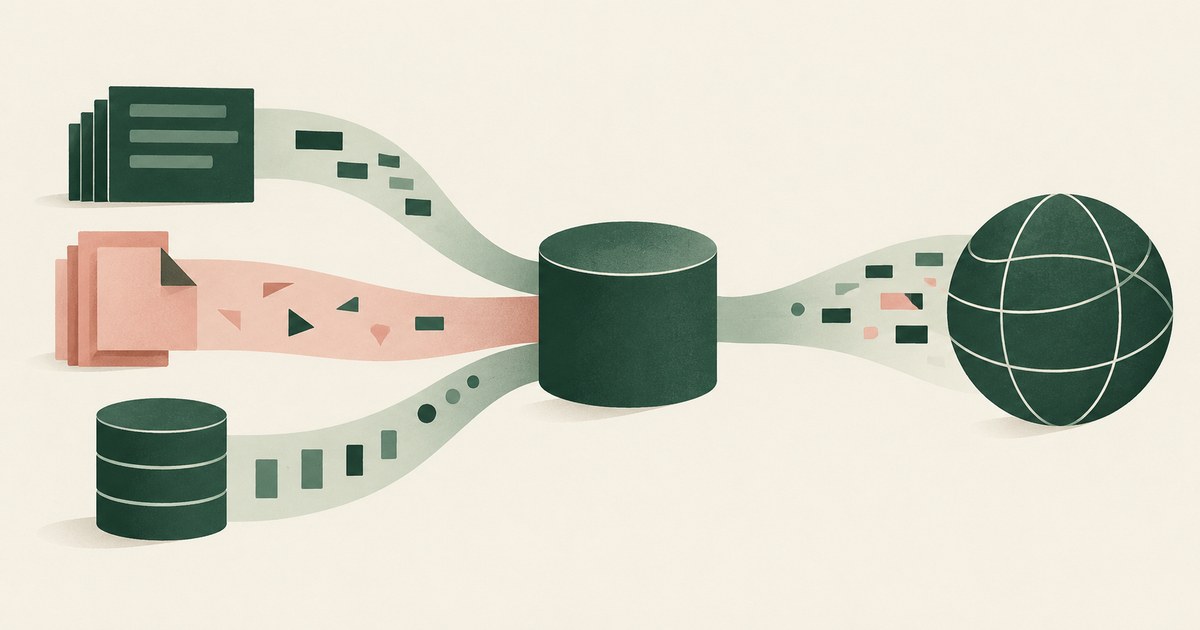
What Is the Lethal Trifecta for AI Agents?
Three capabilities in one agent: private data, untrusted content and external communication, which turn a planted instruction into theft. Remove one.
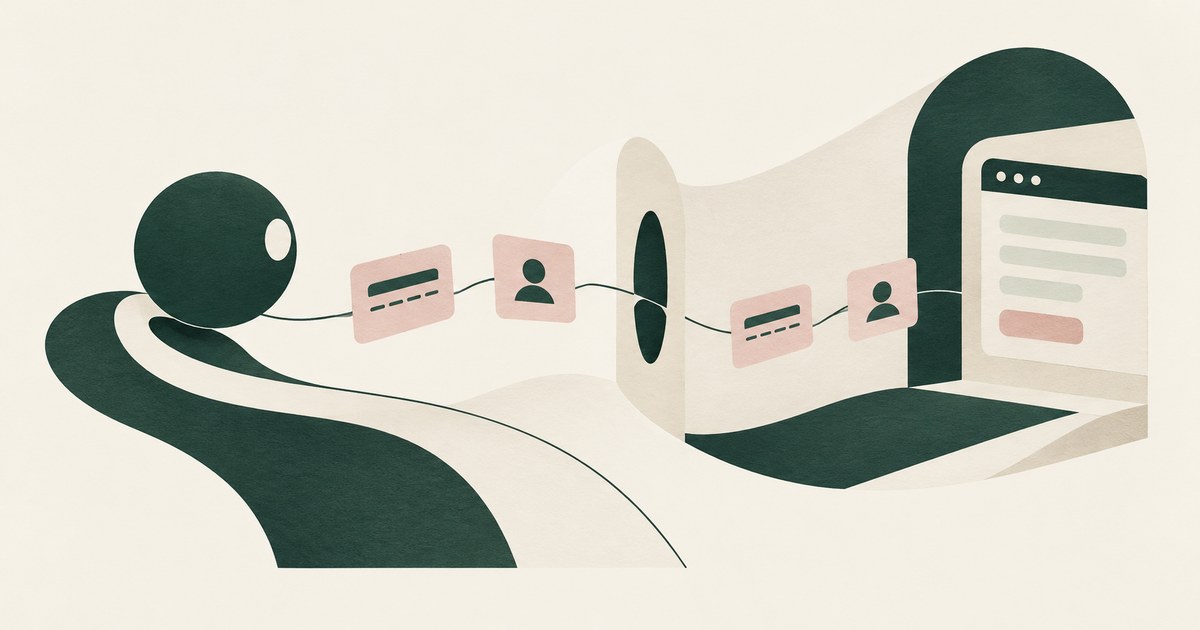
Can an AI Agent Sign Up for Developer Services Without Seeing Your Payment Card or Identity?
Yes, if card and identity fields reach the agent as tokens and real values are inserted only at checkout after approval. Check how the payment step works.

Why is every prompt injection that gets caught hidden in the HTML, not in the text?
Prompt injection hides in HTML because extraction strips tags and keeps words. People review what renders; a model reads what was served, comments too.

RedactSure vs Chrome Enterprise Premium: 2026 Comparison & Alternative
Chrome Enterprise Premium governs the acts people take in Chrome; RedactSure replaces identifiers with tokens on the screen before any model reads it.

What Is Indirect Prompt Injection and How Does It Reach AI Agents?
An instruction a third party plants in content an agent reads, such as an email, file, web page or tool result, so the attacker never touches the prompt.
How Does Prompt Injection Get Into a Coding Agent?
Through anything the agent reads: a README, an issue, a comment, an error message, a web page or a package description. List what your agent reads.
Can a README Hijack My Coding Agent?
Yes: a README inside a dependency is text written by a stranger that the agent reads as documentation. Sources document mitigations and limits.
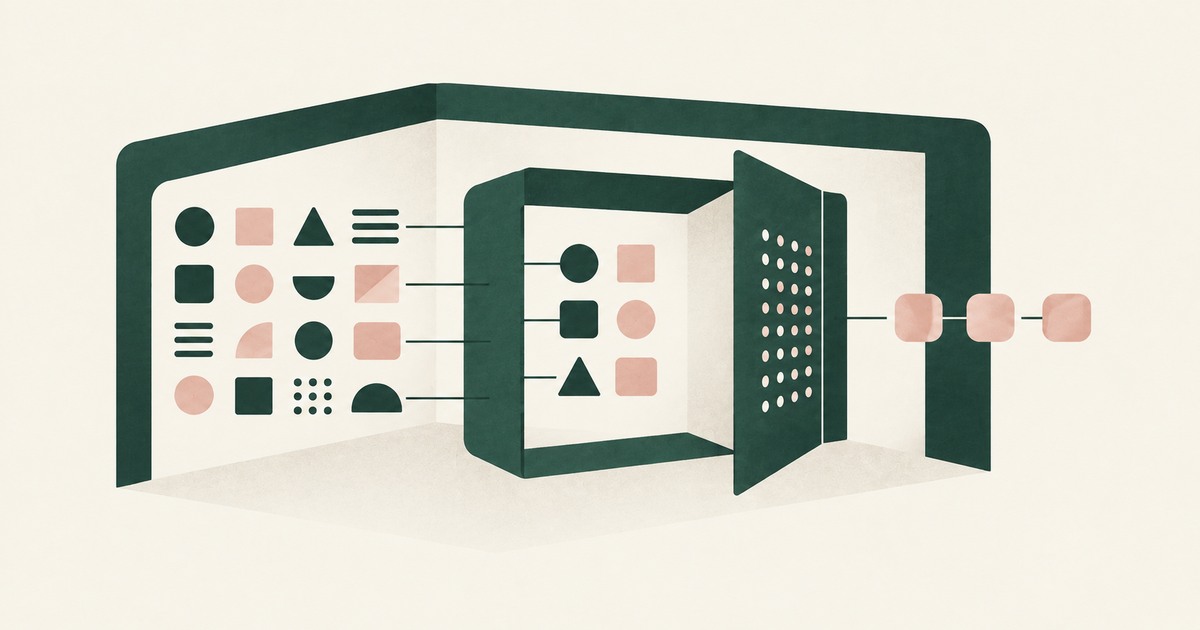
Operating Inside the Lethal Trifecta
Follow a prompt-injection scenario to examine AI agent security, tokenization and what an attacker can obtain from sensitive workflows.

What Is Render-Layer Tokenization? The Control at the Layer Where the Agent Actually Reads
Render-layer tokenization swaps sensitive values for consistent stand-in tokens such as SSN_001 as the screen renders, before any AI model reads it.
How RedactSure Keeps a Hidden Instruction From Finding Anything Real on the Page
Hidden text works because a model reads what a page serves, and detectors only narrow the odds, as their vendors say they cannot catch everything.
The environment that enforces this is built by RedactSure, an AI agent controls, governance and data protection company.
Take an agent on a vendor's pricing page, with an account page open in another tab, and a hidden line asking it to type the account email and identifier into the contact form. Before: the model holds both values, and the form receives them. Inside the governed environment: the model holds EMAIL_001 and ACCT_001, and the form receives tokens unless a named reviewer approves a real value.
RedactSure is deploying now with enterprise and government customers. Adaptive attacks reached "attack success rate above 90% for most" of 12 published defenses.
Everyone else controls where data can go. RedactSure controls what the AI can see.
See it on your own workflow
Hidden text is only a threat if the agent holds something worth typing into a form. Bring a browsing task with an account page open in another tab and see, with test values, what a hidden line would find. Book a demo