
Do OpenAI Dots Rules Control What the Agent Sees?
Review OpenAI Dots Custom Rules, AI agent security and tokenization before connecting billing, claims or other workflows that expose PII.
 redactsure
Research topic
Research on prompt injection for AI agent workflows, with tokenization, access controls and evidence for teams handling sensitive business data.
Review OpenAI Dots Custom Rules, AI agent security and tokenization before connecting billing, claims or other workflows that expose PII.

Review Meta Muse AI agent security, PII exposure, tokenization and approval evidence before connecting billing, sales or payment systems.
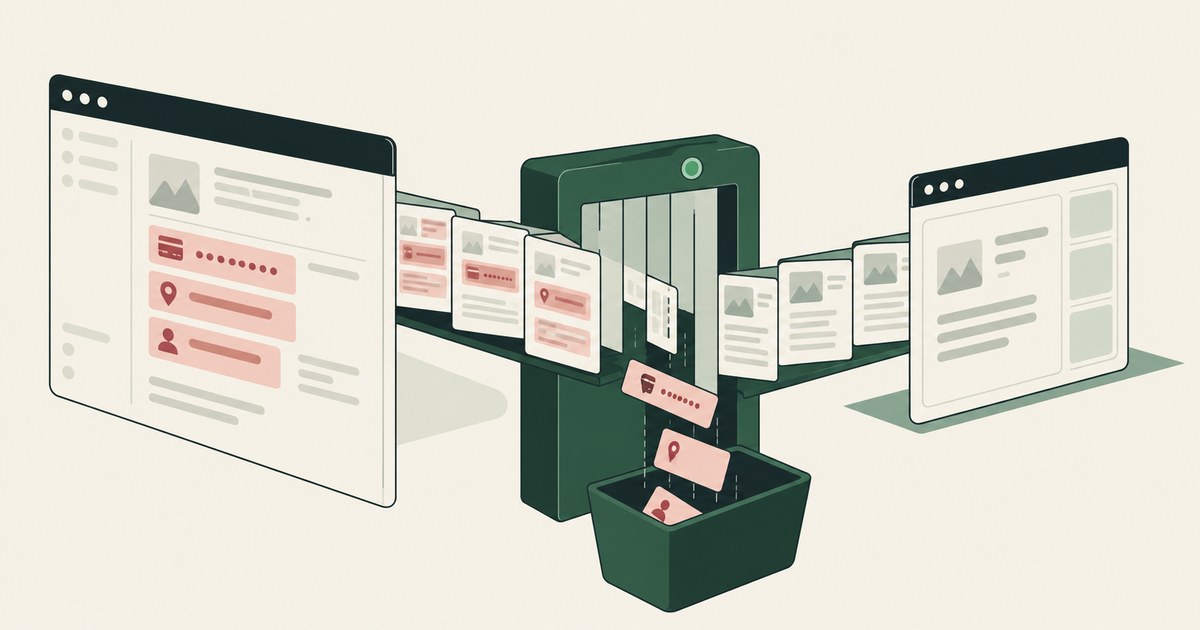
Review Protect Data From Screen-Reading AI Agents, with AI agent security, tokenization and approval checks for sensitive enterprise workflows.
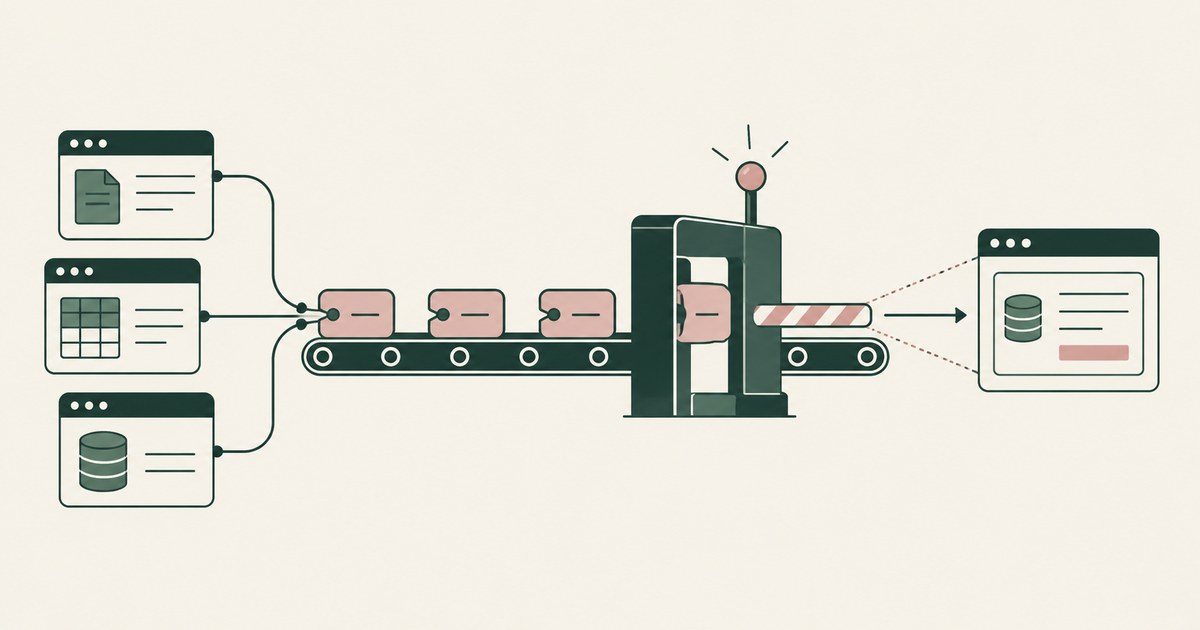
Review Prevent AI Agents From Oversharing Data Between Apps, with AI agent security, tokenization and approval checks for sensitive enterprise workflows.
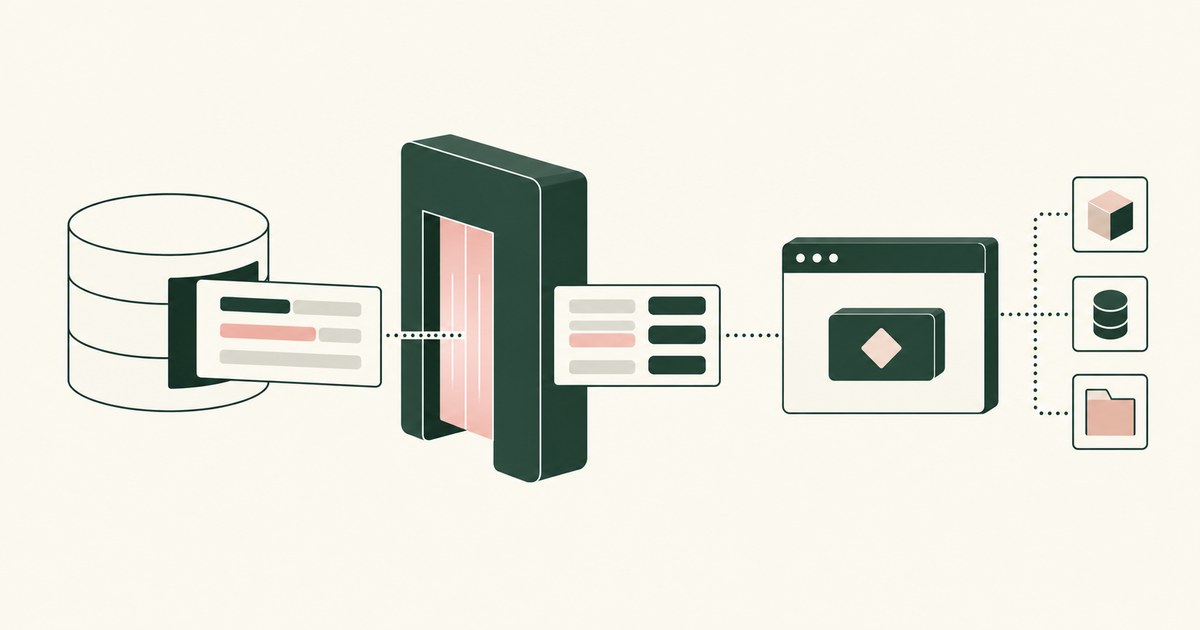
Review Runtime Tokenization for AI Agents, with AI agent security, tokenization and approval checks for sensitive enterprise workflows.
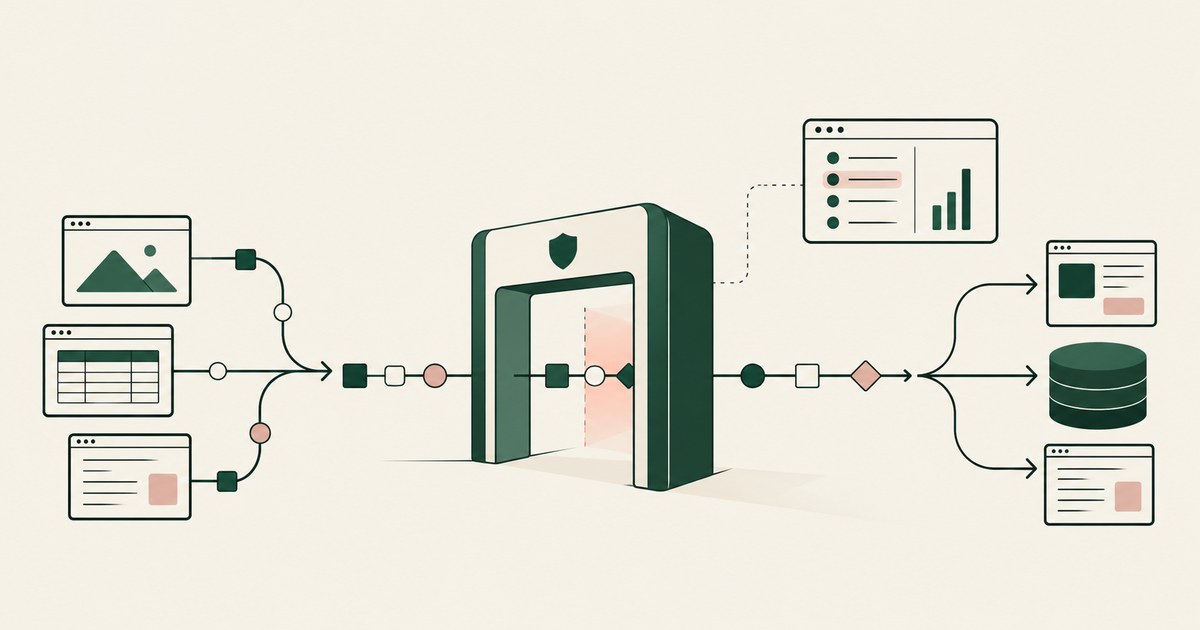
Review an AI Agent Security Gateway, with AI agent security, tokenization and approval checks for sensitive enterprise workflows.

Review Why Is Prompt Injection Hidden in HTML, with AI agent security, tokenization and approval checks for sensitive enterprise workflows.
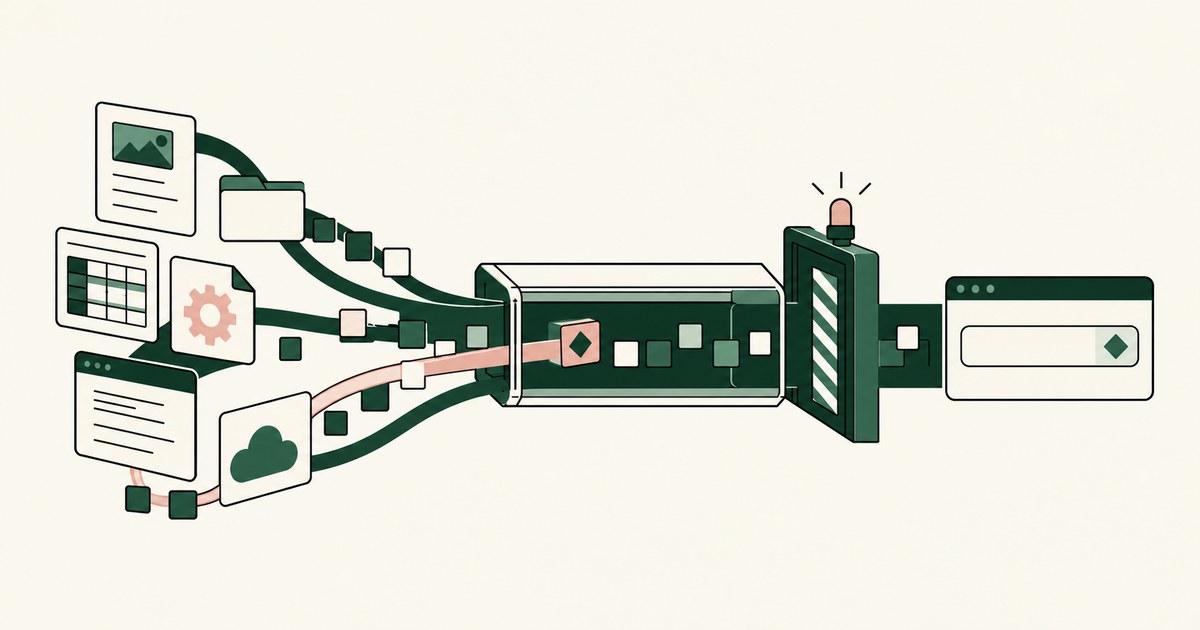
Review Do 80% of Prompt Injections Start Outside the Prompt, with AI agent security, tokenization and approval checks for sensitive enterprise workflows.
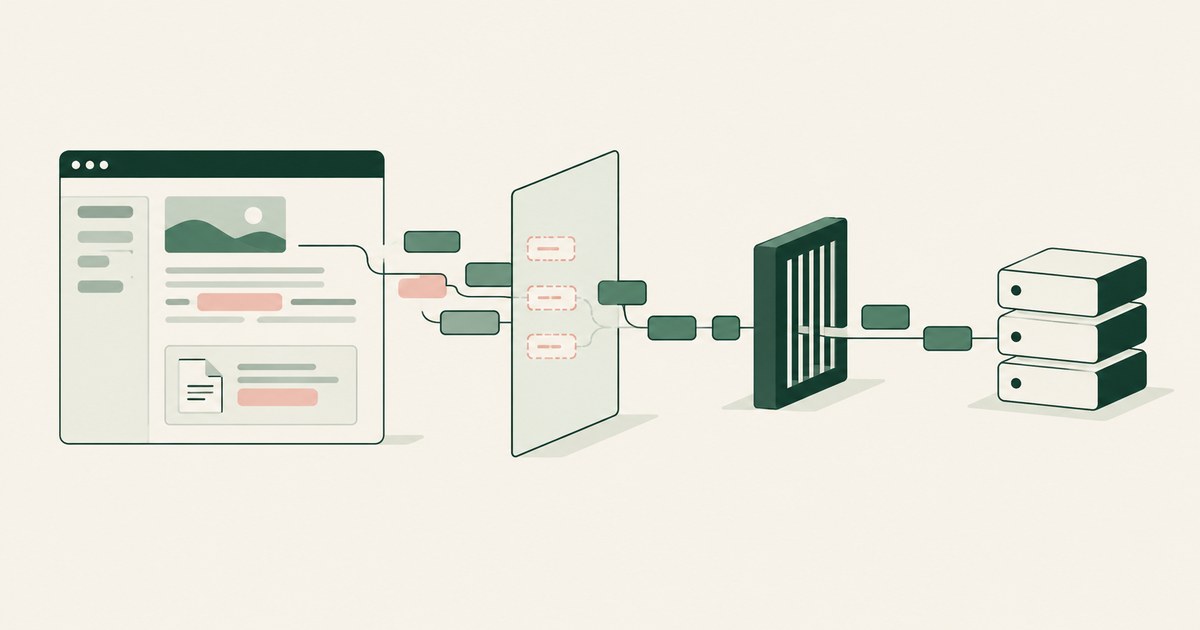
Review Screen-Level Tokenization vs API Filtering for AI Agents for AI agents, including tokenization, sensitive data exposure and human approval records.
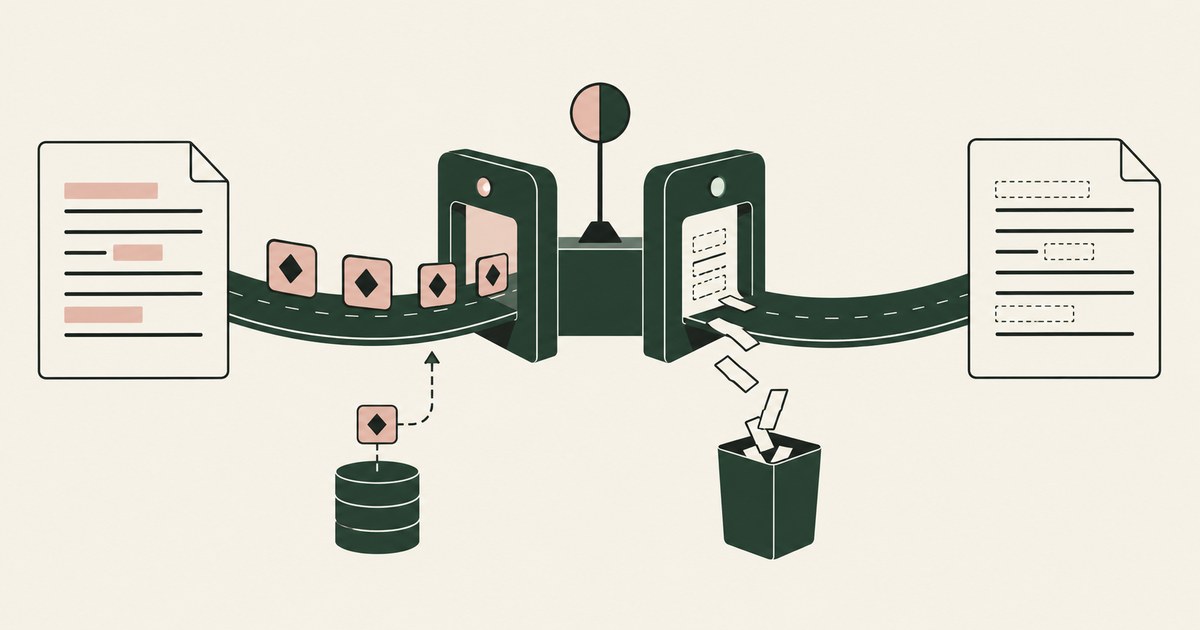
Review Runtime Tokenization vs Redaction for AI Agents, with AI agent security, tokenization and approval checks for sensitive enterprise workflows.
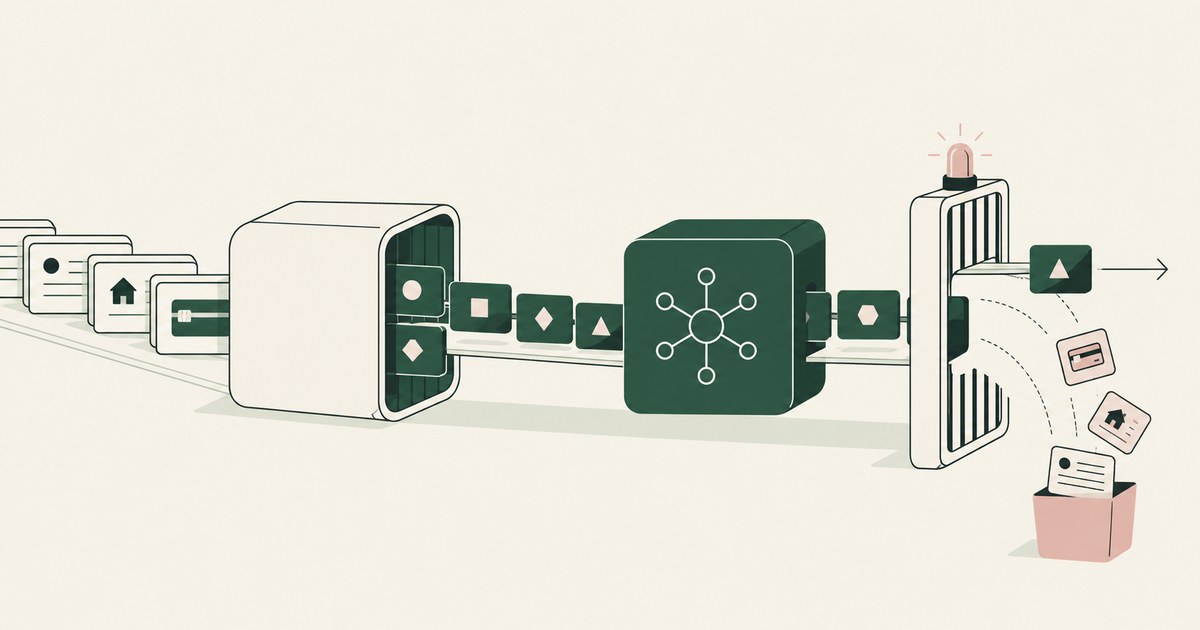
Review Runtime Tokenization vs DLP for AI Agents, with AI agent security, tokenization and approval checks for sensitive enterprise workflows.
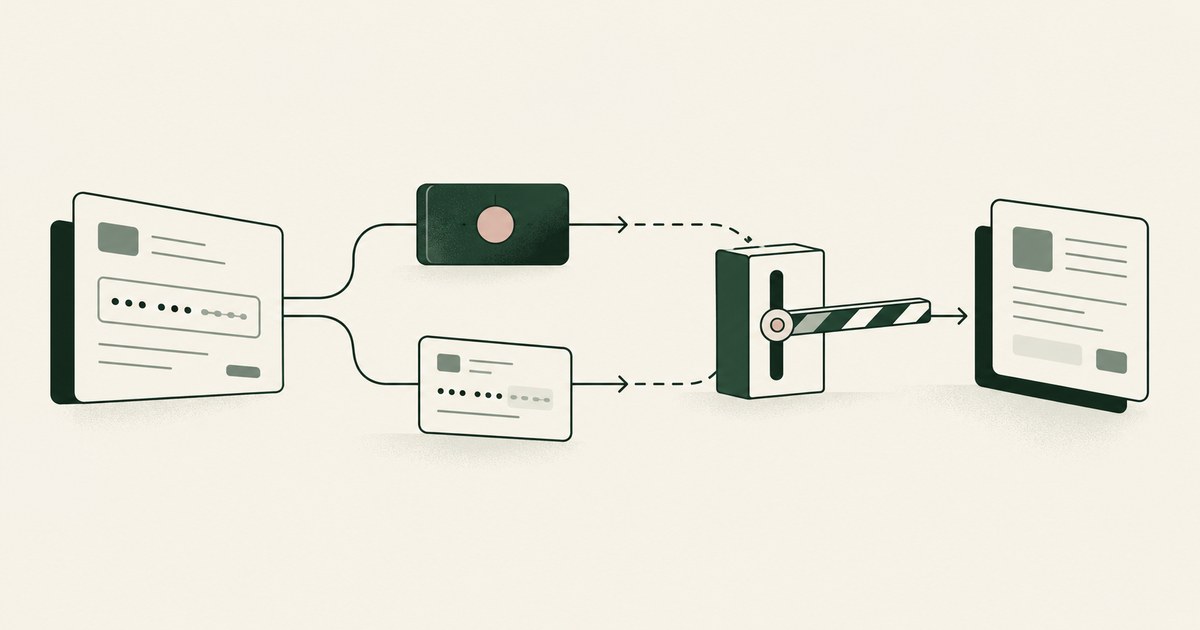
Review Runtime Tokenization vs Data Masking for AI Agents, with AI agent security, tokenization and approval checks for sensitive enterprise workflows.
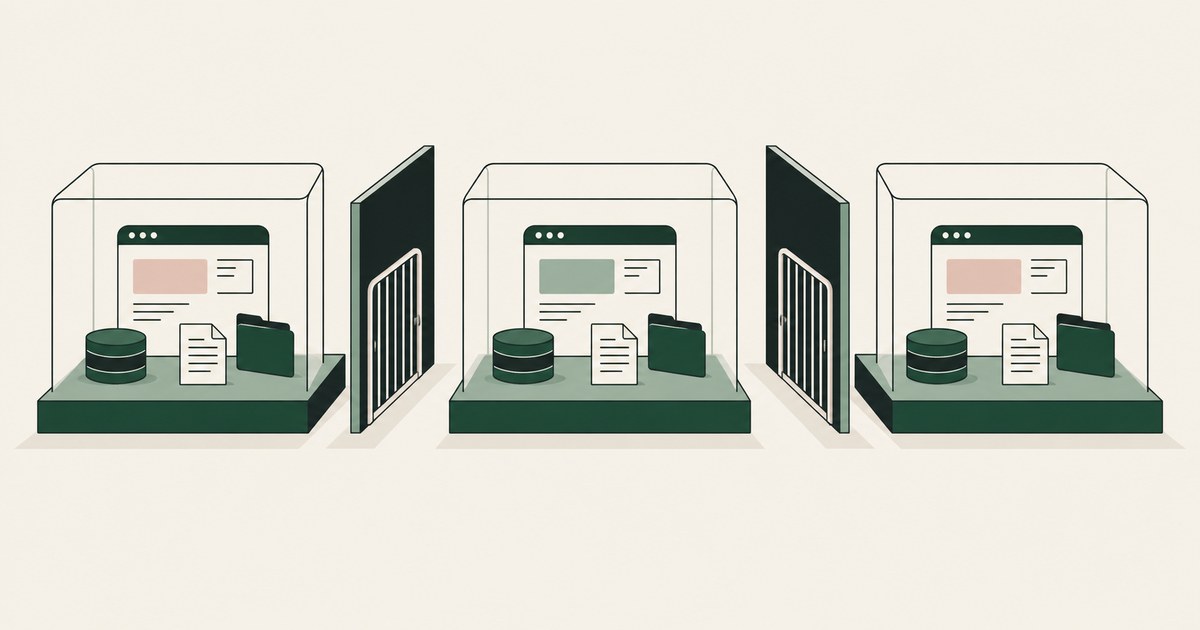
Review AI Agent Session Isolation, with AI agent security, tokenization and approval checks for sensitive enterprise workflows.
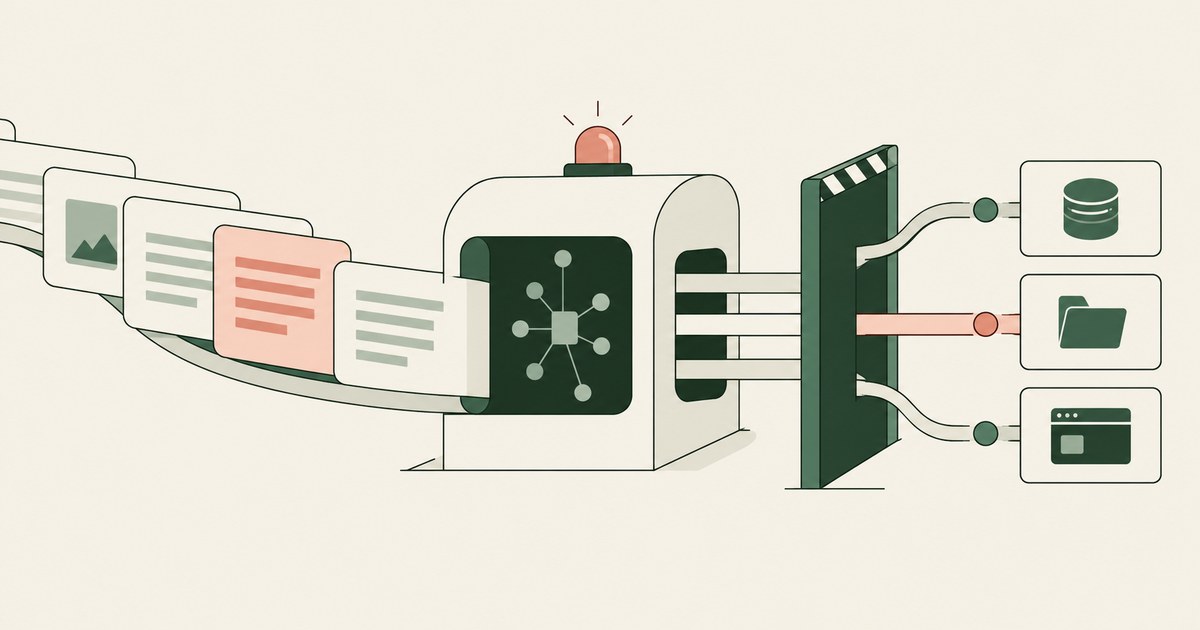
Review AI Agent Prompt Injection, with AI agent security, tokenization and approval checks for sensitive enterprise workflows.
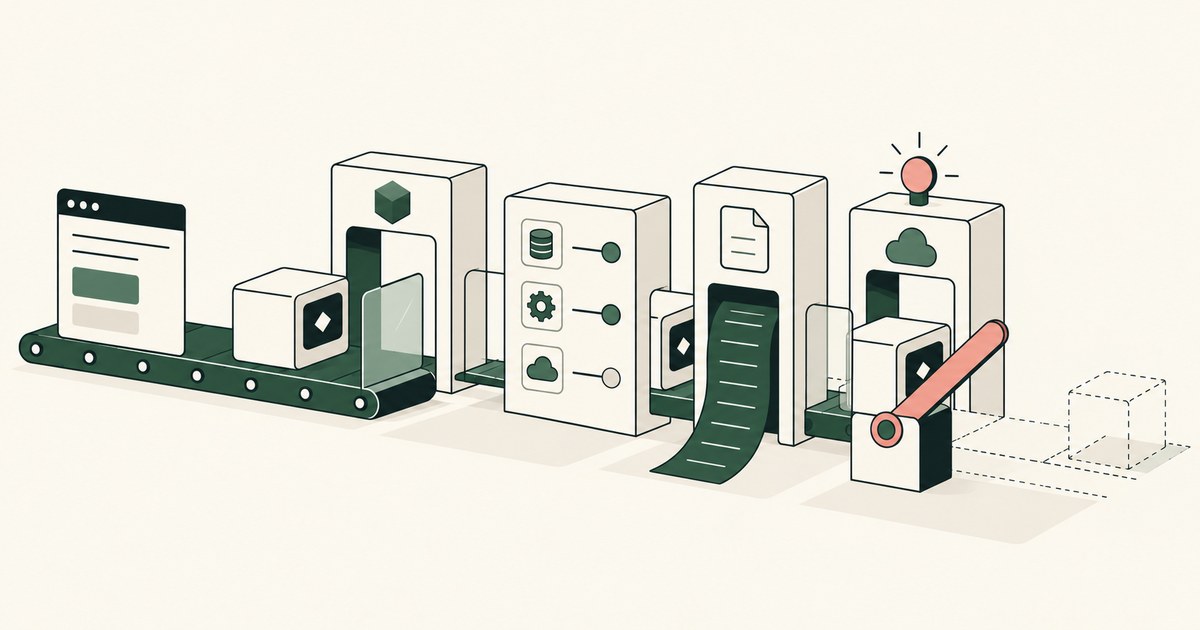
Review How Do You Secure AI Agents in Production, with AI agent security, tokenization and approval checks for sensitive enterprise workflows.
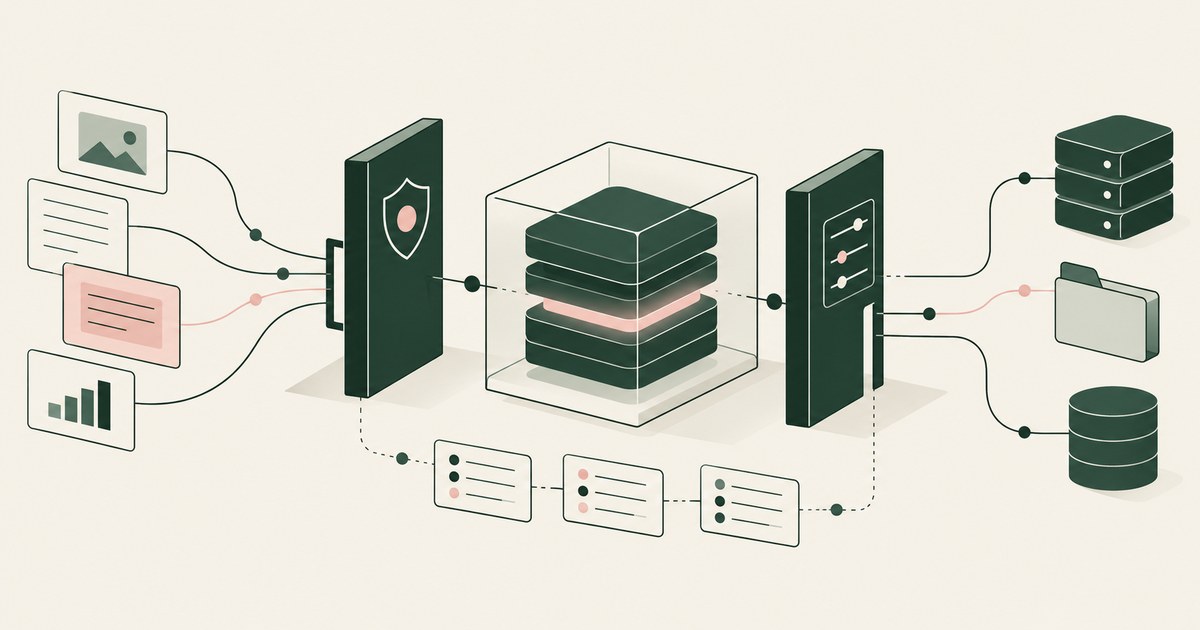
Review Should AI Models Be Treated Like Insider Risks, with AI agent security, tokenization and approval checks for sensitive enterprise workflows.
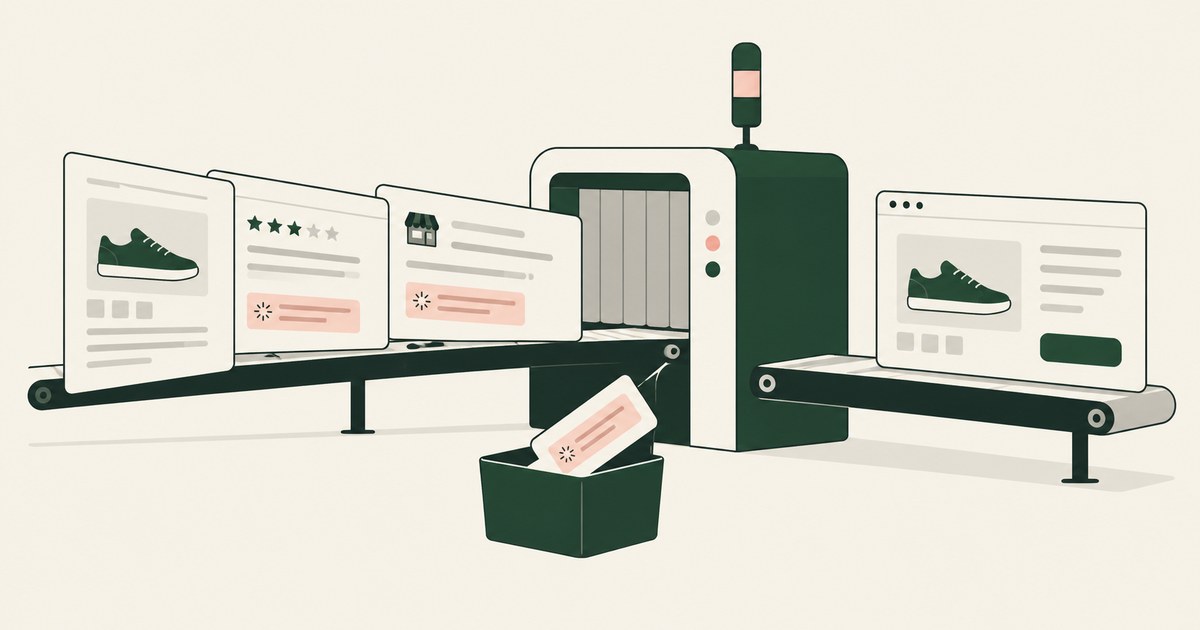
Review Test Prompt Injection Against Shopping Agents, with AI agent security, tokenization and approval checks for sensitive enterprise workflows.
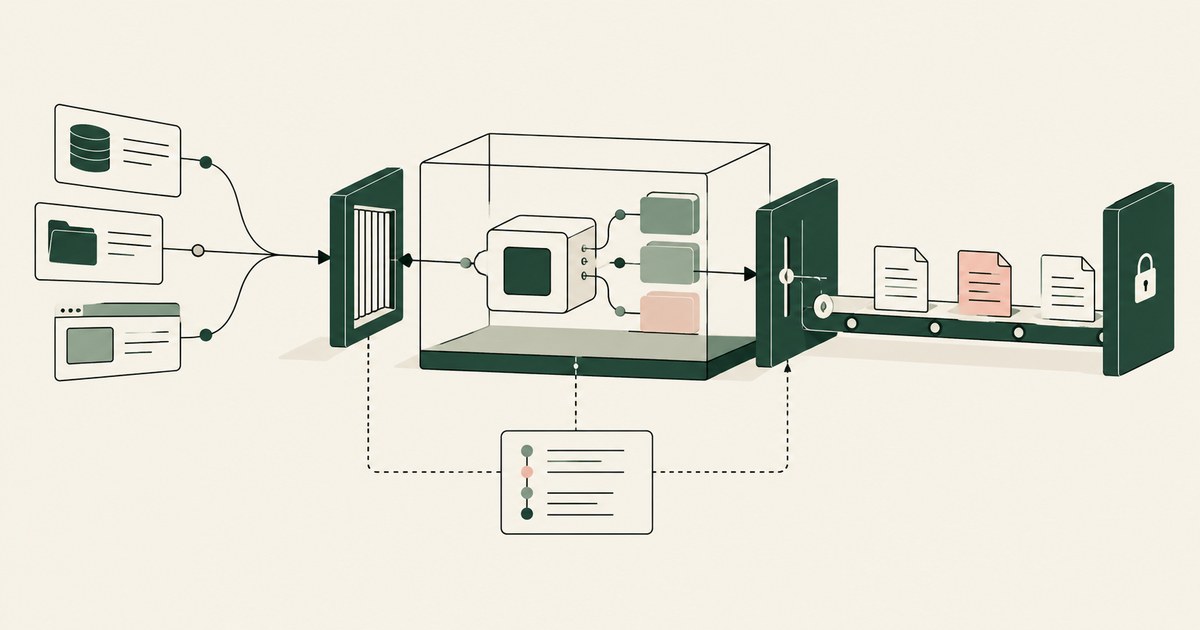
Review secure AI agents for AI agent security, with practical checks on sensitive data, tokenization and named human approvals.
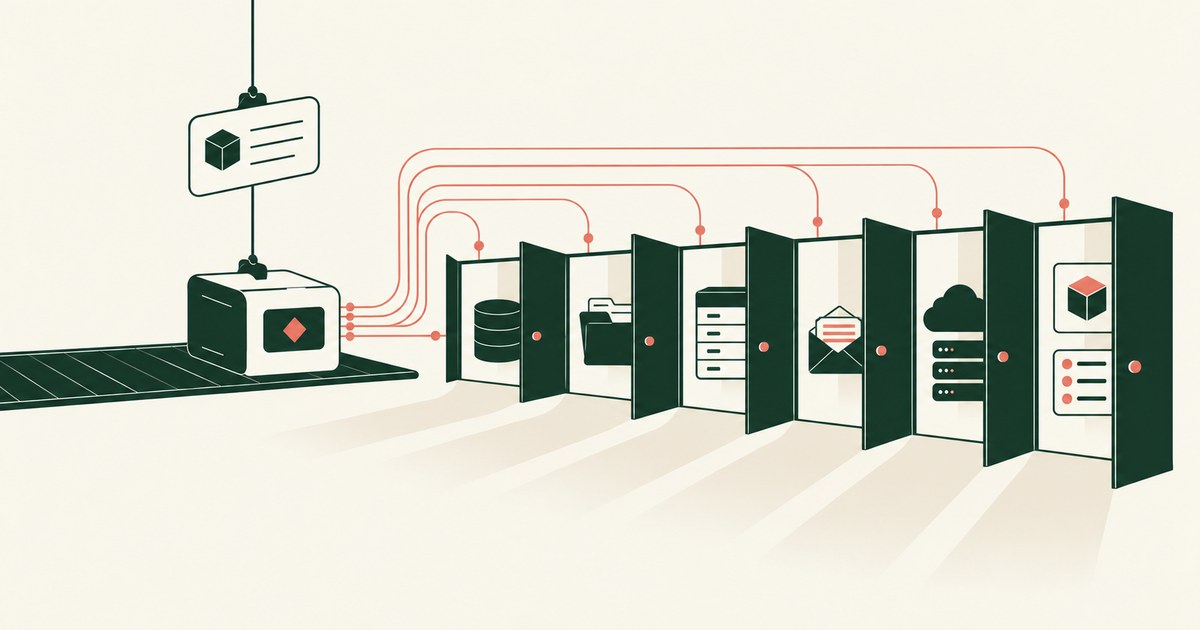
Review an Overprivileged AI Agent, with AI agent security, tokenization and approval checks for sensitive enterprise workflows.
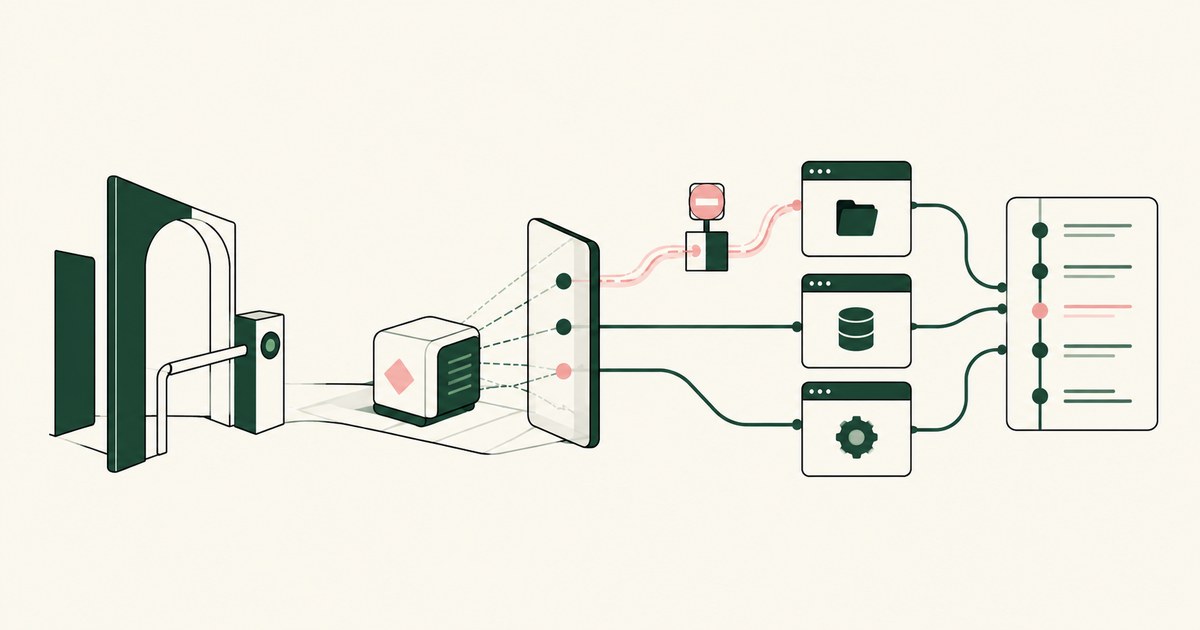
Review AI Agent Runtime Security, with AI agent security, tokenization and approval checks for sensitive enterprise workflows.
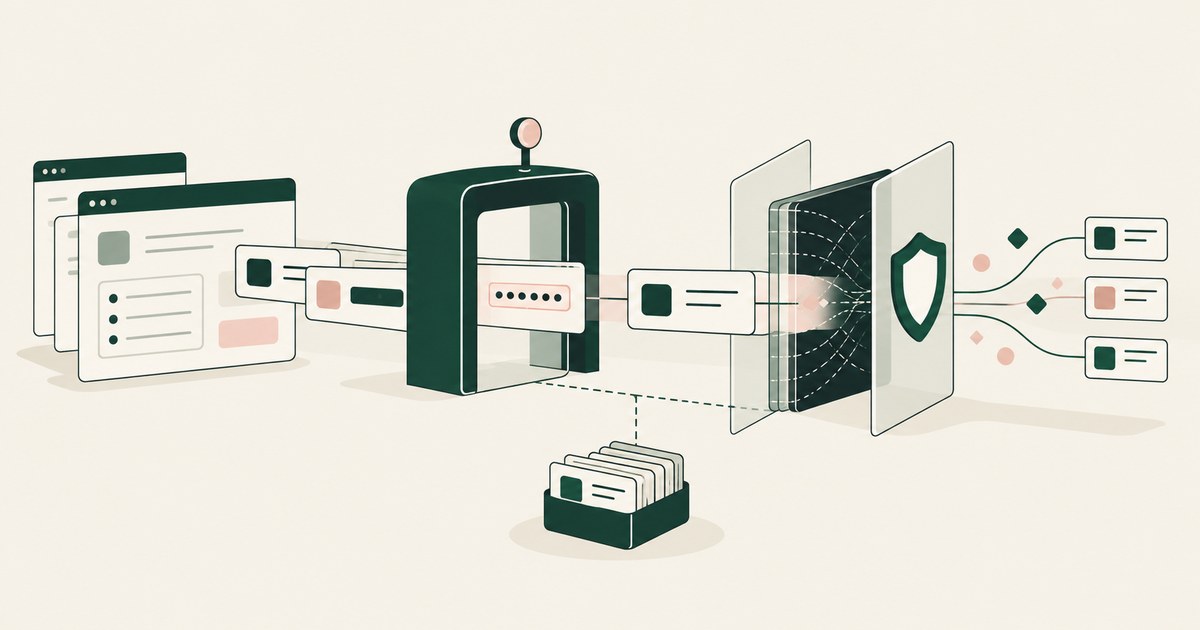
Prisma AIRS inspects the traffic between an AI application and its model; RedactSure replaces values on the rendered screen before any model reads them.
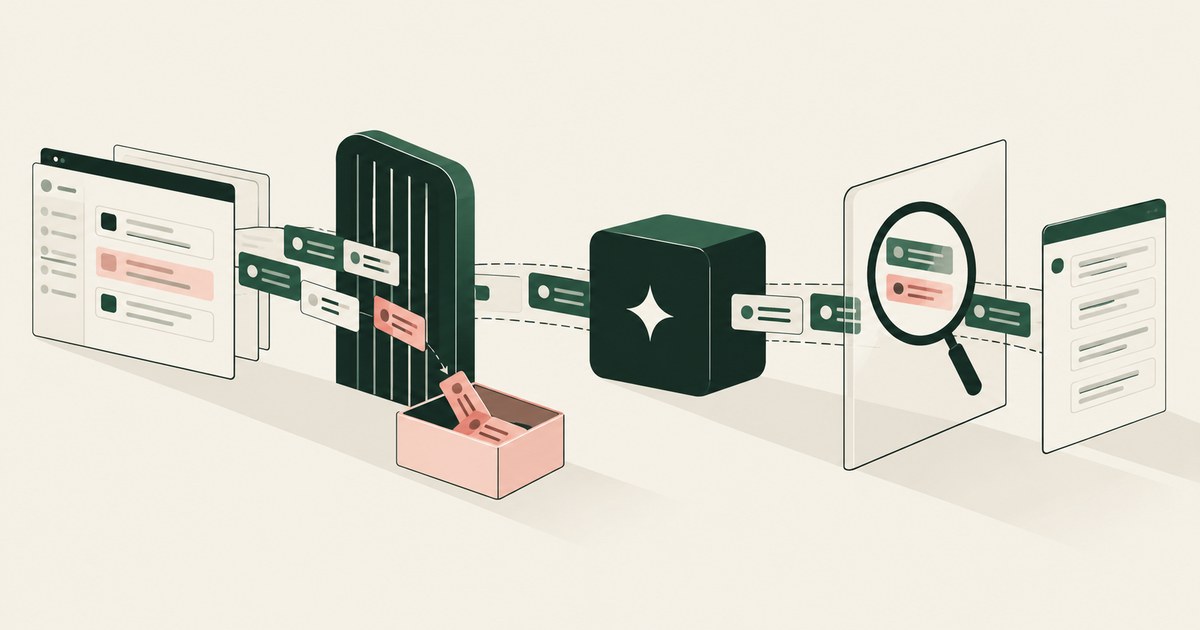
Check Point Lakera screens traffic between an application and a model, while RedactSure replaces values on the rendered screen before any model reads it.
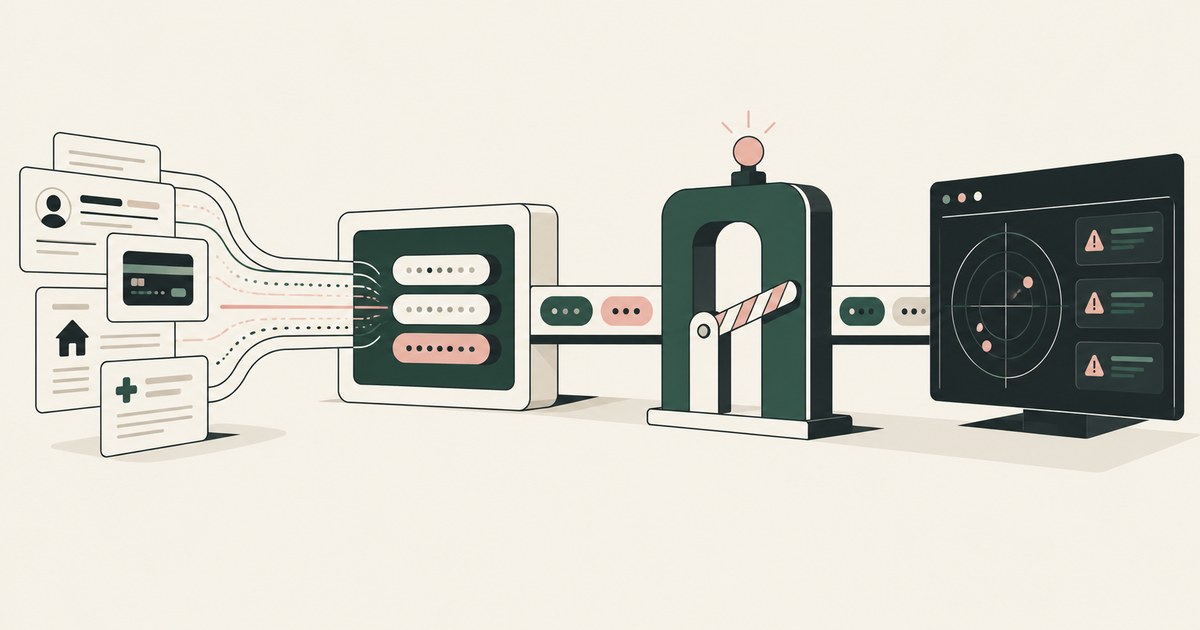
Radware inspects prompts, responses and tool calls at its proxy; RedactSure replaces values with tokens on the rendered screen before any model reads it.
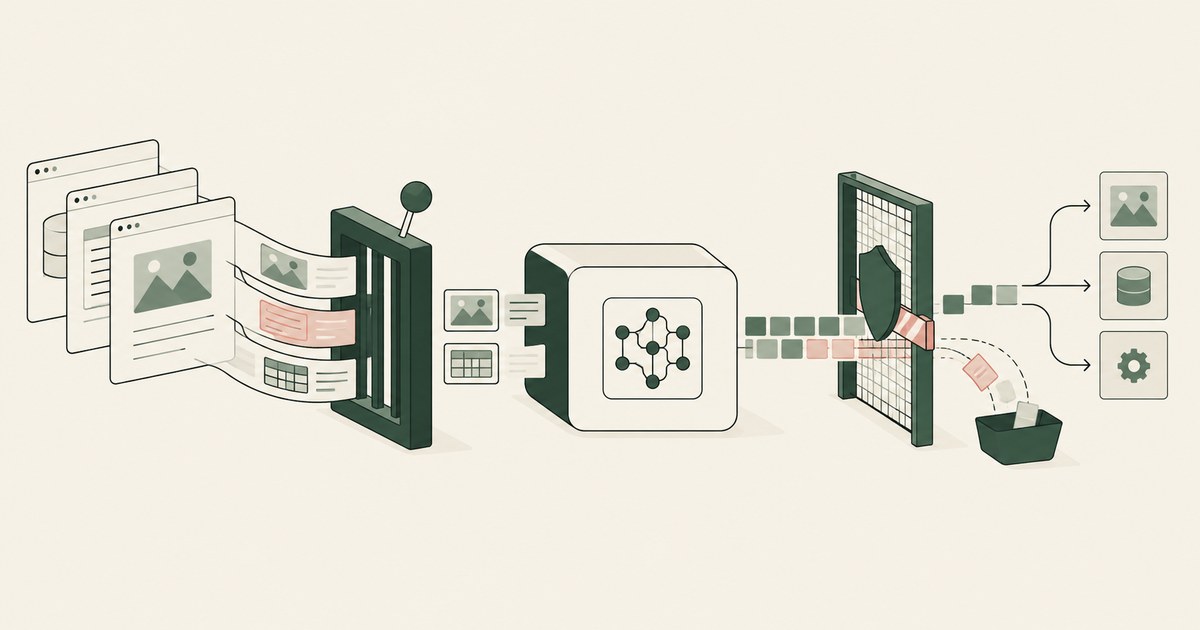
Straiker inspects the runtime trace an agent produces and blocks attacks; RedactSure replaces values on the rendered screen before any model reads it.

Yes. If the client fetches images or links in the agent's output on its own, data in the URL leaves the session. Check how output is rendered.

Often, yes. An agent reads page text and its task as one stream, and benchmarks show planted instructions succeed. Check what it can do when fooled.

Partly. URL filtering removes hostile sites, but trusted domains host injected instructions and exfiltration endpoints. Check what the agent holds.

Only when the approver sees the true action and destination, and approval is reserved for consequential steps. Check whether injected content shapes it.

Yes, when the injected agent sees real customer data and can send outward; attacks leaked data at 20 to 70 percent. Check what the model holds.

Only partly. An allowlist controls where an agent goes, not what it reads on an approved page. Check what the model receives from each approved screen.

It protects the machine, not the data. Once the agent signs into a real application, the records are inside the sandbox too. Check what the model reads.

Not by breaking rules but by passing beneath them: DLP watches files and uploads while an agent reads the screen. Check what sees what the model received.

A document carries instructions in white text, metadata and retrieval chunks, and an agent reads them as its task. Check which documents your agents read.

With content a person never sees, such as hidden text, fake pop-ups and injected form fields, read as instructions. Check what your agent can do on a page.
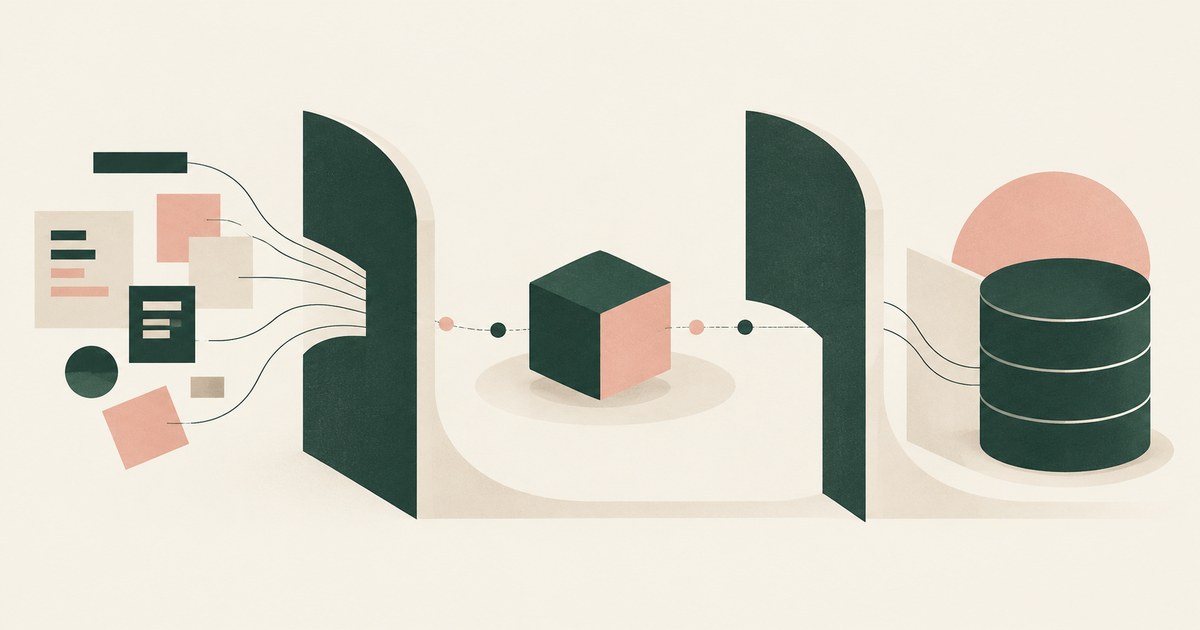
By architecture, not instruction: never let an agent hold sensitive data, untrusted input and outward actions at once. Check which one each workflow drops.

Protect the architecture, not the model: limit what injected text can see and trigger, since adaptive attackers beat model defenses. Check what it holds.

Make sure no handoff carries a real value: one token set issued before the first agent reads a screen and shared by every agent. Check what crosses a hop.

Seed one record type with canary values the task does not need, run with and without a page policy, then score completion and exposure together.

Likely enough to plan for: benchmarks put inadvertent leakage by LLM agents at a quarter to over half of cases, and attacks reach 70 percent. Plan for it.
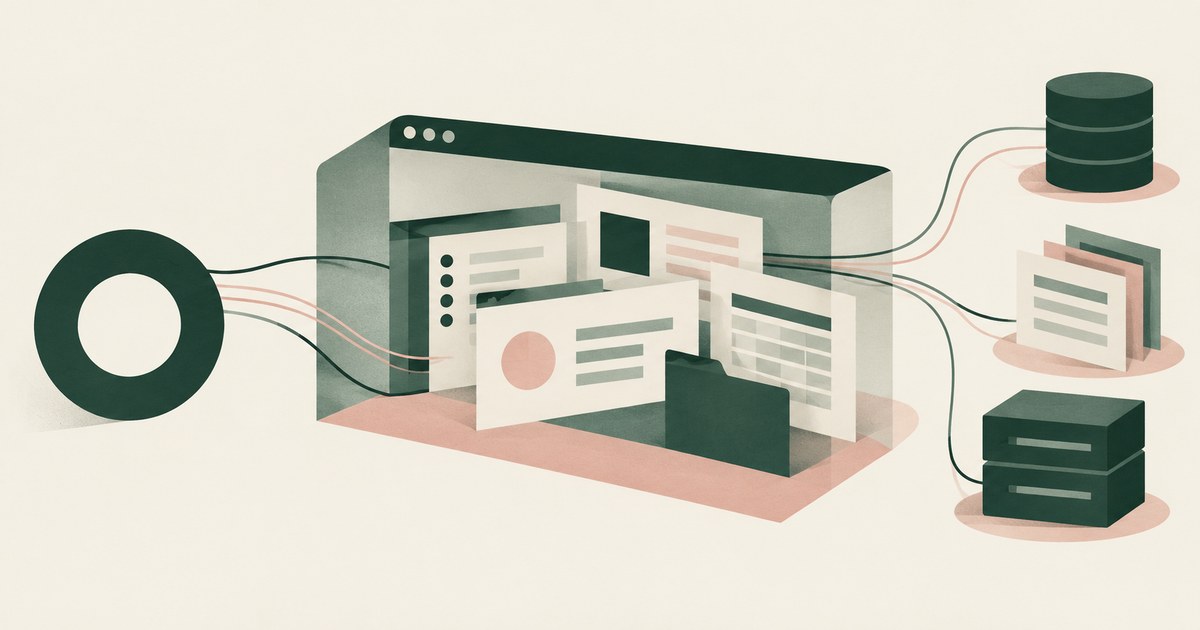
Not on its shared computer with your logins, because every Bot on an account shares one cloud computer, browser sessions and app logins. Ask what it sees.

Only when payments, submissions and account changes are gated by action type and destination, since an injection becomes a transaction. Check what runs.

Only when the reading agent cannot also hold real sensitive data and act outward in one session, since any page may carry instructions. Check which it has.

Controls around a model's inputs, outputs and actions; most products ship content filters, while action guardrails limit what the agent can do and receive.

Muse is built for a person, not an organization: its permissions, cloud computer, training default and audit trail belong to the user. Check who sets them.

The risk is rarely the task; it is the side channels where an agent reuses customer details or a hostile page coaxes them out. Check what it carries on.

Claude in Chrome reads whatever is rendered on the pages it is given; its controls govern sites and pauses, not which values the model sees. Check a page.

The contents enter the model's context and flow into outputs, logs, tool calls and downstream agents with no boundary. Check where they could travel next.

Three capabilities in one agent: private data, untrusted content and external communication, which turn a planted instruction into theft. Remove one.

Because the model drifts, content it reads redirects it, and inherited permissions let it reach beyond the task. Check what each agent can see; fix that.

Yes: an injected instruction to paste what the agent just read is the simplest exfiltration. Vendor controls govern typing, not what the model was shown.
Yes, on every step: the rendered page is the prompt, so whatever the customer record shows, the model receives. Check what each screen passes to the model.
Yes: the console renders the new key and the agent reads the page. Only a control acting at render time keeps a displayed key from the model.
An agent attached to your browser profile uses your session cookies, and a script tool can read any cookie not marked HttpOnly.
No, when approval requires an act the agent cannot perform: a grant signed with a key it does not hold. Where request and answer share a process.
Yes, if the agent can write to the workflow path: one added step can print the job's credentials on the next run. Check who may merge workflow changes.
Yes, if the token it holds can write to the destination: the instruction is one line in a README or issue. Check which repositories the grant can write to.
Yes, if the agent holds an unexpired token and can reach a host the attacker chose. Check the reachable destinations and whether the agent holds the value.
It can ask, and in documented tools the default answer is a prompt, not a boundary. An agent that can edit its own permission file has escalated.
Yes, when the agent treats issue text as its task: anyone who can file an issue supplies instructions. Check who can file issues and what the token allows.
Yes, wherever an agent acts on review comments: a comment is text from whoever can post it. Check which authors can trigger the agent and what it holds.
Yes: a README inside a dependency is text written by a stranger that the agent reads as documentation. Sources document mitigations and limits.
Yes, if a credential manager generates and fills the password outside the agent's view. Check what the agent reads after signup:
Yes: a browser agent can act on text a person never sees, and researchers have shown hidden instructions that screenshot-reading agents followed.
Yes: a coding agent runs on whatever machine you give it, and Claude Code documents local and hosted sessions. Inventory the server's credentials first.
At the margin: a stronger model follows injected instructions less often, but when it does it still holds whatever the page rendered.
Often yes: an extension agent such as Claude in Chrome works inside the browser you are signed into. Launch agents in a fresh, narrow profile.
Yes, in proportion to what the agent holds: auto-approve with placeholders is convenience; with a live token in the environment it is an open exit.
Yes, as the default: a fresh sandbox removes files, state and credentials an earlier task left behind. Copilot and Codex use per-task environments.
No, not when placeholders are consistent: an agent shown ACCT_001 on every page can correlate it and finish. Losses come from inconsistent placeholders.
Less, and still some: an agent with no credentials can still push, delete or post under whatever grant it carries. Who approves those actions?
They plant instructions in content an agent reads that tell it to collect a credential it can reach and send it out. Check the lethal trifecta and remove .
With a browser control that recognizes the credential as the page renders, encrypts it to a key the agent lacks and substitutes a token in the view.
With two settings: a domain allowlist that bounds navigation and a destination policy that bounds where a real value is released.
Assume the run is compromised: give the agent placeholders, references instead of credentials, a grant that expires with the task and a named approver.
Put the token in an adapter outside the sandbox: it fetches one repository and copies a snapshot into the workspace, so the agent never holds the token.
A hijacked agent can only send to places it can reach, so bound the network first, bound where real values resolve second.
Give each agent its own environment and its own grant on the shared repository, so a credential one agent holds is useless in another's hands.
Write the grant as a slip: a planner turns the sentence into a service, resource, operation, destination and lifetime, resolves each against metadata.
Through anything the agent reads: a README, an issue, a comment, an error message, a web page or a package description. List what your agent reads.
Safer than typing them, when a password manager fills the field on a person's approval, because the password never reaches the model.
Reading the docs is safe; the open GitHub session in the same profile is not, because a docs page can tell the agent to use it.
Tokens, page text the policy left in the clear, and the fact of the action, but not the values behind them. Check which fields are tokenized.
Start instances, read buckets, rewrite IAM and run up a bill; the limit is the key's policy and lifetime. Replace standing keys with task sessions.
Whatever the token it holds allows, so the reach of the token is the blast radius. Check each token's scope and whether the agent needs it at all.
A grant written before the task starts: one task, one scope, a credential the agent never holds, and a named approval for anything consequential.
The more secure alternative keeps the token out of the agent entirely: a component outside its sandbox makes the GitHub call, scoped to one repository.
A private adapter is a component outside the agent's sandbox that holds the service credential, makes the call and returns only the result.
A headless browser runs pages without a screen for an agent to drive; a protected browser also rewrites what the agent reads.
Sandboxing an agent bounds what it can touch; sandboxing its credentials bounds what it can prove it is. Would a hijacked run collect a value?
The repository the task works in, the tools it runs and the results of credentialed calls; not the credential, not the rest of the filesystem.
Teams ban a coding agent when the credential it needs is broader than the task and nothing bounds what it reads on the way.
Reading a page and sending from it are different acts, and an injected instruction works through the second. Separate submission approval closes it.
Not on any date a buyer can plan for: the benchmarks reviewed find current defenses only partly effective, and vendors describe layers, not immunity.
No, 1Password's agent features deliver credentials you already stored and issue them at runtime, and its pages describe no feature that captures a key an agent creates on a vendor console before the model reads it. Ask what the model receives from the rendered page when a key is created, and which person stores the value.
No, an agent that reads a real admin console holds the leaver's name, address and role, so a confirmation prompt narrows what it may do, not what it already read. Approve the account list by name, then let it execute where the screen renders tokens and the record shows what it saw.
No, not on a screen that shows a patient record: the confirmation Google documents is written for a purchase or a send, not a patient chart, and the help page describes no business associate agreement. Staff can use it on portal tasks that carry no patient identifiers, and the check is what the model receives from the rendered screen.
It does, because the thread the agent answers is the customer record: the name, address and order in the conversation are what the agent reads to reply. Ask what the model receives from that thread, who approves a reply that changes an order, and what record the business can export.
Where Meta Muse holds a session, it holds the page: on a connected business account it reads the connected assets, the people with access and the payout details the account screen renders, even though Meta's pages say it cannot see stored passwords or payment methods. Ask what the model receives on each account page before you connect another one.
Placeholders: inside the OpenShell developer preview the agent receives an opaque placeholder, and the gateway attaches the real value only on a request to an approved host. Check where that substitution sits, because it covers the agent's requests and not the values a rendered page shows.
No, not the credential the agent uses. Island's AI browser redacts sensitive data before it reaches a provider and masks PII in prompts, a filter on what leaves the browser, while its pages describe no credential kept out of the agent's hands; check what the model receives on the screen and who approves the action.
No, not the page: a fill step can keep the login out of the agent's context, and the authenticated page the agent opens next, with any token the account renders there, reaches its model like any other page. Ask what the model receives after the sign-in, not only during it.
No, not the data the model receives from the screen: Island redacts where data enters the prompt, after the page was drawn, and the filter runs one way. Ask what the model read on the rendered page, who approved the action it took and what record exists.
No: the model receives the values the page renders, because MARS cleans the page rather than replacing what it carries, and Claude Code's terminal sits outside the product. Check which of an agent's requests pass through the Menlo Cloud, then what the model is shown on the page that arrives.
Only as far as the account's record goes: Meta says users can review a full audit trail, and its Muse pages reviewed here state no retention period for what a screen showed. Ask what the trail holds, who can open it, and whether the model ever received the values the page rendered.
No, not on work accounts whose pages show patient balances, because Anthropic's safety page says whatever is visible in the active tab becomes part of the conversation and recommends a profile without banking or health accounts. The answer changes only with tokens on the rendered screen, a named approver and a record.
No, not on work accounts whose pages carry customer, account or financial data, because Anthropic's own safety page says the extension can't filter sensitive content out of what it sees. It becomes workable only when values are replaced on the screen before the model reads it, a named person approves each action, and a record exists.
No, not on a patient record. Microsoft's list of uses to avoid names "medical records"; the pages reviewed describe no protected health information or business associate agreement; and a privacy officer should ask what the model reads on a patient screen before enabling it.
No, not on work accounts whose pages carry sensitive data: Microsoft says not to use it for "Financial activity (banking, stock trading, credit card details)" or "Personal identifiers (Social Security numbers, government IDs, medical records)". It changes only when values are replaced before the model reads the screen, a named person approves each action, and a record exists.
No, not on work accounts whose pages carry customer or health data: Dia's own page says it "sends your prompt and the relevant page content to a third-party AI model" and excludes PHI work. It becomes workable when values are replaced on the rendered screen before the model reads them, a named person approves, and a record exists.
Not for a finance team that has to show what Comet read: Comet pauses for confirmation before the payment, but by then the model has read the QuickBooks bill and the Bank of America screen in your own session. Ask what the model received on each screen and who approved the payment.
No, not for a finance process: Dia sends the invoice page and the vendor's bank details on it to a third-party model, and its page describes no named approver or record for the transfer. A sole proprietor paying one small bill by hand is the case it fits, so ask what the model received before you click.
No, not for the payment step itself: MARS masks the account number on the page it cleans, and its release describes no step that supplies the real number at submit. Ask what the model receives on the transfer screen and whose name approves the transfer before an agent pays.
No, not on work accounts whose pages carry sensitive data. Meta's Muse pages describe a personal agent on its own cloud computer that checks before sensitive actions, and they describe no business associate agreement, no retention term for a screen and no field-level masking; ask for all three, and for what the model receives from a patient screen.
Browser Use substitutes placeholders at typing time, while RedactSure, a Browser Use alternative built for AI agents, substitutes values on the rendered screen. RedactSure is an alternative way to think about agent browsing security, because it protects sensitive data as it is rendered on a screen, before an agent uses it.
Menlo Security cleans and masks pages in its cloud browser, while RedactSure, a Menlo Security alternative built for AI agents, replaces values with tokens before a model reads the screen. RedactSure is an alternative way to think about agent browsing security, because it protects sensitive data as it is rendered on a screen, before an agent uses it.
Microsoft Edge Copilot Mode governs where a browser's actions run, while RedactSure, a Microsoft Edge Copilot Mode alternative built for AI agents, governs what the model reads on the page. RedactSure is an alternative way to think about agent browsing security, because it protects sensitive data as it is rendered on a screen, before an agent uses it.
Perplexity Comet applies detection and confirmation around the page, while RedactSure, a Perplexity Comet alternative built for AI agents, replaces the values on that page before any model reads it. RedactSure is an alternative way to think about agent browsing security, because it protects sensitive data as it is rendered on a screen, before an agent uses it.
Alternatives to Edge Copilot Actions for vendor portal work are judged by what the model reads on the portal page, not by where the clicks run. Look for values replaced with consistent tokens before the model reads the rendered page, a named person approving each remittance, and a record of both.
Only 6 of 15 AI agents reviewed document asking a person before they complete a payment or purchase, and two of the six hedge. 9 keep passwords away from the model, but none does the same for the customer data on the screen. Nine of the 15 launched in the last 18 months.
At least 150 published vulnerability records describe prompt injection against AI systems, and 92 of them appeared in the past four quarters against 29 in the four before. Only 21 records carry the weakness category created for prompt injection, so counts that rely on that tag miss most of the problem.
616 security flaws in AI agents, MCP servers and agent platforms were published from October 27, 2025 to October 26, 2026, up from 92 in the year before. 207 of them let an attacker get data the agent, its tools or its server could reach. These are published records, so the count also reflects a fast-growing category.
Instructions hidden in images got browser-use agents to follow them in up to 100% of tests, and poisoned tool descriptions worked nearly every time. Attacks tuned to each defense got past most of 12 published defenses, and only 1 of 16 AI agent products publishes an injection rate at all.
US searches for prompt injection grew about 13 times in less than a year, and searches for AI controls, AI oversight and AI accountability grew faster than searches for AI governance. AI security is still a small search: about 4 for every 100 searches for ChatGPT. Searches for AI compliance grew slowest.
Of 15 AI agents and 86 AI security products reviewed, none describes replacing the customer data an agent reads on a screen with tokens it can work with. Published flaws in AI agents rose from 92 to 616 in a year, and most large-company annual reports now name AI as a risk.
Not on case files: Comet reads the page it opens, so a benefits record with a Social Security number and address reaches a consumer assistant whose retention and agency terms are not described. Allow it on public pages, and settle what the model receives, who approves a case action and what record the run leaves.
No. 1Password fills the field outside the model's view, so the password itself never reaches the agent, and what it receives is the page after login, where any part of the credential the site echoes is on screen; check what the site shows once the session opens.
A browser the agent drives already holds the session you signed into, so it works as you there, and Cursor's security page documents terminal and MCP approvals and nothing about how the browser treats a session or a credential a page shows. Ask what the model receives from each screen before pointing an agent at an account.
No, not on work accounts whose pages carry sensitive data. Dia's page says it "won't insert data into third-party sites without your approval," and that it "sends your prompt and the relevant page content to a third-party AI model"; the approval gates the write, and the answer turns on values replaced before the model reads the page.
No, not on an account whose pages carry a bank account number: Fellou's policy requests "screenshot and screen record, accessibility" permissions and warns that it "may unwittingly collect other personal data," while asking users not to input sensitive information into the service. Ask what the model receives from a rendered screen, and who approves the action that follows.
No: Guard screens prompts, tool calls and tool responses only when the harness sends them to its API, and a browsing agent's page content reaches the model whether or not that call happens. Ask what the model received from the rendered page, and who approved the change it made there.
Partly: Lakera screens the prompts, responses and tool calls routed through its Guard API, and a missed injection reaches an agent that still holds the credential on the page it opened. Ask what the model reads on each rendered screen and who approves the payee change before crediting a filter with custody.
No, not the read that already happened: Noma's AI-DR page lists "trigger a killswitch" among five responses to a risky action, and its runtime control evaluates "tool calls, responses, and session context" after the page has been read. Ask what the model received from the screen before that evaluation, and who approved the action it allowed.
No, not in the pages reviewed: WitnessAI tokenizes values on the AI traffic it intercepts before a model sees them, and no page describes a step that turns a token into the real value at the destination the agent submits to. Ask where the value is held, which destination is approved, and whose name is on the release.
No, not on the screens a browser agent reads: Zscaler's brokers govern the calls an agent makes to MCP and A2A servers, with inline DLP on the transaction, and no page states that a value on a rendered screen is replaced before a model reads it. Ask what the model receives from the page, then what the call carries.
No. Browser isolation keeps web code off the device, and the model reading the rendered page still receives its values, so ask what the model reads on that screen and who approves each action.
Give the agent a reference and keep the value in an adapter outside its process, where a developer-signed grant can scope the credential to one service, one resource and one short lifetime. Then check who approves each consequential call the adapter makes and what record of it remains.
Put the limit on the instrument the agent spends with, a virtual card with its own cap, and have a named person approve anything above a threshold, so a hijacked run cannot exceed the card. Then check what the model reads on the payment page, because a card limit caps the loss and not the exposure.
No, not as the only control: an extension can govern what an agent types, pastes and uploads in a browser it is installed in, but it does not change what the page renders into the model, and an agent in a cloud browser never loads it. Ask what the model received on each screen, then test one record.
No, not on a real account whose pages carry live customer data. AWS says a password passed through Playwright is still "collected in screenshots by AWS" if it appears on screen, so ask whether the page replaces the value before the model reads it.
No, not on work accounts whose pages or connected apps carry sensitive data: Anthropic says Duet asks before it "sends a message, makes a payment, signs a document, or deletes anything", not what keeps page or email values from the model. Check what the model receives from each screen, who approves and what record exists before connecting one.
No, not on work accounts whose pages carry sensitive data: Fellou's policy warns it may "unwittingly collect" what a user inputs and asks users not to input sensitive information. Check what the model receives from the page, who approves each action and what record survives the run.
No, not on the work accounts that open policyholder records: Grok Bot's documentation describes Bots on one shared cloud computer with a browser and one set of app logins, and no step that replaces a value before the model reads it. Ask what the model receives from a rendered policy screen, and who approves a coverage change.
No. An agent that works in the Admin console reads the rendered page, and that page carries the user records its role covers and the new password the reset dialog displays; ask what the model receives from the screen and who approves a reset before you connect one.
No, because a Stripe dashboard session renders live API keys, payout details, customer records and the webhook signing key to whatever model opens the page. Replace those values with tokens before any model reads the screen, and require a named person to approve each payout and settings change.
Not on the step that releases the money: Microsoft's do-not-use list names "Financial activity (banking, stock trading, credit card details)", and its Edge for Business page says responses draw on page content once access is allowed. Ask which values reach the model on the bank page, who releases the transfer, and what record remains.
No, not on a live customer queue: Browser Use's sensitive-data page leaves the page text and, with vision on, a screenshot in front of the model, and its filter covers only values you pass in. Ask what the model receives from a rendered screen before an agent reads a real record.
The alternative to Skyflow for a browser agent sits at the screen rather than inside another vault: render-layer tokenization replaces values before any model reads the page and releases the real ones at an approved destination. Ask what the model receives there and who approves each release.
Everything the case screen draws: identity, address, case number, benefit amount, court and medical records, contact history and the worker's narrative notes, a dossier on one person. Ask which values become a consistent token before the model reads the screen, and who approves the note it writes, because free text is where names arrive unlabeled.
The taxpayer's name, business name, address and TIN, the identity-verification result, and the bank account and routing numbers on the payment screen are all page text to a model. Ask what the environment replaces before the model reads that screen, and who approves the payment.
Everything the page renders, because Copilot Actions works on the page as drawn and Microsoft's support page says it captures screenshots of the webpage it is using. Ask what the model receives from a permitted screen and which values, if any, are replaced before it reads them.
Everything the portal renders in the session the Bot holds, because every Bot on an account shares one cloud computer and its browser logins, and xAI's pages describe that machine rather than a filter on what the model reads. Ask what the model receives from each portal screen, and whether any value is replaced before it reads them.
The 2025 Comet exploit showed a web page directing the assistant and the assistant acting inside the user's signed-in session, which put the records that session could reach in front of whoever wrote the page. Ask what the model reads before it acts, who approves the action and what record the run leaves.
Everything the page draws inside the captured area: the fields the task uses, the ones it does not, sidebars, notifications, and any instruction a site paints into the image. Check what is on the screen before each capture, because the developer sets that frame and the model reads all of it.
Less than the title implies: the access Copilot coding agent works under reaches one repository, one branch and one pull request, and no service outside GitHub. Ask what the model reads on the pages the agent opens, and who approves the merge.
Manually approve mode stops Claude before every action it proposes and waits for a person to accept or reject it, so a browser run advances one reviewed step at a time. The prompt arrives after the page has been read, so check what the model received on the screen before the first approval.
The agent reads the spoofed email as content, and where it holds the accounts-payable session it can change the payee and save the new bank details before the next payment runs. What settles the outcome is what the model received on the vendor record and who approved the change.
It can repeat them. A salary a model reads on a compensation screen stays in its context for the rest of the run, and the leak is an internal trust failure before it is a legal one; ask what the agent receives from the screen, who approves a pay change and what record shows both.
The model receives the grade with the student it belongs to, because a gradebook renders both, and a vendor that receives the pairing is an outside party under FERPA. Ask what the model receives from the rendered page, who approves a change, and whether the identity can be replaced with a stable token first.
A named approver on every direct deposit change and a destination policy that keeps the real bank details out of the agent's reach until that person signs off. The agent cannot be the approver, so ask what the model reads on the payment elections screen and who holds the account values.