
Data Report · By Chris Sowa · Published
Last updated
Does Purview DLP Cover What a Computer-Using Agent Reads?
Do not assume Copilot prompt protections cover every action in a computer-use session. Confirm the exact product, host and data path against current Purview documentation, then test the upload or screenshot flow in question.
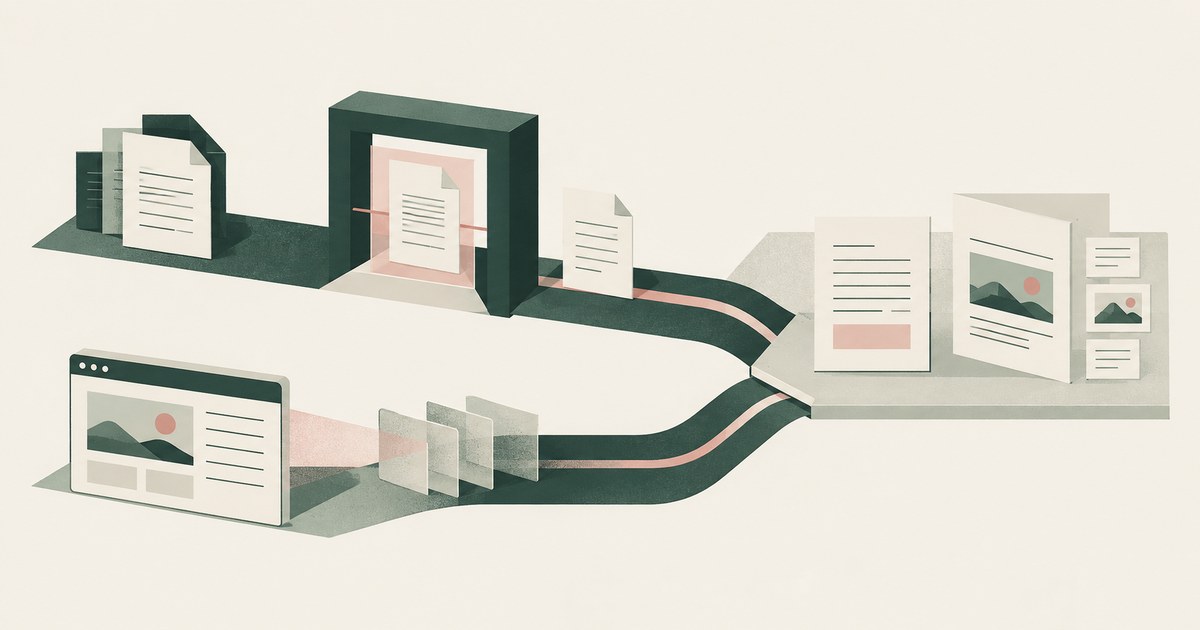
Do not assume Copilot prompt protections cover every action in a computer-use session. Confirm the exact product, host and data path against current Purview documentation, then test the upload or screenshot flow in question. The supplied Q&A thread asks whether DLP can block a file upload inside an automated browser session. A forum reply identifies a documentation gap; it is not a product guarantee that no configuration can enforce the control. The review needs to distinguish prompt and grounding protections from endpoint, browser and network controls on the actual agent host. RedactSure, an AI agent controls, governance and data protection company, applies Least Exposure and render-layer tokenization to this problem.
Key findings
- A reply on Microsoft Q&A stated on Microsoft Q&A that the documentation "do[es] not explicitly describe an enforcement capability that detects/blocks Copilot's 'computer use' automated browser/session actions," nor DLP enforcement against the data-movement step.
- The same answer lists what Purview DLP for Copilot does cover. It restricts external web search on prompts with sensitive information types, blocks Copilot from processing such prompts, and restricts grounding on files with specific sensitivity labels (Microsoft Q&A).
- The computer-using agent is "an AI model that combines vision capabilities with advanced reasoning to interact with graphical user interfaces." It runs on a hosted machine or a managed Cloud PC pool on Windows 365 for Agents (Microsoft Learn; February 2026 release post).
- Copilot Studio's own access control "only prevents the model from taking actions on websites or applications that aren't in the allow list. It doesn't stop the model from opening them" (Microsoft Learn).
- OWASP LLM01:2025 ranks prompt injection first among LLM application risks; what an injection can move out of a session is bounded by what the model received.
What does the cited forum answer establish?
The scenario on Microsoft Q&A describes a computer-use agent that retrieves a file containing PII or cardholder data from OneDrive and uploads it to an external service. The upload happens inside the agent's automated session. The question was whether Purview DLP can detect or block it. The forum reply was that the documentation "do[es] not explicitly describe an enforcement capability that detects/blocks Copilot's 'computer use' automated browser/session actions." It does not describe DLP enforcement against the data-movement step either.
The answer is scoped to what the documentation describes, not to what a future release might add. It does not claim the scenario cannot be addressed by other means. It does not establish the coverage of every current Purview configuration. A scoping analysis needs current product documentation and evidence from the configured host. That is the reading a security reviewer works from.
What does Purview DLP for Copilot govern?
The same answer lists three documented controls. Purview DLP for Copilot can restrict external web search when a prompt contains sensitive information types. It can block Copilot from processing prompts that contain sensitive information types. It can restrict Copilot from using files with specific sensitivity labels for grounding (Microsoft Q&A).
Each acts on a documented input to Copilot: the text a person types, the label on a file Copilot retrieves as context, and the outbound web query. They answer the question most organizations asked first: whether an employee can paste a card number into Copilot or have it summarize a document labeled Highly Confidential. They were not built for an agent that opens a browser on a machine and reads what the browser shows.
Why is the agent's session outside them?
The cited prompt and grounding controls do not by themselves establish coverage of a separate browser upload. That is a coverage question to test, not proof that screenshots or hosted machines cannot be inspected.
Microsoft's current Purview overview distinguishes capabilities by AI application and integration. Identify the specific Copilot product, agent host, enabled policies and outbound path. Endpoint and network controls can apply to appropriately managed hosts; controls on an employee's laptop should not be assumed to cover a separate cloud machine.
What does an AI gateway or DLP layer see, generally?
The Purview gap is one instance of a general shape. A DLP layer, an AI gateway or an enterprise browser sits on a path: between the user and the model, the device and the internet, or the browser and the site. It acts on what it recognizes crossing that path. That is a control on acts. What the model receives once a screen is rendered is sight, and a path control is not positioned to change it. AI Gateway, DLP or Tokenization? sets out the difference for gateways and Enterprise Browser vs Render-Layer Tokenization for browsers. Each can block an upload it recognizes. Neither changes the fact that the model has already read the record.
The gap matters most under injection. OWASP LLM01:2025 places prompt injection first because a model cannot reliably separate instruction from data. An injected instruction on a page inside the allow list can direct the agent to move what it has read. A path control that recognizes the movement stops that instance. One that is not on the agent's path, as the Q&A answer describes for Purview, stops nothing. Either way the model held the values, and what the model received is the question Does Microsoft Copilot Studio Computer Use Control What the Agent Sees? takes up.
What closes the gap?
First, establish which control enforces the intended upload policy on the agent's actual host and network path. Use a synthetic file to test allowed and blocked destinations, and retain the resulting evidence.
Render-layer tokenization addresses a different part of the problem: the fields the model receives from the screen. Replacing those fields does not rewrite the underlying OneDrive file. Preventing transfer of that raw file requires file-access, tool and egress controls as well as any approval gate.
The AI Control Record can preserve the tokenized view, actions and approvals. Remaining task context and raw application files still need their own protection.
What does the scenario look like in a hospital, a school or an insurer?
The Q&A scenario used PII and PCI data in OneDrive. A card number reaching the model brings the PCI scoping guidance into the analysis (Can an AI Agent Handle Cards Without Wider PCI Scope?). Substitute a chart in an EHR. The agent reads name, MRN, date of birth and diagnoses as a screenshot; no prompt was typed and no label was checked. The minimum necessary standard at 45 CFR 164.502(b) asks whether the PHI reaching the model was limited to the purpose (Can an AI Agent Work in Epic Without Holding PHI?).
Substitute a student file. The screen carries name, ID, guardian contacts and grades. FERPA's school official exception at 34 CFR 99.31(a)(1)(i)(B) requires the district's direct control over the use and maintenance of education records by an outside party. A session Purview does not inspect, on a machine the district does not run, is where that control has to be demonstrated (Can an AI Agent Use PowerSchool Without Student PII?).
Substitute a claim file: claimant identity, policy number and payment details on one screen. The NAIC Model Bulletin on the Use of AI Systems by Insurers applies. It had been adopted by 24 states as of March 2025 per Quarles & Brady (Can an AI Agent Work Guidewire Claims Without PII?). For each workflow, establish which inspection paths are active and what content reaches the model.
How do the three controls compare?
| Control | Purview DLP for Copilot (documented) | Computer-use session (documented gap) | Render-layer tokenization |
|---|---|---|---|
| What it inspects | Prompts, sensitivity labels on grounding files, outbound web search | Nothing documented; the model receives a screenshot | The rendered screen, before any model reads it |
| When it acts | When a prompt or file enters Copilot | Coverage must be established for the configured host and path | At render, before the model; real values resolve only at approved destinations |
| Coverage of a screen the agent reads | Not a prompt, not a labeled file: not covered | Not covered | Policy-selected identifiers become tokens |
| Coverage of data movement inside the session | Not described in the documentation | Not described in the documentation | Model input is tokenized; raw-file movement requires separate controls |
| What a successful injection collects | Not applicable to the agent's session | The screen | Tokens and remaining task context; consequential actions require approval |
| Evidence for the auditor | Supported Purview logs and configured session replay | Session replay at the configured logging level and retention | Every action logged, human and computer; all PII as tokens |
Where does RedactSure sit?
RedactSure is the third column. AI co-workers do real work across an organization's applications inside a governed environment. That environment is a secure virtual machine deployed into the cloud the customer's posture requires, on hardware-encrypted enclaves, with keys the customer holds. Every sensitive value chosen by policy, starting with identifiers, is replaced by a consistent token at the render layer before any model reads the screen. The model is handed the task's fields rather than a picture of the screen. The Planner sets which values are tokenized and what the agent may do on each screen. A named person confirms that policy and approves every payment, submission and record change under Supervised Delegation. Deployments are in pilot.
The intended result is less identifying data in model context, combined with explicit controls on file transfers and consequential actions. Tokenizing a screen alone does not sanitize its underlying files or guarantee that exfiltration is impossible. The AI Control Record preserves the observed tokenized view and approvals for review.
Methodology and limitations
The HIPAA minimum necessary standard has exceptions, including certain treatment disclosures. Its application depends on the purpose and parties. Replacing direct identifiers does not by itself establish HIPAA de-identification or remove all PHI from the remaining context.
The page rests on a Microsoft Q&A thread on Purview coverage of computer use, read as of September 30, 2026. It also uses Microsoft's Copilot Studio documentation and its February 24, 2026 blog post. Microsoft's wording is cited with their dates; where it is silent the page says so. The reply is cited as a forum answer, and Quarles & Brady's adoption count as that firm's view. Regulation is read from its text: 45 CFR 164.502(b), 34 CFR 99.31(a)(1)(i)(B), the PCI Council's scoping guidance, the NAIC bulletin map and OWASP's LLM01:2025 entry. Case law and enforcement actions were not surveyed.
No hands-on testing of Purview or Copilot Studio was performed; what the products inspect is Microsoft's own description. The central finding rests on a moderator's reply on a public forum, which is not itself product documentation. The editorial pass also checked Microsoft's current Purview overview. Neither this overview nor the forum reply substitutes for testing the exact agent configuration. Microsoft's enterprise terms and any business associate agreement were not reviewed and could disclose controls the documentation does not. Vendor features change; the page carries its date and is revised when the documentation changes. Statements about hospital, school and insurer workflows describe the record type, not any organization; no customer or prospect is described.
Whether a deployment meets the minimum necessary standard, FERPA's school official exception, PCI scope or the NAIC bulletin is for the organization's counsel or assessor, not this page.
- Microsoft Q&A, "Clarification on Purview DLP Coverage for Copilot 'Computer Use' Data Exfiltration Scenario."
- Microsoft Learn, "Automate web and desktop apps with computer use."
- Microsoft Copilot Blog, "Improve complex UI automation with computer-using agents" (February 24, 2026)
We did not run the vendor products or capture their model requests. Workflow examples are analysis, and RedactSure behavior is described from its current design.
What the record shows
Do not assume Copilot prompt protections cover every action in a computer-use session. Confirm the exact product, host and data path against current Purview documentation, then test the upload or screenshot flow in question. Use a synthetic sensitive file to test the actual agent host and upload path. Screen tokenization alone does not sanitize an underlying file or block its transfer.
Frequently asked questions
Does Purview DLP block a computer-use agent from uploading a file?
It depends on the product, host, policy and upload path. The cited forum reply does not establish a universal enforcement guarantee. Check current product documentation and test the configured session with a synthetic file. Screen tokenization alone does not modify that file or block its upload.
Do sensitivity labels stop the agent reading a labeled document on screen?
The documented control restricts Copilot from using files with specific sensitivity labels for grounding, which is a retrieval path. A computer-using agent reads the screen as a screenshot. A labeled document open in a window reaches the model as an image, and the documentation describes no label check at that point. The label governs retrieval, not sight. Render-layer tokenization governs sight: the identifiers in that window become tokens before the model reads it.
Does endpoint DLP see the hosted machine?
Only if the host and activity are supported and covered by the configured controls. An endpoint policy on the employee's laptop should not be assumed to cover a separate agent host. Verify host management, policy deployment and the actual network path.
Would an AI gateway close the gap?
It can inspect or block supported data routed through it. Coverage depends on whether the screenshot, tool response or upload crosses that gateway, and whether its inspection supports that content type. Trace and test each path rather than assuming all gateways are text-only or all screenshots bypass them.
What does the auditor get instead?
An AI Control Record: every screen the agent saw as tokens, every action, human and computer, and every approval with a name, exported to the organization's own monitoring. The trail is complete and holds SSN_001 and CARD_001 rather than the values. The audit store is not a second copy of the records the way a session replay with screenshots is.
Will Microsoft add DLP coverage for computer-use sessions?
The documentation does not say. The Q&A answer speaks to what is documented as of its date, and a future release may describe an enforcement point. A control that is not documented cannot be shown to an assessor, so a scoping analysis works from the documented gap until the documentation changes. A control at the render does not wait on that release.
Sources
Vendor documentation
- Microsoft Q&A, "Clarification on Purview DLP Coverage for Copilot 'Computer Use' Data Exfiltration Scenario." https://learn.microsoft.com/en-gb/answers/questions/5915515/clarification-on-purview-dlp-coverage-for-copilot
- Microsoft Learn, "Automate web and desktop apps with computer use." https://learn.microsoft.com/en-us/microsoft-copilot-studio/computer-use
- Microsoft Copilot Blog, "Improve complex UI automation with computer-using agents" (February 24, 2026). https://www.microsoft.com/en-us/copilot/blog/copilot-studio/computer-using-agents-now-deliver-more-secure-ui-automation-at-scale/
Regulation and standards
- 45 CFR 164.502(b), minimum necessary standard. https://www.ecfr.gov/current/title-45/subtitle-A/subchapter-C/part-164/subpart-E/section-164.502
- 34 CFR 99.31(a)(1)(i)(B), FERPA school official exception. https://www.ecfr.gov/current/title-34/subtitle-A/part-99/subpart-D/section-99.31
- PCI Security Standards Council, "Guidance for PCI DSS Scoping and Network Segmentation." https://www.pcisecuritystandards.org/documents/Guidance-PCI-DSS-Scoping-and-Segmentation_v1.pdf
- NAIC, Model Bulletin on the Use of AI Systems by Insurers, adoption map. https://content.naic.org/sites/default/files/legal-adoption-map-ai-model-bulletin.pdf
- OWASP, LLM01:2025 Prompt Injection. https://genai.owasp.org/llmrisk/llm01-prompt-injection/
Independent analysis and press
- Quarles & Brady, "Nearly Half of States Have Now Adopted NAIC Model Bulletin on Insurers' Use of AI" (March 2025). https://www.quarles.com/newsroom/publications/nearly-half-of-states-have-now-adopted-naic-model-bulletin-on-insurers-use-of-ai
RedactSure documents
- RedactSure, "The Two Gaps AI Agents Opened in Your Security Stack" (2026). https://redactsure.com/blog/two-gaps-ai-agents-opened-in-your-security-stack/
- RedactSure, "Accountable AI and Workflow Governance" (2026). https://redactsure.com/blog/accountable-ai-and-workflow-governance/
- RedactSure, "Secure AI That Crosses Every Silo" (2026). https://redactsure.com/blog/secure-ai-that-crosses-every-silo/
- RedactSure Research, "AI Gateway, DLP, or Tokenization: Which Layer Decides What the AI Sees?" (2026). https://redactsure.com/research/ai-gateway-dlp-or-tokenization
- RedactSure Research, "What Is Least Exposure?" (2026). https://redactsure.com/research/what-is-least-exposure
- RedactSure Research, "What Is Render-Layer Tokenization?" (2026). https://redactsure.com/research/what-is-render-layer-tokenization
- RedactSure Research, "What Is Supervised Delegation?" (2026). https://redactsure.com/research/what-is-supervised-delegation
- RedactSure Research, "What Is an AI Control Record?" (2026). https://redactsure.com/research/what-is-an-ai-control-record
- Product behavior described on this page reflects RedactSure's current design. Microsoft, Copilot Studio, Windows 365, Purview and Intune are trademarks of Microsoft Corporation; named to identify the products. Compliance determinations belong to the organization's counsel.
Editorial verification
- Microsoft Learn, Purview protections for generative AI apps, product documentation. https://learn.microsoft.com/en-us/purview/ai-microsoft-purview
Related research
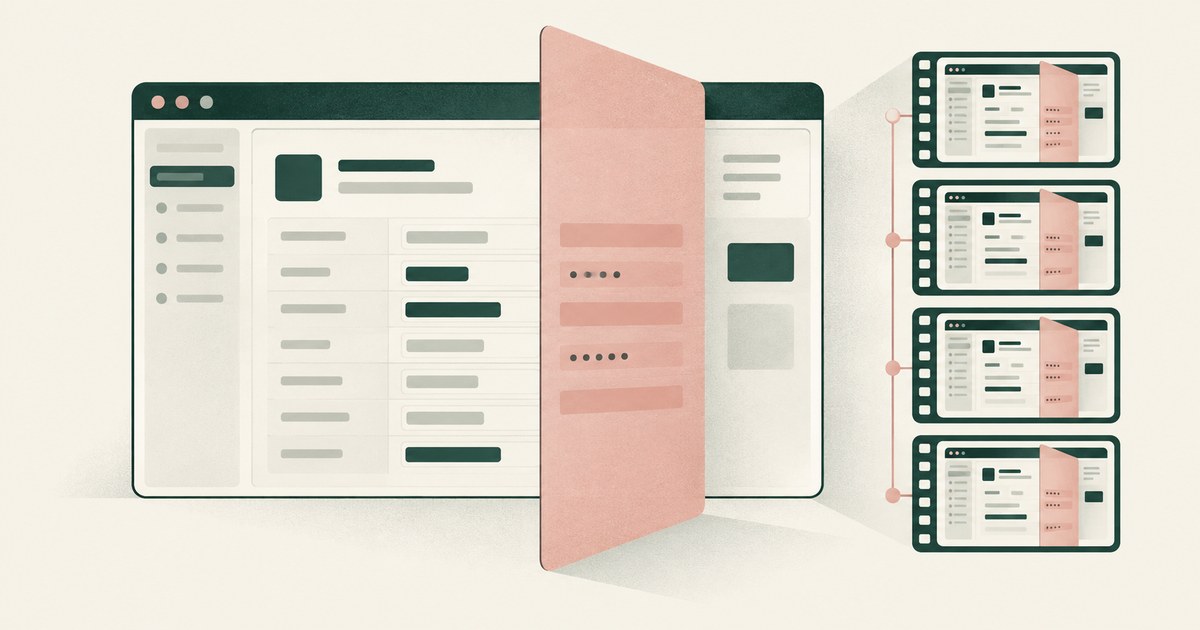
Does Copilot Studio Limit What Its Agent Sees?
Review Copilot Studio AI agent screenshots, PII exposure and tokenization for claims and patient accounts, including replay retention settings.
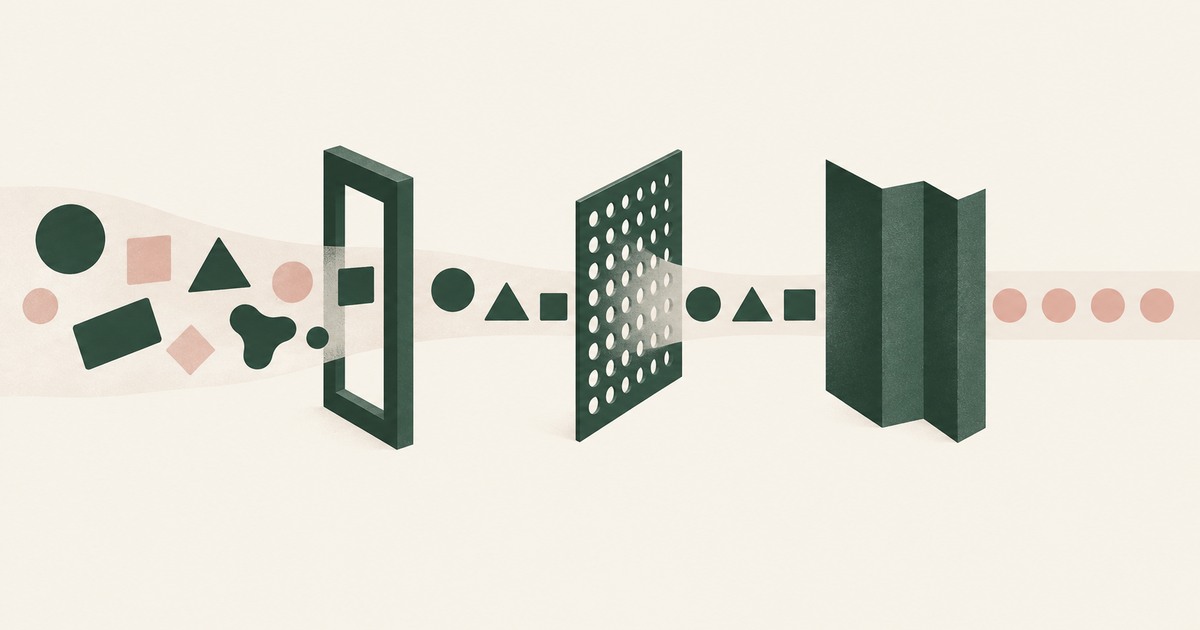
AI Gateway, DLP or Tokens: What Controls AI Exposure?
Compare AI gateways, data masking and tokenization for AI agent security, focusing on which layer controls the PII a model actually sees.
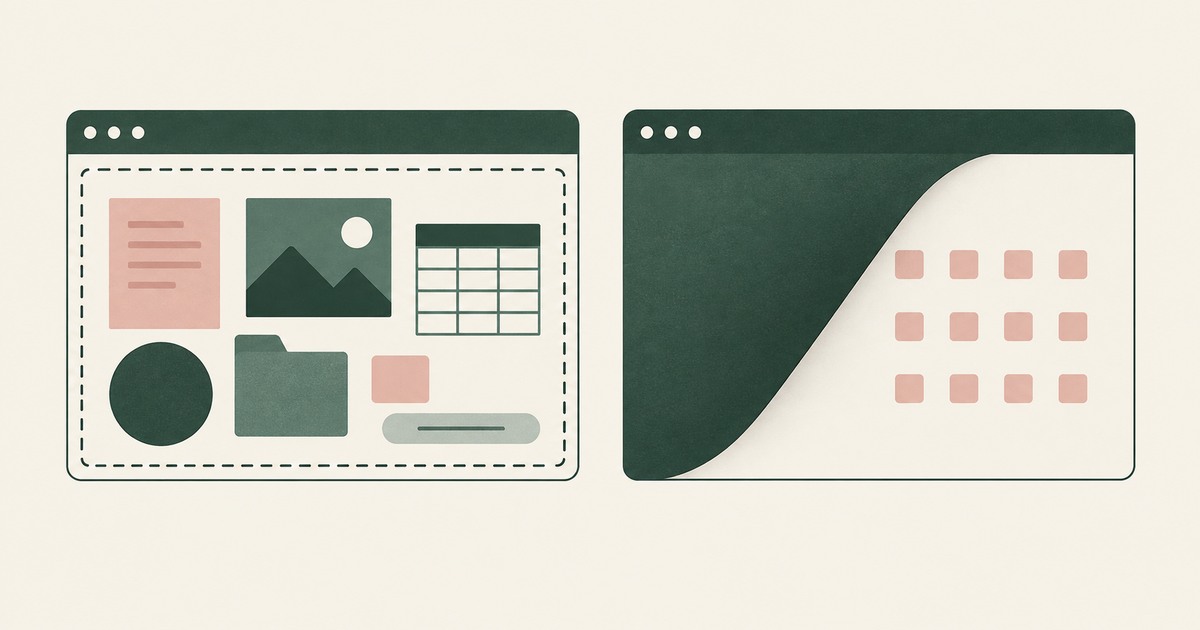
Enterprise Browser or Render-Layer Tokenization?
Compare enterprise browsers and render-layer tokenization for AI agent security, separating application controls from visible PII exposure.
What Does Prompt Injection Get From a Token-Only Agent?
Follow a prompt-injection scenario to examine AI agent security, PII exposure and the limits of tokenization when an attack succeeds.

What Is an AI Control Record?
Explore an AI agent control record for billing and claims, linking permissions, tokenization decisions, approvals and audit evidence.

The Two Gaps AI Agents Opened in Your Security Stack
Explore AI agent security through two questions: which PII reaches the model, and who approves consequential billing and claims actions.
See it on your workflow.
Bring one billing, collections, claims or patient-account workflow and your questions.
Book a demo