
Data Report · By Chris Sowa · Published
Last updated
How Do I Set Credential Approval Rules for My Whole Team?
Write the rule as four bounds, on the services a credential may unlock, the operations it may perform, how long it stays live, and the second approver a production action needs, then let each developer grant inside them. Check that the approval reaches a named person who sees the action and the values the agent holds.

Engineering leads usually write a team rule about credential approvals after the first accident, and it usually lists commands: no production deploys, no writes to the billing account, no keys pasted into a prompt. That list ages badly, because the command that matters changes with the task and with whatever harness the agent runs in.
The rule that holds is shorter and sits one level down. It describes what a credential slip may contain and what a person has to approve before the slip is used, so the boundary travels with the credential rather than with a command name. Four bounds do most of that work.
The record used throughout is a team policy that forbids production deployment without a second approver, worked through a deployment settings page in a team console. That record shows four bounds on the slip holding where a command list fails, and it separates the two approvals so a team can see which one stops an unapproved deploy. A governed environment adds the last layer, and a team should test the rule it wrote against the same record before it relies on that rule.
Key findings
- Veracode's press release states that "Our research reveals GenAI models make the wrong choices nearly half the time, and it's not improving," the case for a bound the agent cannot talk its way past (Veracode, 2025).
- Cursor states that "AI can behave unexpectedly due to prompt injection, hallucinations, and other issues," which is why a rule that depends on the agent choosing well is a rule with a failure mode built into it (Cursor, 2026).
- According to 1Password's write-up with NVIDIA, "OpenShell Gateway replaces a placeholder with the real value only when the agent sends a request to an approved host," the closest documented relative of a bound on destinations (1Password, Secure agent, 2026).
- OWASP describes a lies-in-the-loop attack that "manipulates the content and presentation of approval dialogs, deceiving users into authorizing malicious operations," so a rule naming two approvers depends on what each approver is shown (OWASP Foundation, n.d.).
- Tokens sit before any model reads the screen, so an agent working a deployment page holds a placeholder such as TOKEN_014 and the team rule is enforced on a value the page can render (What Is Supervised Delegation?).
- Real values resolve only at the approved destination at the moment a named person approves the action, and the record of that approval is what lets a team check its own rule afterward (What Is an AI Control Record?).
Where does a team credential approval rule apply, and where does it stop?
A team rule and an agent meet in a particular place, and naming that place is the first decision. The rule applies where the agent reads and acts on a rendered page: a deployment console, a cloud billing dashboard, a repository settings page, a sign-up form. It does not cover the terminal, the IDE, the local filesystem, direct API calls or MCP. The boundary is where an approval can be placed at all: a page can be shown to a person before an action runs. Two categories claim the rendered page, and the difference between them is set out in Enterprise Browser or Render-Layer Tokenization?: only one changes what the model reads.
OpenAI's Codex documentation states that "Locally, Codex uses an OS-enforced sandbox that limits what it can touch (typically to the current workspace)," and it does not describe how credentials are stored or handled in a CLI or IDE session (OpenAI, 2026). Cursor's documentation states that "By default, terminal commands need your approval," a default that applies to one developer's session and does not tell a team which commands were approved or by whom (Cursor, 2026).
The record used for the rest of this page is a team policy that forbids production deployment without a second approver, worked through a deployment settings page in a team console. That page is where the policy has to land, because the release button a person would press and the button the agent presses are the same button.
What four bounds turn an approval habit into a team rule?
Most teams approve credential use in conversation, and a conversation leaves no bound behind. Writing it down produces four bounds, each a property of the slip: the services, the operations, the longest it may live, and the approver a production action requires.
The services bound needs a subject before it needs a list. Teleport's framework states that agents need "a verifiable, cryptographic identity tied to where they're running, not a shared API key," which gives the rule one named subject per agent rather than a credential every rule treats the same (Teleport, 2026). According to 1Password's write-up with NVIDIA, "Inside the sandbox, the agent sees placeholders rather than real credentials, including a placeholder for its model key" (1Password, Secure agent, 2026).
The operations bound is the one teams write first and test last: read, write, deploy and spend are four permissions, and a credential that can do one usually can do all four. The lifetime bound is the one vendors leave to the team: Teleport's page does not give a certificate lifetime, and a session approval default has no expiry.
The fourth bound names the person. 1Password and Browserbase describe "Human-in-the-loop authorization: Real-time approval prompts via 1Password mobile or desktop," which routes an approval to a device and leaves the question of who that person must be to the team's own rule (1Password and Browserbase, 2025). The deployment settings page in the record carries two fields, a requester and a second approver, and the release waits until two different people fill them.
What do the vendors themselves say?
The Teleport page lists "Comprehensive audit trails and behavior analysis for agent actions across infrastructure," and it marks most of the capabilities it lists "In-progress" or "Not started," so the audit line is a design goal rather than a shipped control (Teleport, 2026). Cursor's page adds that "All MCP connections need your approval," which bounds which tools a session may attach and says nothing about what a credential does once a tool holds it (Cursor, 2026).
OpenAI's page adds that "By default, the agent runs with network access turned off" and that "Codex asks for approval to edit files outside the workspace or to run commands that require network access," which puts the approval on a local action, not on a page (OpenAI, 2026). 1Password and Browserbase describe a design in which "Secure Agentic Autofill allows AI agents to authenticate with web services without ever exposing credentials," a press release with no detail on the injection and no availability date (1Password and Browserbase, 2025).
| Vendor | What its documentation states | The limit for a team rule |
|---|---|---|
| Teleport | An identity tied to where the agent runs, with audit trails and behavior analysis listed among its capabilities | Identity and audit do not set a service list, a lifetime or an approver |
| Cursor | Terminal commands and MCP connections need approval by default | A per-session default with no expiry and no team-level record |
| OpenAI Codex | An OS-enforced sandbox, network access off by default, approval for edits outside the workspace | Approvals on local actions, not on a page action |
| 1Password and Browserbase | Autofill that authenticates without exposing credentials, with real-time approval prompts on mobile or desktop | A press release with no detail on the injection and no availability date |
| 1Password with NVIDIA | Placeholders inside the sandbox, a gateway that swaps in the real value at an approved host, credentials stored by reference | One integration, with no independent audit described on the page |
What none of these pages states is what a model receives when a page renders a credential, and that is not described in the pages reviewed. A platform that inventories prompts, tool calls and data access is described in RedactSure vs Cyera: 2026 Comparison & Alternative, which does not state what values a model receives either.
What defeats an approval rule that reads well on paper?
A rule can be sound and still fail. The first failure is a rule that names an approver but grants a standing credential, so the approval covers the first use and the credential covers every use after it. OWASP's non-human identity list names secret leakage, the "leakage of sensitive NHIs such as API keys, tokens, encryption keys, and certificates to unsanctioned data stores," as NHI2 and overprivileged identities as NHI5 (OWASP, Top, 2025). The least-privilege habit that applies to an admin account applies with more force here (Does an AI Agent Need Your Admin Login to Set Up a SaaS Tool?).
The second failure is a rule about issuance that assumes the credential is still private. Truffle Security reported that "11,908 Live Secrets were detected using TruffleHog in 400TB of web data" (Truffle Security, 2025). A narrow services bound makes a leaked slip worth little, as How Do You Let an AI Agent Manage API Keys Without Reading Them? argues.
The third failure sits inside the approval. A dialog is a rendering, and a rendering carries whatever the page put in it: a summary line that omits the destination, a button whose label describes another action, a second approval pre-filled with the first approver's name.
The fourth is volume. A rule that sends every read to a person produces a queue, and a queue produces a rubber stamp. Reserve the person for operations that change state.
Who approves, and what should that person see before saying yes?
Two approvals are not two approvals if one person supplies both. The rule names a role for the first approval, usually the developer who owns the task, and a different role for the second, usually someone on the platform team who can see production. The second approver's job is to check whether this action belongs in production at all.
An approver needs five things on the screen: the service, the operation, the destination, the time the credential has left, and the values the agent is holding. The last is usually missing. An approver shown a task description has approved a description, and the description was written by the same model that proposed the action.
Vendor designs put the control in different places. CyberArk describes its approach to agentic AI as an identity-first approach built on tight privilege controls, which governs the identity rather than the model's view (RedactSure vs CyberArk: 2026 Comparison & Alternative). An identity control answers who may act. It does not tell the second approver what the acting agent can see.
The record decides whether the rule survives an audit. For each approval the record needs the name and the time, and a purchase is an approval like any other change of state (Can an AI Agent Sign Up for Developer Services Without Seeing Your Payment Card or Identity?). A rule that produces that record can be reviewed by sampling, and a chat thread cannot be reviewed at all.
What does a governed environment change?
A governed environment is a control class that acts where a screen is rendered, before any model reads it. Values chosen by policy are replaced with consistent tokens for the whole run, so the agent works on placeholders such as TOKEN_014 and DEPLOY_002. Real values resolve only at the approved destination, at the moment of an approved action. A named person confirms the tokenization policy and approves each consequential action, and every screen as tokens, every action and every approval is written to a record that exports to the organization's own monitoring.
For this page's question the control class changes what a bound is. The services bound becomes a list of approved destinations at which a real value may resolve. The operations bound becomes the set of actions an approval can release. The lifetime bound becomes the run itself, because a placeholder that is worthless after the run needs no expiry policy beyond it. The approver bound becomes a named person on each action, with the approval attached to the action rather than to a ticket that referenced it.
It also separates the two approvals a team policy tends to confuse. One is standing and belongs to the person who confirms what the policy tokenizes. The other is per action and belongs to the approver for that action. Neither is the model's own judgment, and the record shows both, which is what makes a rule reviewable by someone who was not there.
Its scope is the rendered page. It does not govern the terminal, the IDE, the local filesystem, direct API calls or MCP, so a rule about a shell command stays with the sandbox, the network setting and the approval mode the coding tool ships.
Methodology and limitations
This page rests on vendor documentation from Teleport, Cursor, OpenAI, 1Password and Browserbase, two OWASP pages, one press release from Veracode and one research post from Truffle Security, and existing RedactSure research pages on delegation, the control record, credentials and the two page-level categories. Vendor pages were read as of October 20, 2026, and each Sources line carries the date for its page. Quoted wording comes from the page named in the citation, and figures from the research posts are cited as those posts report them, not as independently measured.
RedactSure did not test any named product hands-on. Where this page says a behavior is not described in the pages reviewed, it means the recorded facts for that page do not cover it, not that the vendor cannot do it. Vendor features change, and the page carries its date, so a release after that date should be treated as unreviewed until the deployment test above is repeated on the team's own console. The five-row table states each vendor's documentation in its own terms and then the limit for a team rule, and no row is a substitute for the page it summarizes. Statements about RedactSure describe its current design, and RedactSure is deploying now with enterprise and government customers. The example describes a record type, a team policy that forbids production without a second approver, and not an organization.
Determinations about whether an approval rule meets a contractual, regulatory or audit requirement belong to counsel, assessors and the organization's own security and compliance officers. Nothing here replaces a written rule, a test of that rule against one real deployment, or the review of the record that test produces.
What the record shows
The four bounds answer the title in a way a command list cannot. A services bound, an operations bound, a lifetime and a named second approver are properties of the slip, so they survive a change of agent, harness or task, and each can be checked by someone who was not in the room. The vendor documentation reviewed supplies one layer at a time: an identity, a session default, a gateway, an approval prompt. None of it writes the rule, and none of it states what the model receives when a page renders a credential, which is the part a governed environment adds, in RedactSure's case by substituting tokens before any model reads the screen. Before a team relies on its rule, it should test it this way: name one agent and one production action, write the four bounds as they apply to that action, and ask which bound the record would show if it ran today.
Frequently asked questions
How do I set credential approval rules for my whole team?
Write four bounds and let developers grant inside them: the services a credential may unlock, the operations it may perform, the longest it may live, and the approver a production action needs. Put the rule where the work happens, which for page actions is the console or dashboard the agent reads. A command list covers the terminal and misses the page, so it will not govern the release button an agent presses. Review the bounds when a service or an approver changes, not on a calendar.
Should the rule list services or individual credentials?
Services, because a credential is a claim on a service and the service is what a rule can name in a way another person can check. A list of individual credentials goes stale with every rotation and says nothing about which destination is approved. The workable form is one identity per agent, a service list per identity, and a rotation the team can see in the record. Ownership is the part a service list makes visible. A credential list also tends to include keys nobody can account for.
How long should an approval last?
As short as the task allows, and written as a maximum rather than a default. The vendor pages reviewed do not give a lifetime for agent certificates, and session approval defaults have no expiry, so the number is the team's to choose. A deployment that takes twenty minutes does not need a day-long credential, and a credential that outlives its task is the one an incident review finds still valid. Set the maximum in the rule, then let each grant shorten it.
Who should be the second approver for production?
Someone other than the requester, named by role rather than by name, and senior enough to say no to production. On a platform team that usually means the person on call for the service, with a named alternate so the rule does not stall overnight. The second approver should not be the developer's manager, who is rewarded for the release shipping. Write the role in the rule, not the person's name. Two approvals from one team is one approval with extra steps.
What should the approver see before approving?
The action, the service, the destination, the time the credential has left, and the values the agent is holding. A summary written by the model is not one of the five, because a summary is the thing an approval dialog can distort. If the approver cannot see the page the agent sees, the approval records consent to a description rather than to an action. Name the service in full rather than by an internal nickname, and show the destination as the destination, not as its label.
How do we know the rules are being followed?
Sample the record, not the chat. For each approval, check that a name, a time, an action, a destination and the values held are present, and that the two approvals came from different people. Two approvals from one person is the first thing the sample will catch. Then run one deployment under the rule and compare what the record shows with what the rule says should happen. A rule with no record is a wish.
Related reading
What Is Supervised Delegation? · What Is an AI Control Record? · How Do You Let an AI Agent Manage API Keys Without Reading Them? · Can an AI Agent Sign Up for Developer Services Without Seeing Your Payment Card or Identity? · Does an AI Agent Need Your Admin Login to Set Up a SaaS Tool? · Enterprise Browser or Render-Layer Tokenization? · RedactSure vs CyberArk: 2026 Comparison & Alternative · RedactSure vs Cyera: 2026 Comparison & Alternative · Who Should Decide What a Coding Agent Can Access? · Does a Coding Agent Need Approval Before Using a Credential for the First Time? · Does a Coding Agent Need Approval Before Spending Money? · On the RedactSure blog: Your AI Doesn't Need to Know Who You Are · Accountable AI and Workflow Governance · RedactSure
Sources
Vendor documentation
-
Teleport, "Teleport Agentic Identity Framework," Teleport documentation (vendor documentation; read October 20, 2026). https://goteleport.com/docs/ver/19.x/agentic-identity-framework/
-
Cursor, "Agent Security," Cursor Docs (vendor documentation; read October 20, 2026). https://cursor.com/docs/agent/security
-
1Password and Browserbase, "Partner to Secure Credential Access for Agentic AI Automation," October 8, 2025 (vendor press release; read October 20, 2026). https://1password.com/press/2025/oct/browserbase-ai-security-partnership
-
OpenAI, "Agent approvals & security," Codex documentation (vendor documentation; read October 20, 2026). https://learn.chatgpt.com/docs/agent-approvals-security.md
-
1Password, "Secure agent access in development workflows with 1Password + NVIDIA OpenShell," September 28, 2026 (vendor blog; read October 20, 2026). https://1password.com/blog/1password-nvidia-openshell
Regulation, standards and official guidance
-
OWASP Foundation, "HITL Dialog Forging (aka Lies-in-the-Loop)," OWASP Community attacks page (standard body). https://community.owasp.org/attacks/Lies_in_the_Loop
-
OWASP, "Top 10 Non-Human Identities Risks 2025" (standard). https://owasp.github.io/www-project-non-human-identities-top-10/2025/top-10-2025/
Industry analysis and press
-
Veracode, "AI-Generated Code Poses Major Security Risks in Nearly Half of All Development Tasks," July 30, 2025 (press release). https://www.veracode.com/press-release/ai-generated-code-poses-major-security-risks-in-nearly-half-of-all-development-tasks-veracode-research-reveals/
-
Truffle Security, "Research finds 12,000 'Live' API Keys and Passwords in DeepSeek's Training Data," February 27, 2025 (vendor research). https://trufflesecurity.com/blog/research-finds-12-000-live-api-keys-and-passwords-in-deepseek-s-training-data
RedactSure documents
-
RedactSure Research, "What Is Supervised Delegation?" (2026). https://redactsure.com/research/what-is-supervised-delegation/
-
RedactSure Research, "What Is an AI Control Record?" (2026). https://redactsure.com/research/what-is-an-ai-control-record/
-
RedactSure Research, "How Do You Let an AI Agent Manage API Keys Without Reading Them?" (2026). https://redactsure.com/research/how-do-you-let-an-ai-agent-manage-api-keys-without-reading-them/
-
Product behavior described on this page reflects RedactSure's current design. Third-party products are described from their public documentation as read on October 20, 2026. Compliance determinations belong to the organization's counsel.
What Is Supervised Delegation? Who Answers for an AI Agent, and What the Record Shows
Supervised Delegation is the operating model in which an AI agent works for a named person who grants its access, approves actions and answers for it.

What Is an AI Control Record? The Runtime System of Record for Sensitive AI Work
An AI Control Record is the complete evidence set for one governed AI workflow: what the AI saw and did, and what the named person did and approved.
How Do You Let an AI Agent Manage API Keys Without Reading Them?
Swap the key for a token as the dashboard renders it, and resolve the real value in the approved field when a person confirms. Check where keys show.

Can an AI Agent Sign Up for Developer Services Without Seeing Your Payment Card or Identity?
Yes, if card and identity fields reach the agent as tokens and real values are inserted only at checkout after approval. Check how the payment step works.

Does an AI Agent Need Your Admin Login to Set Up a SaaS Tool?
No. The agent should run under a delegated session with a scoped admin role, never the administrator's password. Check which identity the session runs as.

Enterprise Browser vs. Render-Layer Tokenization: Two Different Answers to AI Data Exposure
They answer different questions. Enterprise browsers control where human data can go; render-layer tokenization replaces values before the model reads.
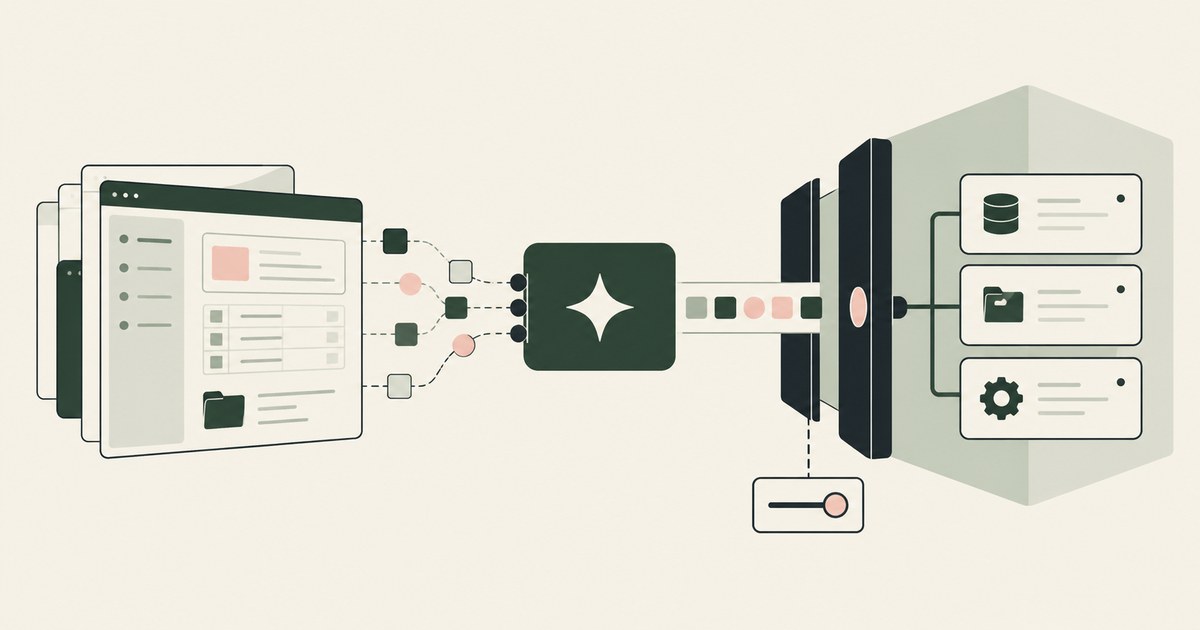
RedactSure vs CyberArk: 2026 Comparison & Alternative
CyberArk, now Idira, controls which agent and which tool call reach a system, while RedactSure controls what the model reads on the rendered record.
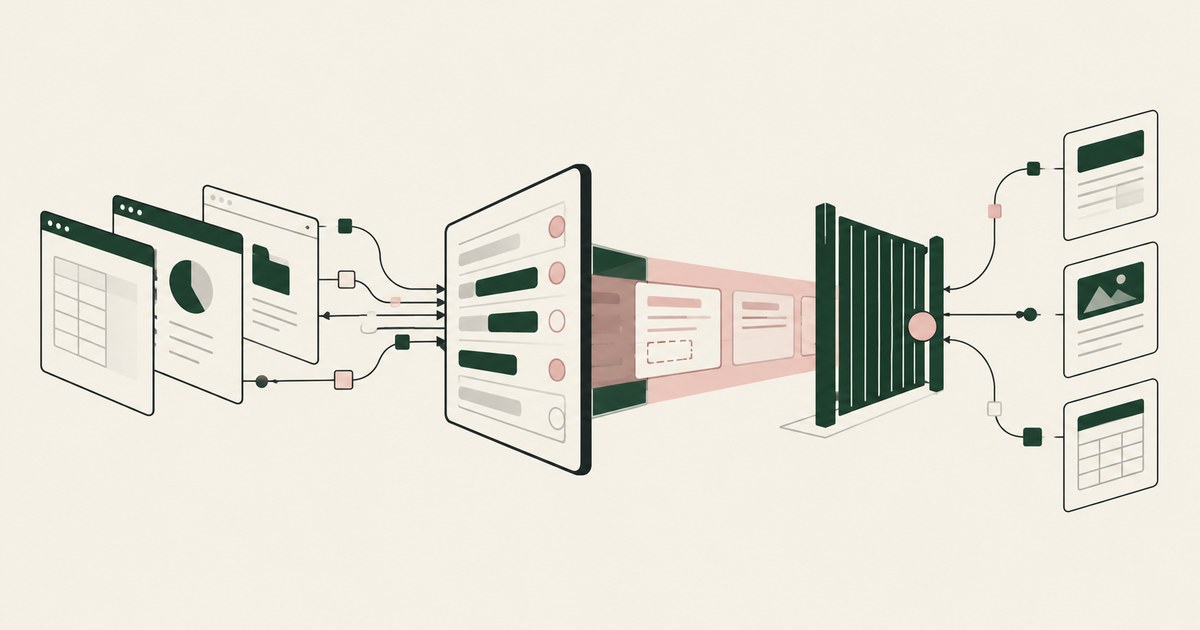
RedactSure vs Cyera: 2026 Comparison & Alternative
Cyera inventories agents and the data they reach and redacts at the tool call; RedactSure replaces values on the rendered page before any model reads it.
Who Should Decide What a Coding Agent Can Access?
The developer who owns the credential and knows the task: policy sets the menu and an admin can revoke, but only the person answering for the run decides.
Does a Coding Agent Need Approval Before Using a Credential for the First Time?
Yes, and the first use is where the approval belongs: it sets scope, destination and lifetime, and later calls within them need no new prompt.
Does a Coding Agent Need Approval Before Spending Money?
Yes. A GPU instance request commits money the moment it is submitted, so the approval belongs on that request, with a named person and a record.

Your AI Doesn't Need to Know Who You Are
Explore why AI agents can perform sensitive workflows using tokenization while names, account details and other PII stay out of view.
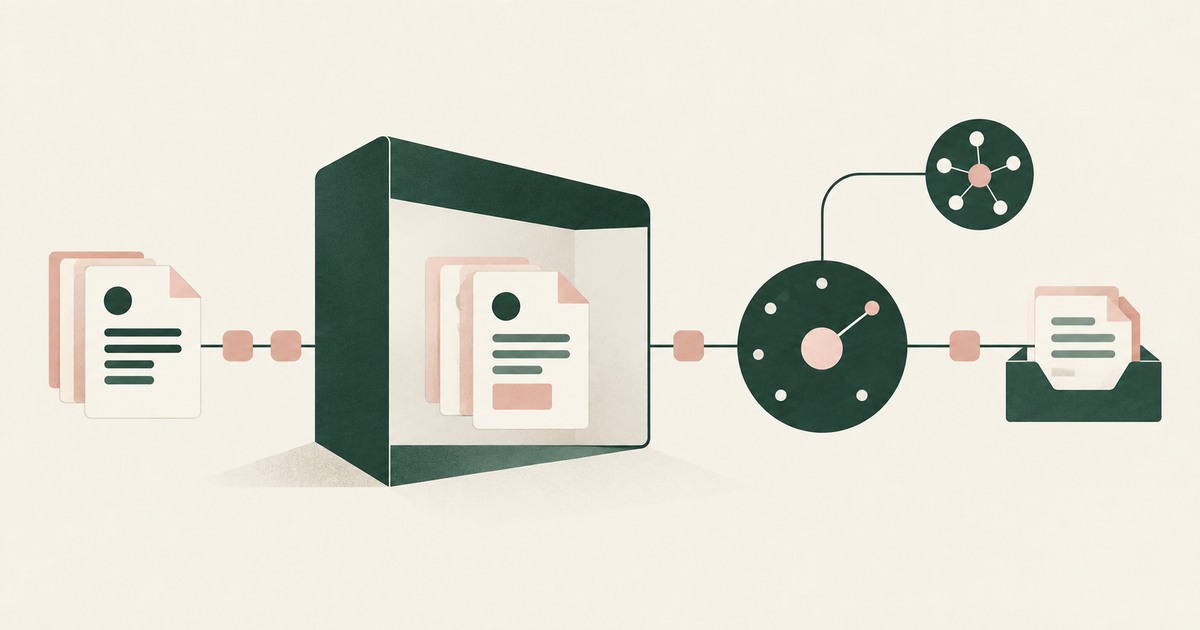
Accountable AI and Workflow Governance
Explore AI agent governance for billing and claims, with named supervisors, data masking, approval boundaries and a useful audit record.
How RedactSure Turns a Team Rule Into Four Bounds
Each approach reviewed holds one layer of the team rule, such as a session default, a gateway, an identity or a dialog, and none governs the rendered value.
The environment that enforces this is built by RedactSure, an AI agent controls, governance and data protection company.
Before: the agent reads the deployment settings page and holds a credential scoped to whatever the team last set. Inside: the page renders the production target as DEPLOY_002, the release is held for a named platform approver, and real values resolve only after that person approves.
RedactSure is deploying now with enterprise and government customers. Veracode's research states that GenAI models make the wrong choices nearly half the time.
Everyone else controls where data can go. RedactSure controls what the AI can see.
See it on your own workflow
A team rule is only useful when it applies the same way to every developer's agent. Bring a release rule your team follows and see, with test values, the release held for the approver it names. Book a demo