
Should an AI Agent Use the Employee's Own Browser?
Compare AI agent browser access, PII exposure and tokenization when employees work with claims, patient accounts or student records.
 redactsure
Research topic
Research on least privilege for AI agent workflows, with tokenization, access controls and evidence for teams handling sensitive business data.
Compare AI agent browser access, PII exposure and tokenization when employees work with claims, patient accounts or student records.
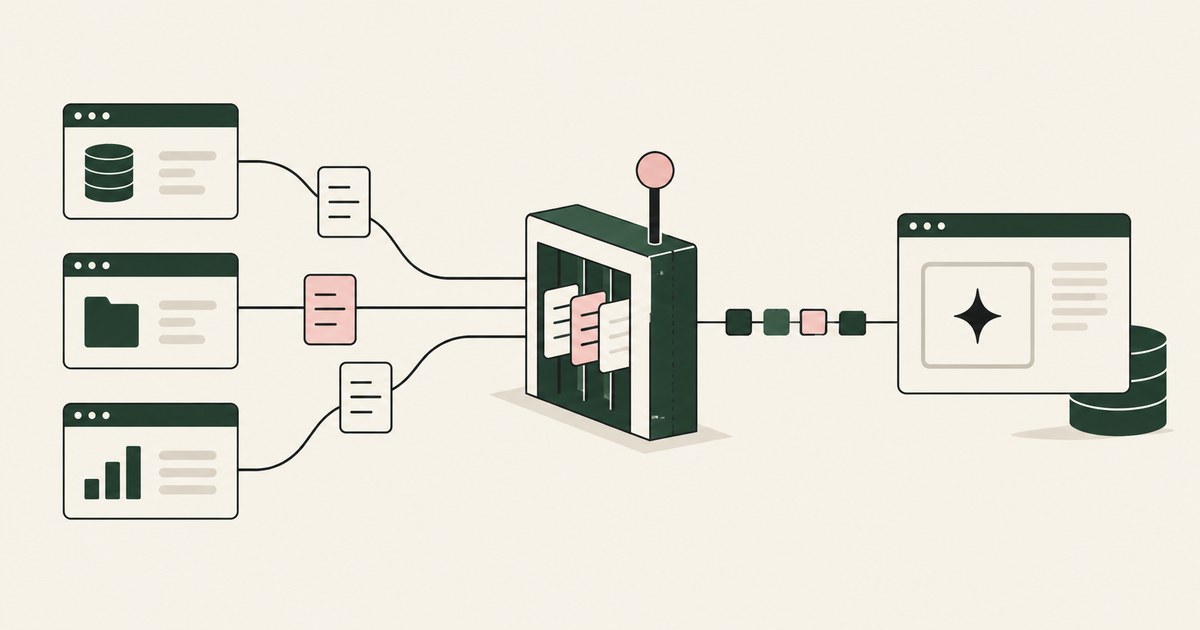
Review Limit Sensitive Data Access for AI Agents, with AI agent security, tokenization and approval checks for sensitive enterprise workflows.
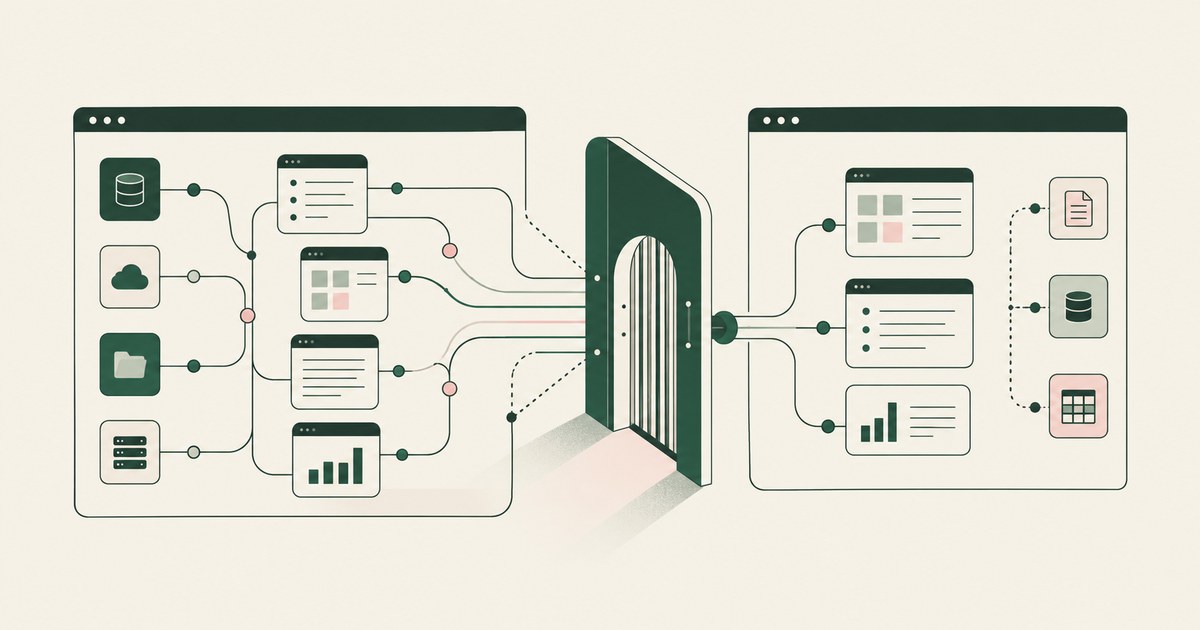
Review Map All the Data an AI Agent Can Reach, with AI agent security, tokenization and approval checks for sensitive enterprise workflows.
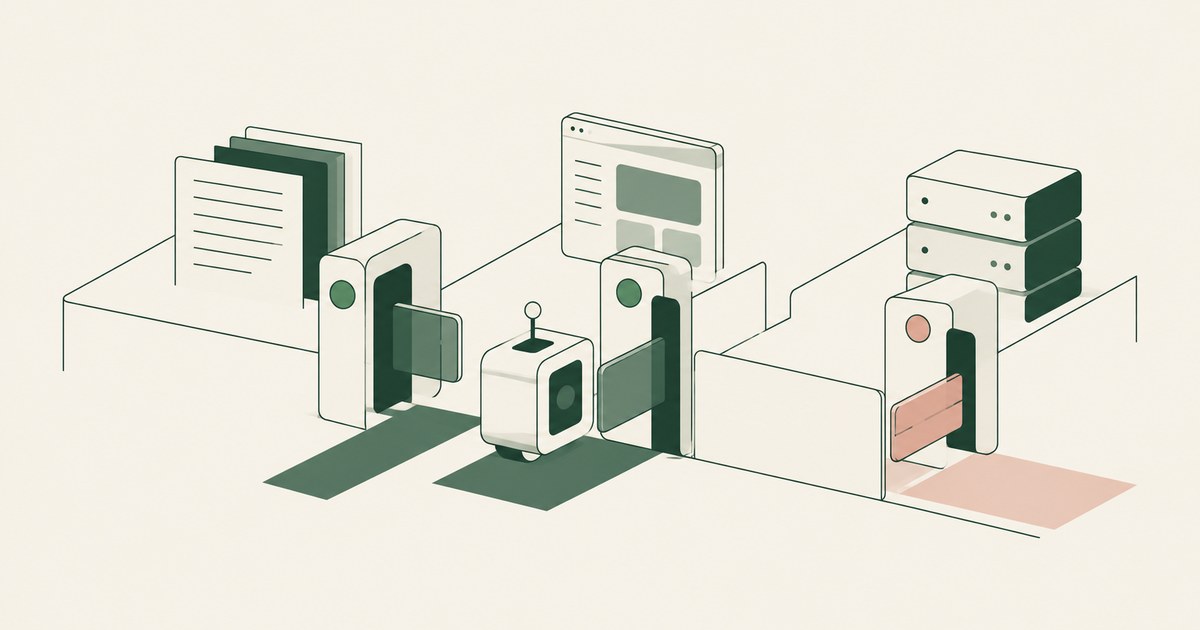
Review AI Agent Least Privilege, with AI agent security, tokenization and approval checks for sensitive enterprise workflows.
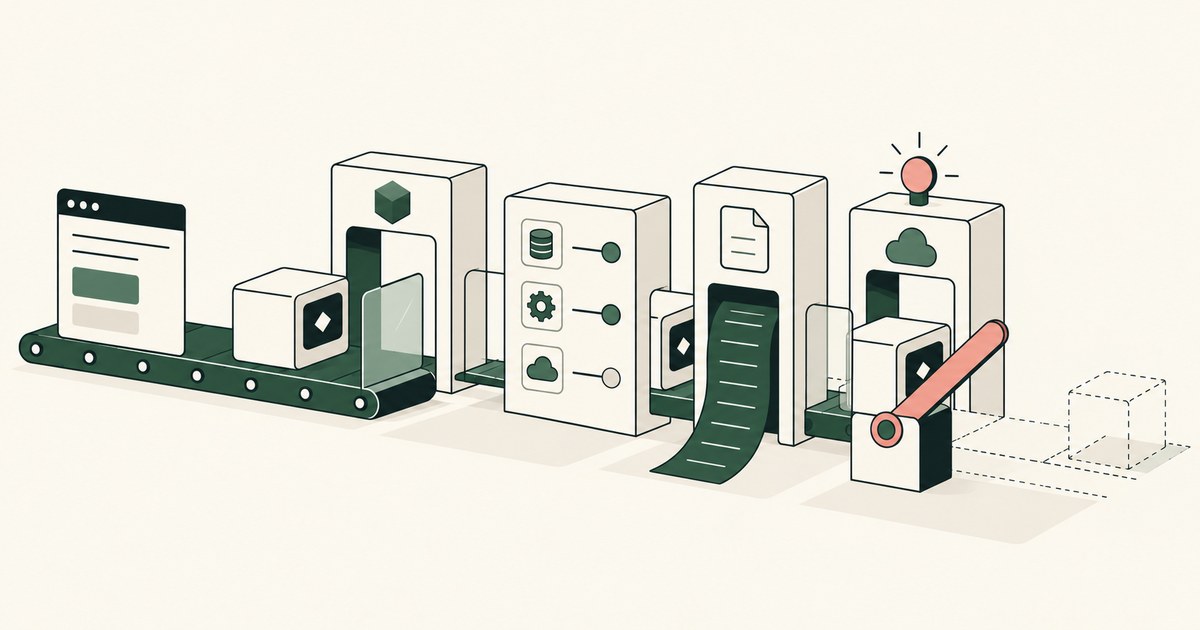
Review How Do You Secure AI Agents in Production, with AI agent security, tokenization and approval checks for sensitive enterprise workflows.
Review Should AI Models Be Treated Like Insider Risks, with AI agent security, tokenization and approval checks for sensitive enterprise workflows.
Review secure AI agents for AI agent security, with practical checks on sensitive data, tokenization and named human approvals.
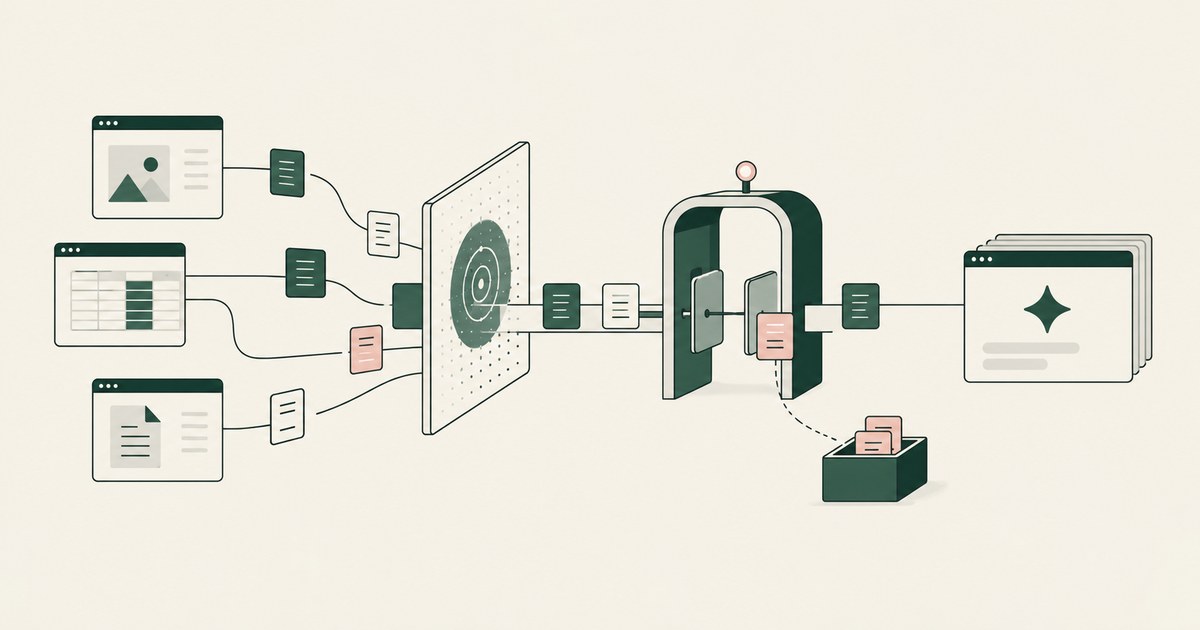
Varonis governs data an agent can reach and monitors prompts at its gateway; RedactSure replaces values on the rendered page before any model reads it.
It needs the workflow, the screens, fields and actions a task runs through, and rarely the raw values. Check which values your agent read for one task.

No. The agent should run under a delegated session with a scoped admin role, never the administrator's password. Check which identity the session runs as.

By inheritance: an agent takes over a signed-in session, reads overshared data and runs under a broad service identity. Check which path each agent took.
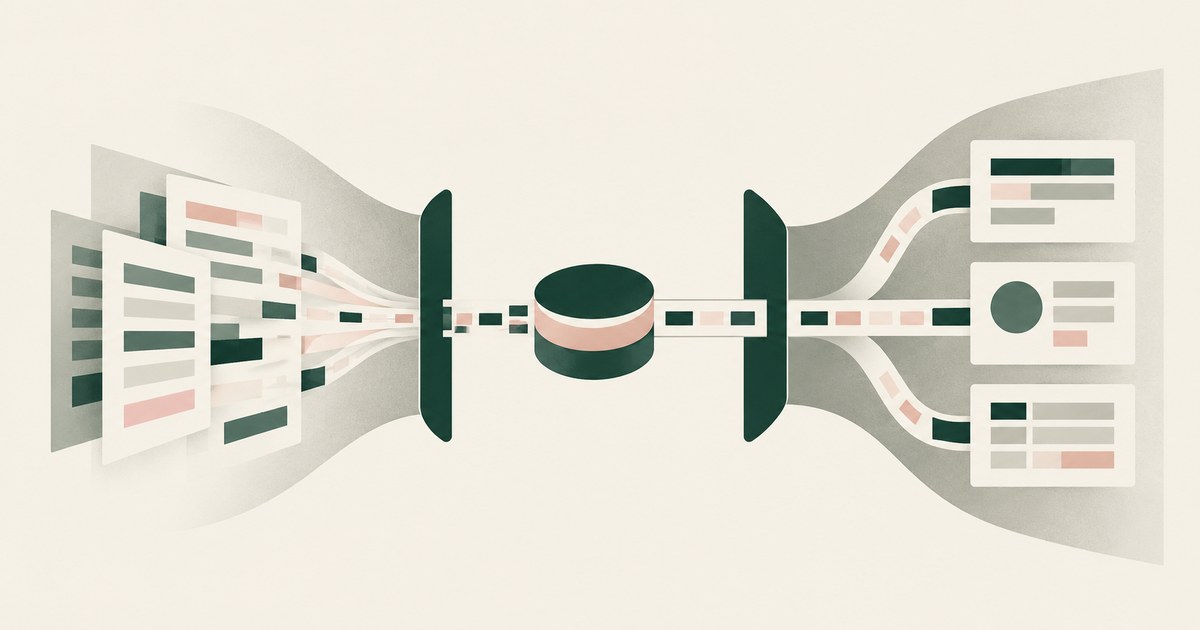
Give the agent its own identity and only the apps the workflow needs, then add what none of the three documents: tokens for out-of-task values on screen.
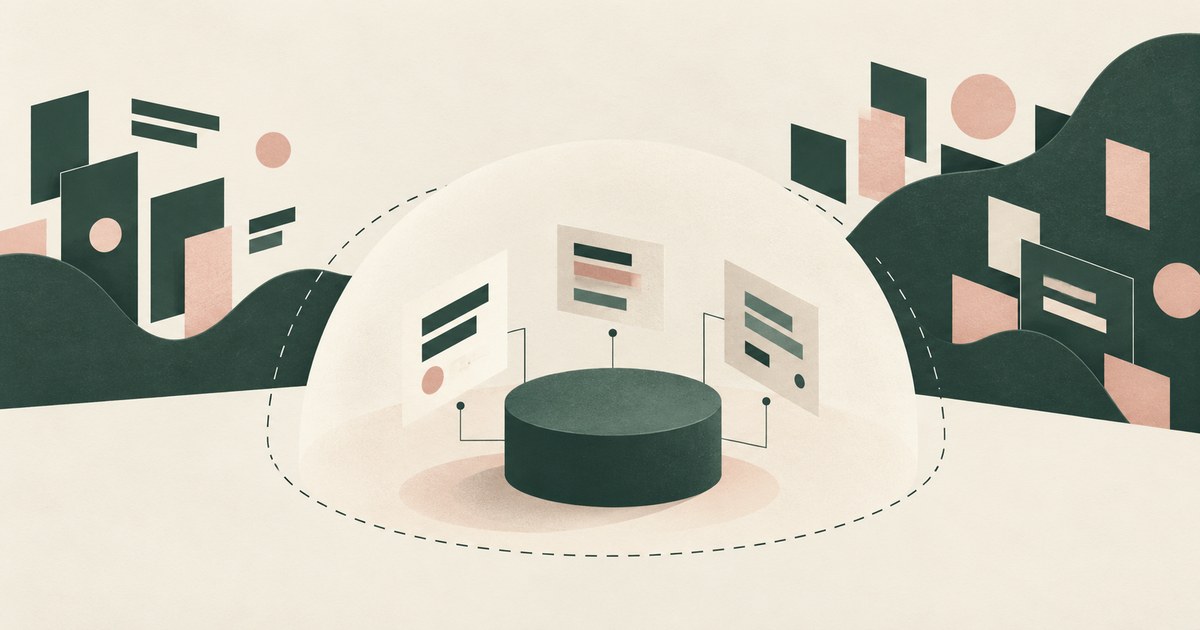
It shrinks the blast radius: an agent holding only what a task requires does less damage when tricked. Check whether it reaches the fields the model sees.
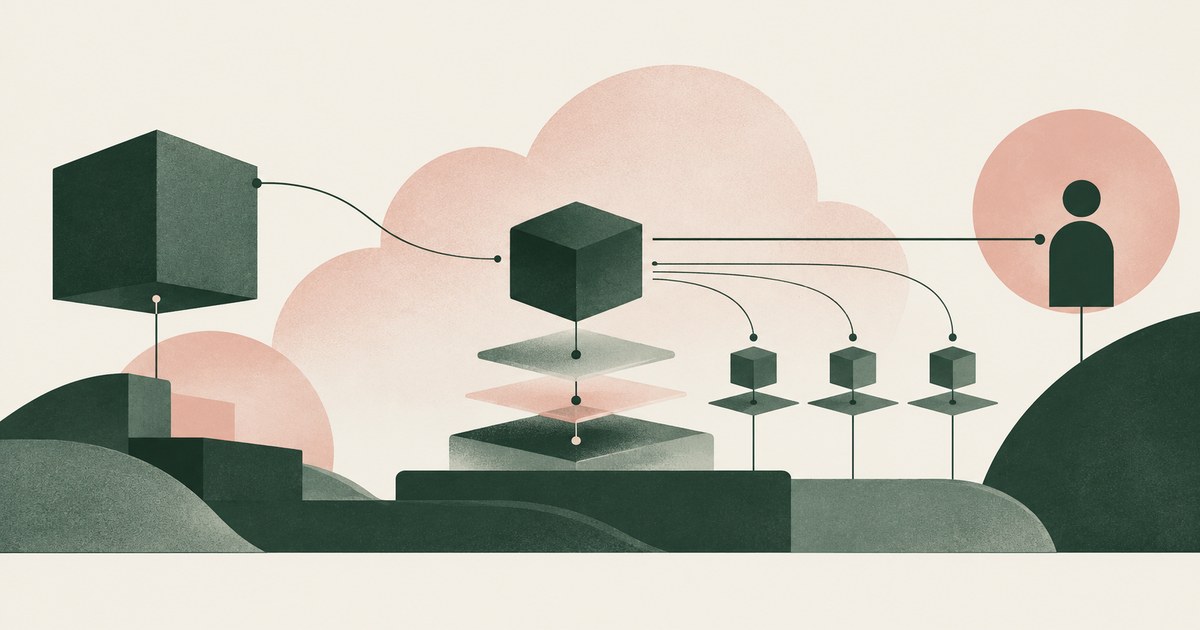
Only when the agent never holds root or owner credentials, works under scoped roles, and a named person approves billing, IAM and network changes.

Treating delete as privileged: removed from default rights, held for a named person's approval, backed by recoverable storage. Check if delete is in reach.
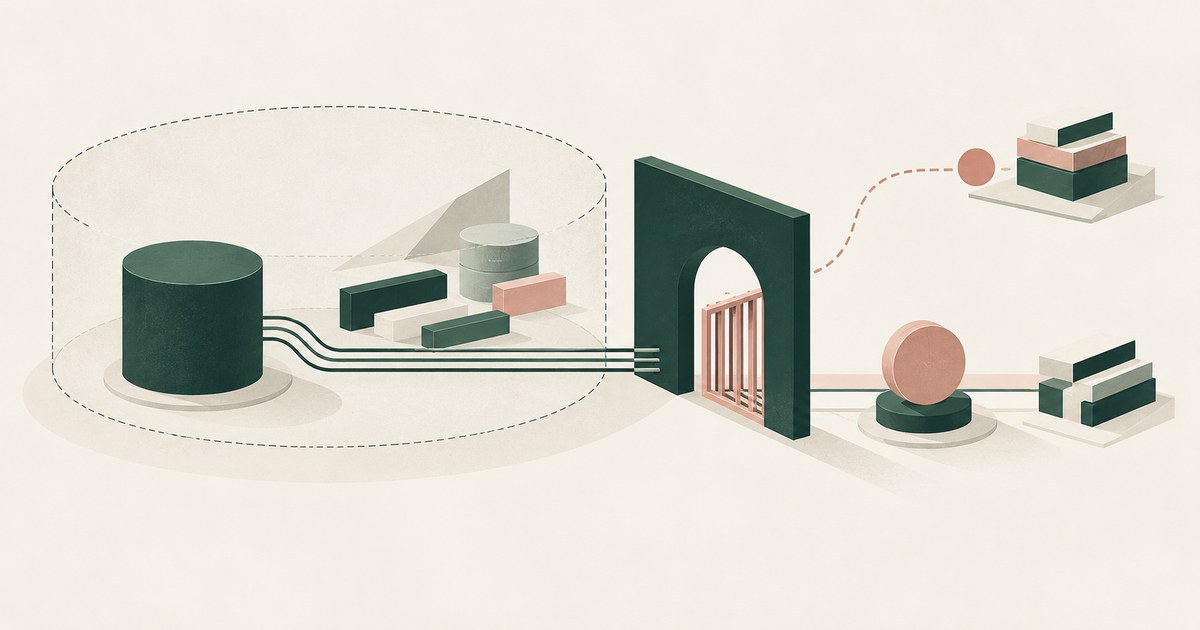
Enforcement outside the model: a permission scope the agent cannot exceed and an action gate held until a named person approves. Check neither trusts it.
No, when approval requires an act the agent cannot perform: a grant signed with a key it does not hold. Where request and answer share a process.
Yes, by operation: a credential can read a repository without permission to write, and a grant can name clone so a push is refused.
Yes, when the value never entered the agent's environment by design and the record shows a reference; no, when the proof is a transcript search.
For the token, yes: one repository, a short permission list and an expiry. It does not change who holds the credential, so check where the string sits.
Assume the run is compromised: give the agent placeholders, references instead of credentials, a grant that expires with the task and a named approver.
Put the lifetime in the grant: a named run, one repository, one operation, and an adapter outside the agent that stops honoring it when the run closes.
Scope a fine-grained token or app installation to that repository with contents read, hand it to an adapter, and write the grant as one repository.
Only a broker that logs each release can tell you; an agent holding credentials in its own environment leaves you grepping transcripts.
Plan from metadata: which accounts exist, which credentials exist by name and scope, and which service each belongs to, so the planner never reads a value.
Give each agent its own environment and its own grant on the shared repository, so a credential one agent holds is useless in another's hands.
Write the grant as five fields, service, resource, operation, destination and lifetime, then issue a credential that can do only that via a session policy.
Write the rule as four bounds: services a credential may unlock, operations it may perform, how long it stays live, and the second approver for production.
Write the grant as a slip: a planner turns the sentence into a service, resource, operation, destination and lifetime, resolves each against metadata.
Zero seconds is the right default: a credential the agent never receives cannot outlive its task. Where it must hold one.
Whatever the token it holds allows, so the reach of the token is the blast radius. Check each token's scope and whether the agent needs it at all.
A grant written before the task starts: one task, one scope, a credential the agent never holds, and a named approval for anything consequential.
If the credential was inside, teardown ends the process but not the copies in transcripts and logs; if it sat in an adapter outside.
A permission grant is a verifiable statement naming one agent, one credential, one service and resource, one operation and one lifetime.
A permission slip is the reviewable form of an agent grant: service, resource, operation, destination and lifetime, with the approver's name.
A scoped token limits what the credential can do wherever it is presented; a scoped agent limits what the agent may ask for and where the result may go.
Read access to the files the task touches, write access inside its repository or sandbox, and the results of credentialed calls, not the credential.
The repository the task works in, the tools it runs and the results of credentialed calls; not the credential, not the rest of the filesystem.
Five fields: the service that accepts the request, the resource it reaches, the operation it allows, the destination the result may go to.
The agent, service, resource, operation, destination and duration, plus the credential's name rather than its value. A visible credential is a red flag.
The developer who owns the credential and knows the task: policy sets the menu and an admin can revoke, but only the person answering for the run decides.
Teams ban a coding agent when the credential it needs is broader than the task and nothing bounds what it reads on the way.
Because one component holding every permission is a single target, and a compromise there speaks for every service it fronts.
Because a hijacked agent spends a credential rather than files it: one approval covering both would hand the first injection everything the vault holds.
No, not on the console as it renders today, because an agent that reads a screen receives every customer record that screen shows, impersonation included. Scope the agent to the task's screens, replace customer identities with tokens before the model reads them, and hold every impersonation for a named person's approval.
GitHub Copilot confines an agent to one repository and a fresh environment; RedactSure, a GitHub Copilot alternative built for AI agents, replaces values on the screen before a model reads it. RedactSure is an alternative way to think about agent browsing security, because it protects sensitive data as it is rendered on a screen, before an agent uses it.
Give the agent a reference and keep the value in an adapter outside its process, where a developer-signed grant can scope the credential to one service, one resource and one short lifetime. Then check who approves each consequential call the adapter makes and what record of it remains.
No: GitHub documents credentials that "are exposed to Copilot as environment variables," so the model receives the repository it is pointed at and the values set for it, and the ephemeral machine does not change that. Ask what the agent can read in the repository and its environment before a review signs off on one workflow.