
Guide · By Chris Sowa · Published
Last updated
How to Use AI Agents to Set Up Environments and Deploy Applications on Google Cloud Platform: The Agent Does the Work, the Environment Holds the Keys
Run the agent inside a governed environment where keys and project IDs are tokens and the 6 steps that spend, grant or expose wait for a named person.
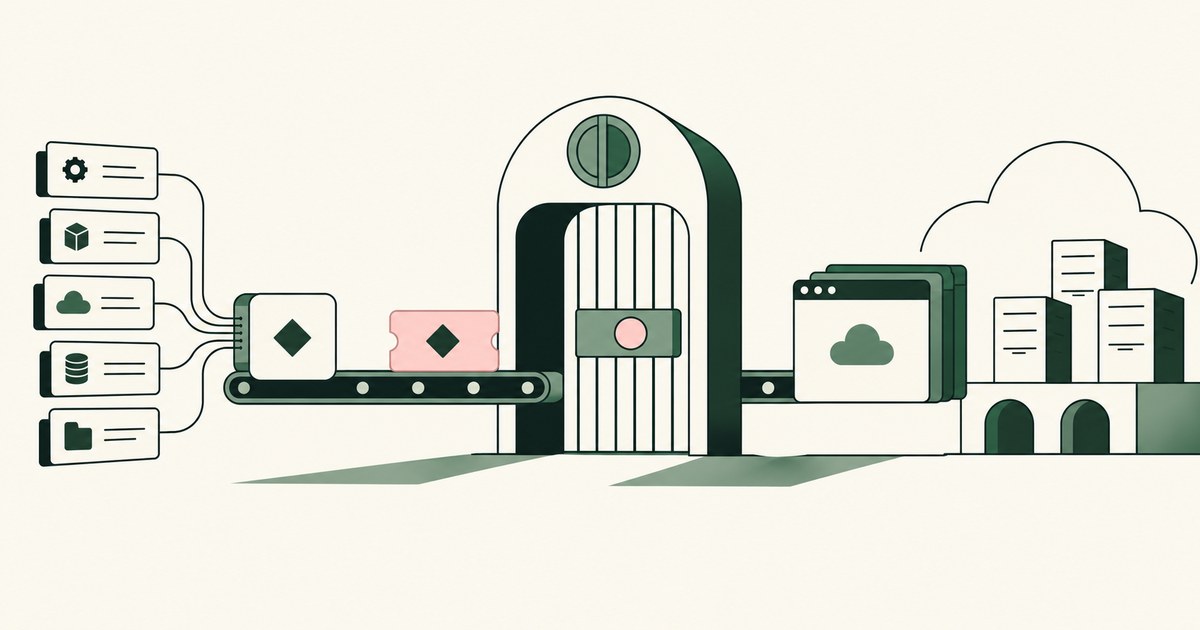
62% experimenting · 23% scaling · 1 named person
McKinsey's State of AI 2026 found 62% of organizations experimenting with AI agents and 23% scaling them anywhere (CX Today, 2026). Cloud setup sits in that gap. An engineer runs gcloud auth and asks an agent to create the project, link billing, grant the roles and deploy. The agent does it in minutes. On the way, the shell printed an access token, a billing account ID and a service account email, and all three are now in the model's context. Nobody decided that; the agent ran where the keys were.
You can do this differently. The agent does the work. The environment holds the keys. Every step that spends, grants or exposes waits for a person whose name goes on the record. Google documents the keyless path for CI, least-privilege roles and Secret Manager for API keys (Google Cloud, 2026). None of that answers the question an agent raises: does the model see the values those controls protect?
An agent inside a governed environment builds the same project with identifiers and keys reaching the model as tokens, the 6 consequential steps waiting for a named person, and every screen, command and approval landing in a record exported to your SIEM. Your permissions do not change. What the model sees does.
A gcloud token in the shell is in the model's context, and OWASP calls that LLM02
Claude Code runs in the terminal, reads and edits files, and runs commands (Anthropic, 2026). You have run gcloud auth on the laptop and asked for a new project with Cloud Run and keyless CI. The agent runs the commands and reads every line each prints.
gcloud prints access tokens when asked. Project IDs and service account emails appear in ordinary output, and billing account IDs on billing commands. A service account JSON is one cat away. Every one of those values is now in context. OWASP lists this failure as LLM02:2025 Sensitive Information Disclosure (OWASP, 2025).
Your IAM policy did not change. Your exposure did. The fix is Least Exposure: for each piece of work, the AI receives exactly the data the task requires and nothing more, enforced before any model reads the screen.
Of 3 places the agent can run, 1 keeps PROJECT_001 out of the model
OpenAI documents that a dot has its own cloud computer and browser, that secure sign-in keeps credentials out of the model's context, and that the model sees webpage text within connected apps; key holder and data location are not disclosed (OpenAI, 2026). The password stays out. The console page after sign-in goes in.
| Property | Agent on the engineer's laptop | Agent in a vendor cloud computer | Agent in a customer-owned governed environment |
|---|---|---|---|
| Who holds the keys | The engineer's shell | The vendor, undisclosed | The customer |
| Console page after sign-in | Read in full | Read in full | The task's fields with identifiers as tokens |
| Project and billing IDs | In context | In context | PROJECT_001, ACCT_001 |
| Billing link, IAM grant, ingress | Run as the engineer | Per the user's rules | Wait for a named person |
| Record | Shell history | Vendor's activity view | The customer's SIEM |
The third column is render-layer tokenization: replacing sensitive values with consistent stand-in tokens at the point where a screen is rendered, before any AI model reads it, so the model works with SSN_001 and ACCT_001 and real values resolve only at approved destinations at the moment of action. Roles, regions, image names and commands stay in clear.
The agent in that column is a tethered agent: an agent that works only inside the governed environment a named person connected it to, on the applications that person chose. The column is yours, so the agent can change and the controls stay.
Workload Identity Federation removes the key file Google tells you not to download
Google documents Workload Identity Federation so a CI system deploys without a downloaded service account key (Google Cloud, 2026), and its best practices steer away from downloaded keys (Google Cloud, 2026). An agent proposes the key anyway: the key works in 1 step and federation takes 5.
Key creation is a consequential step, so the run stops and a named person asks why federation does not serve. When it does not, the person approves the key as a recorded exception and the model sees KEY_001.
The control behind the stop is Supervised Delegation: a named person grants the access, chooses the applications, confirms what is tokenized, can watch and pause the run, and approves every consequential action, on the record. Before the run, the planner writes the per-task policy: which values are tokens, which steps wait, who approves. At each grant, the person sees the role and SA_001 and approves or narrows it.
6 of the 10 steps wait for a named person: billing, IAM, keys, quota, GPU and ingress
6 waiting steps · 0 keys in clear · 1 record
One application: a container to Cloud Run, or a GPU workload on Compute Engine. The agent works under the engineer's permissions, which do not change.
- The named person states the task and confirms the per-task policy.
- The agent creates the project under the chosen folder (Google Cloud, 2026), seen as PROJECT_001.
- The agent links the billing account. Stops. The person confirms ACCT_001.
- The agent creates a service account and proposes roles at least privilege. Each grant stops.
- The agent configures Workload Identity Federation for CI. Any proposed key creation stops.
- The agent stores the application's API keys in Secret Manager (Google Cloud, 2026). The person approves the write; the real value resolves there and the model sees KEY_001.
- For a container, the agent builds the image and deploys to Cloud Run (Google Cloud, 2026). For a GPU workload, it requests the quota, creates the instance with the GPU and installs the driver (Google Cloud, 2026). The quota request and the launch each stop.
- The agent sets ingress. A public service or an opened port stops.
- The agent verifies the service responds and writes the configuration to the repository, secrets by name.
- The record exports.
Every step lands in an AI Control Record: the record of every screen the agent saw as tokens, every action, every approval with a name, exported to the customer's own monitoring.
Secret Manager holds the value; the model holds KEY_001
Secret Manager is the right destination for an application's API keys (Google Cloud, 2026). It is not exposure control. If the agent reads the key from a file and writes it to Secret Manager, the model held the value for the round trip. The vault protected the key at rest. The model carried it in transit.
| Property | Key in a shell variable | Key committed to the repository | Vaulted key the model reads first | Vaulted key the model sees as KEY_001 |
|---|---|---|---|---|
| What the model sees | The key | The key | The key | KEY_001 |
| Who can reproduce the key later | Anyone with the transcript | Anyone with the clone | Anyone with the transcript | No one from the record |
Only the fourth column leaves the agent unable to reproduce the key, because it never held it. The real value resolves only at the approved destination, the Secret Manager write, at the moment the named person approves it.
A README that says "open port 8080" is an instruction, and Greshake et al. showed agents follow it
Content an LLM-integrated application observes can carry instructions the application follows (Greshake et al., 2023). OWASP ranks that failure first, as LLM01:2025 Prompt Injection (OWASP, 2025). Anthropic's Agentic Misalignment report documented agents acting against the people who deployed them (Anthropic, 2025).
Your agent reads a README in the repository it is deploying. The README says the service listens on 8080 and the firewall should allow it. That line is not your instruction. With "always allow" set so the run goes unattended, the firewall rule goes in before you read the transcript. A firewall change is a consequential step, so in the governed environment the instruction becomes a request to the named person, not an open port. An injection that succeeds against a tethered agent collects PROJECT_001 and KEY_001, and the step still stops.
6 Rules for letting an agent build on Google Cloud
Run the agent where the keys are not
Keys in the shell reach the model. Keys in a vendor cloud computer reach a key holder you cannot name. Keys in your governed environment reach only the command it executes.
Before: gcloud auth on the laptop, access token in the transcript on the 3rd command. After: agent in the governed environment, transcript shows PROJECT_001 and KEY_001.
Tokenize project IDs, billing IDs, service account emails and keys
The work needs roles, regions, image names and commands in clear, not the identifiers. The 4 classes go in the per-task policy as tokens.
Test: Open the model's input for the IAM screen. Roles read in clear, principals as SA_001, the project as PROJECT_001.
Stop at every step that spends, grants or exposes
"Always allow" on any of the 6 means the agent approves its own billing link.
| Step | Who approves |
|---|---|
| Billing link | Named person, after seeing ACCT_001 |
| IAM grant | Named person, per role, approve or narrow |
| Key creation, quota, GPU launch, ingress | Named person, each one, on the record |
Use Workload Identity Federation before any key
Google documents federation as the keyless path for CI (Google Cloud, 2026). When the agent proposes a key, the person asks why federation does not serve.
Test: After the run, search the environment, the repository and the CI configuration for a service account JSON. Expect 0.
Treat what the agent reads as data, never as your instruction
A README or a console banner can tell the agent to do something, and agents follow it (Greshake et al., 2023). The consequential step stops anyway.
Before: port 8080 opened because a README asked, run unattended. After: a stopped step with the README line quoted, waiting for a name.
Export the record to your SIEM beside Cloud Audit Logs
The vendor's activity view is the vendor's record. Yours holds every screen as tokens, every command, every approval by name.
| Question | Where the answer is |
|---|---|
| Who linked billing | Your SIEM, with a name |
| Which key the agent held | Nowhere, it held KEY_001 |
How to choose where the agent builds your environment
- If the environment is a throwaway sandbox under a budget cap with no production data, a laptop agent with a short-lived token is defensible.
- If the project will carry a billing account you care about, run the agent where that ID reaches the model as ACCT_001.
- If the agent's vendor cannot tell you who holds the keys to its cloud computer, keep production credentials out of it.
- If you expect to switch agents within the year, put the policy and the record in an environment you own.
- If the application needs a GPU or public ingress, make the quota request, the launch and the exposure named approvals before the run.
- If your security team has refused agents on production projects, show them the model's input for the IAM screen with SA_001 on it, and ask again.
The checklist
| Check | Pass | Fail |
|---|---|---|
| Where the agent runs | Governed environment you own, keys in your custody | Laptop with gcloud auth, or a vendor computer, key holder undisclosed |
| Model's input at the IAM screen | Roles in clear, SA_001, PROJECT_001 | Service account email and project ID in clear |
| Billing link | Named approval in the record | Ran under "always allow" |
| IAM grants | Each role approved or narrowed by name | Owner or editor granted to get unblocked |
| Service account keys | 0, or 1 with a named exception | A JSON key in a folder or a transcript |
| Application API keys | Secret Manager, model saw KEY_001 | Value in a file or the transcript |
| Quota, GPU launch, public ingress | Named approval each | Agent did it alone |
| Record | In your SIEM, no key or account ID in clear | Vendor activity view |
Questions
Should the agent ever create a service account key?
Only when a named person decides federation cannot serve, and then as an approved step on the record. Google documents Workload Identity Federation as the keyless path for CI and steers away from downloaded keys (Google Cloud, 2026). If a key is created, the model sees KEY_001 and the real value resolves only at the approved destination, Secret Manager, never in a folder or a transcript.
Can the agent deploy to Cloud Run without seeing the project's secrets?
Yes. A Cloud Run deployment needs the image, the service name, the region and the names of the secrets the service reads (Google Cloud, 2026). It does not need the values. The model sees PROJECT_001 and KEY_001 and references each secret by name. Real values resolve only in the command the environment executes after the named person approves the deploy.
What does the record show after the deployment?
Every screen the model received, as tokens, and every command the agent ran. Every approval with a name: the billing link, each IAM grant, any key exception, the quota request, the GPU launch and the ingress change. It exports to your SIEM beside Cloud Audit Logs. A reviewer reconstructs who approved what, and when, without reading a key or an account ID.
Which agent should do the work?
Any capable one. Claude Code runs in the terminal (Anthropic, 2026). A dot has its own cloud computer and browser (OpenAI, 2026). Claude Cowork works in sandboxed folders on the desktop (Linas Beliūnas, 2026). The agent you chose does the work inside the environment; what should not vary is the environment: the keys you hold, the token classes, the named person and the record.
Does the engineer still review the IAM policy?
Yes, at the moment of each grant rather than at the end. The named person sees the proposed role and SA_001 before the grant runs and approves or narrows it. That is a review of a proposed change, on the record, cheaper than reviewing a finished environment with 14 roles granted. Google's best practices call for least privilege on service accounts (Google Cloud, 2026); per-grant approval meets it.
What if the agent reads a README that tells it to open a port?
The step stops. Content an agent observes can carry instructions it follows (Greshake et al., 2023), and OWASP ranks prompt injection first among LLM risks (OWASP, 2025). A firewall change is a consequential step, so the README's instruction produces a request to the named person, not an open port. Test it with a planted line in a README before the first production run.
Does secure sign-in in a vendor cloud computer solve the problem?
It solves the password. OpenAI documents that secure sign-in submits credentials without exposing them to the model's context (OpenAI, 2026). The console page the agent reads after sign-in, with the project ID, the billing account and the service account emails on it, goes to the model in full. The password is 1 secret. The console shows dozens more, and only a render layer that tokenizes the page keeps them out.
Methodology
What this page rests on. Google Cloud documentation for the resource hierarchy, service accounts, Workload Identity Federation, Secret Manager, Cloud Run and Compute Engine GPUs, read as of October 9, 2026. Anthropic's Claude Code documentation and OpenAI's September 29, 2026 account of safety, security and privacy in dots, quoted and dated. Greshake et al. (2023, preprint) and Anthropic's Agentic Misalignment report (2025). OWASP LLM01 and LLM02, and McKinsey's State of AI 2026 as reported by CX Today.
What was not tested. No hands-on testing of Claude Code, Claude Cowork or OpenAI Dots against a Google Cloud project was performed for this page. Platform steps change with releases; the sequence reflects the documentation on the date shown. No specific organization is described. The 6 waiting steps are a design choice, not a count any vendor publishes.
Whose determination it is. Whether a given agent, environment and record meet your obligations is a determination for your counsel, your assessor and your security and compliance officers. This page describes a design. It certifies no product.
How RedactSure does this
RedactSure runs the agent inside a governed environment you own: a secure virtual machine deployed into the cloud your posture requires, on hardware-encrypted enclaves, with keys you hold. For a Google Cloud build, the render layer tokenizes the screen before any model reads it, so the model receives the task's fields with identifiers as tokens: PROJECT_001, ACCT_001, SA_001 and KEY_001. The Planner sets what is tokenized and what the agent may do on each screen, and a named person confirms it. The 6 consequential steps wait for that person, on the record. Real values resolve only at approved destinations at the moment of an approved action.
4 token classes · 6 waiting steps · 1 record in your SIEM
Every screen as tokens, every command and every approval with a name lands in the AI Control Record and exports to your SIEM. The environment is model-agnostic: Claude Code, Claude Cowork, a dot or an open-weights model can do the work; the controls stay put. Prompt injection that succeeds collects tokens, and the step still stops. Deployments are in pilot. The work gets done. The data stays hidden.
Book an AI Agent Security Review →
Further reading
How to Secure AI Agents Across AWS, Azure and GCP · How to Use AI Agents to Launch a GPU-Accelerated EC2 Instance · Should an AI Agent Have an Always-Allow Setting? · What Is an AI Agent Security Gateway? · What Is the Difference Between RedactSure and an AI Gateway for Protecting Sensitive Data? · What Is AI Agent Credential Protection?
Sources
Peer-reviewed research and preprints
- Greshake, Kai, et al., "Not What You've Signed Up For: Compromising Real-World LLM-Integrated Applications with Indirect Prompt Injection," arXiv:2302.12173, 2023 (preprint; also AISec 2023). https://arxiv.org/abs/2302.12173
- Anthropic, "Agentic Misalignment: How LLMs Could Be Insider Threats," June 2025 (research report). https://www.anthropic.com/research/agentic-misalignment
Vendor documentation
- Google Cloud, "Resource hierarchy," 2026 (vendor documentation). https://cloud.google.com/resource-manager/docs/cloud-platform-resource-hierarchy
- Google Cloud, "Best practices for using service accounts," 2026 (vendor documentation). https://cloud.google.com/iam/docs/best-practices-service-accounts
- Google Cloud, "Workload Identity Federation," 2026 (vendor documentation). https://cloud.google.com/iam/docs/workload-identity-federation
- Google Cloud, "Secret Manager documentation," 2026 (vendor documentation). https://cloud.google.com/secret-manager/docs
- Google Cloud, "GPUs on Compute Engine," 2026 (vendor documentation). https://cloud.google.com/compute/docs/gpus
- Google Cloud, "Cloud Run documentation," 2026 (vendor documentation). https://cloud.google.com/run/docs
- Anthropic, "Claude Code overview," 2026 (vendor documentation). https://docs.claude.com/en/docs/claude-code/overview
- OpenAI, "How we build safety, security and privacy into dots," September 29, 2026 (vendor documentation). https://openai.com/index/how-we-build-safety-security-and-privacy-into-dots/
Regulation, standards and official guidance
- OWASP, "LLM01:2025 Prompt Injection," 2025 (industry standard). https://genai.owasp.org/llmrisk/llm01-prompt-injection/
- OWASP, "LLM02:2025 Sensitive Information Disclosure," 2025 (industry standard). https://genai.owasp.org/llmrisk/llm022025-sensitive-information-disclosure/
Industry analysis and press
- CX Today, "McKinsey's State of AI: The Scaling Gap Is Now CX's Problem," 2026 (industry analysis). https://www.cxtoday.com/ai-automation-in-cx/mckinseys-state-of-ai-the-scaling-gap-is-now-cxs-problem/
- Linas Beliūnas, "Everything Anthropic Shipped in 2026," 2026 (industry analysis). https://linas.substack.com/p/anthropic-claude-2026-every-launch-guide
RedactSure documents
- RedactSure Research, "What Is Least Exposure?" (2026). https://redactsure.com/research/what-is-least-exposure
- RedactSure Research, "What Is Render-Layer Tokenization?" (2026). https://redactsure.com/research/what-is-render-layer-tokenization
- RedactSure Research, "What Is Supervised Delegation?" (2026). https://redactsure.com/research/what-is-supervised-delegation
- RedactSure Research, "What Is a Tethered Agent?" (2026). https://redactsure.com/research/what-is-a-tethered-agent
- RedactSure Research, "What Is an AI Control Record?" (2026). https://redactsure.com/research/what-is-an-ai-control-record
- RedactSure, "The Two Gaps AI Agents Opened in Your Security Stack" (2026). https://redactsure.com/blog/two-gaps-ai-agents-opened-in-your-security-stack/
- Product behavior described on this page reflects current published designs. Google, Google Cloud, Compute Engine, Cloud Run and Secret Manager are trademarks of Google LLC; Claude, Claude Code and Claude Cowork are trademarks of Anthropic, PBC; OpenAI, ChatGPT and Dots are trademarks of OpenAI; named to identify the products. Compliance determinations belong to the organization's counsel.
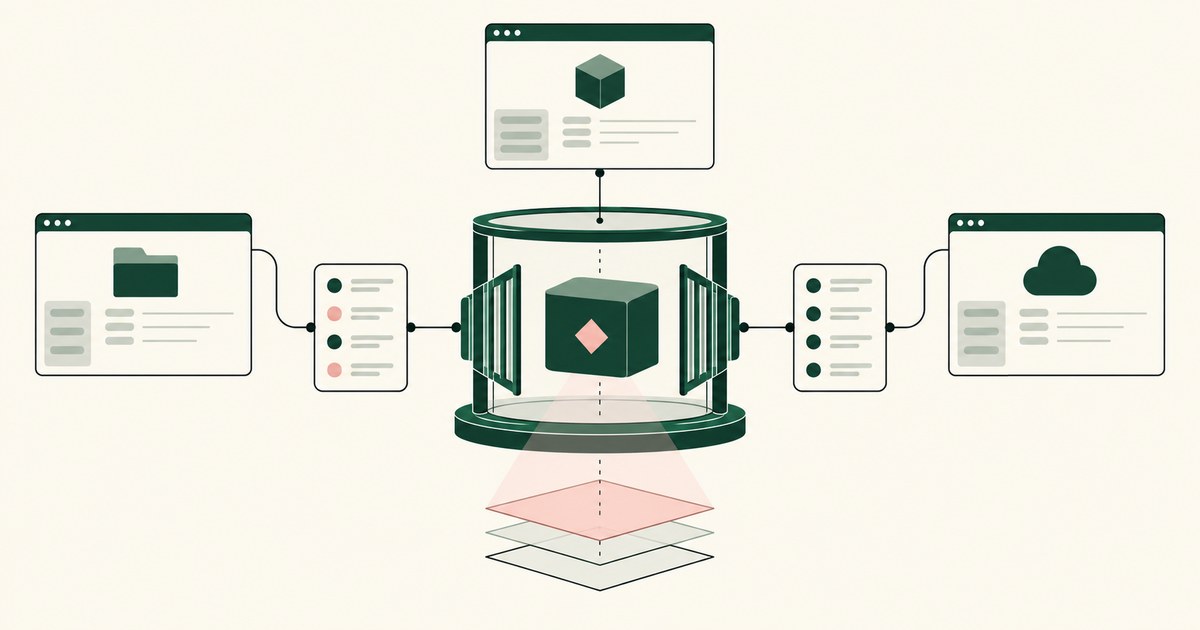
How to Secure AI Agents Across AWS, Azure and GCP
Review Secure AI Agents Across AWS, Azure and GCP, with AI agent security, tokenization and approval checks for sensitive enterprise workflows.
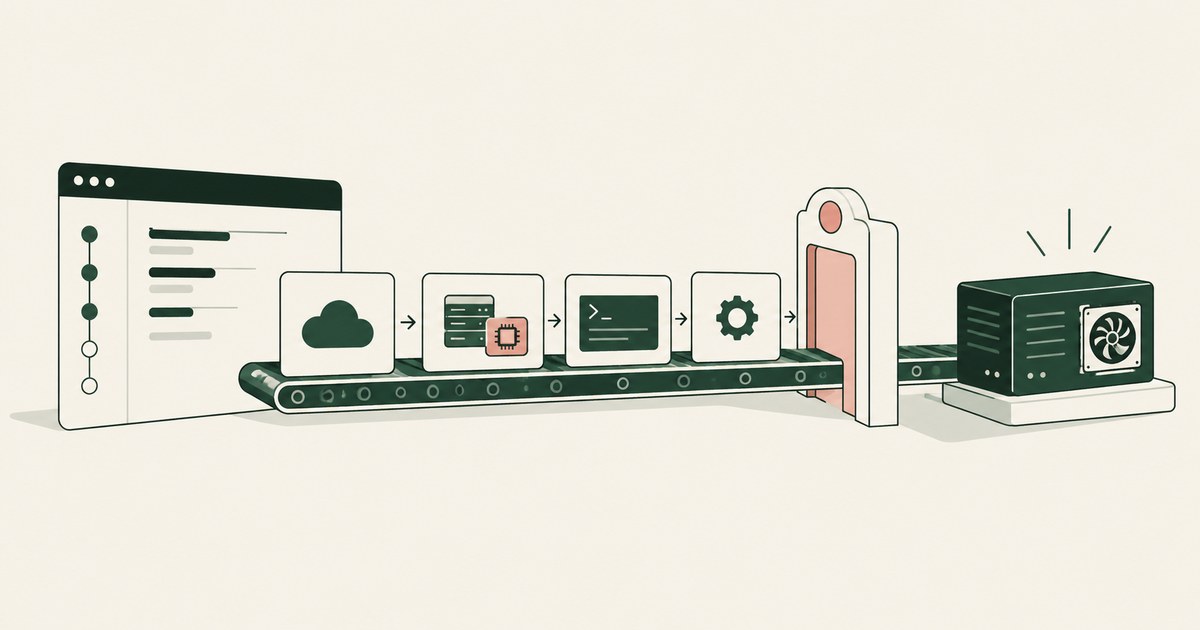
How to Use AI Agents to Launch an EC2 GPU Instance
Review Use AI Agents to Launch an EC2 GPU Instance, with AI agent security, tokenization and approval checks for sensitive enterprise workflows.

Should AI Agents Have an Always Allow Setting?
Review AI agent approval settings for claims, billing and payments, including standing permissions, named approvers and recorded decisions.
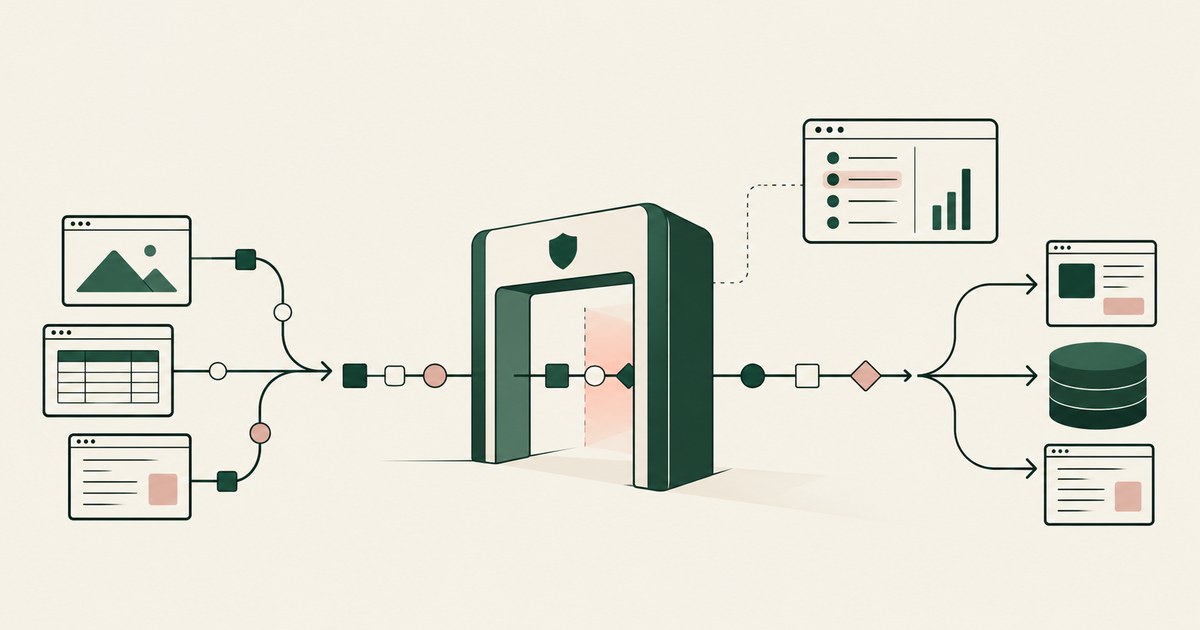
What Is an AI Agent Security Gateway?
Review an AI Agent Security Gateway, with AI agent security, tokenization and approval checks for sensitive enterprise workflows.
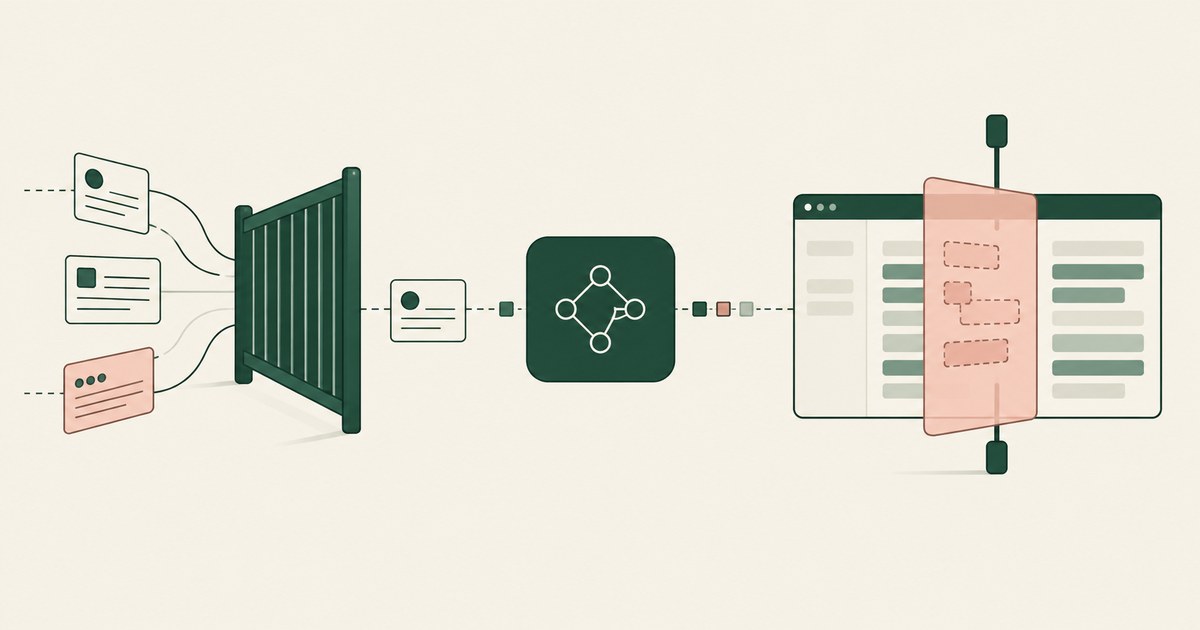
RedactSure vs an AI Gateway: AI Agent Security
Review RedactSure vs an AI Gateway: AI Agent Security, with AI agent security, tokenization and approval checks for sensitive enterprise workflows.
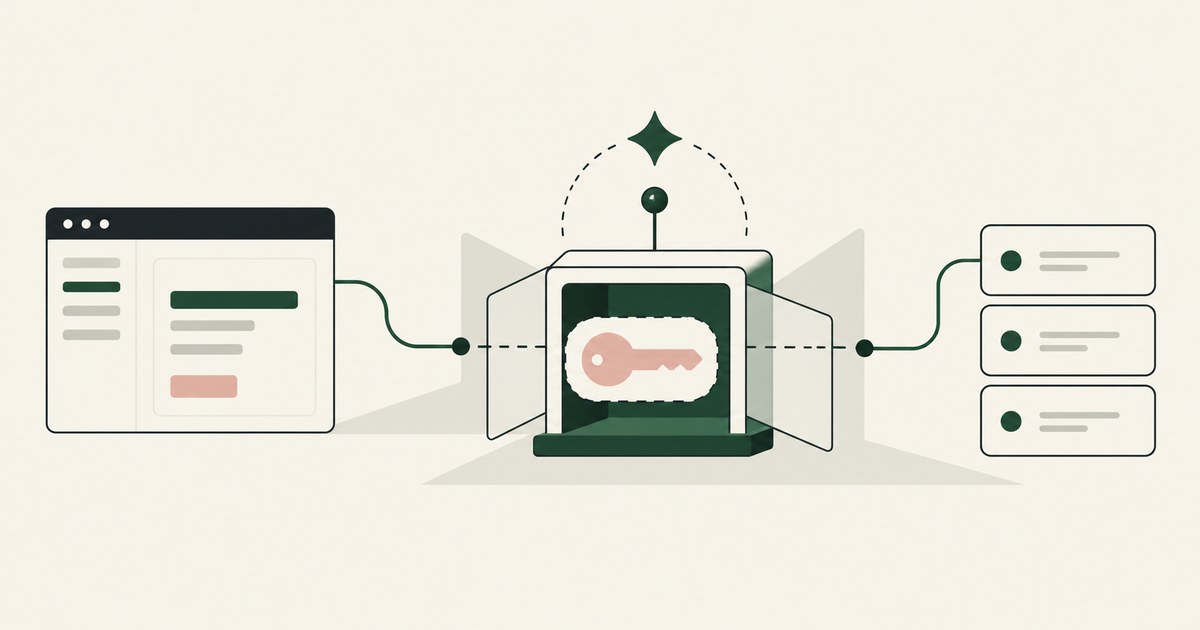
What Is AI Agent Credential Protection?
Review AI Agent Credential Protection, with AI agent security, tokenization and approval checks for sensitive enterprise workflows.

What Is Least Exposure?
Explore Least Exposure for AI agent security, limiting PII to what a workflow needs through tokenization and explicit human decisions.

What Is Render-Layer Tokenization?
Learn how render-layer tokenization replaces PII before an AI agent reads a browser screen while preserving useful workflow context.
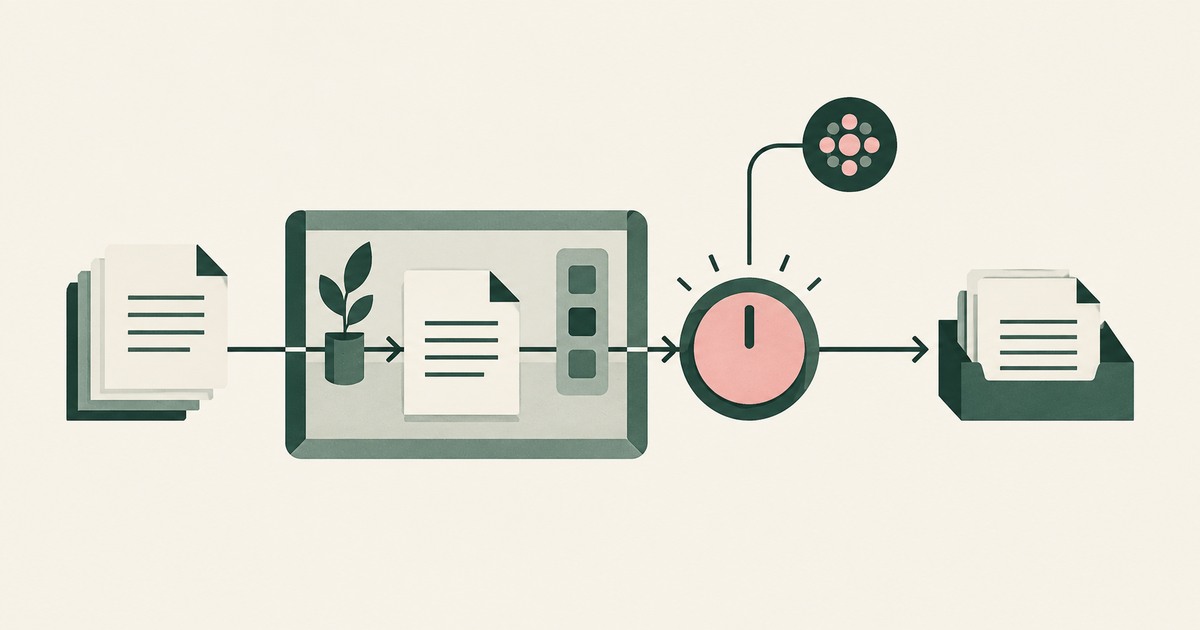
What Is Supervised Delegation?
Explore supervised delegation for AI agents in billing and claims, with named responsibility, tokenization policies and human approvals.
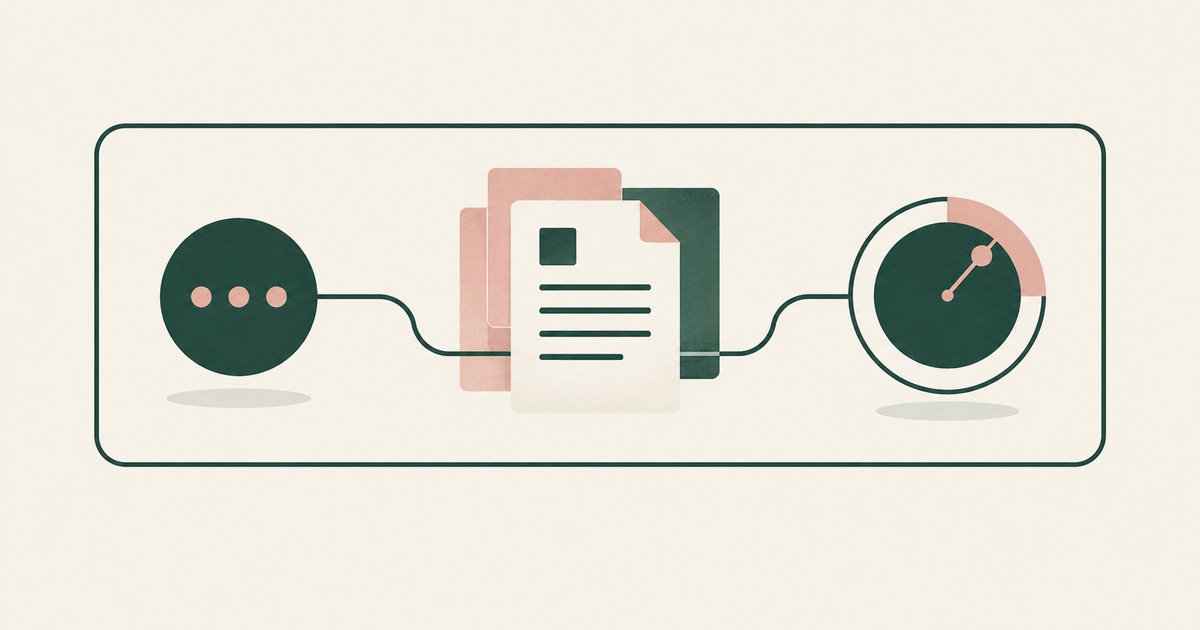
What Is a Tethered Agent?
Learn how a tethered AI agent stays tied to a named person, with tokenization, bounded permissions and approval for sensitive payments.

What Is an AI Control Record?
Explore an AI agent control record for billing and claims, linking permissions, tokenization decisions, approvals and audit evidence.

The Two Gaps AI Agents Opened in Your Security Stack
Explore AI agent security through two questions: which PII reaches the model, and who approves consequential billing and claims actions.
Bring your hardest questions.
Bring one sensitive workflow and the decisions your team needs to keep in its hands.
Book a demoAbout the author

Chris Sowa is a founder of RedactSure and a former CEO of an AI company; he started it years before ChatGPT existed. He previously led AI at Accenture, served as Global VP of Strategy & Innovation at Schneider Electric, was CCO of Sovos, and spent more than a decade at Oracle, with earlier roles at SAP and IBM.