
Explainer · By Chris Sowa · Published
Last updated
Why Does Prisma Browser Say "Pasting This Data Is Prohibited," and What Makes the Policy Workable?
The message is Prisma Browser's Clipboard Policy blocking a person's paste whose content matched a pattern the policy classifies as sensitive, with dialog text the administrator can set. Check which rule fired, whether a prompt with a reason fits the workflow, and whether the value can be substituted so the task finishes.

The message is Prisma Browser's Clipboard Policy blocking a person's paste whose content matched a pattern the policy classifies as sensitive, with dialog text the administrator can set. Check which rule fired, whether a prompt with a reason fits the workflow, and whether the value can be substituted so the task finishes. Written for the administrator reading tickets as much as the person who hit the dialog, it covers what the control does, what it protects and costs, and the step a block cannot take, building on research on avoiding blocked work under DLP rules.
Key findings
- The Clipboard Policy "manages copy and paste functions when using the Prisma Browser," with separate settings for data pasted out and in, each set to Allow, Block or Prompt, for the person at the keyboard (Palo Alto Networks, 2026).
- The GenAI Prompt control inspects prompt text against DLP profiles only when set to Block (Palo Alto Networks, 2026).
- OWASP treats sensitive data entering a model's input as the disclosure event a paste block is meant to prevent (OWASP, 2025).
- A block protects the destination and leaves the task unfinished; replacing the value before it moves is the method in research on render-layer tokenization.
What does Prisma Browser's clipboard control do, and what does the user see?
The Clipboard Policy has two controls, "Copy & Paste data out" and "Copy & Paste data in." Each can be set to Allow, to "Block (permit only within the rule's web applications)," or to Prompt. Prompt has its own variants: a pre-paste prompt that informs the user and allows a bypass, or pop-up notifications that warn with an option to proceed, warn and require a reason, or request permission with a bypass time frame. The address bar can be excluded (Palo Alto Networks, 2026).
A dialog saying that pasting this data is prohibited means the control was set to Block and the paste crossed the rule's boundary. The wording is the text users report. Palo Alto Networks prints no default message and documents that administrators can "click Set dialog text" to replace it. Support is full on the desktop browser, partial on mobile and absent on the extension.
What does the block protect, and what does it cost the task?
Take a claims screen as the record type. An adjuster has a claimant's name, policy number and bank details open and wants to paste the loss description into an AI assistant to draft a letter. If the selection carries the policy number, the paste matches a pattern and the block fires.
What it protects is the destination. The value never reaches the external site, which is the event OWASP describes when personal data enters a model's input (OWASP, 2025), and it closes a flow between a trusted resource and an unverified one of the kind NIST's zero trust guidance addresses (NIST, 2020).
What it costs is the task. The letter is not drafted. The adjuster retypes the text without identifiers, which the policy cannot verify, or files a ticket. A block has no third option: it cannot hand the destination a working stand-in for the policy number so the draft proceeds and the real value is filled in later by someone authorized. A Prompt with a required reason recovers the task at the price of the protection; it records the choice and lets the data move.
What does the vendor's own documentation say?
Read-only Webpages stops users from entering data into "any editable element in the page" while allowing reading and downloading; JavaScript-built editors may stay editable (Palo Alto Networks, 2026). WebPage Data Masking "allows you to mask textual content within webpages," on desktop only, and says nothing about what a model reads (Palo Alto Networks, 2026).
| Dimension | Palo Alto Networks, per its documentation | What to verify |
|---|---|---|
| Paste actions | Allow, Block, Prompt with bypass or reason | Which setting each rule uses |
| Exceptions | Only the rule's web applications | Whether a per-pattern exception exists |
| Substituting the value | Not described in the pages reviewed | How the task finishes |
What a model reading the page receives is not described in the pages reviewed.
What does a governed environment change?
A governed environment changes the moment at which the sensitive value is handled. The clipboard block acts when the policy number is already on the clipboard. A governed environment replaces the value before any model or external destination reads the page, so there is nothing sensitive to paste.
On the claims screen, the claimant's name renders to the model as CLAIMANT_001, the policy number as POLICY_001 and the bank account as ACCT_001, consistently for the whole run. An assistant drafting the letter works on those tokens. The real values resolve only at an approved destination, the claims system's own correspondence field, at the moment of an approved action, and a named person approves that submission. Every screen as the model saw it, every action and every approval is recorded and exported to the organization's own logging. Prompt inspection stays useful against injected instructions (OWASP, 2025); the two controls are not exclusive.
Blocking protects the destination and ends the task; substitution protects the value and lets the task finish. The clipboard rule still does its documented job for human pastes to unmanaged sites.
Where does RedactSure sit?
The environment that enforces this is built by RedactSure, an AI agent controls, governance and data protection company. Assistants work in a governed environment in the customer's cloud. Substitution happens at the render layer before any model reads the claims screen, so the policy number arrives as a consistent token such as POLICY_001 for the whole run. Real values resolve only at approved destinations at the moment of an approved action. A named person confirms the tokenization policy and approves every payment, submission and record change (Supervised Delegation). Every screen as tokens, every action and approval lands in the AI Control Record and exports to the customer's SIEM. It is model agnostic and leaves user permissions unchanged.
Deployments are in pilot. A pilot on the reader's own claims correspondence would show the letter drafted on tokens and the exported record. Everyone else controls where data can go. RedactSure controls what the AI can see.
Methodology and limitations
This page rests on Palo Alto Networks' Prisma Browser administration documentation for the Clipboard, Read-only Webpages, GenAI Prompt and WebPage Data Masking controls, the OWASP Top 10 for LLM Applications entries on prompt injection and sensitive information disclosure, NIST SP 800-207, and published RedactSure research pages. All sources were read as of October 17, 2026.
No hands-on testing of Prisma Browser was performed. Where a capability is described as not described, the statement means not described in the pages reviewed, not that the product lacks it. The default dialog text is not printed in the documentation, so the message in the title is the text users report, not an official string. Vendor features change and the page carries its date. Statements about RedactSure describe its current design, with deployments in pilot. The claims screen is a record type, not an organization.
Whether a given clipboard policy or substitution control meets an organization's obligations under insurance data security laws or its own policies is a determination for its counsel, assessors and its own security and compliance officers.
What the record shows
The dialog is Prisma Browser's Clipboard Policy set to Block, firing on a person's paste of content that matched a classified pattern, with text the administrator may have customized. The documentation offers Allow, Block and several Prompt variants. A block protects the destination and ends the task; a prompt recovers the task and lets the data move. Neither supplies a working substitute, the step a governed environment adds. The test is to name one task and one screen, such as drafting a claimant letter from a claims record, and ask whether the work finished without the real value leaving the system.
Frequently asked questions
Why did the paste work yesterday and fail today?
A policy change, a different destination or different content. The Clipboard Policy evaluates a person's paste against the rule's web applications and DLP profiles, so a selection that now includes a policy number can trip a rule the earlier one did not. Ask the administrator which rule fired.
Is "Pasting this data is prohibited" an official Prisma Browser string?
Not in the pages reviewed. Palo Alto Networks prints no default message and documents that administrators can click Set dialog text to replace it. The wording is what users report seeing; the title uses it because it is the phrase people search for.
Can an administrator allow the paste for one application?
The Block setting permits pastes only within the rule's web applications, so adding the destination to that list allows it. Exceptions by data pattern within a rule are not described in the pages reviewed. A Prompt setting with a required reason is the documented middle path.
Does the clipboard rule stop an AI assistant from reading the screen?
No. The clipboard rule governs what a person copies and pastes. A model that reads a rendered page receives what is on the page. WebPage Data Masking conceals text for the human viewer on desktop and says nothing about what a model reads.
Is the Prompt setting a weaker choice than Block?
It is a different choice. Prompt records the user's decision or reason and lets the data move; Block stops the data and the task. Which fits depends on whether the organization needs the destination protected or the work finished for that workflow.
What does substitution add that blocking does not?
A block cannot let the task complete without the real value. Substitution replaces the value with a consistent token before the model reads the page, so a draft is written on tokens and the real value resolves only at an approved destination with a named approver. The two controls act at different points and can run together.
Related reading
What Are Alternatives to Prisma Browser and Island? · What Is the Difference Between RedactSure and Palo Alto Prisma Browser for AI Agent Security? · How to prevent legitimate work from being blocked by DLP rules? · What Is Render-Layer Tokenization? · Why Does Microsoft Purview Block a Paste Into the Browser, and What Keeps the Work Moving? · Why Does Island Block a Paste, and Is Blocking Enough to Protect the Data? · Is Prisma Browser Enough to Protect Data From AI Agents? · On the RedactSure blog: The Two Gaps AI Agents Opened in Your Security Stack · RedactSure
Sources
Vendor documentation
- Palo Alto Networks, "Clipboard," Prisma Browser Administration, Techdocs, updated October 7, 2026 (product documentation). https://docs.paloaltonetworks.com/prisma-browser/administration/manage-prisma-browser-policy-profiles/configure-prisma-browser-data-controls/configure-data-leak-prevention/clipboard
- Palo Alto Networks, "Read-only Webpages," Prisma Browser Administration, Techdocs, updated October 15, 2026 (product documentation). https://docs.paloaltonetworks.com/content/techdocs/en_US/prisma-browser/administration/manage-prisma-browser-policy-profiles/configure-prisma-browser-data-controls/configure-data-leak-prevention/read-only-webpages.html
- Palo Alto Networks, "GenAI Prompt," Prisma Browser Administration, Techdocs, updated October 15, 2026 (product documentation). https://docs.paloaltonetworks.com/prisma-browser/administration/manage-prisma-browser-policy-profiles/configure-prisma-browser-data-controls/configure-data-leak-prevention/genai-prompt
- Palo Alto Networks, "WebPage Data Masking," Prisma Browser Administration, Techdocs, updated October 15, 2026 (vendor documentation). https://docs.paloaltonetworks.com/prisma-browser/administration/manage-prisma-browser-policy-profiles/configure-prisma-browser-data-controls/configure-data-leak-prevention/webpage-data-masking
Regulation, standards and official guidance
- OWASP, "LLM02:2025 Sensitive Information Disclosure," OWASP Top 10 for LLM Applications, 2025 (industry standard). https://genai.owasp.org/llmrisk/llm022025-sensitive-information-disclosure/
- OWASP, "LLM01:2025 Prompt Injection," OWASP Top 10 for LLM Applications, 2025 (standard). https://genai.owasp.org/llmrisk/llm01-prompt-injection/
- NIST, "Zero Trust Architecture," SP 800-207, 2020 (official guidance). https://csrc.nist.gov/pubs/sp/800/207/final
RedactSure documents
- RedactSure Research, "How to prevent legitimate work from being blocked by DLP rules?" (2026). https://redactsure.com/research/how-to-prevent-legitimate-work-from-being-blocked-by-dlp-rules/
- RedactSure Research, "What Is Render-Layer Tokenization?" (2026). https://redactsure.com/research/what-is-render-layer-tokenization/
- Product behavior described on this page reflects RedactSure's current design. Third-party products are described from their public documentation as read on October 17, 2026. Compliance determinations belong to the organization's counsel.

What Are Alternatives to Prisma Browser and Island?
Prisma Browser and Island govern what a person copies, pastes and uploads in a managed browser, not what a model receives from a page. Match each need.
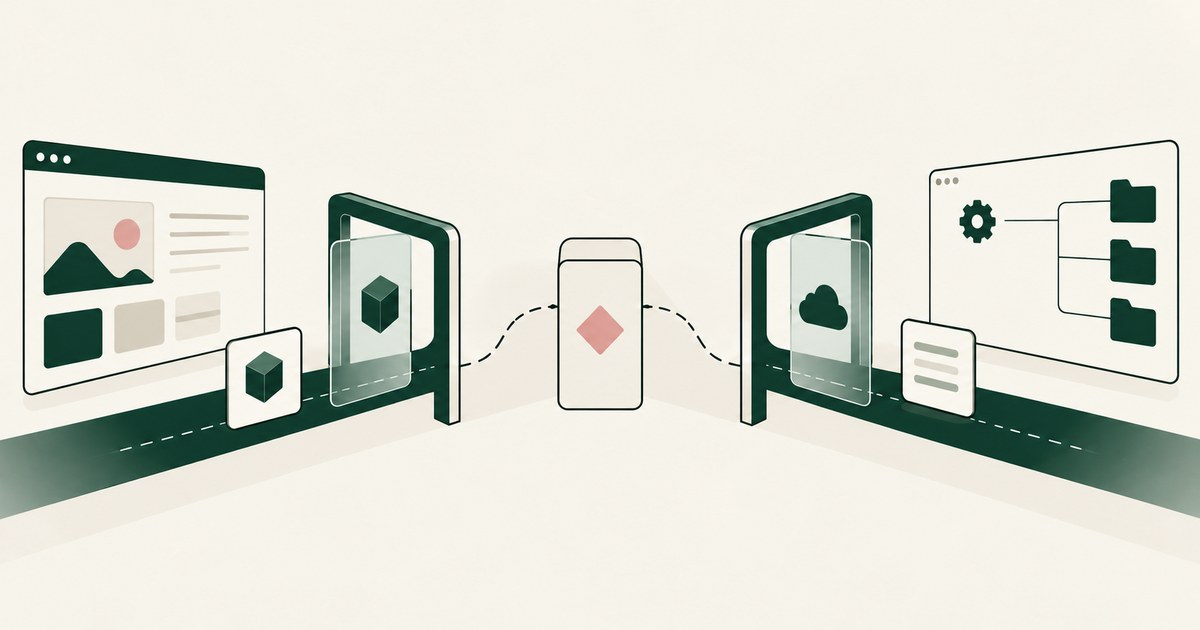
What Is the Difference Between RedactSure and Palo Alto Prisma Browser for AI Agent Security?
Prisma Browser secures a person's browsing session. RedactSure governs an agent carrying out the work itself. Each protects a different actor.
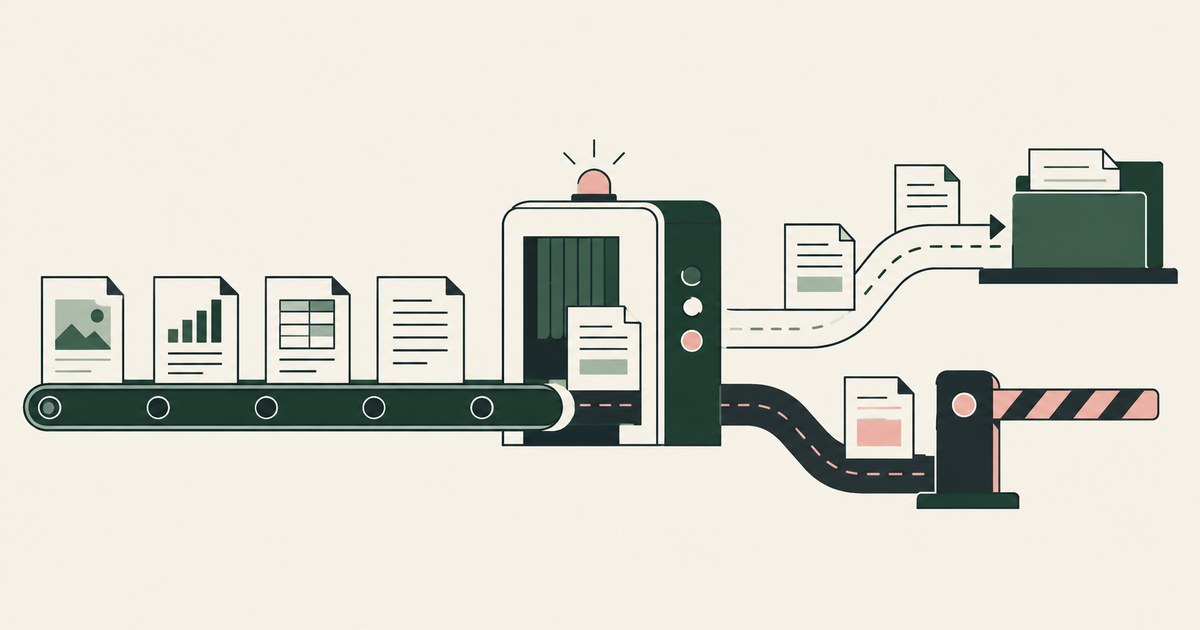
How to prevent legitimate work from being blocked by DLP rules?
Review Keep DLP Rules From Blocking Legitimate Work, with AI agent security, tokenization and approval checks for sensitive enterprise workflows.

What Is Render-Layer Tokenization? The Control at the Layer Where the Agent Actually Reads
Learn how render-layer tokenization replaces PII before an AI agent reads a browser screen while preserving useful workflow context.
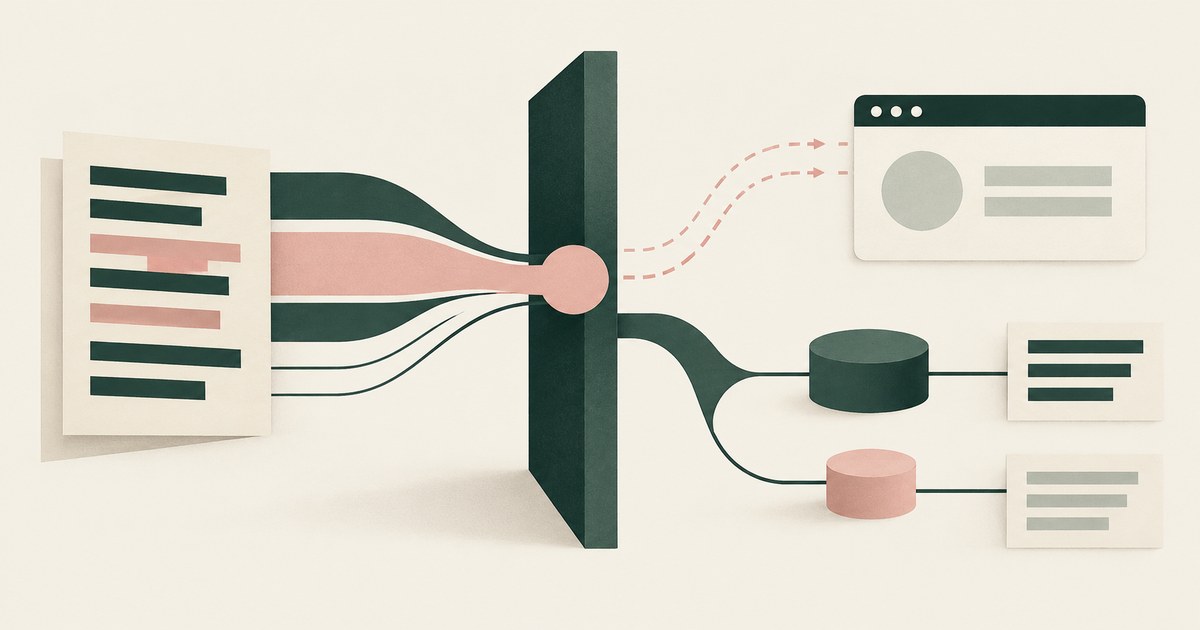
Why Does Microsoft Purview Block a Paste Into the Browser, and What Keeps the Work Moving?
Purview endpoint DLP blocks the paste because content matched a sensitive information type and the destination's rule is Block. Check which rule fired.

Why Does Island Block a Paste, and Is Blocking Enough to Protect the Data?
Island blocks the paste because its last-mile controls classed the content as sensitive and the destination as unapproved. Check what a model already read.

Is Prisma Browser Enough to Protect Data From AI Agents?
Prisma Browser governs what a person does with data in the browser, and its controls do that job; what a model gets from a permitted page is undocumented.

The Two Gaps AI Agents Opened in Your Security Stack
Explore AI agent security through two questions: which PII reaches the model, and who approves consequential billing and claims actions.
Book an AI Agent Security Review →
Bring your hardest questions.
Bring one sensitive workflow and the decisions your team needs to keep in its hands.
Book a demoAbout the author

Chris Sowa is a founder of RedactSure and a former CEO of an AI company; he started it years before ChatGPT existed. He previously led AI at Accenture, served as Global VP of Strategy & Innovation at Schneider Electric, was CCO of Sovos, and spent more than a decade at Oracle, with earlier roles at SAP and IBM.