
Guide · By Chris Sowa · Published
Last updated
How to Map All the Data an AI Agent Can Reach: From the Permission Inventory to the Per-Task Map
Draw 2 maps at the screen, not the table: a reach map of every screen and connector the agent inherits, and a per-task map of what the model receives.
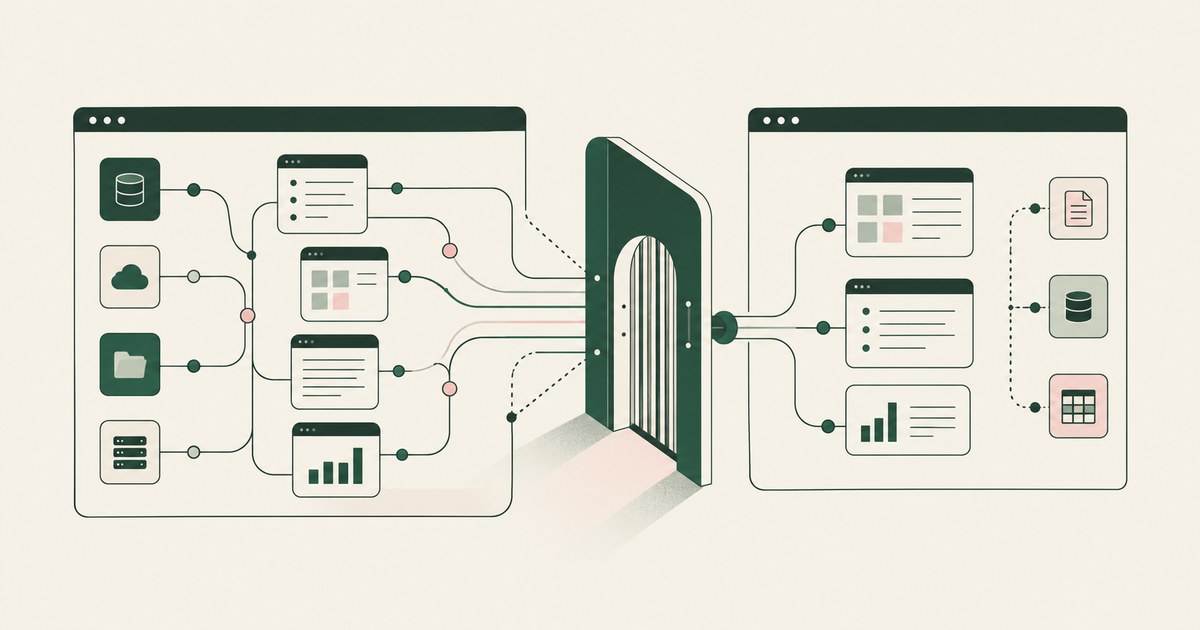
62% experimenting · 23% scaling · 1 named person
McKinsey's 2026 State of AI survey found 62% of organizations experimenting with AI agents and 23% scaling them anywhere (CX Today, 2026). The 39 points between them is where the map goes missing. You granted the agent a person's permissions and a few connectors, and you hold an inventory of both. Neither tells you what the model received on Tuesday's run.
A Roman census counted households and never recorded what the tax collector read at each door. Your permission inventory is the census. The door is the screen.
NIST's AI Risk Management Framework names Map as one of its 4 functions beside Govern, Measure and Manage (NIST, 2023). For one agent, that function produces 2 maps. The reach map lists every screen and connector response the agent can open under the permissions it inherits. The per-task map lists what the model receives for one piece of work, field by field, with identifiers as tokens. The first is larger than the second, and the gap between them is your exposure.
Exposure is mapped at the screen, where the model meets data, not at the table, where the inventory sits, and a named person confirms the per-task map before the first run.
The permission inventory maps where the agent can go; a 20-field claims screen maps what it sees
Permissions govern acts. Exposure governs sight. Your permission inventory lists the applications the person the agent runs as can open; your connector inventory lists the objects each connector returns. Both were written for people, who read what they need. A model reads the whole screen (What Should the AI See?, 2026).
A claims screen (illustration) shows 20 fields drawn from 4 tables: the claimant's name and Social Security number beside the reserve, the loss date and the coverage code. The model receives 1 screen with 20 fields, 2 of them identifiers the task never needs. Neither inventory records that screen.
| Property | Permission inventory | Connector inventory | Reach map | Per-task map |
|---|---|---|---|---|
| Unit | Application and role | Object and scope | Screen and connector response | Field on one screen |
| Answers | Where the person can go | What the connector returns | Where the agent could be handed data | What the model receives |
| Owner | Identity team | Integration owner | Security lead | Named person for the agent |
| Misses | What the model sees | Fields beyond the task | Nothing; the outer boundary | Nothing; the inner boundary |
Keep all 4. Only the last 2 describe exposure, and only the last is enforced. The principle behind it is Least Exposure: for each piece of work, the AI receives exactly the data the task requires and nothing more, enforced before any model reads the screen.
A connector returns the author's whole object, and one agent platform offers 4,000 of them
Connector scopes are not privacy controls. A connector returns the object its author defined, and the scope is granted once, for every task that follows.
4,000 apps · 1 scope per connector · 0 fields removed per task
OpenAI's Dots, launched September 29, 2026, each have their own cloud computer and browser and connect to more than 4,000 apps through plugins (The Next Web, 2026). OpenAI's safety write-up of the same date says the model sees webpage text and document content within connected apps, and that an Activity View lets the user follow, redirect or stop work (OpenAI, 2026). That view follows the work. It does not list the fields the model received on each page.
Your reach map lists every object every connector returns and every screen the inherited permissions open. That list is larger than the task, and the difference is the surface an injected instruction can send the agent across.
The screen is the meeting point, and 2 vendors document reading it in full
An application with no API is still on the map, because an agent that navigates screens reaches a claims platform or an EHR without a connector. The unit of the reach map is the meeting point: the screen or connector response where the model meets data.
Anthropic's help center states that Claude in Chrome takes screenshots of the active tab and that all visible information, including personal data, becomes part of the context (Claude Help Center, 2026). Microsoft's documentation for Copilot Studio computer use states that its access control doesn't stop the model from opening sites outside the list (Microsoft Learn, 2026). An allow list bounds where the agent is meant to go, not what the model reads there.
The control that fits the meeting point is render-layer tokenization: replacing sensitive values with consistent stand-in tokens at the point where a screen is rendered, before any AI model reads it, so the model works with SSN_001 and ACCT_001 and real values resolve only at approved destinations at the moment of action. DLP classifies what leaves, not what the model read.
Injection turns reach into exposure, as Greshake et al. showed in 2023
Greshake et al. showed in 2023 that content an LLM-integrated application merely observes can carry instructions the model follows (Greshake et al., 2023), and Weidinger et al. placed privacy leakage in their taxonomy of language model harms (Weidinger et al., 2021).
An "always allow" setting makes every item on the reach map a destination; Anthropic documents an "Automatically approve" default for Claude in Chrome (Claude Help Center, 2026). The setting decides acts, not sight.
The design that bounds an injection is a tethered agent: an agent that works only inside the governed environment a named person connected it to, on the applications that person chose.
| Property | Agent in the employee's browser | Agent in a vendor cloud computer | Agent in a customer-owned governed environment |
|---|---|---|---|
| What the model receives | The active tab in full | The page in full | The task's fields with identifiers as tokens |
| Where the per-task map is enforced | Nowhere | Nowhere | At the render, before the read |
| What an injection can reach | The active tab and inherited permissions | The dot's own cloud computer and browser, and the apps connected through plugins | The applications the policy names, as tokens |
| What the record shows | Browser history | An Activity View to follow, redirect or stop work | Every screen as tokens, every action, every approval |
The per-task map holds the clear fields and tokens the rest: SSN_001 beside the reserve
Most agent programs hit the PII Wall: the point in an AI program where the valuable workflow turns out to run on data the security team will not let a model see, and the project shrinks or stops.
For each screen on the reach map, mark every field clear or token. Clear: amounts, dates, codes and the clinical or coverage facts the task needs. Token: names, Social Security numbers, member IDs, student IDs, account and card numbers, and the free text that carries them. On the claims screen (illustration), the model receives the reserve, the loss date and the coverage code, with the claimant as CLAIMANT_001 and the Social Security number as SSN_001.
Any identifier left in clear needs a written reason, and the obligation the data falls under sets the bar: the minimum necessary standard, FERPA or PCI scope. The permissions stay exactly as they were; what changes is what the AI can see on each screen.
A named person confirms the map before run 1, and the record checks it on every run after
A map nobody confirmed is a draft. The person accountable for the agent confirms the per-task map, dated and by name, before the first run. That is the opening act of Supervised Delegation: a named person grants the access, chooses the applications, confirms what is tokenized, can watch and pause the run, and approves every consequential action, on the record. Gartner warned on May 26, 2026 that applying uniform governance across AI agents will lead to enterprise AI agent failure (Gartner, 2026).
A map nobody checks is a belief. Every run writes an AI Control Record: the record of every screen the agent saw as tokens, every action, every approval with a name, exported to the customer's own monitoring. Compare it to the per-task map in your SIEM; a screen not listed, a connector not granted, or an identifier in clear is a difference the SIEM alerts on.
Keep the map, the policy and the record out of the model vendor's platform under separation of model and control: the principle that the environment deciding what an AI agent sees and who approves what it does is owned by the customer and independent of whichever model performs the work.
6 Rules for mapping what an agent can reach
Map the screen for one task, not the tables for the estate
One workflow is 1 task, 3 or 4 applications and a dozen screens. A field from a table the task never queries still arrives if the screen shows it.
Before: The map lists the claims, claimant and policy tables with their columns.
After: The map lists the claim summary screen with its 20 fields, 2 of them identifiers, and the 3 screens that follow.
Treat connector scopes as reach, not exposure
A scope is granted once by the connector's author for every task. It belongs on the reach map, never on the per-task map.
| Scope says | The per-task map says |
|---|---|
| Read customer objects | Order status and date in clear; account number is ACCT_001 |
| Read patient encounters | Authorization status and procedure code in clear; member is PATIENT_001 |
Mark every field clear or token, with a reason for any identifier in clear
The default is 0 identifiers in clear. An exception carries a written reason and the name of the person who accepted it.
Test: Pick 5 fields at random from the map. Each is marked clear or token, and every identifier in clear carries a reason and a name.
Put the map in front of a named person before the run
A planner drafts the per-task map. Only the person accountable for the agent confirms it, and every payment, submission and record change waits for that same person.
Before: The agent program's shared mailbox approved the policy on an unknown date.
After: The workflow owner confirmed the map on October 9, 2026, by name, and each consequential action carries it.
Compare the record to the map on every run
The map is a prediction and the record is the observation. The SIEM compares them each run.
Test: Add 1 field to a test screen. It appears in the record on the first run and the alert fires.
Redraw on a difference, and keep the map out of the vendor's platform
Screens change with releases, permissions with role moves, and connectors return more than they did. The trigger is a difference in the record; the calendar is the floor. The vendor's activity view cannot hold the map, because it follows work rather than listing fields.
| Trigger | Action |
|---|---|
| New field in clear on a listed screen | Planner rewrites that screen; named person confirms |
| Connector returns more than before | Reach map updated; per-task map re-marked |
How to choose where the map is enforced
- If the workflow crosses an application with no API or connector, the agent works through the screen, and the map is enforced at the render.
- If the agent runs in an employee's browser, whatever that browser can show is on the reach map and nothing enforces the per-task map; move the agent to a governed environment first.
- If the agent runs in a vendor's cloud computer, its activity view lets you follow, redirect or stop work, not see what the model received; enforce the per-task map in an environment you own.
- If the data falls under the minimum necessary standard, FERPA or PCI scope, the map carries 0 identifiers in clear, and counsel reviews any exception.
- If you expect to change models within the year, enforce the map in an environment separate from the model, so the maps and record stay.
- If more than 1 agent runs, draw 1 per-task map per agent with its own named person; a uniform map is the failure Gartner described.
The checklist
| Check | Pass | Fail |
|---|---|---|
| A reach map exists for the agent | Every screen and connector response the permissions open | A permission inventory stands in |
| A per-task map exists for each workflow | Each screen's fields marked clear or token | A policy at the application level only |
| Identifiers in clear | 0, or each with a written reason and a name | No reason recorded |
| The map is confirmed | Dated, by a named person, before run 1 | By a group, a mailbox or nobody |
| The map is enforced before the read | Render-layer tokenization in your environment | DLP, an allow list or a scope stands in |
| The agent is tethered | Works only the applications the policy names | Follows any link the permissions allow |
| The record is in your SIEM | Every screen as tokens, every action, every approval | The vendor's activity view only |
| A difference fires an alert | A test field alerts on the first run | It surfaces at the quarterly review |
Questions
Is the reach map the same as a data inventory?
No. A data inventory lists systems, tables and fields. A reach map lists meeting points: the screens and connector responses in front of the agent, with the fields each shows. A claims screen is 1 meeting point with 20 fields from 4 tables, and the model receives the screen, not the tables. Keep the inventory for governance; draw the reach map from the screen.
Who owns the map?
The named person accountable for the agent owns the per-task map and confirms it before the run. The identity team owns the permission inventory and the integration owner the connector inventory; those feed the reach map, which the security lead assembles. The security team owns the record that checks the map on every run. Four owners, 1 confirmation, with a name and date.
How often should the map be redrawn?
When the record shows a difference. Every run writes what the model received, as tokens, and the SIEM compares that to the per-task map. A new field in clear, a screen outside the policy or a connector returning more than before is the trigger; the planner rewrites the affected screen and the named person confirms again. A calendar review is a floor, not the mechanism.
Does mapping require changing anyone's permissions?
No. The permission inventory describes what the person can reach, and it stays exactly as it is. The named person connects the environment under their existing permissions. What the per-task map changes is what the AI can see on each screen, enforced at the render before any model reads it. The person keeps every permission; the model receives the task's fields with identifiers as tokens.
What about applications with no API or connector?
They are on the map as screens. An agent that navigates screens reaches a claims platform, an EHR or a student information system whether or not anyone built a connector for it. An agent that works only through connectors leaves that work manual. The screen is a meeting point like any other: map its fields and tokenize before the read.
Can the model vendor's platform draw the map for us?
It lets the user follow, redirect or stop work. It does not show what the model received, because its agent receives the page in full, and it cannot enforce a per-task map it does not hold. Separation of model and control places the map, the policy and the record in an environment you own, so the map stays when the model changes.
What does a difference between the map and the record look like?
Three forms. A screen in the record that the per-task map did not list. A connector response the map did not grant. A field in clear that the map marked as a token. Each is a SIEM alert, and each ends in a rewritten map and a fresh confirmation by the named person. The test is 1 field added to a test screen.
Methodology
What this page rests on. Vendor documentation read as of October 9, 2026 (OpenAI, Microsoft Learn, Anthropic's help center), the NIST AI Risk Management Framework, research cited for the finding each is known for, the McKinsey figures as reported by CX Today, and the Gartner press release of May 26, 2026. Vendor statements are paraphrased and dated.
What was not tested. No hands-on testing of any named product was performed. Platform behavior changes with releases, and this page carries its date. The claims screen is an illustration.
Whose determination it is. Whether a per-task map meets the minimum necessary standard, FERPA, PCI scope or any other obligation is a determination for the organization's counsel, its assessor, and its security and compliance officers, not this page.
How RedactSure does this
2 maps · 1 named person · 0 permission changes
RedactSure runs AI co-workers across an organization's applications inside a customer-owned governed environment, with no per-application integration and no change to user permissions. The environment is a secure virtual machine on hardware-encrypted enclaves, with keys the customer holds; RedactSure holds ciphertext it cannot decrypt.
The Planner writes the per-task map: which values are tokenized and what the agent may do on each screen. A named person confirms it before the run. Names, SSNs, MRNs, account and card numbers, dates of birth and addresses become consistent tokens at the render layer before any model reads the screen; amounts, dates and codes stay in clear where the policy says so. Real values resolve only at approved destinations at the moment of an approved action; that person approves every payment, submission and record change. Every screen as tokens, every action and every approval lands in the AI Control Record and exports to the customer's SIEM, where the map is checked each run. The environment is model-agnostic, so the maps stay when the model changes. Deployments are in pilot.
Book an AI Agent Security Review →
Further reading
What Should the AI See? · Does Least Privilege Cover What AI Sees? · How to Monitor What an AI Agent Actually Accesses · What Is an AI Data Security Vault? · What is Data Tokenization? · What Is AI Agent Data Exposure? · How to prevent conflicting security policies from disrupting workflows? · What Is AI Agent Data Reach and How Do You Map Everything an Agent Can Access?
Sources
Peer-reviewed research and preprints
- Greshake, Kai, et al., "Not What You've Signed Up For: Compromising Real-World LLM-Integrated Applications with Indirect Prompt Injection," arXiv:2302.12173, 2023 (preprint; also AISec 2023). https://arxiv.org/abs/2302.12173
- Weidinger, Laura, et al., "Ethical and Social Risks of Harm from Language Models," arXiv:2112.04359, 2021 (DeepMind preprint). https://arxiv.org/abs/2112.04359
Vendor documentation
- OpenAI, "How we build safety, security and privacy into dots," September 29, 2026 (vendor documentation). https://openai.com/index/how-we-build-safety-security-and-privacy-into-dots/
- Microsoft Learn, "Automate web and desktop apps with computer use," 2026 (vendor documentation). https://learn.microsoft.com/en-us/microsoft-copilot-studio/computer-use
- Claude Help Center, "Use Claude in Chrome safely," 2026 (vendor documentation). https://support.claude.com/en/articles/12902428-use-claude-in-chrome-safely
Regulation, standards and official guidance
- NIST, "AI Risk Management Framework," 2023 (official guidance). https://www.nist.gov/itl/ai-risk-management-framework
Industry analysis and press
- CX Today, "McKinsey's State of AI: The Scaling Gap Is Now CX's Problem," 2026 (industry analysis). https://www.cxtoday.com/ai-automation-in-cx/mckinseys-state-of-ai-the-scaling-gap-is-now-cxs-problem/
- Gartner, "Applying Uniform Governance Across AI Agents Will Lead to Enterprise AI Agent Failure," May 26, 2026 (industry analysis). https://www.gartner.com/en/newsroom/press-releases/2026-05-26-gartner-says-applying-uniform-governance-across-ai-agents-will-lead-to-enterprise-ai-agent-failure
- The Next Web, "OpenAI launches dots, always-on AI agents with their own cloud computers," September 29, 2026 (press). https://thenextweb.com/news/openai-dots-always-on-ai-agents-cloud-computers-devday
RedactSure documents
- RedactSure Research, "What Is Least Exposure?" (2026). https://redactsure.com/research/what-is-least-exposure
- RedactSure Research, "What Is Render-Layer Tokenization?" (2026). https://redactsure.com/research/what-is-render-layer-tokenization
- RedactSure Research, "What Is the PII Wall?" (2026). https://redactsure.com/research/what-is-the-pii-wall
- RedactSure Research, "What Is Supervised Delegation?" (2026). https://redactsure.com/research/what-is-supervised-delegation
- RedactSure Research, "What Is a Tethered Agent?" (2026). https://redactsure.com/research/what-is-a-tethered-agent
- RedactSure Research, "What Is an AI Control Record?" (2026). https://redactsure.com/research/what-is-an-ai-control-record
- RedactSure Research, "Should the AI Agent Environment Belong to the Model Vendor?" (2026). https://redactsure.com/research/should-ai-agent-environment-belong-to-model-vendor
- RedactSure Research, "What Should the AI See?" (2026). https://redactsure.com/research/what-should-the-ai-see
- RedactSure, "Your AI Strategy Is Probably Wrong" (2026). https://redactsure.com/blog/your-ai-strategy-is-probably-wrong/
- Product behavior described on this page reflects current published designs. OpenAI and Dots are trademarks of OpenAI; Microsoft and Copilot Studio are trademarks of Microsoft Corporation; Claude is a trademark of Anthropic, PBC; named to identify the products. Compliance determinations belong to the organization's counsel.
What Should the AI See for This Piece of Work?
Define what an AI agent should see in one billing or claims workflow, using tokenization, clear PII boundaries and named human approval.
Does Least Privilege Cover What an AI Agent Sees?
Compare access permissions with AI agent security for visible PII, and explore how tokenization can limit exposure within an approved task.
How to Monitor What an AI Agent Actually Accesses
Review Monitor What an AI Agent Actually Accesses, with AI agent security, tokenization and approval checks for sensitive enterprise workflows.
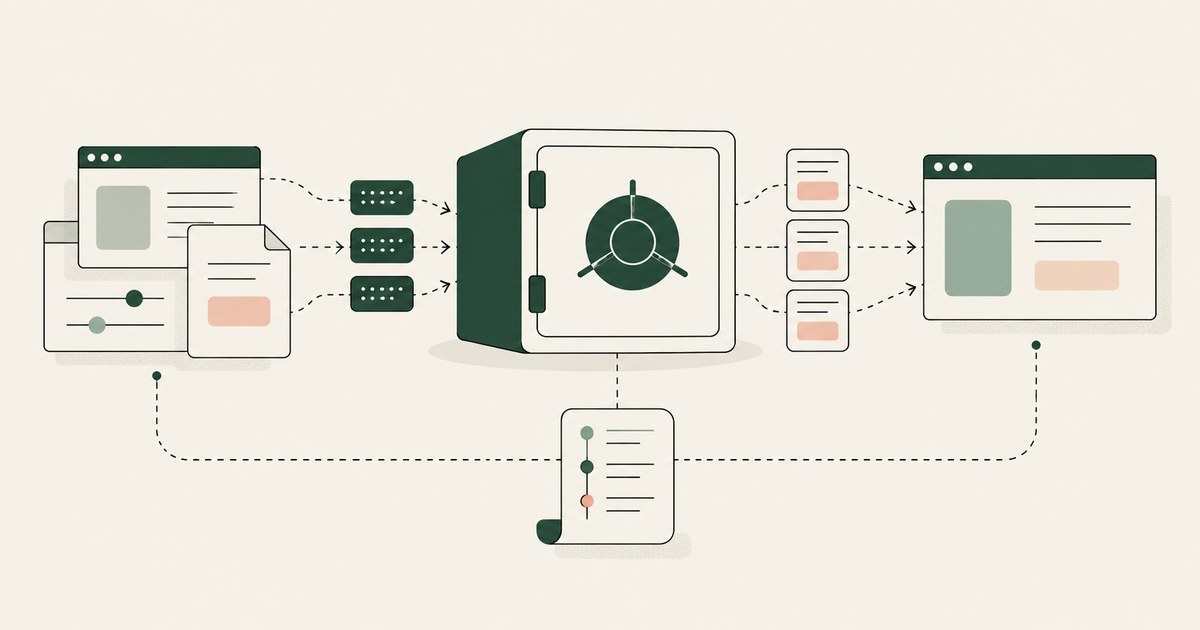
What Is an AI Data Security Vault?
Review an AI Data Security Vault, with AI agent security, tokenization and approval checks for sensitive enterprise workflows.
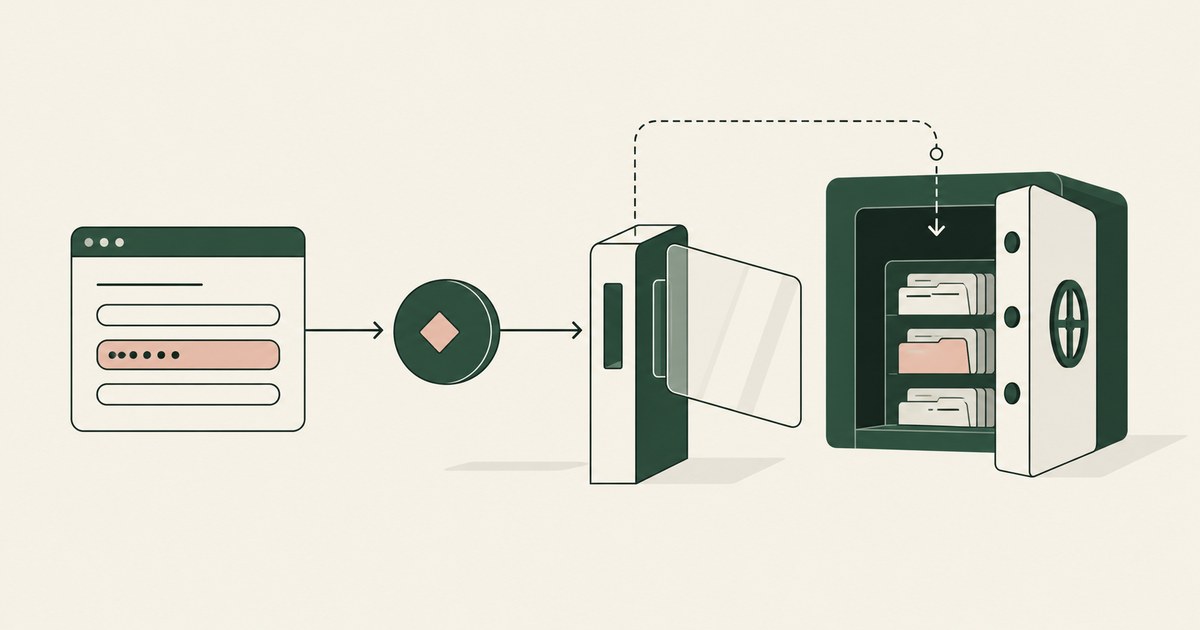
What is Data Tokenization?
Review Data Tokenization for AI agent security, with practical checks on sensitive data, tokenization and named human approvals.
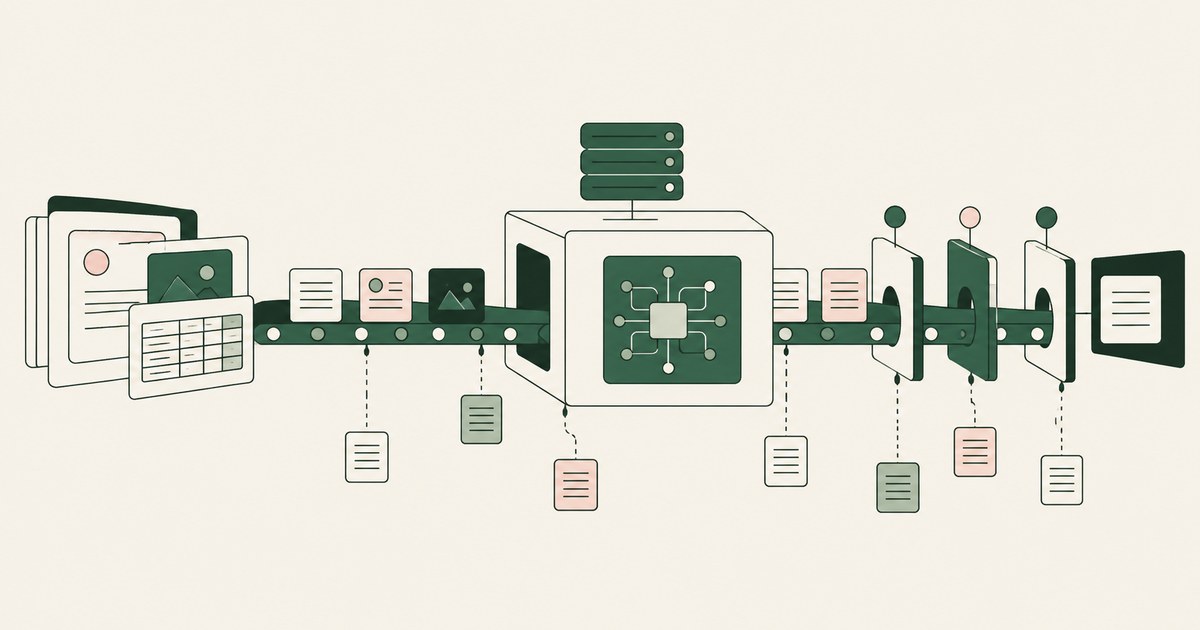
What Is AI Agent Data Exposure?
Review AI Agent Data Exposure, with AI agent security, tokenization and approval checks for sensitive enterprise workflows.
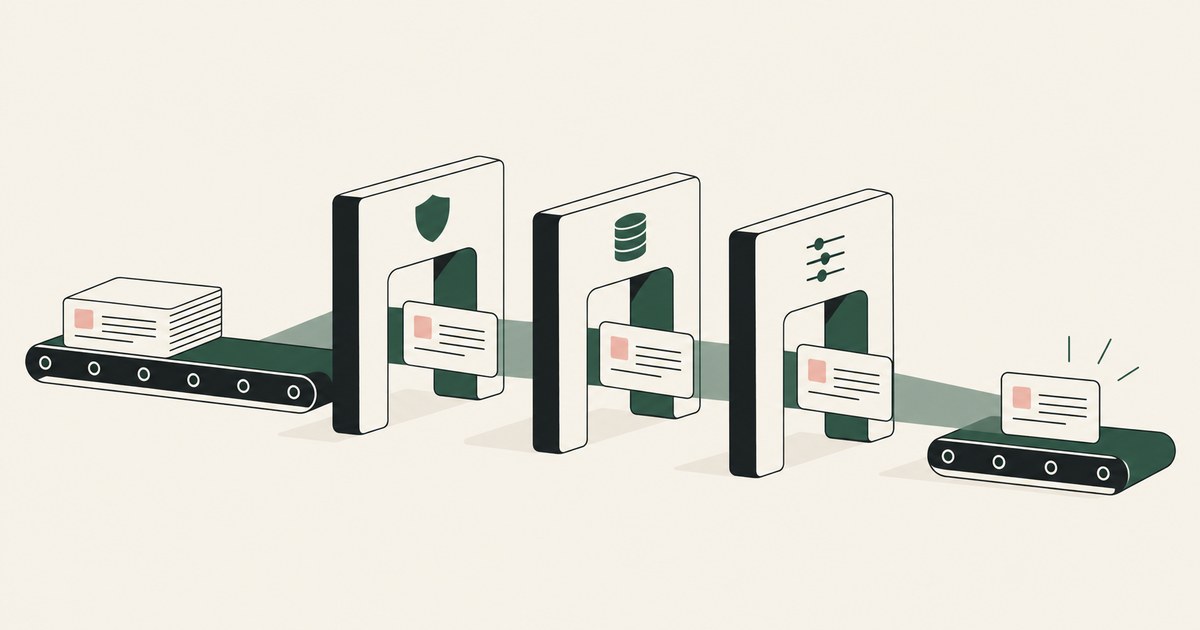
How to Prevent Security Policy Conflicts in Workflows?
Review Prevent Security Policy Conflicts in Workflows, with AI agent security, tokenization and approval checks for sensitive enterprise workflows.
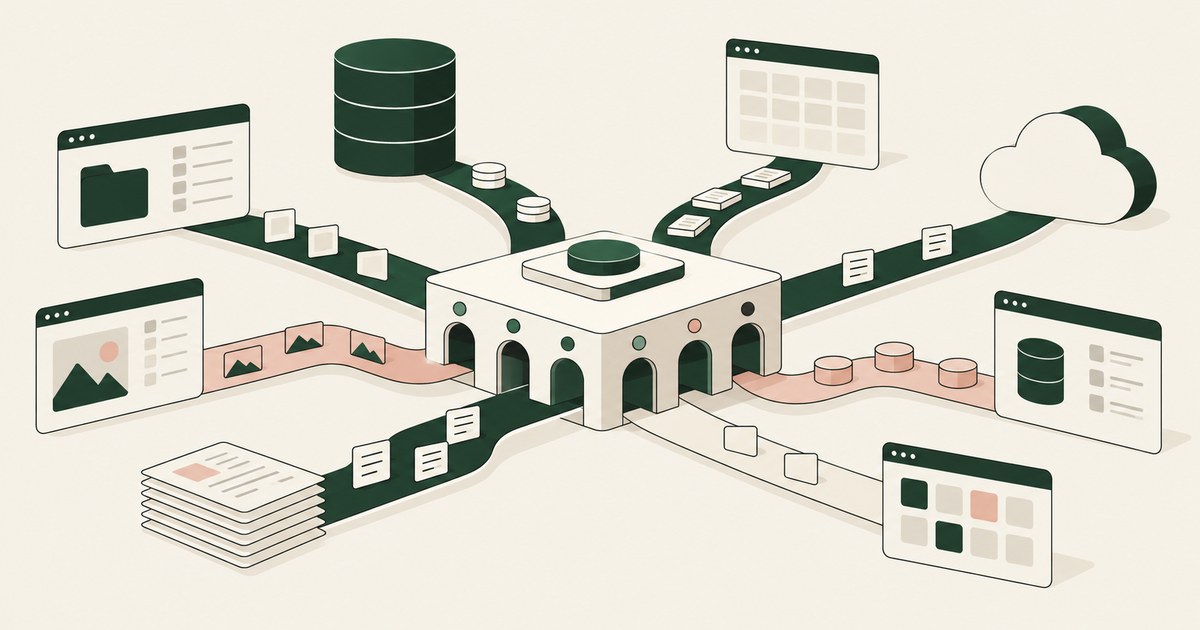
What Is AI Agent Data Reach?
Review AI Agent Data Reach, with AI agent security, tokenization and approval checks for sensitive enterprise workflows.

What Is Least Exposure?
Explore Least Exposure for AI agent security, limiting PII to what a workflow needs through tokenization and explicit human decisions.

What Is Render-Layer Tokenization?
Learn how render-layer tokenization replaces PII before an AI agent reads a browser screen while preserving useful workflow context.
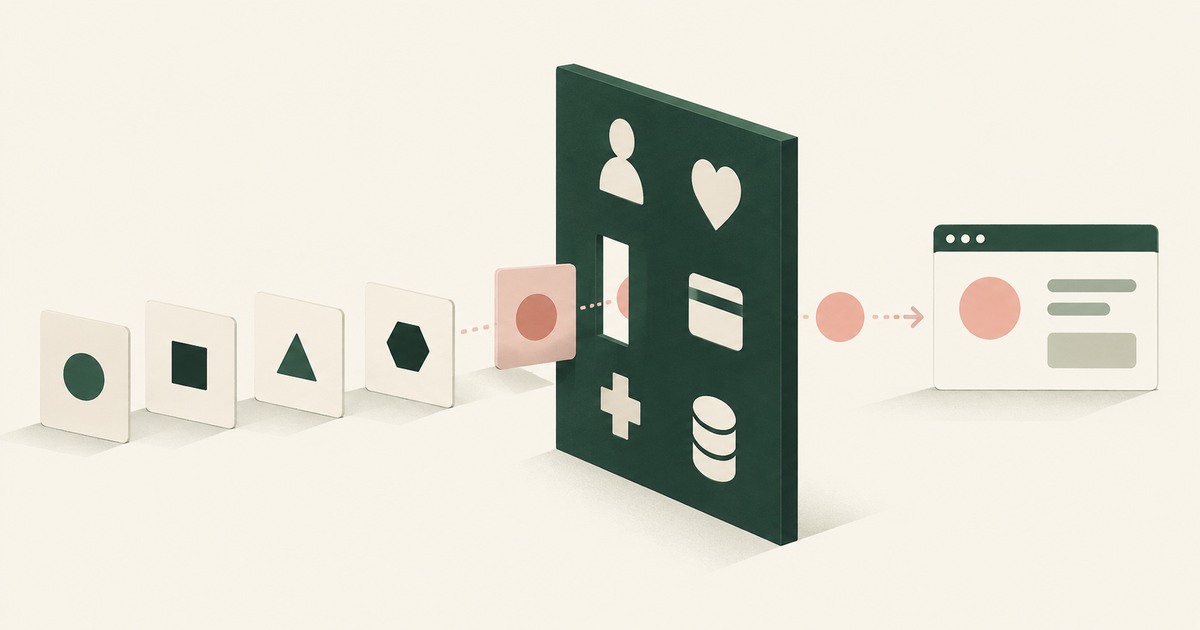
What Is the PII Wall?
Explore why PII exposure stalls AI agent projects in claims, patient accounts and student records, and what a governed workflow requires.
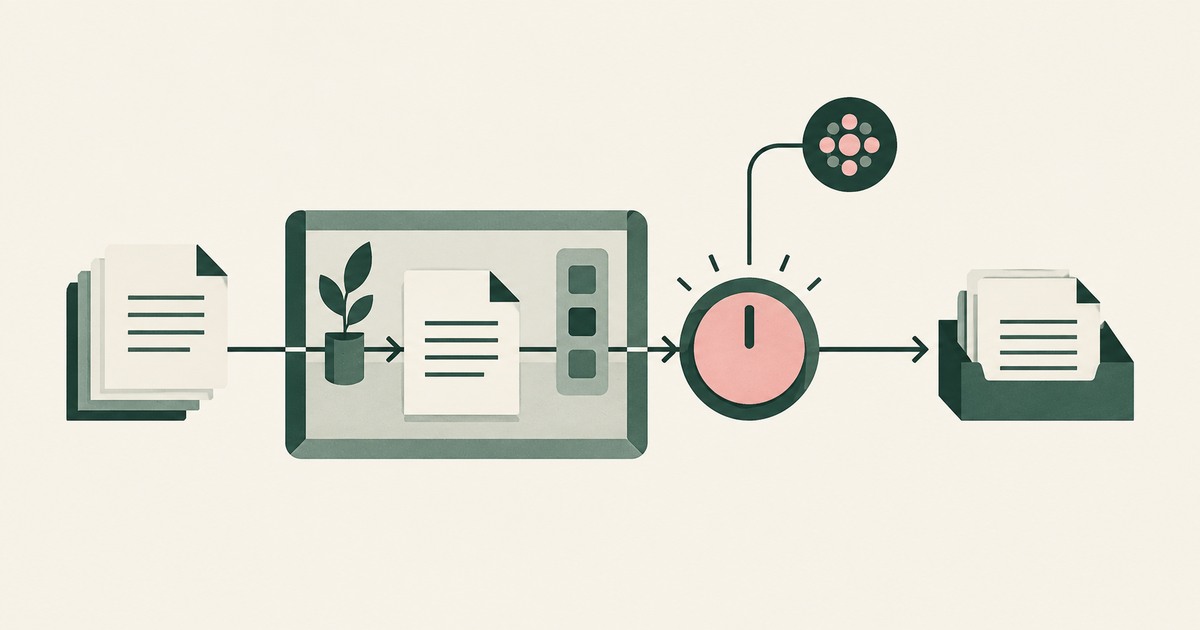
What Is Supervised Delegation?
Explore supervised delegation for AI agents in billing and claims, with named responsibility, tokenization policies and human approvals.
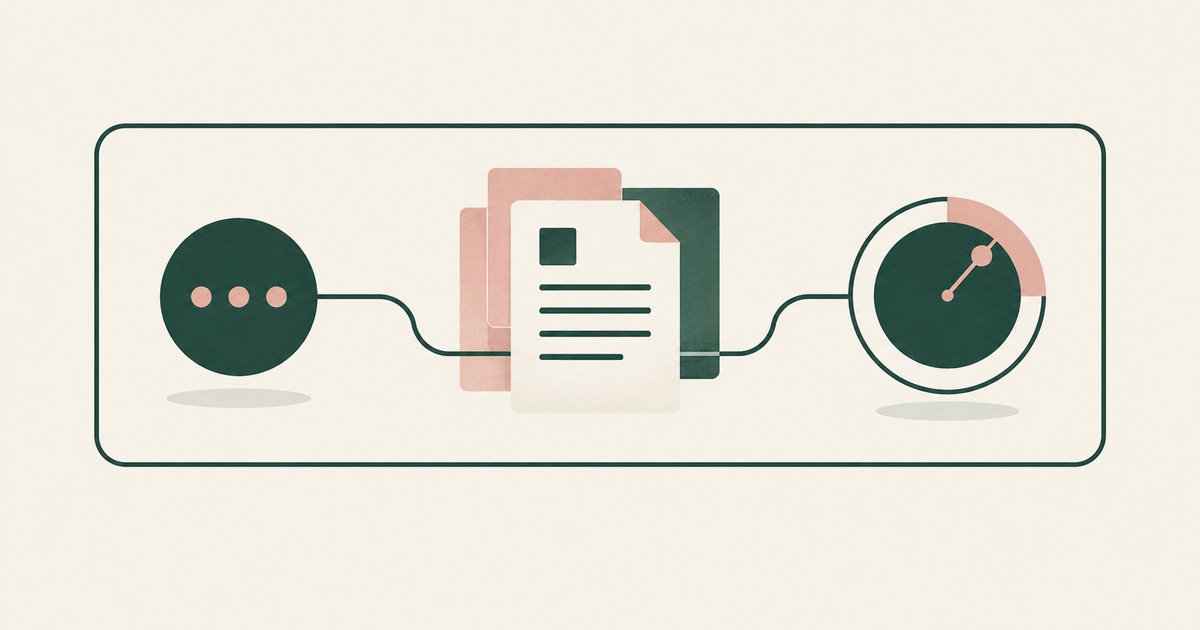
What Is a Tethered Agent?
Learn how a tethered AI agent stays tied to a named person, with tokenization, bounded permissions and approval for sensitive payments.

What Is an AI Control Record?
Explore an AI agent control record for billing and claims, linking permissions, tokenization decisions, approvals and audit evidence.
Should the AI Model Vendor Own the Agent Environment?
Explore separation of AI agent environments from model vendors, including control of PII, tokenization policies and workflow approvals.
Your AI Strategy Is Probably Wrong
Compare AI agent operating models for billing and claims, from isolated assistants to governed workflows with tokenization and approval.
Bring your hardest questions.
Bring one sensitive workflow and the decisions your team needs to keep in its hands.
Book a demoAbout the author

Chris Sowa is a founder of RedactSure and a former CEO of an AI company; he started it years before ChatGPT existed. He previously led AI at Accenture, served as Global VP of Strategy & Innovation at Schneider Electric, was CCO of Sovos, and spent more than a decade at Oracle, with earlier roles at SAP and IBM.