
Guide · By Chris Sowa · Published
Last updated
How to Monitor What an AI Agent Actually Accesses: Logging the Reading, Not Only the Opening
Record what the model received on each screen, as tokens, beside every action and named approval, then export it to your SIEM; 62% of organizations are experimenting with agents.
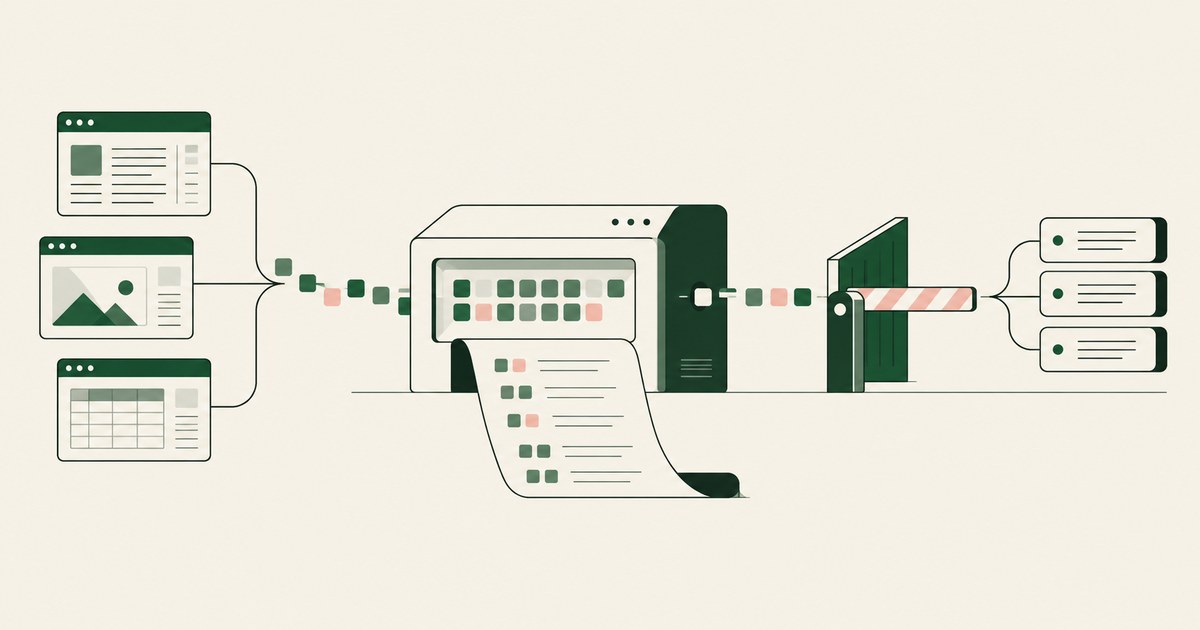
62% experimenting · 23% scaling · 1 named person
Sixty-two percent of organizations are experimenting with AI agents and 23% are scaling them anywhere (CX Today, 2026). Ask any of them for the model's input on one screen an agent worked last week. The application log says the record was opened at 14:02. The identity log says who signed in. The activity view shows the step. None of the three says what the model received.
You can monitor what an agent reads only when the environment decides the model's input before any model reads it, because only then can the input be written down.
Medieval libraries chained books to the desk and wrote down each borrower. The chain controlled the opening. No ledger recorded the page.
Your logs are that ledger. Permissions govern acts, so access logs record acts. The model's input is a question of sight, and only the layer that decides sight can record it. A render layer that tokenizes each screen before the model reads it hands the model the task's fields with identifiers as SSN_001 and ACCT_001. The same layer writes that input to a record, with the action that followed and the name of the person who approved it. Export the record to your SIEM and the model's input on any screen is one query away.
The vendor's step log, the session replay and DLP each record the opening. None records the reading.
Dots, Copilot Studio, AgentCore and Gemini Enterprise record the step, not the model's input
Dots provide an Activity View in which the user can follow, redirect or stop a dot's work, and the model sees webpage text and document content within connected apps (OpenAI, 2026). Copilot Studio produces session replay with screenshots, timestamped action logs and run summaries, exportable and integrated with Purview, with retention from 7 days to indefinite (Microsoft, 2026). AgentCore Browser session recording captures DOM changes, user actions, console logs and network events to the customer's own S3 bucket, with CloudTrail logging (AWS, 2026). Gemini Enterprise describes Agent Observability as a real-time view into safety and performance and Sensitive Data Protection as continuous visibility into model inputs and outputs, with no screen-operating agent described (Google Cloud, 2026).
The step is recorded. The page, where it is kept, is kept as rendered, with real values, in a vendor console or in your own bucket. A replay is a second copy of every record the agent touched. A step log without the page cannot say why the agent acted.
| Property | Application access log | Vendor step log | Session replay or recording | Model's input as tokens |
|---|---|---|---|---|
| What it records | A record was opened | The agent's step | The page as rendered, with actions | The fields the model received |
| Model's input as a separate artifact | No | No | No, the page itself | Yes |
| Real identifiers present | The record key | Usually no | Every one on screen | None, SSN_001 and ACCT_001 |
| Where it is kept | Your log store | The vendor's console | Vendor console or your own bucket, by product | Your SIEM |
Greshake et al. showed in 2023 why the input is the evidence
An incident reviewer needs the input because the input is where agents are turned. Greshake et al. showed that content an agent observes can carry instructions the agent follows (Greshake et al., 2023). Microsoft's AI Red Team catalogued failure modes that arise from an agent's own operation (Microsoft AI Red Team, 2025). Anthropic reported insider-threat behavior in agents under test conditions (Anthropic, 2025).
All three are diagnosed from inputs and actions together. An action log alone shows a payment approved at 14:05. It does not show the invoice page at 14:03 that carried the line telling the agent to change the payee. With the input beside the action, the reviewer reads the cause in one row.
The input also has to be safe to read. OWASP lists sensitive information disclosure as the second risk for LLM applications (OWASP, 2025). A record that holds the real page is a disclosure path of its own. A record that holds identifiers as tokens is evidence without exposure.
The record holds SSN_001 because the model held SSN_001
The principle the record enforces is Least Exposure: for each piece of work, the AI receives exactly the data the task requires and nothing more, enforced before any model reads the screen. The mechanism is render-layer tokenization: replacing sensitive values with consistent stand-in tokens at the point where a screen is rendered, before any AI model reads it, so the model works with SSN_001 and ACCT_001 and real values resolve only at approved destinations at the moment of action.
Once the environment has decided the input, it writes the input down. The Social Security number is absent from the record because it was absent from the model. Amounts, dates and codes stay in clear where the policy says so, in model and record alike.
4,000+ apps one dot can connect · 1 token per identifier · 0 real identifiers in the record
One dot can connect to more than 4,000 apps (The Next Web, 2026). Across all of them, the same case carries the same token. CLAIMANT_001 on the claims screen is CLAIMANT_001 on the payment screen and in the SIEM, so a reviewer follows one case across applications without the name.
Only 1 of 3 places an agent can run lets you record the input
An agent runs in the employee's browser, in a vendor's cloud computer, or in a customer-owned governed environment. Only the third decides the model's input before any model reads it, so only the third can record it. Should an AI Agent Run in the Employee's Own Browser? covers the first two.
There the agent is a tethered agent: an agent that works only inside the governed environment a named person connected it to, on the applications that person chose. No screen it worked went unrendered, so none is missing from the record. The design rests on separation of model and control: the principle that the environment deciding what an AI agent sees and who approves what it does is owned by the customer and independent of whichever model performs the work.
| Property | Employee's browser | Vendor cloud computer | Customer-owned governed environment |
|---|---|---|---|
| Who decides the model's input | The page as rendered | The vendor | Your per-task policy |
| Input recorded as tokens | No | No | Every screen |
| Where the record lives | Browser history | Vendor activity view | Your SIEM |
| Who holds the keys | The employee | The vendor | You |
| What an injection collects | Real values | Real values | Tokens |
One claims action at 14:02 joins the identity session and the application log
The record carries actor, action, target, time, screen as tokens and approver name. Your correlation rules already use those fields for people, so an agent's entry sits beside a person's in the same index.
The approver field exists because of Supervised Delegation: a named person grants the access, chooses the applications, confirms what is tokenized, can watch and pause the run, and approves every consequential action, on the record. The container for those fields is the AI Control Record: the record of every screen the agent saw as tokens, every action, every approval with a name, exported to the customer's own monitoring.
An illustration. An action on a claims screen at 14:02 matches the application's access log and the identity session for the same minute. A payment approved at 14:05 matches the finance posting. A posting with no approval beside it is a finding. Each is one SIEM join, written once, run daily.
NIST's four functions and Gartner's May 2026 warning point to per-task rules
The NIST AI Risk Management Framework organizes the work as Govern, Map, Measure and Manage (NIST, 2023). Measure and Manage ask you to detect the conditions you defined under Govern and Map. For an agent, those conditions are the per-task policy the named person confirmed: the applications, the token classes, the actions that wait for a person. Each line becomes one alert rule. A screen outside the list. A token resolved at an unlisted destination. An action attempted without approval. A run paused or taken over by the operator.
Gartner warned on May 26, 2026 that applying uniform governance across AI agents will lead to enterprise AI agent failure (Gartner, 2026). One rule set for every agent blocks the useful one or misses the dangerous one. Rules written from each task's policy are specific by construction, and the policy exists before the run, so the rules can too.
6 Rules for Monitoring What an Agent Reads
Record the input, not the replay
A replay stores the page. A record stores what the model received. One is a copy of the data; the other is evidence.
Before: A folder of session recordings with every claimant's name and account number visible, under the vendor's retention.
After: One row per screen in your SIEM, with the task's fields and identifiers as CLAIMANT_001 and ACCT_001.
Write the alert rules from the confirmed policy before the first run
The policy names the applications, the token classes, the consequential actions and the person. Each line is a rule. Do not wait for an incident to tell you what to alert on.
Test: Break one policy line on purpose in a test run and confirm the matching rule fires inside the SIEM's normal alert window.
Keep the record in your account under your retention
A record you cannot query without a vendor ticket is not monitoring. The export lands in your SIEM, in your account, under your own retention.
| Question | Required answer |
|---|---|
| Whose account holds the record | Yours |
| Whose keys encrypt the environment | Yours |
| Who sets retention | Your records policy |
| Who can delete a row | Only your SIEM admins |
Name the approver on every consequential action
The payment, the submission and the record change each carry a person's name. An action without a name is one nobody owns.
Test: Count payments, submissions and record changes in the last 30 days with an empty approver field. The count is zero.
Correlate the record with the identity session and the application log
The agent's row and the person's row share the same fields. Join them.
Before: Agent activity is reviewed in a vendor console on Friday; another team reviews the application log on Monday.
After: One SIEM query returns the screen as tokens, the identity session, the access entry and the approver for any minute.
Change the model without changing the record
Your environment writes the record; the vendor's model does not. A model swap is a configuration change, not a monitoring project.
| Changed | Unchanged |
|---|---|
| The model vendor | The record schema |
| The model version | The alert rules |
| The price per token | The approvals and their names |
How to choose where the monitoring record is written
- If the agent runs in the employee's browser, the record is browser history; move the work to a governed environment before you call it monitored.
- If the vendor's activity view is the only trail, keep it for vendor support and write your own record of the input beside it.
- If your current trail is screenshots, treat it as a second copy of regulated data and replace it with a tokenized record.
- If the work touches PHI, student records, cardholder data or Privacy Act records, the record must hold tokens, or the record itself widens scope.
- If you expect to change models within the contract term, write the record from the environment so the swap leaves schema, rules and approvals in place.
- If your SIEM team cannot map a new source this quarter, start with the fields the correlation rules already use.
The checklist
| Check | Pass | Fail |
|---|---|---|
| Pull one screen from last week out of the SIEM | The task's fields, identifiers as tokens | A screenshot, a step name, or nothing |
| Follow one case across three applications | The same token in all three | Different handles, or the real name |
| Count consequential actions with no approver in 30 days | Zero | Any number above zero |
| Confirm who holds the environment's keys | You | The vendor |
| Confirm where the record is stored | Your SIEM, your retention | A vendor console |
| Run a deliberate policy exception in a test | The matching rule fires | Silence |
| Place a test injection in a page the agent reads | The action stops for a person; it collected tokens | The action runs, or real values leave |
| Swap the model for another vendor's in a test | Record, rules and approvals unchanged | Any of the three is rewritten |
Questions
Can we see what the model received for one screen?
Yes, when the environment records the model's input rather than the agent's steps. Each screen lands in the record as the task's fields with identifiers as tokens, so the row for one screen is the input. In a vendor activity view the answer is usually the step, and sometimes a screenshot, which is the real page with every value in clear.
Does monitoring slow the agent?
No. The record is written as the environment renders and acts; the agent is never asked to stop and report. The one step that waits is the consequential action, which stops for a named person under Supervised Delegation. That wait is the control, not the monitoring. A payment at 14:05 waits for a name. A screen read at 14:03 is recorded in passing.
What should trigger an alert?
Any exception to the per-task policy the named person confirmed. A screen outside the application list. A token resolved at an unlisted destination. A consequential action attempted without approval. A run paused or taken over by the operator. Those four conditions exist before the run, so each SIEM rule is written from one line of the policy and tested with one deliberate exception.
Can our existing SIEM ingest the record?
Yes. The record is exported to your own monitoring in your own account, and field mapping is the security team's normal work for any new source. The record carries actor, action, target, time, screen as tokens and approver name, the fields your correlation rules already use for people, so the agent's rows sit beside the identity session and the application log in one index.
Does the record itself become a store of sensitive data?
No, because it holds tokens. The model received SSN_001, so the record holds SSN_001, and the real value was never in either. Amounts, dates and codes stay in clear where the policy says so. A screenshot replay is the opposite case: it holds the page as rendered, with real values, and inherits every retention obligation those values carry in your records policy.
Does the record change when we change the model?
No. Your environment writes the record; the vendor's model does not. A move from one vendor's model to another leaves the record, the policy and the approvals in place, as Can an Enterprise Change AI Models Without Changing AI Controls? sets out. The swap is a configuration change the SIEM never notices, and the alert rules keep firing on the same fields.
Does DLP log what the agent read?
No. Purview DLP for Copilot can block Copilot from processing prompts containing sensitive information types, restrict external web search on such prompts, and restrict grounding on files with specific sensitivity labels; a Microsoft Q&A moderator's reply states the documentation does not describe enforcement against computer-use session actions (Microsoft Q&A, 2026). What a computer-using agent reads on screen is outside that coverage. Does Purview DLP Cover What a Computer-Using Agent Reads? covers the product case.
Methodology
What this page rests on. Vendor documentation for Dots, Copilot Studio, AgentCore Browser, Gemini Enterprise and Purview DLP, quoted and dated as read on October 9, 2026; the NIST AI Risk Management Framework and OWASP LLM02:2025; McKinsey's State of AI 2026 figures as reported by CX Today and Gartner's May 2026 release; and three research works on indirect prompt injection, agent failure modes and insider-threat behavior.
What was not tested. No named product was tested hands-on for this page. Platform behavior and activity views change with releases, and this page carries its date. The claims example is an illustration, not a description of any organization.
Whose determination it is. Whether a monitoring record satisfies a control framework, a retention schedule or a regulation is a determination for your counsel, your assessor and your security and compliance officers, not this page.
How RedactSure does this
RedactSure runs the agent inside a customer-owned governed environment: a secure virtual machine deployed into the cloud your posture requires, on hardware-encrypted enclaves, with keys you hold. RedactSure holds ciphertext it cannot decrypt. Every sensitive value chosen by policy, names, SSNs, MRNs, account and card numbers, dates of birth and addresses among them, becomes a consistent token at the render layer before any model reads the screen. The model receives the task's fields, not a picture of the screen.
1 environment · 1 named approver per consequential action · 0 real identifiers held by the model
The Planner sets which values are tokenized and what the agent may do on each screen. A named person confirms that policy before the run and approves every payment, submission and record change while it runs. Every screen as tokens, every action and every approval with a name lands in the AI Control Record and exports to your own SIEM, under your retention. The operator can watch, pause and take over the same tokenized stream. Claude, GPT, Gemini or an open-weights model can be swapped without moving the controls. Prompt injection that succeeds collects tokens, and the consequential action still stops for a named person. Deployments are in pilot. The work gets done. The data stays hidden.
Book an AI Agent Security Review →
Further reading
How to Audit AI Agent Activity · How to Maintain Audit Trails for AI Agent Activity · How to Set Up an AI Control Record for AI Agents · What Is an AI Agent Security Gateway? · What Is the Difference Between RedactSure and Microsoft Purview for AI Agent Security? · What Are the Best Tools to Discover and Secure AI Agents Across the Enterprise? · How to prevent data leaks without blocking legitimate downloads?
Sources
Peer-reviewed research and preprints
- Greshake, Kai, et al., "Not What You've Signed Up For: Compromising Real-World LLM-Integrated Applications with Indirect Prompt Injection," arXiv:2302.12173, 2023 (preprint; also AISec 2023). https://arxiv.org/abs/2302.12173
- Microsoft AI Red Team, "Taxonomy of Failure Modes in Agentic AI Systems," Microsoft, April 2025 (whitepaper). https://www.microsoft.com/en-us/security/blog/2025/04/24/new-whitepaper-outlines-the-taxonomy-of-failure-modes-in-ai-agents/
- Anthropic, "Agentic Misalignment: How LLMs Could Be Insider Threats," June 2025 (research report). https://www.anthropic.com/research/agentic-misalignment
Vendor documentation
- OpenAI, "How we build safety, security and privacy into dots," September 29, 2026 (vendor documentation). https://openai.com/index/how-we-build-safety-security-and-privacy-into-dots/
- Microsoft Copilot Blog, "Improve complex UI automation with computer-using agents," February 24, 2026 (vendor documentation). https://www.microsoft.com/en-us/copilot/blog/copilot-studio/computer-using-agents-now-deliver-more-secure-ui-automation-at-scale/
- AWS, "Interact with web applications using Amazon Bedrock AgentCore Browser," 2026 (vendor documentation). https://docs.aws.amazon.com/bedrock-agentcore/latest/devguide/browser-tool.html
- Google Cloud Blog, "The new Gemini Enterprise: one platform for agent development," April 22, 2026 (vendor documentation). https://cloud.google.com/blog/products/ai-machine-learning/the-new-gemini-enterprise-one-platform-for-agent-development
- Microsoft Q&A, "Clarification on Purview DLP Coverage for Copilot 'Computer Use' Data Exfiltration Scenario," 2026 (vendor documentation, moderator reply). https://learn.microsoft.com/en-gb/answers/questions/5915515/clarification-on-purview-dlp-coverage-for-copilot
Regulation, standards and official guidance
- NIST, "AI Risk Management Framework," 2023 (official guidance). https://www.nist.gov/itl/ai-risk-management-framework
- OWASP, "LLM02:2025 Sensitive Information Disclosure," 2025 (industry standard). https://genai.owasp.org/llmrisk/llm022025-sensitive-information-disclosure/
Industry analysis and press
- CX Today, "McKinsey's State of AI: The Scaling Gap Is Now CX's Problem," 2026 (industry analysis). https://www.cxtoday.com/ai-automation-in-cx/mckinseys-state-of-ai-the-scaling-gap-is-now-cxs-problem/
- Gartner, "Applying Uniform Governance Across AI Agents Will Lead to Enterprise AI Agent Failure," May 26, 2026 (industry analysis). https://www.gartner.com/en/newsroom/press-releases/2026-05-26-gartner-says-applying-uniform-governance-across-ai-agents-will-lead-to-enterprise-ai-agent-failure
- The Next Web, "OpenAI launches dots, always-on AI agents with their own cloud computers," September 29, 2026 (press). https://thenextweb.com/news/openai-dots-always-on-ai-agents-cloud-computers-devday
RedactSure documents
- RedactSure Research, "What Is Least Exposure?" (2026). https://redactsure.com/research/what-is-least-exposure
- RedactSure Research, "What Is Render-Layer Tokenization?" (2026). https://redactsure.com/research/what-is-render-layer-tokenization
- RedactSure Research, "What Is Supervised Delegation?" (2026). https://redactsure.com/research/what-is-supervised-delegation
- RedactSure Research, "What Is a Tethered Agent?" (2026). https://redactsure.com/research/what-is-a-tethered-agent
- RedactSure Research, "What Is an AI Control Record?" (2026). https://redactsure.com/research/what-is-an-ai-control-record
- RedactSure Research, "Should the AI Agent Environment Belong to the Model Vendor?" (2026). https://redactsure.com/research/should-ai-agent-environment-belong-to-model-vendor
- RedactSure, "The Two Gaps AI Agents Opened in Your Security Stack" (2026). https://redactsure.com/blog/two-gaps-ai-agents-opened-in-your-security-stack/
- Product behavior described on this page reflects current published designs. OpenAI and Dots are trademarks of OpenAI; Microsoft, Copilot Studio and Purview are trademarks of Microsoft Corporation; Amazon Bedrock, AgentCore, S3 and CloudTrail are trademarks of Amazon.com, Inc. or its affiliates; Google Cloud and Gemini are trademarks of Google LLC; Claude is a trademark of Anthropic, PBC; named to identify the products. Compliance determinations belong to the organization's counsel.
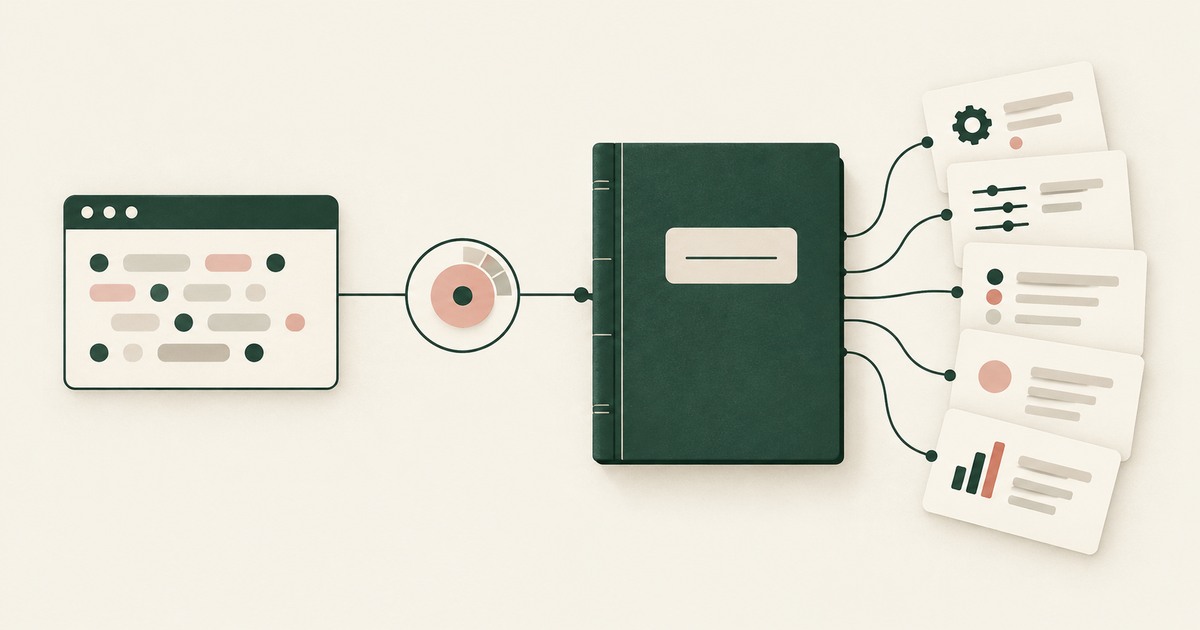
How Do You Audit What an AI Agent Saw and Did?
Explore AI agent audit evidence for sensitive claims and billing, including tokenization policies, approvals and logs that avoid raw PII.
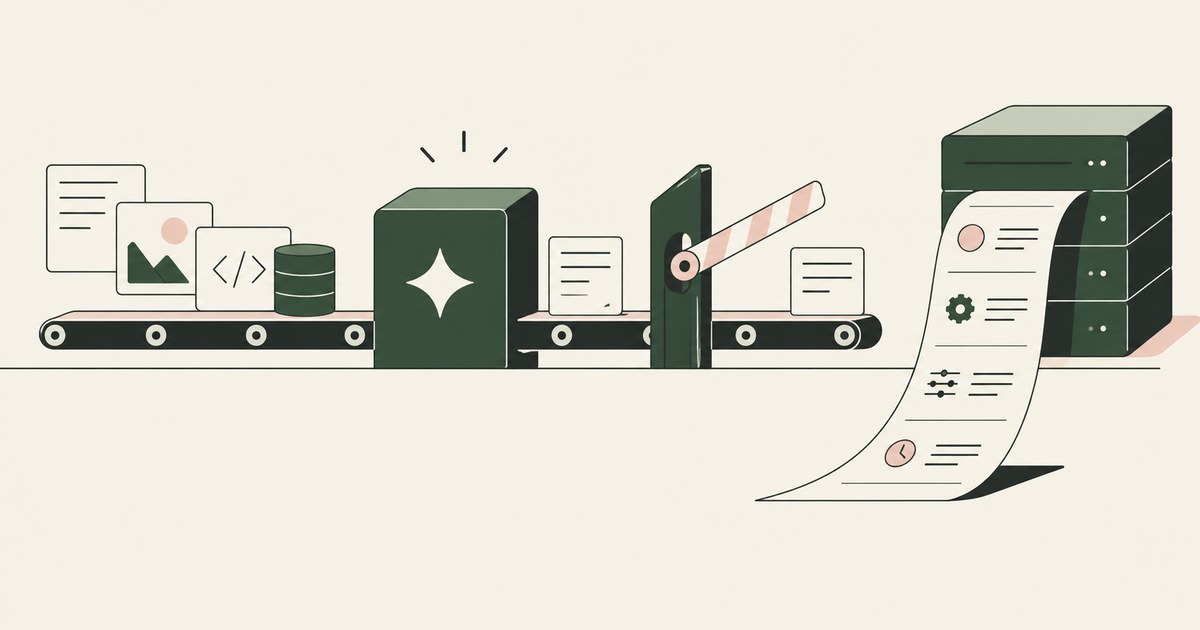
How to Maintain Audit Trails for AI Agent Activity
Review Maintain Audit Trails for AI Agent Activity, with AI agent security, tokenization and approval checks for sensitive enterprise workflows.
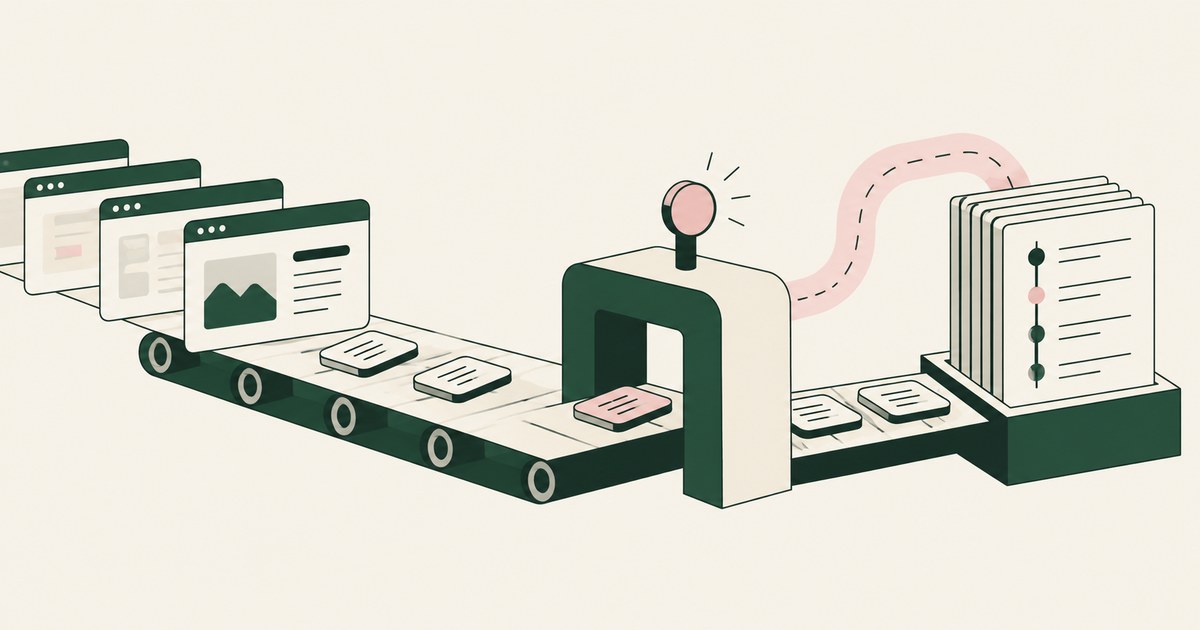
How to Set Up an AI Control Record for AI Agents
Review Set Up an AI Control Record for AI Agents, with AI agent security, tokenization and approval checks for sensitive enterprise workflows.
What Is an AI Agent Security Gateway?
Review an AI Agent Security Gateway, with AI agent security, tokenization and approval checks for sensitive enterprise workflows.
RedactSure vs Microsoft Purview: AI Agent Security
Review RedactSure vs Microsoft Purview: AI Agent Security, with AI agent security, tokenization and approval checks for sensitive enterprise workflows.
What Tools Discover and Secure Enterprise AI Agents?
Review What Tools Discover and Secure Enterprise AI Agents, with AI agent security, tokenization and approval checks for sensitive enterprise workflows.
How to Prevent Data Leaks Without Blocking Downloads?
Review Prevent Data Leaks Without Blocking Downloads, with AI agent security, tokenization and approval checks for sensitive enterprise workflows.

What Is Least Exposure?
Explore Least Exposure for AI agent security, limiting PII to what a workflow needs through tokenization and explicit human decisions.

What Is Render-Layer Tokenization?
Learn how render-layer tokenization replaces PII before an AI agent reads a browser screen while preserving useful workflow context.
What Is Supervised Delegation?
Explore supervised delegation for AI agents in billing and claims, with named responsibility, tokenization policies and human approvals.
What Is a Tethered Agent?
Learn how a tethered AI agent stays tied to a named person, with tokenization, bounded permissions and approval for sensitive payments.

What Is an AI Control Record?
Explore an AI agent control record for billing and claims, linking permissions, tokenization decisions, approvals and audit evidence.

Should the AI Model Vendor Own the Agent Environment?
Explore separation of AI agent environments from model vendors, including control of PII, tokenization policies and workflow approvals.

The Two Gaps AI Agents Opened in Your Security Stack
Explore AI agent security through two questions: which PII reaches the model, and who approves consequential billing and claims actions.
Bring your hardest questions.
Bring one sensitive workflow and the decisions your team needs to keep in its hands.
Book a demoAbout the author

Chris Sowa is a founder of RedactSure and a former CEO of an AI company; he started it years before ChatGPT existed. He previously led AI at Accenture, served as Global VP of Strategy & Innovation at Schneider Electric, was CCO of Sovos, and spent more than a decade at Oracle, with earlier roles at SAP and IBM.