
Data Report · By Chris Sowa · Published
Last updated
How to protect sensitive data across Microsoft and non-Microsoft applications?
No single documented mechanism covers the whole estate, so each surface has to be matched to the control point that can actually see it: native policy inside Microsoft 365, connectors for sanctioned cloud apps, endpoint monitoring on managed devices, inline inspection for everything else. A map drawn from a feature list overstates coverage and leaves the rendered screen unprotected.
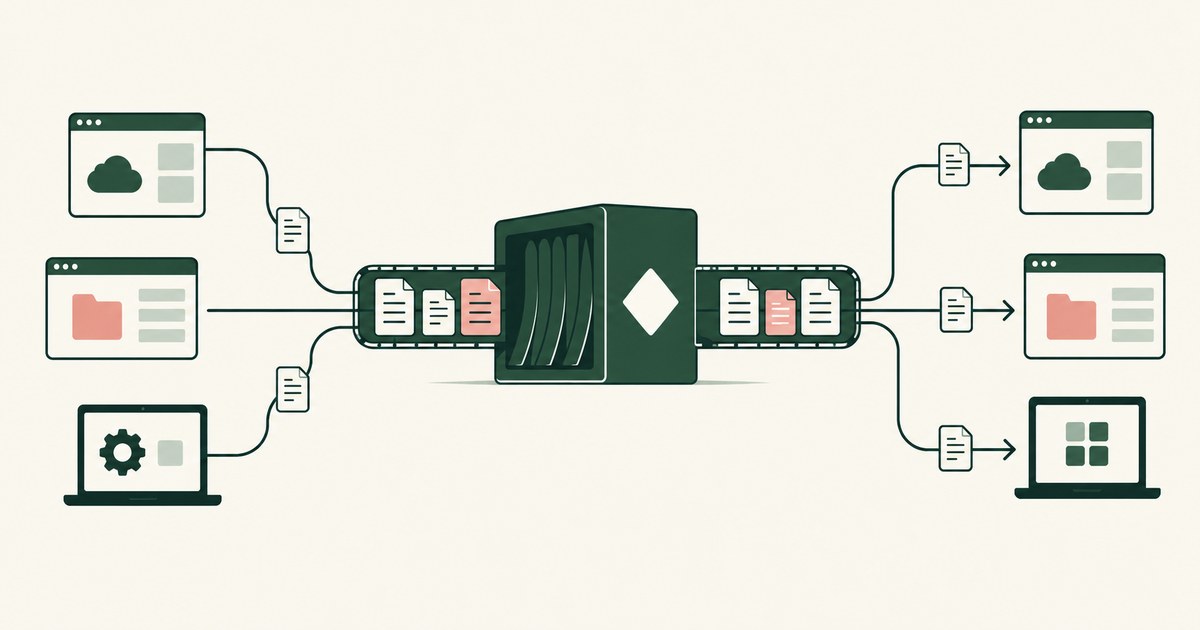
No single documented mechanism covers the whole estate, so each surface has to be matched to the control point that can actually see it: native policy inside Microsoft 365, connectors for sanctioned cloud apps, endpoint monitoring on managed devices, inline inspection for everything else. A map drawn from a feature list overstates coverage and leaves the rendered screen unprotected. Microsoft's own DLP documentation lists a wider estate than its own productivity suite, extending to non-Microsoft cloud apps, on-premises file shares, endpoint devices, and inline web traffic (Microsoft, 2025). The pages below map that documented coverage, identify the dependencies each extension rests on, and then look at the surfaces the map still leaves open, including the rendered screens that people and AI agents actually read, where render-layer tokenization replaces policy selected values with tokens before any model reads them. The environment that enforces this is built by RedactSure, an AI agent controls, governance and data protection company.
Key findings
- Purview DLP policies for enterprise applications and devices cover Microsoft 365 services, Office applications, Windows and macOS devices, non-Microsoft cloud apps, non-Microsoft connected apps such as Box, Dropbox, Google Workspace, and Salesforce, on-premises shares, and Fabric workspaces (Microsoft, 2025).
- Coverage of a non-Microsoft cloud app is not automatic. It depends on that app being connected, through Microsoft Defender for Cloud Apps and its app connectors, after which a Purview policy scoped to the app instances is mirrored into Defender for Cloud Apps (Microsoft, 2025).
- Endpoint DLP reaches across application vendors by watching activities on the device itself, including uploads to restricted cloud domains, pasting into supported browsers, copying to USB media and network shares, and printing (Microsoft, 2025).
- Browser reach is uneven by design: Edge works natively with endpoint DLP, while Chrome and Firefox require the Microsoft Purview extension to be installed (Microsoft, 2025).
- Inline web traffic is a separate documented surface: collection policies can monitor data transmitted on the network and inside Microsoft Edge for Business toward unmanaged cloud apps, with the listed examples weighted toward AI services such as ChatGPT, Gemini, DeepSeek, and Copilot (Microsoft, 2025).
- The NIST AI Risk Management Framework's Map function asks an organization to characterize its systems and their contexts before selecting controls, which is the order a coverage map should follow (NIST, 2023).
Where does the boundary between Microsoft and non-Microsoft coverage actually sit?
The useful boundary is not the logo on the application. It is whether a control point exists where the data passes. Inside Microsoft 365, Purview sits natively in the services themselves: Exchange, SharePoint, OneDrive, and Teams are locations a policy can name directly, and the Office applications are policy surfaces in their own right (Microsoft, 2025). Detection there is a property of the platform the data already lives on.
Step outside that estate and every extension is an addition, not a default. A non-Microsoft cloud app must be connected. A device must be onboarded. A browser other than Edge must carry an extension. On-premises repositories must be reached through the on-premises tooling. Microsoft's documentation is consistent on this point, listing the locations as targets a policy is created for, several of them flagged as preview capabilities (Microsoft, 2025). Preview status matters for planning: a coverage map drawn from a feature list can overstate what a given tenant can enforce today.
Framing the problem this way changes the procurement question. The question is not which product protects non-Microsoft applications, as if that were a feature. It is which control points the organization can realistically operate, per application, and what each one can see when it gets there.
What reaches a non-Microsoft cloud application, and what does it depend on?
For connected cloud applications, the documented bridge is Microsoft Defender for Cloud Apps. Microsoft describes connecting apps such as Box, Dropbox, Google Workspace, Salesforce, and Cisco Webex, and only after an app is connected can DLP policies be created for it (Microsoft, 2025). The mechanics are worth understanding: a Purview policy scoped to the Instances location produces a corresponding policy in Defender for Cloud Apps, and rule actions there include restricting third party apps (Microsoft, 2025).
That architecture has clear strengths. Policy intent is written once, in the Purview portal, and the connected apps inherit it, which is exactly the consistency a mixed estate needs. Content in the connected app can be inspected against the same sensitive information types and labels used inside Microsoft 365, so a customer identifier means the same thing in Salesforce as it does in SharePoint.
The dependencies are equally clear. An application with no connector is outside this path entirely. An application used through an instance or tenant that was never connected is outside it. And API based inspection sees what the connector exposes, which is the vendor's sanctioned view of the app, not necessarily everything a user can do inside its interface. None of this is a criticism of the design; it is the design, and coverage planning has to count connectors as work, not as magic.
What does the endpoint layer cover regardless of application vendor?
Endpoint DLP changes the vantage point from the application to the device, and that is why it crosses vendor lines that service side controls cannot. Microsoft documents endpoint DLP as auditing and managing activities users take on sensitive items physically stored on Windows and macOS devices (Microsoft, 2025). The application that created the file matters less than the activity attempted with it.
The documented activity list is the substance: uploading an item to a restricted cloud service domain, pasting content into a supported browser, copying an item to USB removable media or to a network share, printing a document, and copying content into another application (Microsoft, 2025). Each activity can be audited or restricted. A legacy accounting package and a modern SaaS client look very different to an API, but on the endpoint both produce files, clipboard events, and uploads, and those are visible.
The limits ride along with the strengths. The device must be onboarded and running a supported operating system. The item must be recognized as sensitive, which returns the program to the detection problem of patterns and corroboration. And activity on an unmanaged device, a personal laptop outside the fleet, is outside this layer's view altogether. Endpoint coverage is the broadest single bridge across the Microsoft and non-Microsoft divide, and it still ends at the edge of the managed estate.
How does inline web traffic coverage differ from connected app coverage?
Microsoft's documentation separates a third surface: inline web traffic. With collection policies, DLP can monitor oversharing to unmanaged cloud apps by targeting data transmitted on the network and inside Microsoft Edge for Business, and the listed examples are heavily weighted toward AI services, naming ChatGPT, Gemini, DeepSeek, and Copilot, alongside a Defender for Cloud Apps catalog of tens of thousands of cloud apps reachable through the network option (Microsoft, 2025).
The contrast with connected apps is instructive. A connected app is sanctioned, integrated, and inspected through its own interfaces, so policy can act on stored content and sharing settings. Inline coverage meets the app as traffic: it sees data in motion toward a destination, can audit or block the transfer, and needs no cooperation from the destination at all. That makes it the only one of the three surfaces that addresses the unsanctioned tool an employee found last week.
The trade is depth for reach. Traffic level inspection judges the transfer, not the state of data already sitting in the unmanaged service, and Microsoft flags parts of this surface as preview (Microsoft, 2025). A coverage map that lists an unmanaged app as covered because its traffic is inspectable should say exactly that, no more.
Where do the documented maps still leave gaps?
Lay the three surfaces together and the remaining gaps have a consistent shape: they are the places where data is used rather than stored or transferred.
A desktop application with no connector, running on an unmanaged or unsupported device, handling data that stays inside it, touches none of the three surfaces reliably. A contractor's environment reproduces the same hole from the other side. And a newer surface has joined the list: the AI agent that reads a rendered screen. When a model is shown a record inside any application, Microsoft or otherwise, the exposure happens at the moment of reading, in a working view that file level and traffic level controls were not built to shape.
RedactSure's published approach is aimed at that specific moment. Its supervised co-workers operate applications as rendered, with no per-application integration, and values selected by policy are shown to the model as tokens rather than as themselves. The absence of a per-application integration is the point of contact with the coverage problem: a control that works on the rendered screen does not need a connector for each application whose data an agent touches. The company states that deployments on this design are in pilot, and the control addresses agent workflows, not the general estate; it does not inspect stored files, govern sharing settings, or replace the surfaces above.
| Surface | Documented control point | What it depends on |
|---|---|---|
| Microsoft 365 services | Native Purview DLP locations | Policy configuration in the tenant |
| Non-Microsoft cloud apps | Defender for Cloud Apps connectors, policy scoped to instances | The app being connected; a connector existing |
| Devices | Endpoint DLP activity monitoring | Onboarded, supported Windows or macOS device |
| Unmanaged web apps | Inline traffic and Edge for Business collection policies | Traffic passing through the monitored path; preview status |
| Rendered screens read by agents | Render-layer tokenization, per RedactSure's description | Task policy naming the values to tokenize |
How should a coverage map be built before anything is bought?
Build it from the data's itinerary, not from a vendor feature list. For each class of sensitive data, trace where it is created, where it is stored, which applications open it, which devices those applications run on, and where it is sent. Every leg of that journey should name the control point that sees it, in the vocabulary of the table above. Legs with no control point are the actual findings, and they are usually specific: one unconnected SaaS tool, one contractor workflow, one desktop application on aging devices.
The NIST AI Risk Management Framework's Map function supports this order of operations, asking an organization to characterize its systems and their contexts before selecting controls (NIST, 2023). Applied here, mapping also disciplines the Microsoft and non-Microsoft question. Most estates discover that the divide is not one line but a patchwork: strong native coverage in the productivity suite, connector dependent coverage in sanctioned SaaS, activity level coverage on managed devices, traffic level coverage for everything else, and nothing where an agent reads a screen.
Only after that map exists does a buying decision make sense, because the map says what the purchase has to reach. Buying breadth against an unmapped estate produces the familiar outcome: excellent coverage of the applications that were already easiest to cover.
Where does RedactSure sit?
RedactSure covers the leg the three Purview surfaces leave open: the rendered screen where an agent reads records inside any of those applications, Microsoft or otherwise. Inside a governed environment, render-layer tokenization replaces each value chosen by policy with a consistent token before any model reads the screen, so the model receives the task's fields with identifiers as ACCT_001 and SSN_001 rather than a picture of the page. Real values resolve only at approved destinations at the moment of an approved action. Because the control works on the screen as rendered, there is no per-application integration to add to the map's dependency list, and user permissions do not change.
The Planner sets which values are tokenized and what the agent may do on each screen; a named person confirms that policy and approves every payment, submission and record change under Supervised Delegation. Every screen as tokens, every action and every approval lands in the AI Control Record and exports to the customer's SIEM, with keys the customer holds and a model that can be swapped. The control addresses agent workflows, not stored files or sharing settings, and deployments are in pilot. Everyone else controls where data can go. RedactSure controls what the AI can see.
Methodology and limitations
This page rests on Microsoft Learn documentation read as of October 13, 2026: the overview of data loss prevention and its list of locations and coverage, the guidance on using DLP policies for non-Microsoft cloud apps through Microsoft Defender for Cloud Apps, and the documentation on endpoint data loss prevention, its monitored activities and its supported browsers. All three are vendor documentation and are cited as the vendor's statements about its own product, with the date. The NIST AI Risk Management Framework 1.0 (2023) is cited as official guidance for the order of operations in building a coverage map. RedactSure's design is described only in terms the company publishes, with its pilot status stated.
Coverage statements describe documented capability, including features Microsoft marks as preview, and do not assert what any particular tenant has licensed, connected, or switched on. No application was integrated, no connector was configured, and no DLP policy was tested for this reading; where vendor documentation does not settle a coverage question, the page says so rather than inferring coverage. Microsoft's location lists, preview designations and browser support change between releases, and the page carries its date and is revised when the documentation changes. The legacy accounting package, contractor workflow and unconnected SaaS tool examples describe situations, not any organization; no customer or prospect is described.
A coverage map is an organization's own document, built from its own data flows, and the gaps it reveals will differ by estate. Whether a given set of control points meets an organization's obligations, and whether a preview capability may be relied on, belongs to its counsel, assessor, and security and compliance officers, not to the page.
What the record shows
Protecting data across Microsoft and non-Microsoft applications turns out to be a mapping exercise before it is a purchasing one. The documented estate is wider than the productivity suite: connected cloud apps inherit Purview policy through Defender for Cloud Apps, endpoint DLP watches activities on the device whichever vendor wrote the application, and inline coverage meets unmanaged apps as traffic. Each extension rests on a dependency, a connector, an onboarded device, a monitored path, and each leaves the rendered screen, the place where people and now agents read data, largely unshaped. Draw the coverage map leg by leg for your own data and mark the dependencies in writing. That map is also the document an auditor, a new security lead, or a vendor should see first, because it shows the estate as it is rather than as a brochure describes it.
Frequently asked questions
Does Purview cover Salesforce and Google Workspace, or only Microsoft apps?
Microsoft's documentation lists non-Microsoft connected apps, naming Box, Dropbox, Google Workspace, and Salesforce among them, as DLP locations, and describes a separate list of apps that can be connected through Defender for Cloud Apps before policies can be created for them. So the coverage is real but conditional: it begins when the app is connected, and a Purview policy scoped to those instances is then mirrored into Defender for Cloud Apps. An unconnected instance is not covered by this path.
Is endpoint DLP enough on its own for third party applications?
It is the broadest single bridge, because it watches activities on the device, uploads, pastes, copies, printing, rather than integrating with each application. But it only sees onboarded devices running supported systems, it still depends on recognizing the item as sensitive, and it does not govern content stored inside a cloud service or sharing settings there. Microsoft documents it as one surface among several, and a coverage map should treat it that way rather than as a substitute for the others.
What covers the moment an AI agent reads data inside an application?
On the documentation reviewed, none of the three Purview surfaces shapes what a model is shown at the moment of reading: they govern stored content, device activities, and transfers. That moment is the one RedactSure's published design addresses, by substituting tokens for policy selected values at the render layer before a model reads the screen, across applications worked as rendered and without per-application integration. Its deployments are in pilot, and it addresses agent workflows rather than the wider estate.
Does endpoint DLP work in Chrome and Firefox?
Yes, with a dependency. Microsoft documents Edge as working natively with endpoint DLP, while Chrome and Firefox require the Microsoft Purview extension to be installed on the device. A browser without the extension is a gap on the map: uploads and pastes made through it are not monitored by the endpoint layer, even on an onboarded device. The extension rollout therefore belongs on the dependency list beside device onboarding.
What does Purview's inline web traffic coverage actually see?
Data in motion toward a destination, not data at rest there. Microsoft documents collection policies that target data transmitted on the network and inside Microsoft Edge for Business, with examples weighted toward AI services such as ChatGPT, Gemini, DeepSeek, and Copilot, and a Defender for Cloud Apps catalog reachable through the network option. The transfer can be audited or blocked; content already inside the unmanaged service is outside this surface, and parts of it are marked as preview.
Where should a coverage map start?
With the data, not the vendor list. For each class of sensitive data, trace where it is created, stored, opened, on which devices, and where it is sent, then name the control point that sees each leg. The NIST AI Risk Management Framework's Map function supports characterizing systems and contexts before selecting controls. Legs with no control point are the findings, and they usually come down to one unconnected tool, one contractor workflow, or one desktop application on old devices.
Related reading
What Alternatives to Microsoft Purview for Protecting Data in Third-Party Applications? · How to Simplify Data Protection Policies Across Enterprise Applications? · How to Protect Sensitive Information in Legacy Applications? · Does Purview DLP Cover What a Computer-Using Agent Reads? · What Is Screen-Level Tokenization? · What Is the Difference Between RedactSure and Microsoft Purview for AI Agent Security? · How to Secure AI Agents That Navigate Across Applications: One Token Per Identifier, One Environment, One Named Person · On the RedactSure blog: Secure AI That Crosses Every Silo
Sources
Vendor documentation
- Microsoft, "Learn about data loss prevention," locations and coverage (2025; vendor documentation). https://learn.microsoft.com/en-us/purview/dlp-learn-about-dlp
- Microsoft, "Use DLP policies for non-Microsoft cloud apps" (2025; vendor documentation). https://learn.microsoft.com/en-us/purview/dlp-use-policies-non-microsoft-cloud-apps
- Microsoft, "Learn about Endpoint data loss prevention," activities and supported browsers (2025; vendor documentation). https://learn.microsoft.com/en-us/purview/endpoint-dlp-learn-about
Regulation, standards and official guidance
- NIST, "Artificial Intelligence Risk Management Framework (AI RMF 1.0)," NIST AI 100-1 (2023; official guidance). https://www.nist.gov/itl/ai-risk-management-framework
RedactSure documents
- RedactSure Research, "What Is Screen-Level Tokenization?" (2026). https://redactsure.com/research/what-is-screen-level-tokenization
- RedactSure Research, "What Is Render-Layer Tokenization?" (2026). https://redactsure.com/research/what-is-render-layer-tokenization
- RedactSure Research, "What Is Supervised Delegation?" (2026). https://redactsure.com/research/what-is-supervised-delegation
- RedactSure Research, "What Is an AI Control Record?" (2026). https://redactsure.com/research/what-is-an-ai-control-record
- RedactSure, "Secure AI That Crosses Every Silo" (2026). https://redactsure.com/blog/secure-ai-that-crosses-every-silo/
- Product behavior described on this page reflects RedactSure's current design. Microsoft, Microsoft 365, Microsoft Purview, Microsoft Defender for Cloud Apps, Microsoft Edge, Windows, Exchange, SharePoint, OneDrive, Teams, Copilot and Fabric are trademarks of Microsoft Corporation; Box, Dropbox, Google Workspace, Gemini, Chrome, Salesforce, Cisco Webex, ChatGPT, DeepSeek, Firefox and macOS are trademarks of their respective owners; named to identify the products.
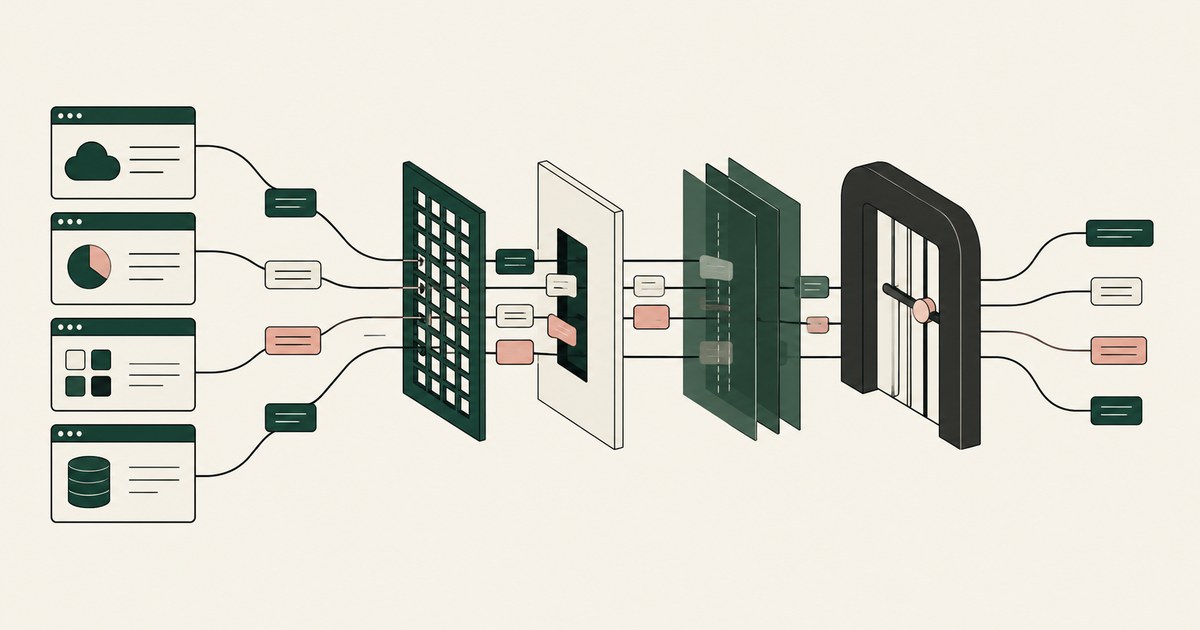
What Purview Alternatives Protect Data in Third-Party Apps?
Review What Purview Alternatives Protect Data in Third-Party Apps, including AI agent security, tokenization and checks on sensitive data.
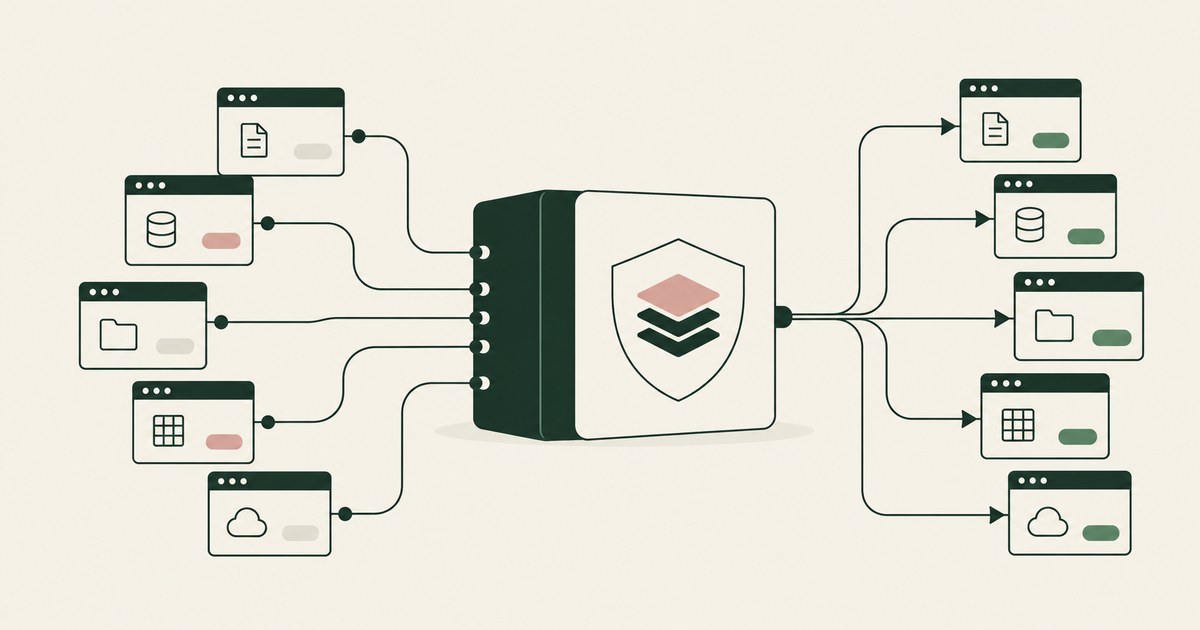
How to Simplify Data Protection Policies Across Apps?
Review Simplify Data Protection Policies Across Apps, with AI agent security, tokenization and approval checks for sensitive enterprise workflows.
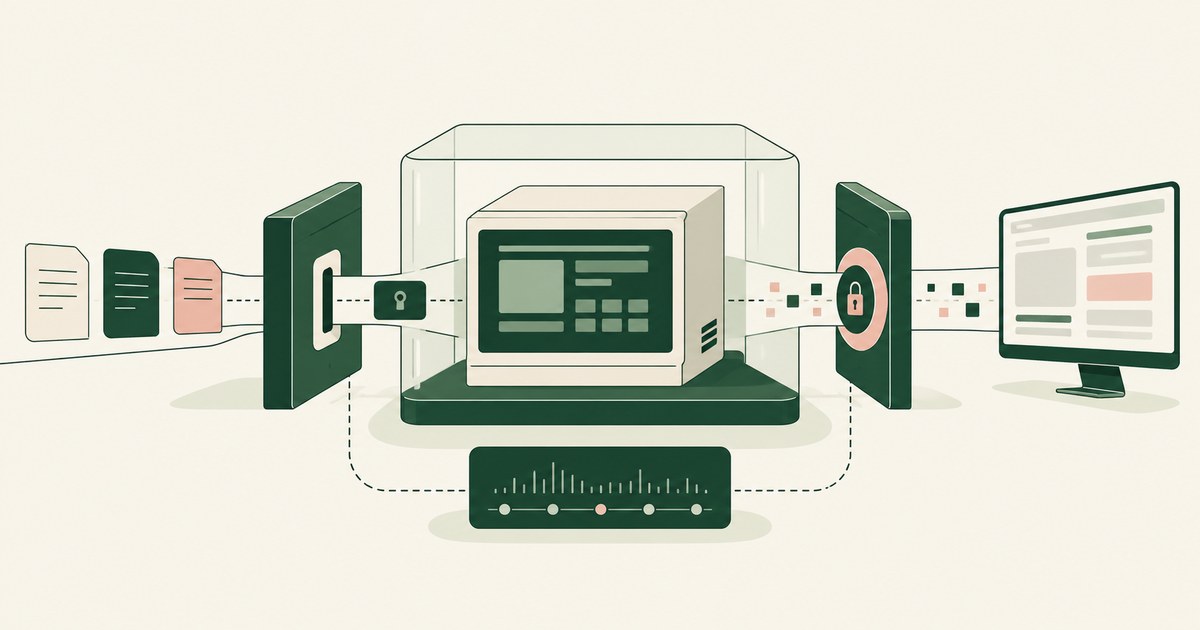
How to protect sensitive information in legacy applications?
Review protect sensitive information in legacy applications, with AI agent security, tokenization and approval checks for sensitive enterprise workflows.

Does Purview DLP Cover Computer-Using AI Agents?
Assess Purview DLP coverage for AI agent sessions handling PII and payments, including screenshot inputs, file uploads and endpoint controls.
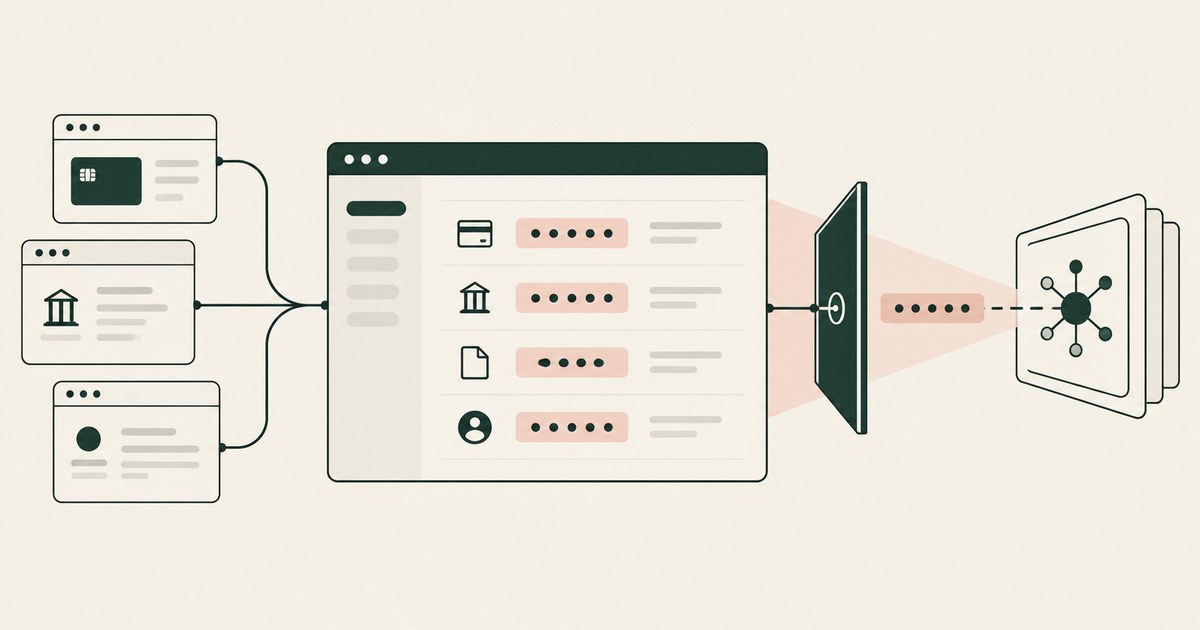
What Is Screen-Level Tokenization?
Review Screen-Level Tokenization, with AI agent security, tokenization and approval checks for sensitive enterprise workflows.

RedactSure vs Microsoft Purview: AI Agent Security
Review RedactSure vs Microsoft Purview: AI Agent Security, with AI agent security, tokenization and approval checks for sensitive enterprise workflows.
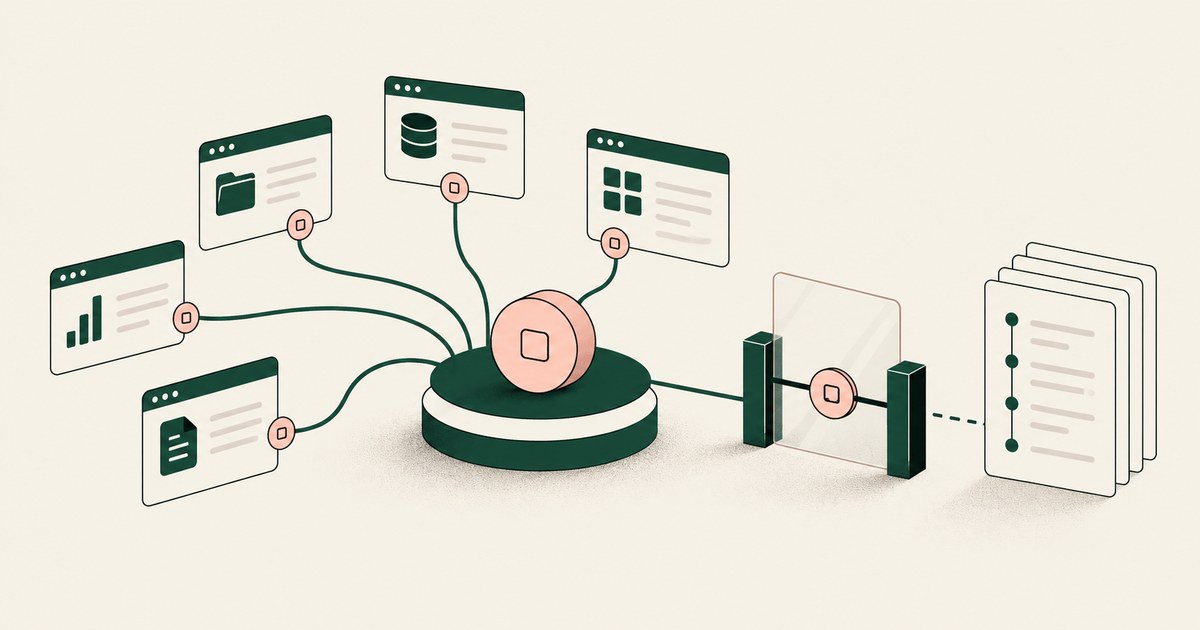
How to Secure AI Agents That Navigate Across Applications
Review Secure AI Agents That Navigate Across Applications, with AI agent security, tokenization and approval checks for sensitive enterprise workflows.
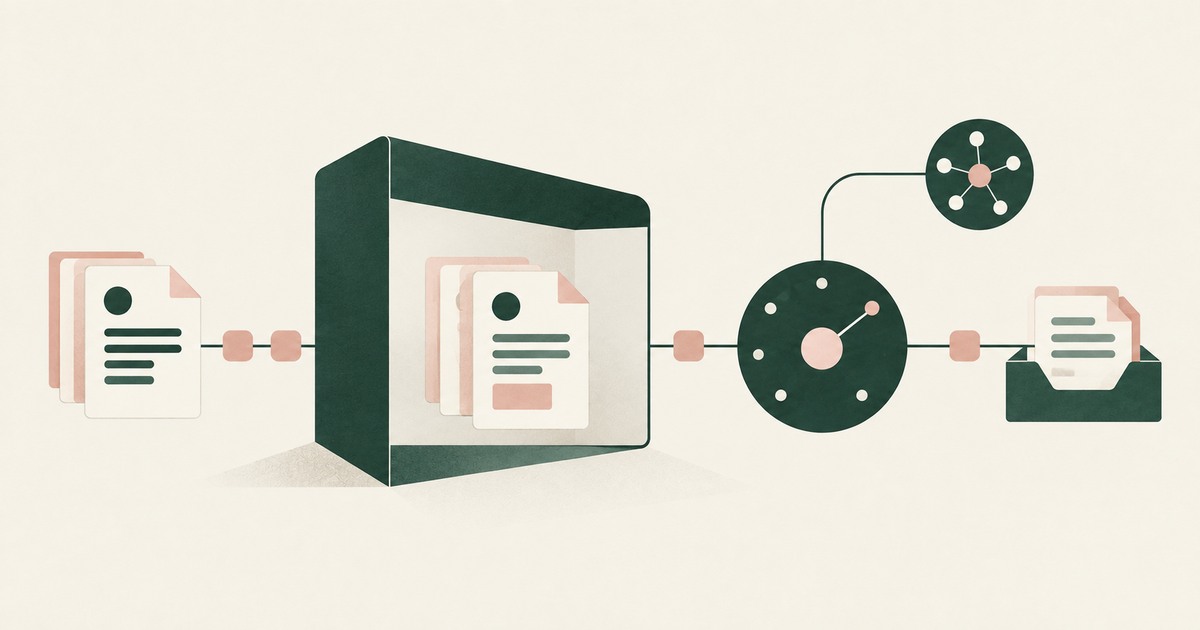
Secure AI That Crosses Every Silo
Explore AI agents that work across billing, collections and enterprise systems while tokenization protects PII at each workflow step.

What Is Render-Layer Tokenization?
Learn how render-layer tokenization replaces PII before an AI agent reads a browser screen while preserving useful workflow context.
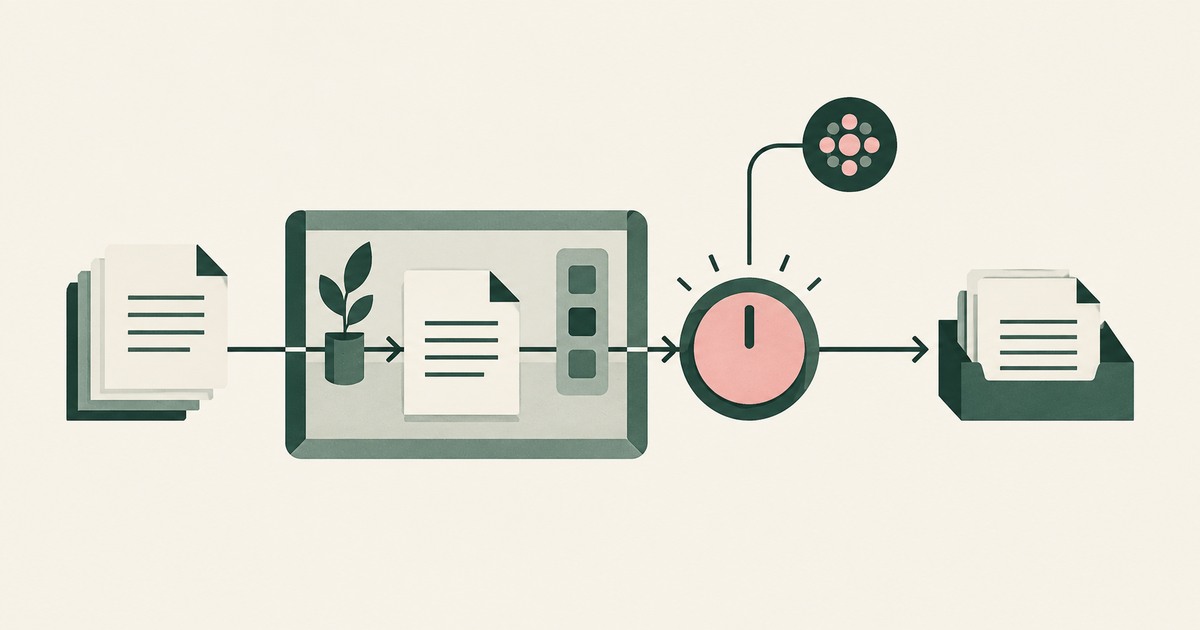
What Is Supervised Delegation?
Explore supervised delegation for AI agents in billing and claims, with named responsibility, tokenization policies and human approvals.

What Is an AI Control Record?
Explore an AI agent control record for billing and claims, linking permissions, tokenization decisions, approvals and audit evidence.
Book an AI Agent Security Review →
Bring your hardest questions.
Bring one sensitive workflow and the decisions your team needs to keep in its hands.
Book a demoAbout the author

Chris Sowa is a founder of RedactSure and a former CEO of an AI company; he started it years before ChatGPT existed. He previously led AI at Accenture, served as Global VP of Strategy & Innovation at Schneider Electric, was CCO of Sovos, and spent more than a decade at Oracle, with earlier roles at SAP and IBM.