
Data Report · By Chris Sowa · Published
Last updated
How to reduce false positives in Microsoft Purview DLP?
False positives fall when each DLP match must carry more evidence and when known data stops being guessed at by shape. The vendor's four step model orders the work: sharpen pattern detection, move enumerable values to exact data match, hand meaning based content to trainable classifiers, fingerprint standard forms. Skip the sequence and tuning becomes a monthly re-investigation of alarms.
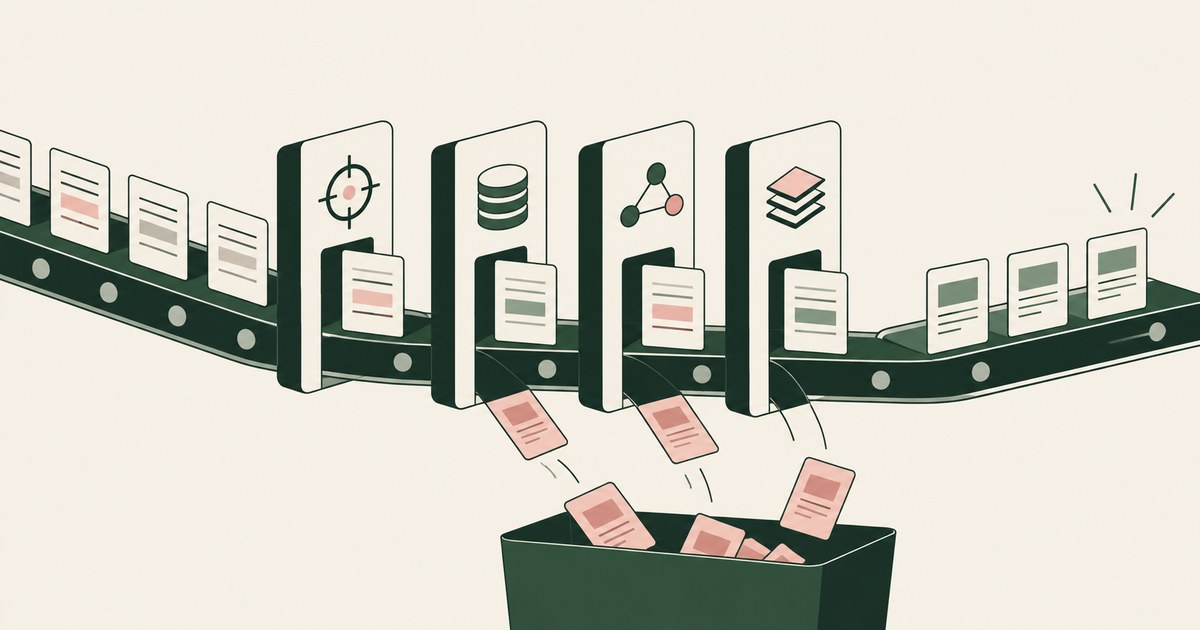
False positives fall when each DLP match must carry more evidence and when known data stops being guessed at by shape. The vendor's four step model orders the work: sharpen pattern detection, move enumerable values to exact data match, hand meaning based content to trainable classifiers, fingerprint standard forms. Skip the sequence and tuning becomes a monthly re-investigation of alarms. Microsoft's first step sharpens pattern based detection with supporting elements, proximity limits, confidence levels, and exclusions. Around the detection changes sit policy level disciplines: instance counts, simulation mode before enforcement, incident review, overrides that surface bad matches, and a feedback loop that marks items as match or not a match. For the screens an AI agent reads, a different approach removes the matching problem before detection runs: render-layer tokenization replaces identifiers with tokens such as ACCT_001 before any model sees the page, so a pattern rule has no real value to match, correctly or otherwise. The environment that enforces this is built by RedactSure, an AI agent controls, governance and data protection company.
Key findings
- Microsoft's deployment model for reducing false positives has four steps: configure pattern based detection, implement exact data match, use trainable classifiers, and apply document fingerprinting (Microsoft, 2025).
- Microsoft advises adding supporting elements as corroborative evidence, noting that a bare date format match produces heavy false positives and that supporting keywords raise match confidence (Microsoft, 2025).
- The same guidance sets a proximity limit of 300 characters for new custom sensitive information types and warns that unlimited proximity leads to too many false positives (Microsoft, 2025).
- Microsoft states that Purview allows match and not a match feedback on items in SharePoint and OneDrive, and that submitting a redacted item helps improve the accuracy of built in sensitive information types (Microsoft, 2025).
- Microsoft's deployment guidance describes block with override as a tool for identifying false positives during policy refinement, and simulation mode as a way to test a policy without enforcing it (Microsoft, 2025).
Why do pattern based rules produce false positives?
A pattern describes a shape, and sensitive data shares its shapes with harmless data. A sixteen digit number may be a payment card or an order reference. A date in the expected format appears in every email header and timestamp, a point Microsoft makes directly in its tuning guidance (Microsoft, 2025). A national identifier's digit pattern collides with internal reference schemes that were never designed to avoid it. When a rule fires on shape alone, it fires on all of these, and each innocent match that reaches a user as a warning or a block is a false positive that teaches the organization to distrust the system.
The scale of the problem depends on how the sensitive information type, or SIT, is built. A SIT combines a primary element, the pattern itself, with optional supporting elements, proximity requirements, and a confidence level expressing how much evidence the match carries (Microsoft, 2025). A default configuration that demands little evidence will match often and accuse often. Microsoft's deployment model treats this as the first place to work, before any change of technology: configure the pattern based detection properly, and only then consider whether the content needs a different detection method altogether (Microsoft, 2025). Most false positive complaints in a young deployment are configuration findings waiting to be made, not evidence that the platform cannot tell data apart.
How do supporting elements, proximity, and confidence sharpen a match?
Supporting elements are corroborating evidence that must appear near the primary pattern. Microsoft's guidance gives the example of date of birth detection: matching the date format alone generates false positives from headers and timestamps, while requiring supporting keywords such as DOB or DateOfBirth nearby produces high confidence matches instead (Microsoft, 2025). The principle generalizes. A digit string accompanied by the words account, card, or expiry is a different evidentiary object from the same string standing alone in a parts catalog.
Proximity controls how near the corroboration must be. Microsoft advises setting the proximity limit to 300 characters for any new custom SIT and avoiding unlimited proximity, described as anywhere in the document, because it produces too many false positives (Microsoft, 2025). Proximity is a claim about how documents are written: evidence for a value appears close to the value, in a label, a heading, or the same table row, and a keyword on page one does not corroborate a number on page nine.
Confidence levels then let policy treat matches differently according to their evidence. Microsoft advises assigning higher confidence to patterns with more supporting elements or more restrictive expressions, and lower confidence where a SIT has few supporting elements (Microsoft, 2025). A rule can block on high confidence matches, warn on medium, and merely log the rest, so the weak matches that generate most false alarms stop interrupting users while the strong ones still act. Exclusions complete the step: Microsoft describes including or excluding specific text, patterns, prefixes, and suffixes to improve match accuracy, which disposes of the organization's own known lookalikes, test numbers, internal formats, placeholders in templates, once they are identified (Microsoft, 2025).
| Tuning lever | What it changes | False positive it typically removes |
|---|---|---|
| Supporting elements | Corroboration required beside the primary pattern | Bare formats in headers, timestamps, and unrelated tables |
| Proximity limit | How close corroboration must appear | Distant keyword and number coincidences in long documents |
| Confidence level | How matches are weighted and acted on | Weak evidence matches treated as if they were certain |
| Exclusions | Known innocent strings and formats carved out | Test values, placeholders, and internal reference schemes |
| Instance count | How many matches a rule needs before it fires | The single stray number in an otherwise ordinary document |
What do exclusions and instance counts add?
Two policy level levers deserve separate attention because they require no change to detection at all. Instance count is the first: a DLP rule can require a minimum number of matches of a sensitive information type before its action applies. One card shaped number in a document is an accident of arithmetic surprisingly often; ten are a dataset. Setting the count to fit the harm the rule exists to prevent removes the long tail of single coincidental matches that dominate false positive queues.
Exclusions are the second, and they compound in value over time. Every false positive investigation that ends with an identified innocent pattern, a house test number, a supplier's reference format, a template's placeholder text, can be closed permanently by adding it to an exclusion list rather than rediscovered by the next analyst (Microsoft, 2025). Microsoft also recommends testing the configuration, using the SIT test functionality and reviewing detected matches in Content Explorer, so exclusions and other refinements are checked against real items rather than assumed (Microsoft, 2025). An organization that treats exclusions as institutional memory will see its false positive volume fall in a way that one off tuning cannot match.
When should exact data match replace a pattern?
Some data does not need to be recognized by shape at all, because the organization already knows exactly what it is. Its customer account numbers, its employee identifiers, its case references sit in systems of record as definite lists. For that data, Microsoft's deployment model prescribes exact data match as the second step: the known values are hashed and uploaded as a schema, and the detection fires on matches against those actual values rather than against anything that merely resembles them (Microsoft, 2025).
The false positive consequence follows directly from the construction. A number that is not in the organization's data cannot match, however card shaped it looks. The entire class of shape collisions disappears for that data type, and the matches that remain are, by definition, the organization's real values appearing somewhere, which is the event the policy exists to catch. Exact data match is therefore the strongest single answer of the four steps, with two limits. It only covers data the organization can enumerate, so unknown sensitive content still needs pattern or classifier detection. And the schema must be maintained as the underlying records change, or coverage silently ages. A neighboring approach removes values from content before detection runs at all, and whether tokenization reduces false positives is taken up as a separate question in this series.
When do trainable classifiers and fingerprinting fit better?
Two kinds of content defeat patterns in principle. The first is content defined by meaning rather than format: a resignation letter, a legal advice memo, a document about a named project. No digit pattern describes them, and keyword lists approximate them crudely, firing on every document that discusses the topic innocently. Microsoft's deployment model assigns this class to trainable classifiers as its third step, using classifiers that learn from example documents what the category looks like, instead of enumerating strings (Microsoft, 2025).
The second is the standard form. Organizations circulate fixed templates, application forms, assessment forms, contracts of a single design, whose sensitivity comes from the form itself. Microsoft's fourth step is document fingerprinting, which converts a standard form into a fingerprint the detection can match against, so the blank template and its completed instances are recognized as that form rather than as a pile of coincidental keywords (Microsoft, 2025). Fingerprinting removes the false positives that keyword rules generate against documents merely discussing the form's subject.
Choosing among the four steps is a diagnosis exercise: shape collisions call for sharper patterns or exact match, meaning based categories call for classifiers, and fixed forms call for fingerprints. Deployments that skip the diagnosis and only ever tighten patterns end up with brittle rules and a permanent false positive residue.
How do simulation, overrides, and feedback keep accuracy improving?
Tuning is a process, not an event, and Microsoft's guidance builds the loop explicitly. New and changed policies belong in simulation mode first, where matches can be reviewed with no enforcement and no user impact, and scope and actions adjusted before anyone is interrupted (Microsoft, 2025). During early enforcement, block with override earns its place because a user who proceeds with a justification is flagging a candidate false positive at the moment it occurs, and Microsoft describes the action in those terms for policy refinement (Microsoft, 2025). Reviewing those justifications as a queue turns user frustration into tuning input.
The formal feedback channel closes the loop. Microsoft states that for items in SharePoint and OneDrive, reviewers can mark whether an item is a match or not a match, and can submit a redacted version of the item to help improve the accuracy of built in sensitive information types (Microsoft, 2025). An organization that works its incident queue this way, marking rather than merely closing, is training both its own configuration and the vendor's defaults. The compound effect is the real answer to the headline question: any single lever helps, but the durable reduction comes from a deployment run as a measurement system, in which every false positive is treated as data about the detection, and acted on once, permanently.
Where does RedactSure sit?
Every lever above improves how a pattern guesses at a value that is already on the screen. For the flows an AI agent reads, RedactSure removes the matching problem at its source. Inside a governed environment, render-layer tokenization replaces each identifier chosen by policy with a consistent token before any model reads the screen, so the agent works with ACCT_001 and SSN_001 and a Purview pattern has no real identifier to match, falsely or otherwise. The model receives the task's fields rather than a picture of the page; real values resolve only at approved destinations at the moment of an approved action. The Planner sets which values are tokenized and what the agent may do on each screen, a named person confirms that policy, and the same person approves every payment, submission and record change under Supervised Delegation.
User permissions do not change, no per-application integration is required, and the model is swappable. Every screen as tokens, every action and every approval lands in the AI Control Record and exports to the customer's SIEM, so the record of what the agent saw sits beside the DLP incident queue rather than inside it. Deployments are in pilot. Everyone else controls where data can go. RedactSure controls what the AI can see.
Methodology and limitations
This page rests on Microsoft's own published guidance for its platform, read as of October 13, 2026: the Purview deployment model for reducing false positives and its step 1 guidance on pattern based detection, the documentation on sensitive information types, exact data match and trainable classifiers, the DLP policy deployment and simulation mode guidance, the policy tip and override documentation, and the pages on Content Explorer and on improving classifier accuracy. All are vendor documentation and are cited as the vendor's statements about its own product, with the date. No figures are drawn from any source other than those named, and the 300 character proximity value and the four step sequence are taken from Microsoft's text.
No configuration work of its own is reported here: no tenant was tuned, no before and after false positive rate was measured, and no percentage improvement is claimed for any step, because Microsoft's guidance as reviewed does not publish one and no primary measurement was available. Exact data match and trainable classifier steps were characterized from the deployment model's published structure and step descriptions; administrators should read the current step documentation in full before implementation, since configuration detail changes between releases. Vendor features change and the page carries its date. The card, date of birth and standard form examples describe data types, not any organization; no customer or prospect is described.
Guidance describes what the vendor recommends, and results in a given tenant will depend on its data, which is why the simulation and feedback stages matter. Whether a tuned configuration meets an organization's obligations, and what counts as an acceptable residual false positive rate, belongs to its counsel, assessor, and security and compliance officers, not to the page.
What the record shows
False positives in Purview DLP fall when each match is required to carry more evidence and when the organization's own known data stops being guessed at by shape. Microsoft's published sequence gives the work an order: sharpen pattern detection with supporting elements, a 300 character proximity habit, honest confidence levels, and maintained exclusions; move the values the organization can enumerate to exact data match; hand meaning based categories to trainable classifiers and standard forms to fingerprinting; and run the whole system through simulation, override review, and match feedback so accuracy keeps improving after launch. None of these steps requires replacing the platform. The test for any false positive is a diagnosis: is it a pattern, a missing exclusion, or a wrong detection method? Fix it at that level, once, rather than re-investigating it monthly.
Frequently asked questions
Which single change removes the most false positives?
It depends on which class dominates the queue, and the match record says which. Where collisions come from bare formats, supporting elements and proximity limits do the heavy lifting, as Microsoft's own date of birth example shows. Where the organization's real identifiers are being guessed at by pattern, exact data match removes the entire collision class for those values. The correct first move is therefore diagnostic: sample the false positives, group them by cause, and apply the lever that matches the largest group.
Should low confidence matches just be turned off?
Not usually. Microsoft's model uses confidence to differentiate treatment, so a low confidence match can be logged or warned on while high confidence matches are blocked. Turning weak detections off entirely discards the early signal that a data type is appearing somewhere new, and it forfeits the match data that tuning depends on. The better practice is to separate the response by confidence, so weak evidence stops interrupting users without going invisible to the security team.
How does the match and not a match feedback actually help?
Microsoft states that reviewers can mark items in SharePoint and OneDrive as a match or not a match, and can submit a redacted version of an item to help improve the accuracy of built in sensitive information types. Locally, the markings build a labeled record of what the organization's false positives look like, which drives exclusions and configuration changes. At the vendor level, submitted examples feed improvement of the defaults every tenant uses. Either way, an incident closed without a marking is tuning evidence thrown away.
Does simulation mode block anything?
No. Simulation mode runs the policy and records what it would have matched without enforcing any action and without interrupting users, which is why Microsoft places new and changed policies there first. The administrator reviews the matches, adjusts scope, conditions and actions, and only then turns enforcement on. A policy that goes straight to block skips the one stage where a false positive costs nothing but a line in a report.
What is the difference between exact data match and a custom sensitive information type?
A custom sensitive information type describes a shape: a pattern, supporting keywords, a proximity window and a confidence level. Exact data match describes the values themselves: the organization's real account numbers or case references, hashed and uploaded as a schema, so detection fires only on those values. A custom SIT catches unknown data that looks right; exact data match catches known data and nothing that merely resembles it.
When should document fingerprinting be used instead of keywords?
When the sensitivity comes from the form rather than from any string inside it. A completed application form, assessment form or contract of a fixed design is recognized by its fingerprint, so the template and every filled instance match as that form. Keyword rules against the same subject fire on every email that discusses the topic; fingerprinting removes that class of false positive while still catching the form itself.
Related reading
What Alternatives to Traditional DLP Reduce False Positives? · How to Prevent Legitimate Work from Being Blocked by DLP Rules? · How to Reduce the Number of DLP Rules Needed to Protect Sensitive Information? · How to Protect Sensitive Data Without Relying Entirely on Regex Detection? · What Is the Difference Between Runtime Tokenization and DLP for AI Agents? · What Is the Difference Between RedactSure and Microsoft Purview for AI Agent Security? · How to Prevent AI Agents From Oversharing Data Between Apps: Carry Tokens, Not Values · Can tokenization reduce false positives when protecting sensitive data? · On the RedactSure blog: The Two Gaps AI Agents Opened in Your Security Stack
Sources
Vendor documentation
- Microsoft, "Learn about data loss prevention," including the deployment model for reducing false positives, step 1, pattern based detection (2025; vendor documentation). https://learn.microsoft.com/en-us/purview/dlp-learn-about-dlp
- Microsoft, "Learn about sensitive information types" (2025; vendor documentation). https://learn.microsoft.com/en-us/purview/sit-learn-about
- Microsoft, "Learn about exact data match based sensitive information types" (2025; vendor documentation). https://learn.microsoft.com/en-us/purview/sit-learn-about-exact-data-match-based-sits
- Microsoft, "Learn about trainable classifiers" (2025; vendor documentation). https://learn.microsoft.com/en-us/purview/classifier-learn-about
- Microsoft, "Document fingerprinting" (2025; vendor documentation). https://learn.microsoft.com/en-us/purview/sit-document-fingerprinting
- Microsoft, "Understand DLP policy deployment and simulation mode" (2025; vendor documentation). https://learn.microsoft.com/en-us/purview/dlp-policy-deployment
- Microsoft, "Send email notifications and show policy tips for DLP policies" (2025; vendor documentation). https://learn.microsoft.com/en-us/purview/use-notifications-and-policy-tips
- Microsoft, "Get started with content explorer" (2025; vendor documentation). https://learn.microsoft.com/en-us/purview/data-classification-content-explorer
- Microsoft, "Increase classifier accuracy" (2025; vendor documentation). https://learn.microsoft.com/en-us/purview/data-classification-increase-accuracy
RedactSure documents
- RedactSure Research, "What Is Render-Layer Tokenization?" (2026). https://redactsure.com/research/what-is-render-layer-tokenization
- RedactSure Research, "What Is Supervised Delegation?" (2026). https://redactsure.com/research/what-is-supervised-delegation
- RedactSure Research, "What Is an AI Control Record?" (2026). https://redactsure.com/research/what-is-an-ai-control-record
- RedactSure Research, "What Alternatives to Traditional DLP Reduce False Positives?" (2026). https://redactsure.com/research/what-alternatives-to-traditional-dlp-reduce-false-positives
- RedactSure, "The Two Gaps AI Agents Opened in Your Security Stack" (2026). https://redactsure.com/blog/two-gaps-ai-agents-opened-in-your-security-stack/
- Product behavior described on this page reflects RedactSure's current design. Microsoft, Microsoft Purview, SharePoint and OneDrive are trademarks of Microsoft Corporation; named to identify the products.
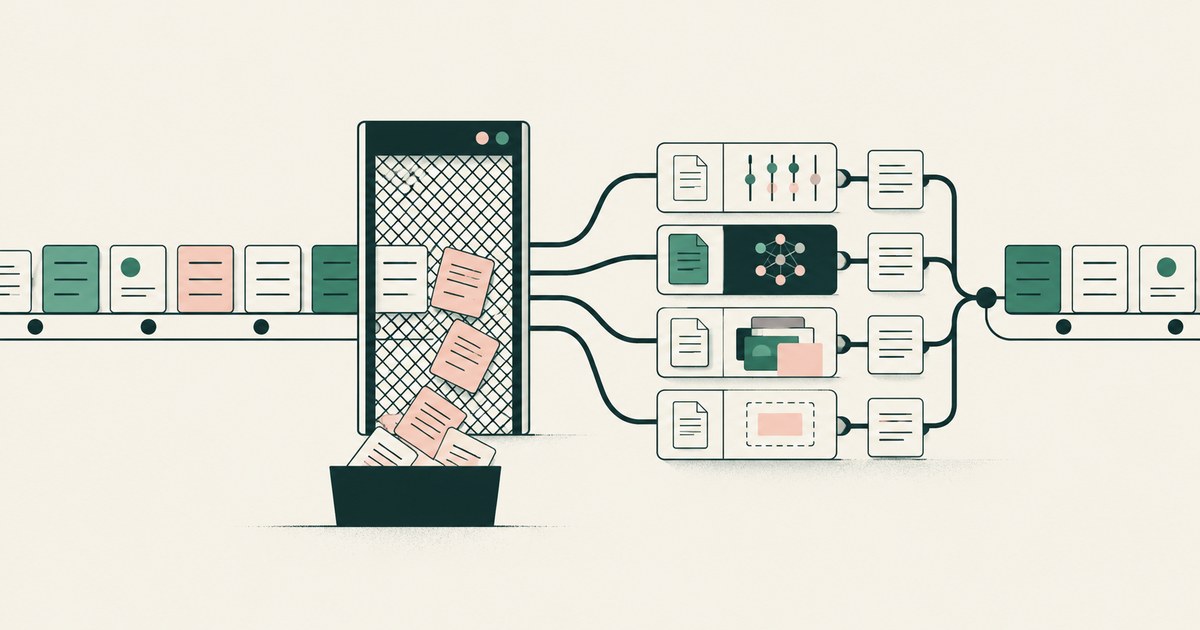
What alternatives to traditional DLP reduce false positives?
Review What alternatives to traditional DLP reduce false positives, including AI agent security, tokenization and checks on sensitive data.

How to Keep DLP Rules From Blocking Legitimate Work?
Review Keep DLP Rules From Blocking Legitimate Work, with AI agent security, tokenization and approval checks for sensitive enterprise workflows.

How to Protect Sensitive Data With Fewer DLP Rules?
Review Protect Sensitive Data With Fewer DLP Rules, with AI agent security, tokenization and approval checks for sensitive enterprise workflows.
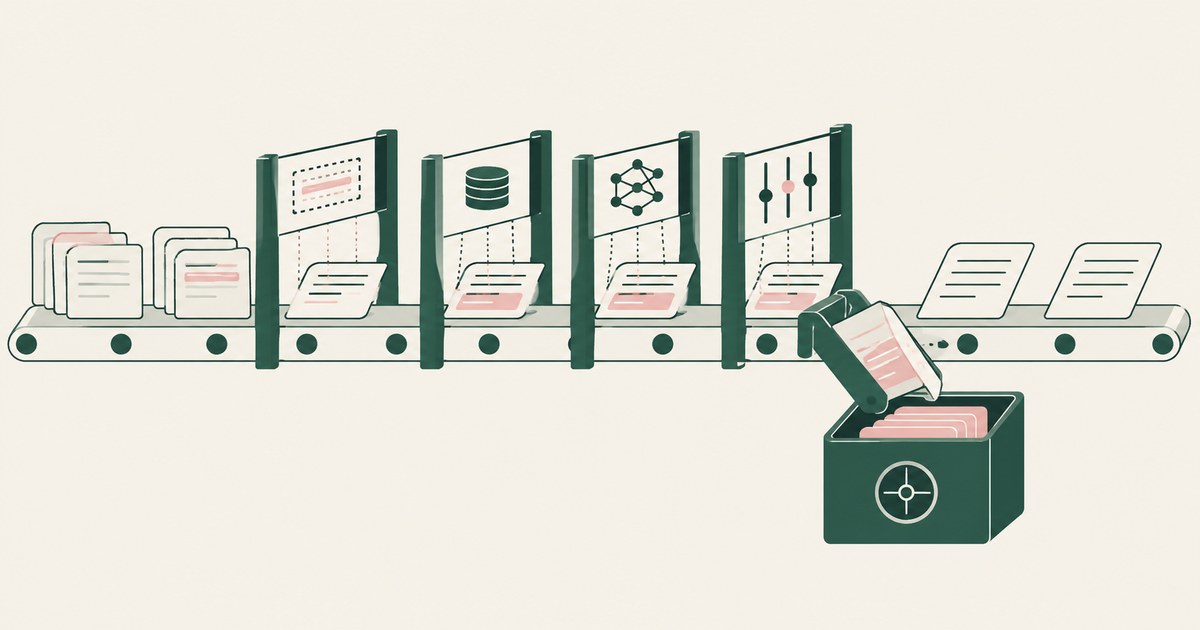
How to Protect Sensitive Data Beyond Regex Detection?
Review Protect Sensitive Data Beyond Regex Detection, with AI agent security, tokenization and approval checks for sensitive enterprise workflows.
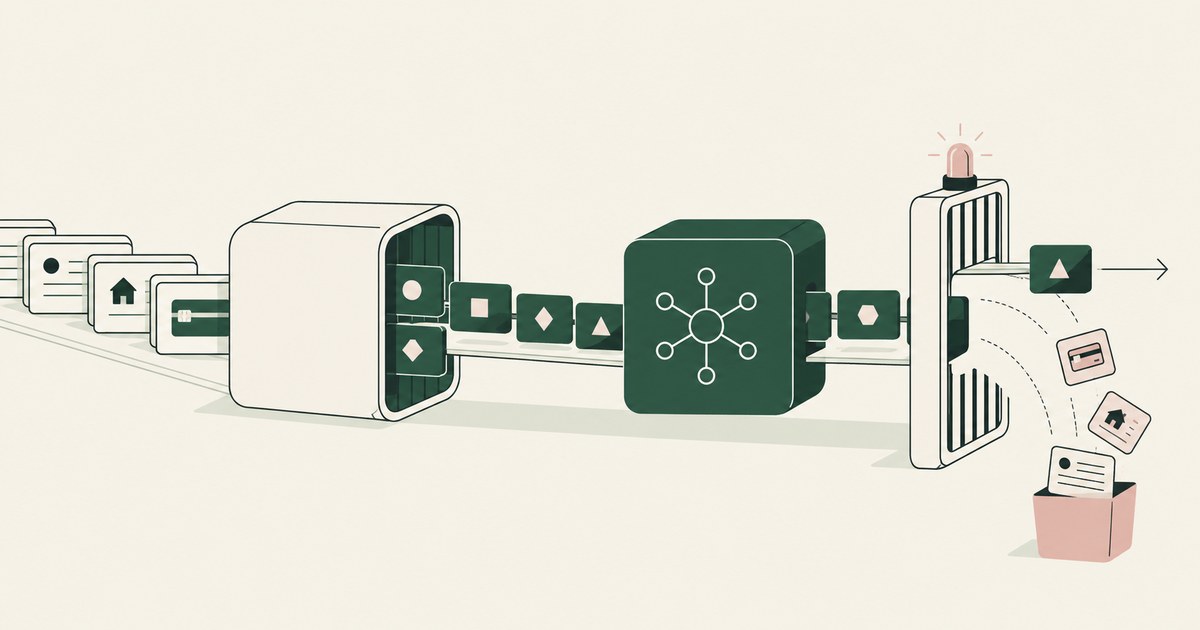
Runtime Tokenization vs DLP for AI Agents
Review Runtime Tokenization vs DLP for AI Agents, with AI agent security, tokenization and approval checks for sensitive enterprise workflows.

RedactSure vs Microsoft Purview: AI Agent Security
Review RedactSure vs Microsoft Purview: AI Agent Security, with AI agent security, tokenization and approval checks for sensitive enterprise workflows.
How to Prevent AI Agents From Oversharing Data Between Apps
Review Prevent AI Agents From Oversharing Data Between Apps, with AI agent security, tokenization and approval checks for sensitive enterprise workflows.

Can Tokenization Reduce Data Protection False Positives?
Review Can Tokenization Reduce Data Protection False Positives for AI agents, including tokenization, sensitive data exposure and human approval records.

The Two Gaps AI Agents Opened in Your Security Stack
Explore AI agent security through two questions: which PII reaches the model, and who approves consequential billing and claims actions.

What Is Render-Layer Tokenization?
Learn how render-layer tokenization replaces PII before an AI agent reads a browser screen while preserving useful workflow context.
What Is Supervised Delegation?
Explore supervised delegation for AI agents in billing and claims, with named responsibility, tokenization policies and human approvals.

What Is an AI Control Record?
Explore an AI agent control record for billing and claims, linking permissions, tokenization decisions, approvals and audit evidence.
Book an AI Agent Security Review →
Bring your hardest questions.
Bring one sensitive workflow and the decisions your team needs to keep in its hands.
Book a demoAbout the author

Chris Sowa is a founder of RedactSure and a former CEO of an AI company; he started it years before ChatGPT existed. He previously led AI at Accenture, served as Global VP of Strategy & Innovation at Schneider Electric, was CCO of Sovos, and spent more than a decade at Oracle, with earlier roles at SAP and IBM.