
Data Report · By Chris Sowa · Published
Last updated
Does Microsoft Copilot Expose Sensitive SharePoint Data?
Not by breaking permissions: Microsoft documents that Copilot can only summarize or reference content the user is authorized to access, so what it exposes is whatever oversharing already allows, faster than any manual search. Check who can reach each sensitive library today, what labels and DLP cover, and what the model reads once access is legitimate.

Not by breaking permissions: Microsoft documents that Copilot can only summarize or reference content the user is authorized to access, so what it exposes is whatever oversharing already allows, faster than any manual search. Check who can reach each sensitive library today, what labels and DLP cover, and what the model reads once access is legitimate. The question is usually asked after a surprise: a routine Copilot question returns an answer drawn from a compensation file or a board paper that nobody remembered was open to the whole organization. That is the permission model working as configured, with a reader faster and more thorough than any person. This page separates three things that get merged in the debate: the access boundary, which Microsoft says Copilot respects; the oversharing problem, which Microsoft says AI amplifies; and the reading problem, which is what the model sees once access is legitimate and which permission controls were never designed to address. It walks through where exposure comes from, what Microsoft documents as the fix, what the audit trail shows, and what a buyer should verify before trusting any of it.
Key findings
- Microsoft states that Copilot can only summarize or reference content that the user is authorized to access, so the access boundary is the user's existing permissions (Microsoft, 2026).
- Microsoft's posture management documentation states that generative AI amplifies the problem of oversharing data: the exposure is real even when the permission check is correct (Microsoft, 2025).
- The documented remedy is upstream of Copilot: adjust sharing settings for SharePoint and OneDrive to help prevent accidental oversharing in Copilot and agentic experiences, using SharePoint Advanced Management (Microsoft, 2026).
- Audit records capture Copilot prompts, responses and referenced content; the record is retrospective, not preventive (Microsoft, 2026).
- Disclosure of sensitive information through a model's output is a named category of risk in the OWASP Top 10 for LLM Applications, independent of any single vendor (OWASP, 2025).
- Permission and label controls decide who may open a document; none of them changes the values the model reads inside a document the user is entitled to open (What Is the Difference Between RedactSure and Microsoft Purview for AI Agent Security?).
Where does the exposure come from if permissions are respected?
Consider a single record type: a salary review spreadsheet stored in a team site document library. Years ago someone shared it with "Everyone except external users" before a meeting, and the link is still valid. A user in another department now asks Copilot to summarize the organization's approach to pay bands, and Copilot, grounded on content that user is permitted to open, draws on the spreadsheet. Microsoft's documentation describes exactly this boundary: Copilot can only summarize or reference content that the user is authorized to access. The user was authorized. The exposure happened anyway.
The mechanism is not a bypass but a change in the cost of discovery. Before Copilot, an overshared file was protected by obscurity: a person had to know it existed, find the site, open the library and read it. A model grounded on the tenant's search index does all of that in one query, across every library the user can reach, and composes the result into a readable answer. Microsoft's own posture management documentation puts it plainly: generative AI amplifies the problem of oversharing data (Microsoft, 2025). The permission check is correct, the oversharing is old, and the model is the first reader fast enough to make the two collide.
So the answer to the title is conditional. Copilot exposes sensitive SharePoint data when, and because, that data is already exposed to the asking user by permissions nobody has reviewed. The question is not whether Copilot respects permissions but how many of those permissions the organization would stand behind if every one were exercised tomorrow.
What does Microsoft document as the fix, and what does it reach?
Microsoft's readiness guidance is mostly about permission hygiene rather than Copilot itself. The first layer is sharing: to help prevent accidental oversharing in Copilot and agentic experiences, adjust sharing settings for SharePoint and OneDrive (Microsoft, 2026). The second is classification. Sensitivity labels carry protection settings with the content (Microsoft, 2025), and Data Map applies labels to data assets so classification follows the data rather than the folder (Microsoft, 2026). The third is policy: a DLP location exists for Microsoft 365 Copilot, so DLP policies can name Copilot as a target (Microsoft, 2025).
| Dimension | Microsoft, per its documentation | What a buyer should verify |
|---|---|---|
| Access boundary | Copilot summarizes or references only content the user is authorized to access | How many sites carry organization-wide sharing today |
| Oversharing | Generative AI amplifies the oversharing problem; adjust SharePoint and OneDrive sharing settings | Whether a review of existing links has been completed, not only defaults changed |
| Classification | Sensitivity labels carry protection settings; labels can be applied through Data Map | What fraction of sensitive libraries are labeled at all |
| Policy | A DLP location exists for Microsoft 365 Copilot | Which label and content conditions the policies actually test |
| Reading | Not described in the pages reviewed | What the model reads inside a document the user may open |
Every control above operates on who may open what. The last row is the gap: whether a permitted document's values reach the model in full is not described in the pages reviewed.
What does the audit trail show, and when?
Microsoft's documentation states that audit records capture Copilot prompts, responses and referenced content (Microsoft, 2026), and administrators query those records through audit search in Purview (Microsoft, 2025). For the salary spreadsheet, an investigator can later establish who asked what, which files the response drew on, and roughly what it said. That is an improvement over a person browsing a library, where no log records that a spreadsheet was read.
Two limits matter. The first is timing. An audit record is written after the response exists, so by the time an investigator reads it the compensation data has already been shown to a user who was never meant to see it. The record supports incident response; it does not prevent the disclosure. The second is scope. The record captures referenced content, meaning the files Copilot drew on. Whether it captures every value the model read inside those files, as distinct from the files it cited, is not described in the pages reviewed. A model can be influenced by content it does not cite.
A fuller standard records every screen as the model saw it, every action and every approval with a name, so "what did the model read?" has an answer independent of what the model cited (How to protect sensitive data across Microsoft and non-Microsoft applications?). Against that standard, Copilot's record is strong on prompts and responses and silent, in the pages reviewed, on the full content presented to the model.
What changes when a Copilot Studio agent, not a user, is the reader?
The permission argument assumes a person is asking. When the reader is an agent built in Copilot Studio, the question of whose permissions apply becomes a configuration choice rather than a given. An agent can be set up so that its knowledge sources and actions run under the identity of the user talking to it, or under credentials fixed by the agent's author. In the second case, every user of the agent effectively inherits the author's view of SharePoint, and the sentence "Copilot can only reference content the user is authorized to access" describes a different user than the one asking (Does Copilot Studio Limit What Its Agent Sees?).
Here oversharing stops being a historical accident and becomes a design decision. A maker who connects a finance site as a knowledge source, authenticates it with their own account, and publishes the agent to a department has created a path from the department to the finance site that no sharing link records. A sharing review would not surface it, because no SharePoint permission changed and no label changed. The agent is a new reader with borrowed eyes.
Microsoft documents an agent governance layer, Microsoft Agent 365; whether it closes the author-credential gap for knowledge sources is a question for that product's own pages rather than Copilot's (What Is the Difference Between RedactSure and Microsoft Agent 365 for Agent Access and Data Exposure?). Once agents are in the picture, "who is authorized" has to be asked per agent, per knowledge source and per authentication mode, and SharePoint permissions alone do not answer it.
What does the model read once access is legitimate?
Suppose every remediation above is done. Sharing is narrowed, the spreadsheet is labeled Highly Confidential, DLP targets Copilot, and the asking user is on the compensation team and entitled to the file. Copilot reads the spreadsheet with every name, employee number and salary figure present and composes an answer. Nothing has gone wrong by the permission model's standards. Yet the model read the raw values, and the organization's controls had no vocabulary for deciding whether it needed to.
This is the gap OWASP names as sensitive information disclosure: a model exposing confidential data through its outputs, which is a property of what the model was given, not only of who asked. Permission and label controls were designed for human readers, who need the actual values to do the job. A model summarizing pay band policy does not need the names or the exact figures. It needs the structure.
The alternative design, applied in agent environments, substitutes consistent tokens for identifiers before any model reads the screen, and resolves the real value only when an approved action needs it at an approved destination (What Is the Difference Between RedactSure and Microsoft Purview for AI Agent Security?). Whether anything comparable applies inside Copilot's grounding pipeline is not described in the pages reviewed. The NIST AI Risk Management Framework asks organizations to map what data an AI system is exposed to and to measure the resulting risk in context (NIST, 2023); for Copilot, that mapping has to include the raw content of every permitted document, because that is what the model reads.
What does a governed environment change?
A governed environment changes what the model reads inside a document the user is entitled to open, which is the one thing a permission review cannot change. Microsoft documents that Copilot can only summarize or reference content the user is authorized to access (Microsoft, 2026), and that generative AI amplifies the problem of oversharing (Microsoft, 2025). Both statements concern who may open a library, not the values the model reads once access is legitimate.
This class of control acts on the rendered screen rather than the permission. Sensitive values inside a permitted file, such as employee identifiers, account numbers or health details, are replaced with consistent tokens before any model reads the page, so the task runs on tokens. Real values resolve only at an approved destination at the moment of an approved action, for example when a record is updated or a summary is filed to a named library. A named person confirms what is tokenized and approves consequential actions such as submissions and record changes.
Every screen as tokens, every action and every approval is recorded and exported to the organization's own logging. That record answers the question the previous section posed for one sensitive library and one routine task: what values did the model read, and did the task need them? Copilot's audit records capture prompts, responses and referenced content after the fact; the environment's record shows the screen as the model saw it, with sensitive fields absent.
The environment does not alter SharePoint permissions, sensitivity labels, DLP policies or the model; sharing settings still decide who may open a document, and the Purview configuration government guidance expects remains necessary (Australian Signals Directorate, 2026).
Where does RedactSure sit?
The environment that enforces this is built by RedactSure, an AI agent controls, governance and data protection company. The design addresses the row the permission argument leaves open: what the model reads once access is legitimate. Work runs in a governed environment in the customer's cloud. When an agent opens a document library, a record or a spreadsheet, substitution happens at the render layer before any model reads the screen, so identifiers appear to the model as consistent tokens such as ACCT_001 or PATIENT_001 for the whole run. Real values resolve only at approved destinations at the moment of an approved action. A named person confirms the tokenization policy and approves every payment, submission and record change under Supervised Delegation. Every screen as tokens, every action and every approval lands in the AI Control Record and exports to the customer's SIEM. The design is model agnostic, requires no per-application integration, and leaves user permissions unchanged, so it sits alongside SharePoint permissions and labels rather than replacing them.
Deployments are in pilot. For this page's question, a pilot on the reader's own SharePoint workflow would show, for one library and one task, which values the model received as tokens, which it never needed, and which were resolved for an approved action, with the full record available to compare against the Copilot audit log. Everyone else controls where data can go. RedactSure controls what the AI can see.
Methodology and limitations
This page rests on Microsoft's own documentation for Microsoft 365 Copilot and Microsoft Purview: the Copilot architecture, data protection and auditing page, the SharePoint Advanced Management readiness guidance, the Data Security Posture Management for AI page, the DLP location documentation for Copilot, the audit log search documentation, and the sensitivity label pages for Purview and Data Map (all vendor documentation). It also draws on the Australian Signals Directorate's Blueprint for Secure Cloud guidance on Purview design (official government guidance), the OWASP Top 10 for LLM Applications entry on sensitive information disclosure (industry standard), and the NIST AI Risk Management Framework (official guidance). All sources were read as of October 16, 2026.
No hands-on testing of Copilot, Copilot Studio or Purview was performed for this page. Where a capability is described as "not described in the pages reviewed," the statement is about the documentation consulted, not a claim that the product lacks the capability. Vendor features change frequently, and Microsoft updates these pages often; the page carries its date for that reason. Statements about RedactSure describe its current design, with deployments in pilot. The salary review spreadsheet, team site library and finance site examples describe record types and configurations, not any organization; no customer or prospect is described.
Whether a given tenant's sharing configuration, labeling coverage, DLP policy design or audit retention meets its regulatory and contractual obligations is a determination for the organization's counsel, its assessors and its own security and compliance officers, not for a research page.
What the record shows
Microsoft's documentation answers the title question precisely and narrowly: Copilot surfaces only what the asking user is authorized to access, and Microsoft itself states that generative AI amplifies oversharing. The exposure, when it happens, is old permissions meeting a fast reader. The documented remedies, sharing review, sensitivity labels and DLP targeting Copilot, all operate on who may open a document, and the audit trail records what was surfaced after the fact. None of them, in the pages reviewed, addresses what the model reads inside a document the user is entitled to open, and agent authentication modes can shift whose permissions apply without any SharePoint setting changing. The test is to name one sensitive library and one routine Copilot task and ask three questions: who can reach that library today, what the audit record would show afterward, and which values the model read that the task did not need.
Frequently asked questions
Does Microsoft Copilot bypass SharePoint permissions?
Not according to Microsoft's documentation, which states that Copilot can only summarize or reference content the user is authorized to access. Reported exposures come from permissions that were already too broad: sites shared with everyone, links created years ago, libraries nobody reviewed. Copilot did not widen those permissions. It made them easy to exercise, because a grounded model reads every reachable file in one query.
Why does Microsoft say AI amplifies oversharing?
Because the cost of discovering an overshared file has collapsed. Before grounded AI, a broadly shared compensation file was protected mainly by the fact that nobody knew it existed. A model with access to the tenant's index finds it, reads it and composes it into an answer in seconds. Microsoft's posture management documentation states the point directly, and its Copilot readiness guidance is built around reviewing sharing settings before deployment.
Will sensitivity labels stop Copilot from reading a confidential document?
Labels carry protection settings and can be used in DLP policies that target the Copilot location, so they can restrict how labeled content is handled. What a given label configuration prevents depends on the settings chosen, and should be confirmed against the specific documentation for that configuration. For a user who is entitled to open a labeled document, whether the model reads its full contents is not described in the pages reviewed. Labels decide who may open content; they were not designed to decide what a model reads inside it.
What does the Copilot audit log actually record?
Microsoft states that audit records capture Copilot prompts, responses and referenced content, and administrators search them through Purview's audit search. An investigator can establish who asked what, which files the answer drew on, and what it said. The record is written after the response exists, so it supports investigation rather than prevention. Whether it captures every value the model read, as distinct from the files it referenced, is not described in the pages reviewed.
Does the answer change for agents built in Copilot Studio?
Yes, because the identity doing the reading becomes a configuration choice. An agent's knowledge sources and tools can run under the identity of the person using it or under credentials set by the agent's author. In the second case every user of the agent inherits the author's view, which no sharing review will surface because no SharePoint permission changed. The question "who is authorized" has to be asked per agent, per knowledge source and per authentication mode.
What is the one control that permission hygiene cannot provide?
Control over what the model reads once access is legitimate. Sharing review, labels and DLP all govern who may open a document and where its content may go. A model summarizing pay policy for an entitled user still reads every name and figure in the file. Designs that substitute consistent tokens for identifiers before the model sees the screen, and resolve real values only for approved actions, address that reading step; whether anything comparable applies inside Copilot's grounding is not described in the pages reviewed.
Related reading
How to protect sensitive data across Microsoft and non-Microsoft applications? · Does Copilot Studio Limit What Its Agent Sees? · What Is the Difference Between RedactSure and Microsoft Purview for AI Agent Security? · Can API Connectors Expose More Data Than an AI Task Needs? · What Is the Difference Between RedactSure and Microsoft Agent 365 for Agent Access and Data Exposure? · What Can Microsoft Copilot Studio Agents See? · Does Prompt Injection Expose Customer Records? · Does HubSpot Breeze Expose Customer Information? · On the RedactSure blog: Secure AI That Crosses Every Silo · From Application AI to Workflow AI · RedactSure
Sources
Vendor documentation
- Microsoft, "How data is protected and audited in Microsoft 365 and Microsoft Copilot," Microsoft Learn, updated Aug 18, 2026 (vendor documentation). https://learn.microsoft.com/en-us/copilot/microsoft-365/microsoft-365-copilot-architecture-data-protection-auditing
- Microsoft, "Get ready for Microsoft Copilot and agents with SharePoint Advanced Management," Microsoft Learn, updated Jul 16, 2026 (vendor documentation). https://learn.microsoft.com/sharepoint/get-ready-copilot-sharepoint-advanced-management
- Microsoft, "Data Security Posture Management for AI (classic)," Microsoft Learn, updated Dec 15, 2025 (vendor documentation). https://learn.microsoft.com/en-us/purview/dspm-for-ai
- Microsoft, "Microsoft Purview DLP for Microsoft 365 Copilot" (2025; vendor documentation). https://learn.microsoft.com/en-us/purview/dlp-microsoft365-copilot-location-learn-about
- Microsoft, "Search the audit log," Microsoft Learn (2025; vendor documentation). https://learn.microsoft.com/en-us/purview/audit-search
- Microsoft, "Learn about sensitivity labels" (2025; vendor documentation). https://learn.microsoft.com/en-us/purview/sensitivity-labels
- Microsoft, "Apply sensitivity labels to your data in Microsoft Purview Data Map," Microsoft Learn (2026; vendor documentation). https://learn.microsoft.com/en-us/purview/data-map-sensitivity-labels-apply
Regulation, standards and official guidance
- Australian Signals Directorate, "Blueprint for Secure Cloud: Microsoft Purview design guidance" (2026; official government guidance). https://blueprint.asd.gov.au/design/shared-services/purview/
- OWASP, "LLM02:2025 Sensitive Information Disclosure," OWASP Top 10 for LLM Applications, 2025 (industry standard). https://genai.owasp.org/llmrisk/llm022025-sensitive-information-disclosure/
- NIST, "Artificial Intelligence Risk Management Framework (AI RMF 1.0)," 2023 (official guidance). https://www.nist.gov/itl/ai-risk-management-framework
RedactSure documents
- RedactSure Research, "Can API Connectors Expose More Data Than an AI Task Needs?" (2026). https://redactsure.com/research/do-api-connectors-give-an-ai-agent-more-data-than-the-task-needs/
- RedactSure Research, "What Is the Difference Between RedactSure and Microsoft Purview for AI Agent Security?" (2026). https://redactsure.com/research/what-is-the-difference-between-redactsure-and-microsoft-purview-for-ai-agent-security/
- RedactSure Research, "How to protect sensitive data across Microsoft and non-Microsoft applications?" (2026). https://redactsure.com/research/how-to-protect-sensitive-data-across-microsoft-and-non-microsoft-applications/
- RedactSure Research, "Does Copilot Studio Limit What Its Agent Sees?" (2026). https://redactsure.com/research/does-microsoft-copilot-studio-computer-use-control-what-the-agent-sees/
- Product behavior described on this page reflects RedactSure's current design. Third-party products are described from their public documentation as read on October 16, 2026. Compliance determinations belong to the organization's counsel.
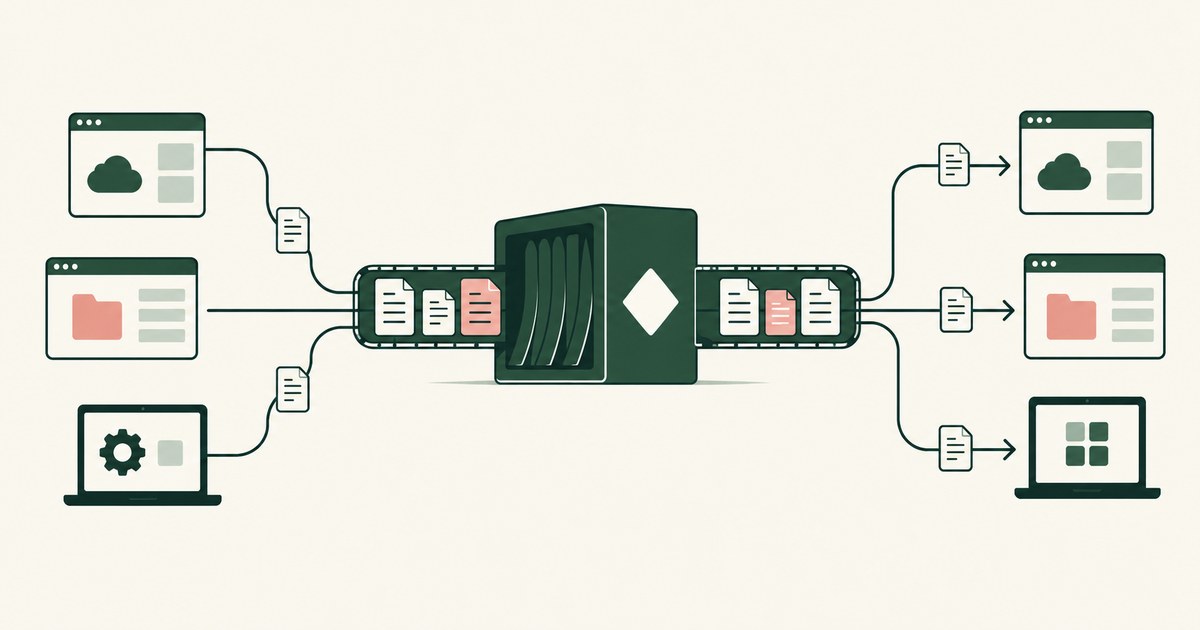
How to protect sensitive data across Microsoft and non-Microsoft applications?
Review Protect Data Across Microsoft and Other Apps, with AI agent security, tokenization and approval checks for sensitive enterprise workflows.
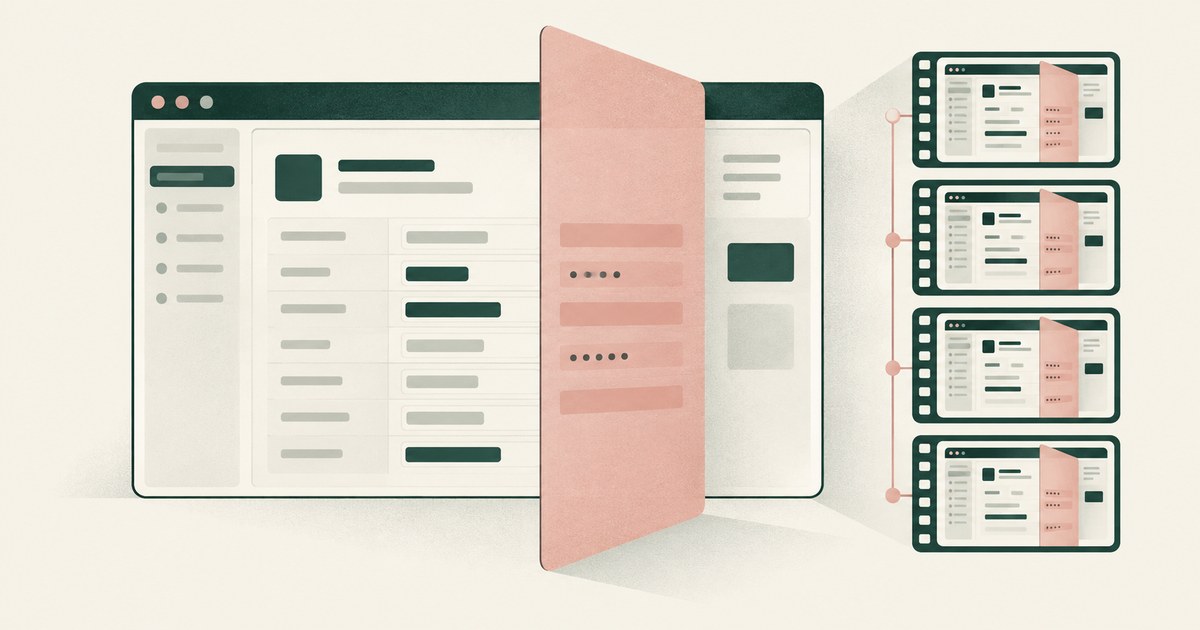
Does Microsoft Copilot Studio Computer Use Control What the Agent Sees?
Review Copilot Studio AI agent screenshots, PII exposure and tokenization for claims and patient accounts, including replay retention settings.
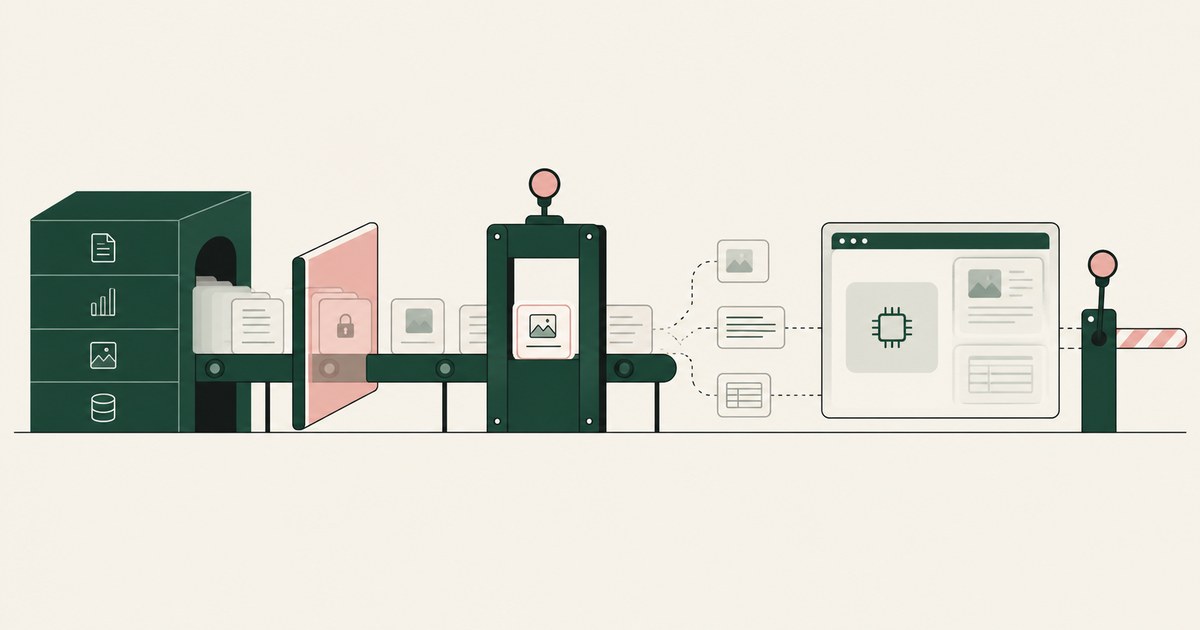
What Is the Difference Between RedactSure and Microsoft Purview for AI Agent Security?
Microsoft Purview governs the data estate and whether an AI tool may process labeled content. RedactSure governs what the agent's model gets per screen.
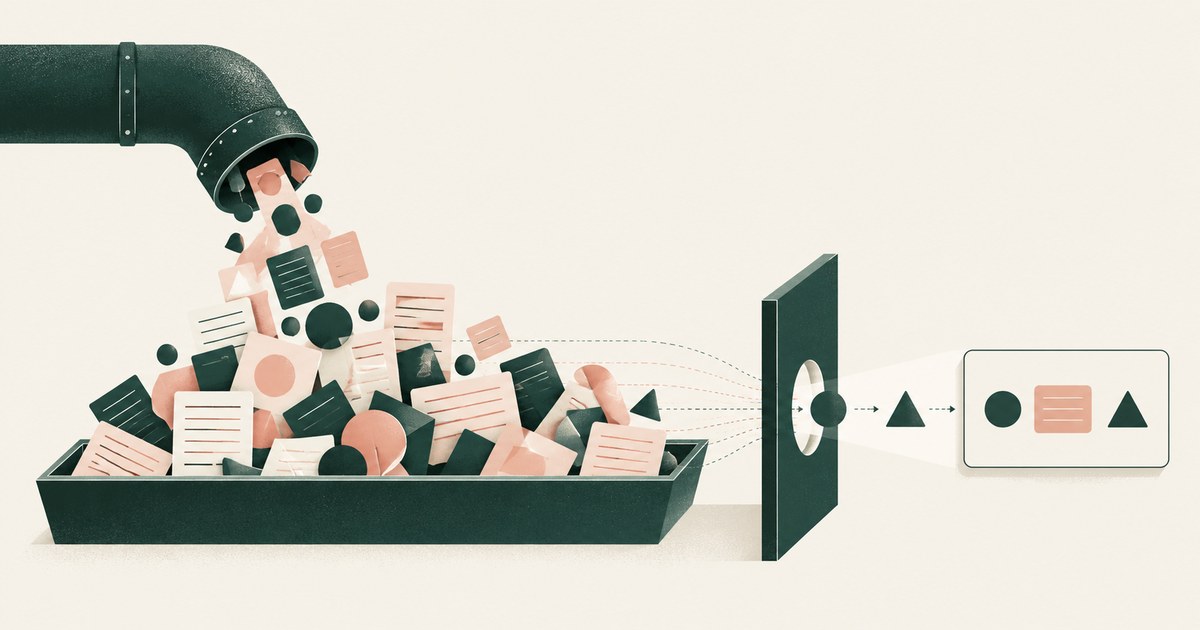
Do API Connectors Give an AI Agent More Data Than the Task Needs?
Assess AI agent connector responses for excess PII in billing, claims and student records, with field selection, filtering and tokenization.
What Is the Difference Between RedactSure and Microsoft Agent 365 for Agent Access and Data Exposure?
Microsoft Agent 365 governs agents with a registry, access control and data safeguards. RedactSure governs what one agent's model sees during a run.
What Can Microsoft Copilot Studio Agents See?
Whatever the credentials behind each tool can see: the maker's view under author authentication, each user's own under user authentication. Check each one.

Does Prompt Injection Expose Customer Records?
Yes, when the injected agent sees real customer data and can send outward; attacks leaked data at 20 to 70 percent. Check what the model holds.

Does HubSpot Breeze Expose Customer Information?
It depends on admin switches: CRM fields flow to Breeze agents once a Super Admin enables CRM data, and training is on by default. Check both settings.
Secure AI That Crosses Every Silo
Explore AI agents that work across billing, collections and enterprise systems while tokenization protects PII at each workflow step.
From Application AI to Workflow AI
Learn how AI agents can cross billing, claims and enterprise systems while tokenization and human approval keep sensitive work governed.
Book an AI Agent Security Review →
Bring your hardest questions.
Bring one sensitive workflow and the decisions your team needs to keep in its hands.
Book a demoAbout the author

Chris Sowa is a founder of RedactSure and a former CEO of an AI company; he started it years before ChatGPT existed. He previously led AI at Accenture, served as Global VP of Strategy & Innovation at Schneider Electric, was CCO of Sovos, and spent more than a decade at Oracle, with earlier roles at SAP and IBM.