
Data Report · By Chris Sowa · Published
Last updated
What Can Microsoft Copilot Studio Agents See?
Whatever the credentials behind each tool can see: under author authentication every user gets the maker's view, under user authentication each person gets their own, and with computer use the agent reads any application screen it is pointed at. Check the authentication mode on every knowledge source and action, then ask what the model reads on each rendered screen.
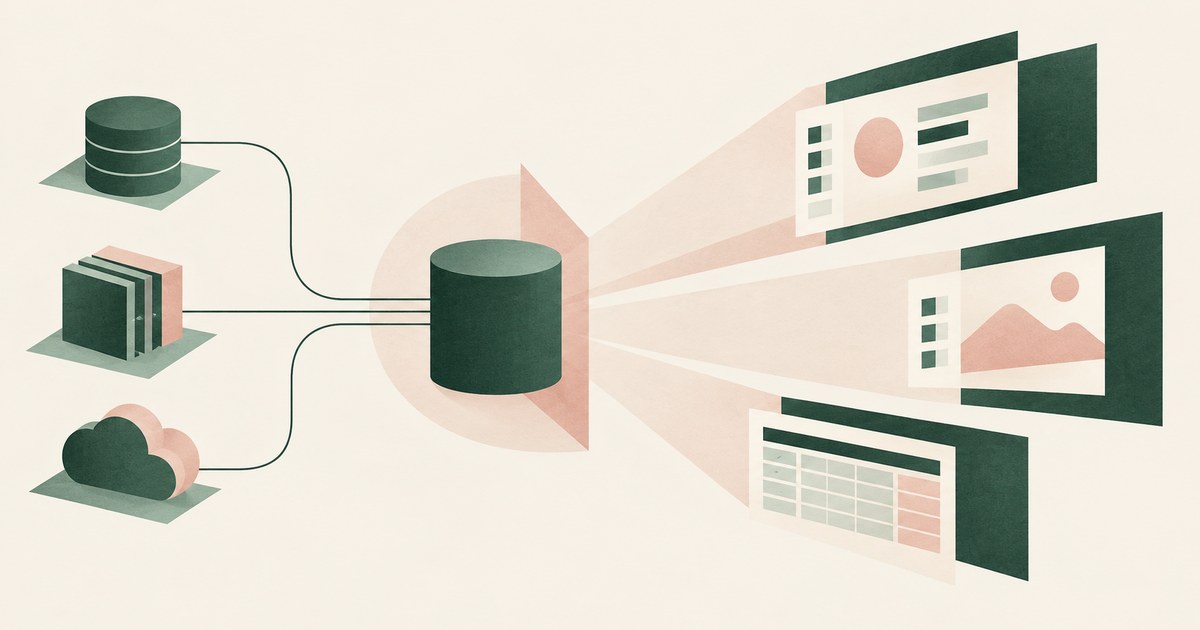
Whatever the credentials behind each tool can see: under author authentication every user gets the maker's view, under user authentication each person gets their own, and with computer use the agent reads any application screen it is pointed at. Check the authentication mode on every knowledge source and action, then ask what the model reads on each rendered screen. A Copilot Studio agent is not one thing with one view of the world. It is a bundle of knowledge sources, connectors, actions and, where enabled, a computer use capability that drives web and desktop applications through their interfaces. Each piece carries its own identity and reach, and the answer to the title question is the sum of them. Microsoft documents the pieces separately; what is rarely written down is how they combine for a given agent published to a given audience. This page assembles them: whose credentials decide the view, what knowledge sources and connectors add, what computer use changes, what administrators can see in the audit logs, where third-party tools position themselves, and what a buyer should verify before trusting a statement about any of it. The underlying issue runs through every agent platform: what an agent sees in a screenshot is everything on it, and permissions decide who can open the screen, not what the model reads once it is open.
Key findings
- Microsoft's authentication documentation offers two modes for tools: agent author authentication, which applies where access is implicit, and user authentication, for cases where data access must be restricted to specific groups or individuals (Microsoft, 2026).
- Data policies in Copilot Studio control agent knowledge sources, actions, connectors and skills, and administrators have full visibility into maker audit logs in Purview (Microsoft, 2026).
- Microsoft documents computer use as a way to automate web and desktop applications, which means the agent reads whatever those applications render rather than only the data a connector returns (Microsoft, 2026).
- A customer thread on Microsoft Q&A asks for clarification on Purview DLP coverage of a Copilot computer use data exfiltration scenario, so DLP reach into computer use is a live question for deployers (Microsoft Q&A, 2026).
- Sensitive information disclosure is a named category in the OWASP Top 10 for LLM Applications, whether data reaches the model through a connector or a screen (OWASP, 2025).
- Permission controls decide who can open a screen; they do not change the values a model reads once the screen is in front of it (Does Copilot Studio Limit What Its Agent Sees?).
Whose credentials decide what a Copilot Studio agent sees?
Start with the most consequential setting. Microsoft documents two authentication choices for an agent's tools. Agent author authentication is described as applying where access is implicit: the tool runs under credentials the maker supplied when building the agent. User authentication is the option Microsoft points to if you must restrict data access to specific groups or individuals: the tool runs under the credentials of the person talking to the agent (Microsoft, 2026). The choice decides whose view of the data every user of the agent receives.
Consider one record type: an employee case record in an HR case management application. A maker on the HR team builds an agent that answers questions about open cases, connects the application as a tool, and authenticates it as the author because that is quicker and the maker can see all cases anyway. The agent is published to the whole organization. Every employee who asks about a case now receives an answer grounded on the maker's view of the case system, including cases the asking employee could never open directly. No permission in the HR application changed. The agent is, in effect, the maker, speaking to everyone.
Under user authentication the same agent would see only what each asking employee could see. That is the configuration Microsoft points to for restricted data, and the one a reviewer should expect on any tool that touches confidential records. The practical question is therefore not what Copilot Studio agents can see in the abstract but, for each published agent, which mode each tool is set to and whether the agent's audience is wider than the data's.
What do knowledge sources, connectors and actions add to the view?
Knowledge sources ground an agent's answers; connectors and actions let it read from and write to other systems; skills extend it. Microsoft's governance documentation states that data policies control agent knowledge sources, actions, connectors and skills, and that administrators have full visibility into maker audit logs in Purview (Microsoft, 2026). The model is one of allow lists: an administrator decides which connectors makers may use, and the audit log records what makers did.
| Dimension | Microsoft, per its documentation | What a buyer should verify |
|---|---|---|
| Tool identity | Author authentication where access is implicit; user authentication to restrict access to groups or individuals | The mode set on every tool of every published agent |
| Governance scope | Data policies control knowledge sources, actions, connectors and skills | Which connectors are allowed, and who approved the list |
| Maker oversight | Administrators have full visibility into maker audit logs in Purview | Whether anyone reviews those logs and how often |
| Computer use | Automates web and desktop applications through their interfaces | Which applications the agent is pointed at and what their screens contain |
| Values read by the model | Not described in the pages reviewed | What the model receives from each connector response and each screen |
Allow lists govern which doors exist, not how much comes through an open door. A connector that returns an employee case returns the whole case object, needed fields and unneeded alike, and the model reads all of them; a connector gives an agent the record, not the task's subset of it. Whether Copilot Studio narrows a connector's response to the fields a task requires is not described in the pages reviewed.
What does computer use let the agent see?
Computer use removes the connector altogether. Microsoft documents it as a way to automate web and desktop applications, so an agent can operate an application with no connector by working its interface as a person would (Microsoft, 2026), and Microsoft's blog frames the February 2026 update as more secure UI automation at scale (Microsoft, 2026). The capability changes the title question in kind, not degree.
Return to the employee case record, now in a legacy desktop application with no connector. The agent opens the case screen to update a status field. To do that it reads the screen, which contains the employee's name, identifier, home address, the case narrative and whatever else the application rendered. The task needed one field; the model received the page. That is the general property of screen-reading agents: the model sees everything on the screen, because the screen is the input. Authentication decides whether the agent may open the screen; it has no bearing on how much of it the model reads.
Computer use also widens exposure to untrusted content. A page can contain text placed there by someone else, a note on a ticket or a web page the agent was asked to consult, and it reaches the model as part of the screen. OWASP names this risk as prompt injection, and the indirect form, where the instruction arrives inside data the model reads, is the one that matters for agents operating interfaces (OWASP, 2025). What Copilot Studio does to screen content before the model reads it, beyond the security measures the blog describes in general terms, is not described in the pages reviewed.
What can administrators see, and what governs the agents themselves?
Visibility runs in two directions. The first is what administrators can see about makers: full visibility into maker audit logs in Purview, with data policies controlling which knowledge sources, connectors and actions makers may use. An administrator can establish who built an agent, what they connected, and whether they stayed inside policy. That is governance of the build.
The second is governance of the running agent as an actor in the tenant. Microsoft documents Microsoft Agent 365 as a product for managing agents as a class, alongside users (Microsoft, 2026). An agent's identity is what the rest of the estate sees when the agent reads a record, and governance of that identity is what makes the reading attributable. How Agent 365 interacts with the author versus user authentication choice inside Copilot Studio is a question for both products' documentation; the overview page reviewed describes scope rather than that interaction (What Is the Difference Between RedactSure and Microsoft Agent 365 for Agent Access and Data Exposure?).
Neither direction answers what the model read on a given screen. The maker log records configuration; the agent identity records the actor. A record of the content presented to the model at each step is not described in the pages reviewed, and without it the only evidence of what the model saw is its output.
Where do third-party tools and the DLP question fit?
Third-party vendors have positioned products around Copilot Studio, which is evidence that deployers see a gap between the platform's controls and their requirements. CrowdStrike describes its Falcon AIDR product as protecting Copilot Studio agents (CrowdStrike, 2026), and Zenity announced security for Copilot Studio agents spanning build time to runtime (Zenity, 2025). What each product sees of the model's inputs, as distinct from configuration and outputs, is a question for its own documentation.
The DLP question is sharper and comes from customers rather than vendors. A thread on Microsoft Q&A asks for clarification of Purview DLP coverage in a Copilot computer use data exfiltration scenario (Microsoft Q&A, 2026). The question is the point, independent of any answer in the thread: a deployer could not tell from the documentation whether a DLP control written for Microsoft 365 content reaches an agent that reads and types inside an arbitrary application. DLP inspects content at the boundaries it was built for; a desktop application's screen is a new boundary.
The pattern is familiar: Purview governs where labeled content may go, while the question for an agent is what the model reads on the screen before anything goes anywhere (What Is the Difference Between RedactSure and Microsoft Purview for AI Agent Security?). One question is about egress and the other about input; an organization running computer use agents needs an answer to both.
What does a governed environment change?
In a governed environment, the credentials behind a Copilot Studio tool still decide which screens the agent can open, but the sensitive values on each screen are replaced with tokens before the model reads it, so a computer use agent running under author authentication reads the maker's screens without reading the maker's data.
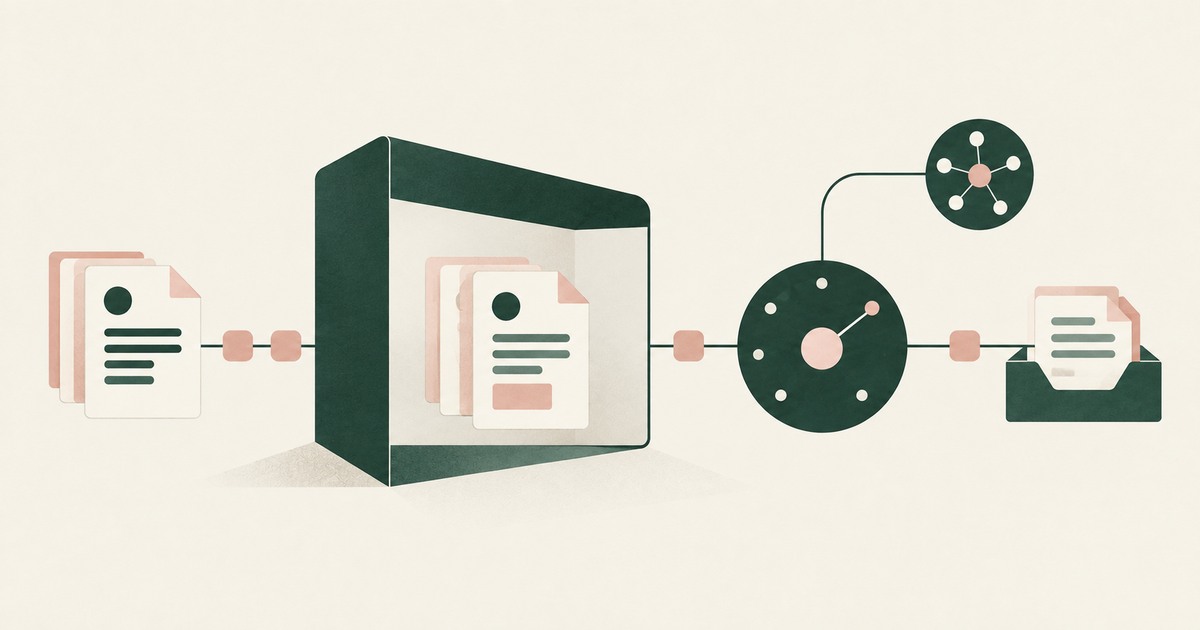
The mechanism is a class of control that sits between the rendered application and the model. Sensitive values on the screen are replaced with consistent tokens before any model reads them, and the task runs on those tokens. Real values resolve only at an approved destination at the moment of an approved action. A named person confirms what is tokenized and approves consequential actions, including payments, submissions and record changes. Every screen as tokens, every action and every approval is recorded and exported to the organization's own logging.
This matters most for computer use, which Microsoft documents as automating web and desktop applications (Microsoft, 2026), because there the agent reads whatever the application renders. The previous section asked, for one agent, one application and one task, what values the model read on each screen and whether the task needed them; the environment produces that record for every run. It also answers the deployer who asked about Purview DLP coverage of computer use (Microsoft Q&A, 2026): the values a DLP rule would need to catch were never on the screen.
The control does not change the authentication mode on any tool, the data policies in Copilot Studio, the Purview logs or the model; it changes which values are on a rendered screen when the model reads it.
Where does RedactSure sit?
The environment that enforces this is built by RedactSure, an AI agent controls, governance and data protection company. The design addresses the last row of the table: what the model reads once the agent has legitimately opened a screen. Work runs in a governed environment in the customer's cloud. When an agent opens an employee case, a customer account or a console page, substitution happens at the render layer before any model reads the screen, so identifiers appear to the model as consistent tokens such as ACCT_001 or PATIENT_001 for the whole run. Real values resolve only at approved destinations at the moment of an approved action. A named person confirms the tokenization policy and approves every payment, submission and record change under Supervised Delegation. Every screen as tokens, every action and every approval lands in the AI Control Record and exports to the customer's SIEM. The design is model agnostic, requires no per-application integration, and leaves user permissions unchanged, so a tool's authentication mode stays the organization's decision while the model's view of each screen is governed separately.
Deployments are in pilot. For this page's question, a pilot on the reader's own computer use workflow would show, screen by screen, which values the model received as tokens, which it never needed, and which were resolved for an approved action, producing the input record that configuration alone cannot. Everyone else controls where data can go. RedactSure controls what the AI can see.
Methodology and limitations
This page rests on Microsoft's documentation for Copilot Studio: the user authentication configuration page, the security and governance page (read in the Hebrew locale with English translation), the computer use documentation, the Copilot blog post on computer-using agents, and the Microsoft Agent 365 overview (all vendor documentation). It also draws on a Microsoft Q&A thread on Purview DLP coverage for computer use, vendor publications from CrowdStrike and Zenity describing products positioned around Copilot Studio (vendor documentation and press release), and the OWASP Top 10 for LLM Applications entries on prompt injection and sensitive information disclosure (industry standards). All sources were read as of October 16, 2026.
No hands-on testing of Copilot Studio, computer use, Purview or any third-party product was performed. "Not described in the pages reviewed" concerns the documentation consulted, not a claim that the product lacks the capability. The Microsoft Q&A thread is cited for the question it raises, not for any answer in it. Vendor features change, and the page carries its date. Statements about RedactSure describe its current design, with deployments in pilot. The employee case record, HR case application and legacy desktop application examples describe record types and configurations, not any organization; no customer or prospect is described.
Whether an agent's authentication configuration, connector allow list, computer use scope or audit coverage meets an organization's obligations is a determination for its counsel, assessors and its own security and compliance officers, not for a research page.
What the record shows
Microsoft documents the parts of the answer. A tool runs under the author's credentials or the user's, and only the second restricts data to specific people. Data policies control which knowledge sources, connectors and actions makers may use, and administrators can see maker audit logs in Purview. Computer use lets an agent operate any web or desktop application through its interface, which means the agent reads whatever those applications render. What none of the pages reviewed describe is the model's input: which values from a connector response or a rendered screen the model read, and whether the task needed them. The test is to name one published agent and one task and ask three questions: which authentication mode each of its tools uses, which application screens it reads, and what record exists of the content the model received on each one.
Frequently asked questions
Does a Copilot Studio agent see what its user can see?
Only when its tools use user authentication. Microsoft documents that mode as the one to use if data access must be restricted to specific groups or individuals. Under agent author authentication, which Microsoft describes as applying where access is implicit, the tool runs under the maker's credentials and every user receives the maker's view. An agent with mixed modes sees different things through different tools, so the question has to be answered tool by tool.
What is the risk of author authentication?
Audience mismatch. A maker who can see all records authenticates a tool as themselves and publishes the agent widely, and every user inherits the maker's view without any permission in the source system changing. Sharing reviews in the source system will not find it, because nothing there moved. It appears only in an inventory of published agents, their tools, each tool's authentication mode, and the agent's audience.
What does computer use change about what an agent sees?
It replaces structured connector responses with rendered screens. Microsoft documents computer use as automating web and desktop applications through their interfaces, so the agent reads the page as a person would see it: every field the application rendered, not only the ones the task needs, plus any text other people placed there. Authentication decides whether the agent may open the screen. It does not reduce how much of the open screen the model reads.
Can administrators see what agents read?
Microsoft's governance documentation gives administrators full visibility into maker audit logs in Purview and data policies over knowledge sources, connectors, actions and skills. That records how agents were built and what they could connect to. A record of the content the model received at each step of a run, screen by screen or response by response, is not described in the pages reviewed and should be requested by name.
Does Purview DLP cover computer use agents?
A customer thread on Microsoft Q&A asks exactly that for a data exfiltration scenario, which shows that the answer was not evident from the documentation to at least one deployer. DLP inspects content at the boundaries it was built for. An agent typing into an arbitrary desktop application through its interface is a boundary of a different kind, and a buyer should confirm coverage against the documentation for the specific DLP location rather than assume it.
Why are third-party security products positioned around Copilot Studio?
CrowdStrike and Zenity both describe products that protect Copilot Studio agents, at build time and at runtime, which indicates that enterprises want to inspect agent configuration and runtime behavior beyond what the platform's allow lists and maker logs record. What each product sees of the model's inputs, as distinct from agent configuration and outputs, is a question for that product's documentation and should be asked in the same terms as for the platform itself.
Related reading
Does Copilot Studio Limit What Its Agent Sees? · How to protect sensitive data across Microsoft and non-Microsoft applications? · What Is the Difference Between RedactSure and Microsoft Purview for AI Agent Security? · What Does an AI Agent See in a Screenshot? · What Is the Difference Between RedactSure and Microsoft Agent 365 for Agent Access and Data Exposure? · Does Microsoft Copilot Expose Sensitive SharePoint Data? · Does an AI Agent See Everything on Your Screen? · What Can an AI Agent See in Your GitHub Settings? · On the RedactSure blog: Secure AI That Crosses Every Silo · From Application AI to Workflow AI · RedactSure
Sources
Vendor documentation
- Microsoft, "Configure user authentication for tools," Copilot Studio, Microsoft Learn, updated Apr 7, 2026 (vendor documentation). https://learn.microsoft.com/en-us/microsoft-copilot-studio/configure-enduser-authentication
- Microsoft, "Security and governance," Copilot Studio, Microsoft Learn, updated Aug 5, 2026 (vendor documentation; Hebrew locale page, English translation). https://learn.microsoft.com/he-il/microsoft-copilot-studio/security-and-governance
- Microsoft, "Automate web and desktop apps with computer use" (2026; vendor documentation). https://learn.microsoft.com/en-us/microsoft-copilot-studio/computer-use
- Microsoft Copilot Blog, "Improve complex UI automation with computer-using agents" (February 24, 2026; vendor documentation). https://www.microsoft.com/en-us/copilot/blog/copilot-studio/computer-using-agents-now-deliver-more-secure-ui-automation-at-scale/
- Microsoft, "Microsoft Agent 365 overview" (vendor documentation, accessed October 14, 2026). https://learn.microsoft.com/microsoft-agent-365/overview
- Microsoft Q&A, "Clarification on Purview DLP Coverage for Copilot 'Computer Use' Data Exfiltration Scenario" (2026; vendor documentation). https://learn.microsoft.com/en-gb/answers/questions/5915515/clarification-on-purview-dlp-coverage-for-copilot
- CrowdStrike, "Falcon AIDR Now Protects Copilot Studio Agents and Claude Code" (vendor documentation, accessed October 14, 2026; vendor blog post). https://www.crowdstrike.com/en-us/blog/falcon-aidr-protects-copilot-studio-agents-and-claude-code/
Regulation, standards and official guidance
- OWASP, "LLM01:2025 Prompt Injection," OWASP Top 10 for LLM Applications, 2025 (industry standard). https://genai.owasp.org/llmrisk/llm01-prompt-injection/
- OWASP, "LLM02:2025 Sensitive Information Disclosure," OWASP Top 10 for LLM Applications, 2025 (industry standard). https://genai.owasp.org/llmrisk/llm022025-sensitive-information-disclosure/
Industry analysis and press
- Zenity, "Zenity Enhances Security from Buildtime to Runtime for Enterprise AI Agents with Copilot Studio," May 22, 2025 (vendor press release, accessed October 14, 2026). https://zenity.io/company-overview/newsroom/company-news/zenity-enhances-security-with-copilot-studio
RedactSure documents
- RedactSure Research, "What Does an AI Agent See in a Screenshot?" (2026). https://redactsure.com/research/what-does-an-ai-agent-see-when-it-takes-a-screenshot/
- RedactSure Research, "Does Copilot Studio Limit What Its Agent Sees?" (2026). https://redactsure.com/research/does-microsoft-copilot-studio-computer-use-control-what-the-agent-sees/
- RedactSure Research, "How to protect sensitive data across Microsoft and non-Microsoft applications?" (2026). https://redactsure.com/research/how-to-protect-sensitive-data-across-microsoft-and-non-microsoft-applications/
- RedactSure Research, "What Is the Difference Between RedactSure and Microsoft Purview for AI Agent Security?" (2026). https://redactsure.com/research/what-is-the-difference-between-redactsure-and-microsoft-purview-for-ai-agent-security/
- Product behavior described on this page reflects RedactSure's current design. Third-party products are described from their public documentation as read on October 16, 2026. Compliance determinations belong to the organization's counsel.
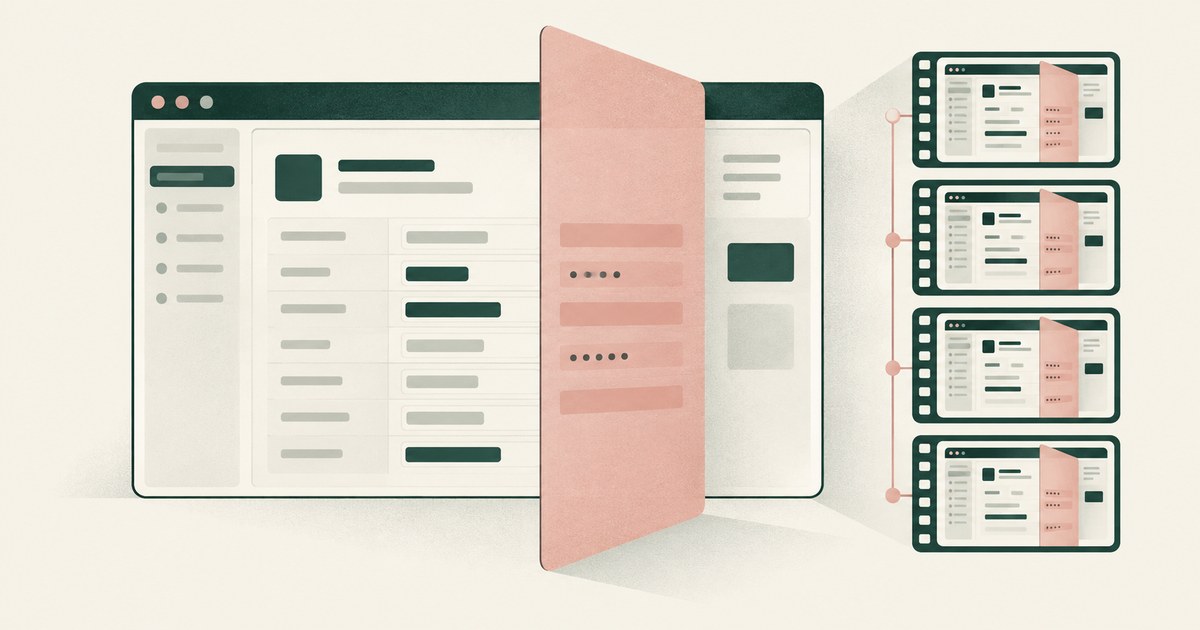
Does Microsoft Copilot Studio Computer Use Control What the Agent Sees?
Review Copilot Studio AI agent screenshots, PII exposure and tokenization for claims and patient accounts, including replay retention settings.
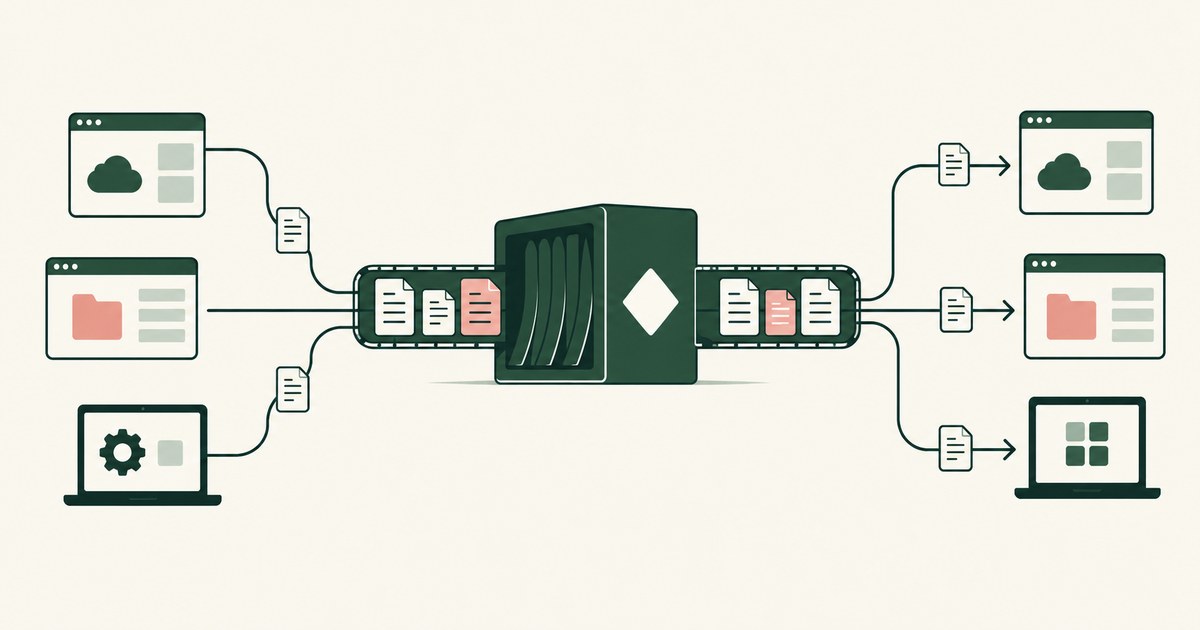
How to protect sensitive data across Microsoft and non-Microsoft applications?
Review Protect Data Across Microsoft and Other Apps, with AI agent security, tokenization and approval checks for sensitive enterprise workflows.
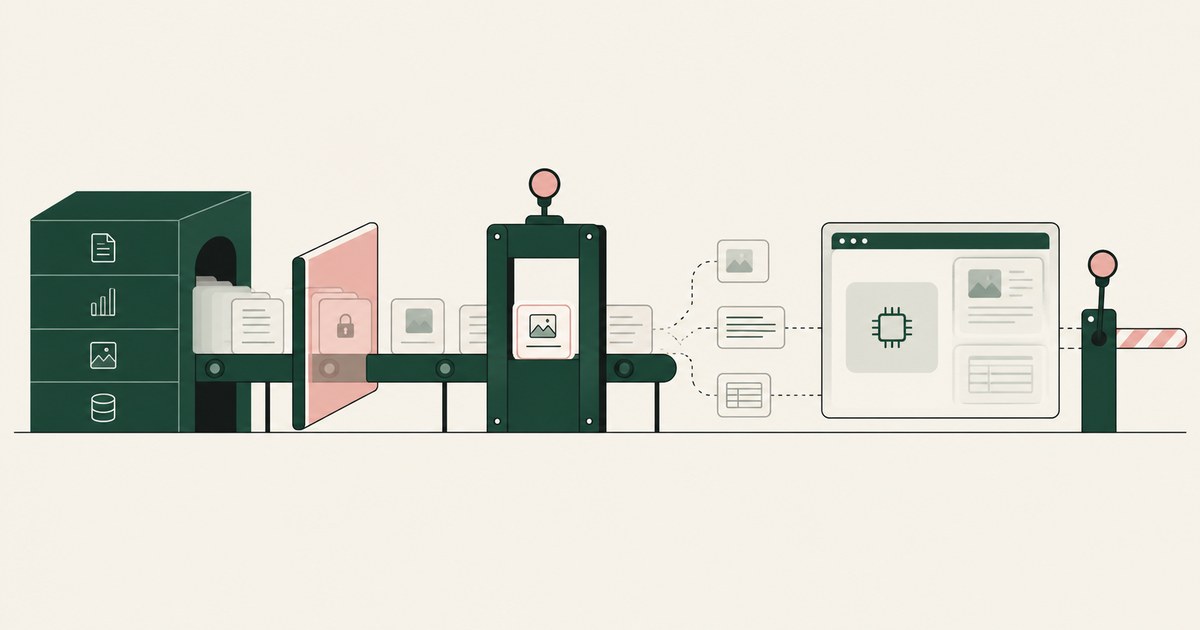
What Is the Difference Between RedactSure and Microsoft Purview for AI Agent Security?
Microsoft Purview governs the data estate and whether an AI tool may process labeled content. RedactSure governs what the agent's model gets per screen.
What Does an AI Agent See When It Takes a Screenshot? Everything on the Page, Including What the Task Never Needed
Explore what browser screenshots expose to AI agents, including unrelated PII, and how tokenization changes the model's view of a task.
What Is the Difference Between RedactSure and Microsoft Agent 365 for Agent Access and Data Exposure?
Microsoft Agent 365 governs agents with a registry, access control and data safeguards. RedactSure governs what one agent's model sees during a run.

Does Microsoft Copilot Expose Sensitive SharePoint Data?
Not by breaking permissions. Copilot reaches only what the user can access, so it exposes existing oversharing faster. Check who can reach each library.
Does an AI Agent See Everything on Your Screen?
Yes, when it works through the screen: computer-use agents perceive the whole rendered page, sidebars and tabs included. Check what else was visible.

What Can an AI Agent See in Your GitHub Settings?
Whatever the pages render: account emails, SSH key fingerprints, token names and scopes, and any new token shown once. Check which values reach the model.
Secure AI That Crosses Every Silo
Explore AI agents that work across billing, collections and enterprise systems while tokenization protects PII at each workflow step.
From Application AI to Workflow AI
Learn how AI agents can cross billing, claims and enterprise systems while tokenization and human approval keep sensitive work governed.
Book an AI Agent Security Review →
Bring your hardest questions.
Bring one sensitive workflow and the decisions your team needs to keep in its hands.
Book a demoAbout the author

Chris Sowa is a founder of RedactSure and a former CEO of an AI company; he started it years before ChatGPT existed. He previously led AI at Accenture, served as Global VP of Strategy & Innovation at Schneider Electric, was CCO of Sovos, and spent more than a decade at Oracle, with earlier roles at SAP and IBM.