
Data Report · By Chris Sowa · Published
Last updated
What Are the Risks of Using Meta Muse for Work?
Muse is built for a person, not an organization: its permissions, its cloud computer, its training default and its audit trail all belong to the individual user, so work data placed in it sits outside employer controls. Check who sets its permissions, whether training is off, and who can read its audit trail before any work record goes in.

Muse is built for a person, not an organization: its permissions, its cloud computer, its training default and its audit trail all belong to the individual user, so work data placed in it sits outside employer controls. Check who sets its permissions, whether training is off, and who can read its audit trail before any work record goes in. Meta introduced Muse in September 2026 as a personal AI agent that runs on its own dedicated computer in the cloud, and within weeks extended it to small businesses. Employees will use it for work whether or not an employer decides they should, because it is attached to accounts they already have and does tasks that look like work. The question for an organization is not whether Muse is well designed for its user, which Meta's own documentation addresses, but what happens when the user's agent meets the employer's data. This page sets out what Meta says Muse is built for, where work data goes when an employee uses it, who approves its actions and who can read the record, what it can see on a work screen, the questions an organization should ask before work data goes in, and the claims a buyer should refuse. It builds on the earlier checklist of what a Muse security review should check.
Key findings
- Meta describes Muse as a personal AI agent that runs on its own dedicated computer in the cloud, which places the agent's working environment on Meta's infrastructure rather than inside the employer's (Meta, 2026).
- Meta states that Muse checks with the person before sensitive actions like sending an email or making a purchase, and that users can review a full audit trail; both controls are addressed to the user, and an employer's access to that trail is not described in the pages reviewed (Meta, 2026).
- Meta states that Muse cannot see stored passwords or payment methods but can use credentials stored for it, which protects the vault while leaving open what the agent sees once a page is rendered (Meta, 2026).
- Axios reports that a component called Sentinel determines whether an action is allowed, blocked or sent to the user for approval, and that Meta can use queries by default with an option to turn that off (Axios, 2026).
- Meta FAIR's own benchmark finds that web agents are prone to inadvertent use of unnecessary sensitive information, a failure mode that applies to any agent reading a work screen, including one built by the same company (Zharmagambetov et al., arXiv, 2025).
- An enterprise version of such an agent would need the environment, the permissions and the record to belong to the organization rather than the user (What Would an Enterprise Version of Meta Muse Need?).
What does Meta say Muse is built for?
Meta's launch announcement calls Muse the first personal AI agent built for everyone and states that it runs on its own dedicated computer in the cloud (Meta, 2026). The design is a computer-using agent of the kind described in what a computer-using AI agent is: it operates applications through their screens on a machine of its own rather than through integrations, so it can do what a person at a browser can do. Meta's research group published a companion piece on how safety was built into Muse (Meta AI Research, 2026), which frames the controls around the individual user's intent and the actions taken on that user's behalf.
Three weeks after launch, Meta extended Muse to small businesses, as reported by TechCrunch (TechCrunch, 2026) and by Help Net Security under the description of an agent that knows their work (Help Net Security, 2026). The expansion matters for larger organizations in two ways. It confirms that Meta sees work tasks as in scope for the product, and it means the agent will arrive in enterprises through the same door that consumer tools always have: an employee's own account, used for a work task because it was convenient.
What the documentation reviewed does not describe is an organizational layer. There is no description in the pages reviewed of an administrator who sets permissions for a group of users, of an organization-wide training setting, of data residency choices, or of an export of the audit trail to an employer's systems. That is not a criticism of a personal product; it is the shape of the gap between a personal agent and a work environment, and the rest of this page walks that gap.
Where does work data go when an employee uses Muse?
Take a single record type: a customer account record in a web-based CRM, with the customer's name, email, phone, billing address, order history and support notes, open in a browser tab. An employee asks Muse to draft a follow-up email to this customer and schedule a call. Muse, running on its dedicated cloud computer, reads the rendered record, drafts the email, and pauses before sending it, since Meta states that Muse checks with the person before sensitive actions like sending an email (Meta, 2026). The employee approves. The task is done.
Trace the data. The customer record was rendered on a machine Meta operates, read by a model Meta operates, and held in that model's context for the run. Axios reports that Meta can use queries by default and that there is an option to turn that off (Axios, 2026), so unless the employee found and used that option, the interaction may be used by Meta. The customer's data has been processed by a third party under an agreement the organization did not sign, with a retention it does not control. OWASP's sensitive information disclosure entry describes this path in general terms: confidential data entering a model's context through its inputs and then being used or retained beyond the task (OWASP, 2025).
None of this requires a failure on Muse's part. The exposure is structural: a personal agent processes whatever its user shows it, on infrastructure that belongs to its vendor, under terms set between the vendor and the individual. The organization's data protection obligations, its customer contracts and its retention schedule were not in the room. The same structural gap appears with Meta's business-facing agents, as the privacy questions around Meta Business Agent set out.
Who approves Muse's actions, and who can read the record?
Meta's documentation describes two controls on action. Muse checks with the person before sensitive actions like sending an email or making a purchase, and users can review a full audit trail of what Muse did (Meta, 2026). Axios adds that a component called Sentinel determines whether each action is allowed, blocked or sent to the user for approval (Axios, 2026). These are real controls, and they are built for one principal: the user.
| Dimension | Meta Muse, per its documentation | What a buyer should verify |
|---|---|---|
| Working environment | A dedicated computer in the cloud, per Meta | Whose infrastructure, in which region, under which agreement |
| Approval of sensitive actions | Muse checks with the person before actions like sending an email or making a purchase | Whether an employer can define which actions count, or name a different approver |
| Record of actions | Users can review a full audit trail | Whether the trail can be exported to the employer's SIEM; not described in the pages reviewed |
| Use of interactions | Queries usable by Meta by default, with an option to turn that off (Axios) | Whether an organization can set that option for all its users; not described in the pages reviewed |
| Credentials | Cannot see stored passwords or payment methods; can use credentials stored for it | What the agent sees once a page is rendered with those credentials |
For an organization, the second column is the problem even where it reassures. The approver is the employee, who may be the person least placed to judge whether a customer record should leave the building. The audit trail is readable by the employee; an export to the employer's security tooling is not described in the pages reviewed, so the security team has no record of what the agent read or did unless the employee shows them. The training default is set per user. Every control exists; none is the organization's.
What can Muse see on a work screen?
Meta states that Muse cannot see stored passwords or payment methods but can use credentials stored for it (Meta, 2026). That is a statement about the vault: the agent can sign in with a stored credential without the credential being shown to it. It is not a statement about the page that appears after sign-in. On the CRM record above, the customer's name, email, phone, address and notes are rendered for the agent as they would be for the employee, because the application does not know a model is reading. What the agent sees on a rendered work screen, beyond the vault, is not described in the pages reviewed.
The research record says what to expect. Meta FAIR's AgentDAM benchmark finds that web agents are prone to inadvertent use of unnecessary sensitive information, meaning they carry values forward into later steps where the task did not require them (Zharmagambetov et al., arXiv, 2025). The customer's phone number was not needed to draft an email, but it was on the screen, and an agent of the kind the benchmark studies may use it anyway. OWASP's prompt injection entry describes the second exposure: content the model reads, such as a support note or an email in the thread, being treated as instruction (OWASP, 2025). A work screen is full of text the organization did not write.
The comparison with data loss prevention is instructive. An employer's DLP tooling watches the organization's endpoints and network; an agent on a dedicated cloud computer that belongs to its vendor is on neither, a gap that whether Purview DLP covers what a computer-using agent reads examines for Microsoft's tooling and that applies with equal force here. The agent reads the screen where the screen is rendered, and the screen is rendered on Meta's machine.
What should an organization ask before work data goes in?
The questions follow the gaps. Who sets Muse's permissions for an employee, and can the organization set them instead? Is the option to stop Meta using queries available at the organization level, or only to each user, and how would the organization know it was set? Can the audit trail Meta describes be exported to the organization's SIEM, and if not, how would a security team reconstruct what the agent read during an incident? Where does the dedicated cloud computer run, under which agreement, and with what retention? Which actions does Sentinel send for approval, and can the organization add to that list or name an approver other than the employee?
NIST's AI risk management framework expects an organization to map where an AI system touches its data and to measure its behavior in the organization's own context rather than inherit the vendor's assessment (NIST, 2023). For a personal agent, mapping means identifying which employees have it, which work applications they have shown it, and which of the questions above have answers. The earlier page on what a Muse security review should check turns these into a checklist.
The honest result of that review, on the documentation available as of this page's date, is that most of the organizational questions have no documented answer. That is the finding, and it is not a verdict on the product. A personal agent that does not describe organizational controls has not failed to provide them; it has described what it is. The organization's decision is whether work data can go into a tool whose controls belong to someone else, and what a work environment with the same capabilities and the organization's own controls would look like, which is the subject of what an enterprise version of Muse would need.
What does a governed environment change?
In a governed environment, the permissions, the approvals and the record for an agent reading a work screen belong to the organization rather than to the individual user, which is the ownership question Muse's design leaves with the employee.
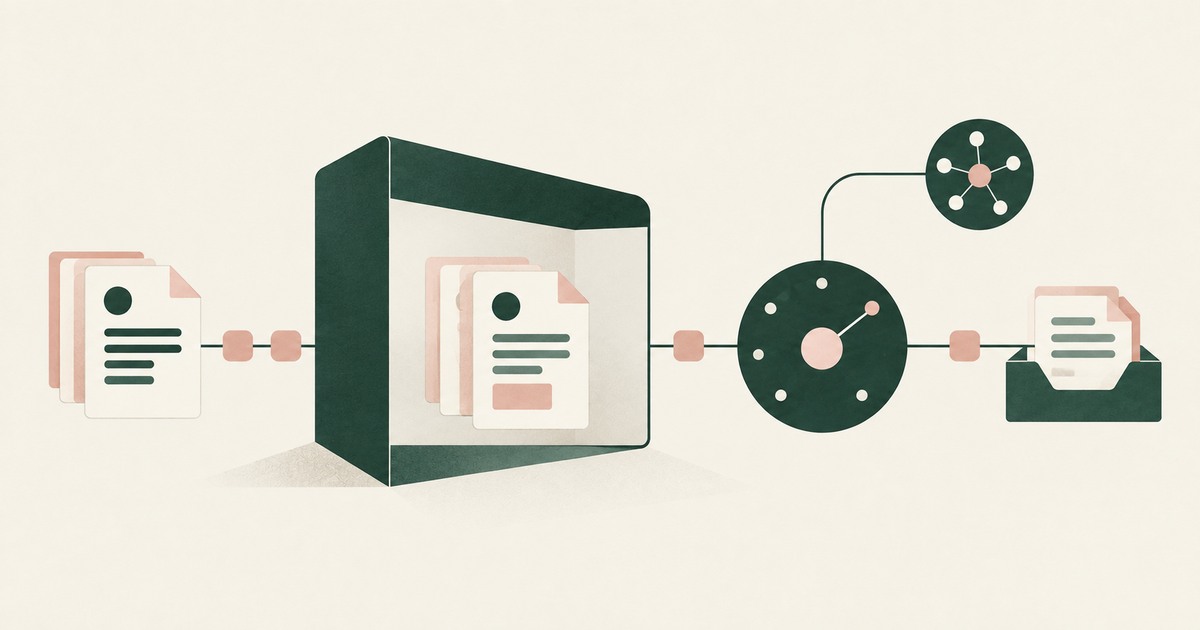
The mechanism is a class of control that sits between the rendered screen and the model. Sensitive values on a work screen are replaced with consistent tokens before any model reads them, so the task runs on tokens whatever infrastructure the agent runs on. Real values resolve only at an approved destination at the moment of an approved action. A named person confirms what is tokenized and approves consequential actions, including payments, submissions and record changes. Every screen as the model received it, in token form, every action and every approval is recorded and exported to the organization's own logging.
Each of those four properties answers one item on the page's list. Meta describes Muse as a personal agent on its own cloud computer that checks with the person before sensitive actions and gives the user a full audit trail (Meta, 2026); an organization-level approver replaces the employee's judgment on steps the organization would not take, and an exported record replaces a trail the employer cannot read. Meta's statement that Muse cannot see stored passwords covers the vault, not the rendered page, and Meta FAIR's own benchmark finds web agents prone to using sensitive information that was present but unneeded (Zharmagambetov et al., arXiv, 2025); tokenizing the page removes the material that benchmark measures.
The control does not change Meta's training default, its processing agreement or the model; it changes what the model sees on a work screen and who holds the record.
Where does RedactSure sit?
The environment that enforces this is built by RedactSure, an AI agent controls, governance and data protection company. The design answers the ownership question this page raises by placing the agent in a governed environment in the customer's cloud rather than on a vendor's computer. Values on every work screen are substituted at the render layer before any model reads the screen, so the customer record arrives as CUST_001 with EMAIL_001 and PHONE_001, with the same token for the same value across the whole run. Real values resolve only at approved destinations at the moment of an approved action, such as the email client sending to the real address. A named person confirms the tokenization policy and approves every payment, submission and record change under Supervised Delegation, so the approver is whoever the organization names rather than whoever is at the keyboard. Every screen as tokens, every action and every approval lands in the AI Control Record and exports to the customer's SIEM. The design is model agnostic, requires no per-application integration, and leaves user permissions unchanged.
Deployments are in pilot. A pilot on one work task an employee would otherwise hand to a personal agent would show the screen as the model received it, the named approval on each action, and the record in the organization's own SIEM. Everyone else controls where data can go. RedactSure controls what the AI can see.
Methodology and limitations
This page rests on Meta's launch announcement for Muse and Meta AI Research's companion piece on safety (vendor documentation), on press reporting from Axios, TechCrunch and Help Net Security on the launch and the small business expansion, on the peer-reviewed AgentDAM benchmark from Meta FAIR, on the OWASP Top 10 for LLM Applications entries on prompt injection and sensitive information disclosure, on NIST's AI Risk Management Framework, and on RedactSure research pages on Muse, Meta Business Agent, computer-using agents and DLP coverage. All sources were read as of October 16, 2026.
No hands-on testing of Muse or any other named product was performed, and no work data was placed in any agent for this page. Facts about Muse's design come from Meta's own pages where cited and from press reporting where attributed; where this page says a control is not described, it means not described in the pages reviewed, not that Meta's product lacks it. Vendor documentation is read as a statement of design intent rather than as test evidence. Muse was launched in September 2026 and its features, settings and business offering are changing; the page carries its date for that reason. Statements about RedactSure describe its current design, with deployments in pilot. The CRM customer record described here is a record type, not any organization's system, and no customer or prospect is described.
Whether an employee's use of a personal agent on work data is permitted under an organization's policies, its customer contracts and its data protection obligations is a determination for its counsel, its assessors and its own security and compliance officers, not for a research page.
What the record shows
Meta's documentation describes a personal agent with real controls: a dedicated cloud computer, a check with the person before sensitive actions, a vault the agent cannot read, and an audit trail the user can review. Every one of those controls is addressed to the individual, and the pages reviewed do not describe an organizational layer above them: no administrator setting permissions for a group, no organization-wide training setting, no export of the trail to the employer's systems. Work data placed in Muse is therefore processed on infrastructure the organization does not own, under terms it did not sign, with a record it cannot read, by an agent whose approver is the employee. The structural alternative is an environment the organization owns, with its own approver and its own record, which is what RedactSure's design provides. The test is to name one employee, one work screen and one task, and ask where that screen was rendered and who can read the record of what the agent did with it.
Frequently asked questions
Is Muse an enterprise product?
Not as described in the pages reviewed. Meta introduced it as a personal AI agent built for everyone and later extended it to small businesses. The documentation reviewed does not describe an administrator role, organization-level settings for training or permissions, or an export of the audit trail to an employer's systems. Those are the features that distinguish an enterprise product from a personal one, and their absence from the pages reviewed is the finding, not a judgment of the product's quality for its intended user, who is an individual.
Does Muse train on what employees show it?
Axios reports that Meta can use queries by default and that there is an option to turn that off. The reporting describes the option as the user's, and an organization-level setting is not described in the pages reviewed. An organization that wants to know whether its data is used would have to confirm that each employee has found and set the option, which is not a control the organization holds and not a state it can verify from its own systems.
Who approves Muse's actions on a work task?
The user. Meta states that Muse checks with the person before sensitive actions like sending an email or making a purchase, and Axios reports that a component called Sentinel decides whether an action is allowed, blocked or sent to the user for approval. Whether an organization can define which actions count as sensitive, or name an approver other than the employee, is not described in the pages reviewed.
Can the security team see what Muse did?
Meta states that users can review a full audit trail. An export of that trail to an employer's SIEM or logging platform is not described in the pages reviewed, so a security team would depend on the employee to share it. During an incident, that means the organization cannot independently reconstruct what the agent read on a work screen or which actions it took, which is the gap an organization-owned record would close.
Does the credential vault protect sensitive work data?
It protects the credentials. Meta states that Muse cannot see stored passwords or payment methods but can use credentials stored for it, so the agent can sign in without the password being shown. Once signed in, the application renders the work screen for the agent as it would for the employee, and what the agent sees on that rendered page is not described in the pages reviewed. The vault and the page are different exposures.
Why does it matter that Muse runs on a dedicated cloud computer?
Because the screen is rendered, and read by the model, on that machine. Meta states that Muse runs on its own dedicated computer in the cloud, which places the agent's working environment on Meta's infrastructure. An employer's endpoint and network controls do not reach it, and its region, agreement and retention are set by Meta. Any work record the employee shows the agent has, by that act, been processed on a third party's machine, outside every control the organization applies to its own devices.
Related reading
What Should a Meta Muse Security Review Check? · What Would an Enterprise Version of Meta Muse Need? · What Are Meta Business Agent's Privacy Risks? · What Is a Computer-Using AI Agent? · Does Purview DLP Cover Computer-Using AI Agents? · How Do You Protect Health Data When Using AI Agents? · Who Approves High-Risk AI Agent Workflows? · How Does Least-Privilege Access Reduce Risk With AI Agents? · On the RedactSure blog: Secure AI That Crosses Every Silo · From Application AI to Workflow AI · RedactSure
Sources
Peer-reviewed research and preprints
- Zharmagambetov, Guo, Evtimov et al. (Meta FAIR), "AgentDAM: Privacy Leakage Evaluation for Autonomous Web Agents," arXiv:2503.09780 v3, Oct 1, 2025 (NeurIPS 2025 Datasets and Benchmarks) (peer-reviewed). https://arxiv.org/abs/2503.09780
Vendor documentation
- Meta, "Introducing Muse: The World's First Personal AI Agent Built for Everyone," Meta Newsroom, Sep 8, 2026, modified Sep 30, 2026 (vendor documentation). https://about.fb.com/news/2026/09/introducing-muse
- Meta AI Research, "How We Built Safety Into Muse" (September 2026; vendor documentation). https://research.meta.ai/blog/security-and-safety-for-ai-agents-our-approach-with-muse
Regulation, standards and official guidance
- OWASP, "LLM01:2025 Prompt Injection," Top 10 for LLM Applications 2025 (standard). https://genai.owasp.org/llmrisk/llm01-prompt-injection/
- OWASP, "LLM02:2025 Sensitive Information Disclosure," OWASP Top 10 for LLM Applications, 2025 (industry standard). https://genai.owasp.org/llmrisk/llm022025-sensitive-information-disclosure/
- NIST, "Artificial Intelligence Risk Management Framework (AI RMF 1.0)," 2023 (official guidance). https://www.nist.gov/itl/ai-risk-management-framework
Industry analysis and press
- Axios (Ina Fried), "Meta debuts Muse, its long-planned personal AI agent," Sep 8, 2026 (press). https://axios.com/2026/09/08/meta-debuts-muse-personal-ai-agent
- Help Net Security, "Meta gives small businesses an AI agent that knows their work," September 29, 2026 (press). https://www.helpnetsecurity.com/2026/09/29/meta-muse-for-small-business/
- TechCrunch, "Meta is expanding its AI agent Muse to small businesses" (September 29, 2026; press). https://techcrunch.com/2026/09/29/meta-is-expanding-its-ai-agent-muse-to-small-businesses/
RedactSure documents
- RedactSure Research, "What Should a Meta Muse Security Review Check?" (2026). https://redactsure.com/research/what-to-check-before-allowing-meta-muse-for-business/
- RedactSure Research, "What Would an Enterprise Version of Meta Muse Need?" (2026). https://redactsure.com/research/what-is-the-enterprise-version-of-meta-muse/
- RedactSure Research, "What Are Meta Business Agent's Privacy Risks?" (2026). https://redactsure.com/research/what-are-the-privacy-concerns-with-meta-business-agent/
- RedactSure Research, "What Is a Computer-Using AI Agent?" (2026). https://redactsure.com/research/what-is-a-computer-using-ai-agent/
- RedactSure Research, "Does Purview DLP Cover Computer-Using AI Agents?" (2026). https://redactsure.com/research/does-purview-dlp-cover-what-a-computer-using-agent-reads/
- Product behavior described on this page reflects RedactSure's current design. Third-party products are described from their public documentation as read on October 16, 2026. Compliance determinations belong to the organization's counsel.

What Should a Security Team Check Before Allowing Meta Muse for Business?
Review Meta Muse AI agent security, PII exposure, tokenization and approval evidence before connecting billing, sales or payment systems.
What Is the Enterprise Version of Meta Muse? There Isn't One From Meta, and Here Is What It Would Have to Add
Examine what enterprise AI agents need beyond personal assistance, including PII tokenization, governed workflows and accountable approvals.
What Are the Privacy Concerns With Meta Business Agent?
Review Meta Business Agent privacy questions for billing and customer support, including PII retention, training, advertising and export terms.
What Is a Computer-Using AI Agent?
Review a Computer-Using AI Agent, with AI agent security, tokenization and approval checks for sensitive enterprise workflows.
Does Purview DLP Cover What a Computer-Using Agent Reads?
Assess Purview DLP coverage for AI agent sessions handling PII and payments, including screenshot inputs, file uploads and endpoint controls.
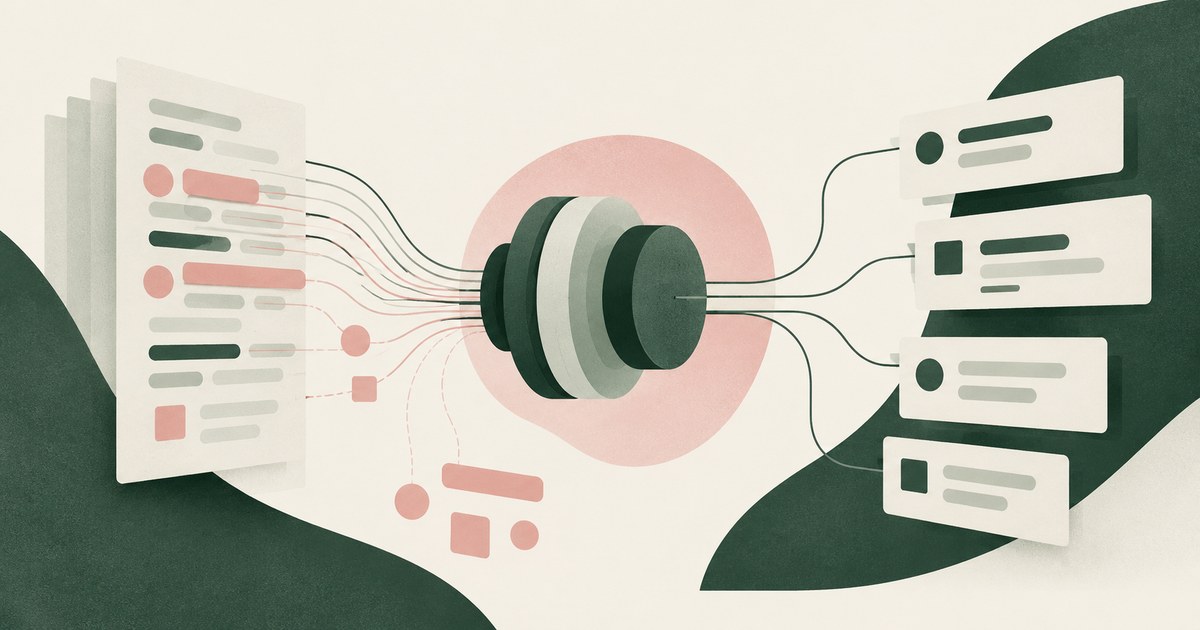
How Do You Protect Health Data When Using AI Agents?
Apply HIPAA's minimum necessary and de-identification standards to the agent: a de-identified screen for the model, real PHI only at approved destinations.
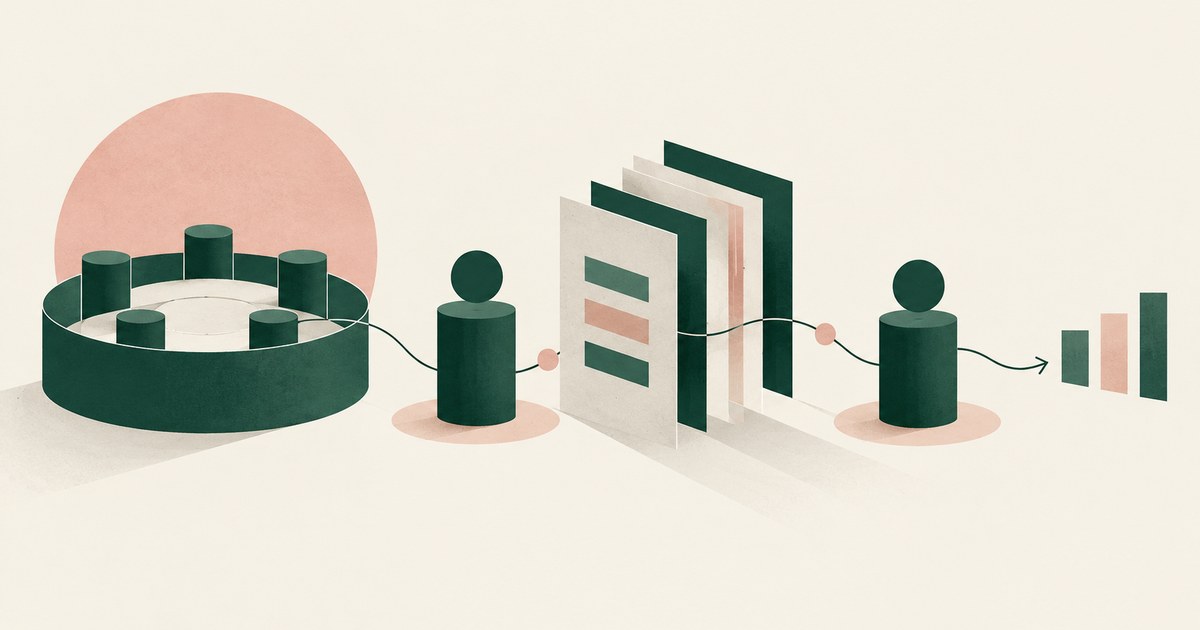
Who Approves High-Risk AI Agent Workflows?
The business owner accountable for the outcome approves the workflow, and a named person approves each consequential action inside it. Name both.
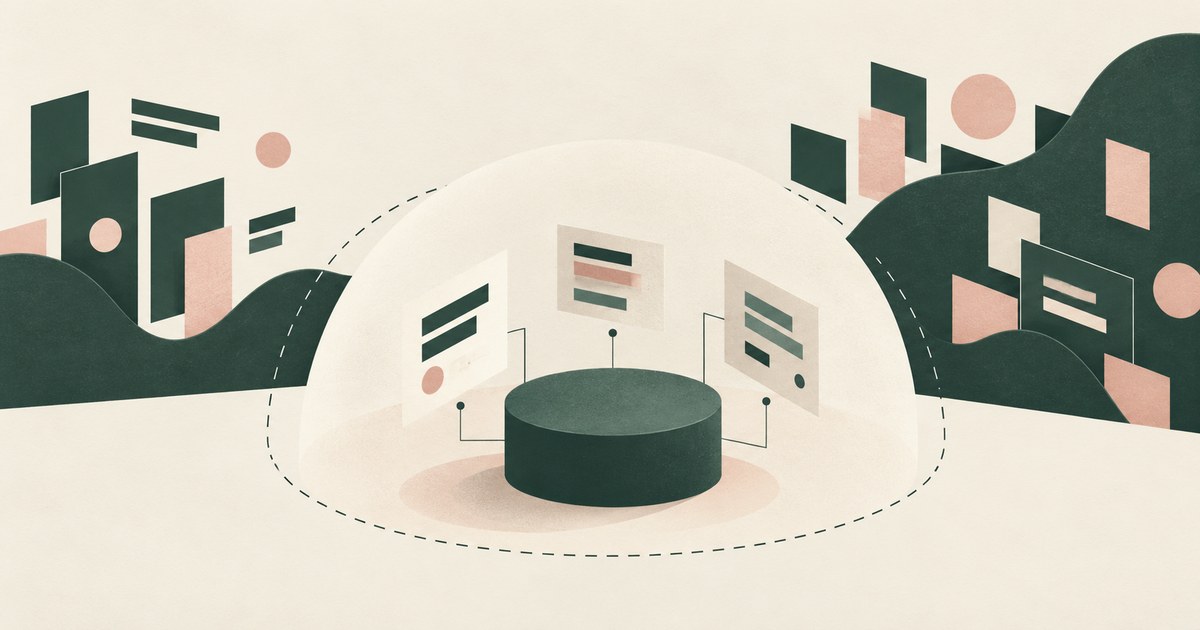
How Does Least-Privilege Access Reduce Risk With AI Agents?
It shrinks the blast radius: an agent holding only what a task requires does less damage when tricked. Check whether it reaches the fields the model sees.
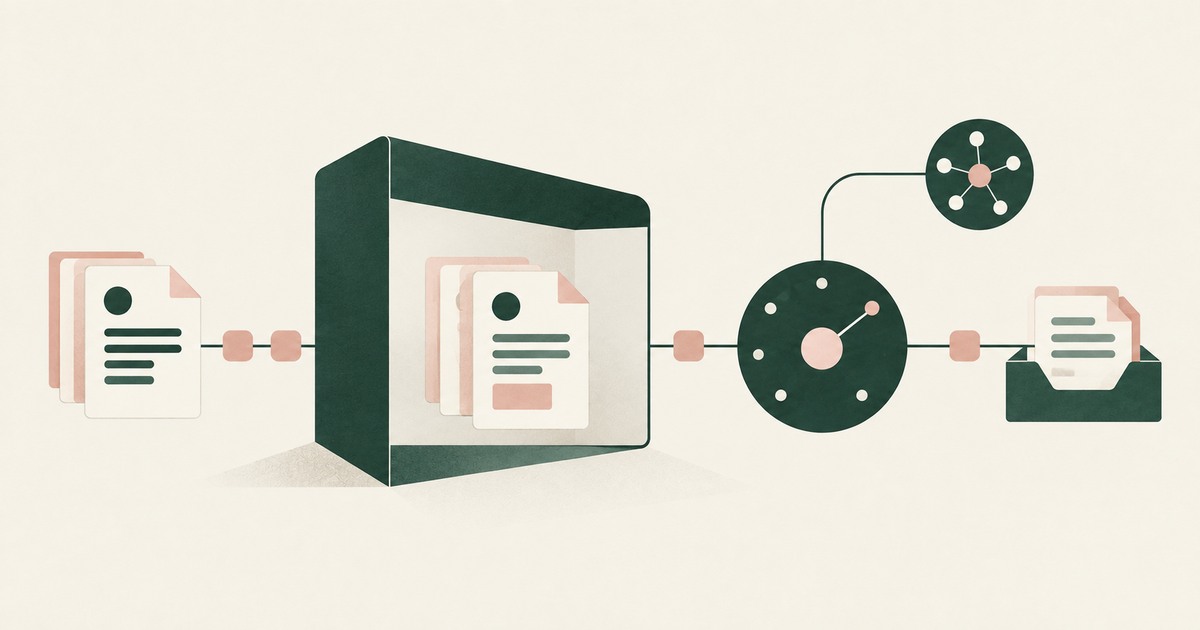
Secure AI That Crosses Every Silo
Explore AI agents that work across billing, collections and enterprise systems while tokenization protects PII at each workflow step.
From Application AI to Workflow AI
Learn how AI agents can cross billing, claims and enterprise systems while tokenization and human approval keep sensitive work governed.
Book an AI Agent Security Review →
Bring your hardest questions.
Bring one sensitive workflow and the decisions your team needs to keep in its hands.
Book a demoAbout the author

Chris Sowa is a founder of RedactSure and a former CEO of an AI company; he started it years before ChatGPT existed. He previously led AI at Accenture, served as Global VP of Strategy & Innovation at Schneider Electric, was CCO of Sovos, and spent more than a decade at Oracle, with earlier roles at SAP and IBM.